What Are Stream Countdown Timer Overlays?
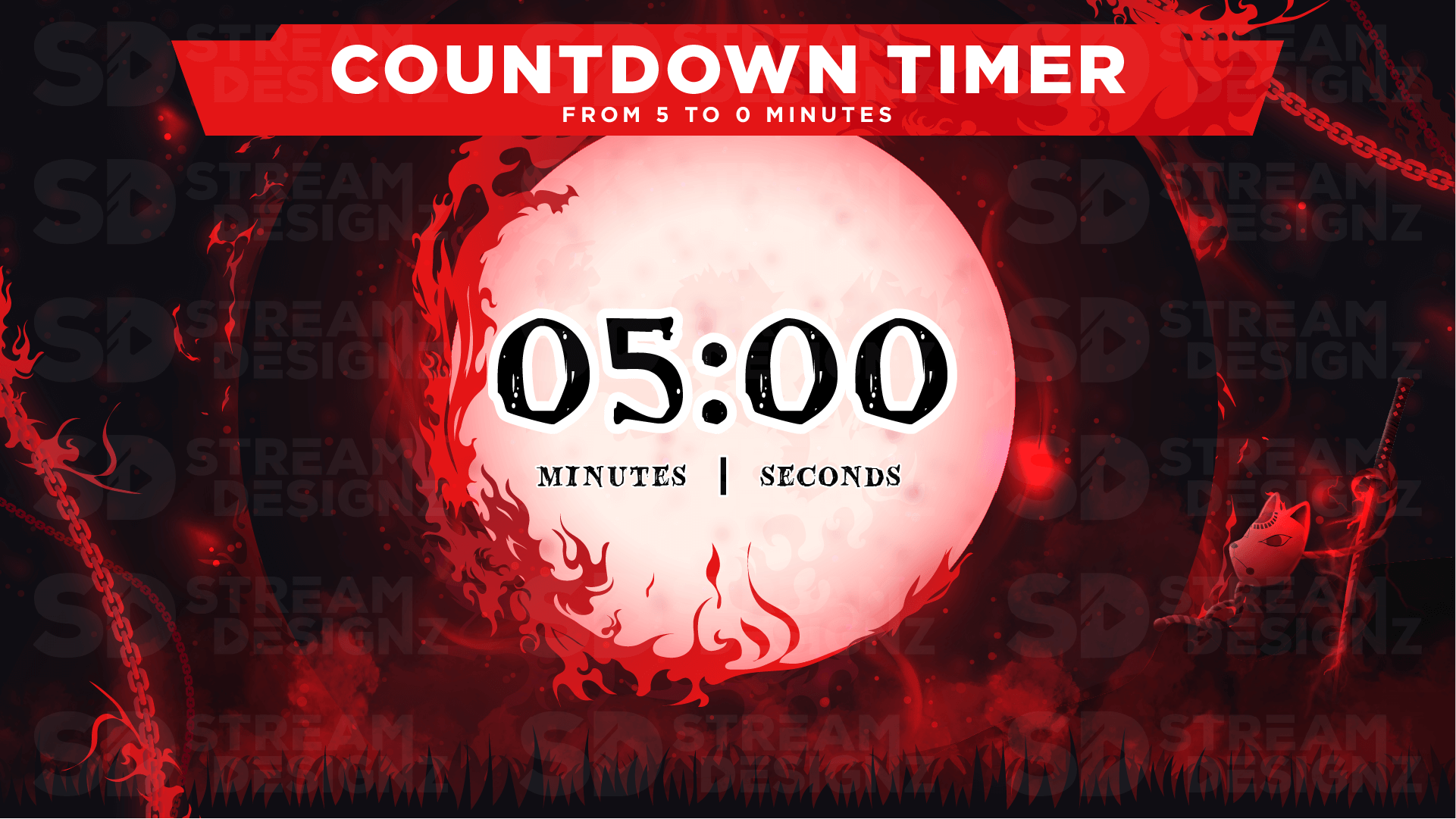
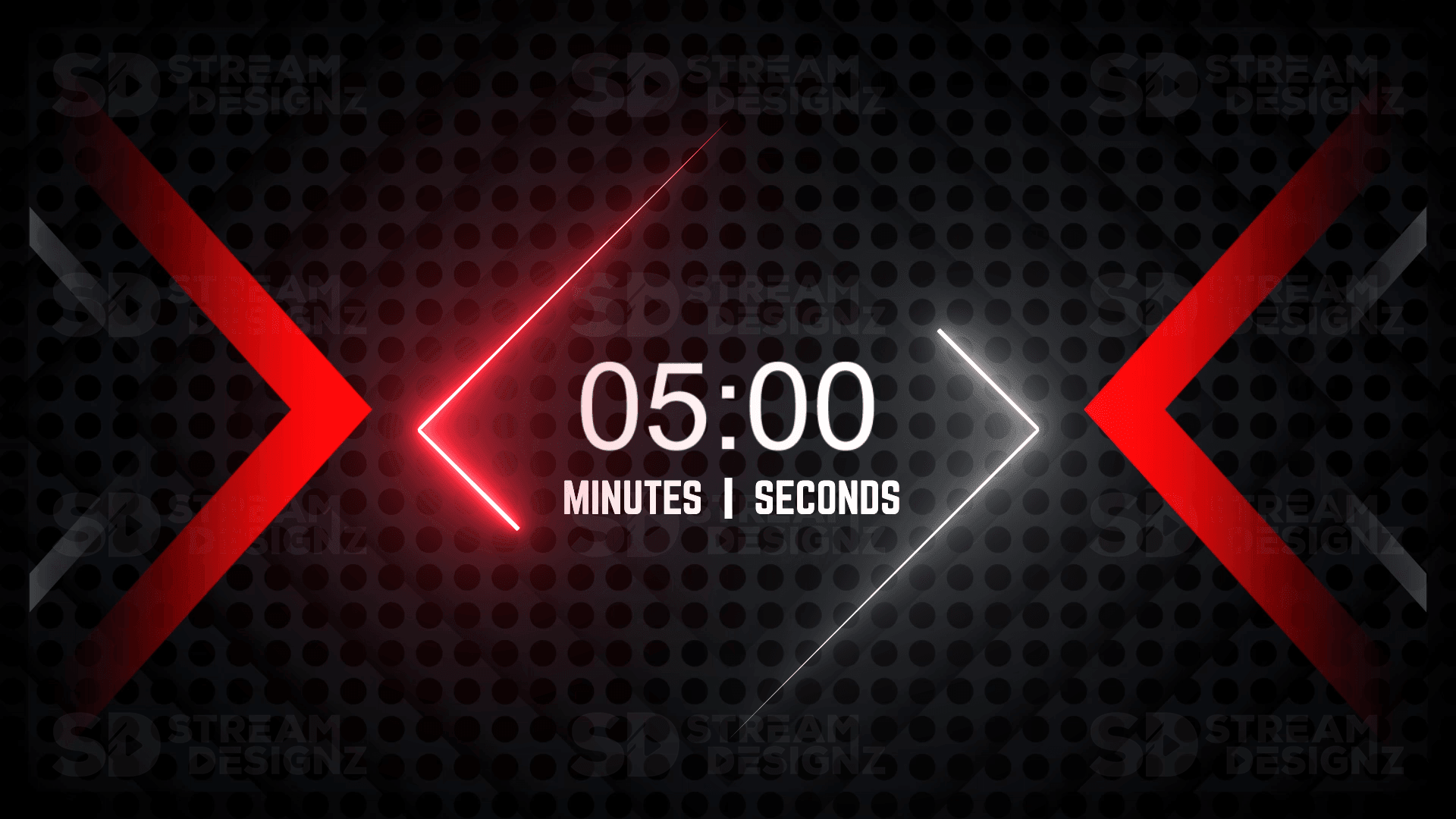
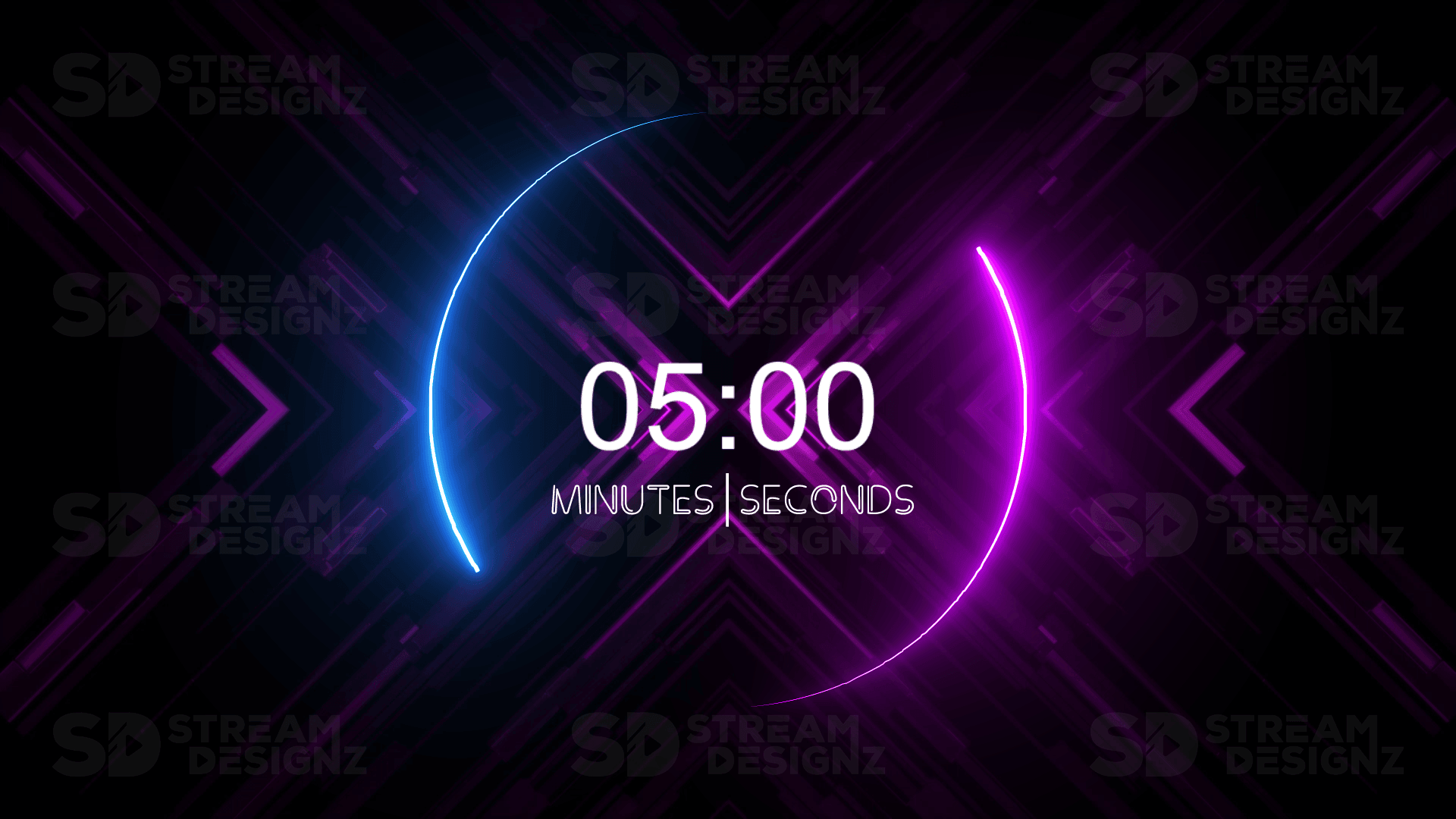
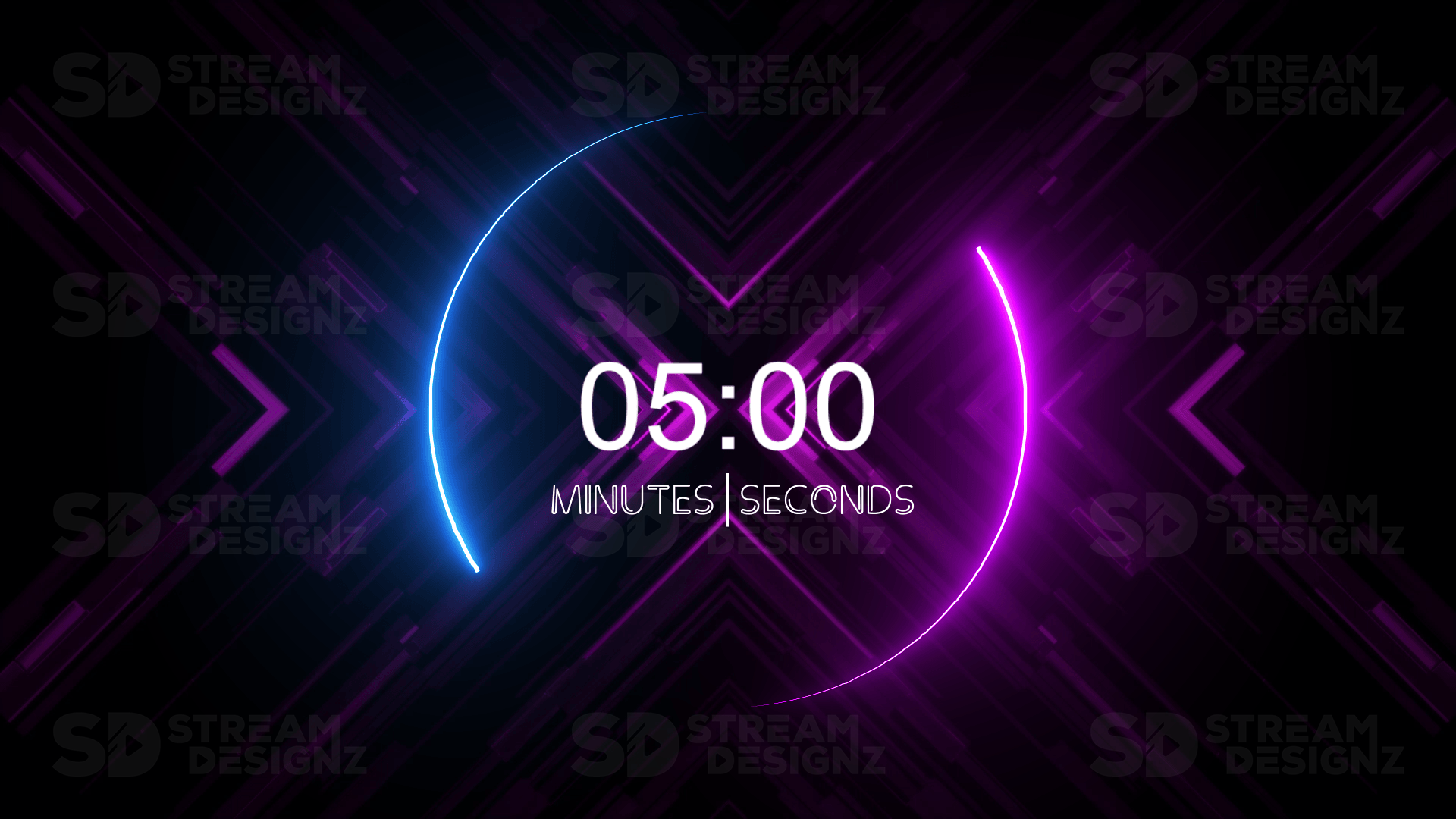
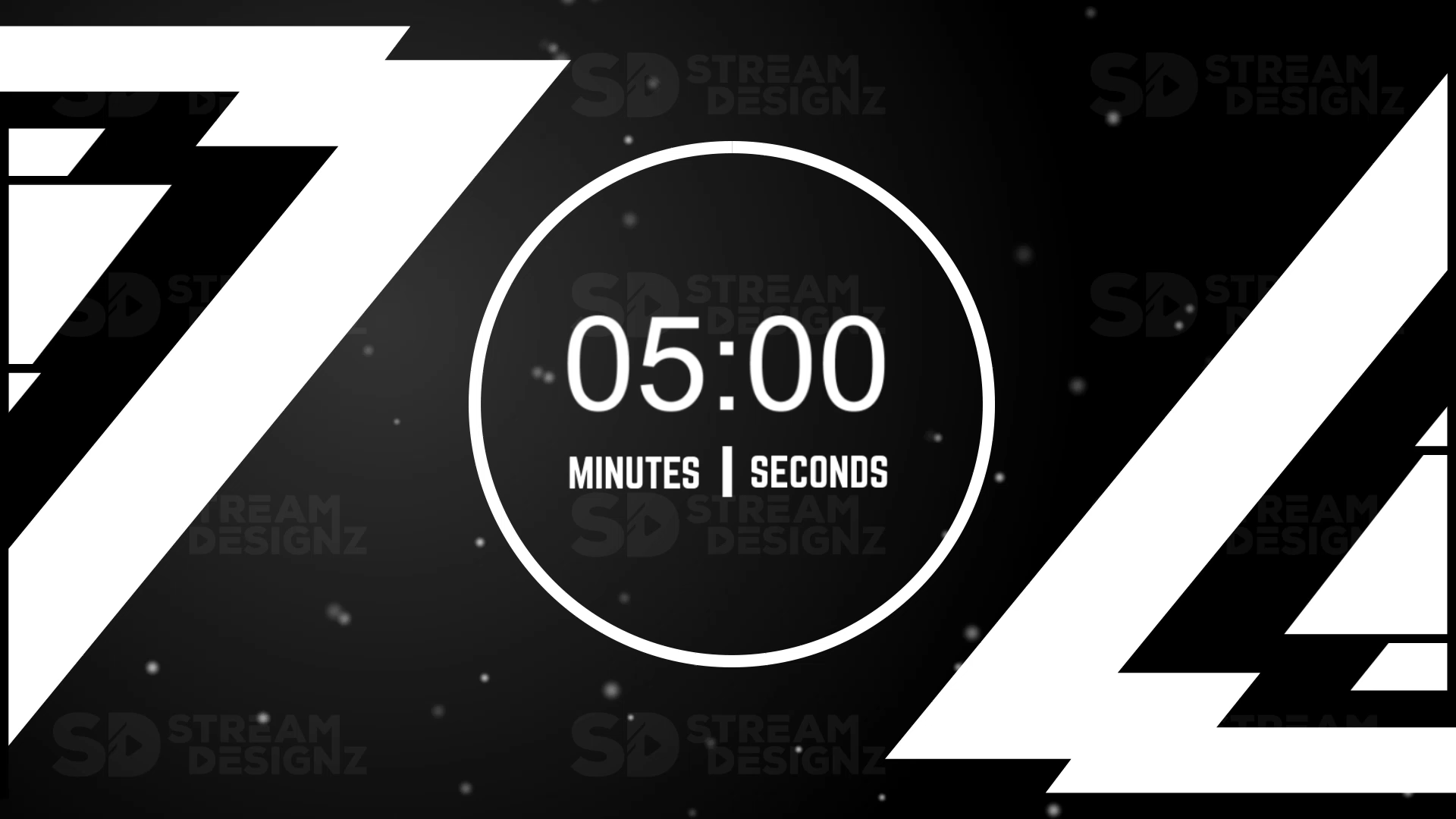
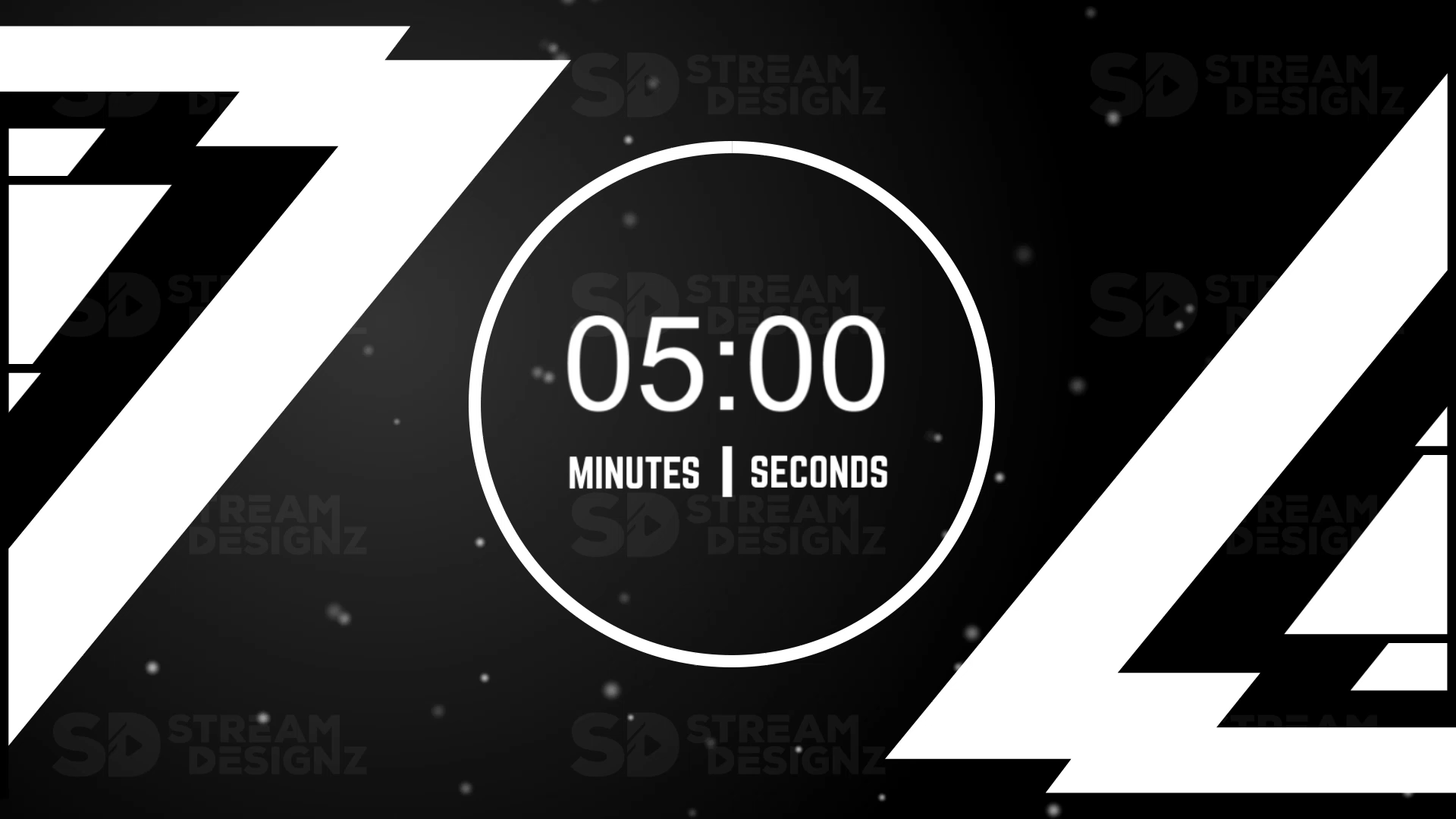
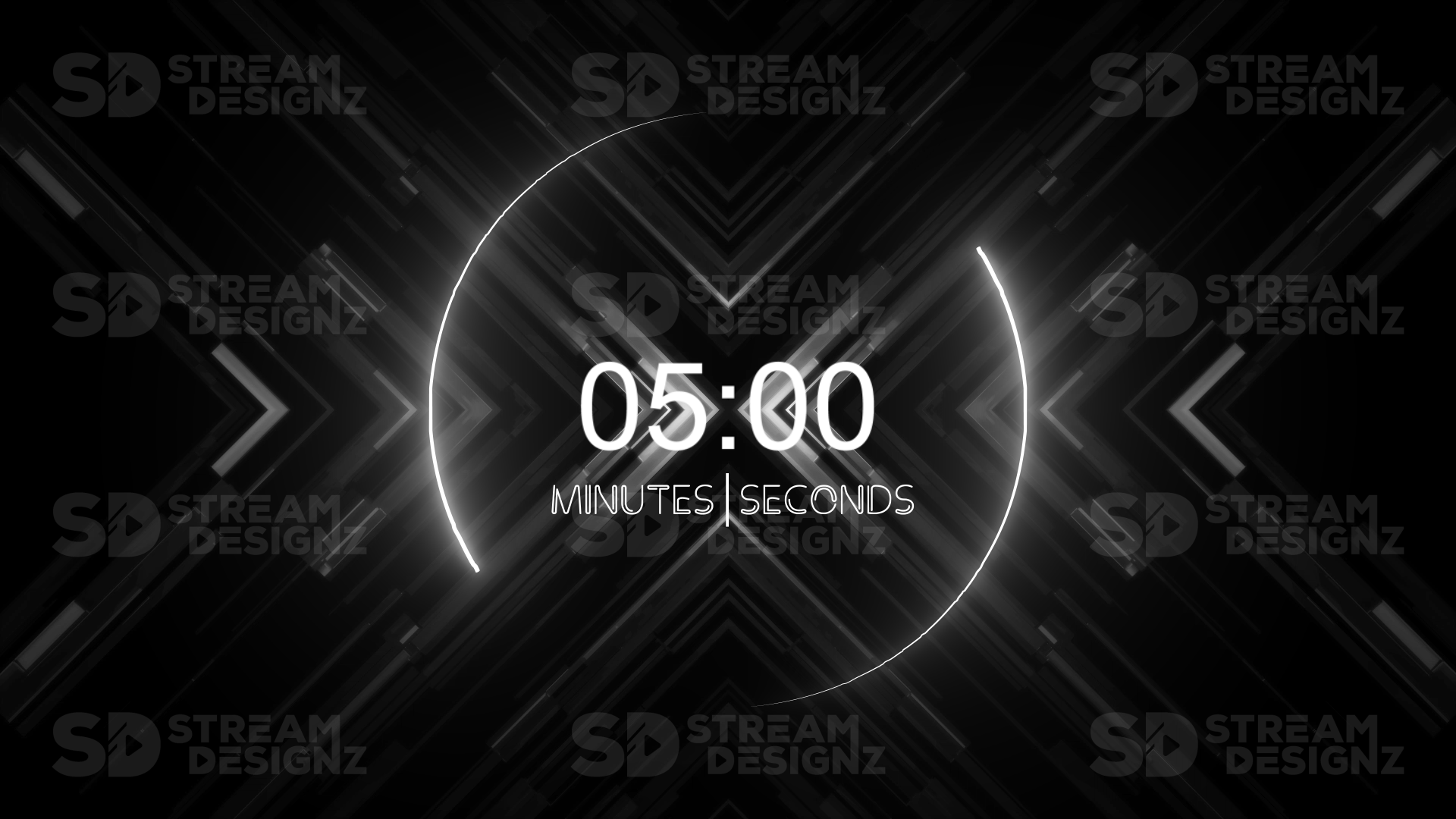
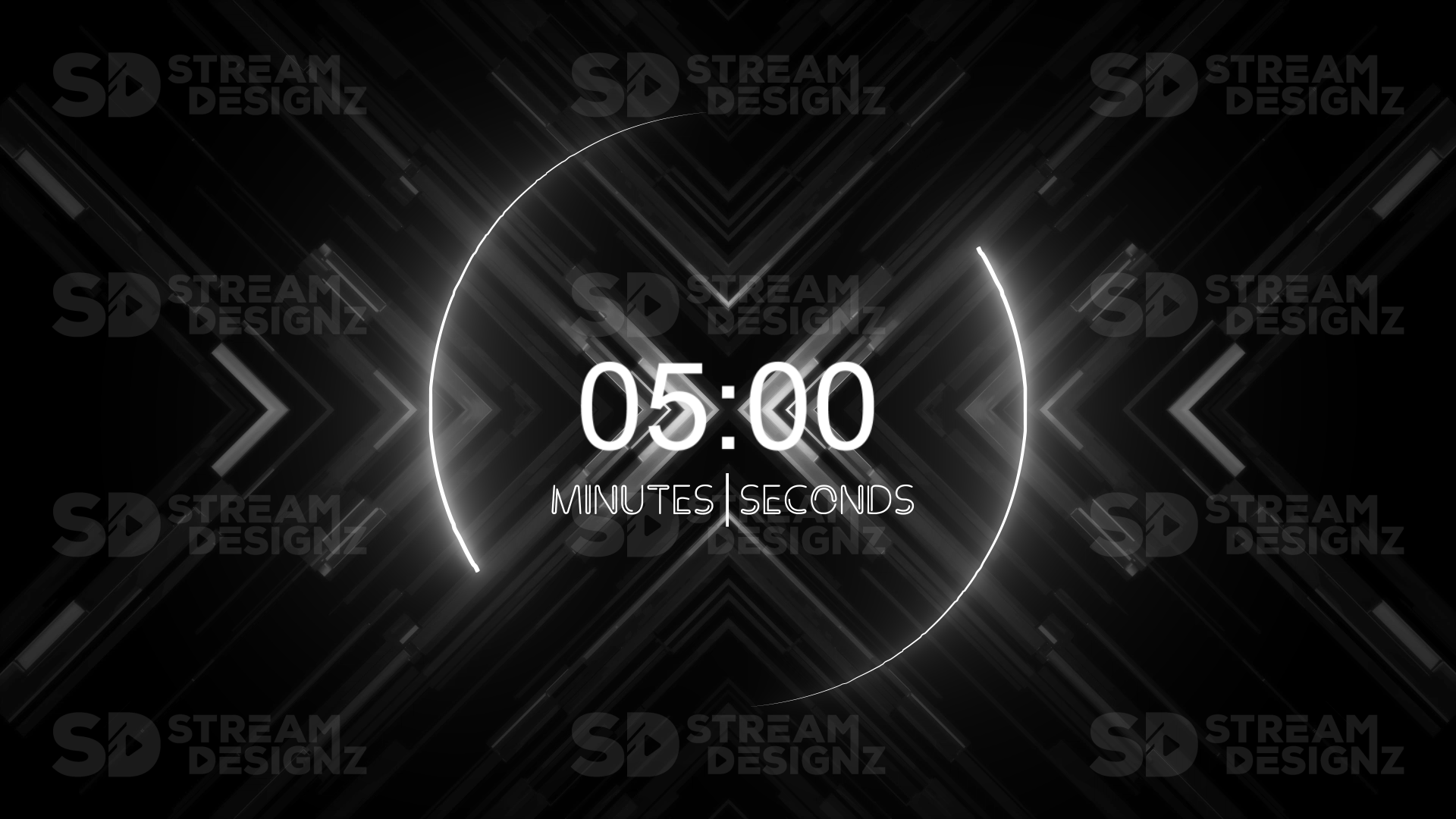
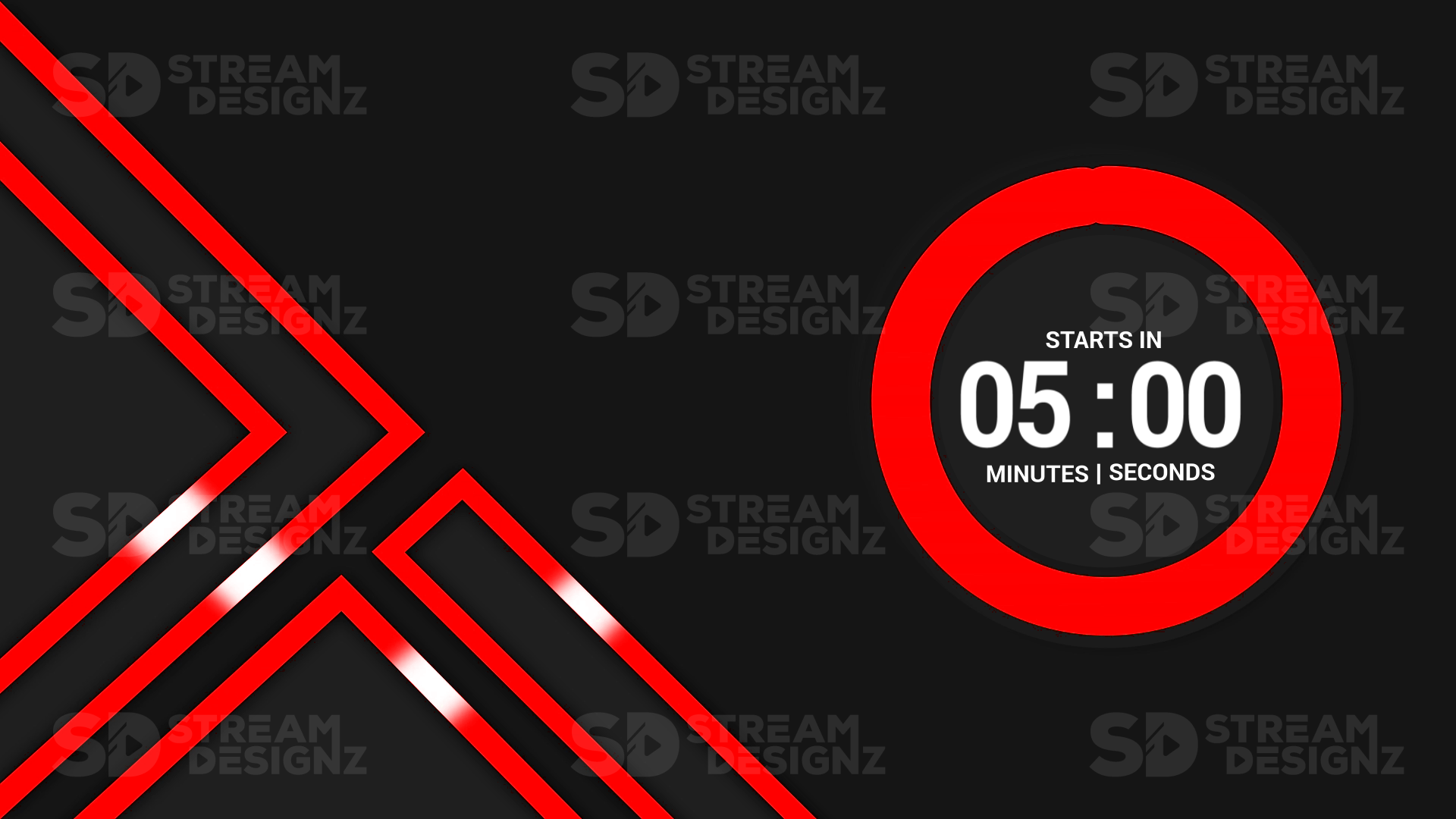
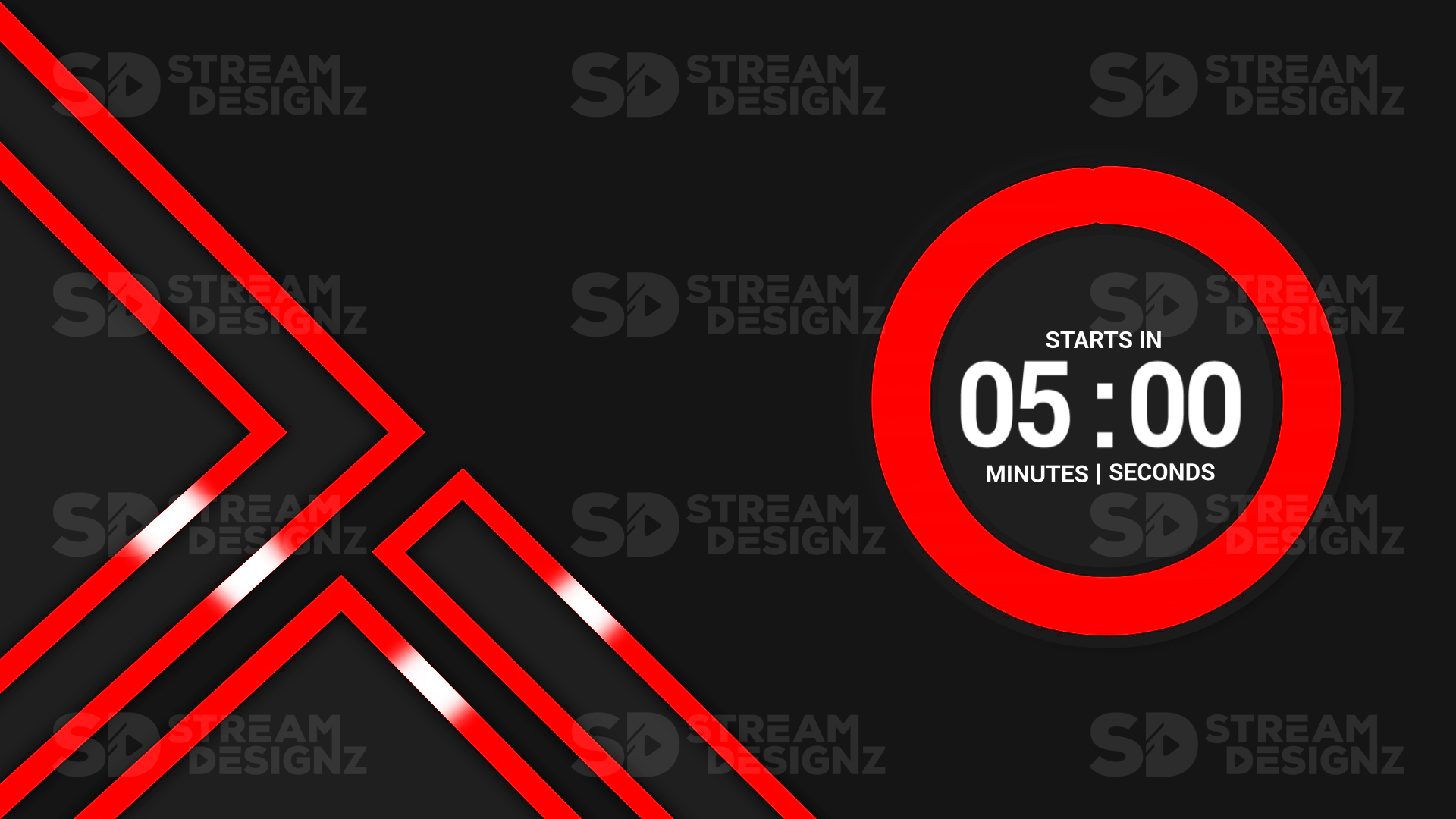
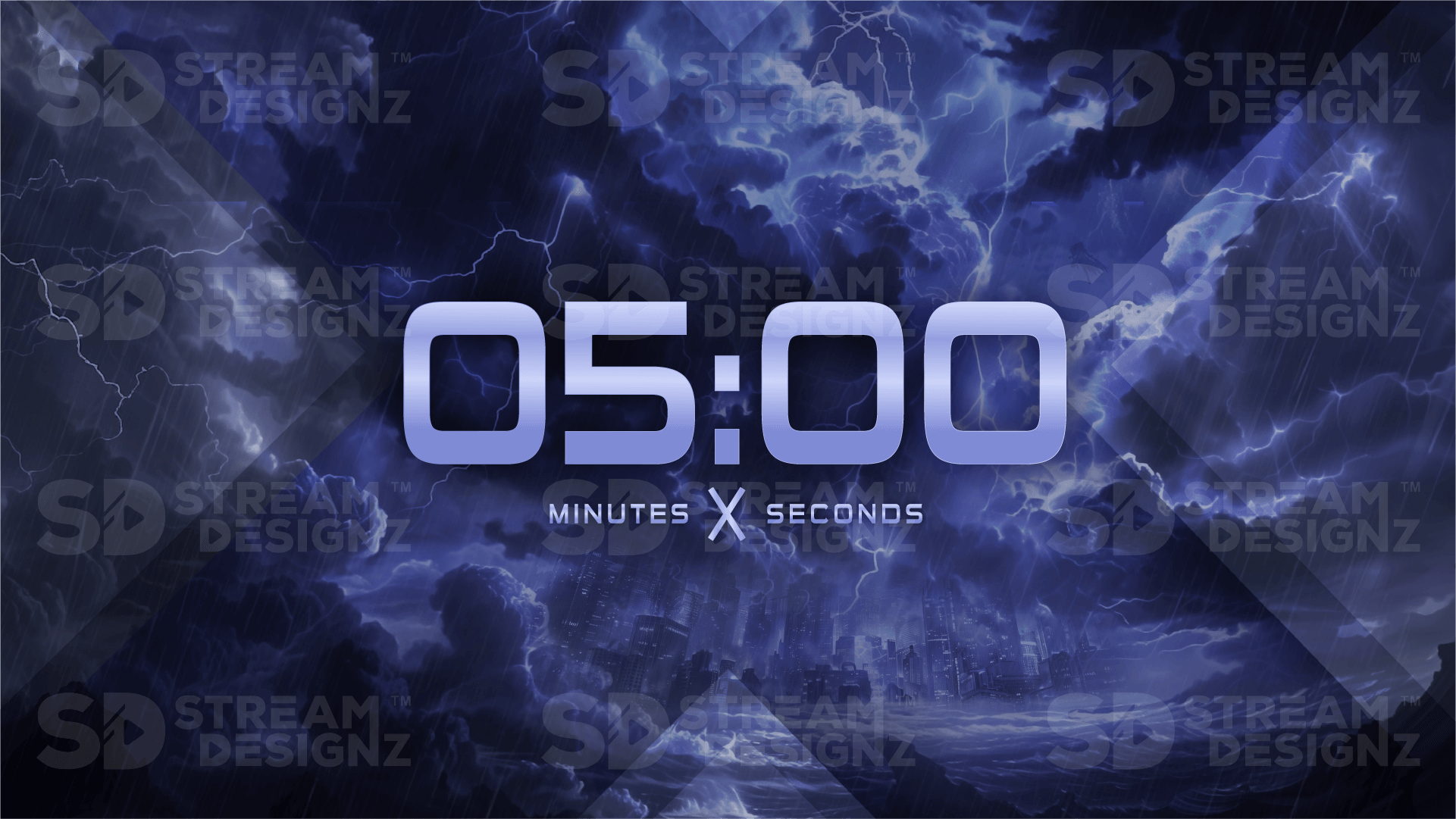
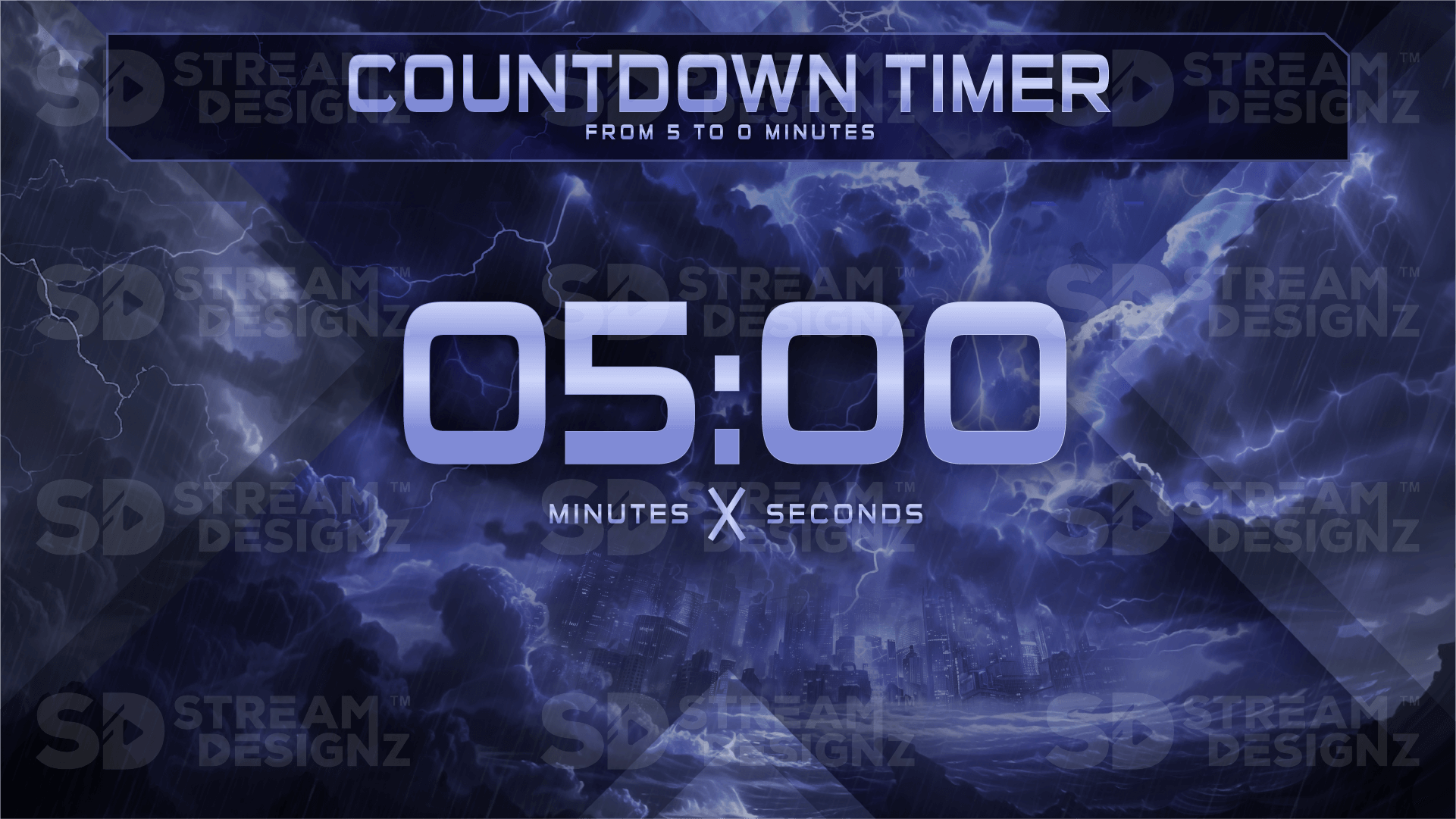
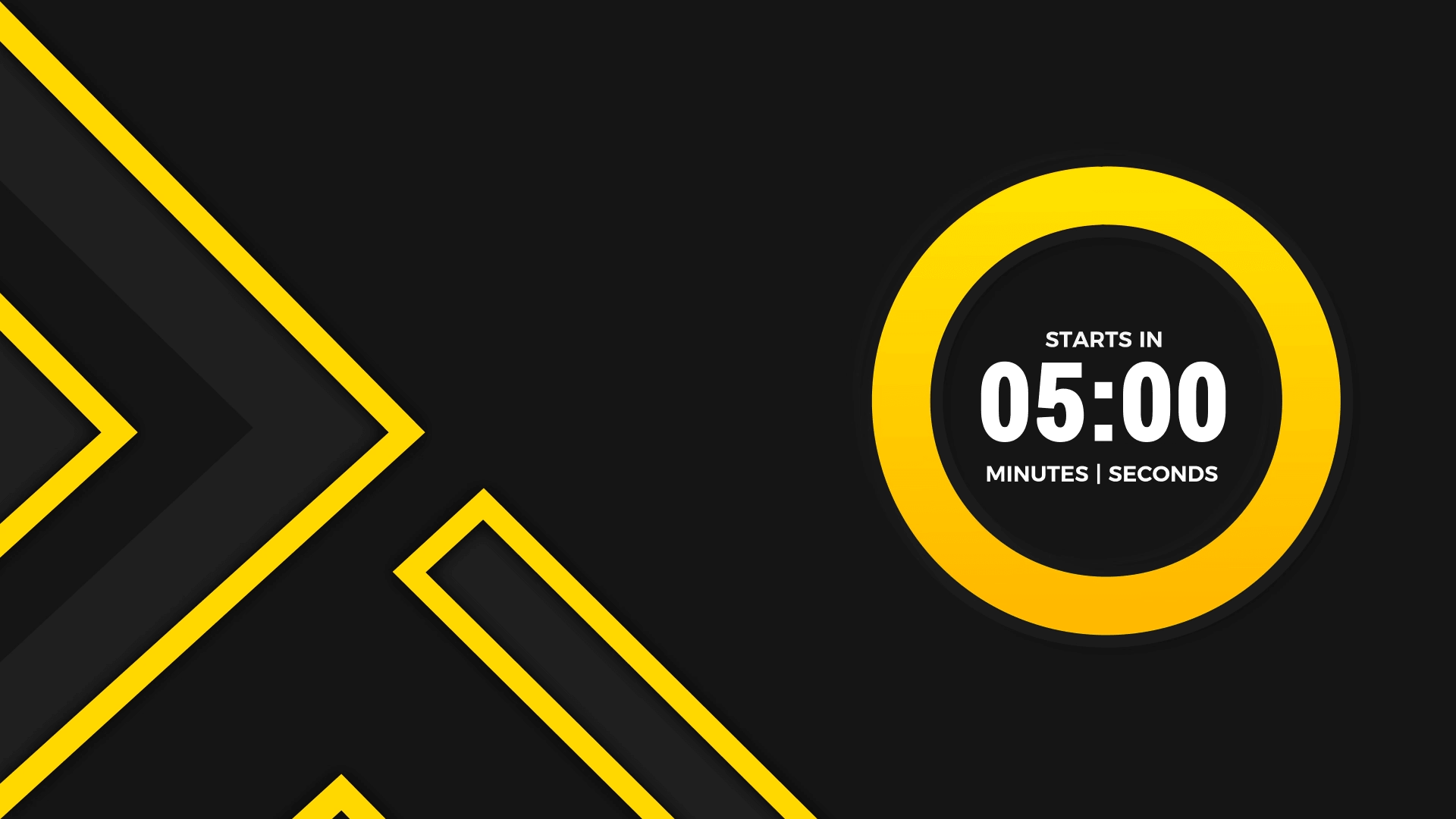
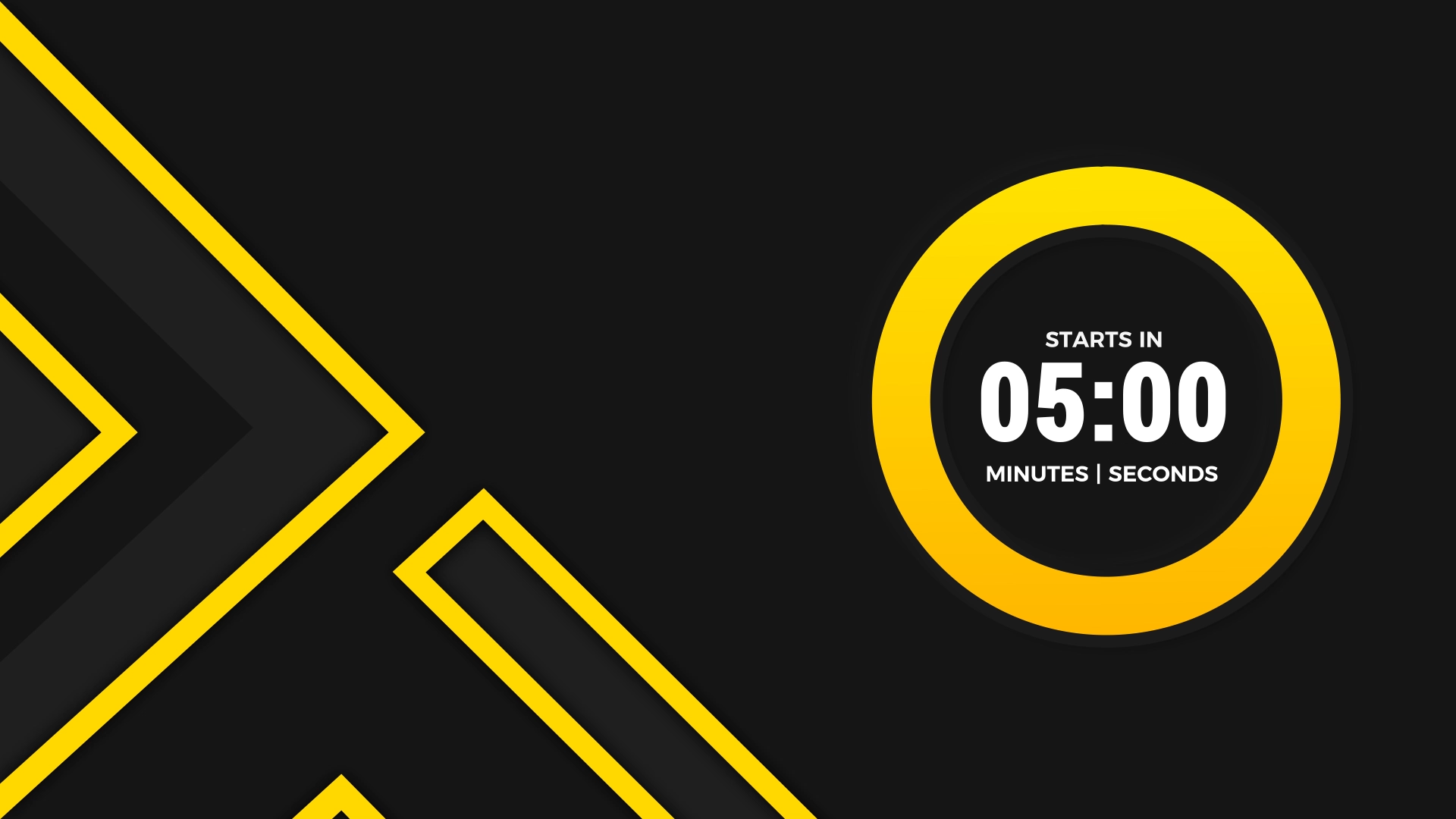
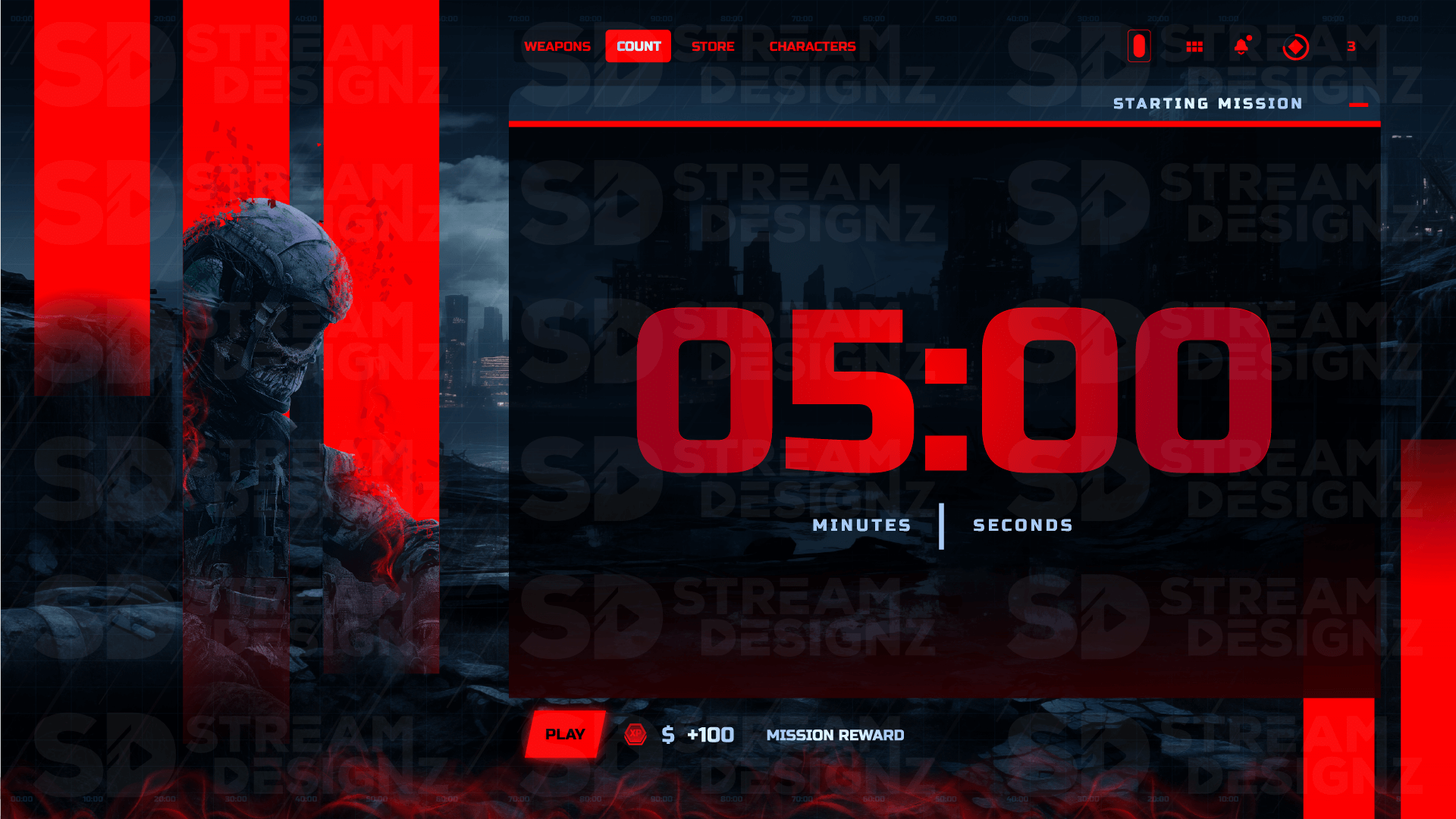
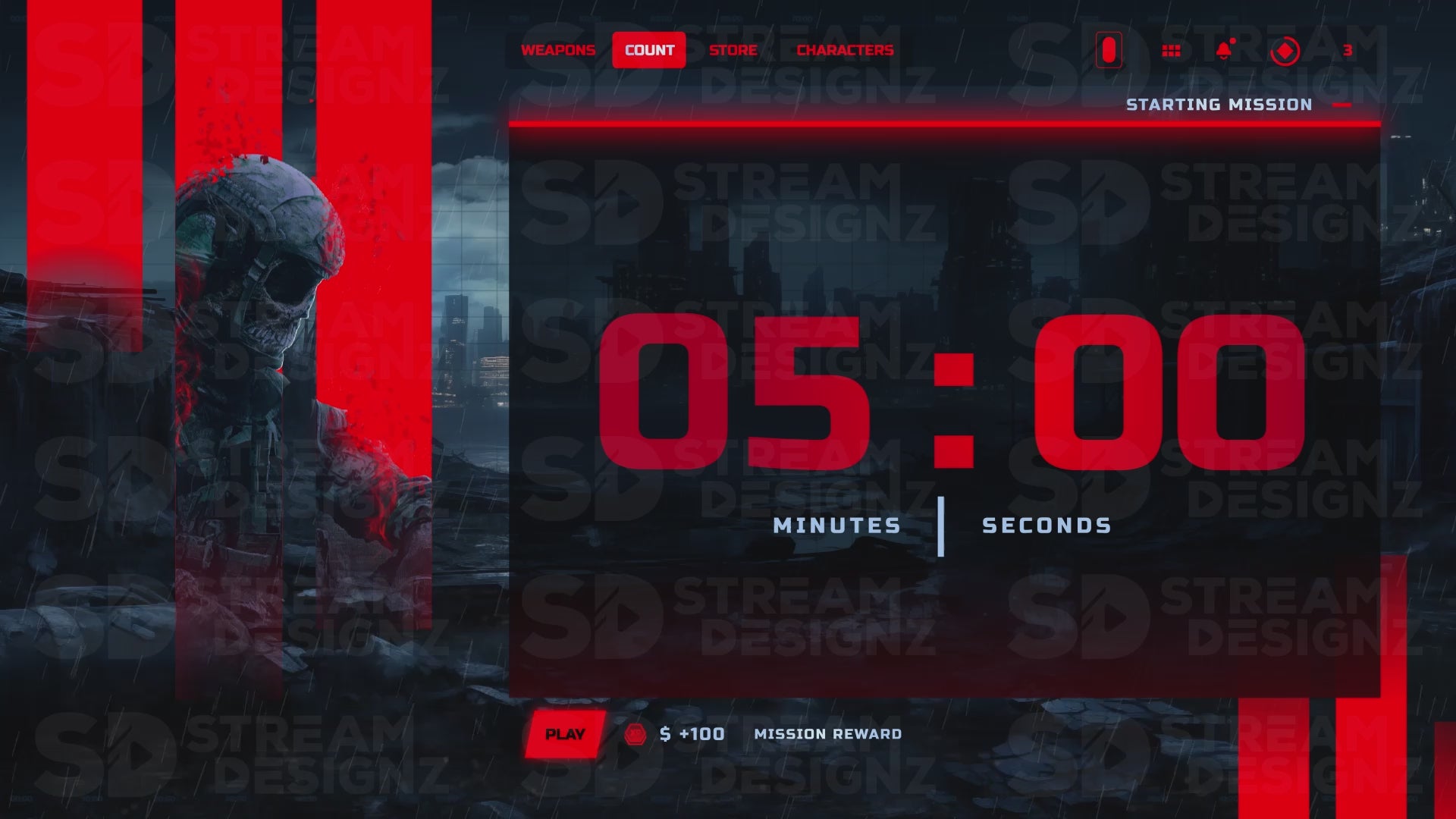
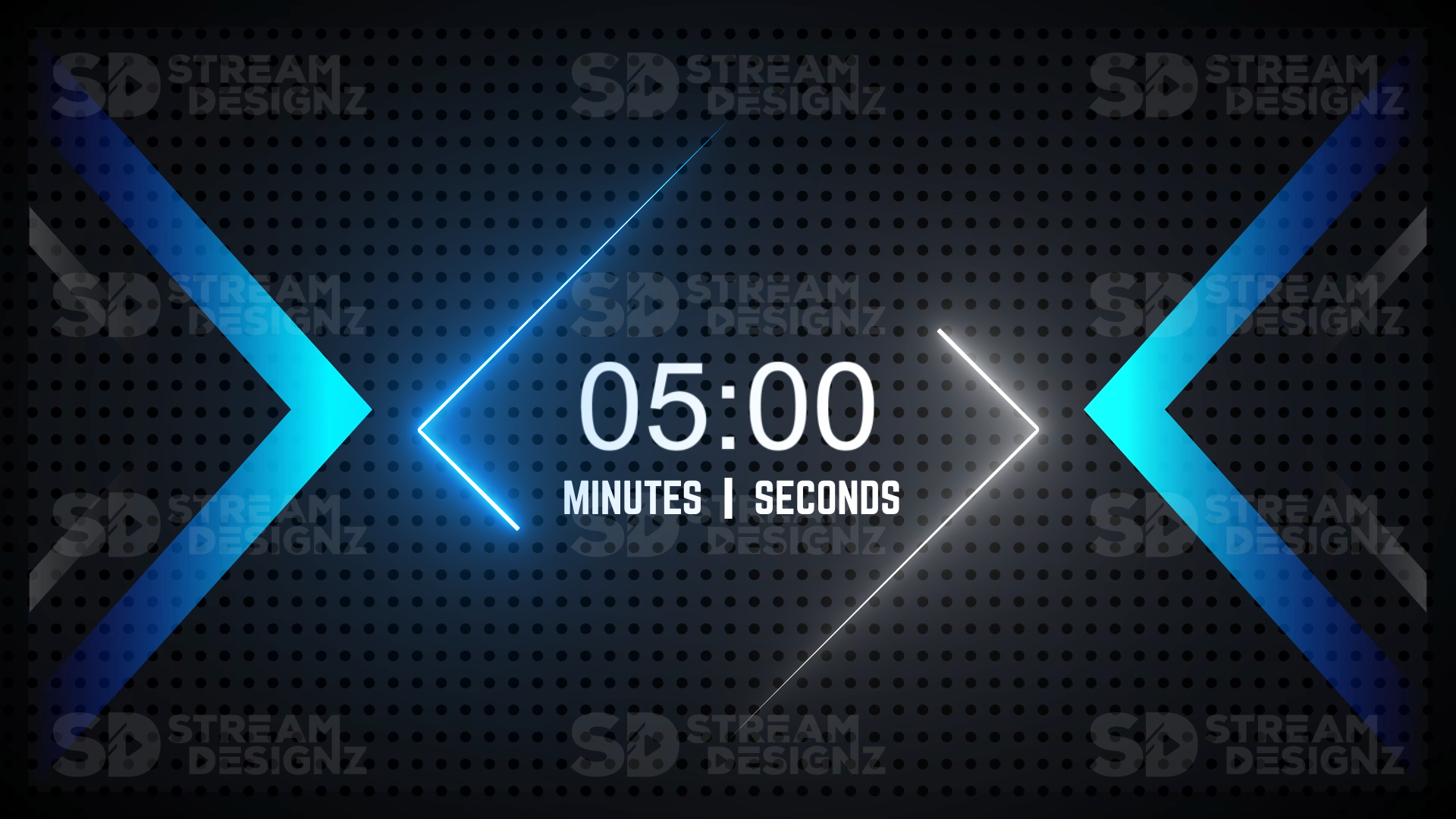
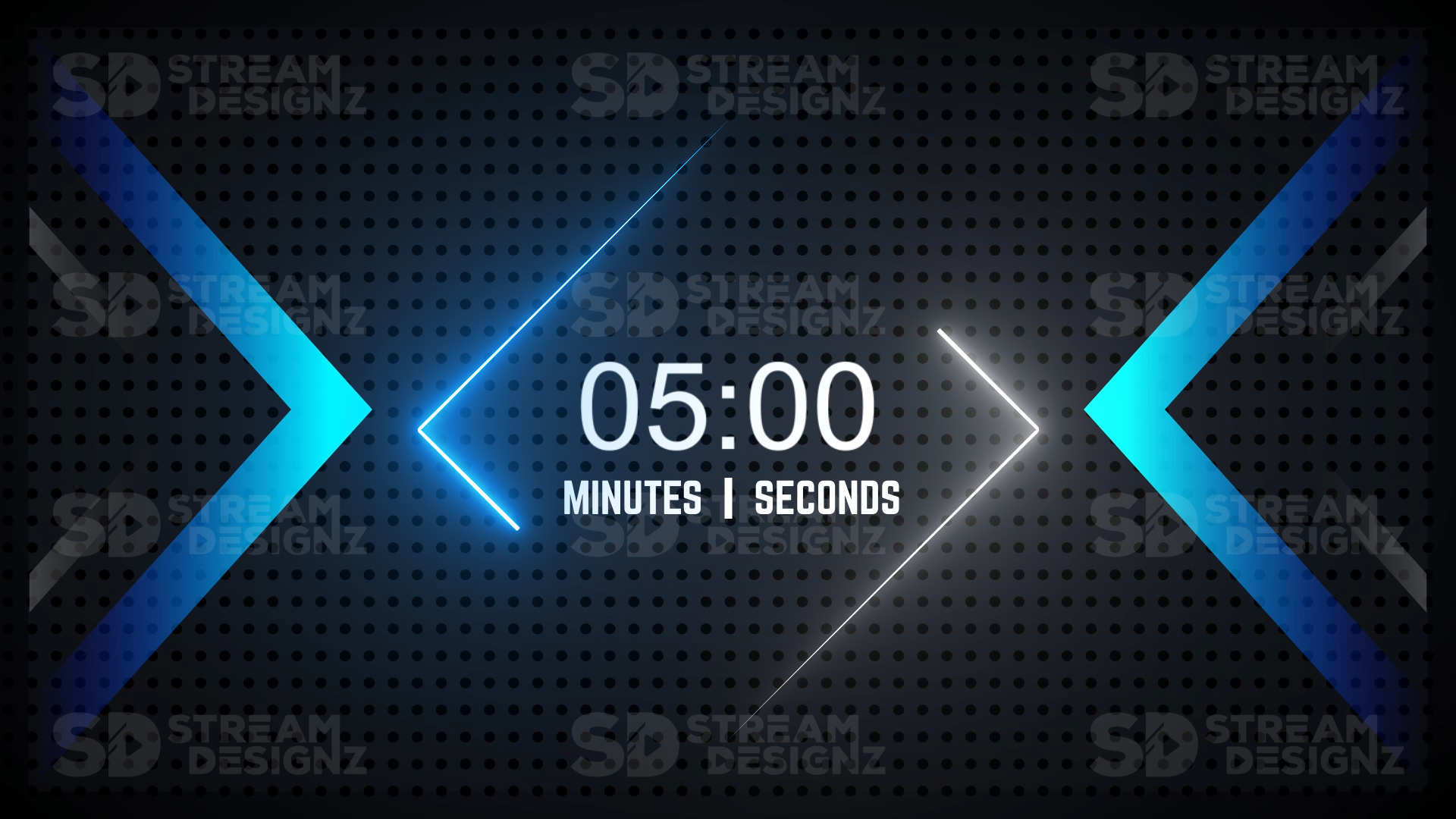
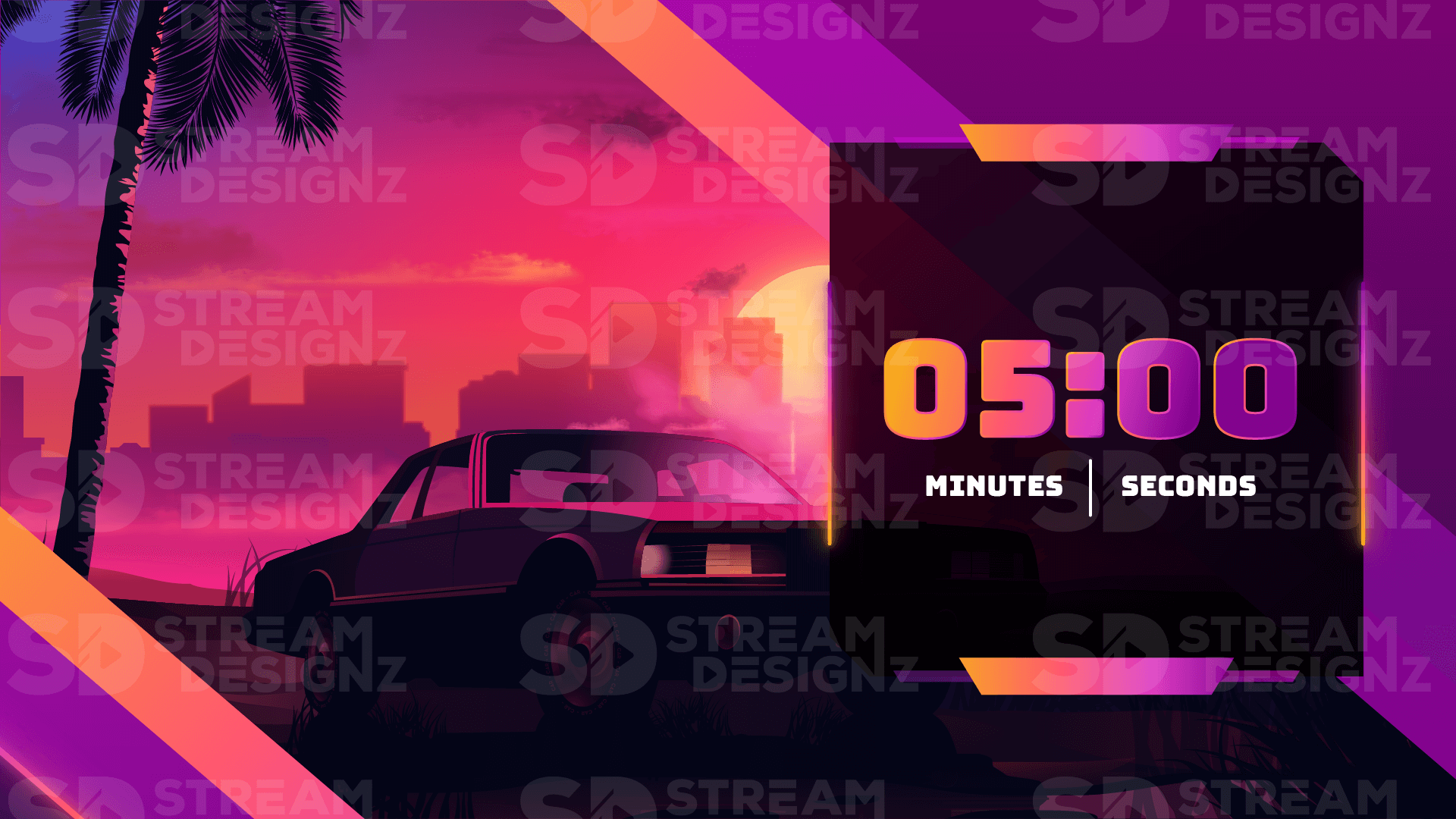
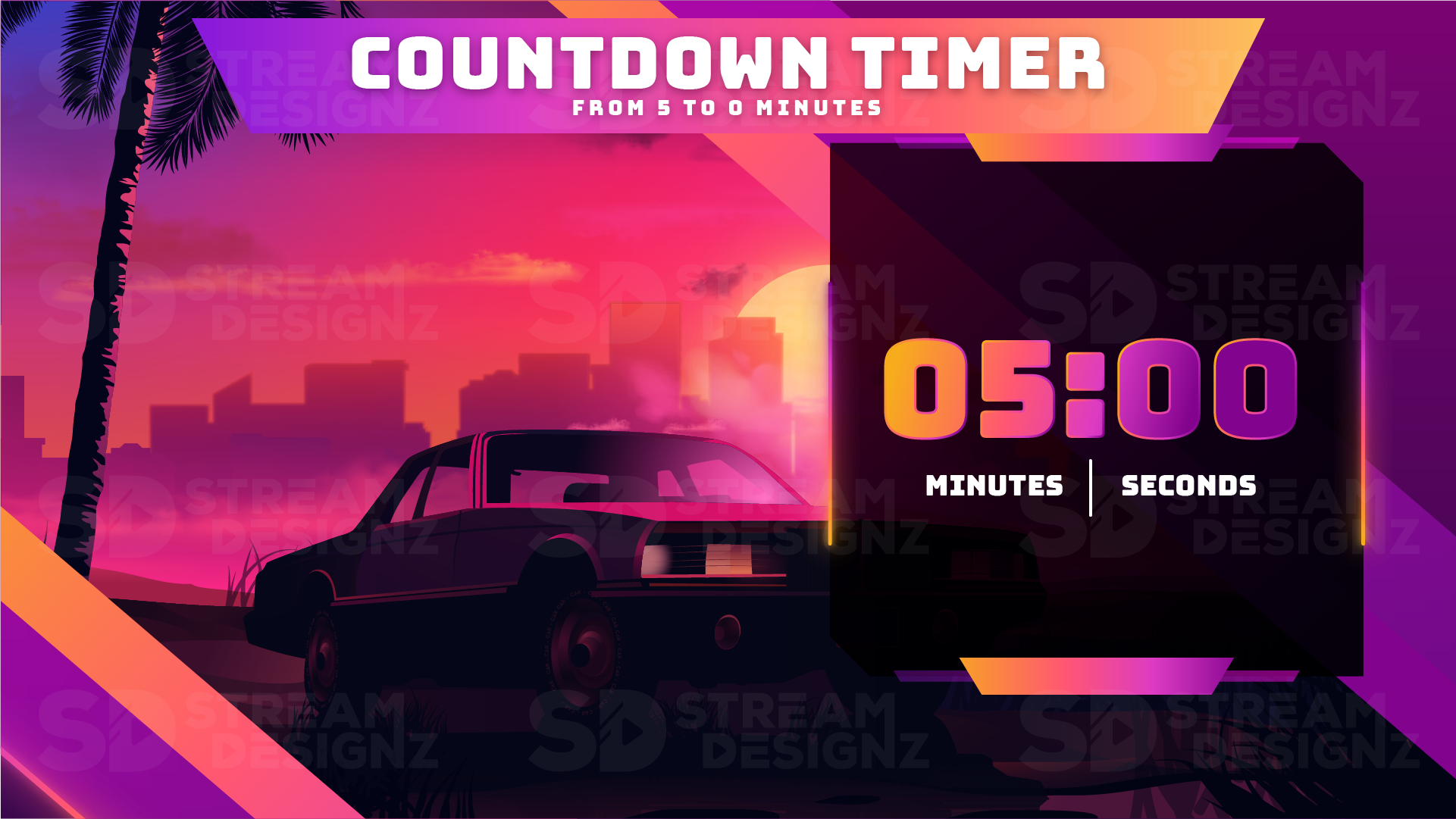
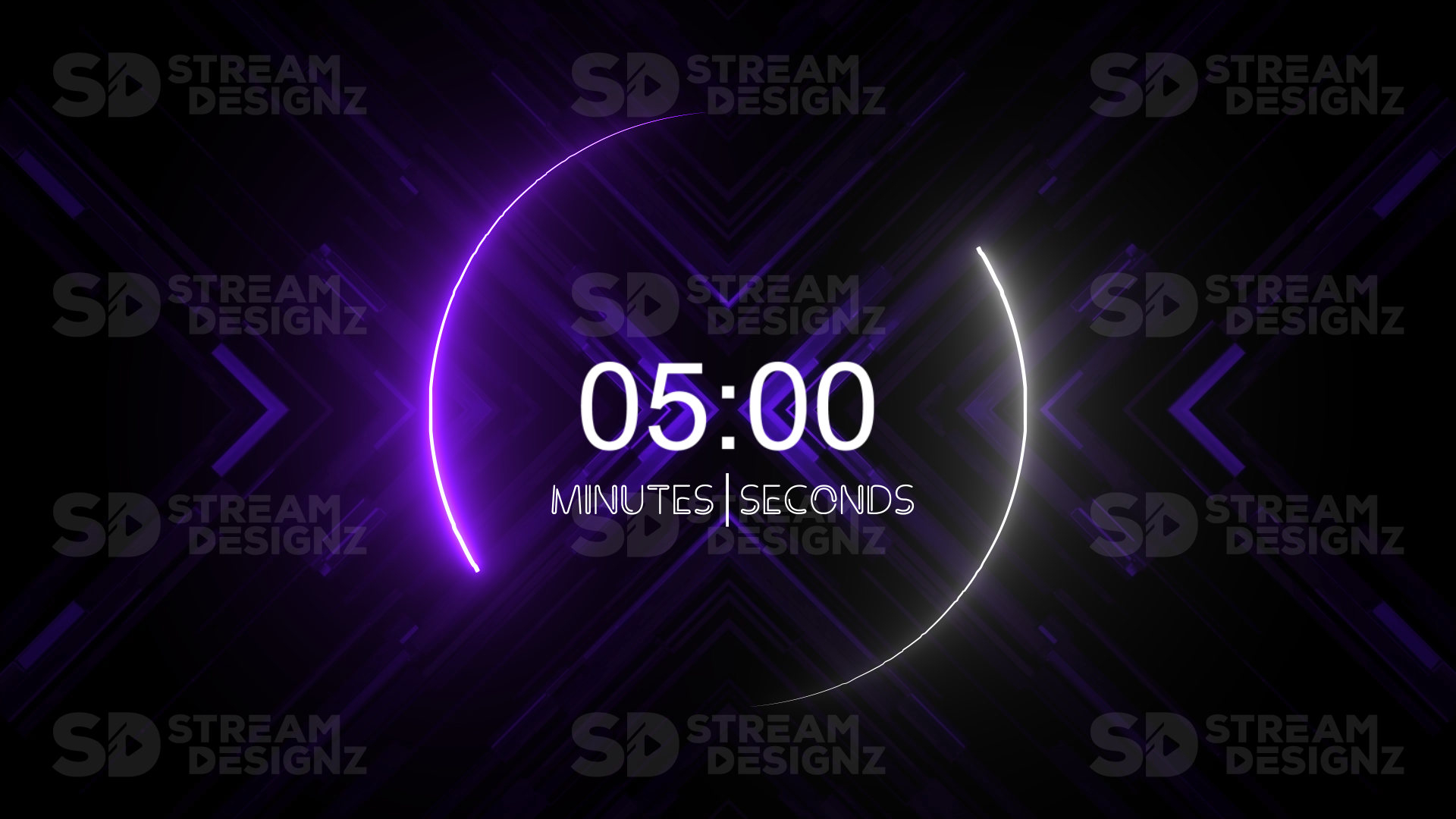
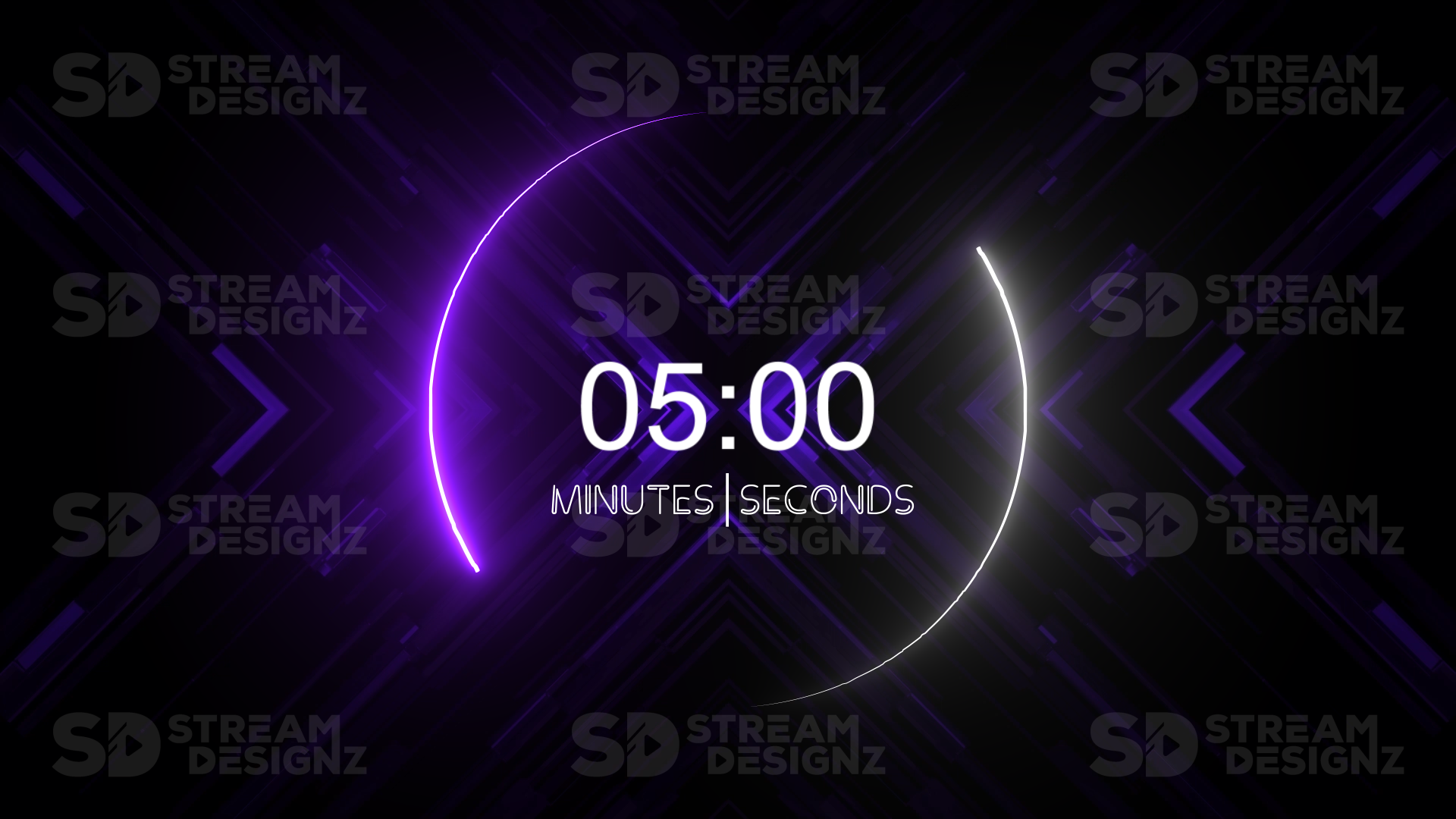
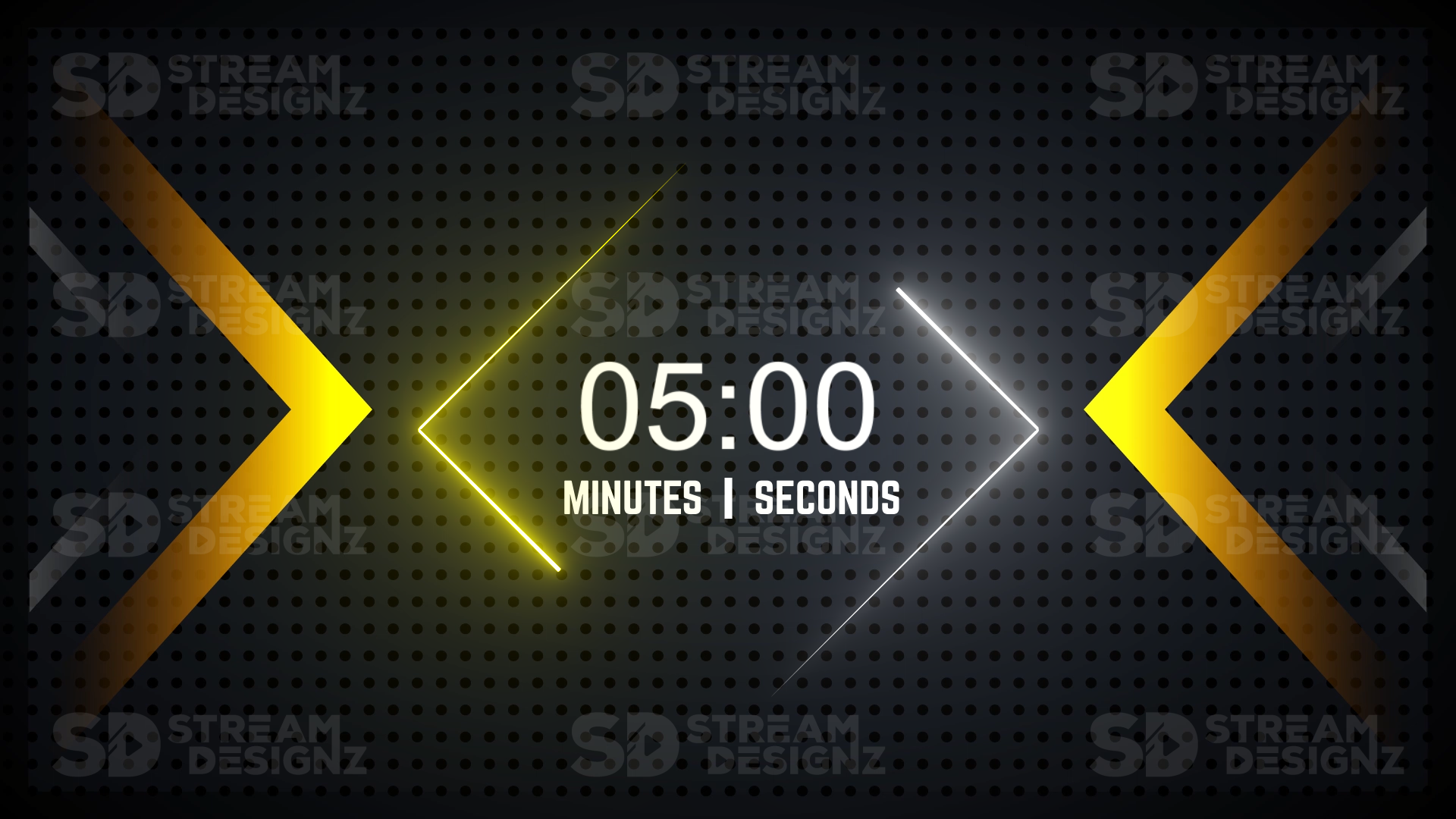
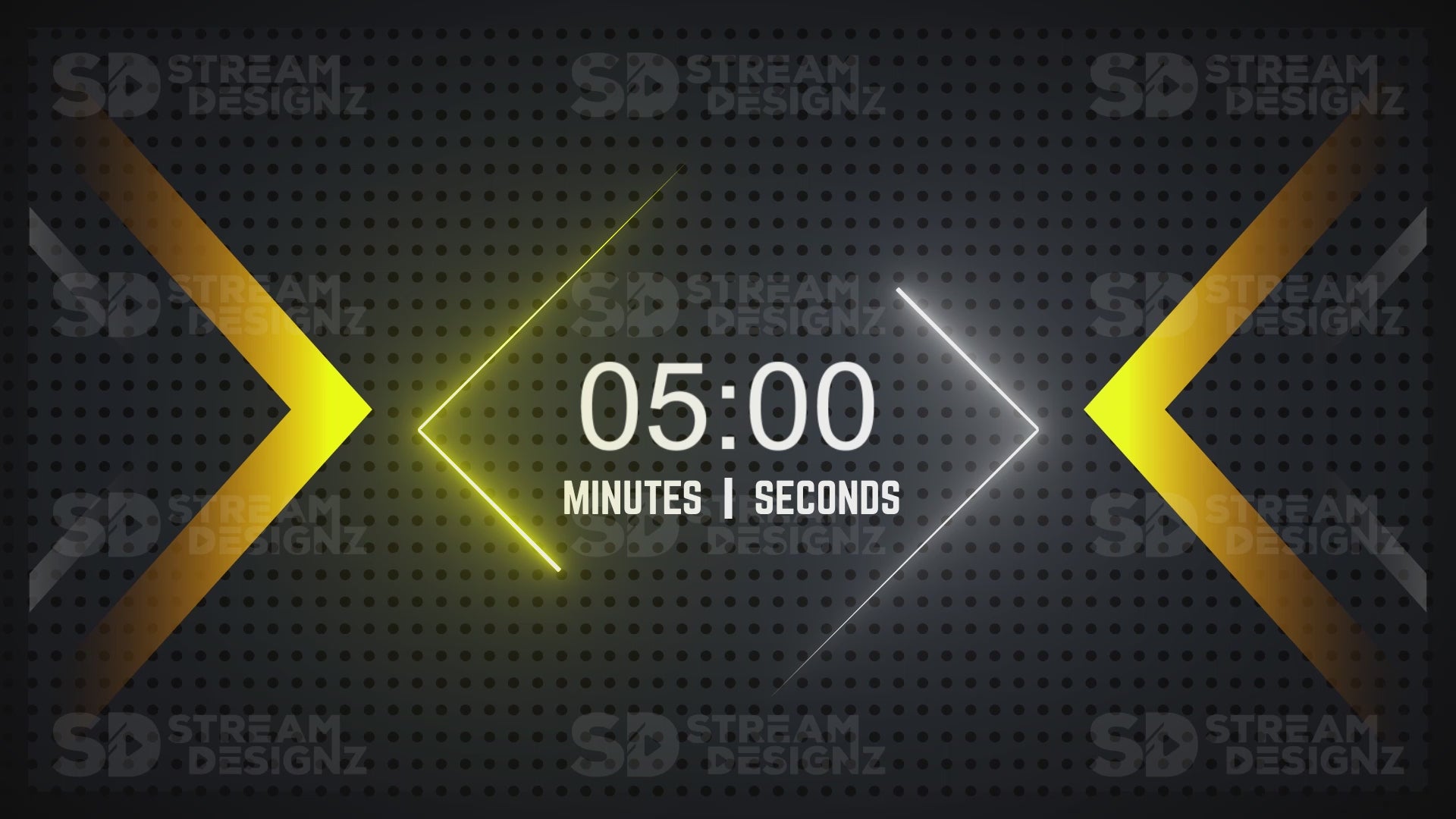
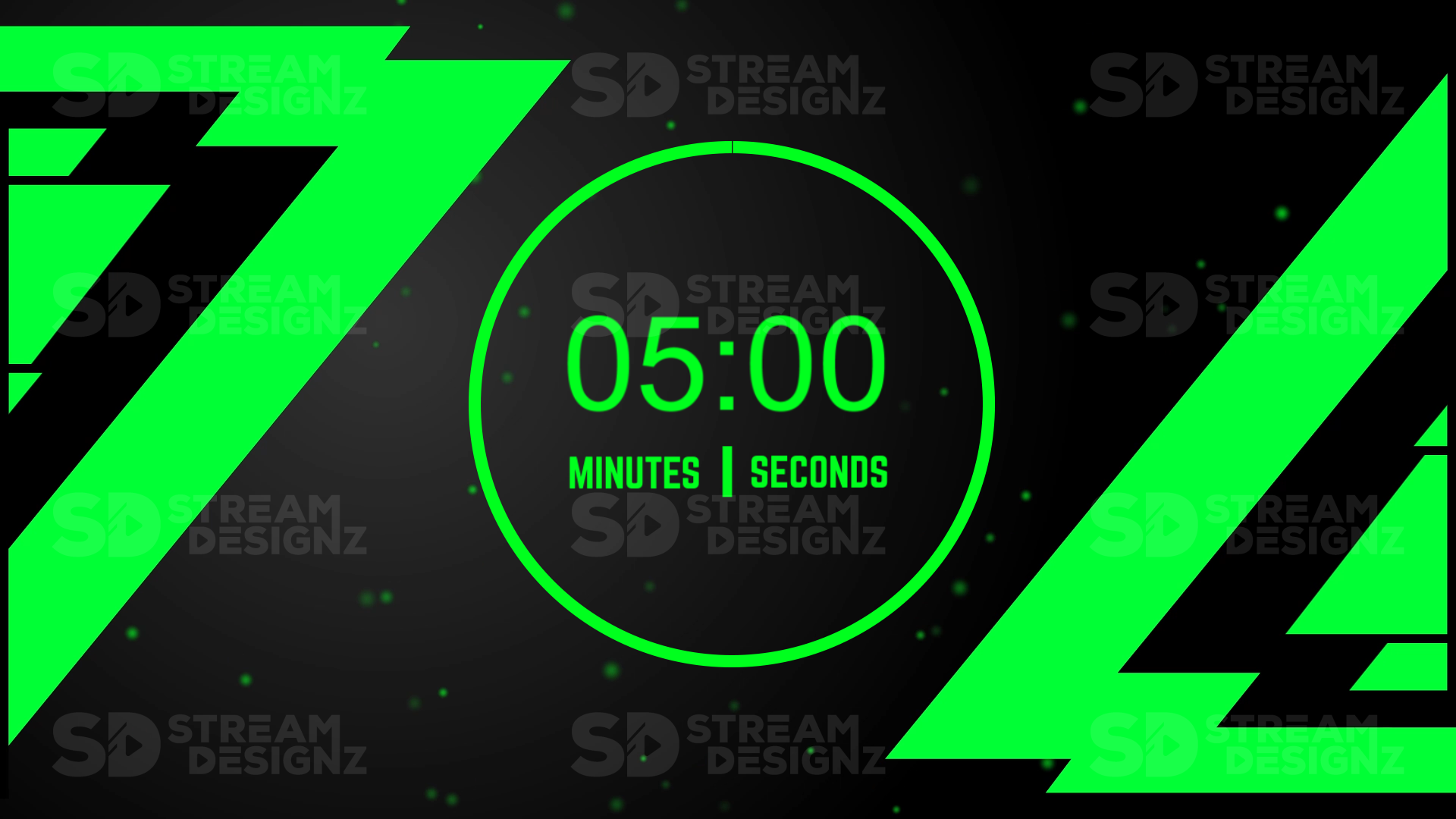
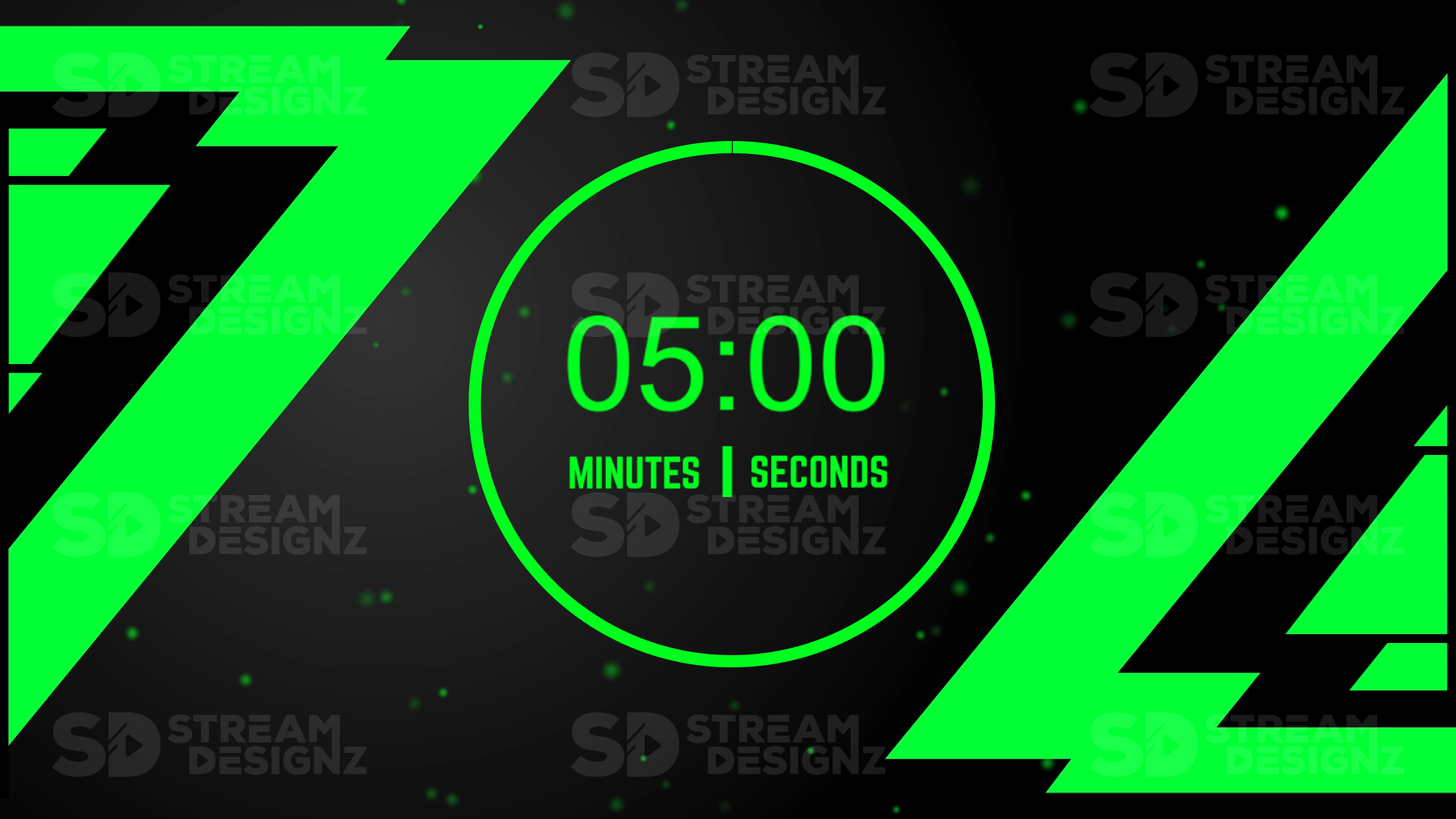
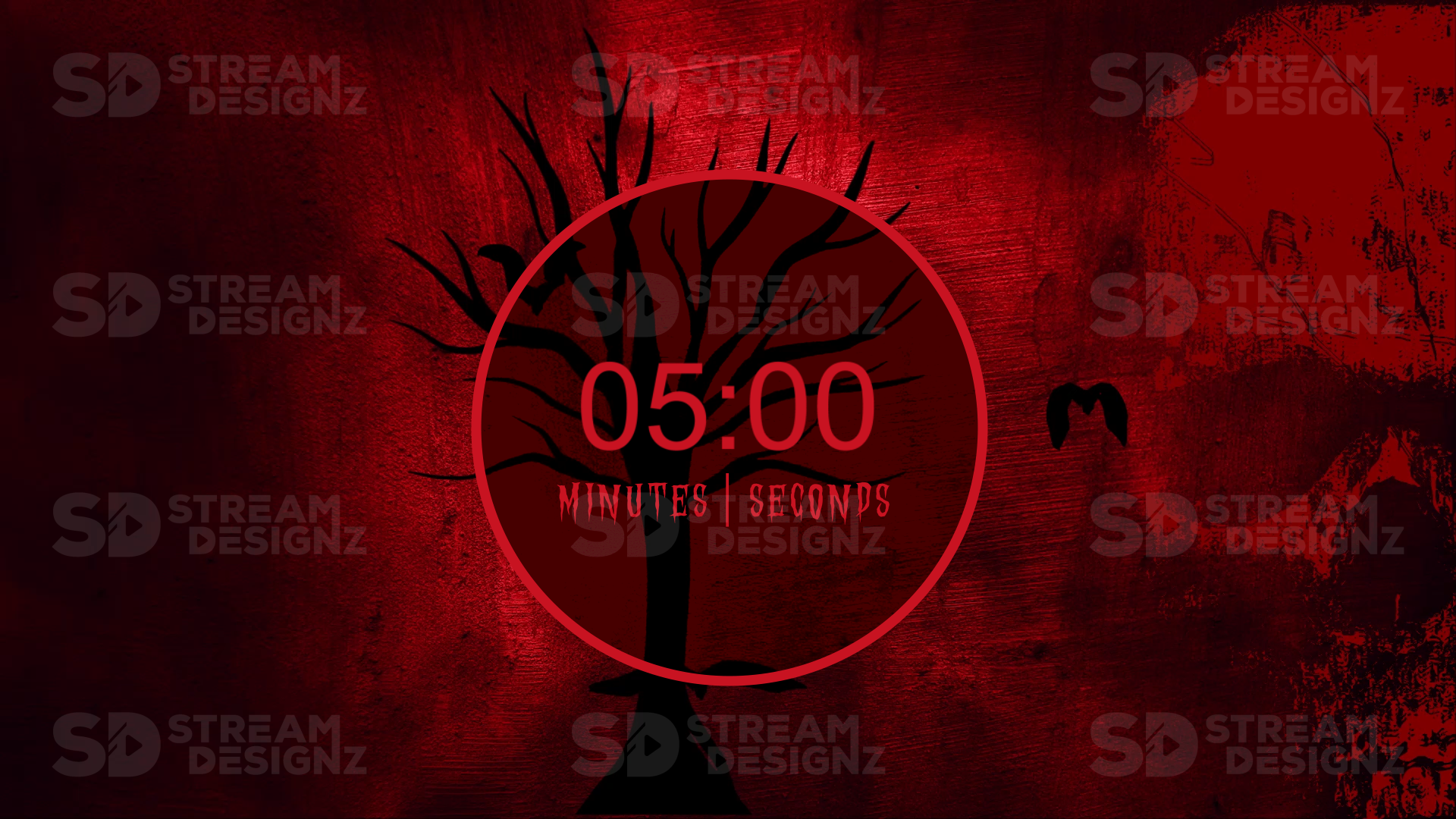
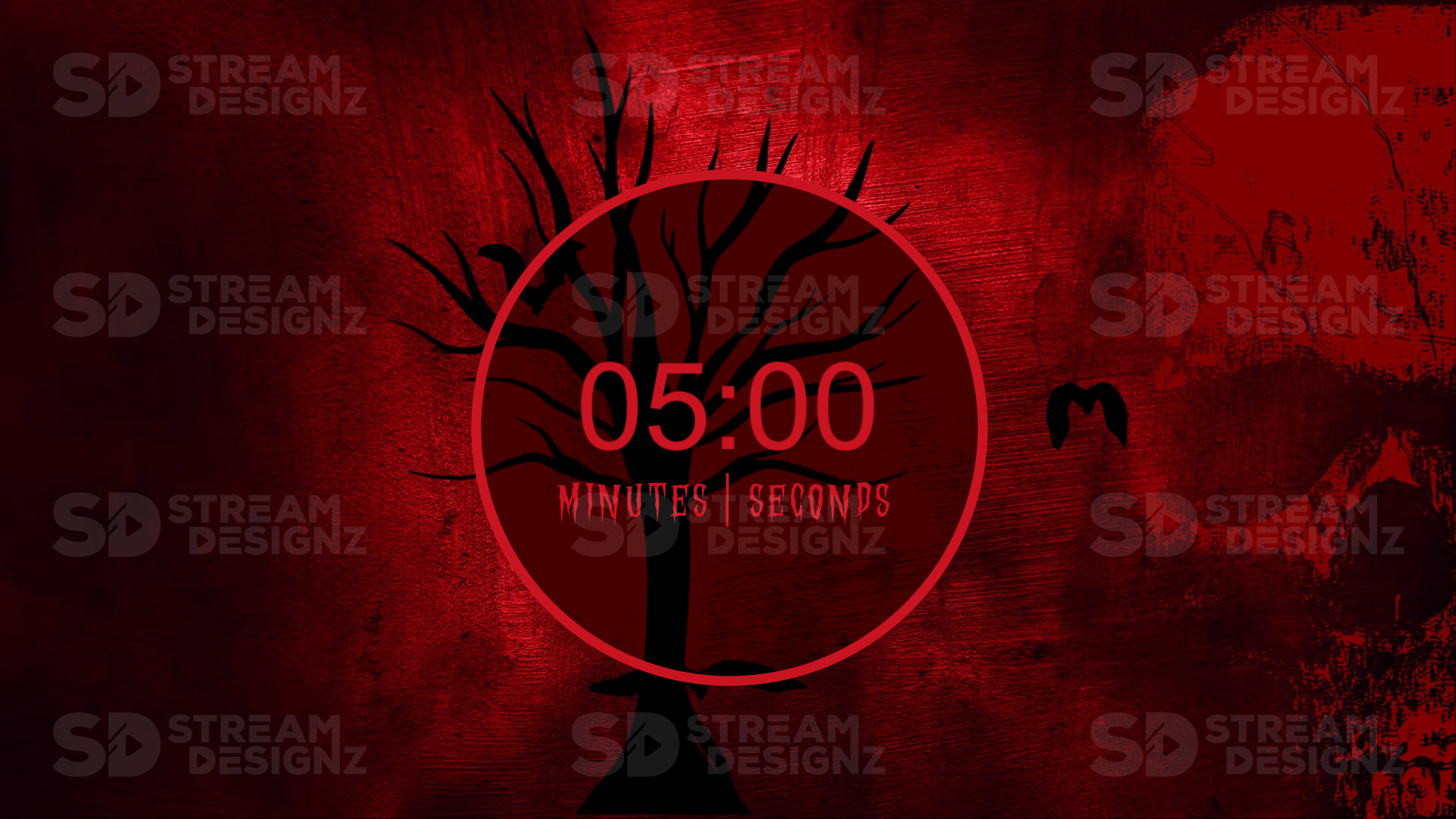
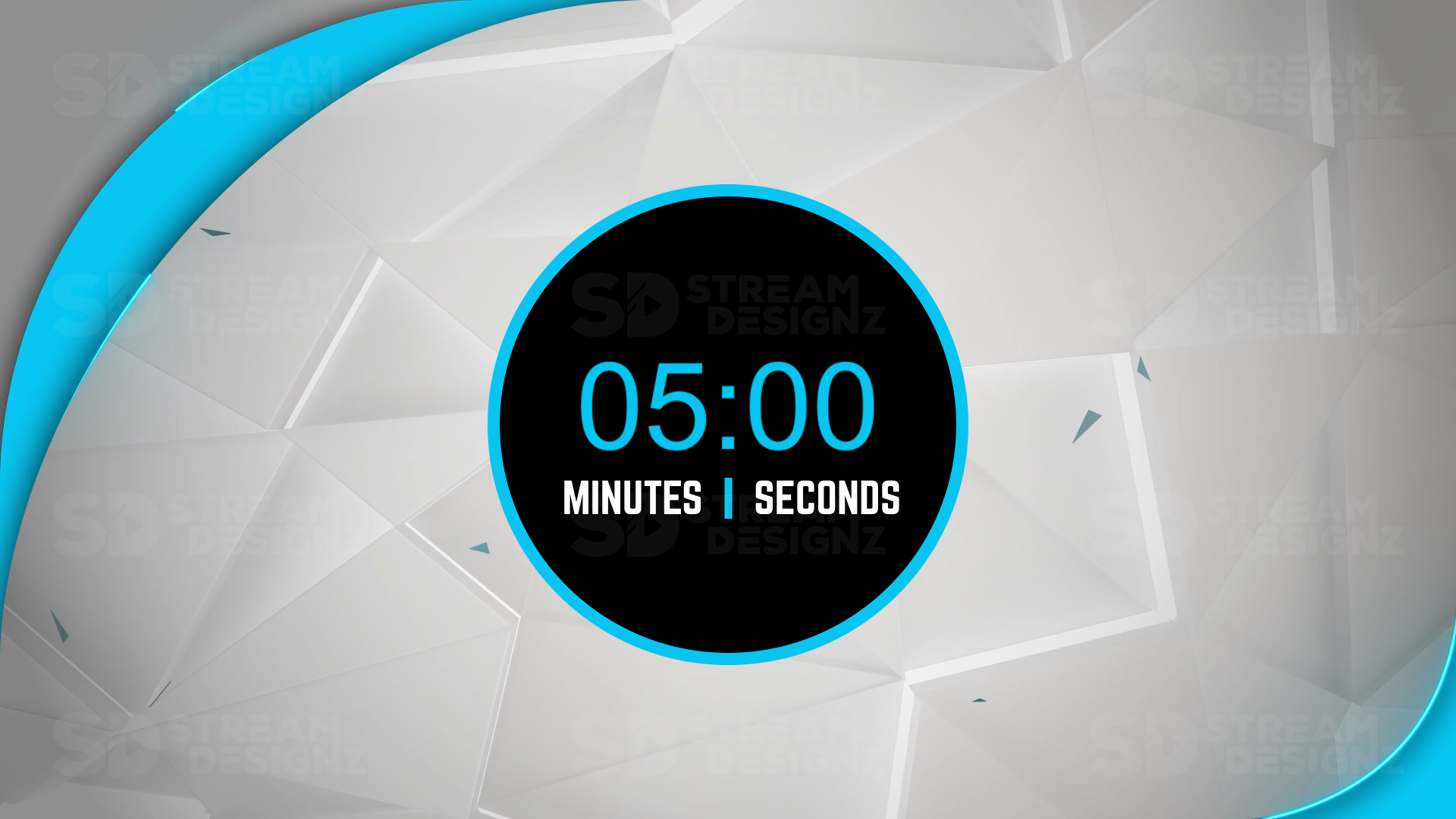
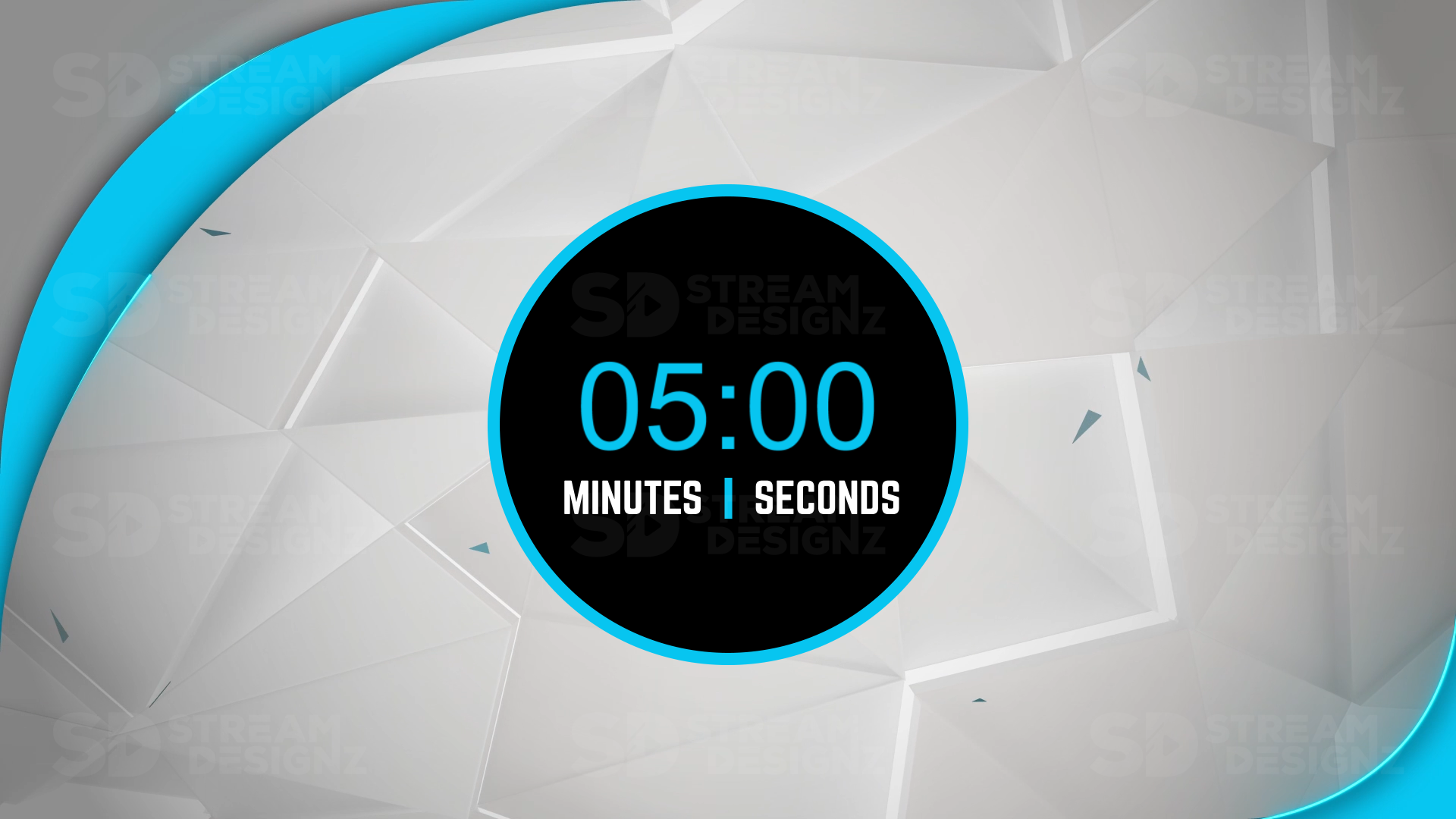
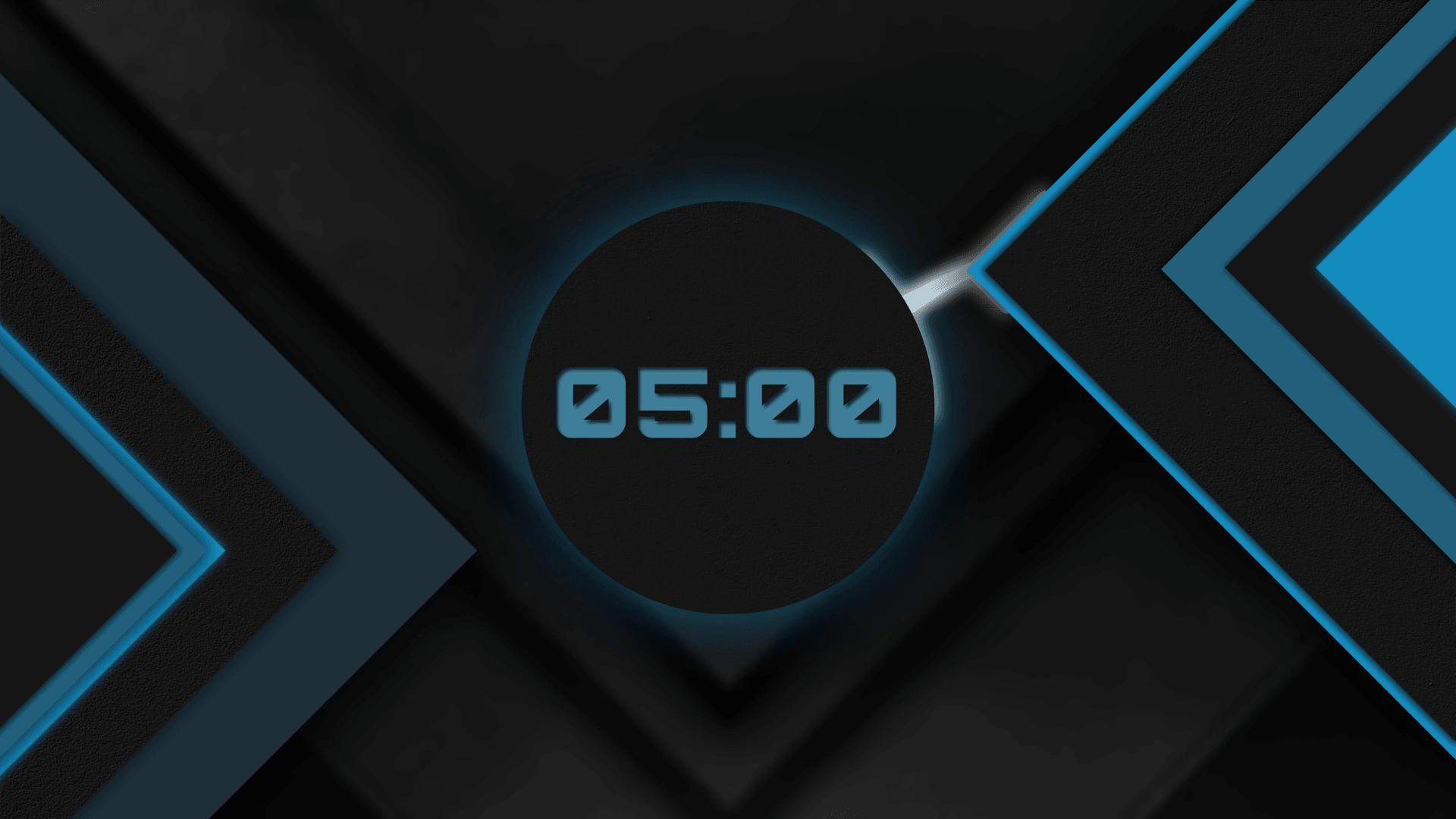
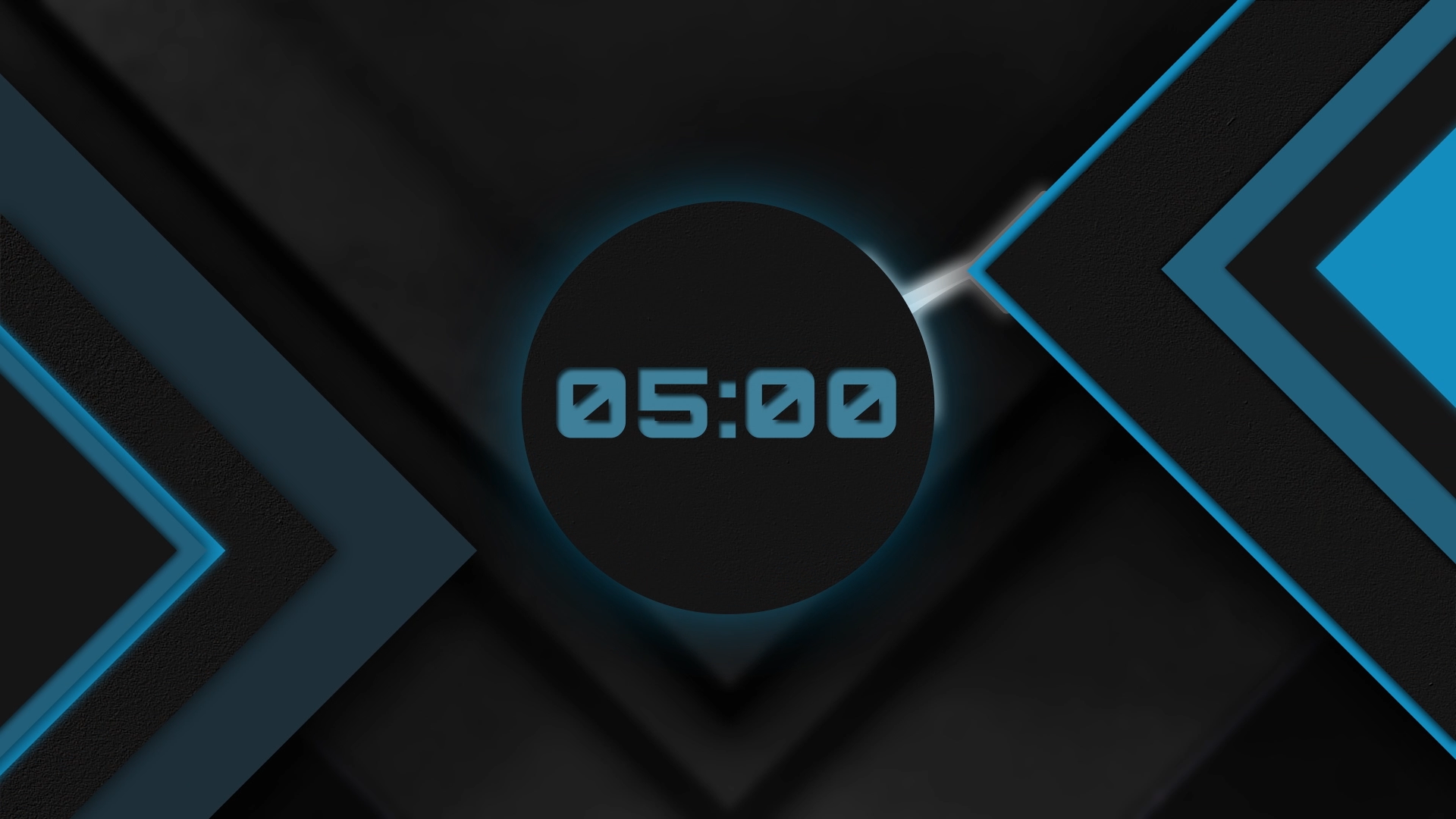
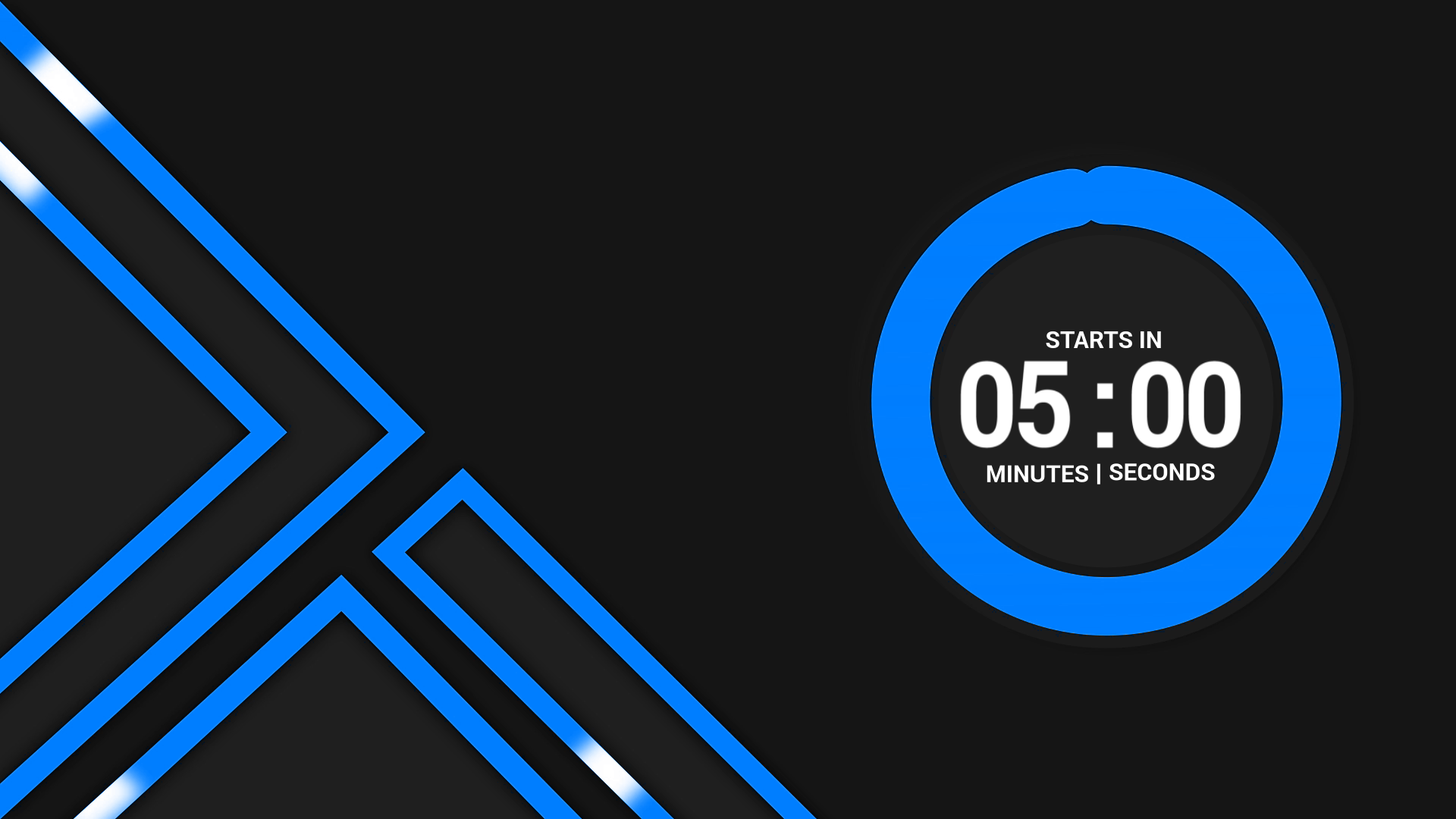
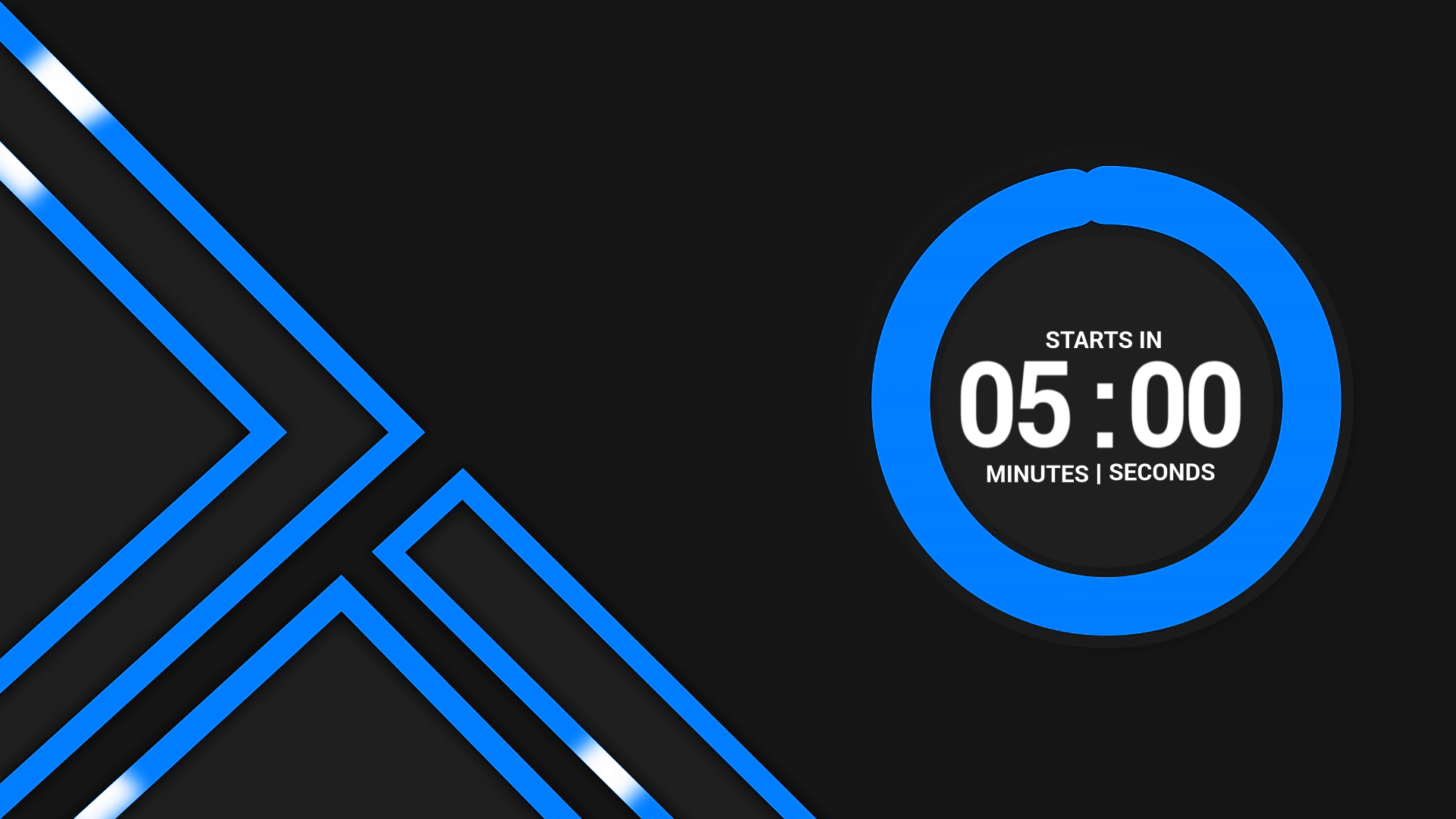
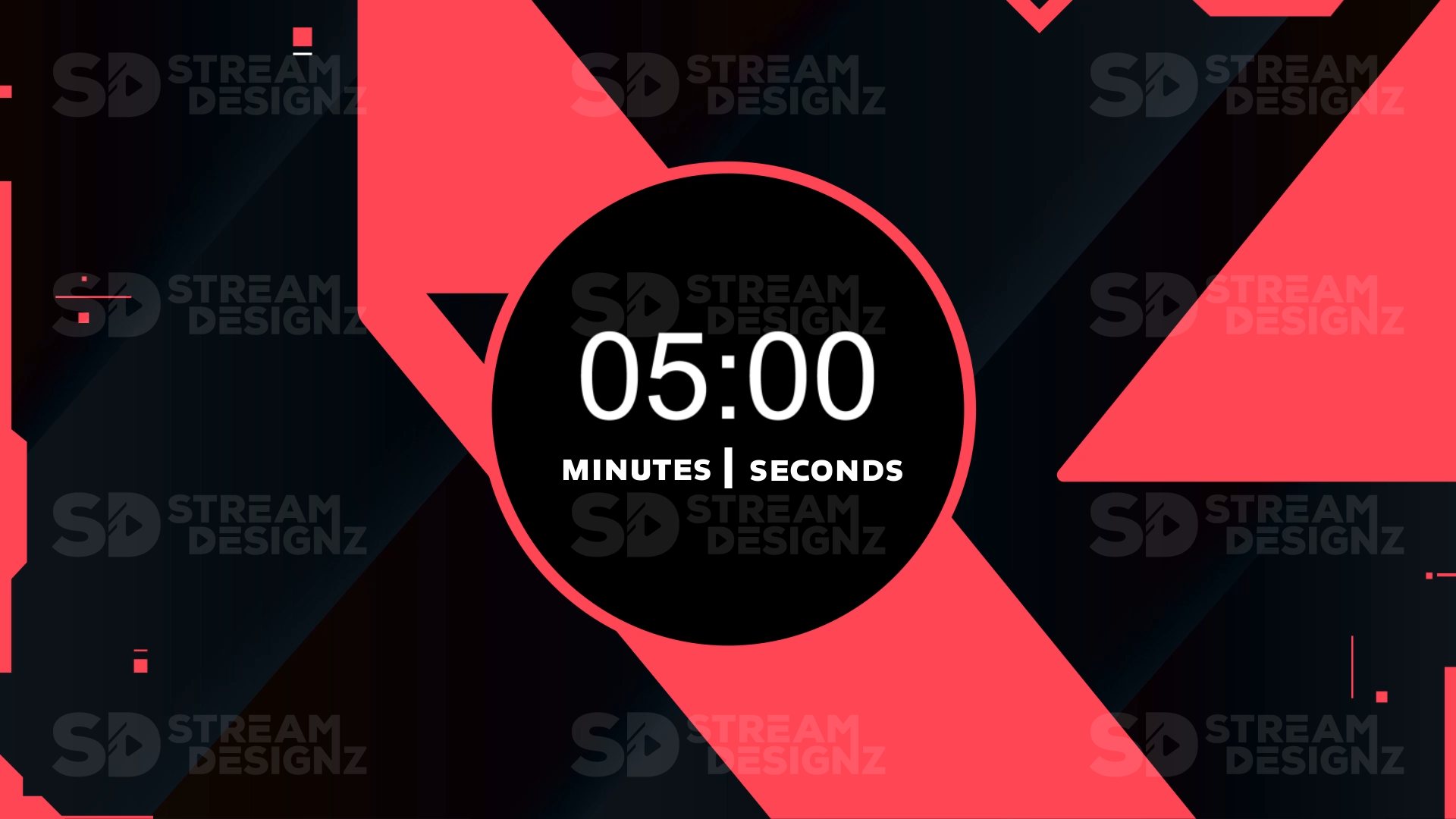
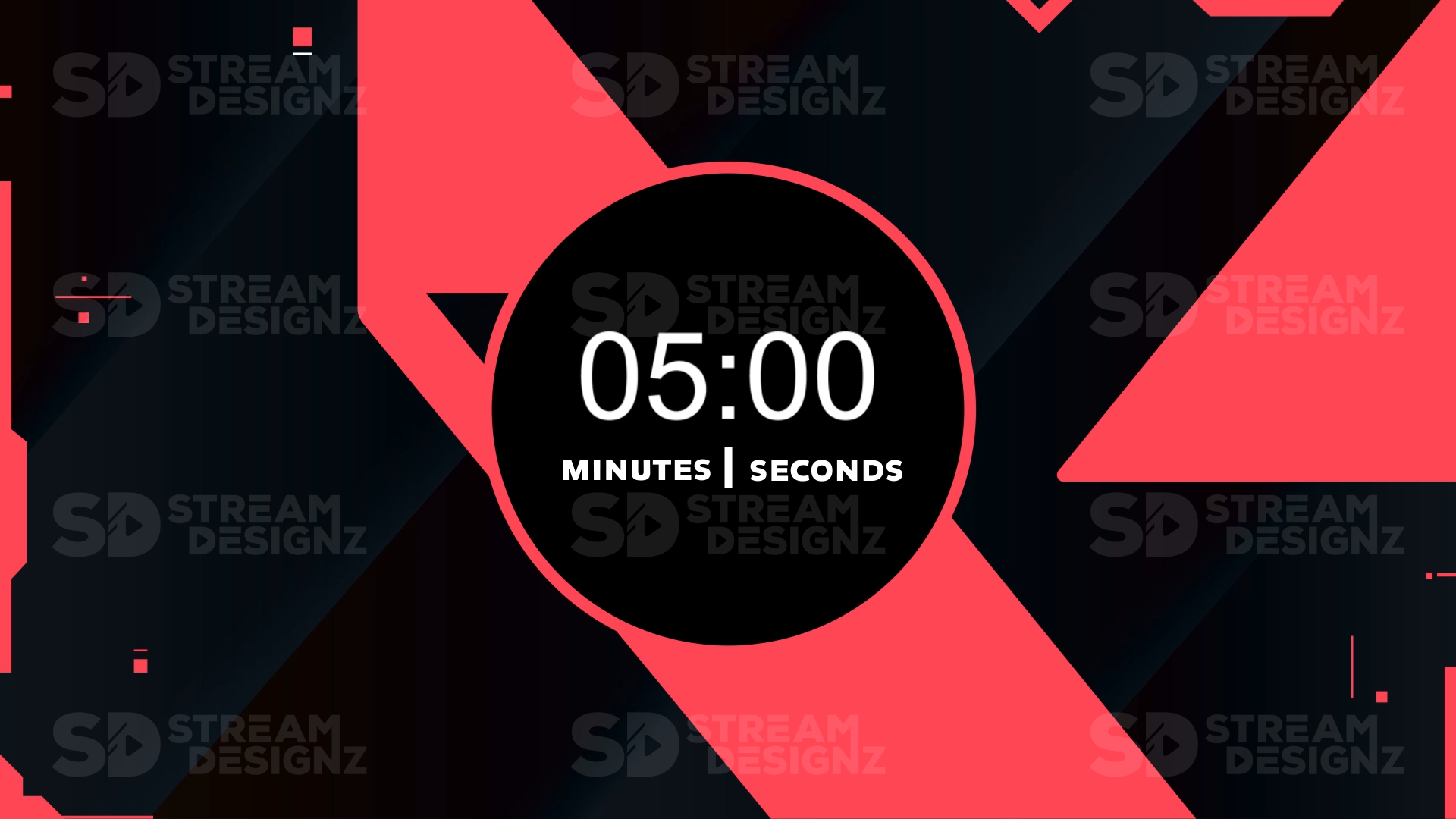
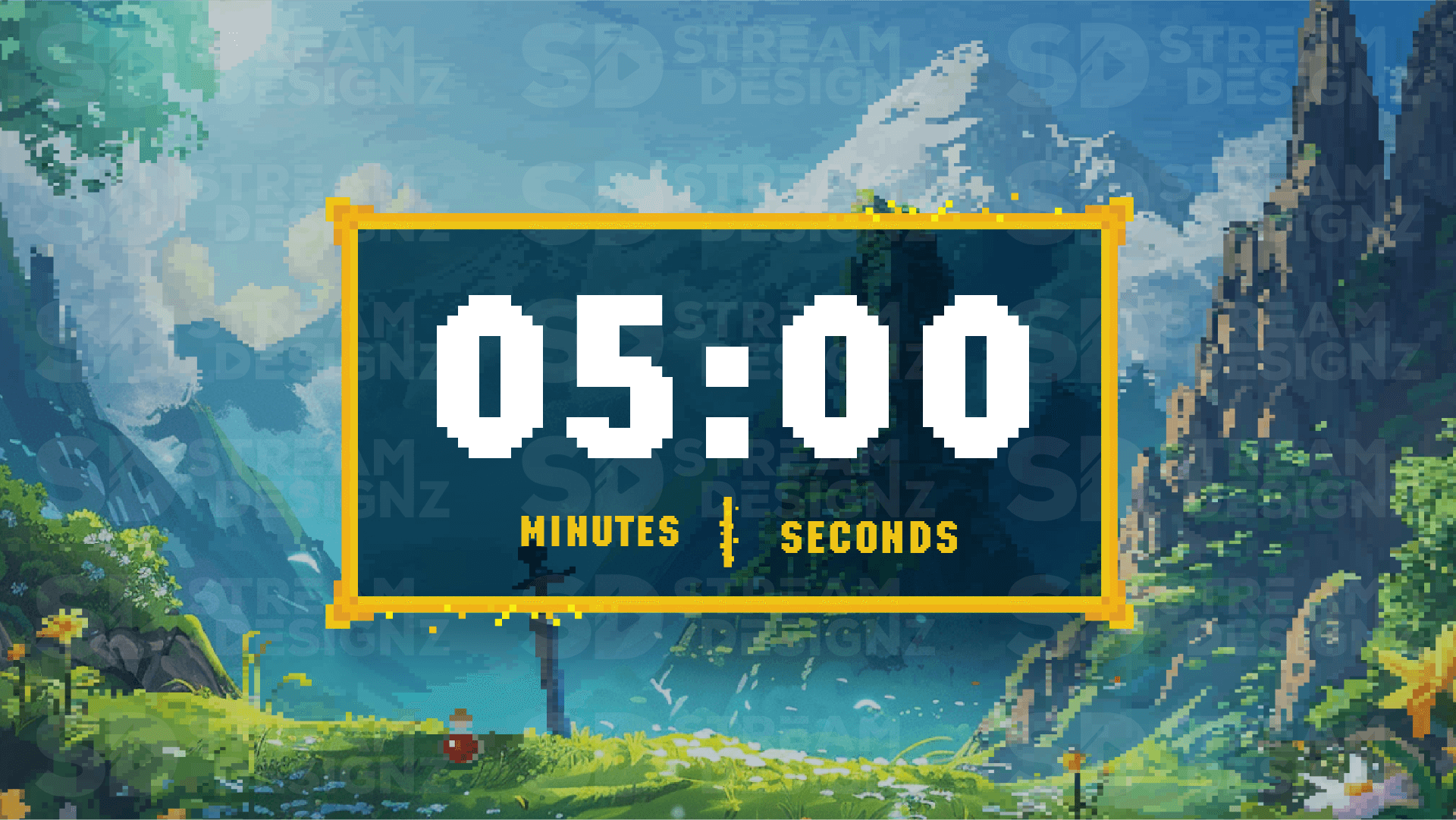
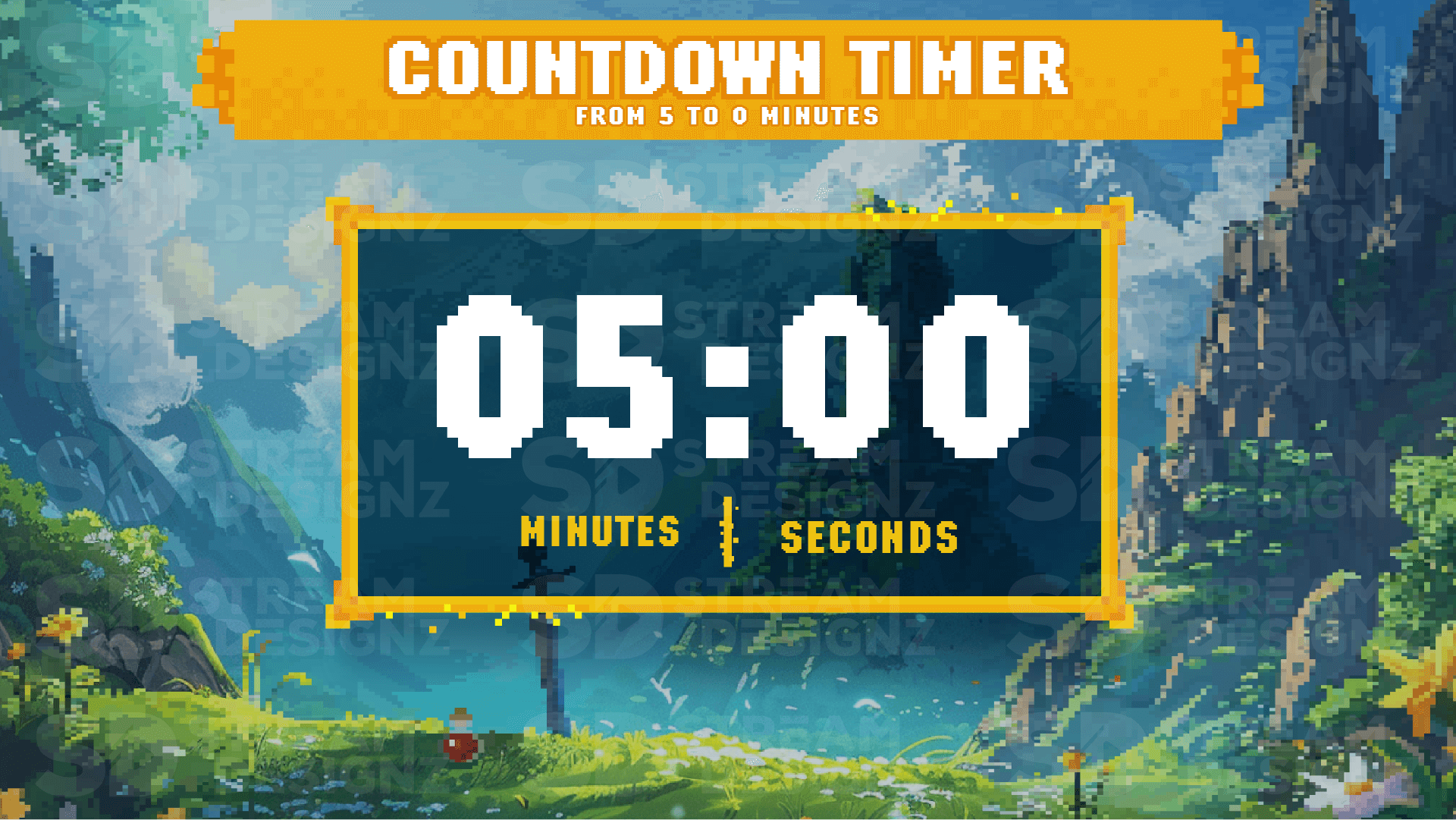
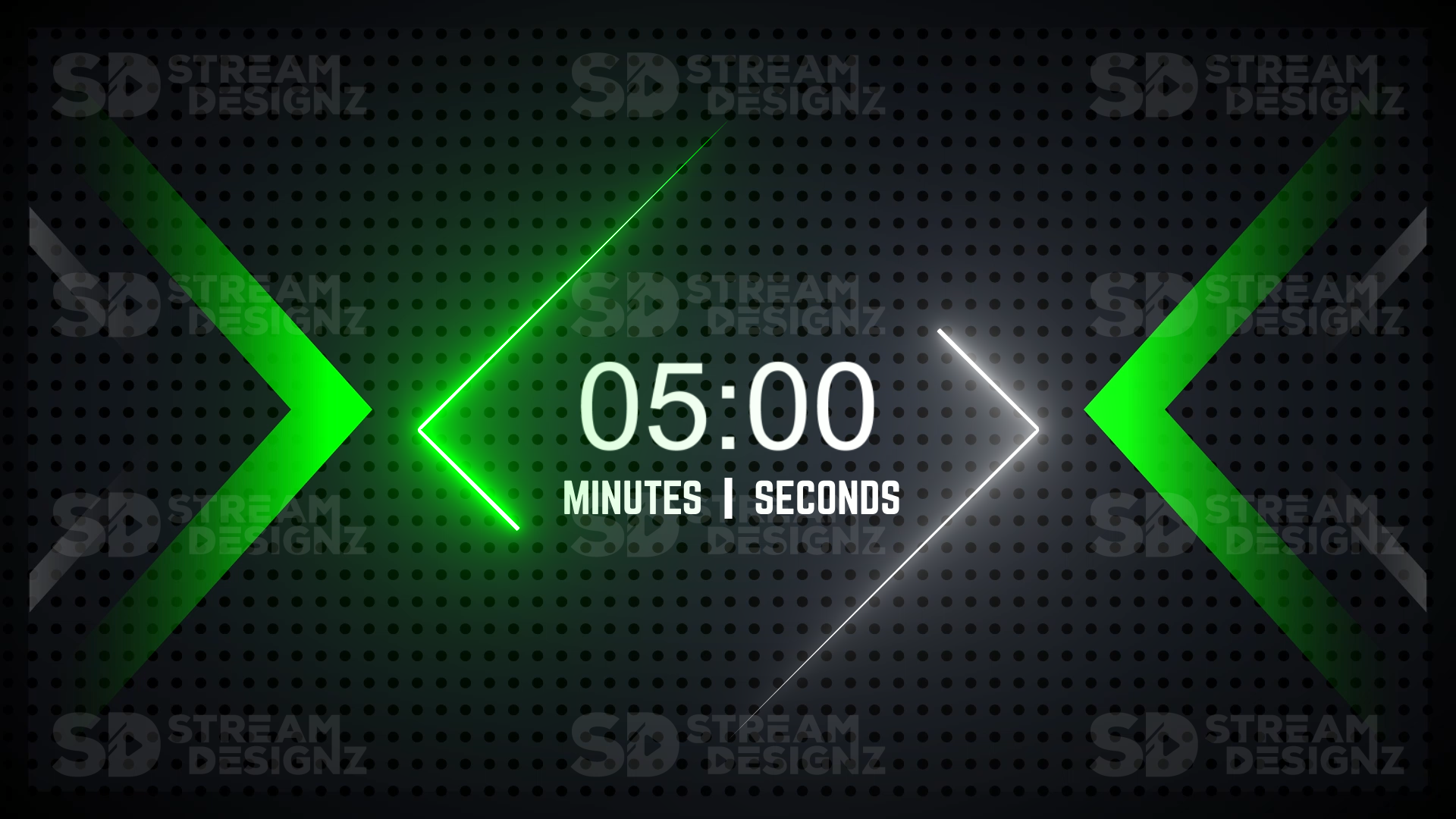
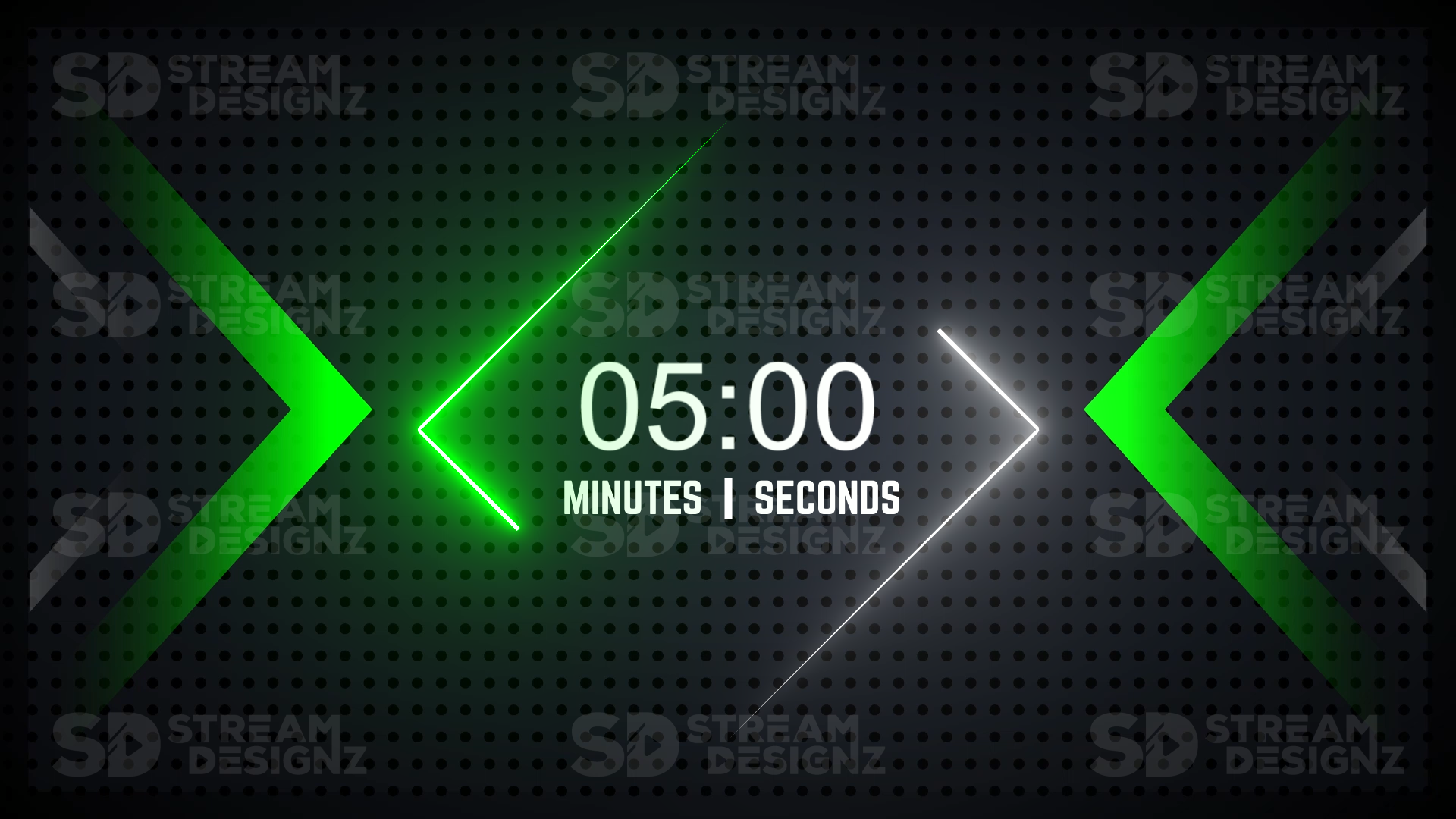
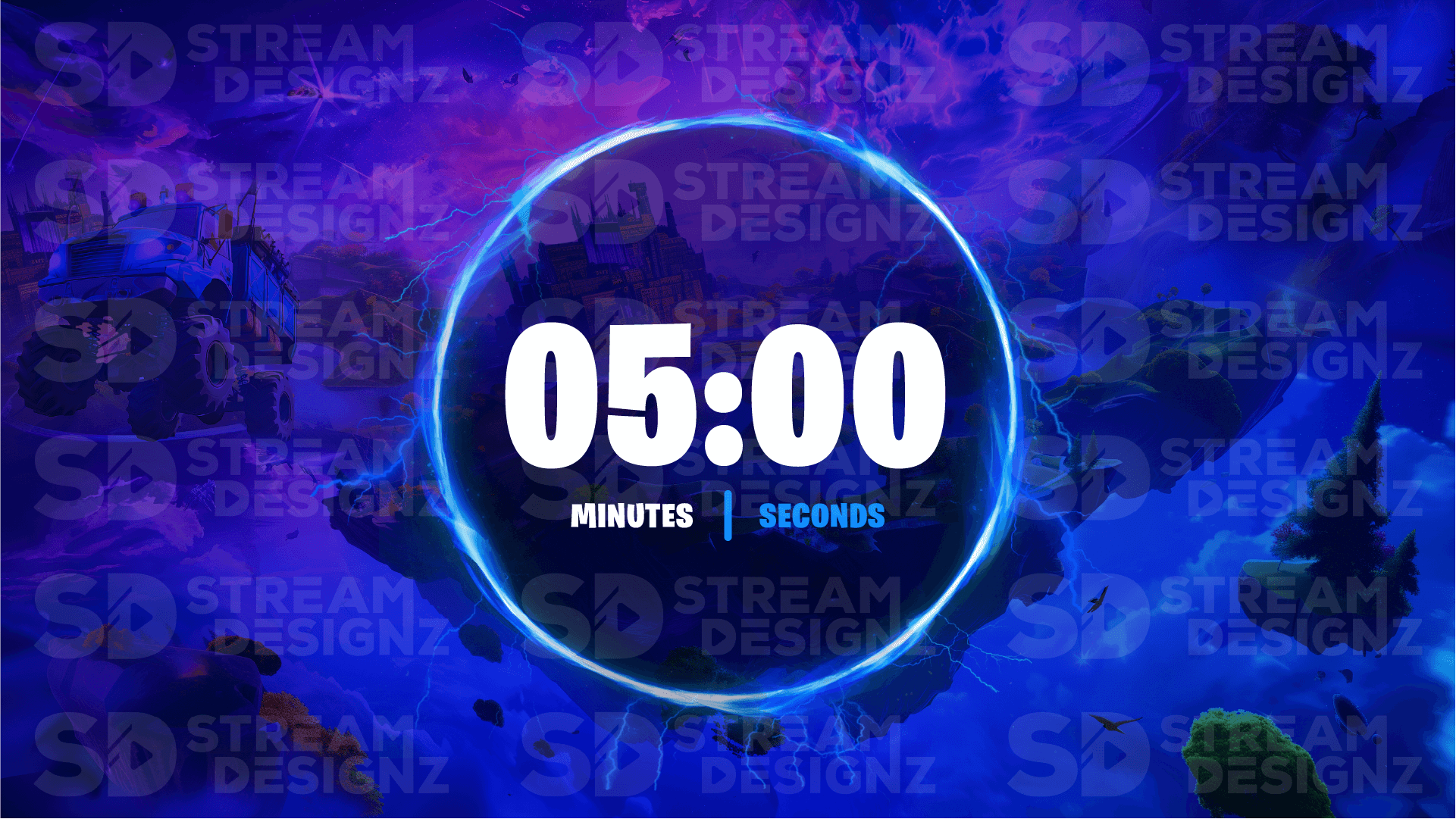
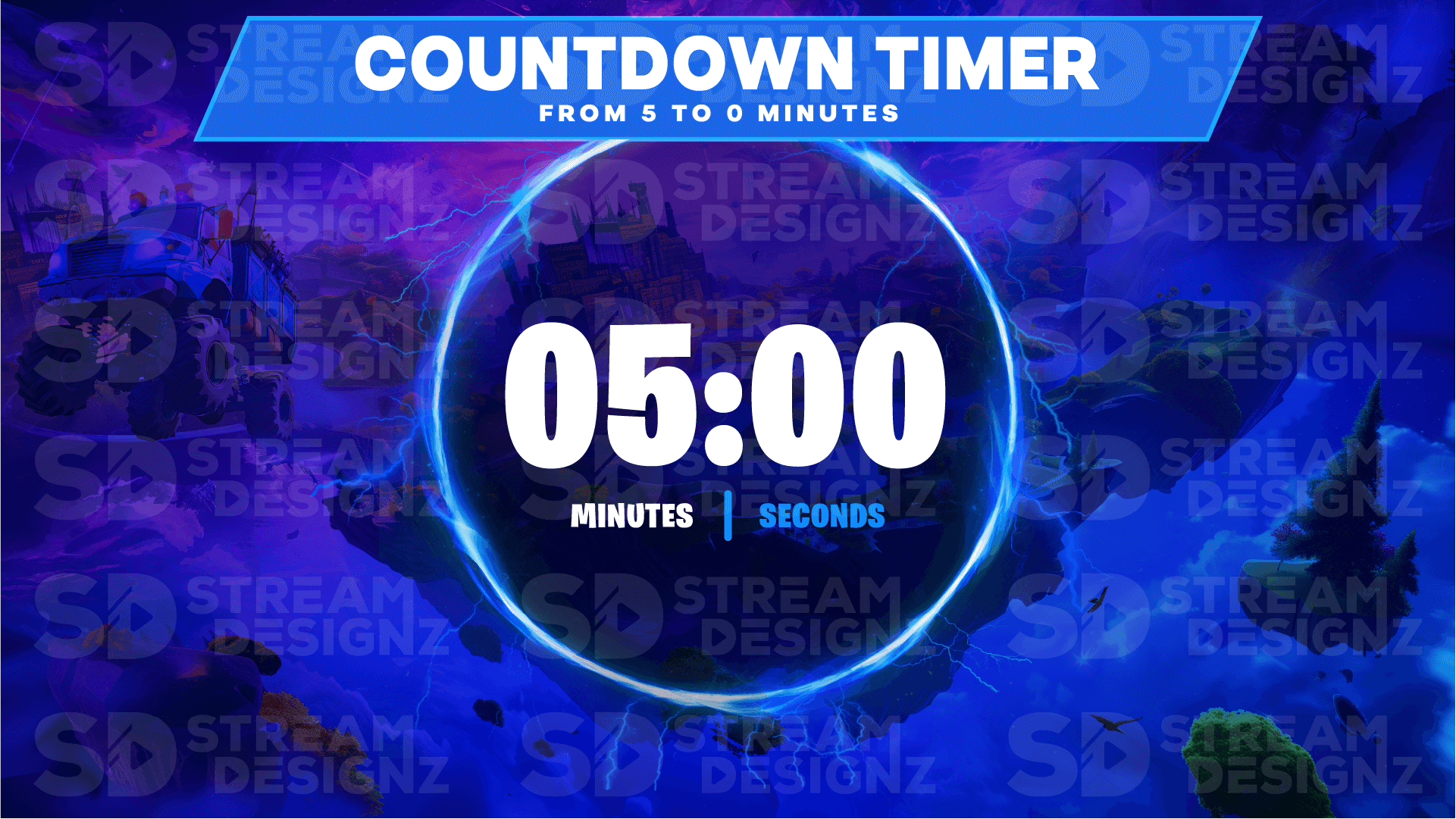
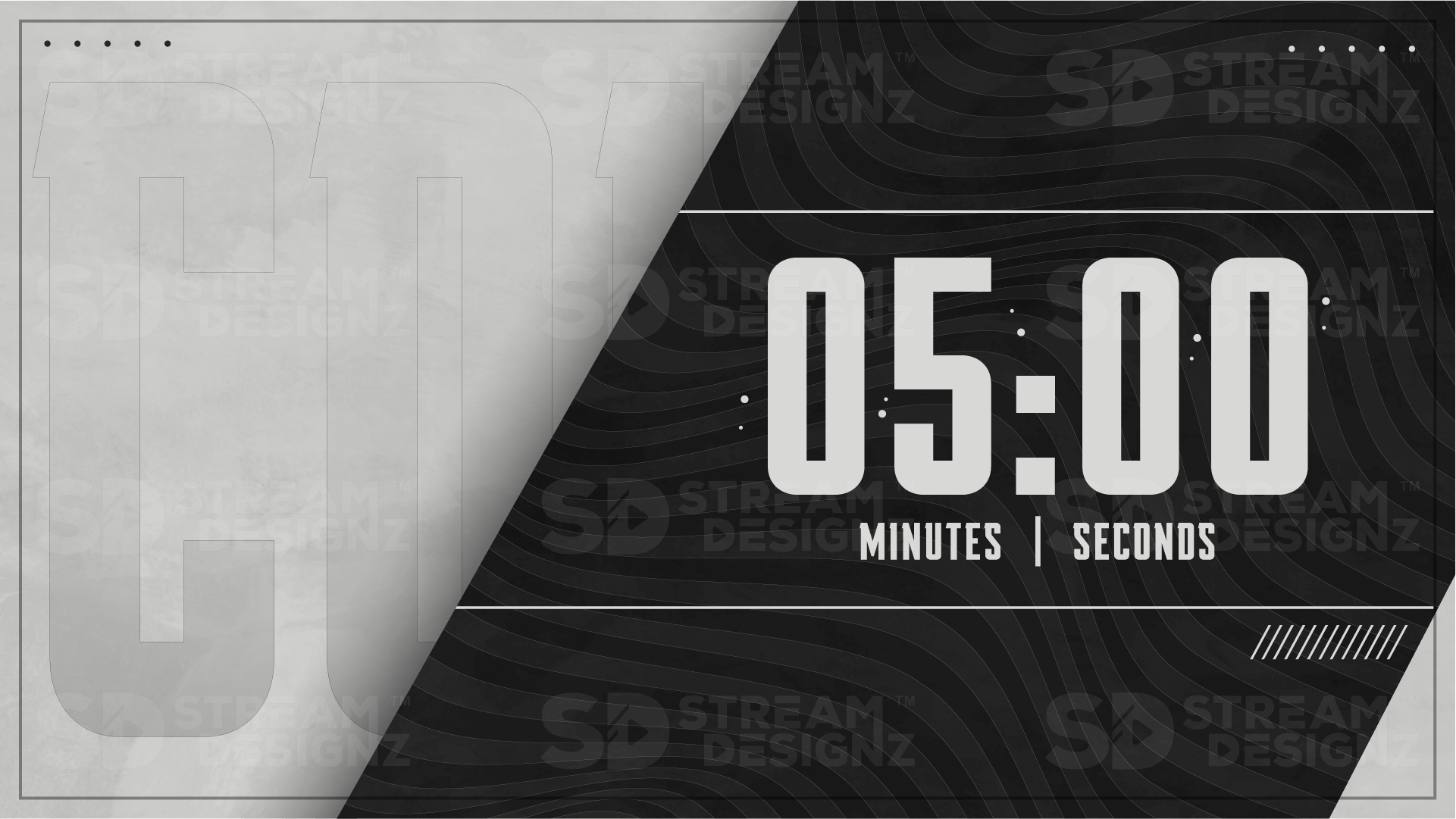
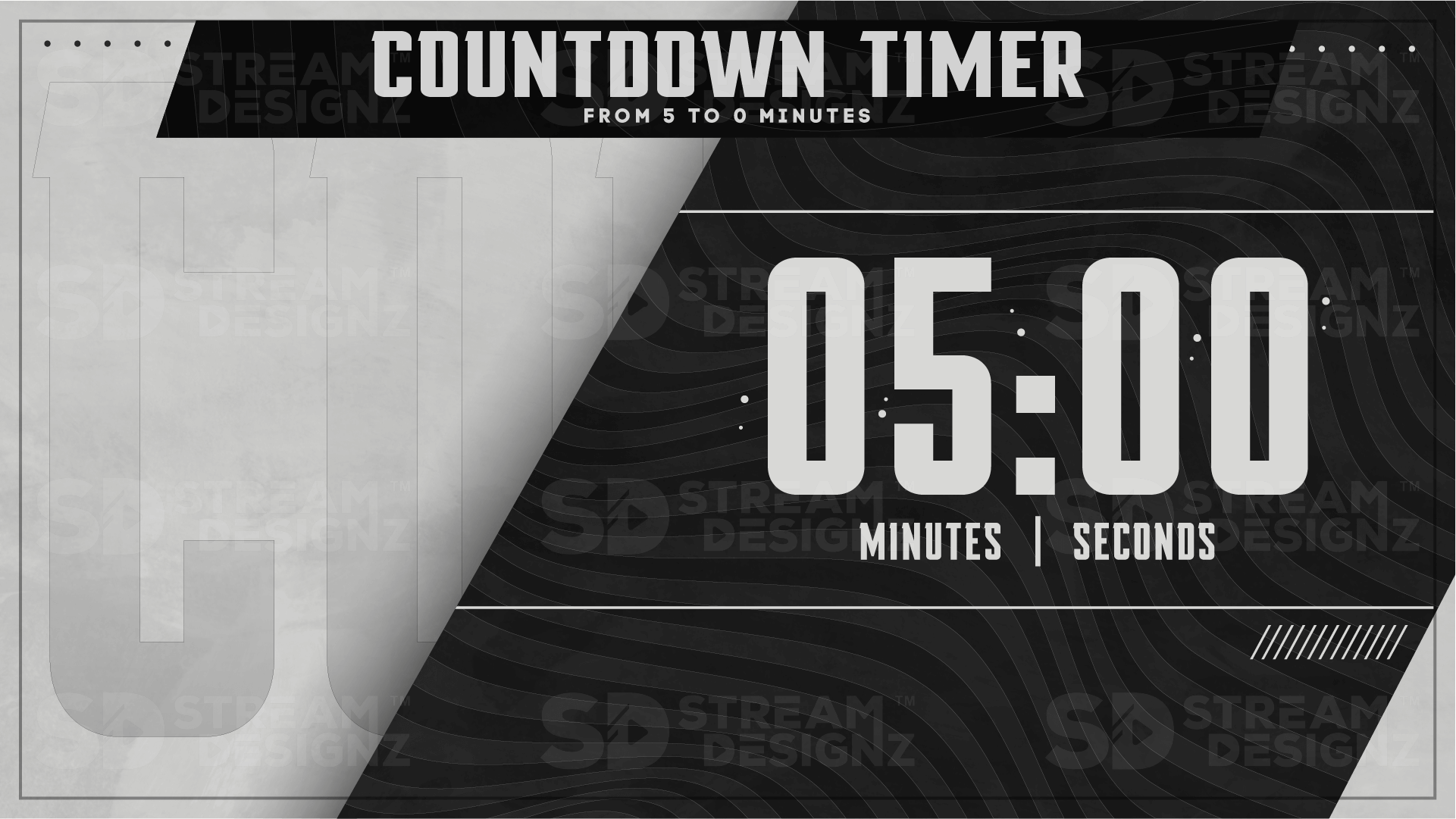
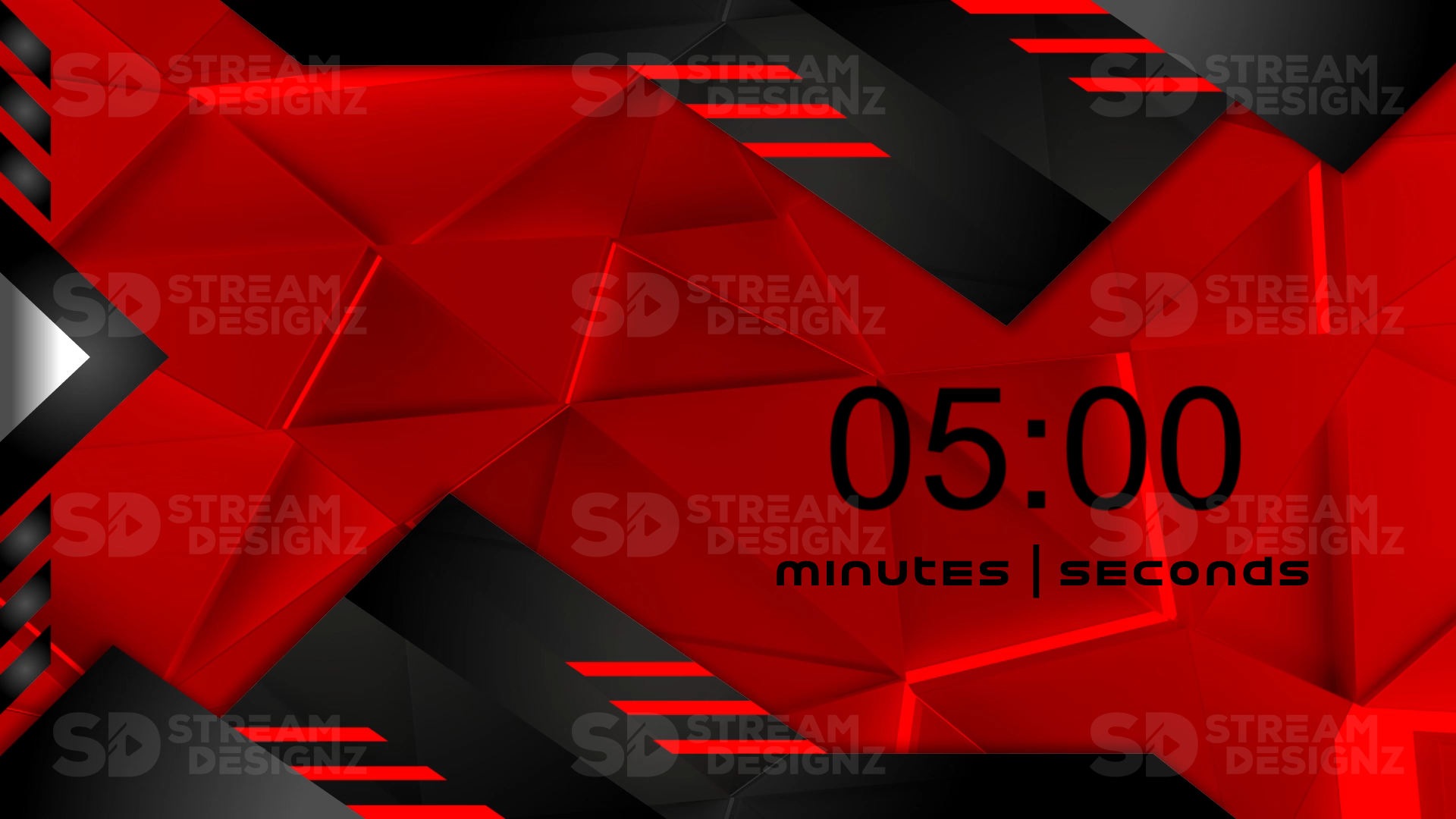
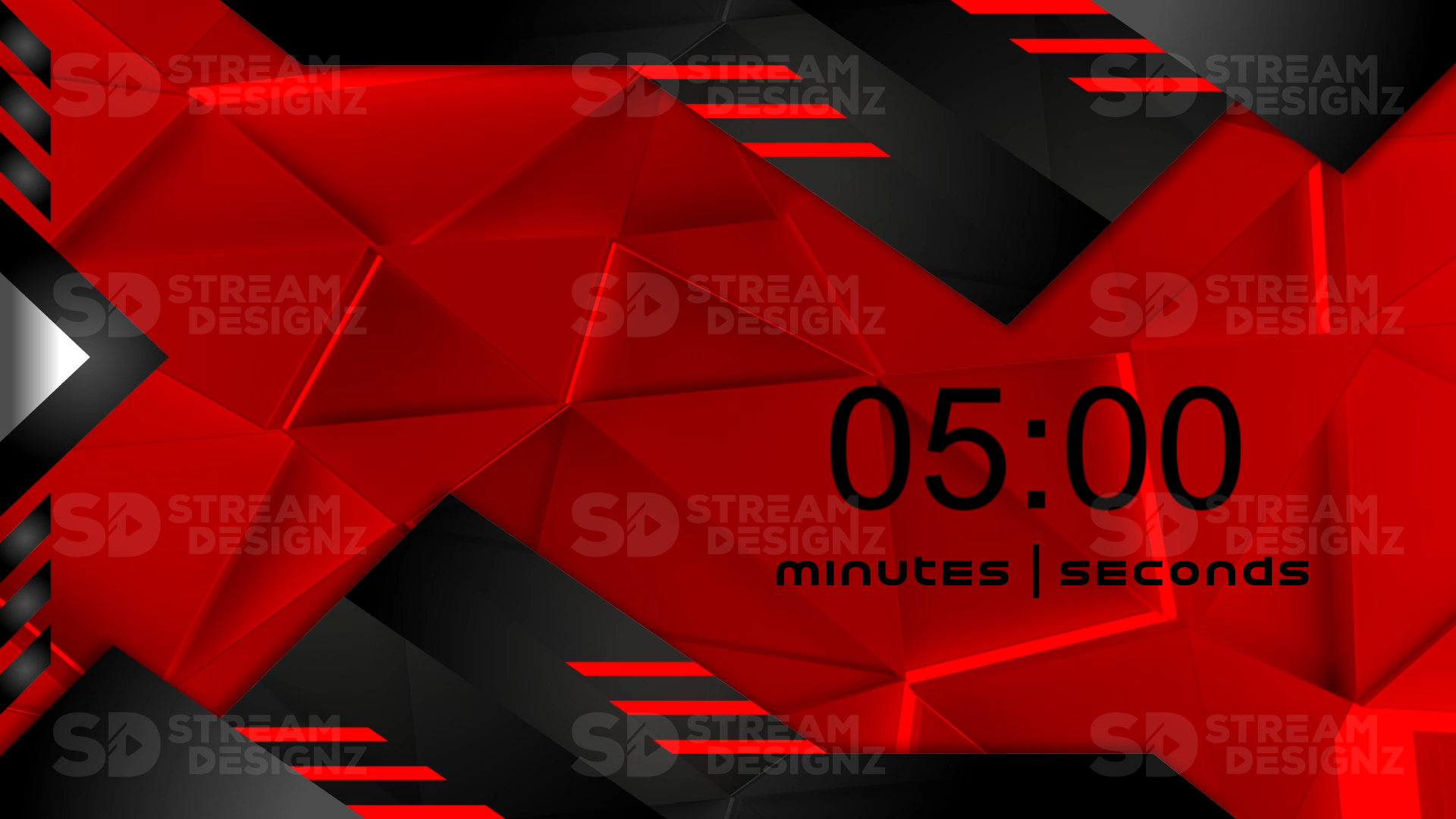
A stream countdown timer overlay is an animated graphic that displays a ticking countdown clock on your stream scene, typically used in the minutes before you go live. Instead of making viewers stare at a blank or static starting soon screen, a countdown timer gives them a clear signal for exactly when the stream begins — building anticipation, encouraging viewers to stick around, and helping latecomers know they haven't missed anything. Every countdown timer in this collection is a pre-made, themed animation you can drop into OBS, Streamlabs, or any streaming software in minutes.
What's Included?
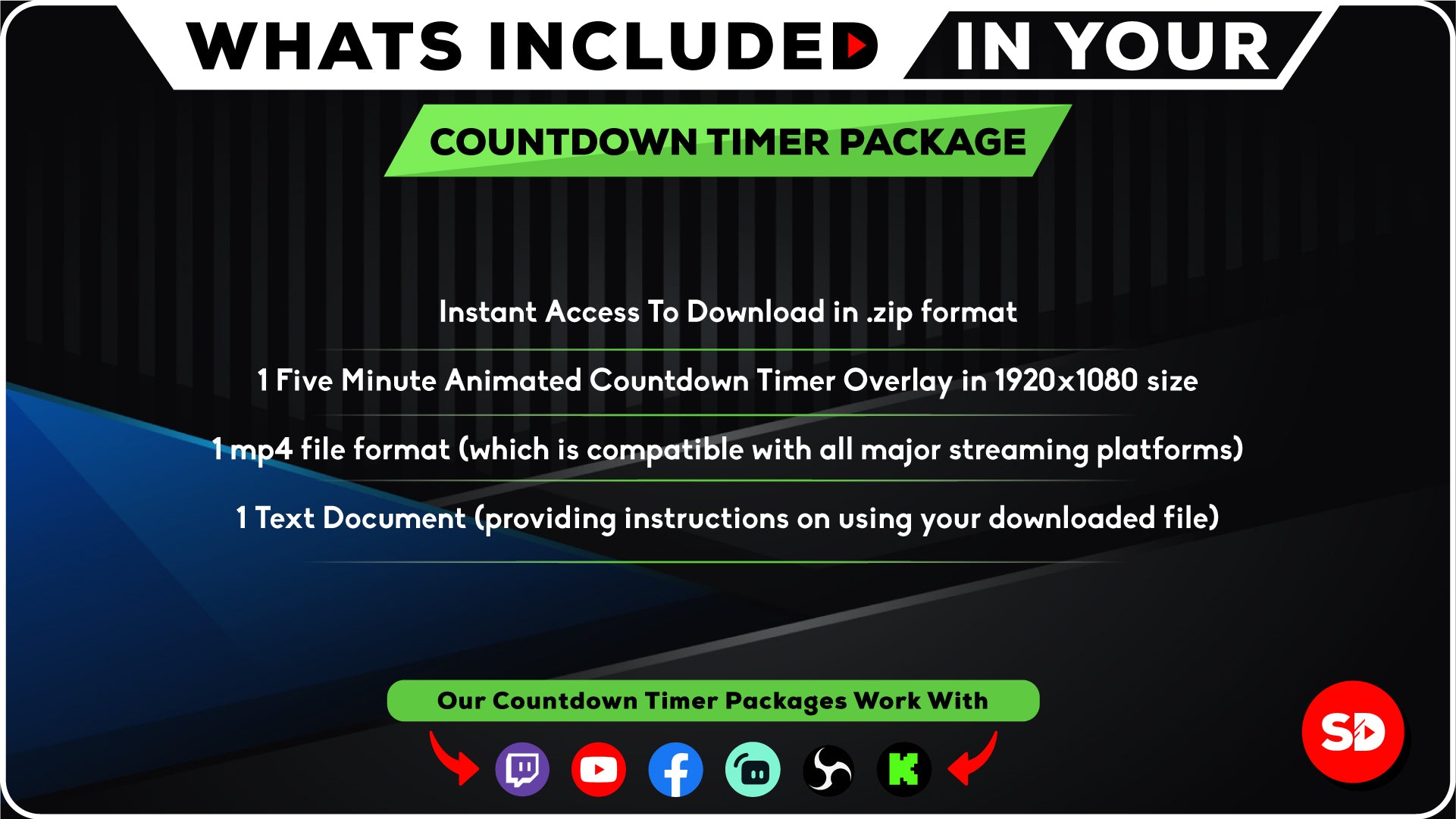
Each countdown timer overlay from Stream Designz includes:
-
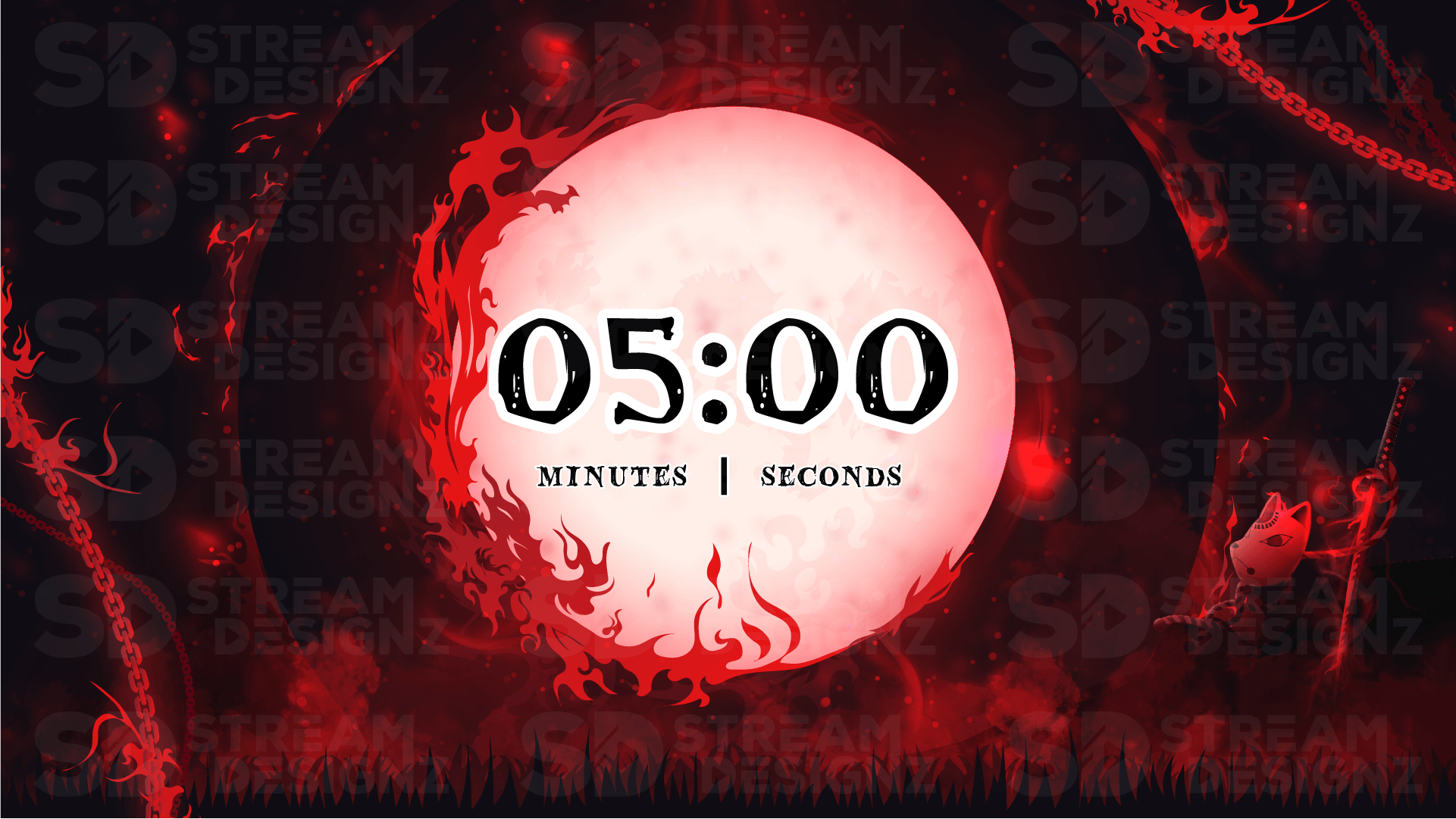
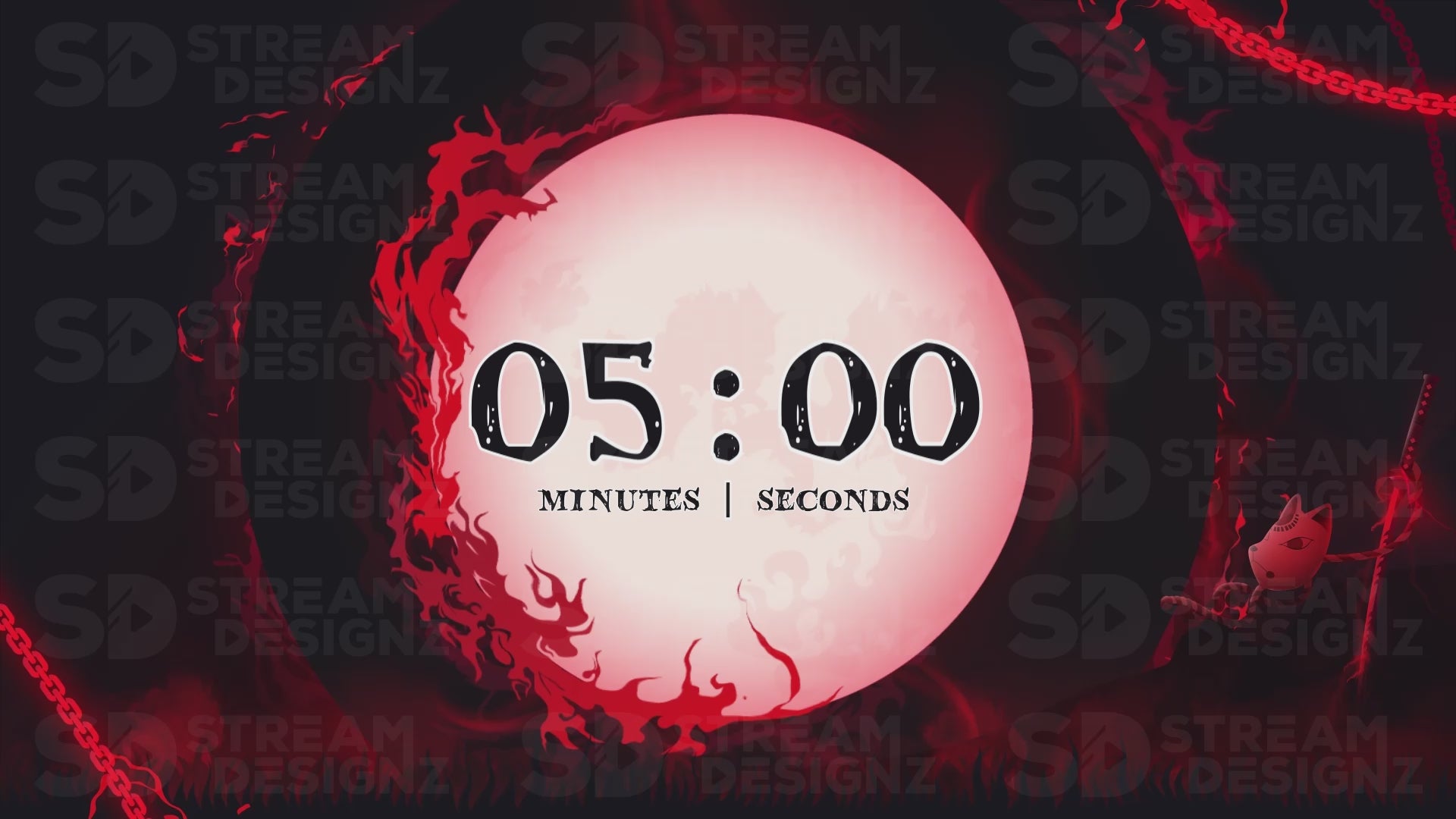
1 Animated 5-Minute Countdown Timer — a full 5-minute animated countdown sized at 1920x1080 (mp4)
-
Setup instructions and instant .zip download after purchase
The timer is delivered as an mp4 file, which is compatible with OBS Studio, Streamlabs, StreamElements, XSplit, and any streaming software that supports mp4 media sources. No plugins or looping setup required — just add it as a media source in your pre-stream scene and it plays straight through.
How Do Streamers Use Countdown Timers?
The most common use is a pre-stream lobby scene. You set your stream to go live 5 minutes before you actually start, drop the countdown timer into that scene alongside your Starting Soon overlay, and let it run. Viewers who arrive early see exactly how long until you begin. When the timer hits zero you switch scenes and the stream starts. It's a simple workflow that makes your pre-stream feel intentional rather than dead air, and it rewards viewers who show up early with a clear payoff.
Do These Timers Match the Overlay Packages?
Yes — every countdown timer in this collection is designed to match the corresponding overlay package, alert set, and stream bundle in the Stream Designz catalog. If your stream runs the Katana theme, the Katana countdown timer uses the same color palette and design language as every other Katana asset. That said, these timers work as standalone purchases too — if you just need a clean, themed countdown and already have your own overlays, any timer here will look great as a standalone scene element.
What's the Difference Between a Countdown Timer and a Count Up Timer?
A countdown timer counts down from 5:00 to 0:00 — ideal for pre-stream lobbies where you want viewers to know exactly when you're going live. A count up timer starts at 0:00 and counts upward — more commonly used for break screens, where you want to show viewers how long you've been on break without committing to a fixed return time. Stream Designz offers both. If you need a count up timer instead, check out the Count Up Timer Overlays collection.
Browse 90+ themed countdown timers above — each one is an instant digital download at $9.99, sized at 1920x1080 and ready to use in OBS or Streamlabs right out of the box.