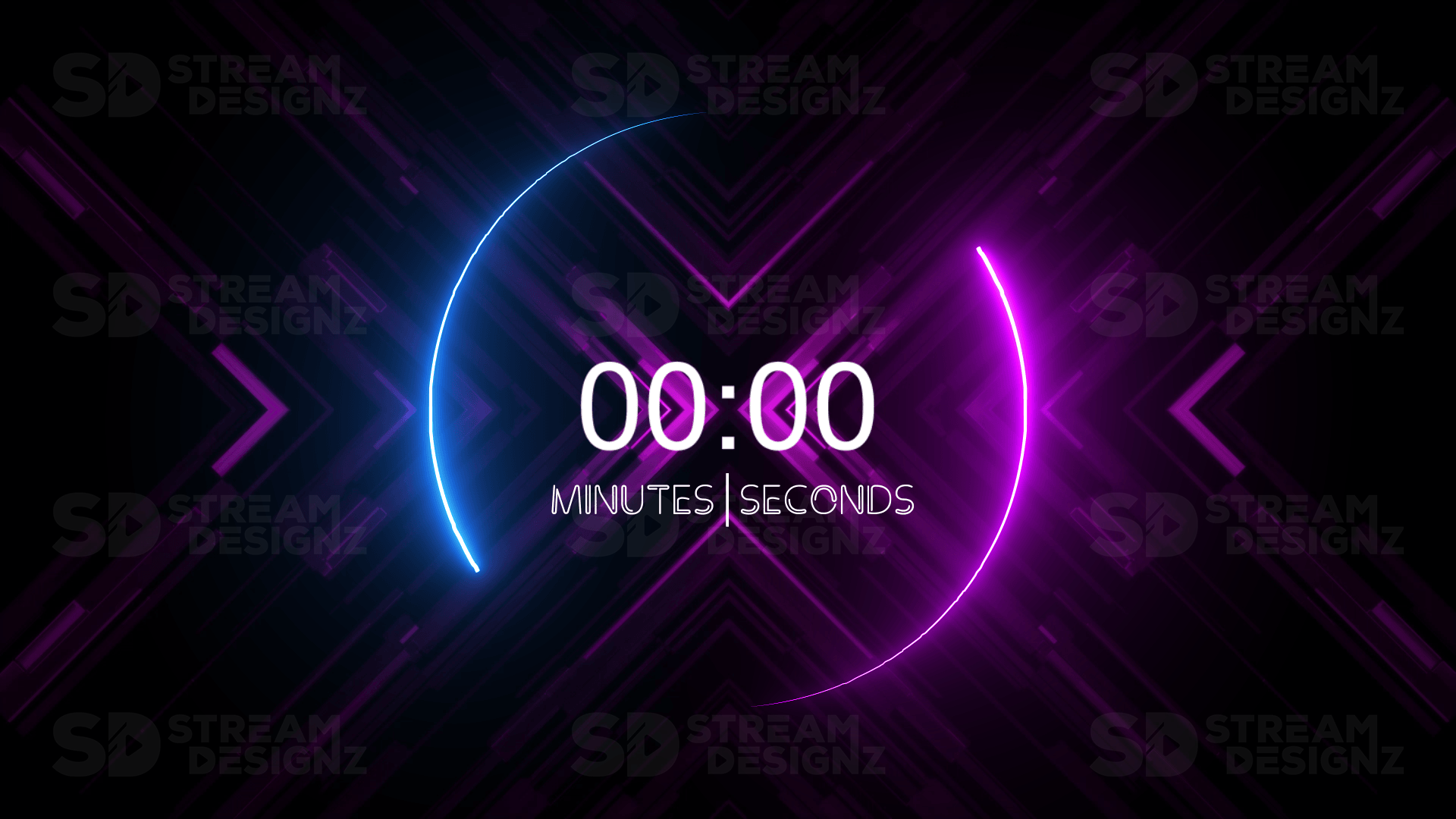
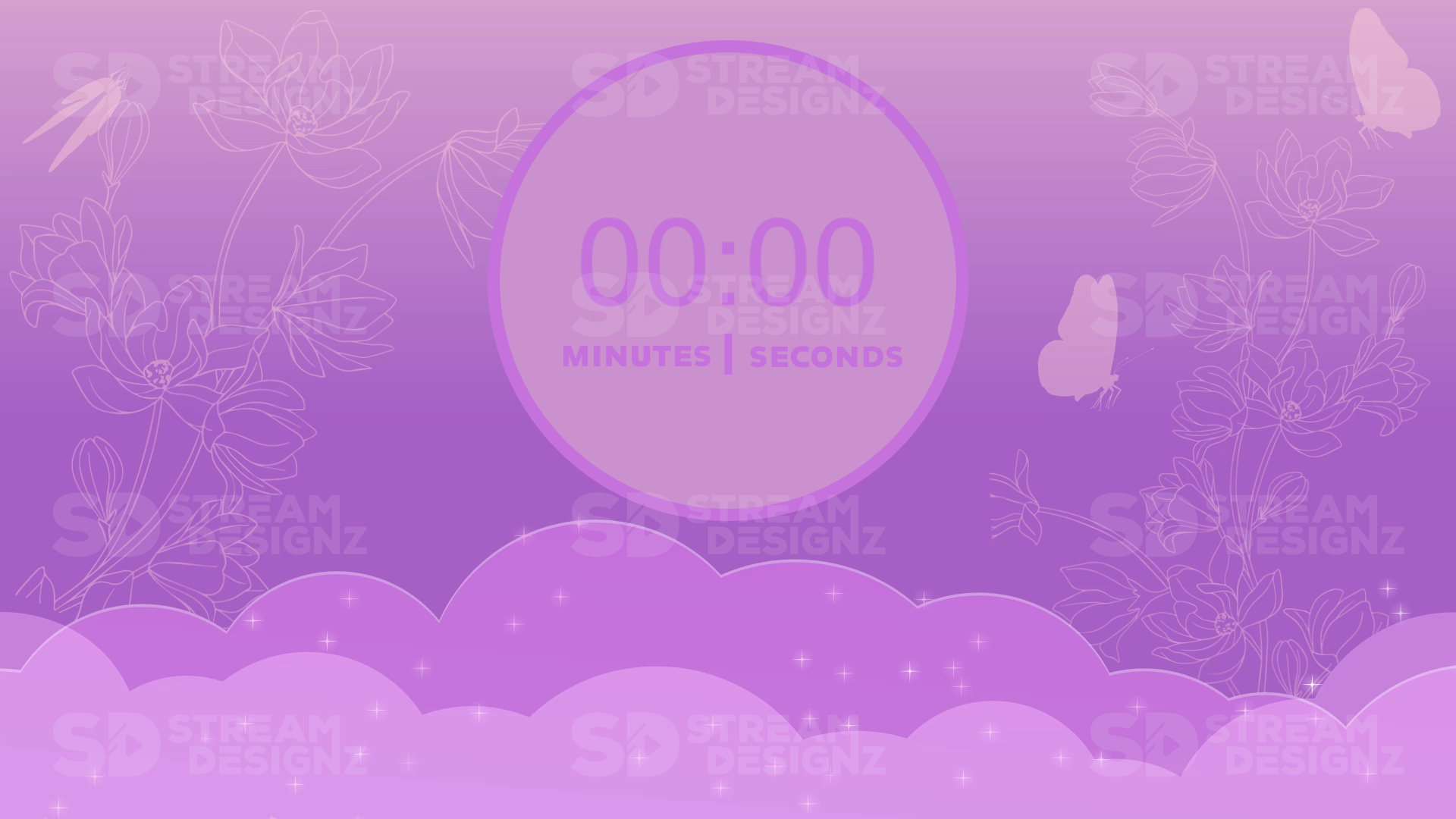
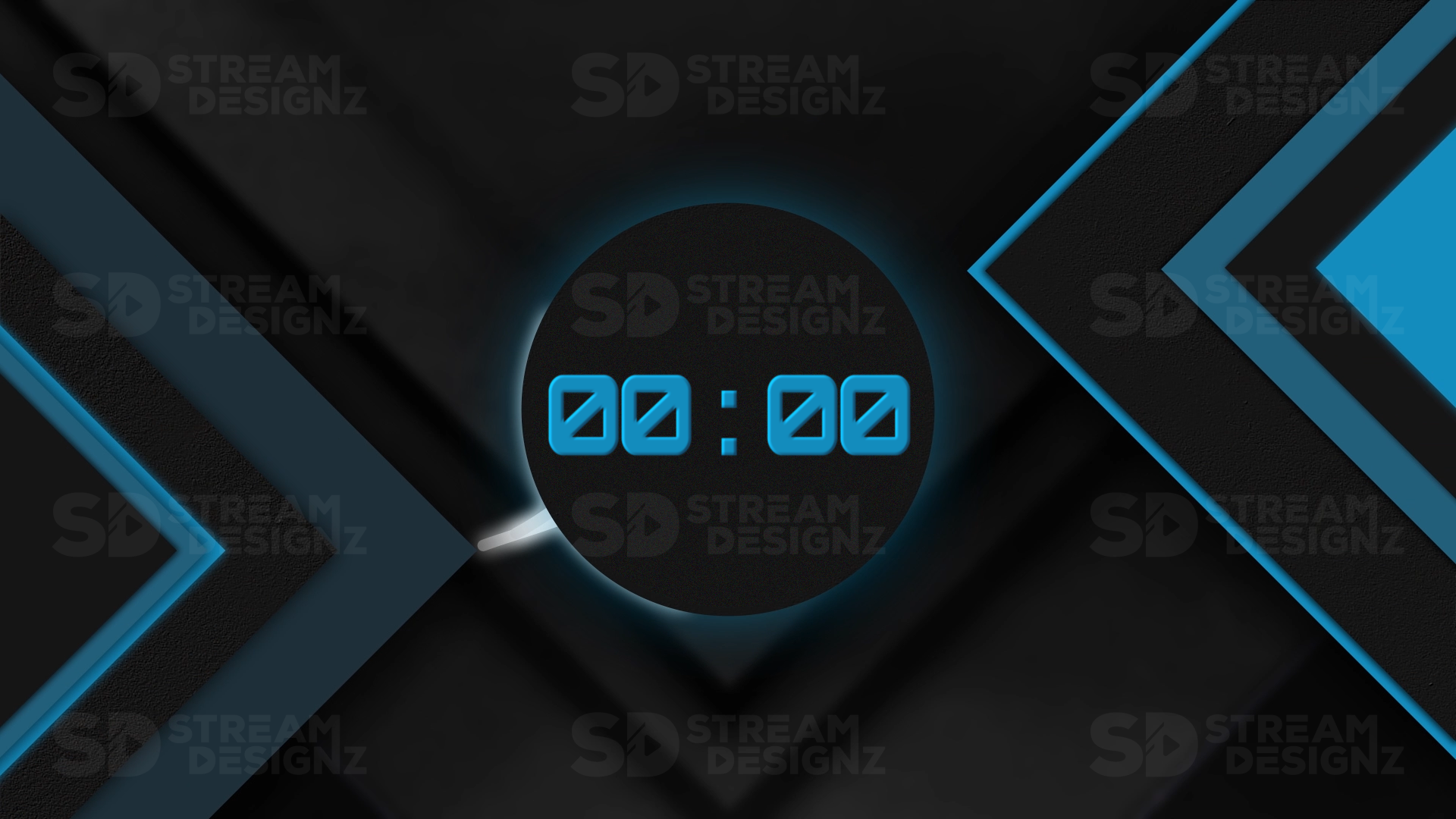
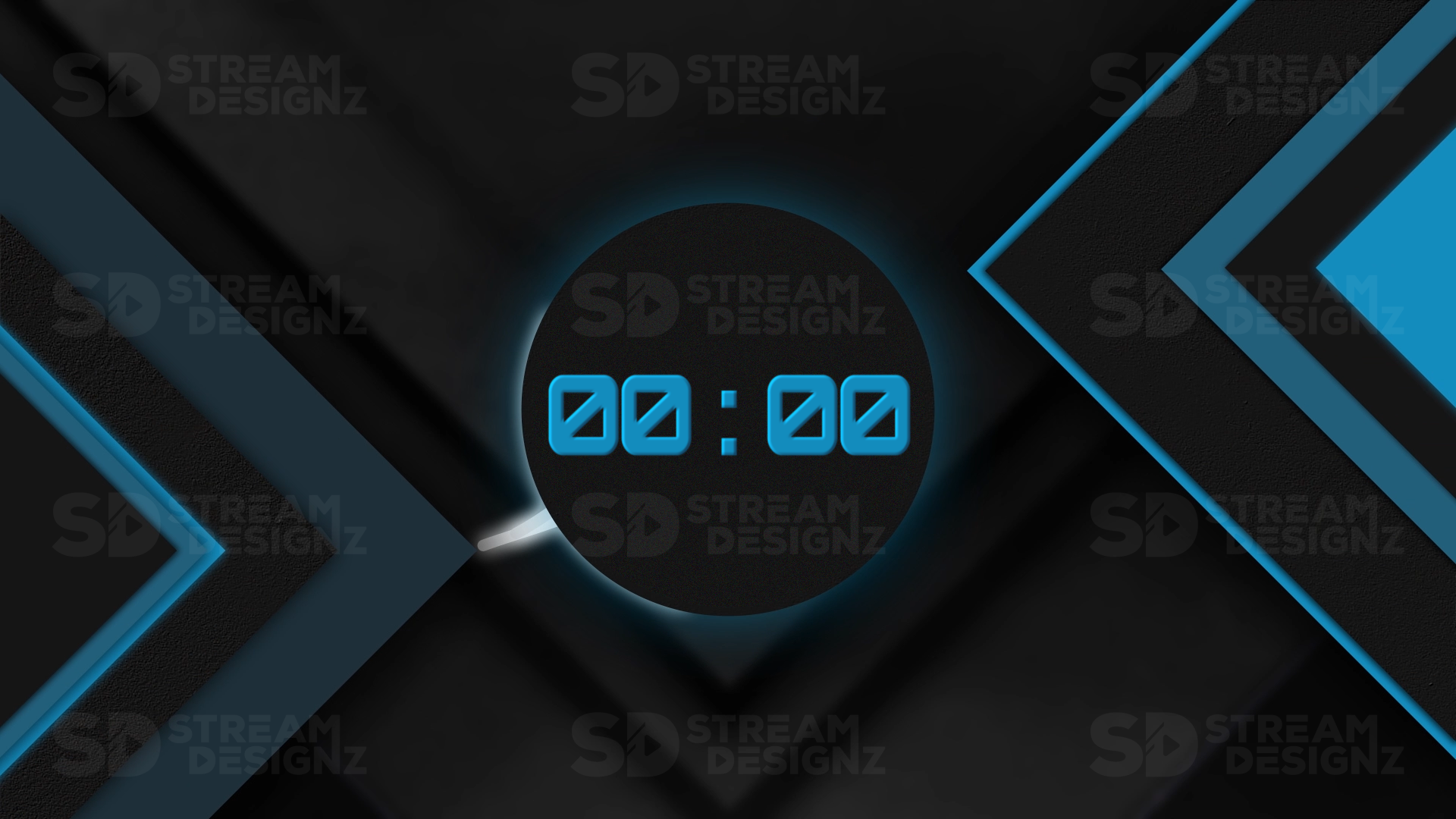
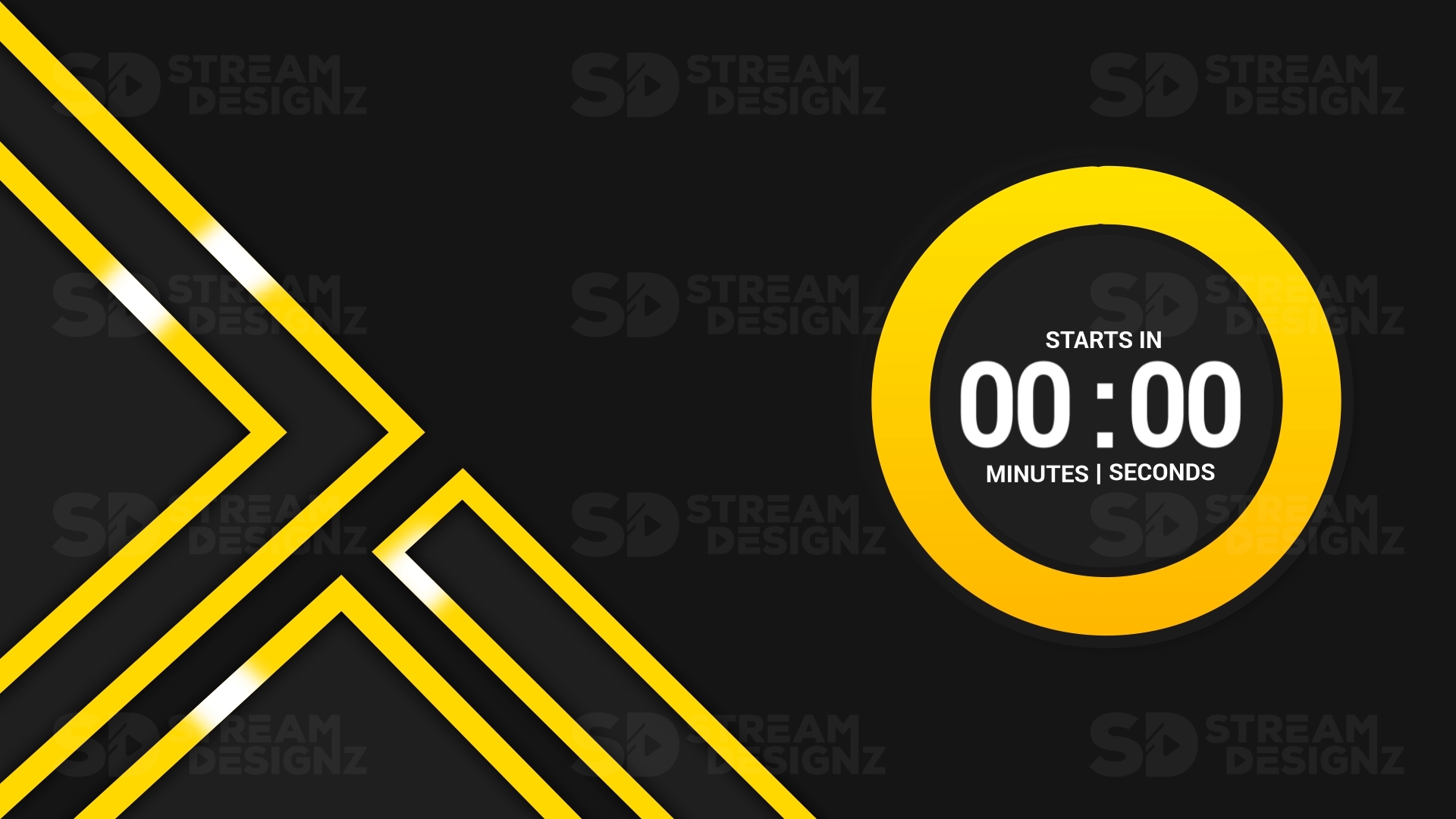
What Are Stream Count Up Timer Overlays?
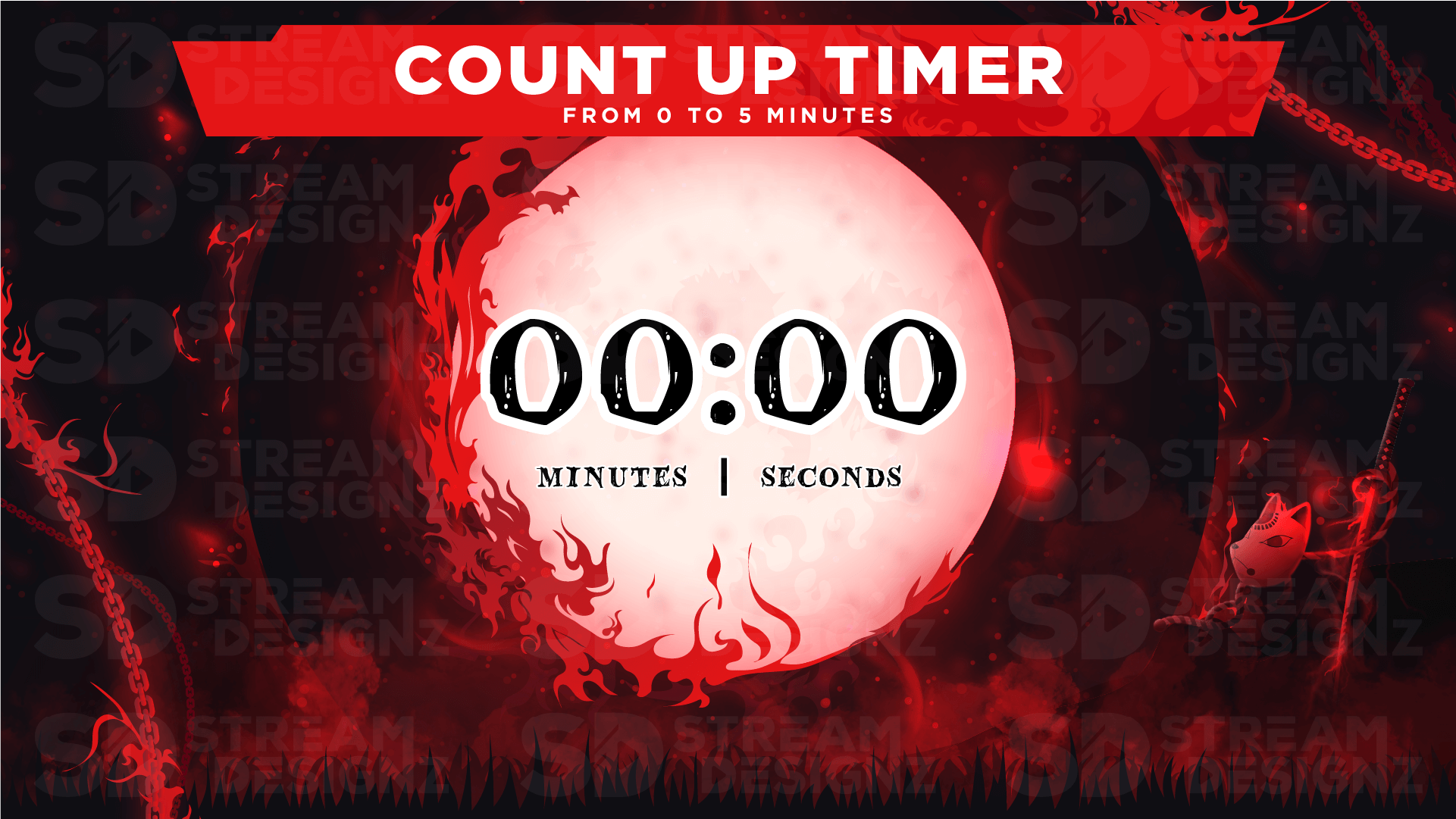
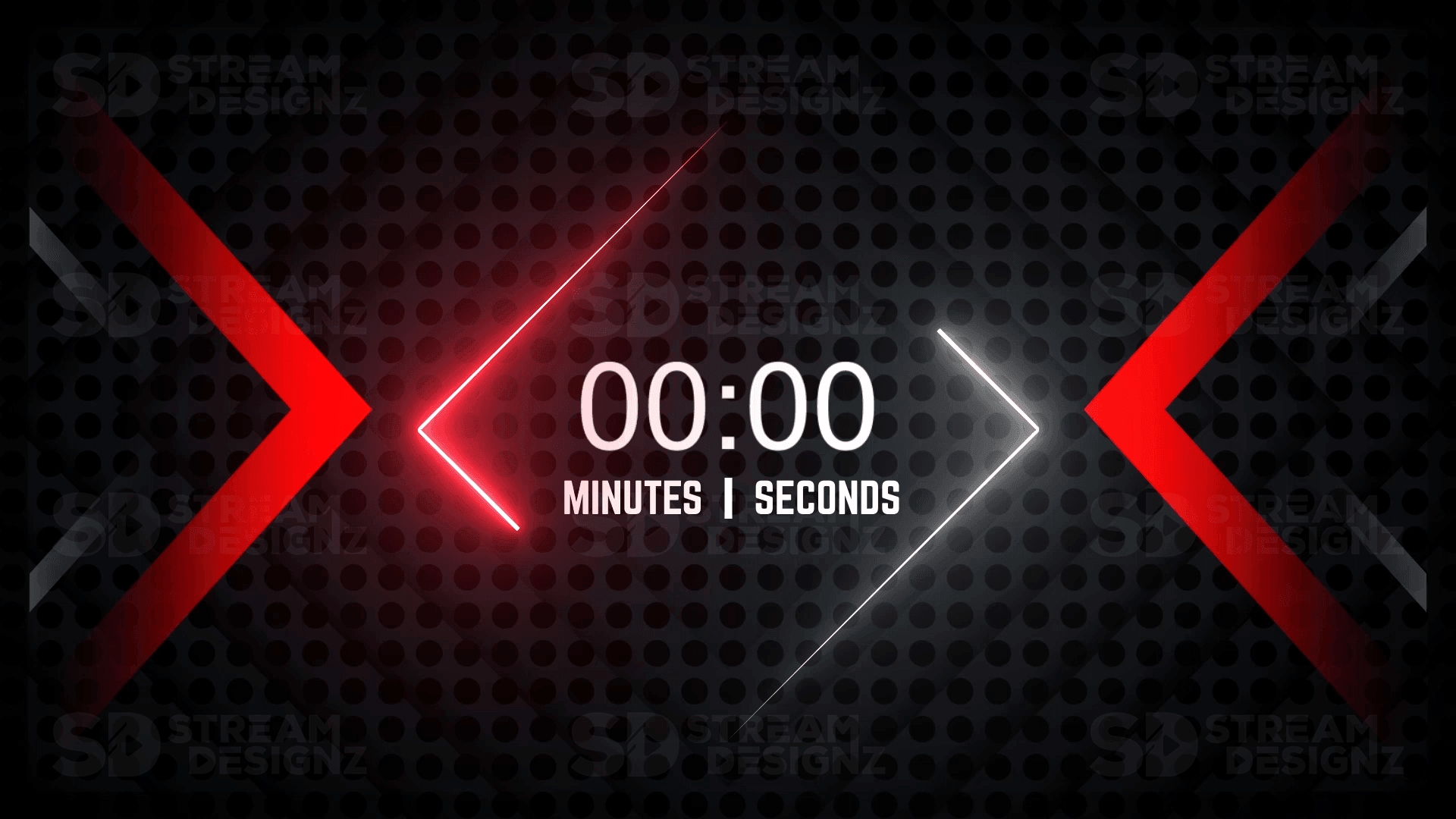
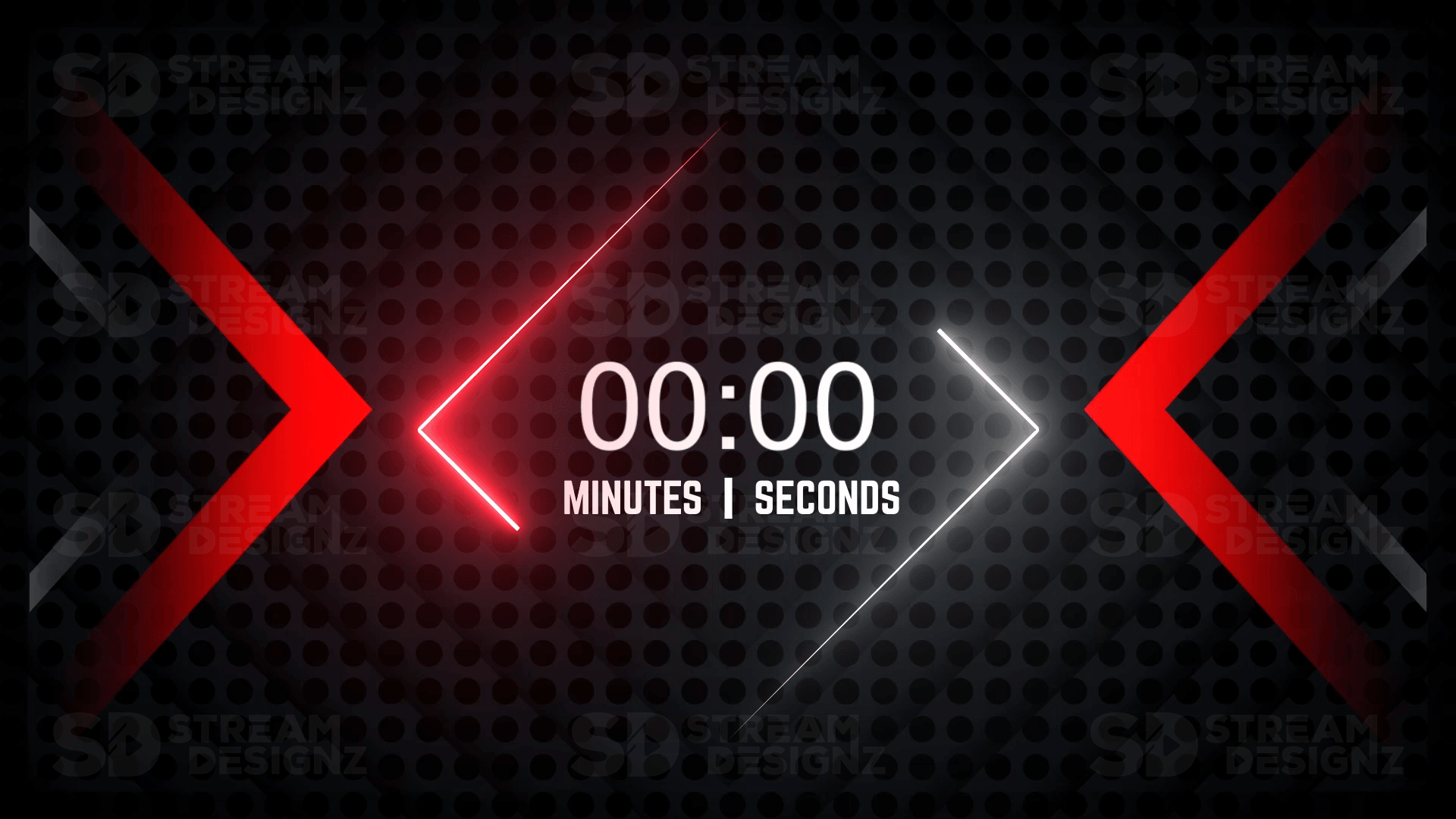
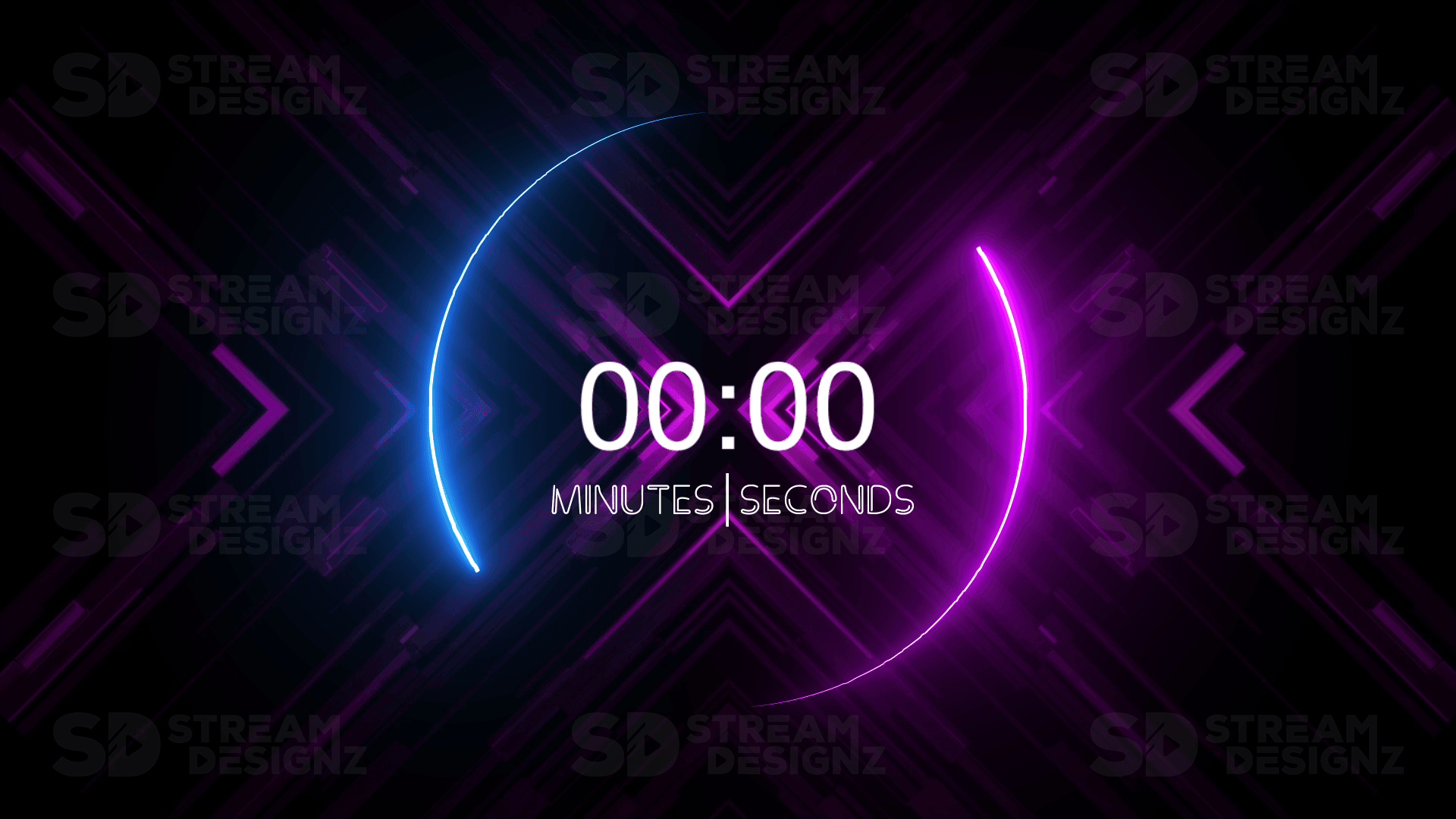
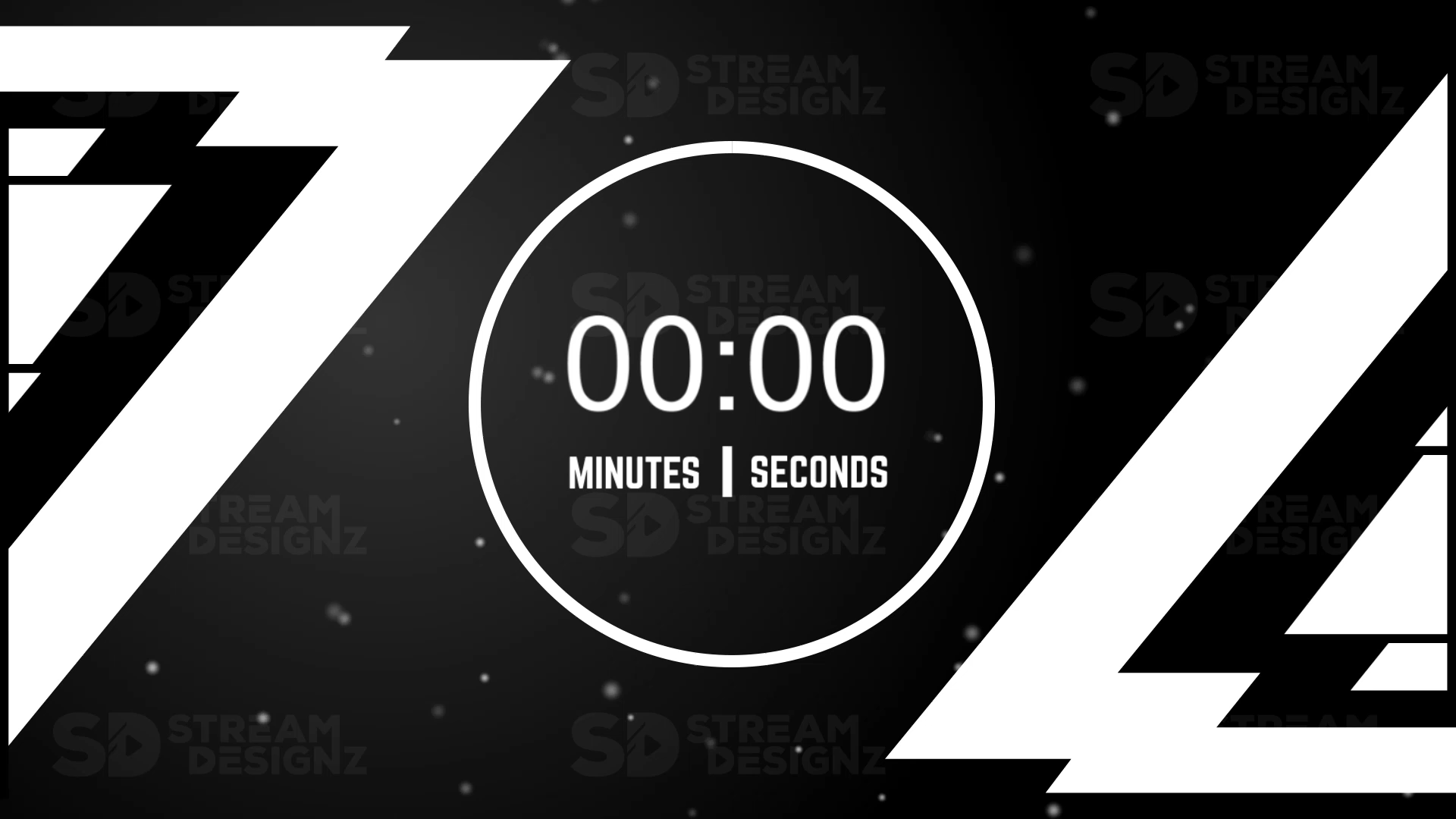
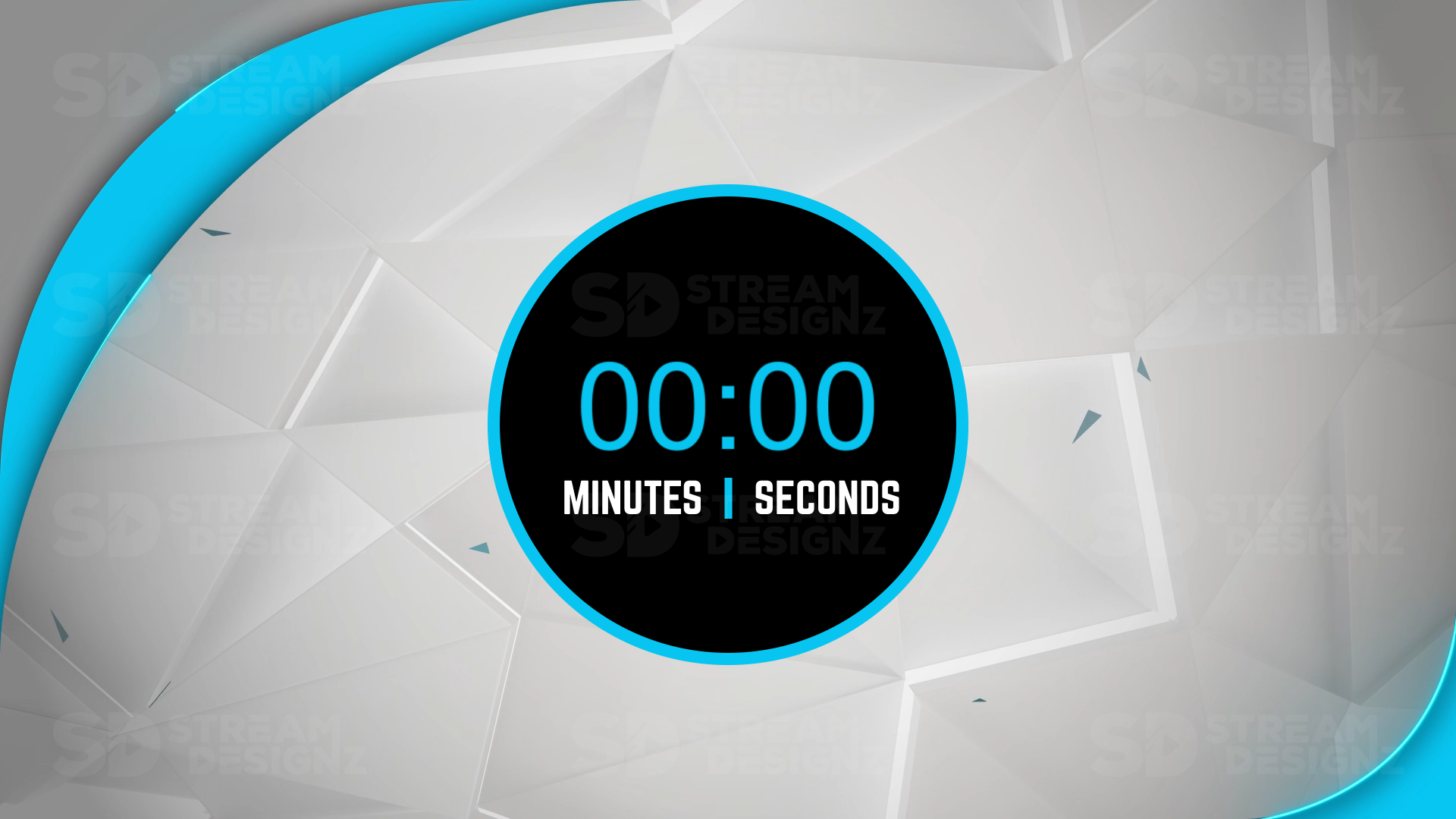
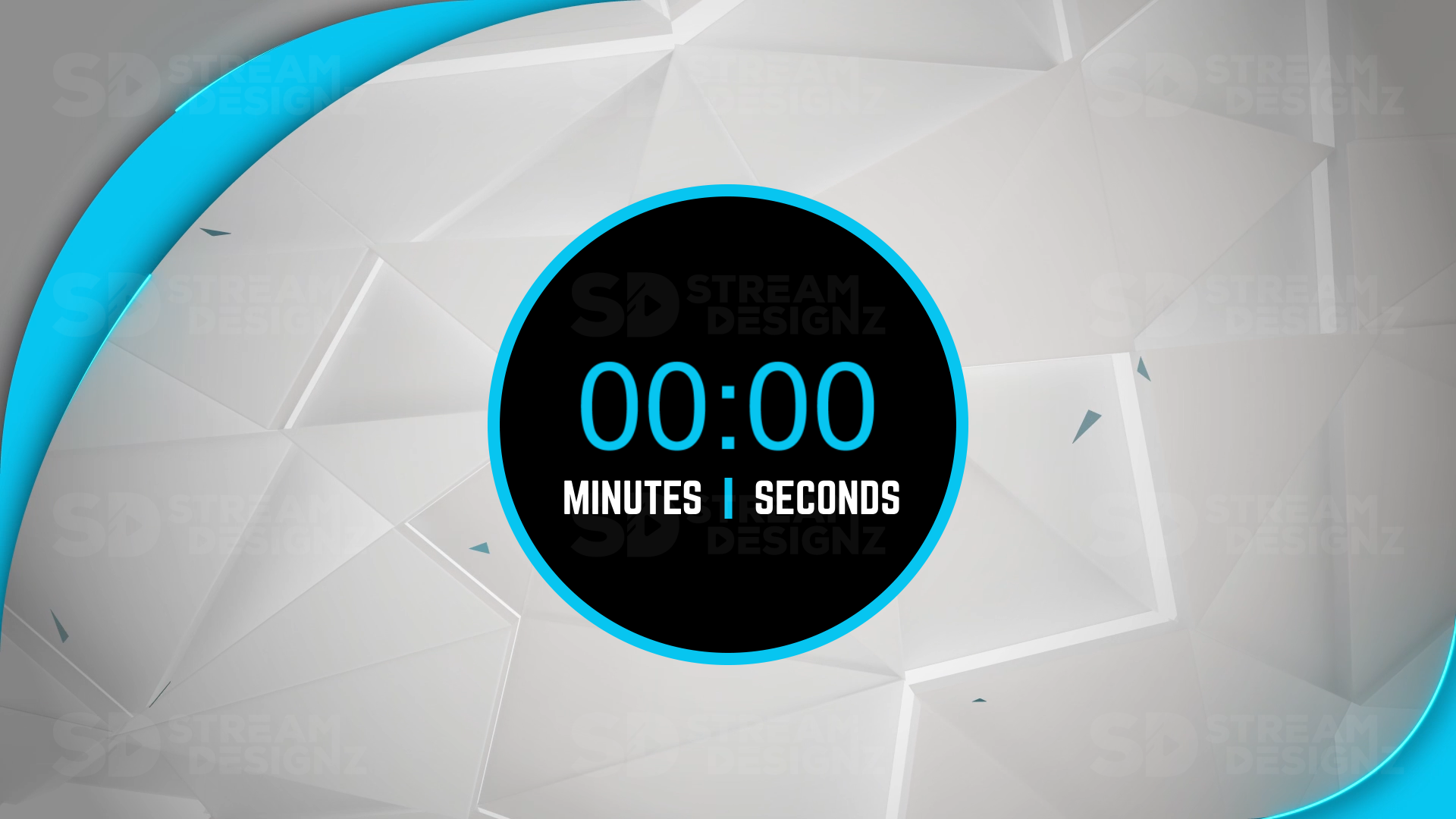
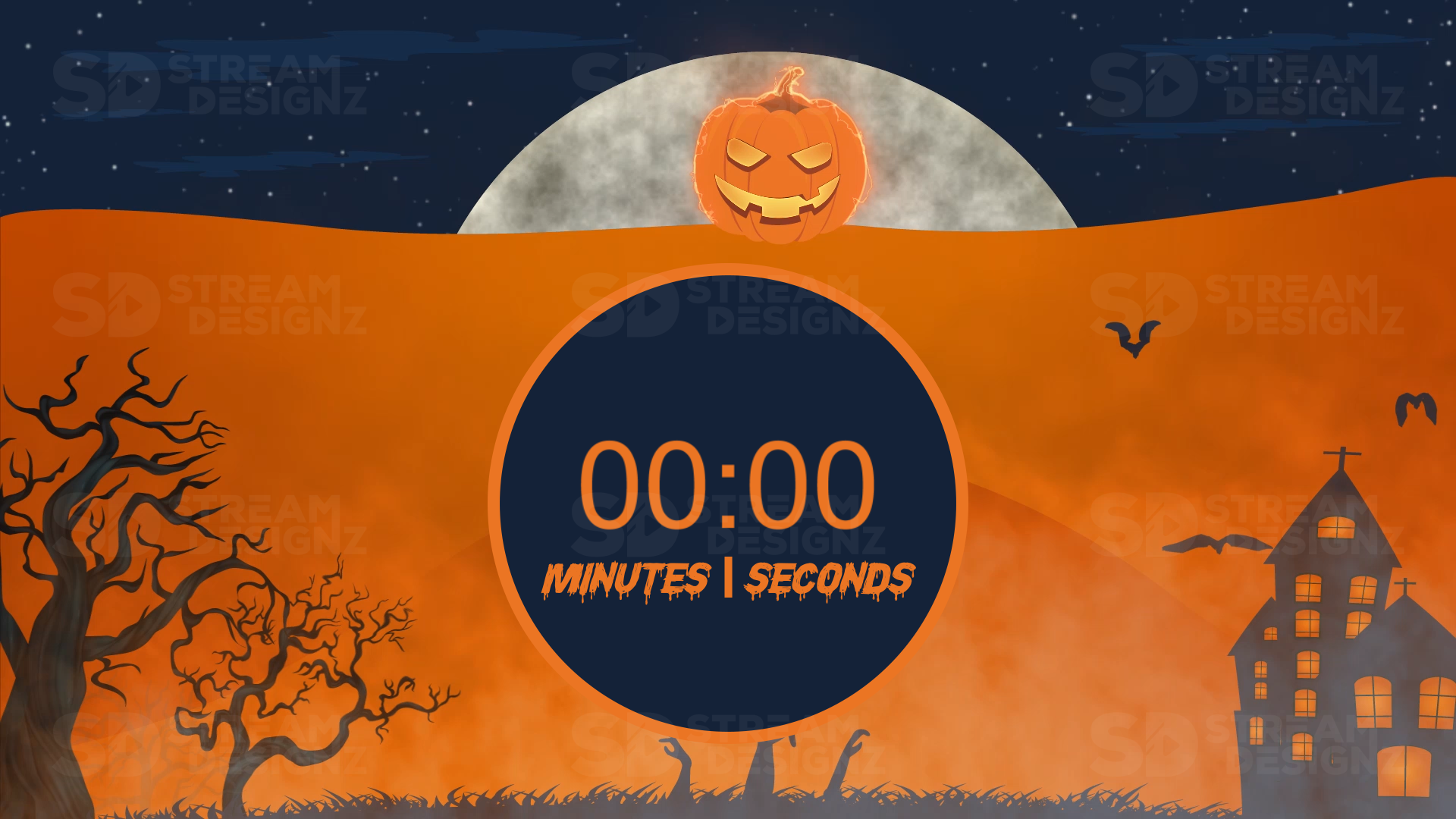
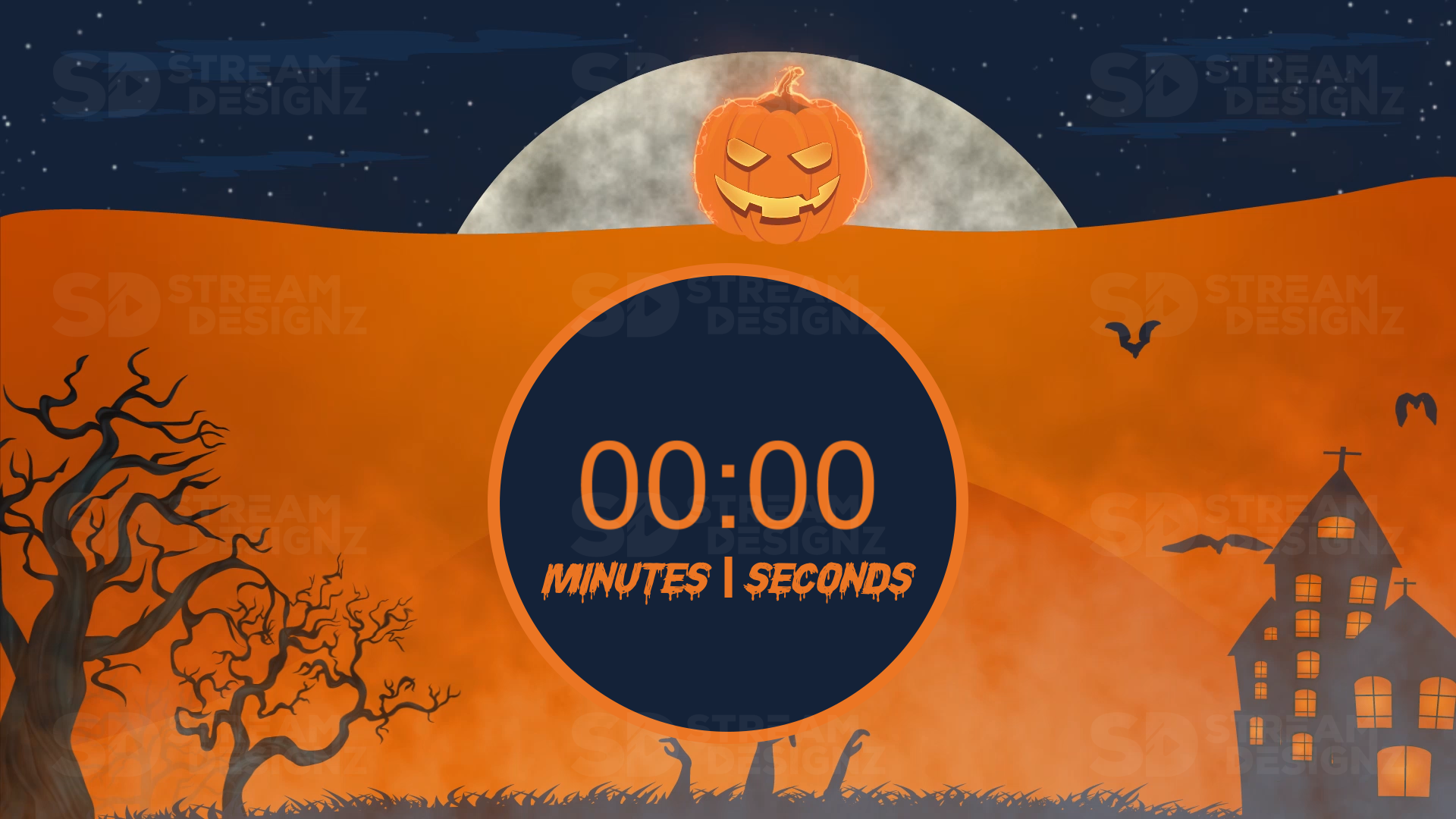
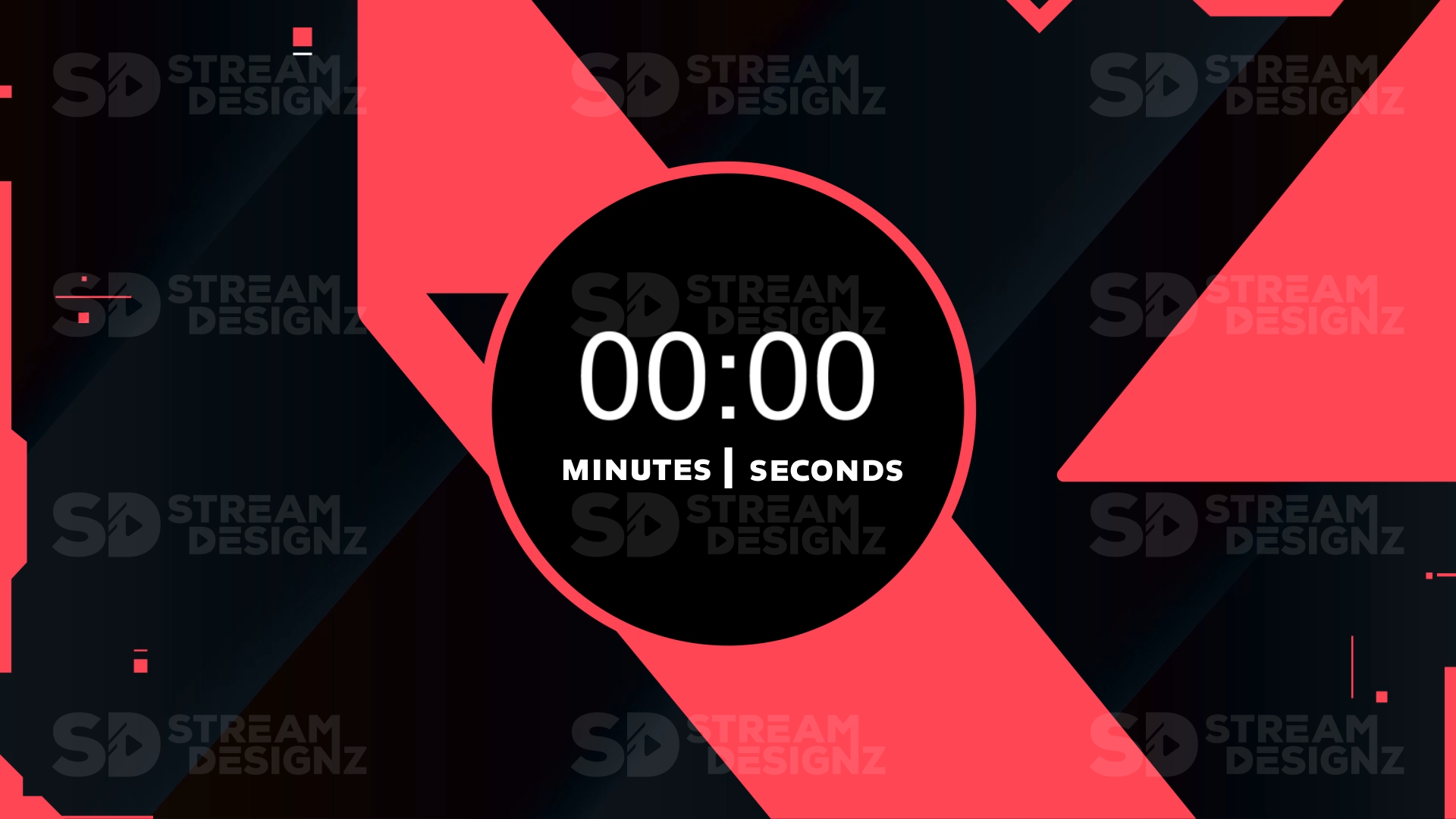
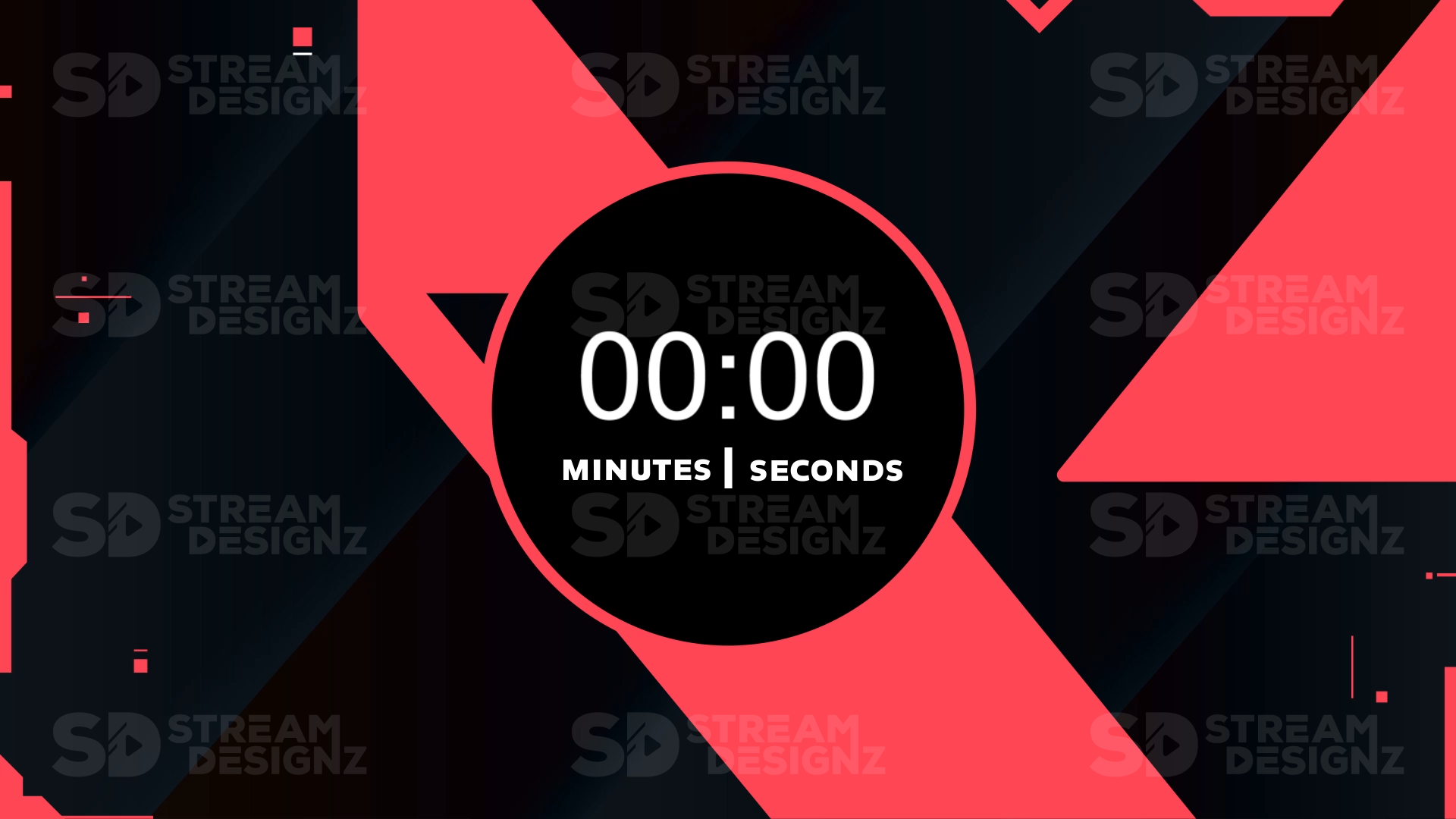
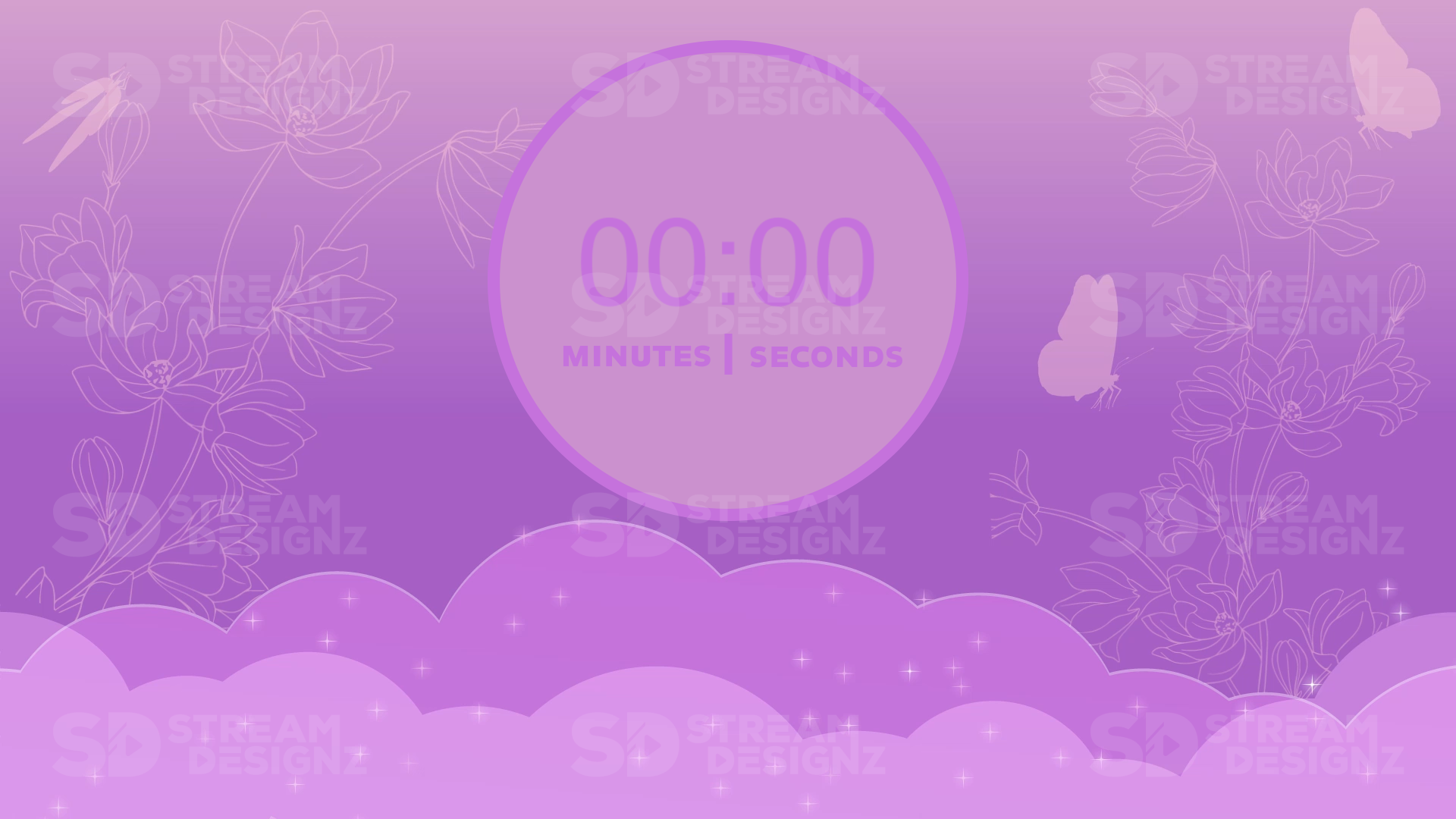
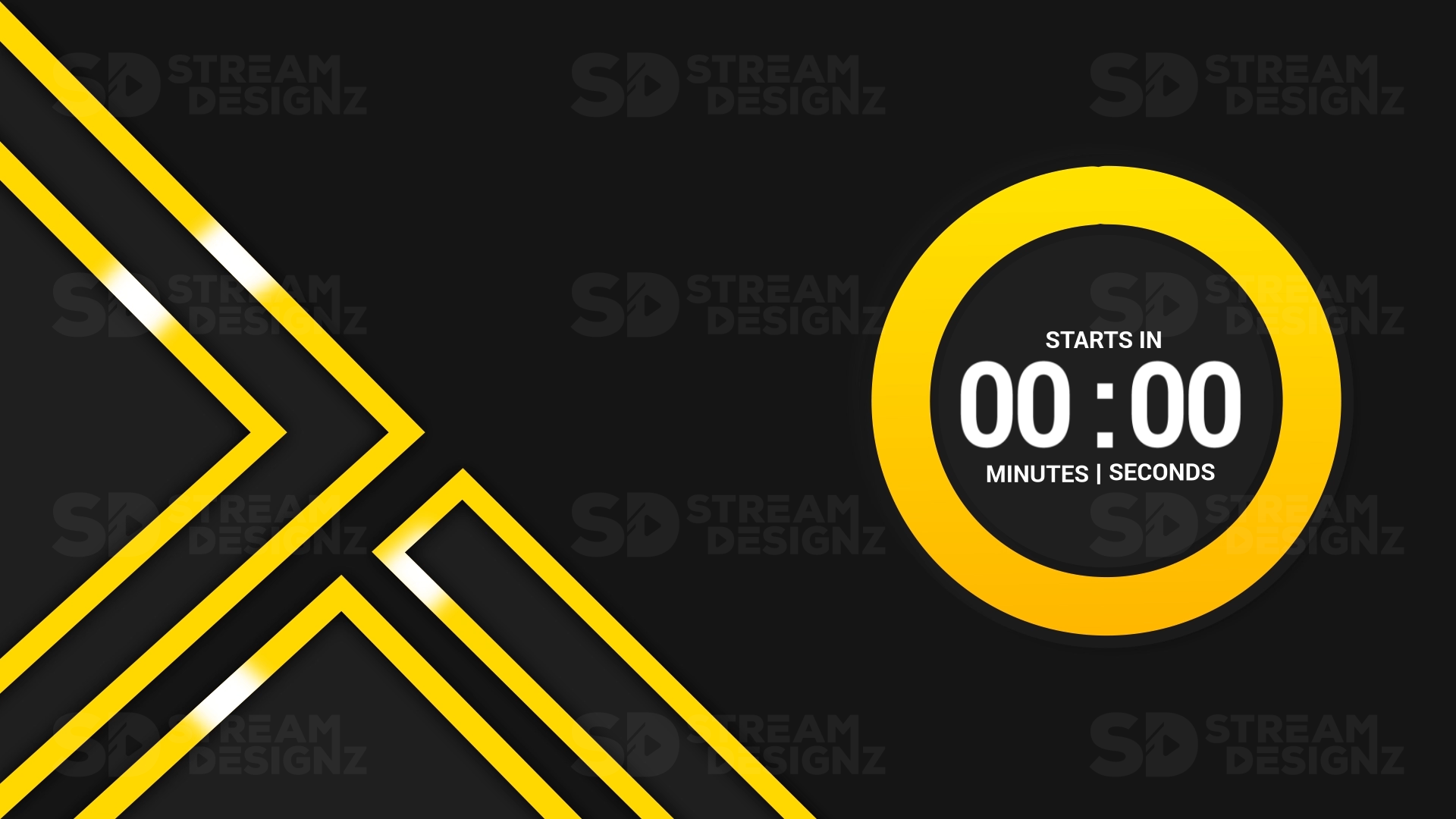
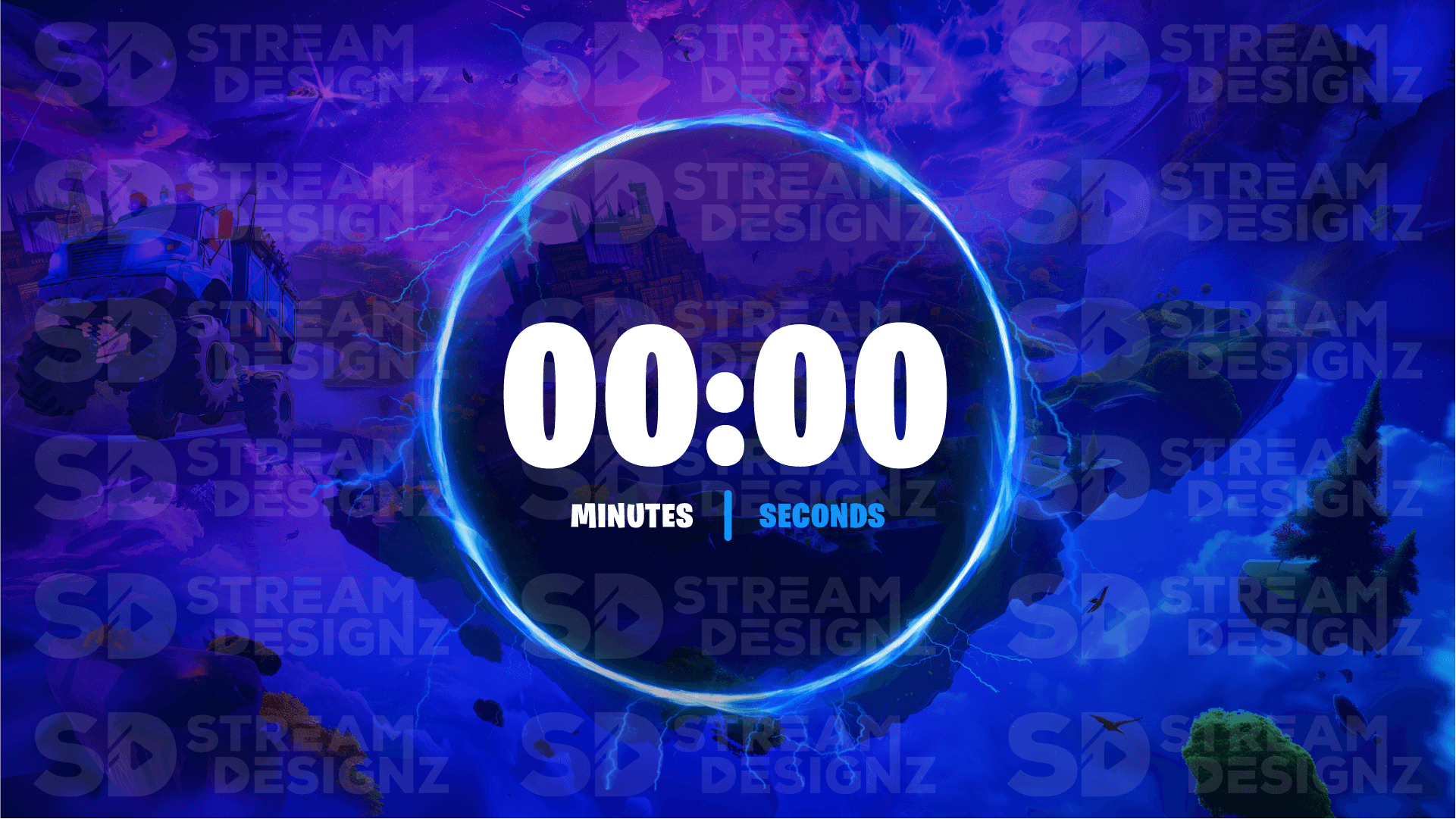
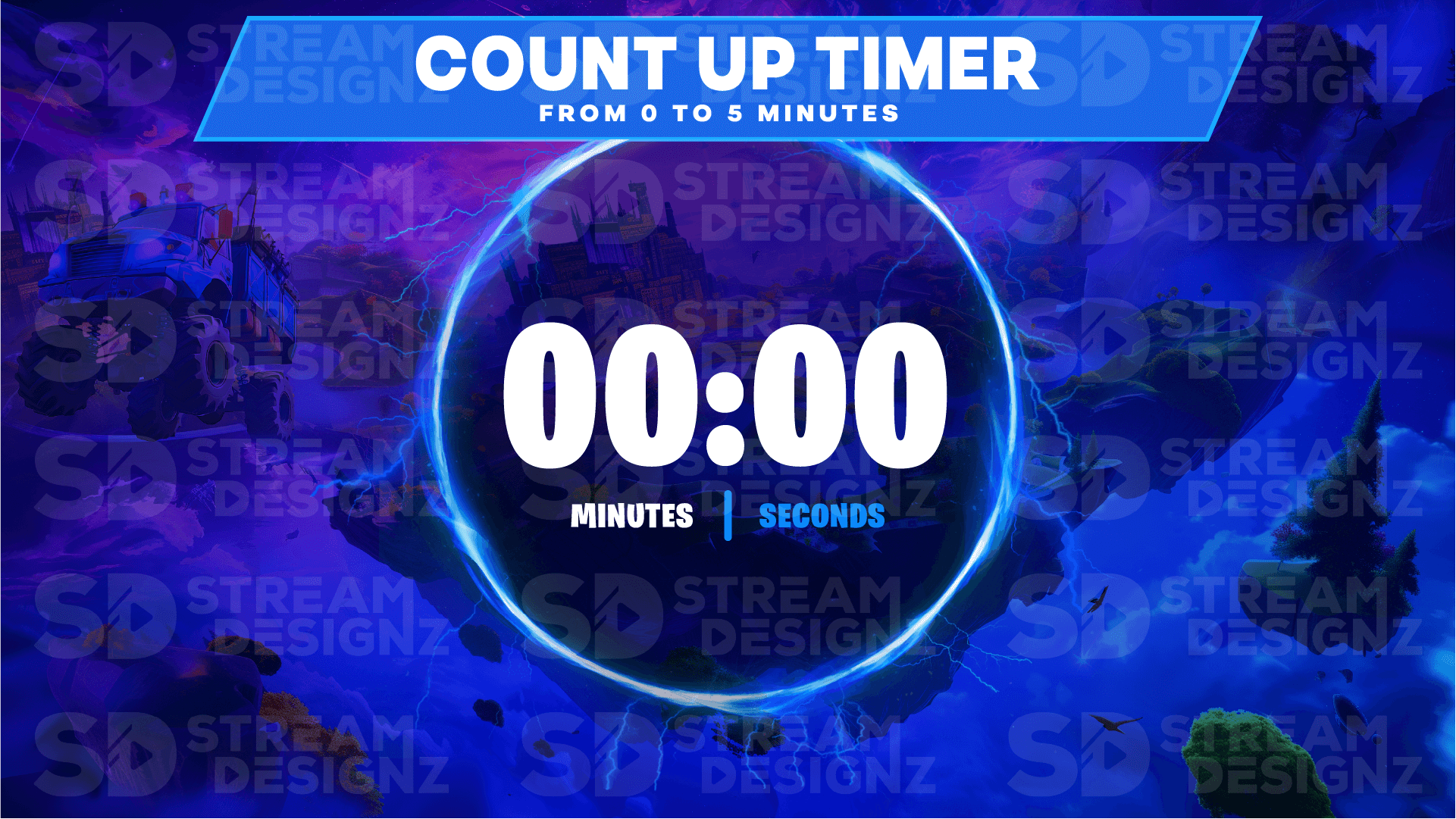
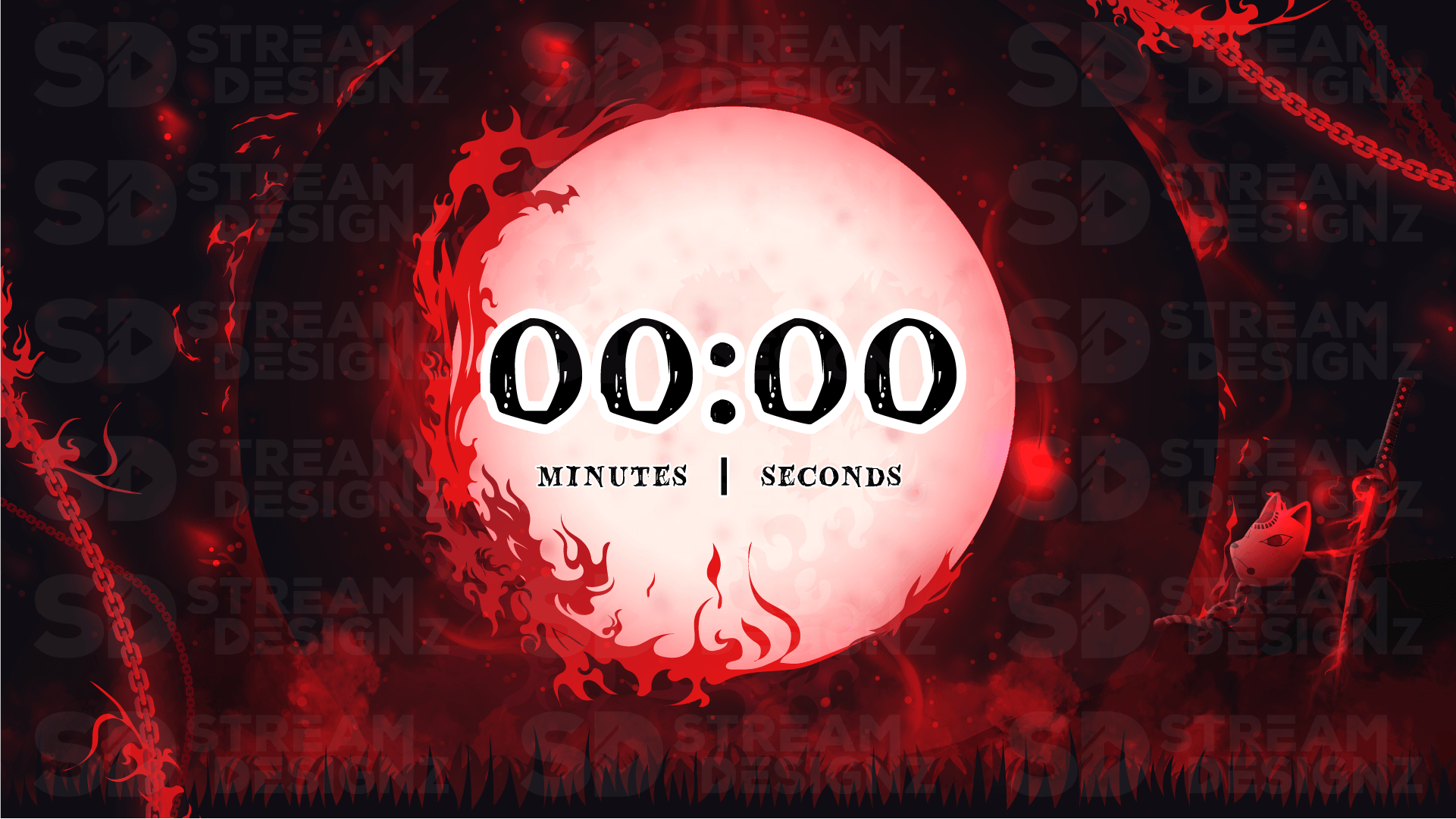
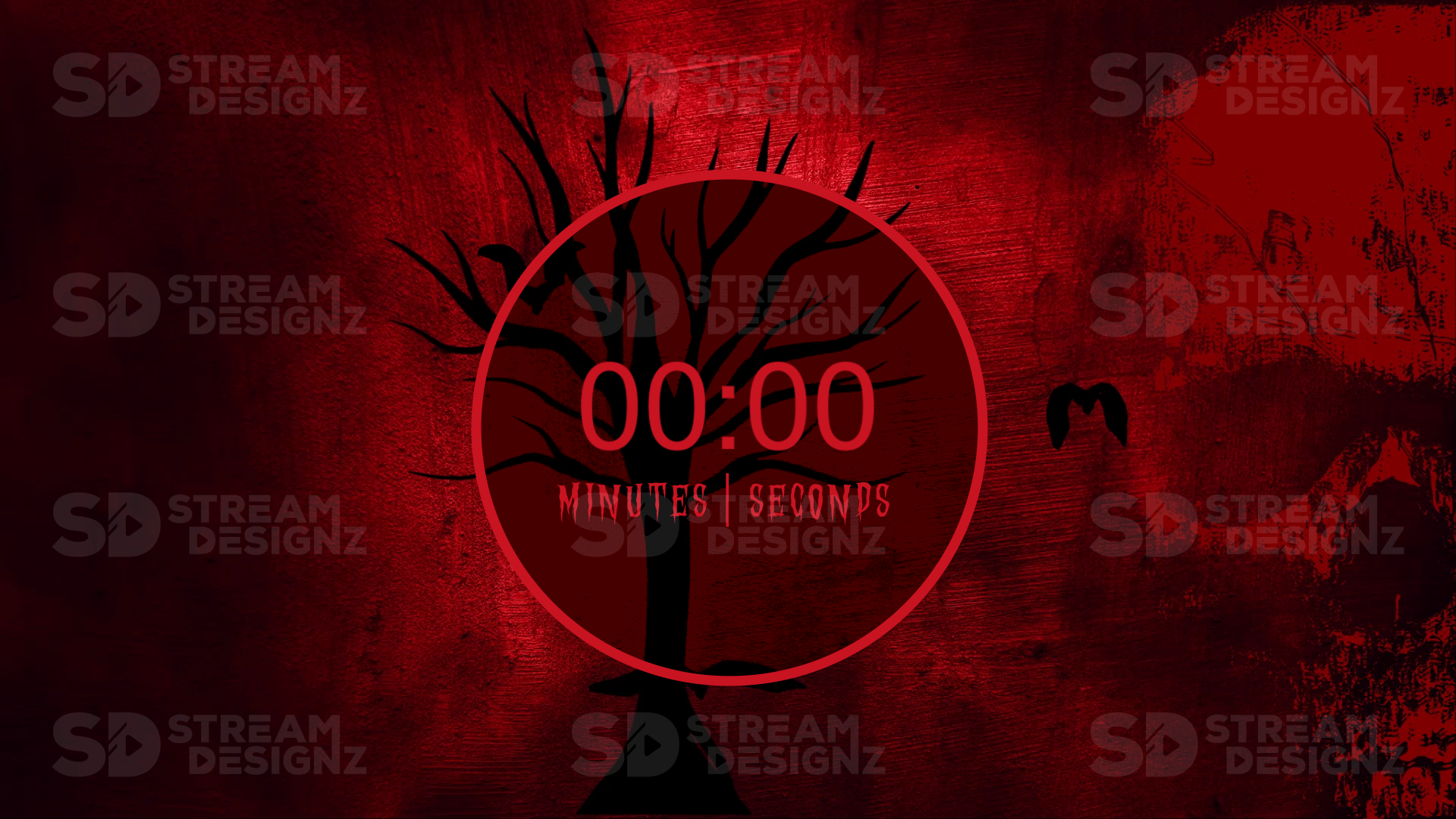
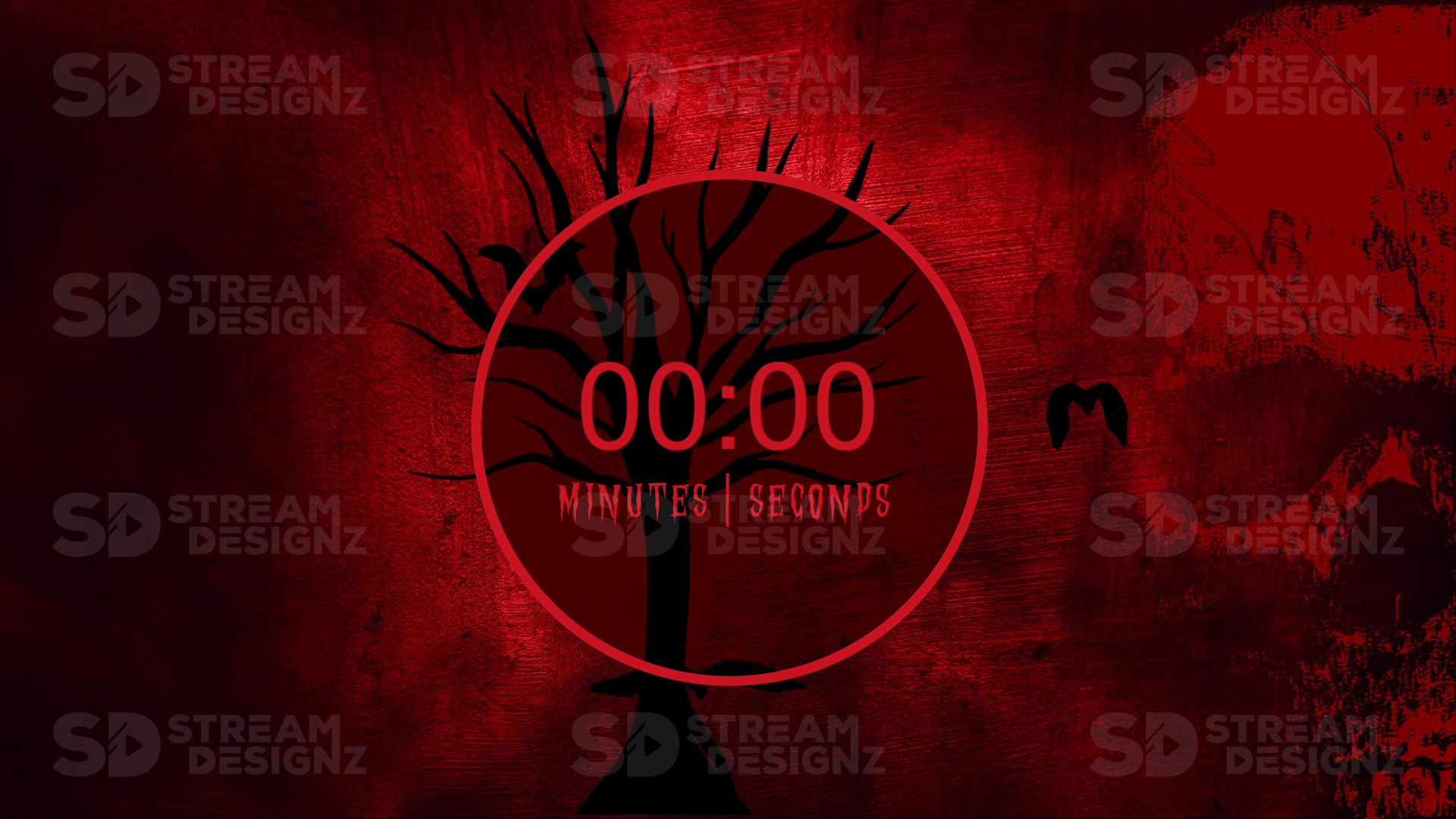
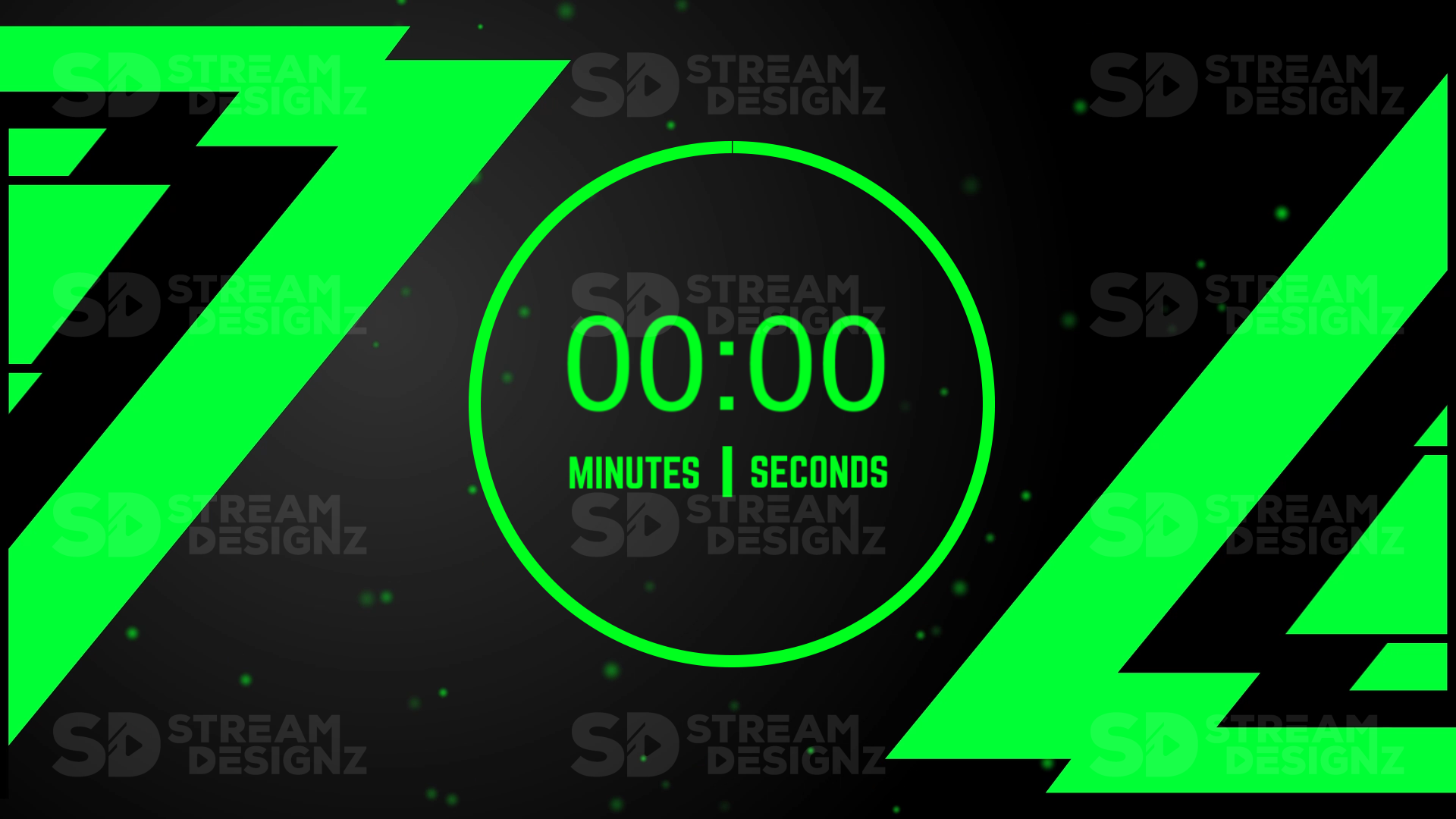
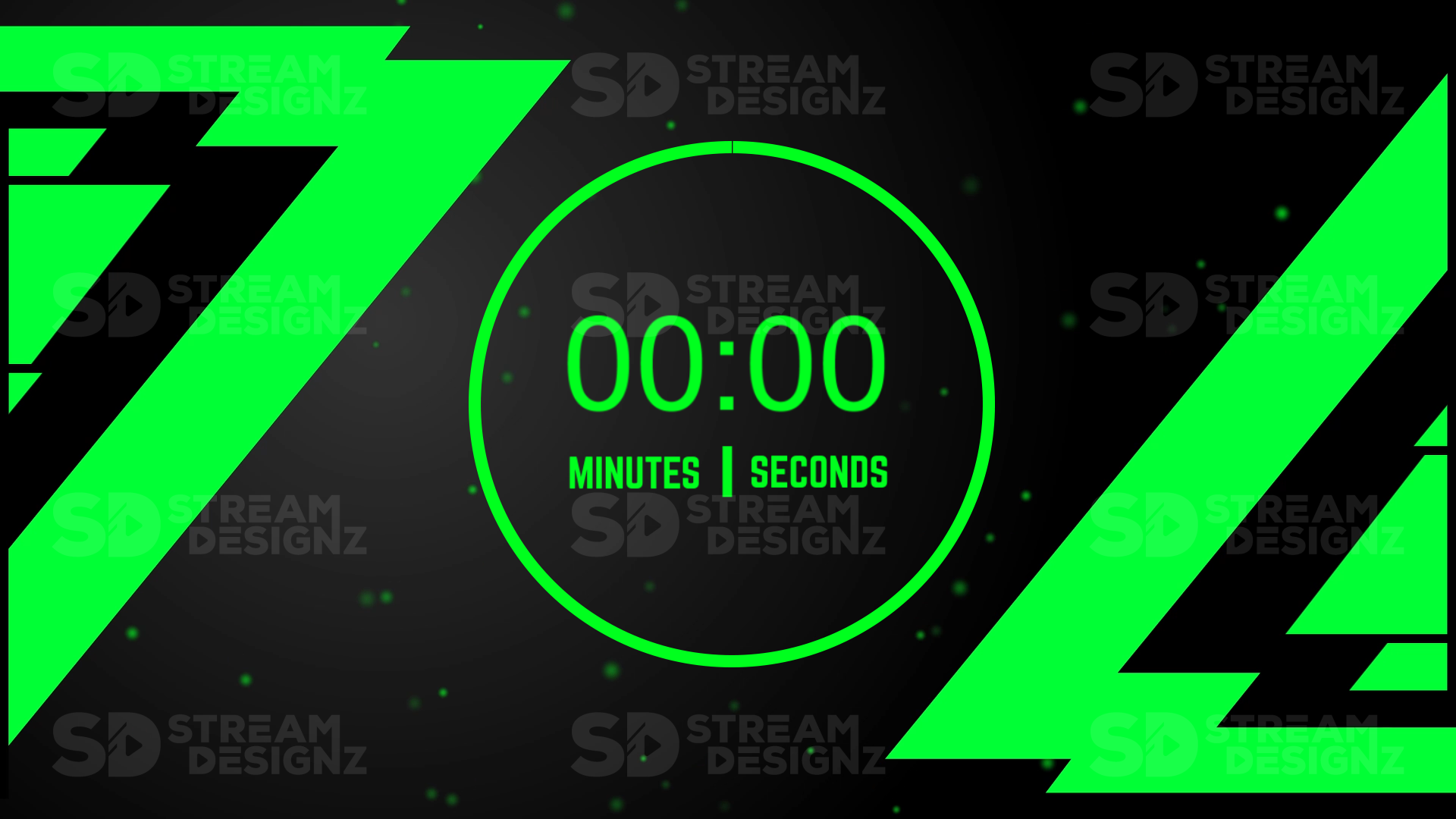
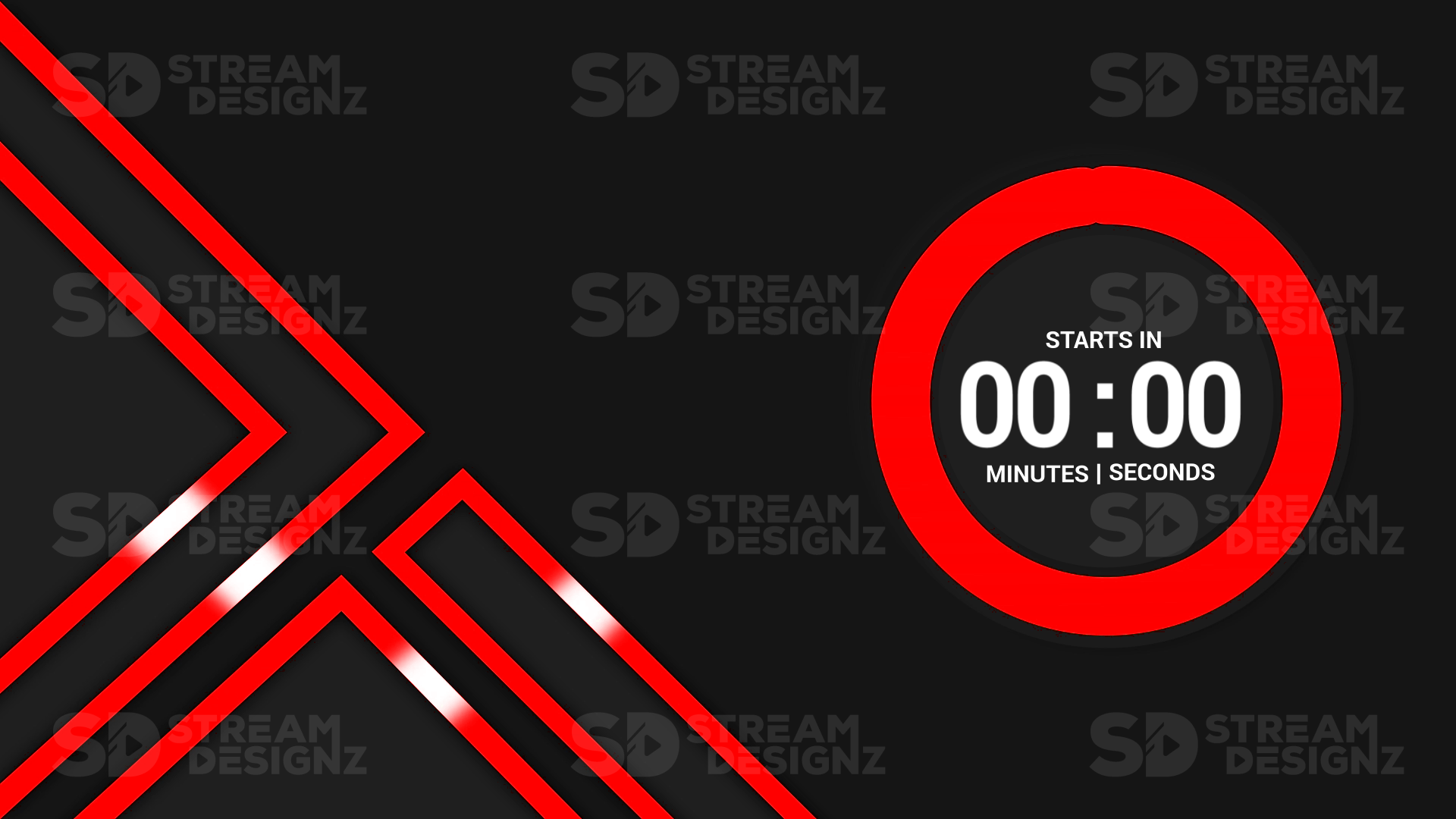
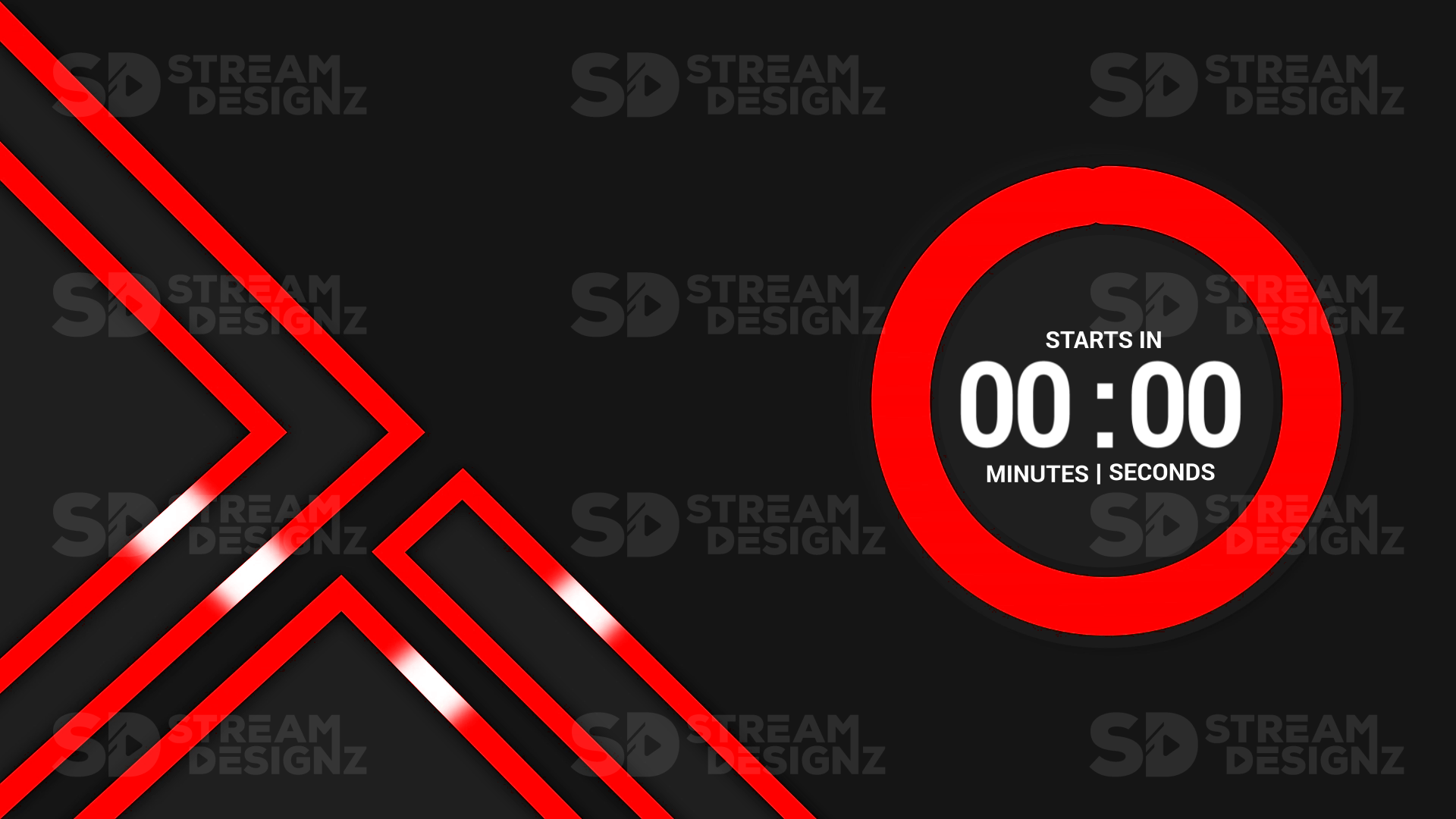
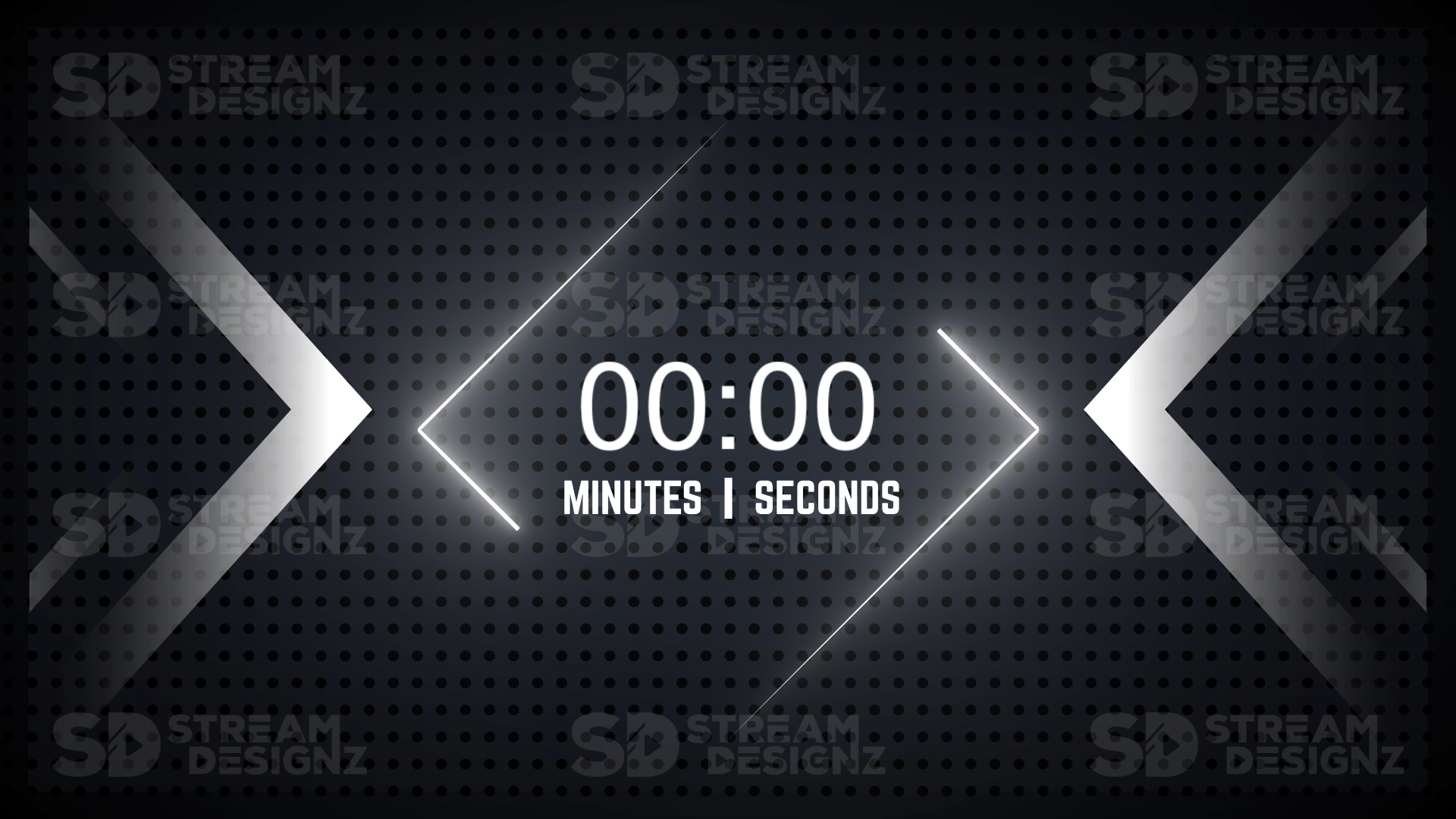
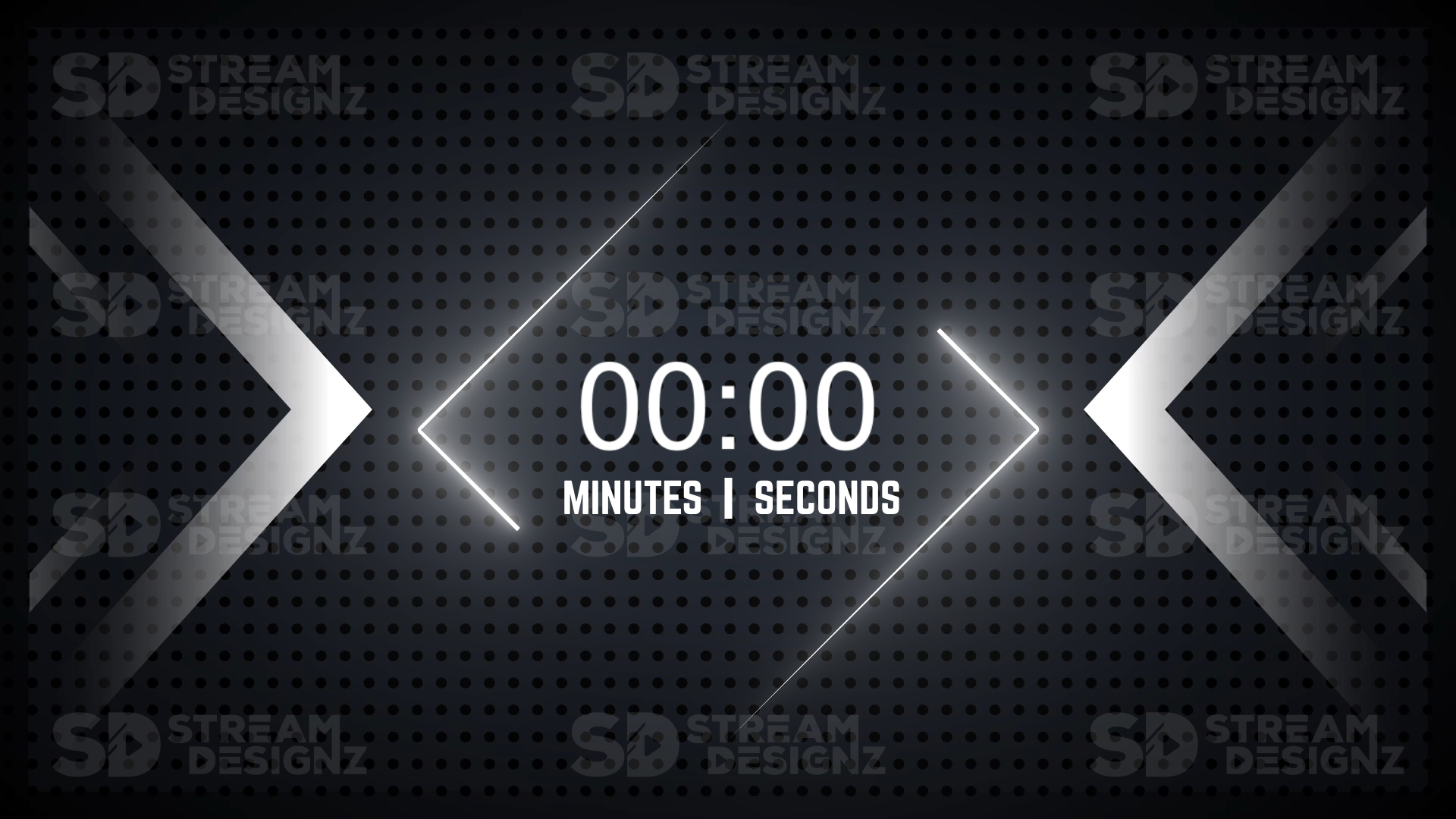
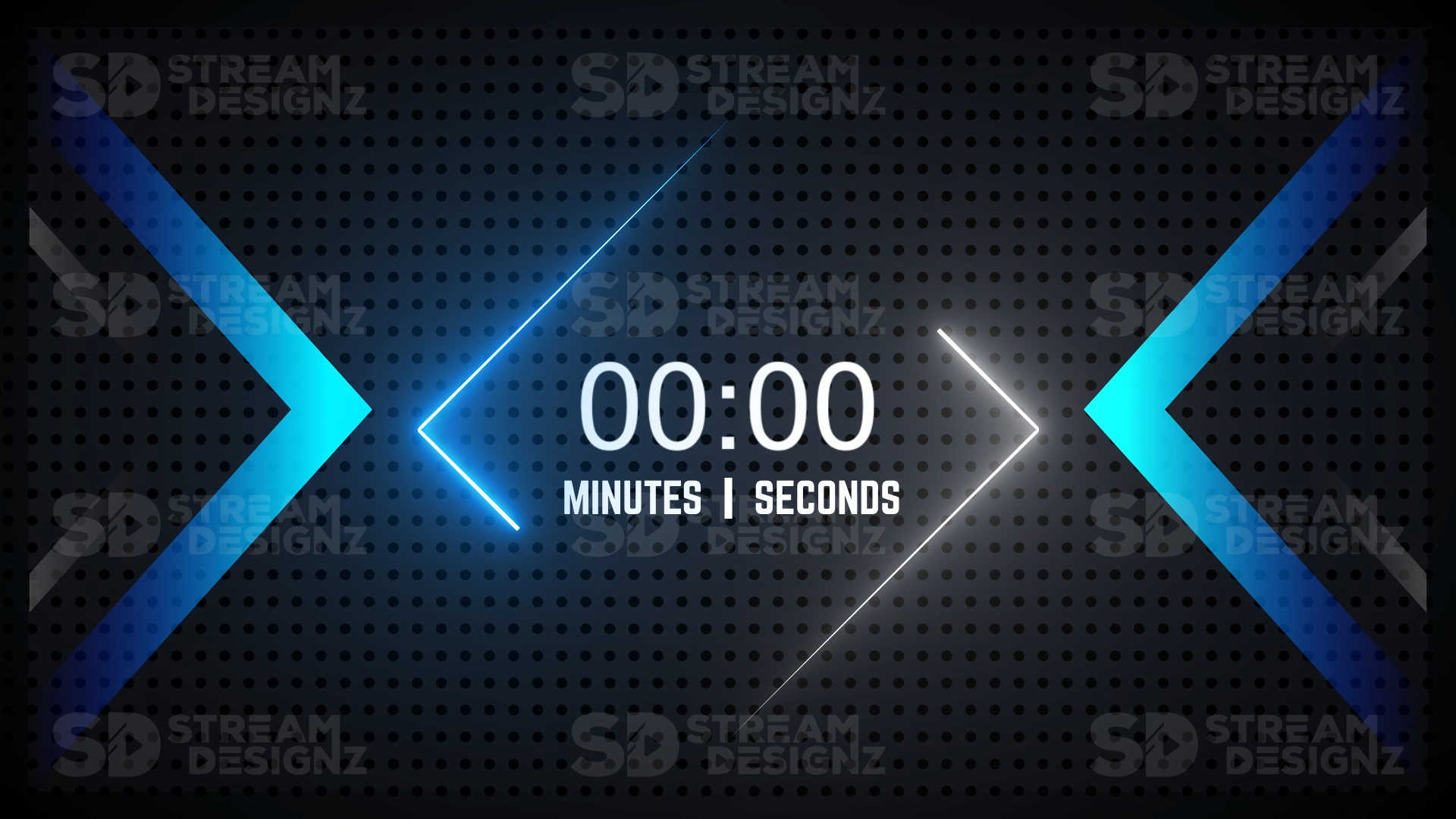
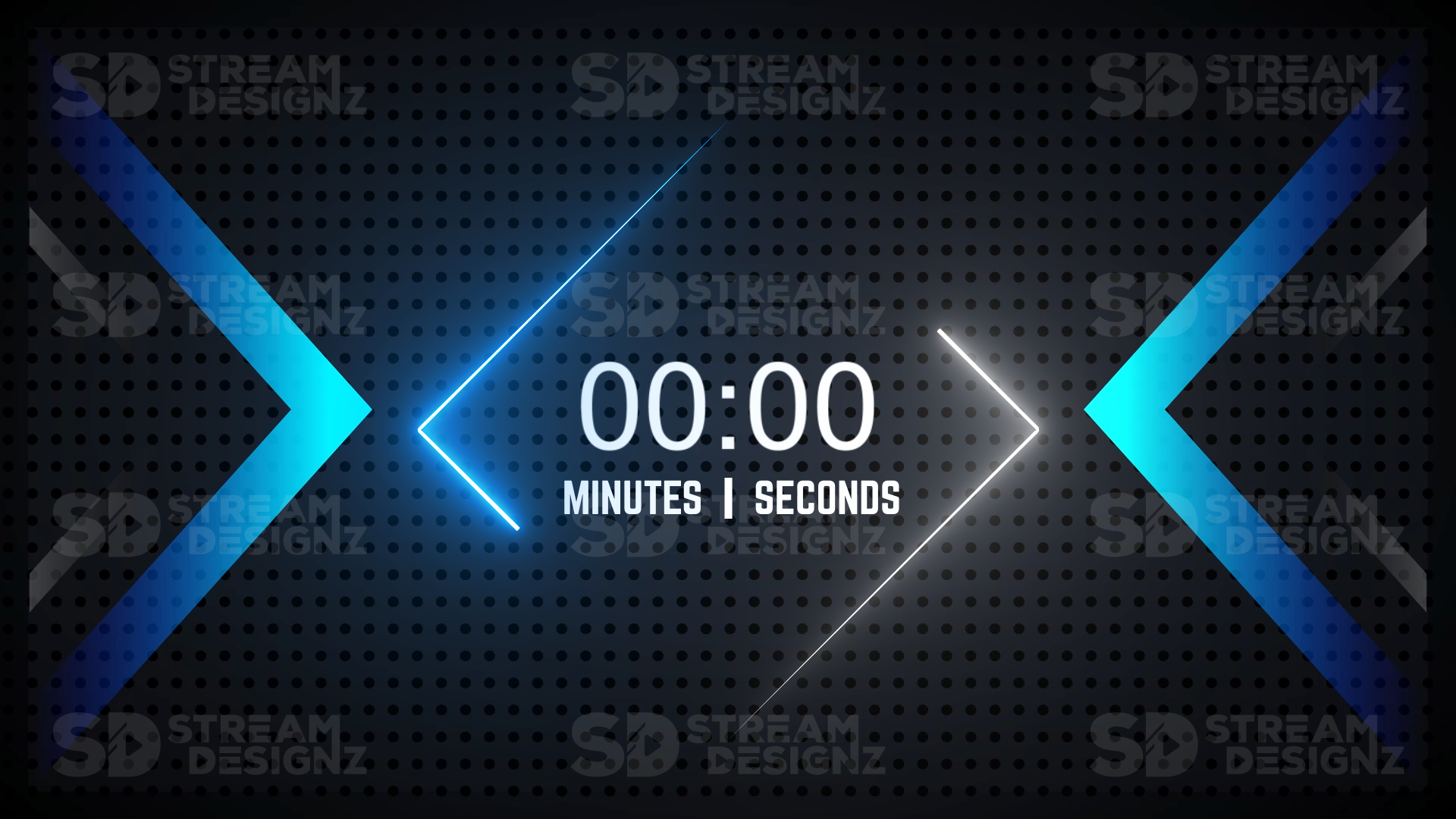
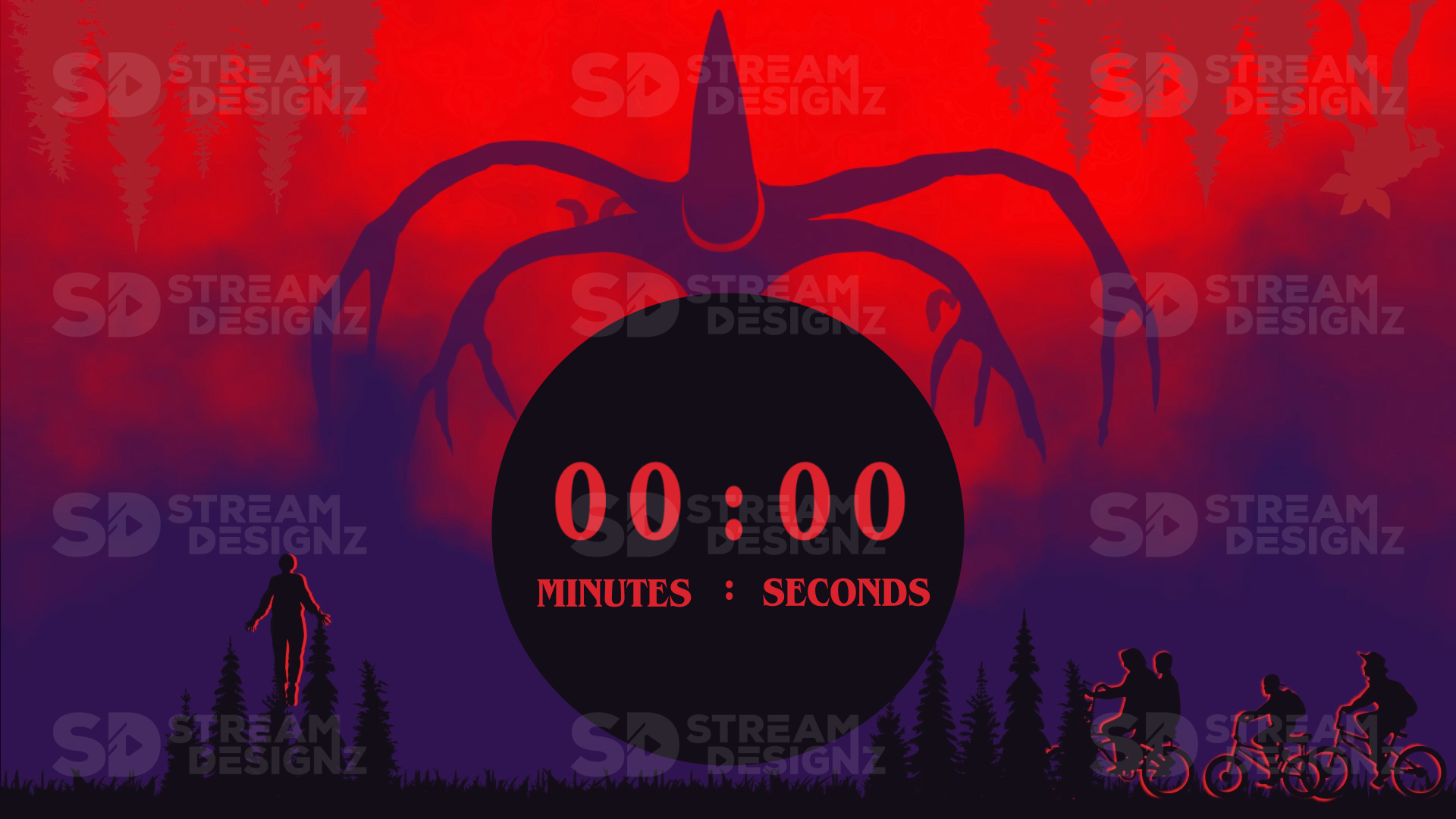
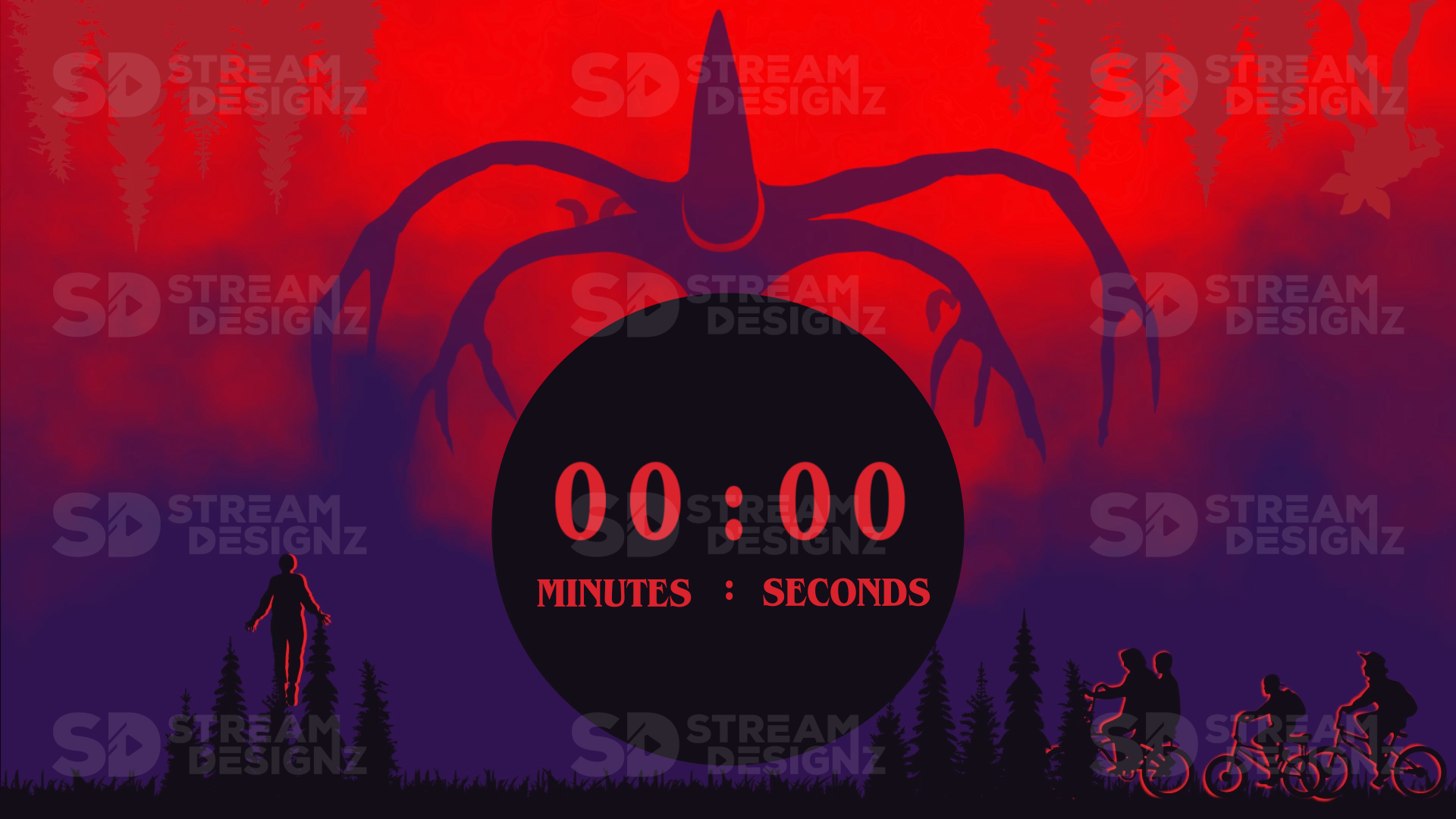
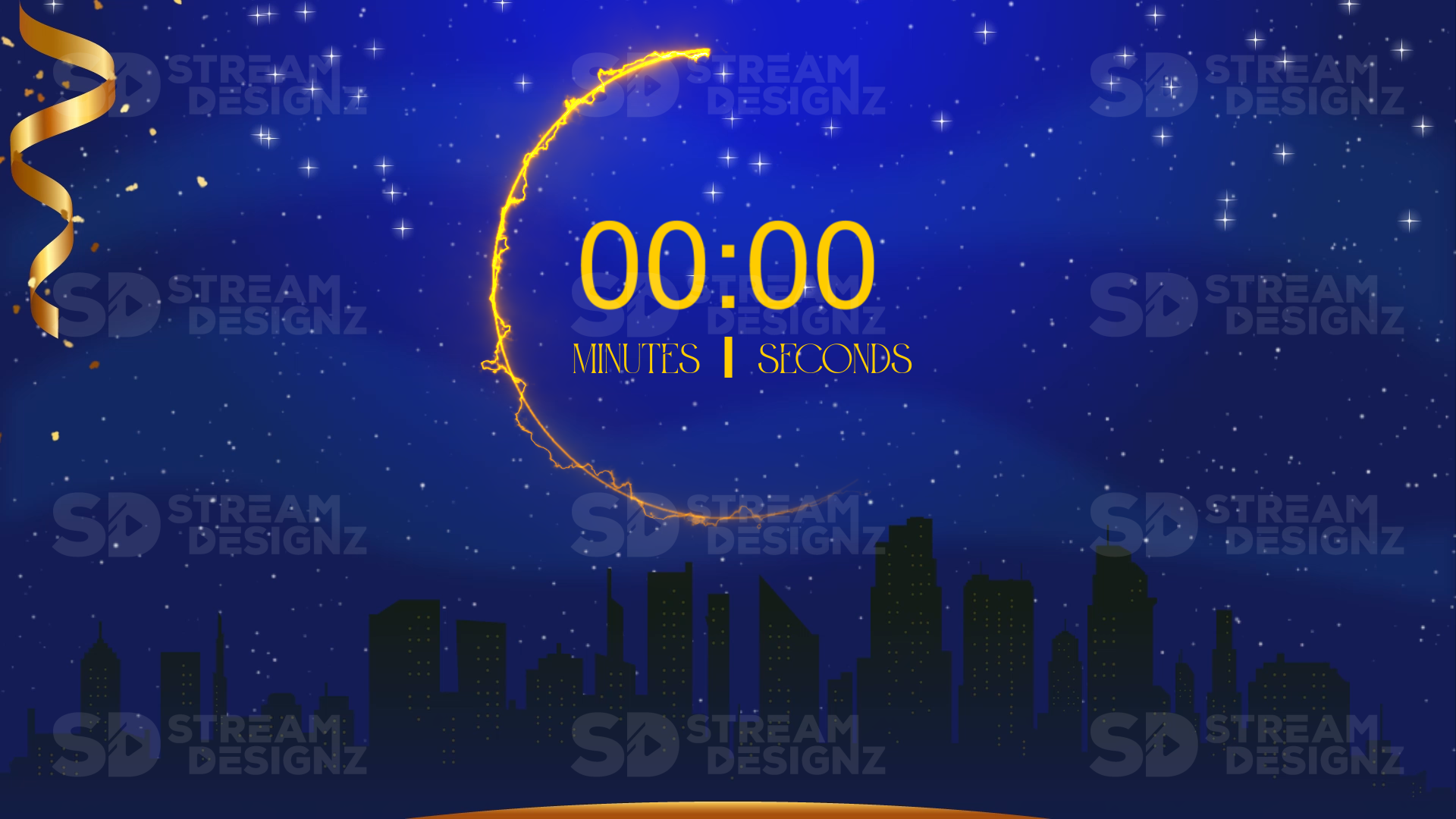
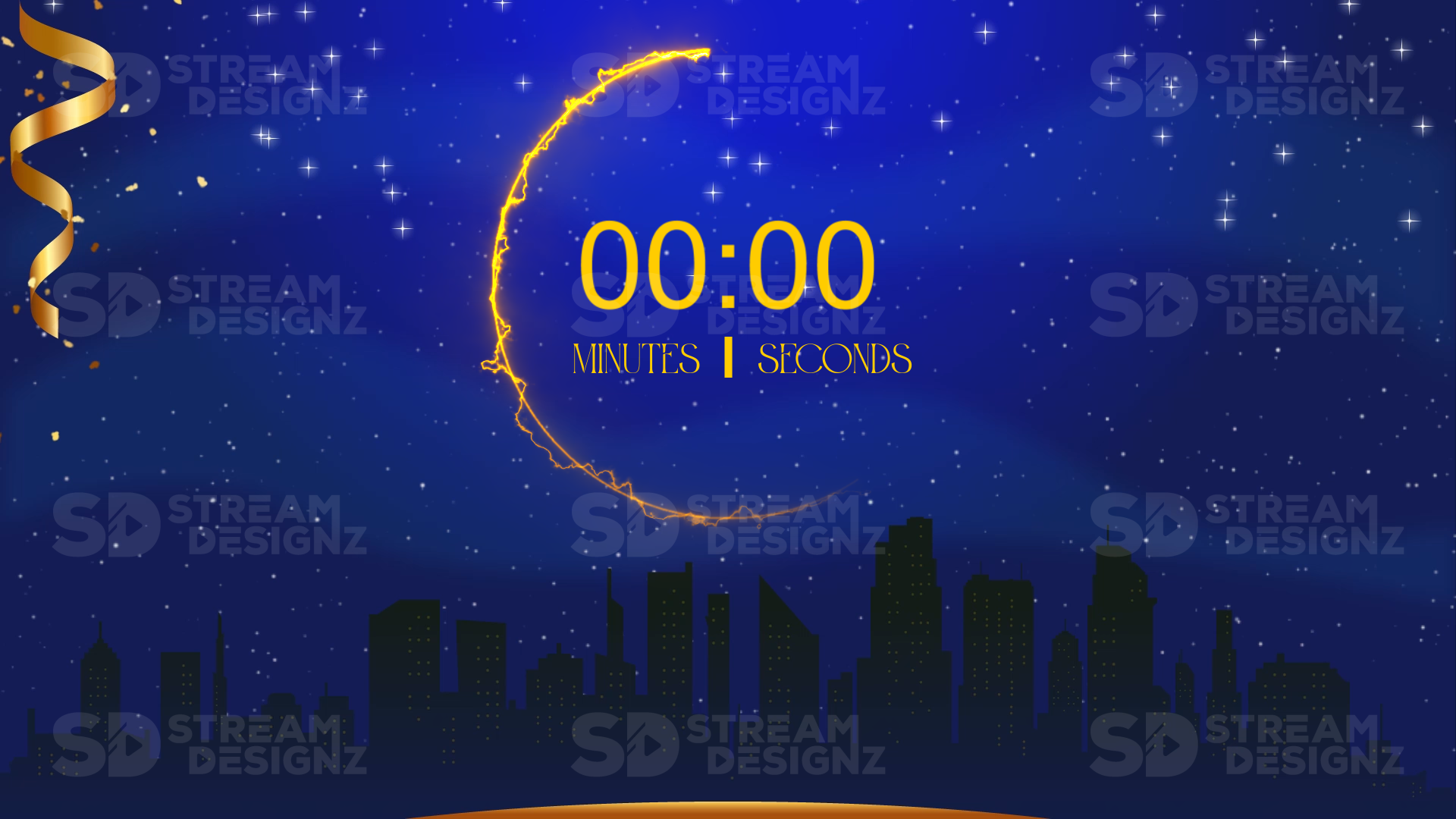
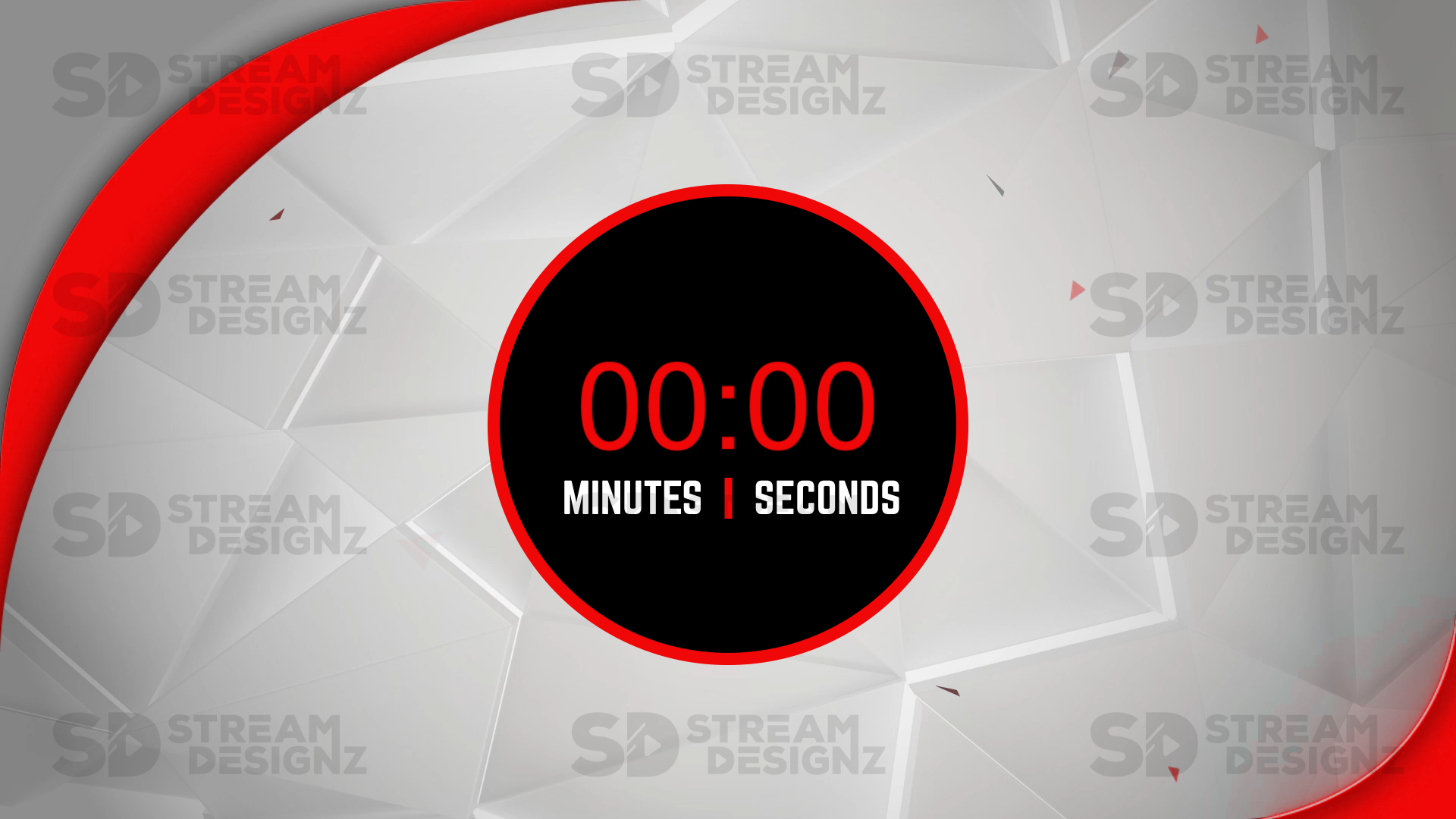
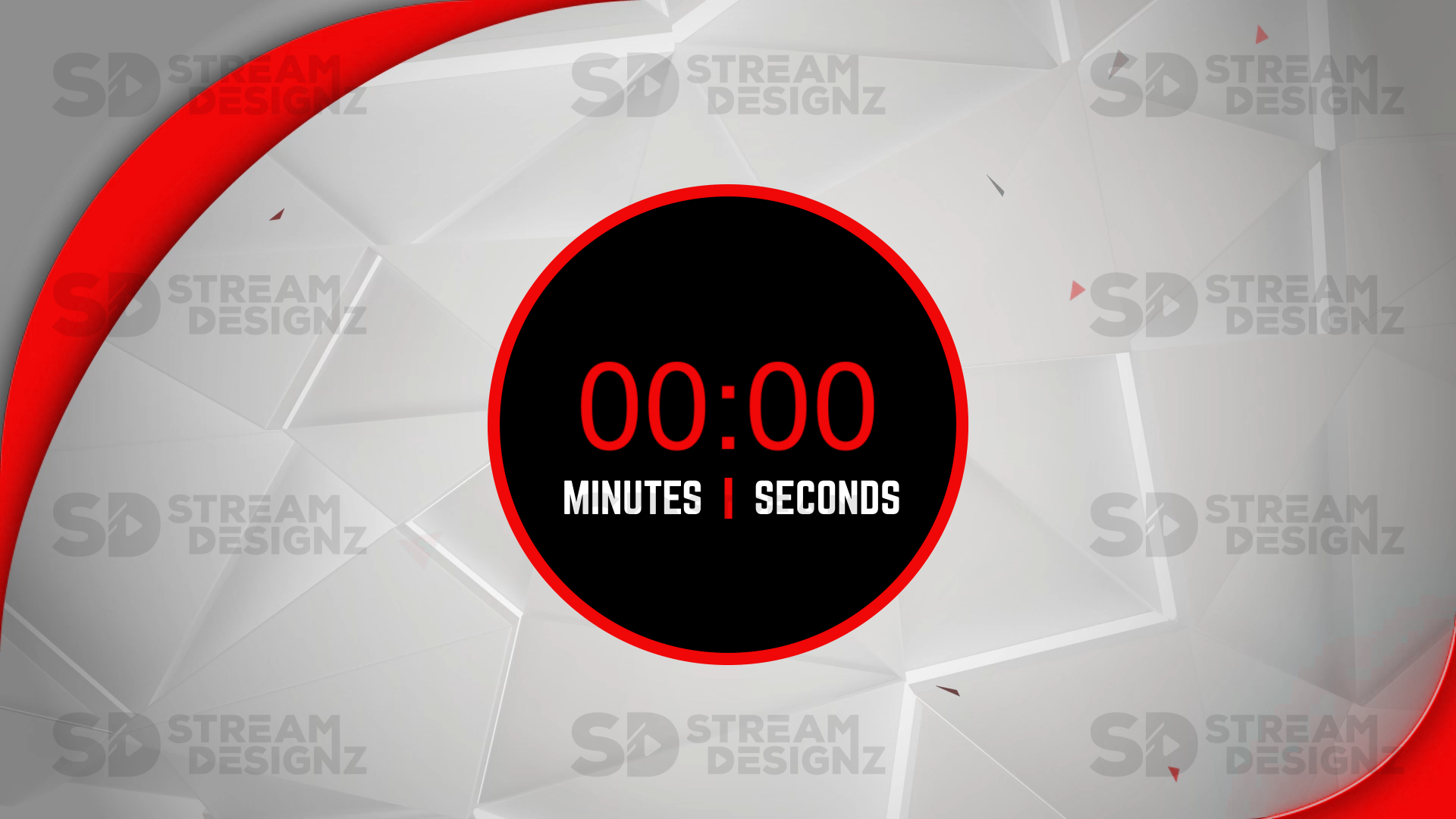
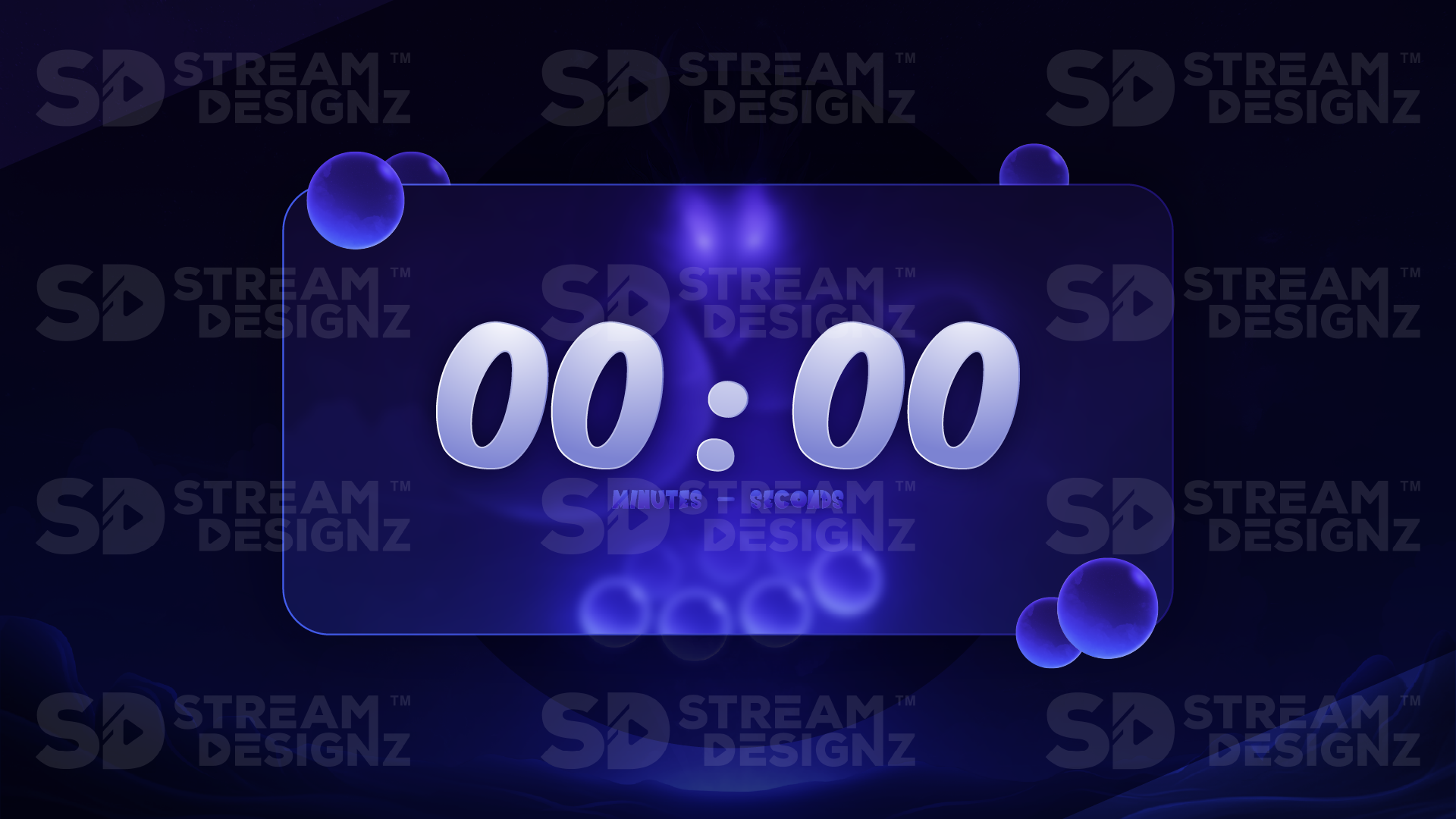
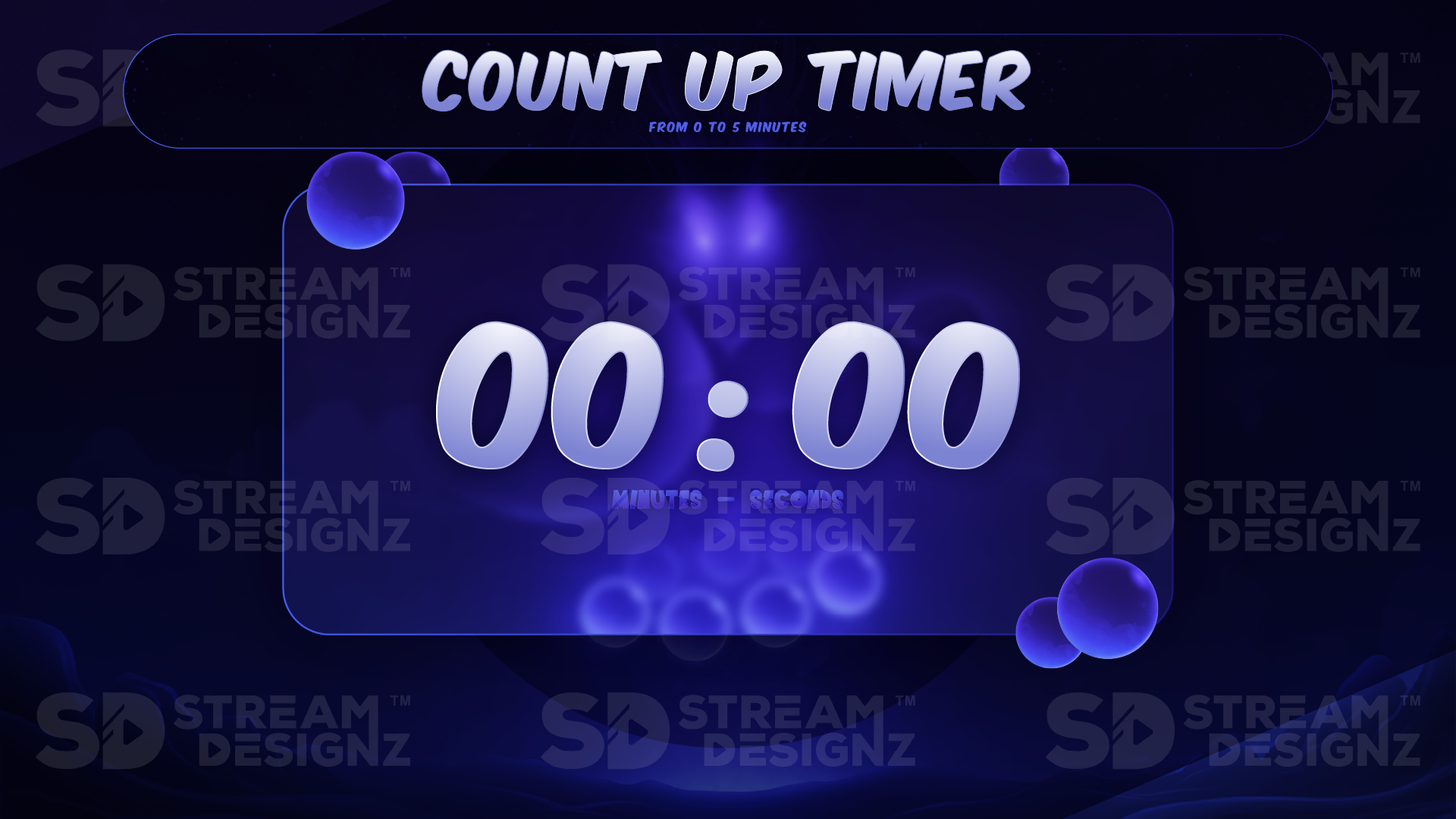
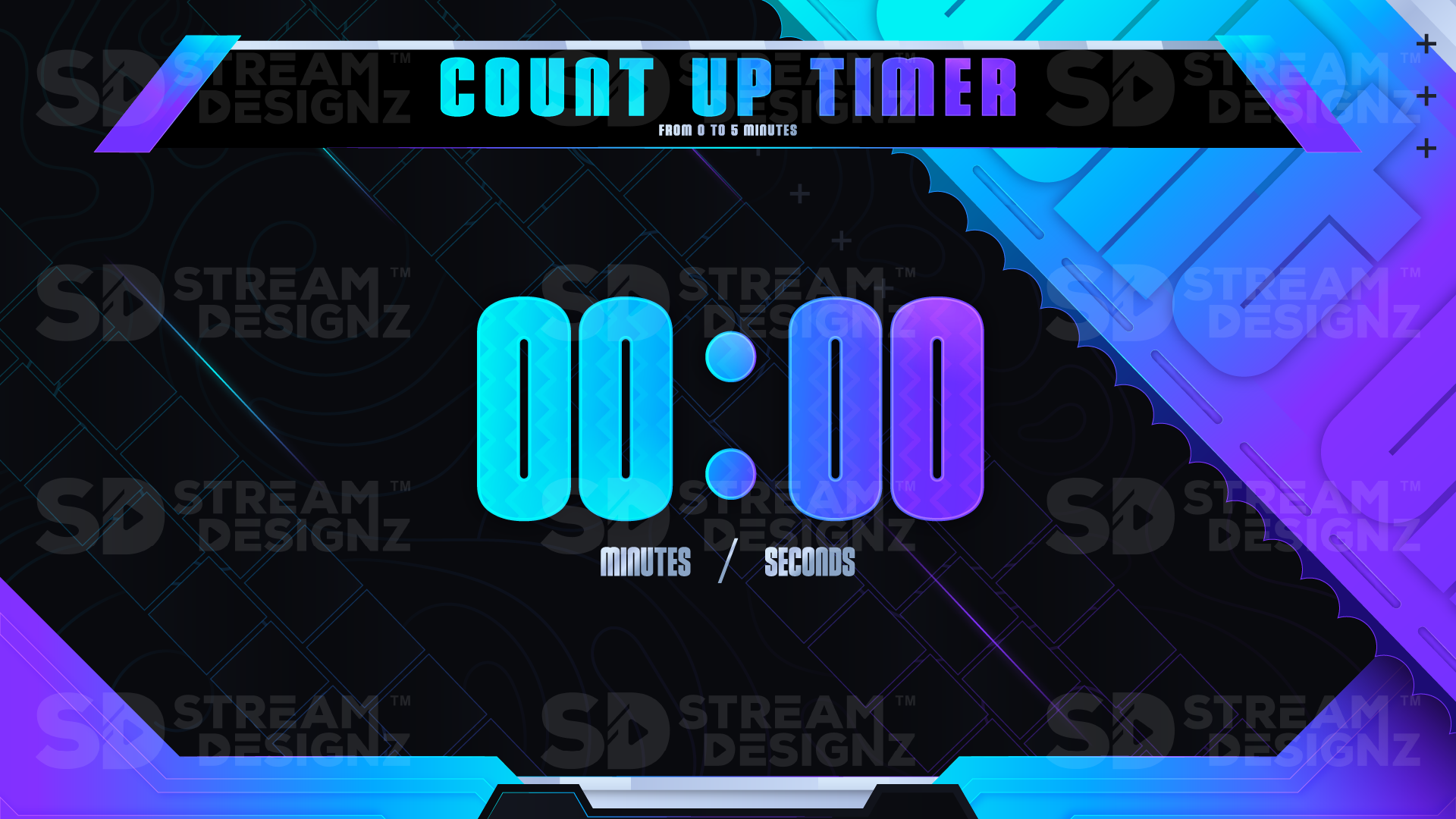
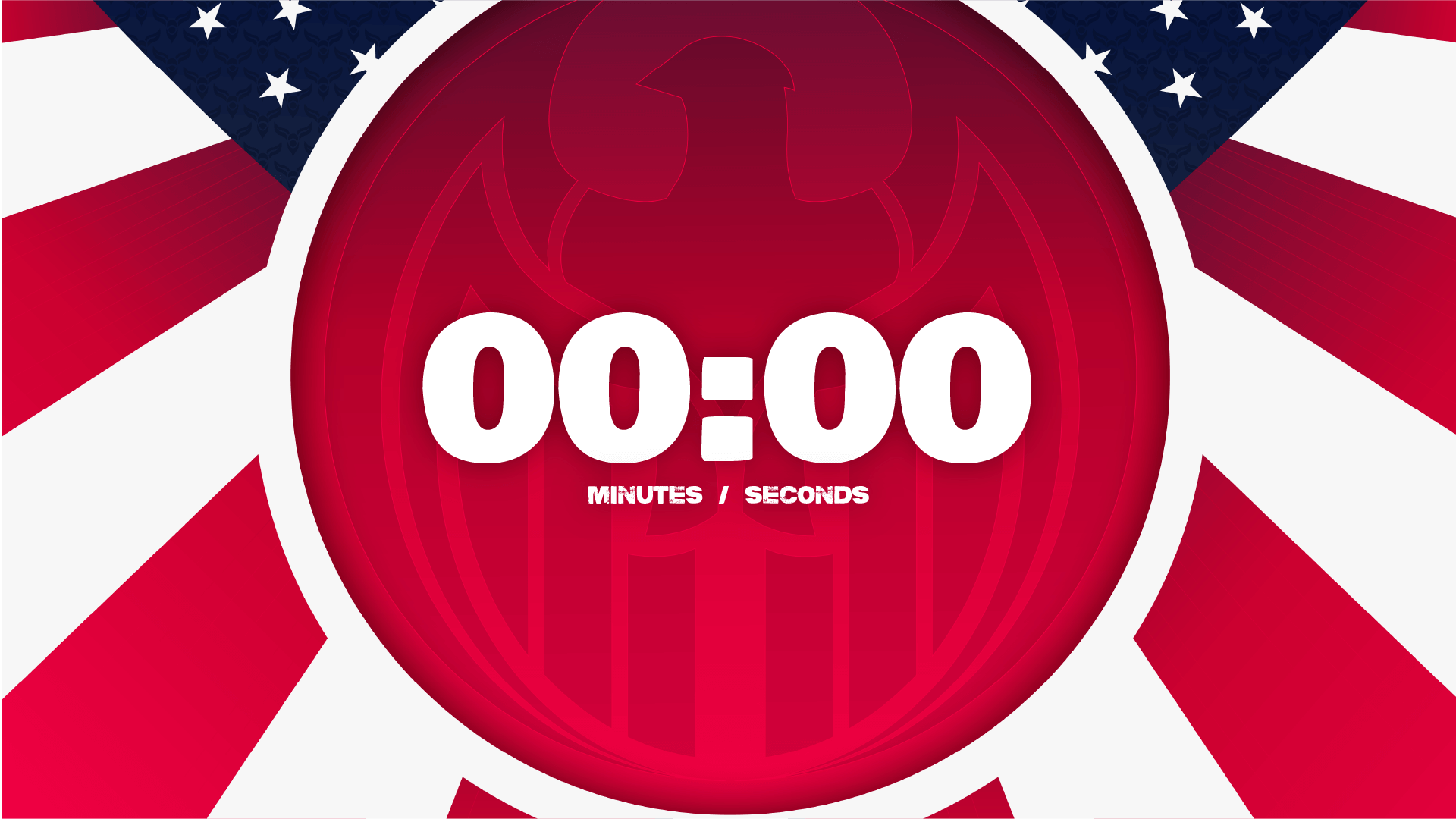
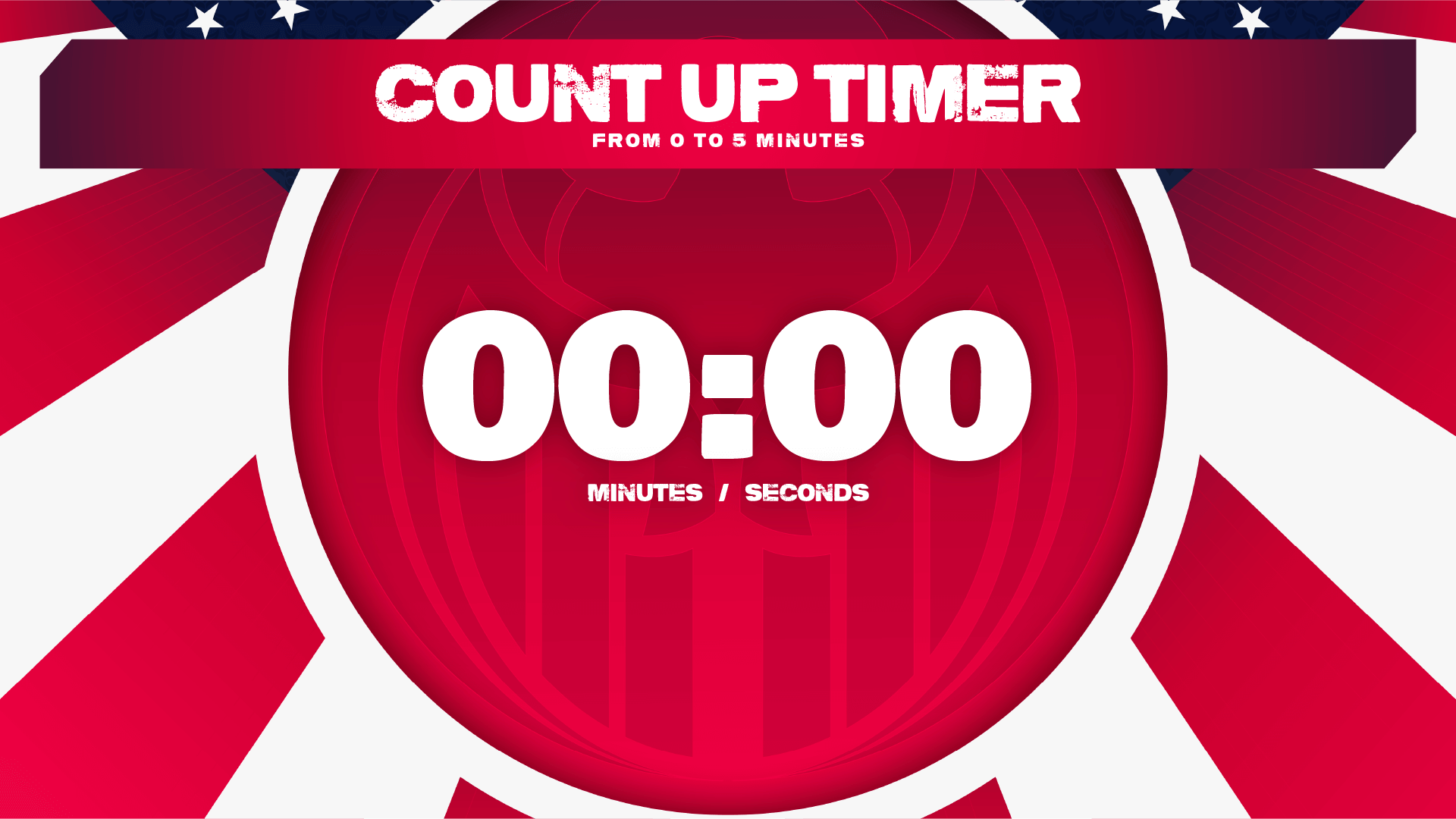
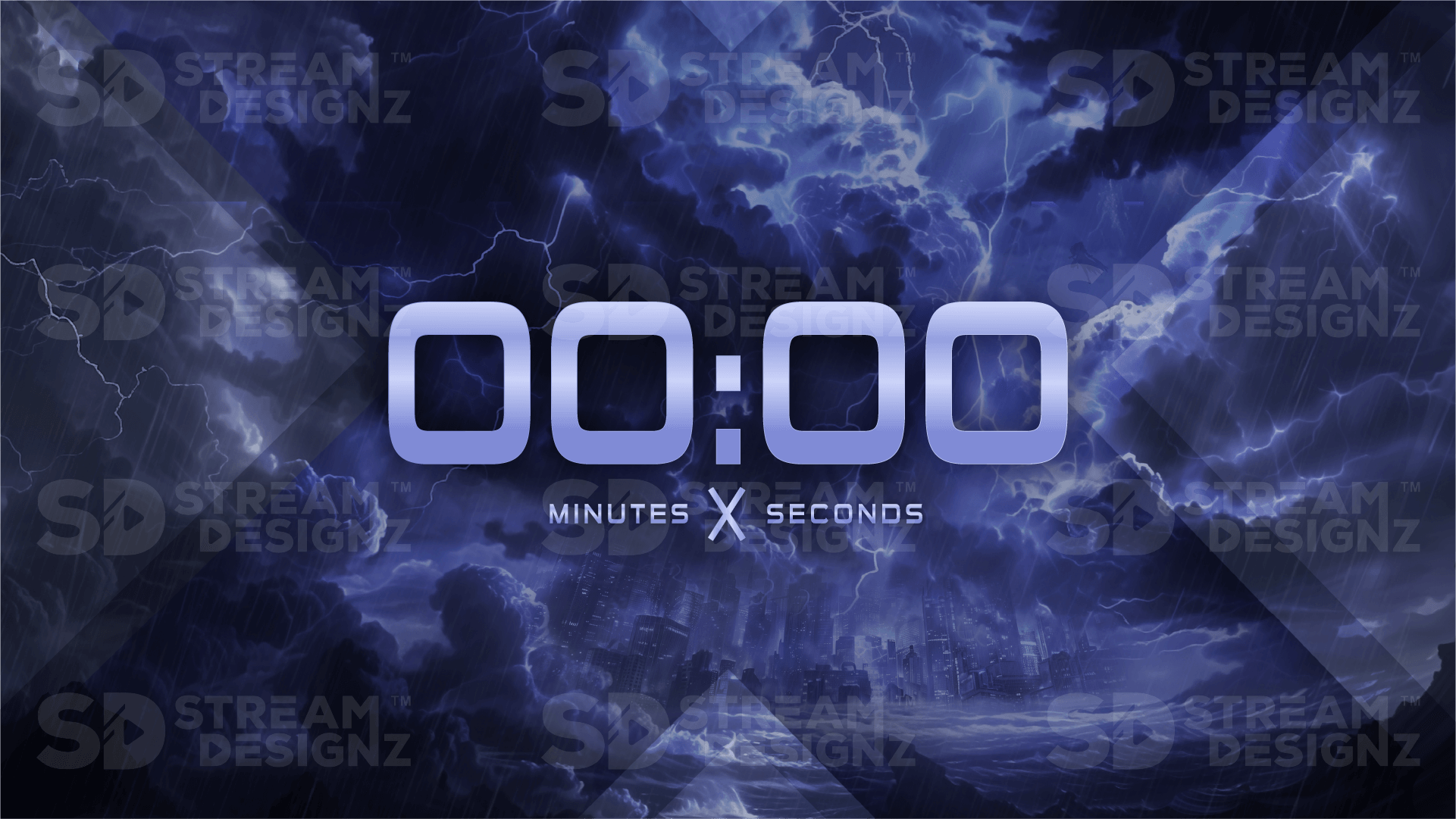
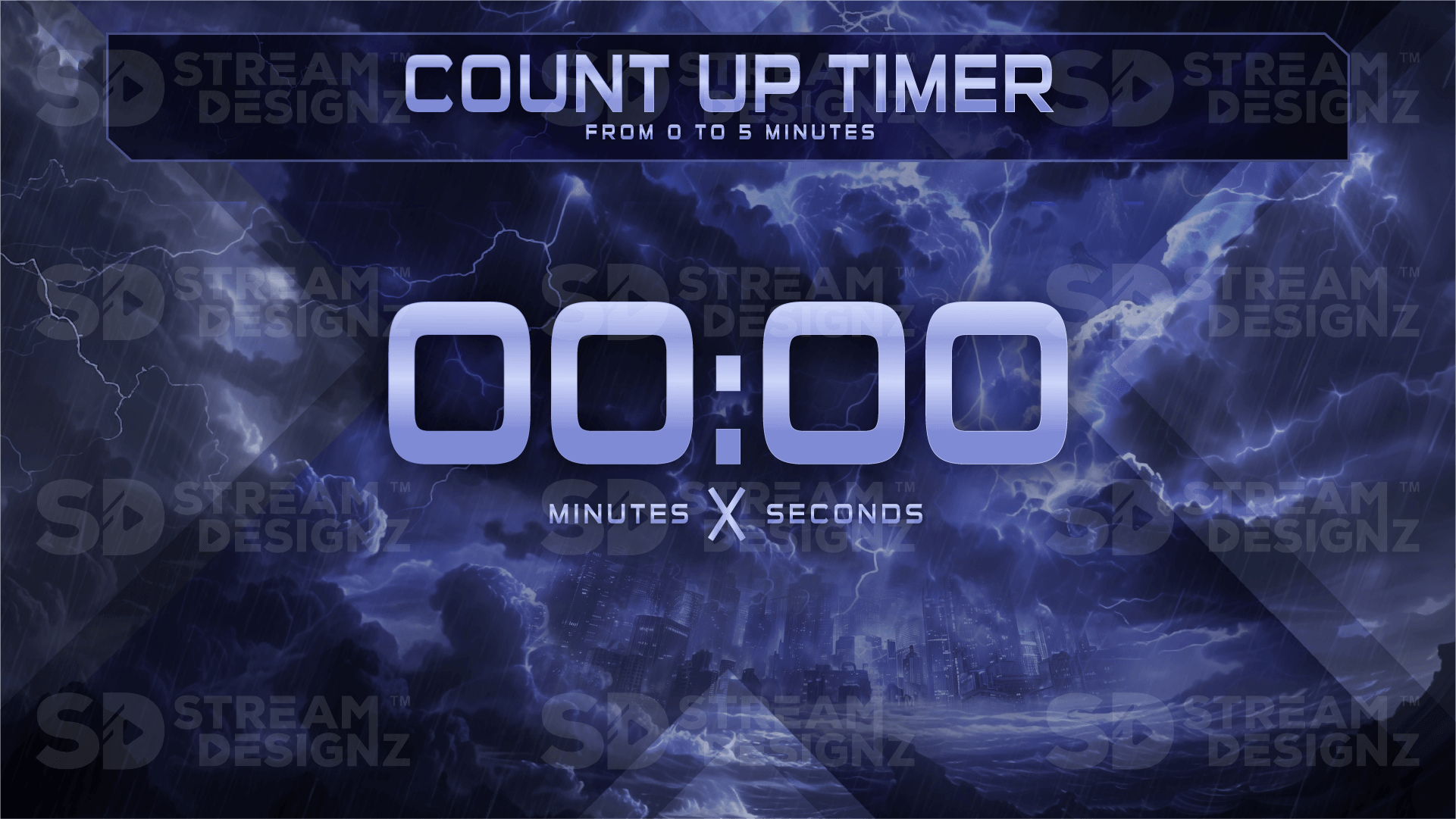
A stream count up timer overlay is an animated graphic that displays a clock counting upward from 0:00 during your live stream, most commonly used on break screens while you step away from your desk. Unlike a countdown timer — which ticks down to a fixed end point — a count up timer simply shows how long you've been on break without committing to a specific return time. It keeps viewers informed and gives them a reason to stick around, because they can see in real time how long the break has been running and decide whether to wait for you to return.
What's Included?
Each count up timer overlay from Stream Designz includes:
-
1 Animated 5-Minute Count Up Timer — a full 5-minute animated count up clock sized at 1920x1080 (mp4)
-
Setup instructions and instant .zip download after purchase
The timer is delivered as an mp4 file, compatible with OBS Studio, Streamlabs, StreamElements, XSplit, and any streaming software that supports mp4 media sources. Add it as a media source in your BRB scene and set it to loop — it will restart from 0:00 each time and continue counting up for as long as your break runs.
How Do Streamers Use Count Up Timers?
The most common setup is a BRB or break scene. When you need to step away mid-stream — for a bathroom break, to grab food, or to handle something off-camera — you switch to your break scene with the count up timer running. Viewers can see exactly how long you've been gone, which is often enough to keep them from leaving. There's no pressure to return by a specific time the way a countdown creates, making count up timers ideal for unplanned or open-ended breaks. Many streamers pair a count up timer with a BRB overlay screen from the same theme for a fully cohesive break scene.
What's the Difference Between a Count Up Timer and a Countdown Timer?
A countdown timer counts down from 5:00 to 0:00 — best used before your stream starts, giving viewers a precise moment to look forward to. A count up timer starts at 0:00 and counts upward — best used during breaks, where you don't want to set a hard deadline for your return. Both serve different moments in your stream and work together as a complete timing solution. If you also need a countdown timer, check out the Countdown Timer Overlays collection.
Do These Timers Match the Overlay Packages?
Yes — every count up timer in this collection is designed to match the corresponding overlay package, alert set, and stream bundle in the Stream Designz catalog. The Katana count up timer uses the same color palette and design language as the Katana overlay package and stinger transition. Keeping your break scene on-theme with the rest of your stream makes every part of your content look intentional — even the moments when you're not on screen.
Browse 90+ themed count up timers above — each is an instant digital download at $7.99, sized at 1920x1080 and ready to drop into OBS or Streamlabs right out of the box.