What Are Non-Animated Stream Overlay Packages?
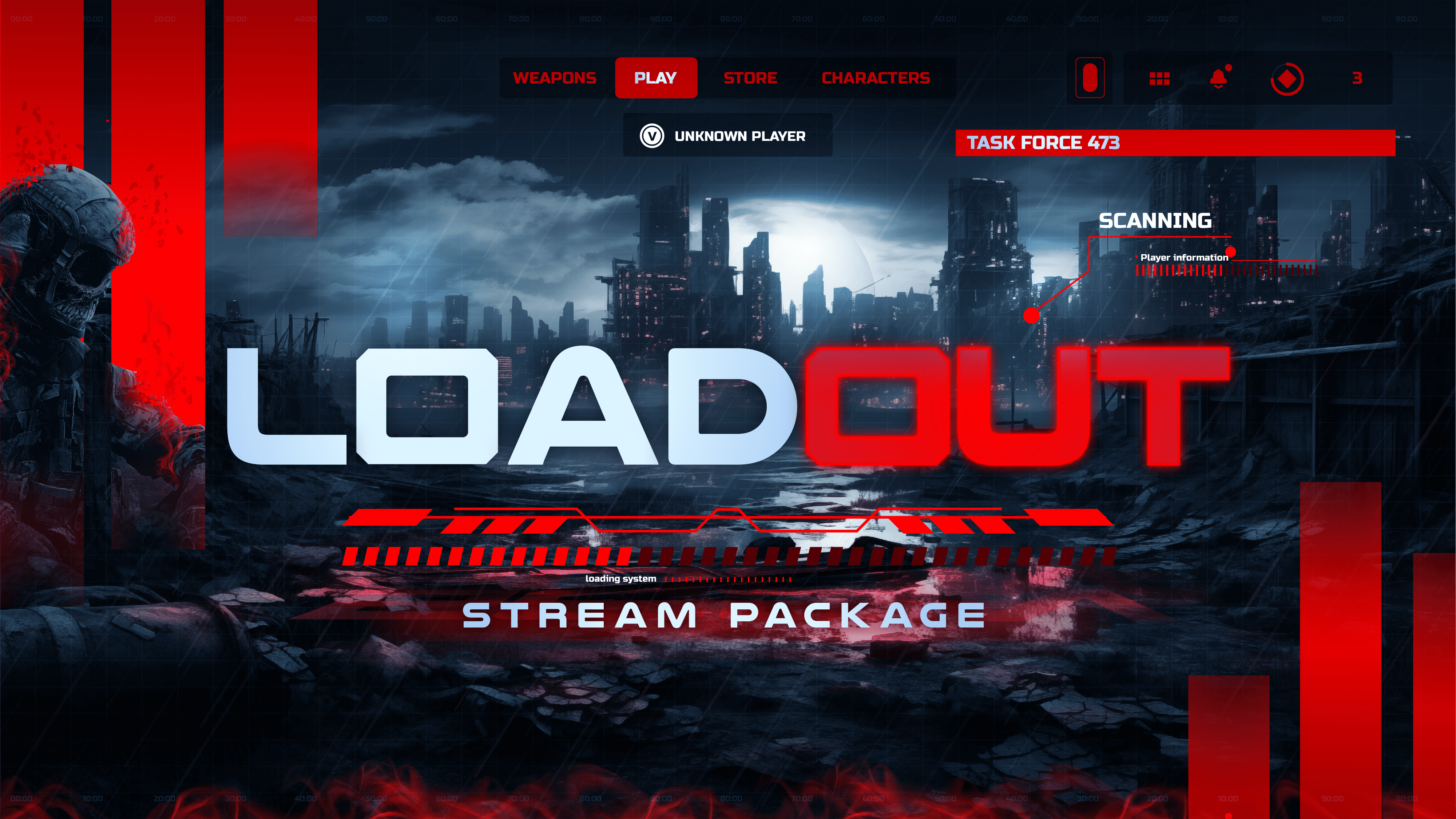
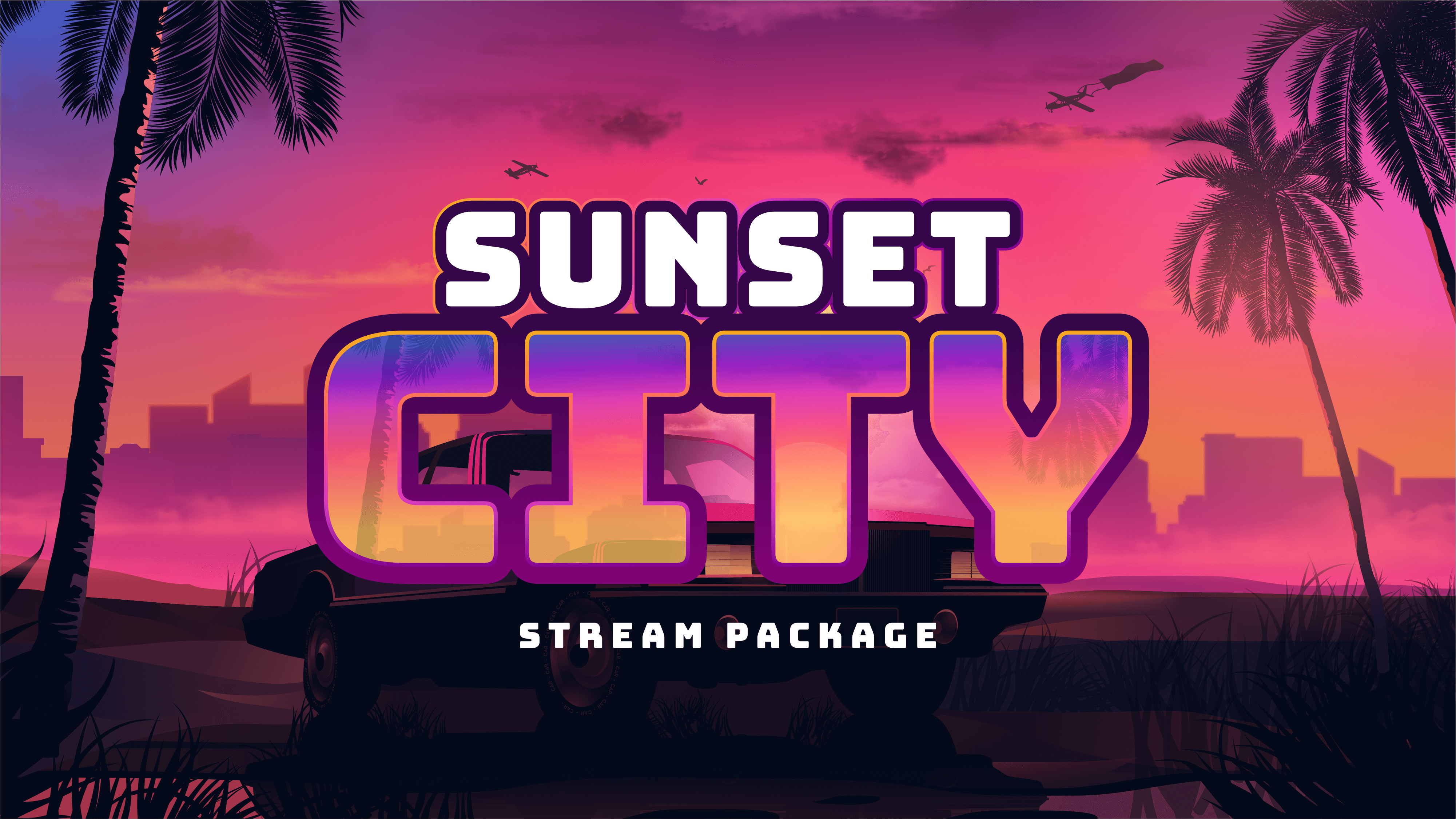
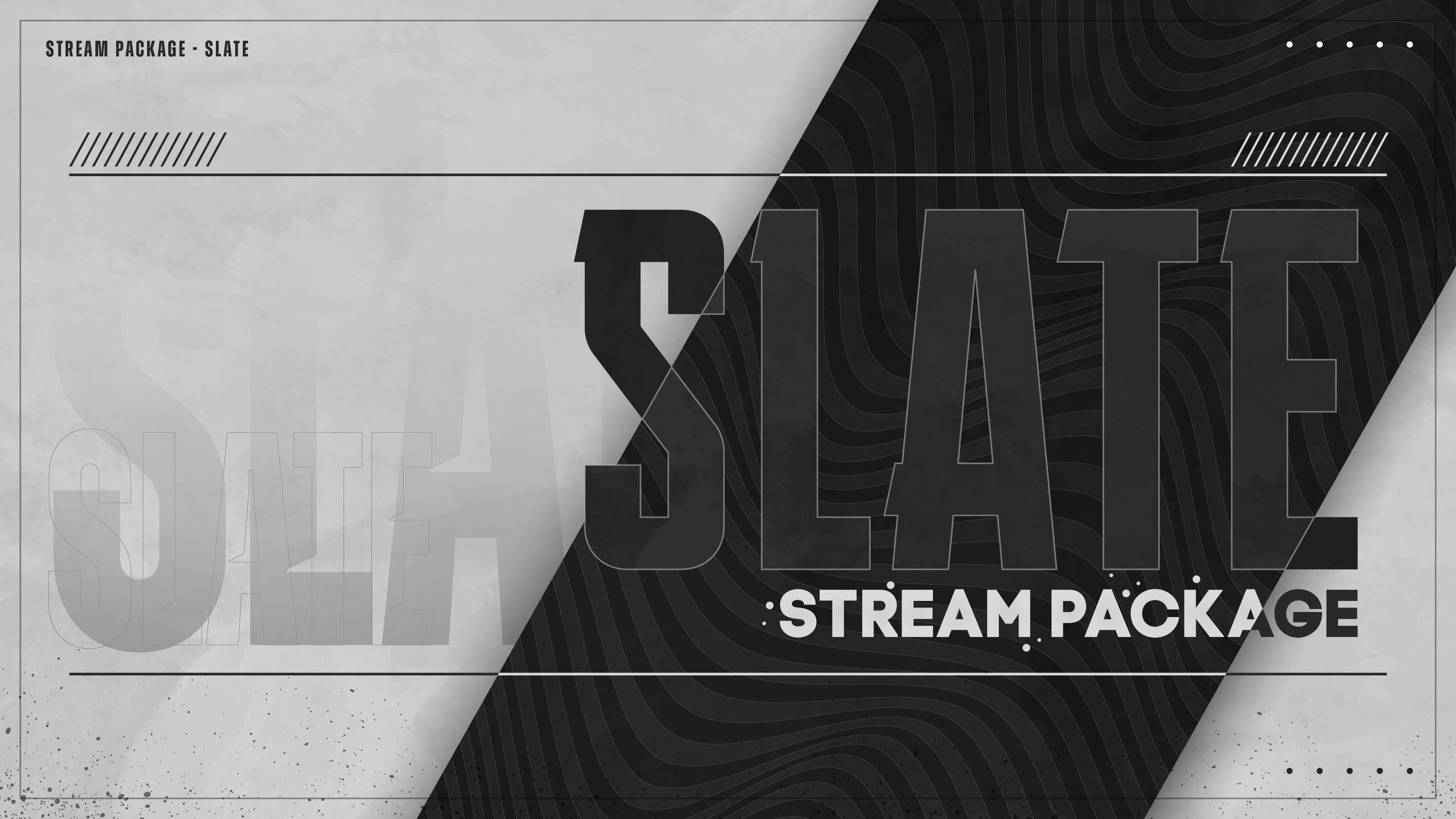
A non-animated stream overlay package — also called a static stream overlay package — is a complete set of still graphic assets that give your live stream a clean, professional look without motion or animation. Every element in the package is a PNG image: your webcam frame, overlay screens, stream alerts, and channel panels all share the same design theme, giving your stream a cohesive branded appearance that works across Twitch, YouTube, Kick, and Facebook Gaming. Static overlays are lightweight, universally compatible, and just as visually sharp as animated overlays — they simply don't move.
What's Included in a Non-Animated Overlay Package?
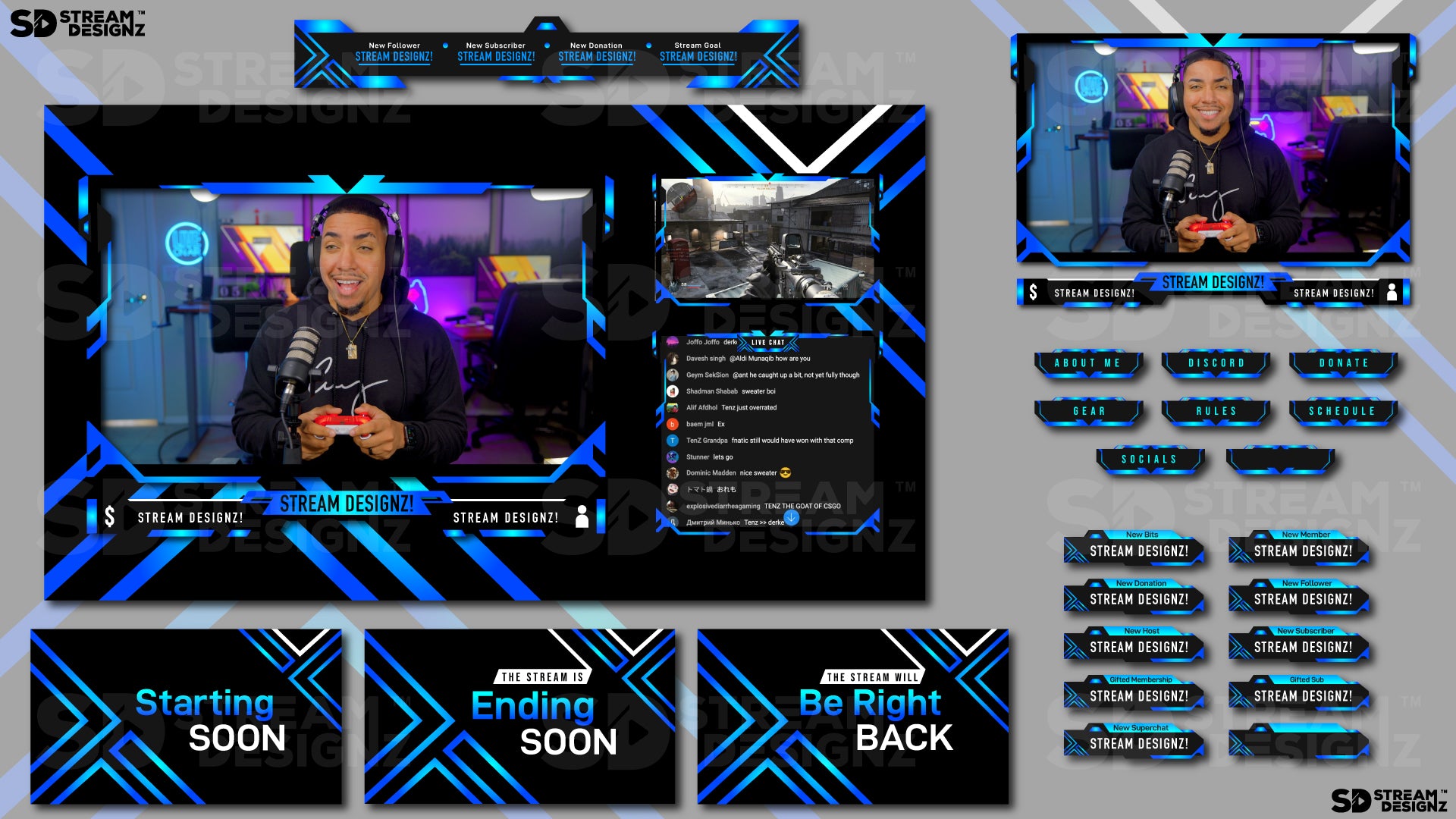
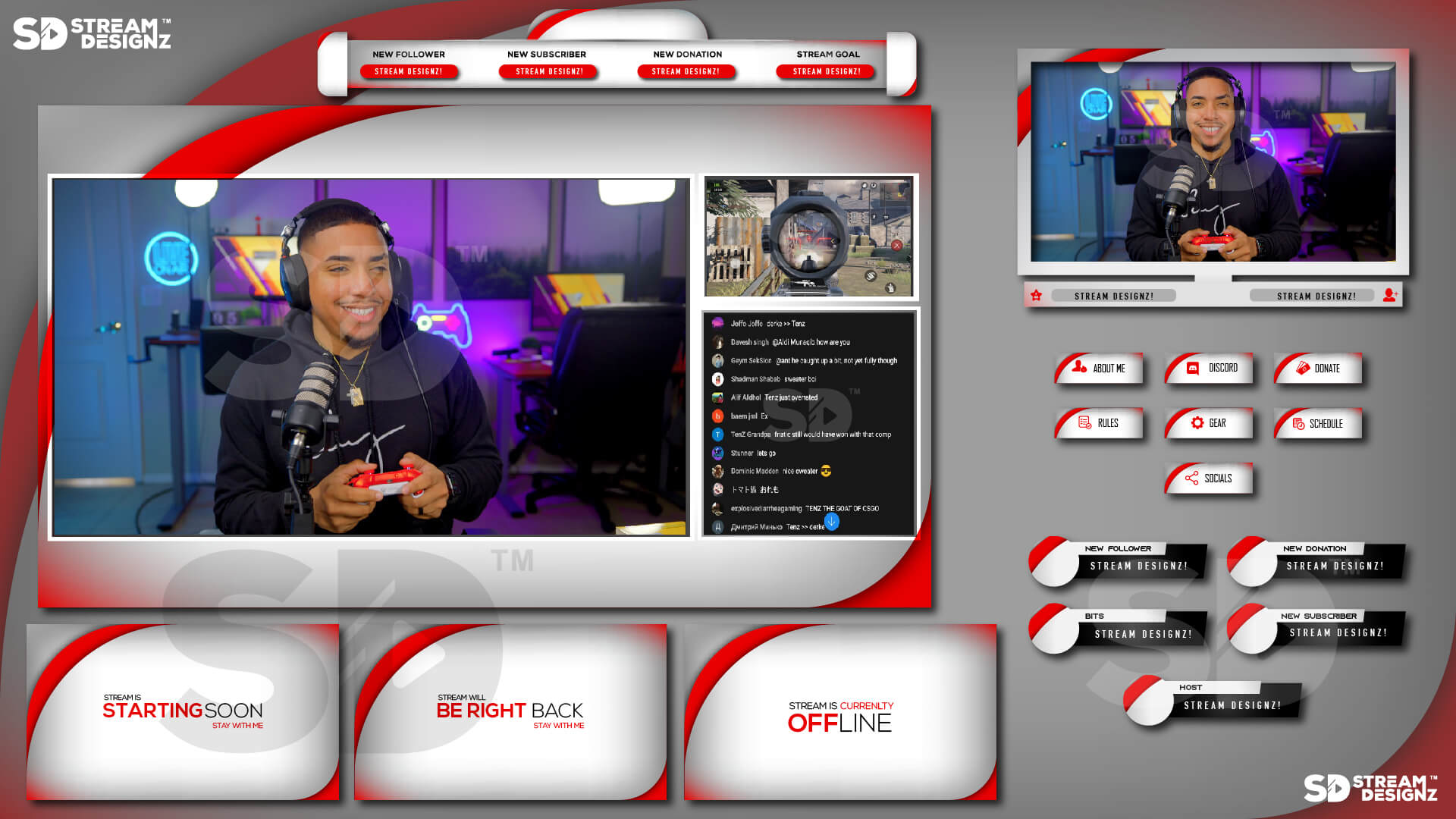
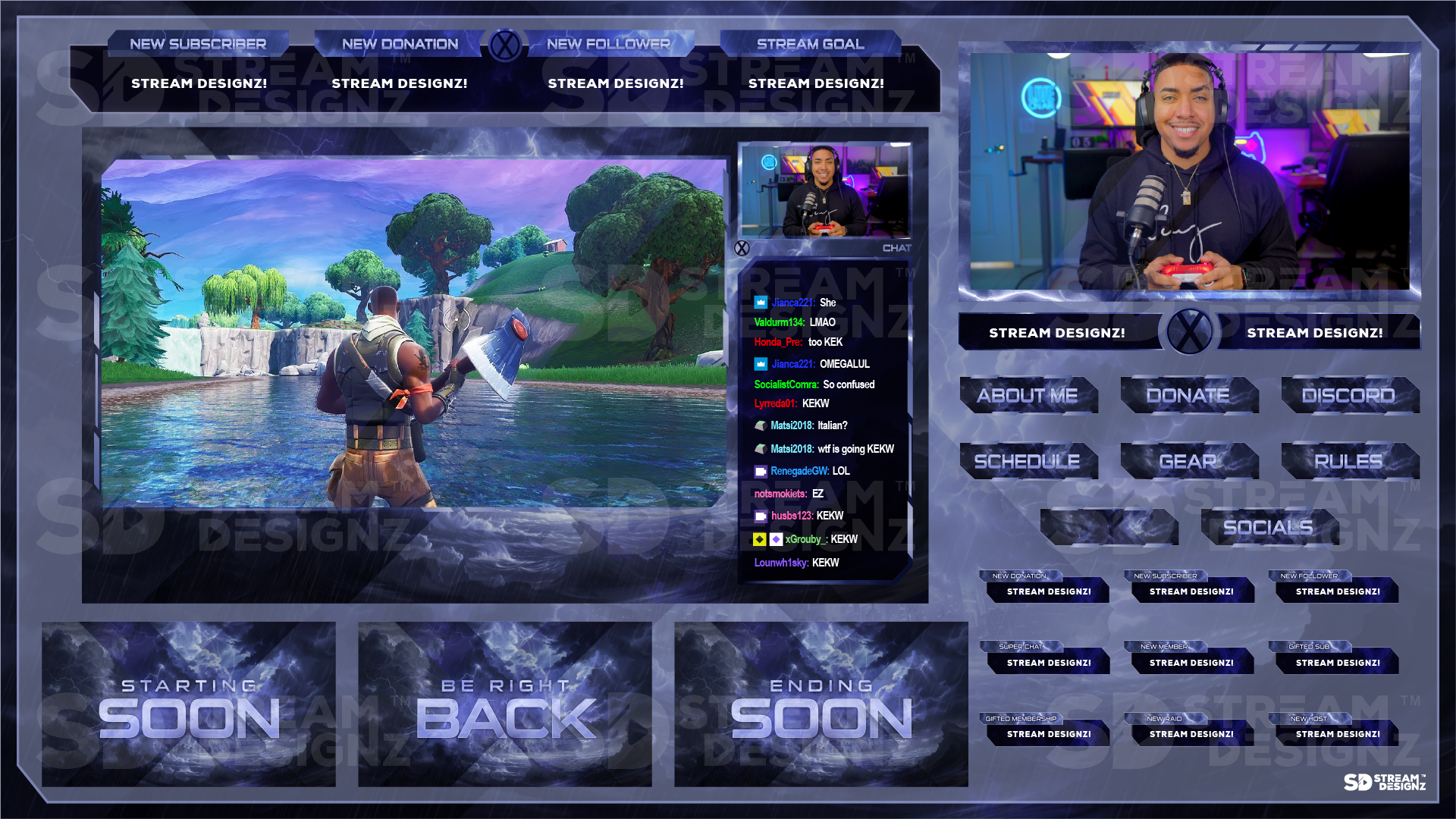
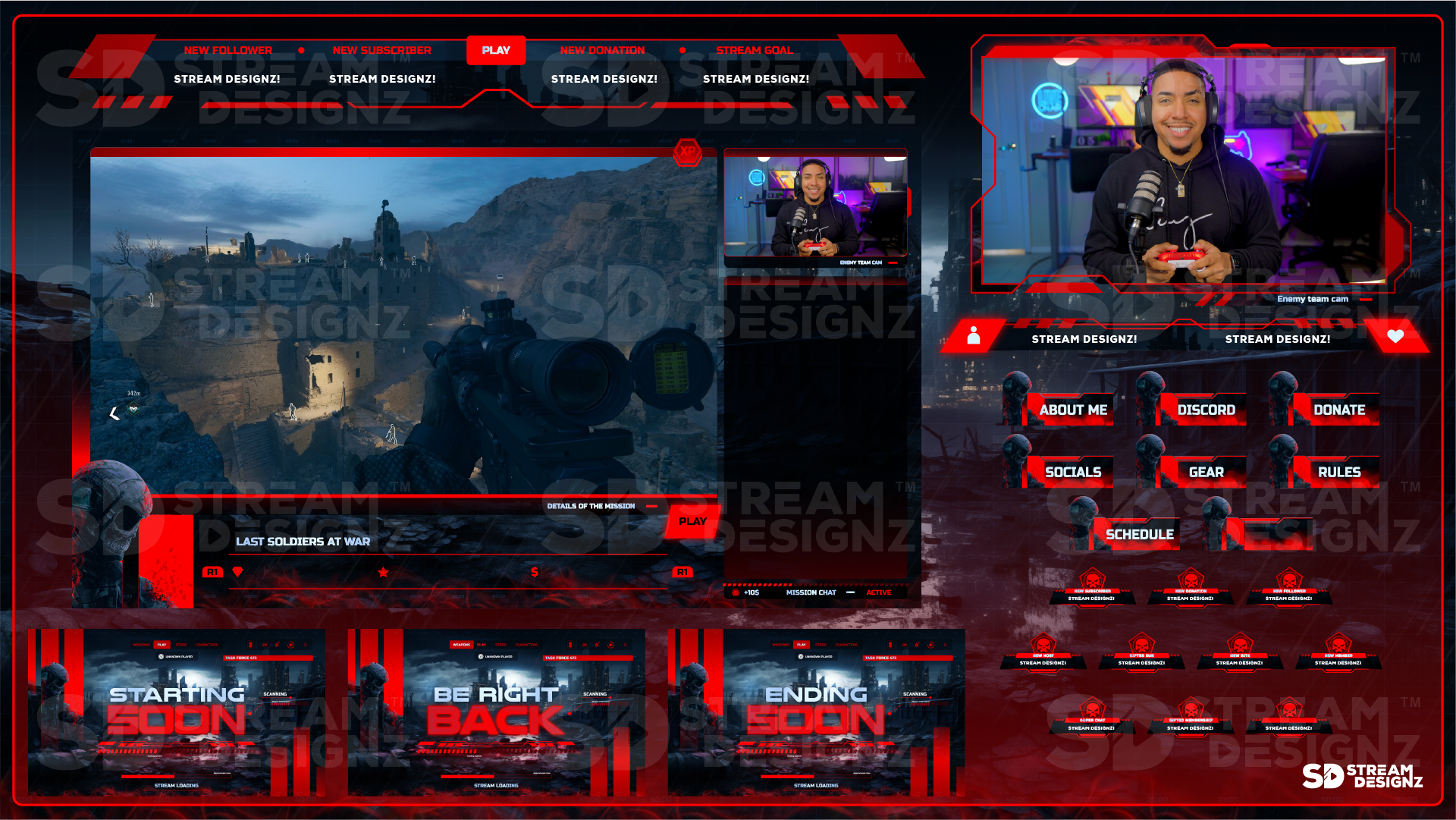
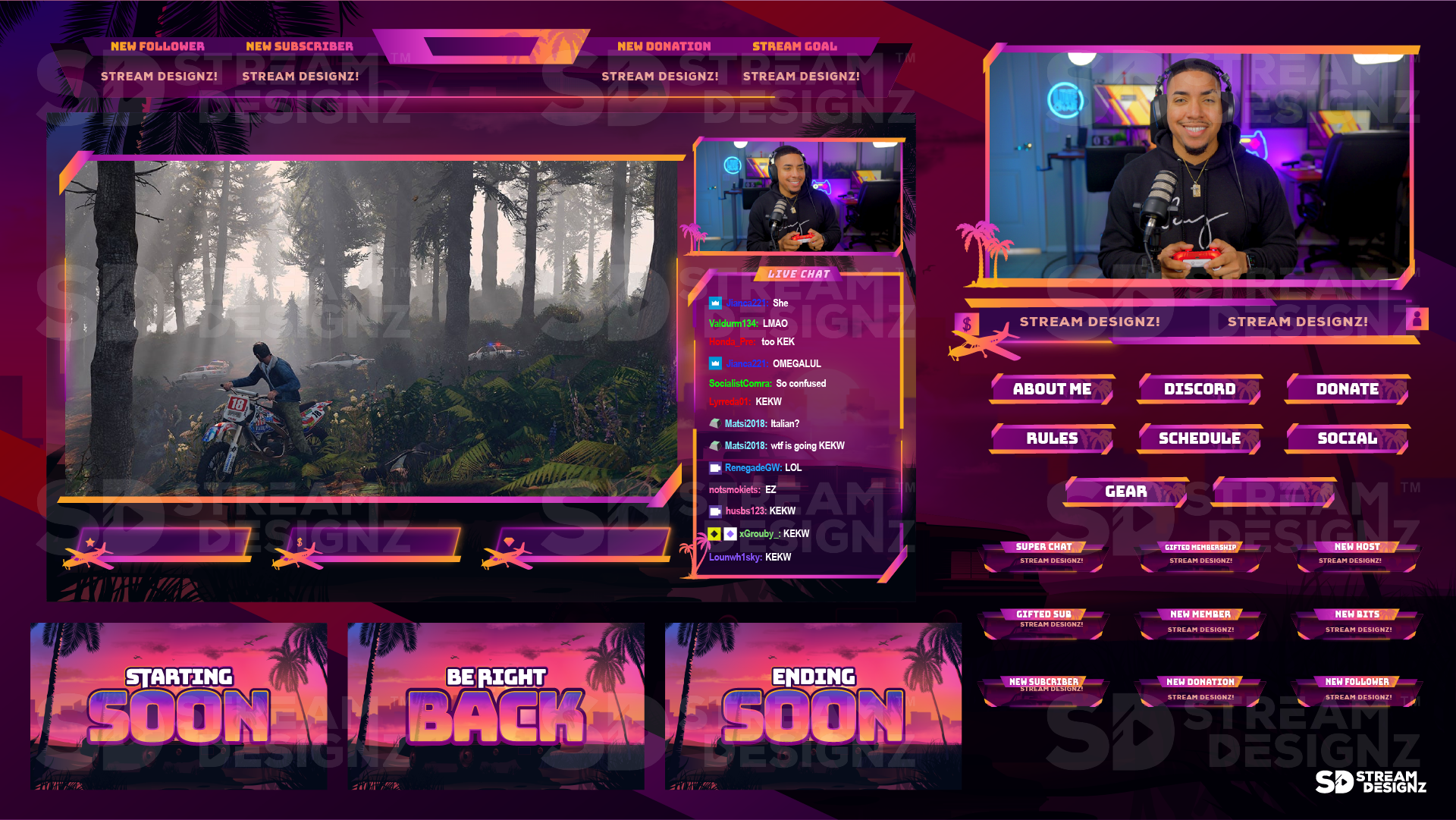
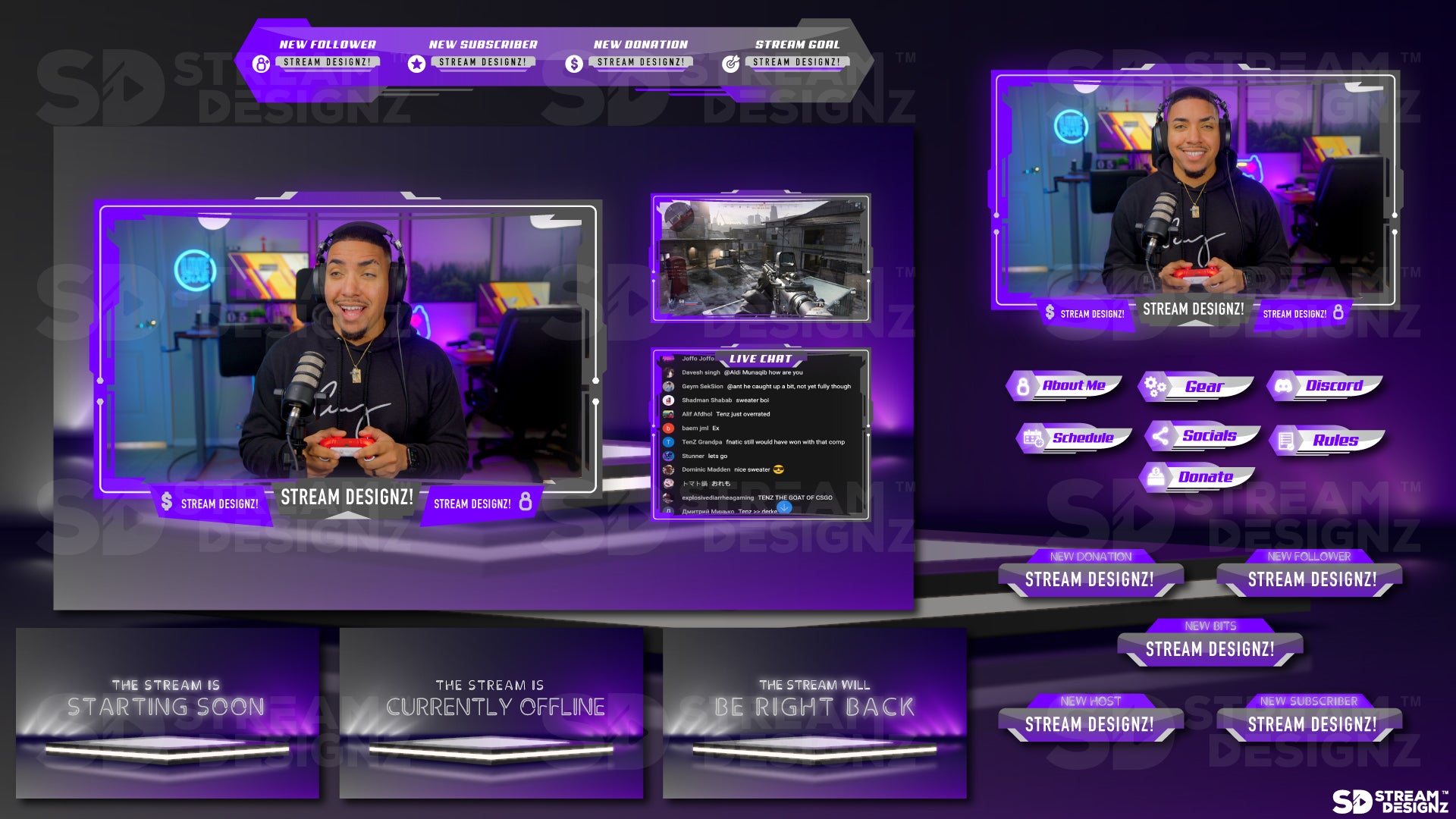
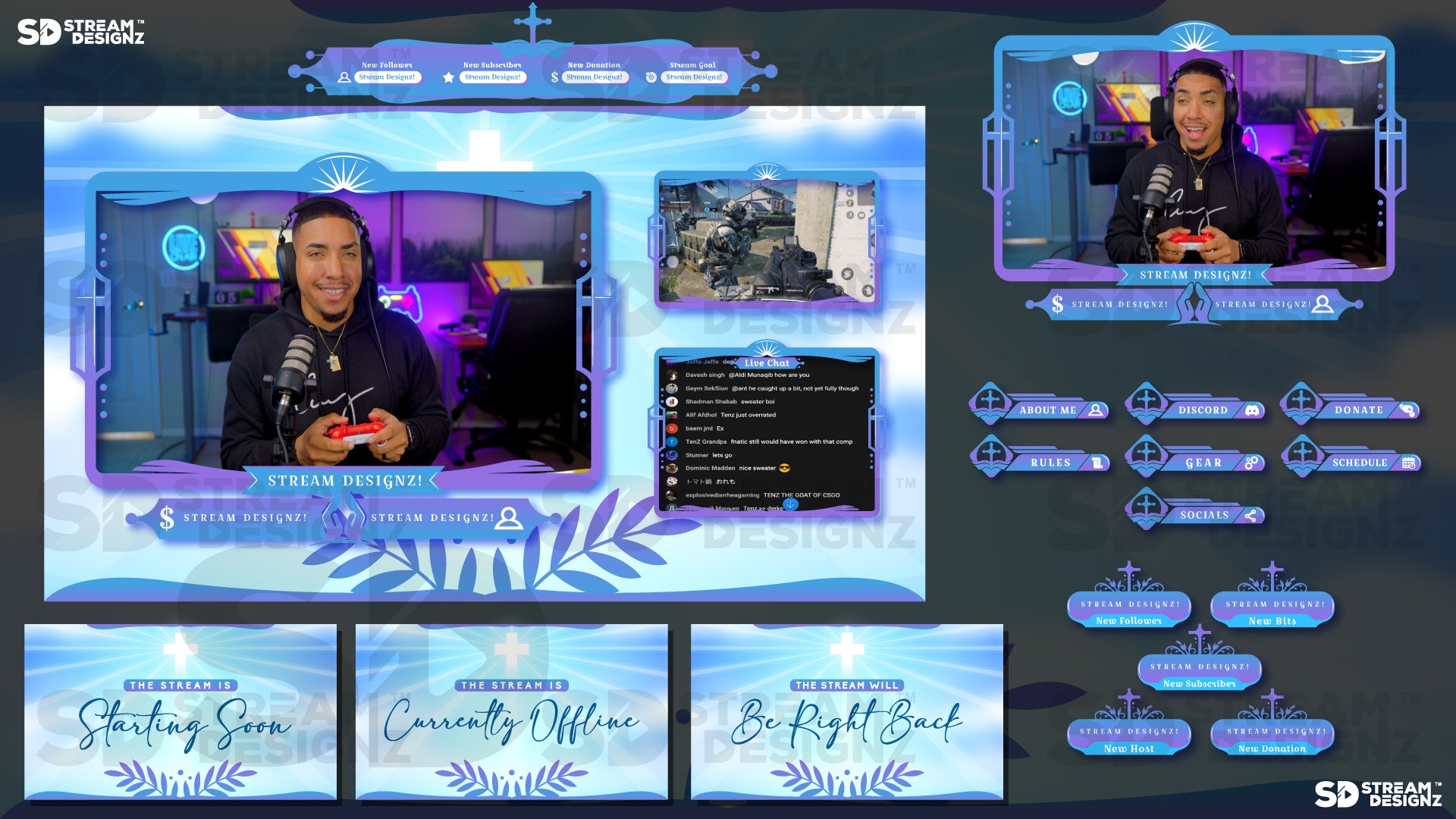
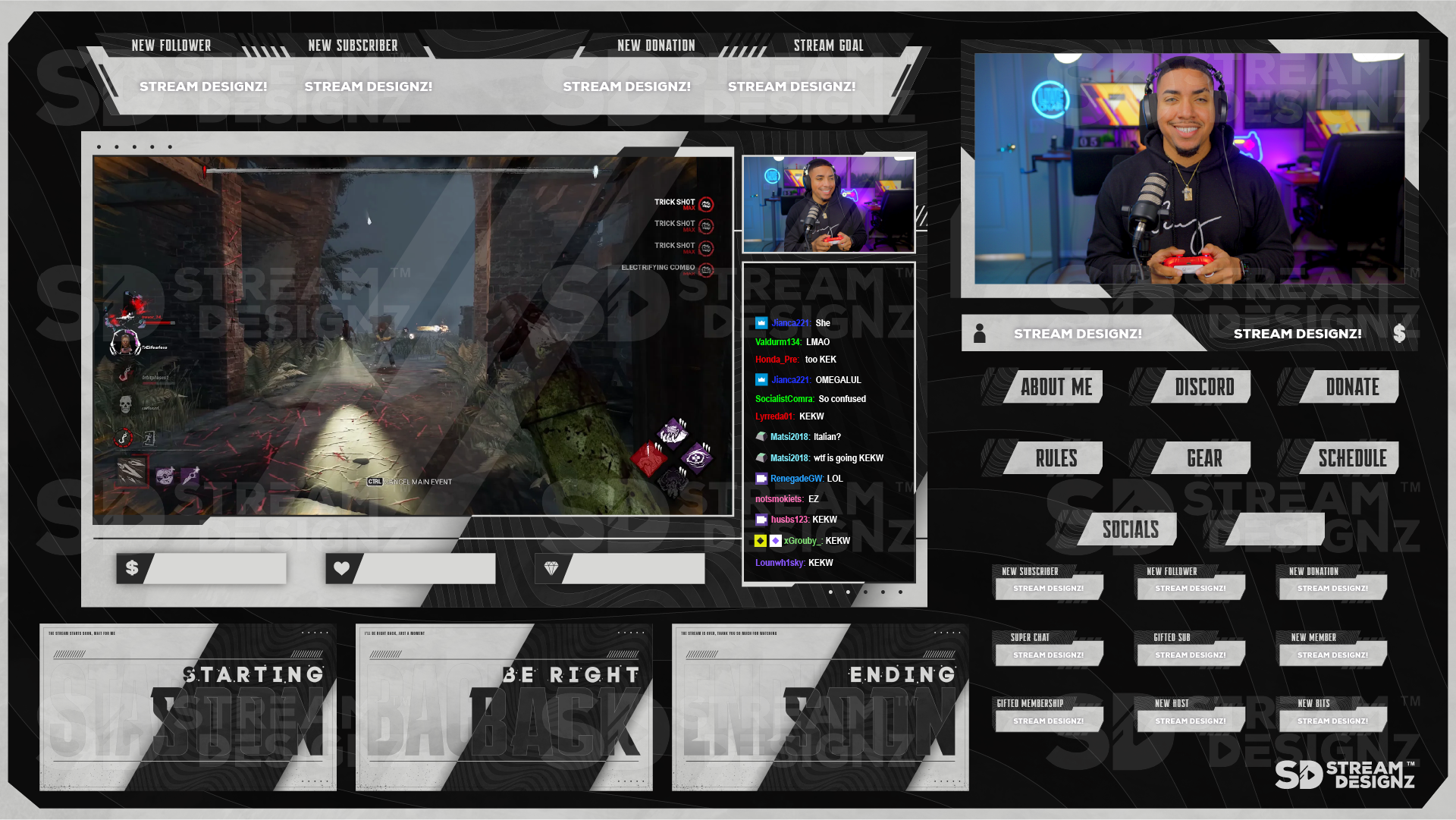
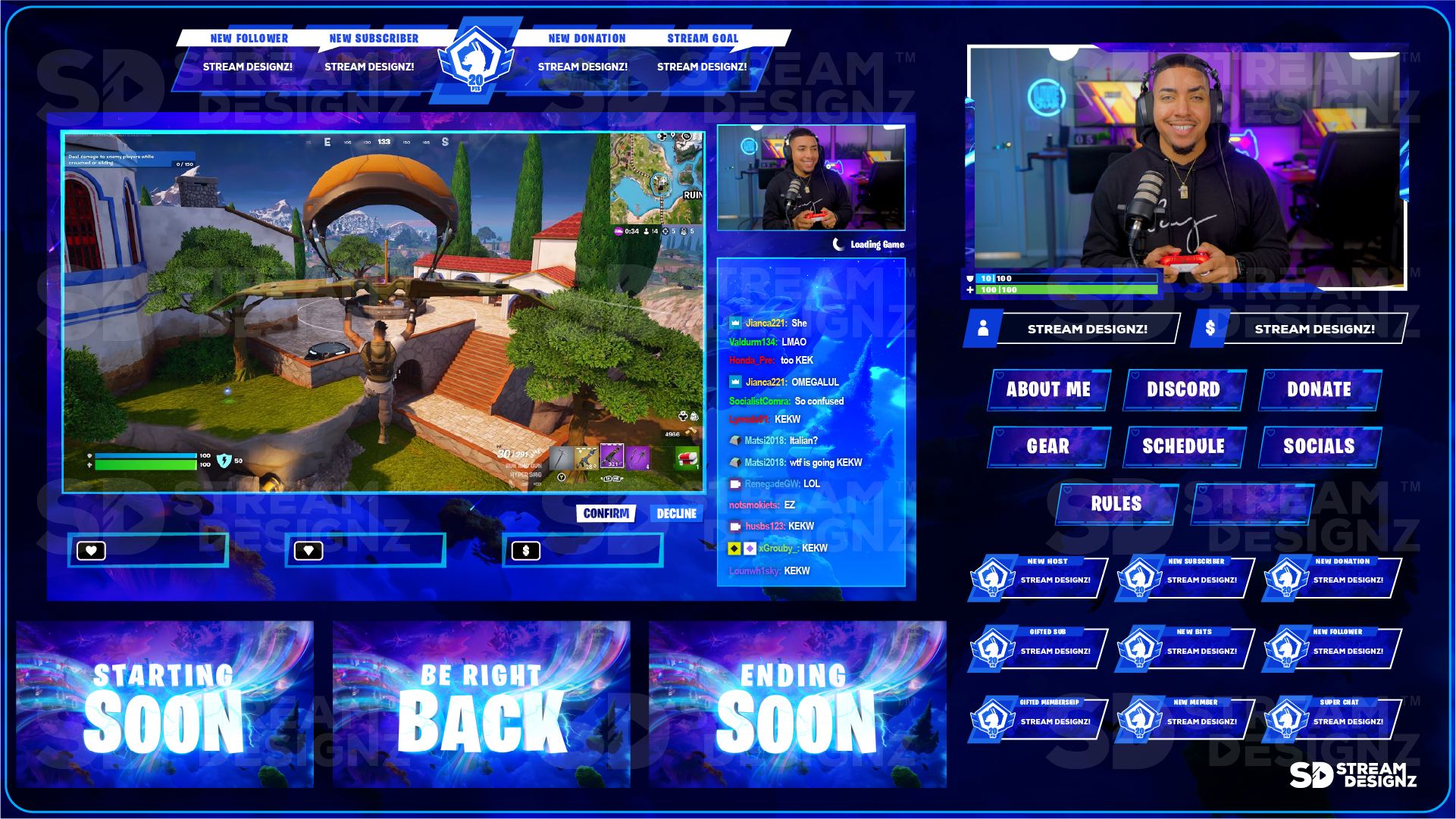
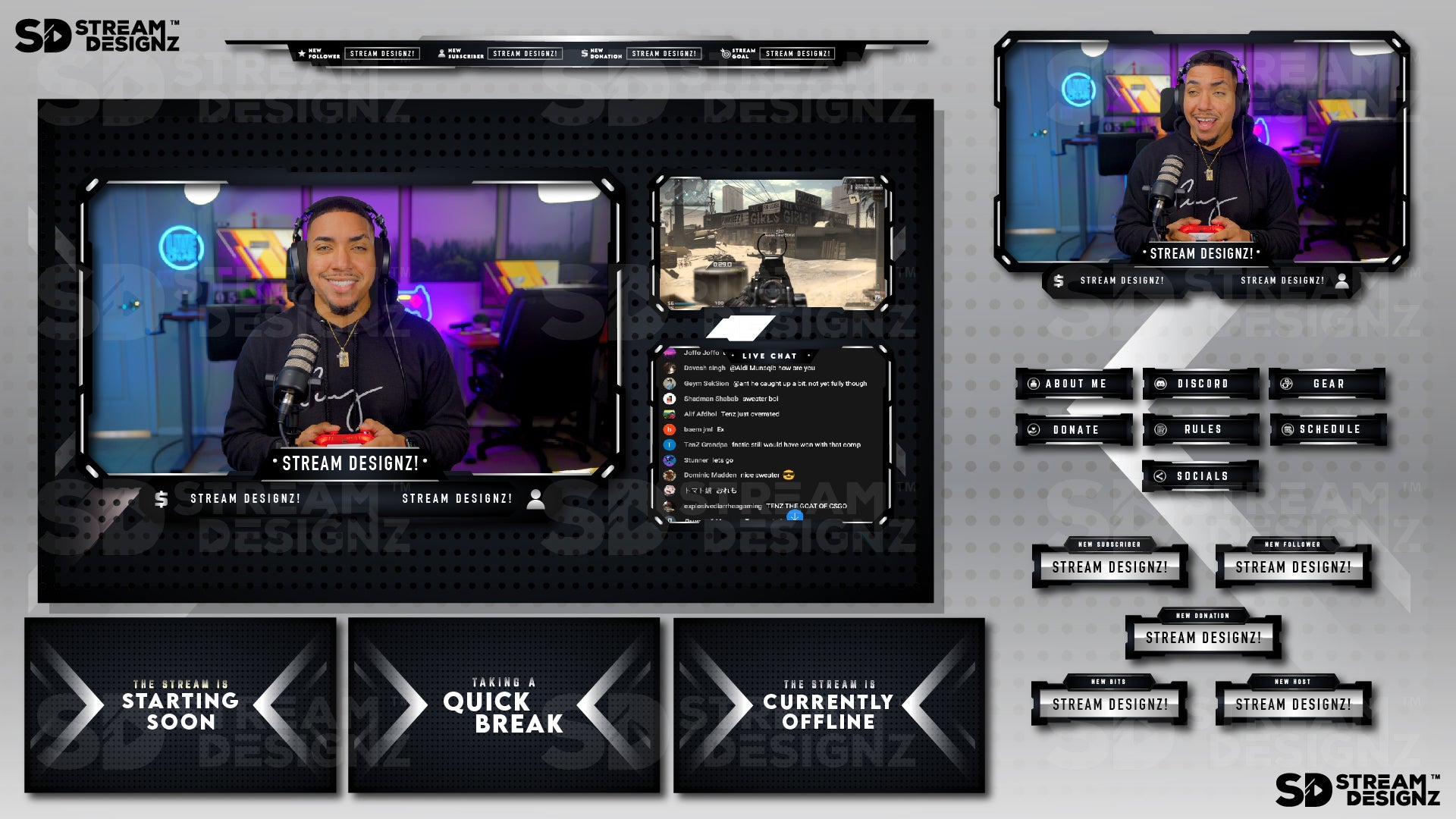
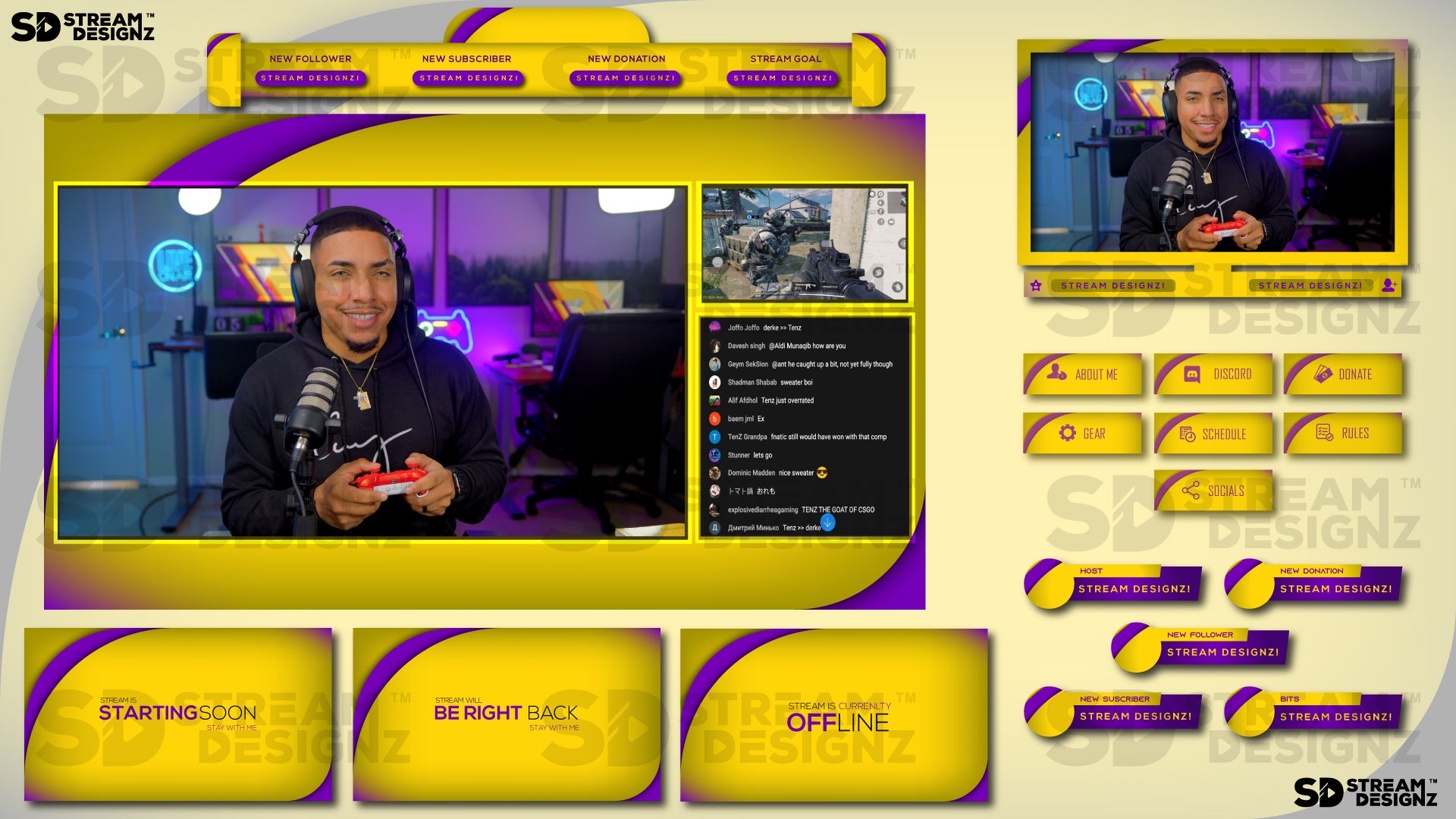
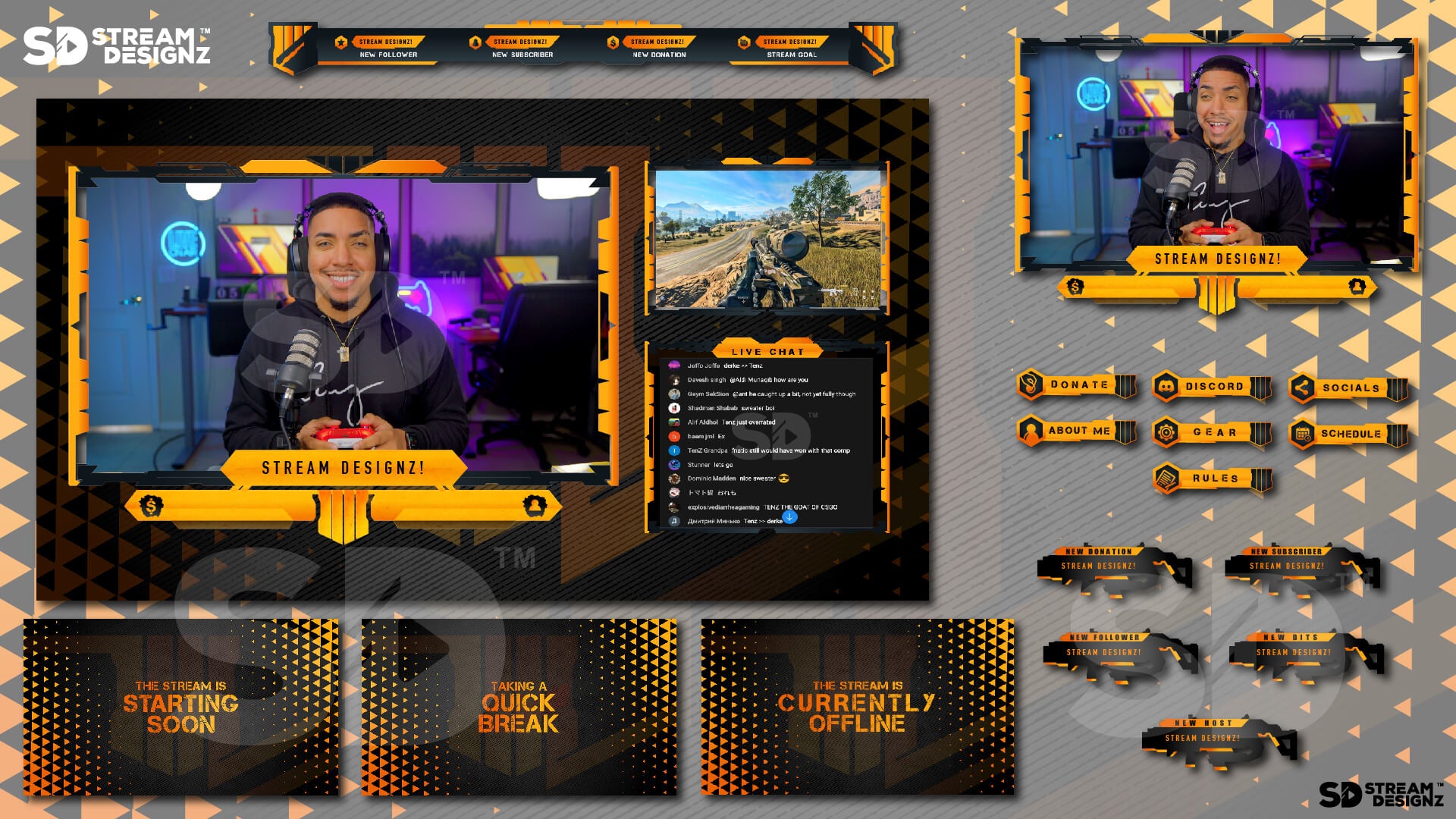
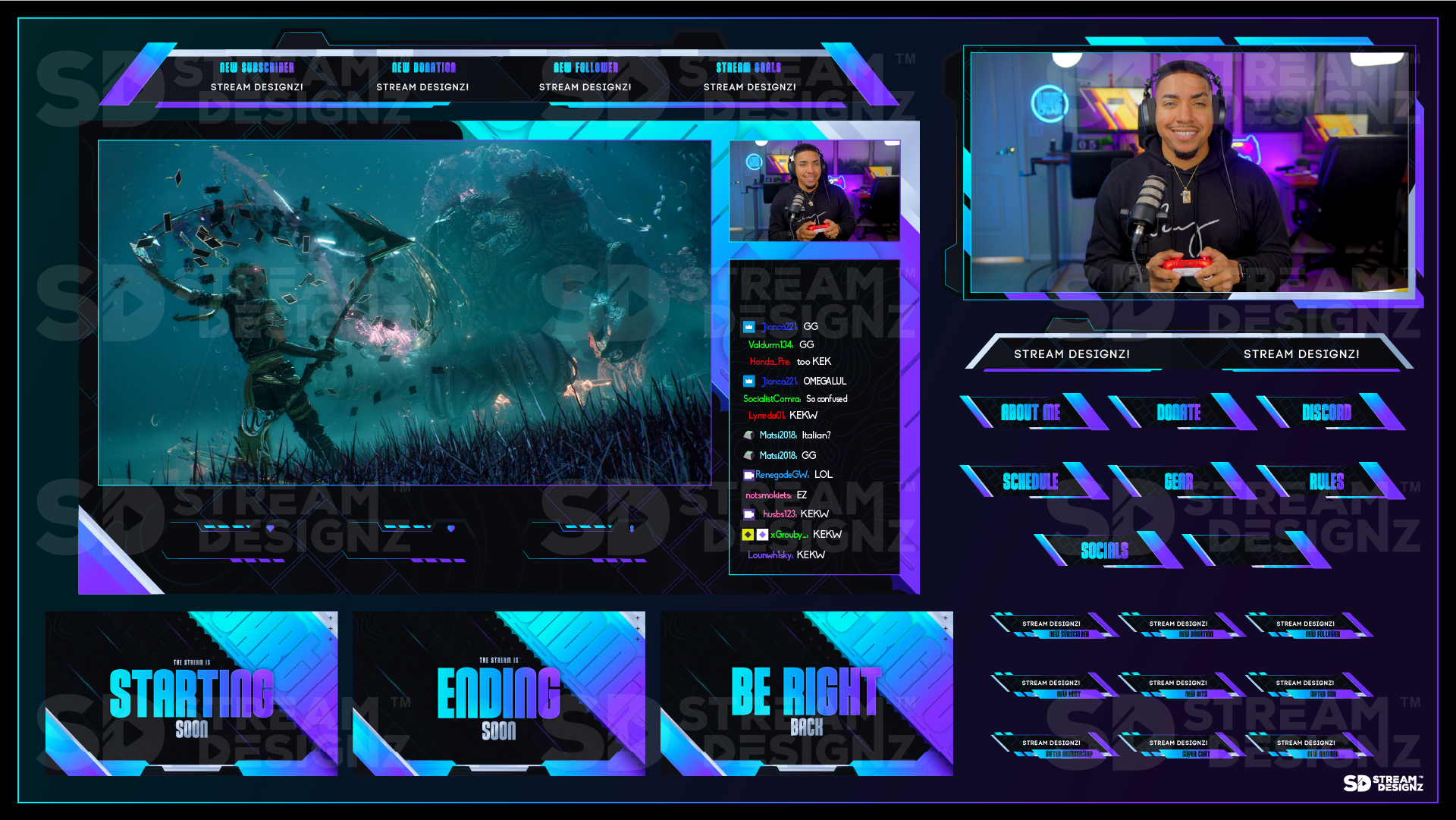
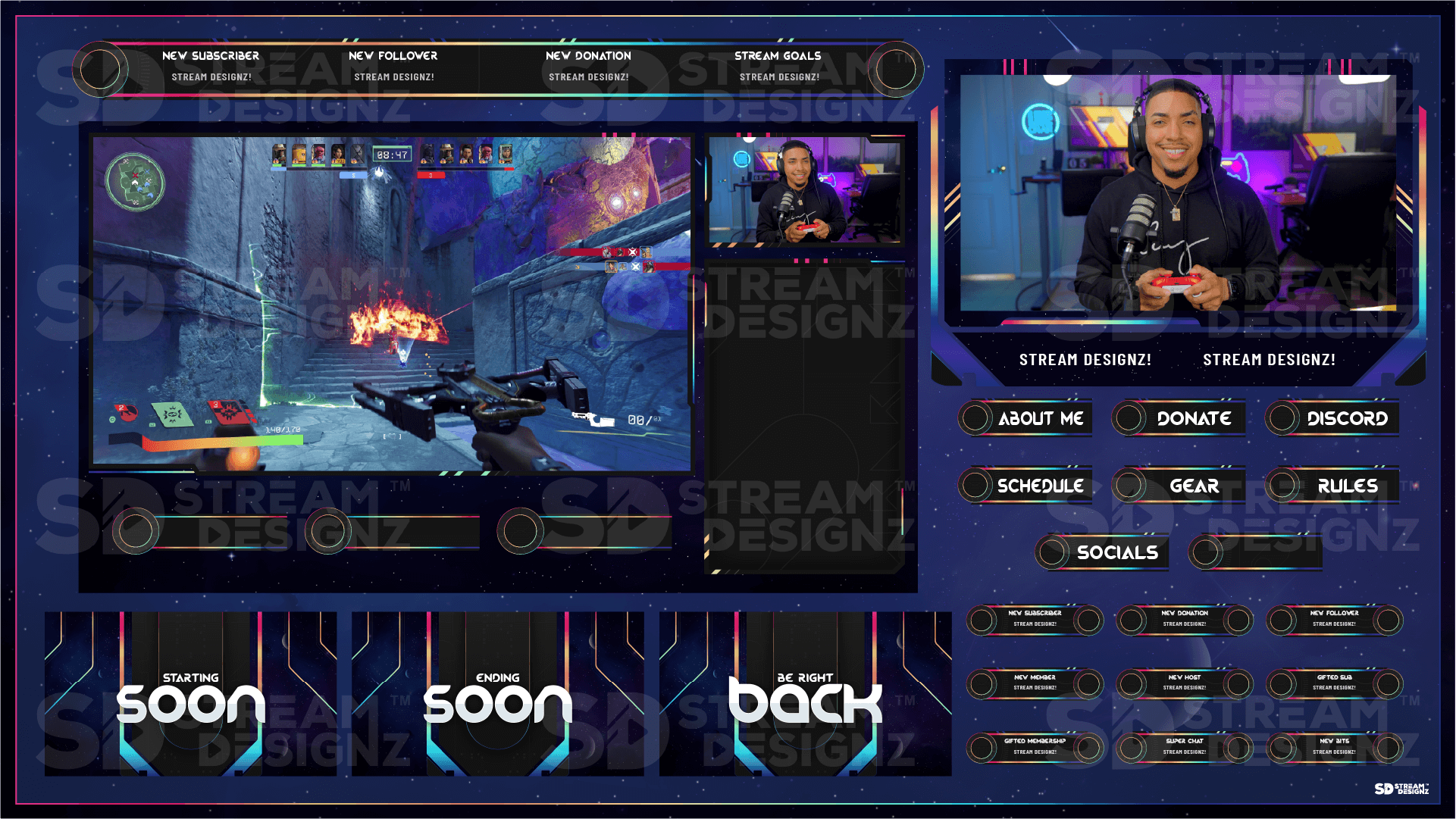
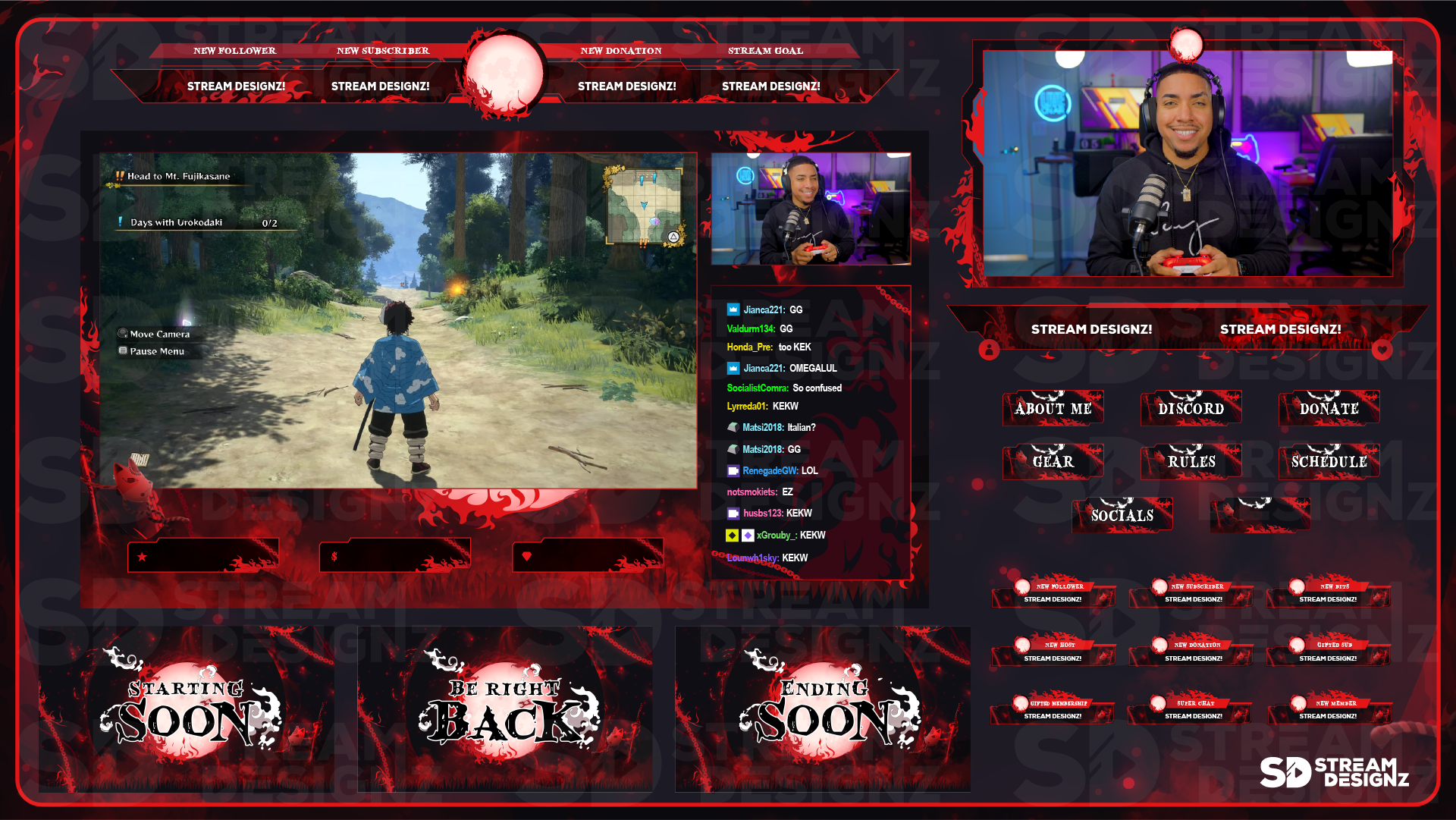
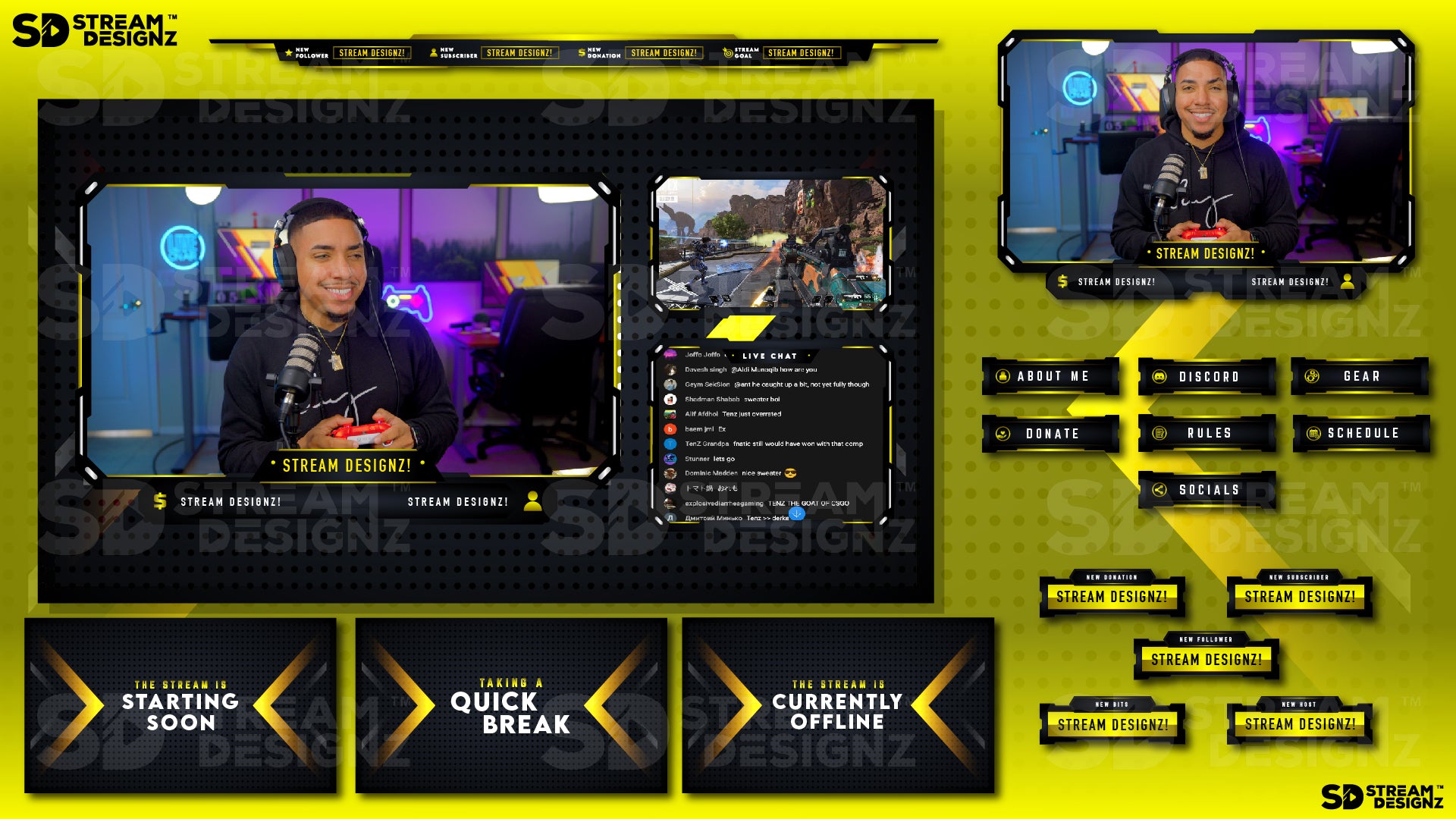
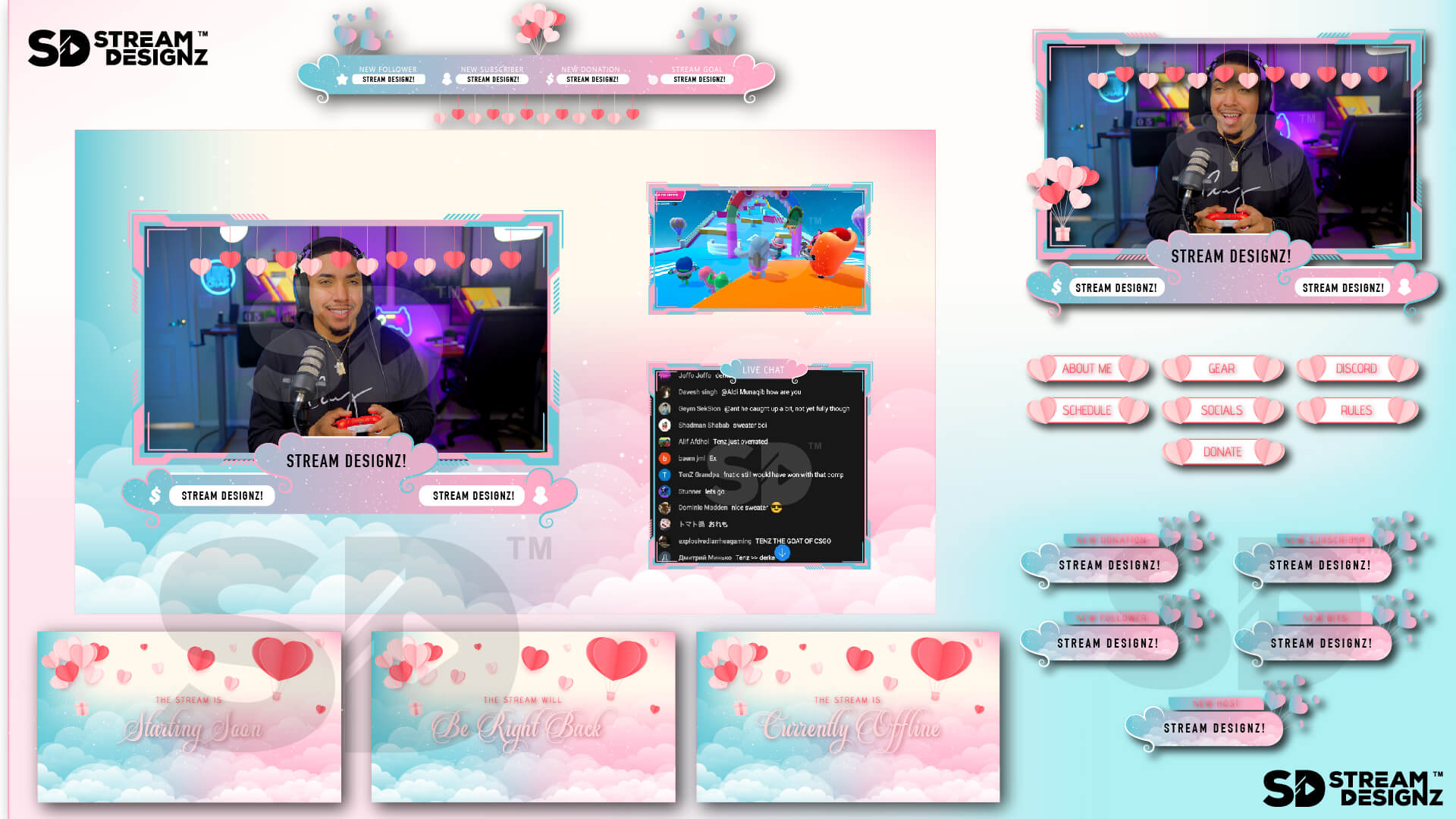
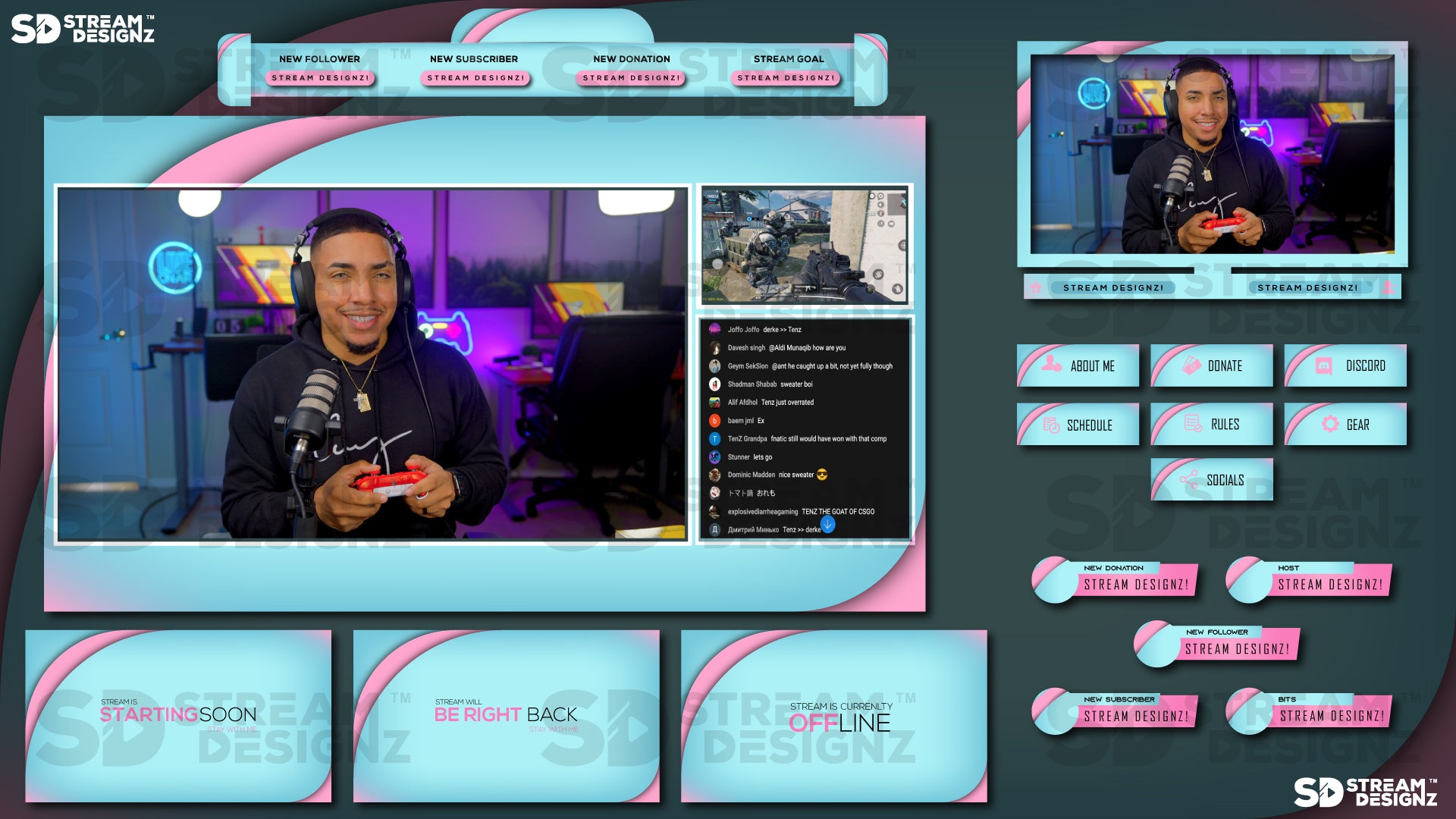
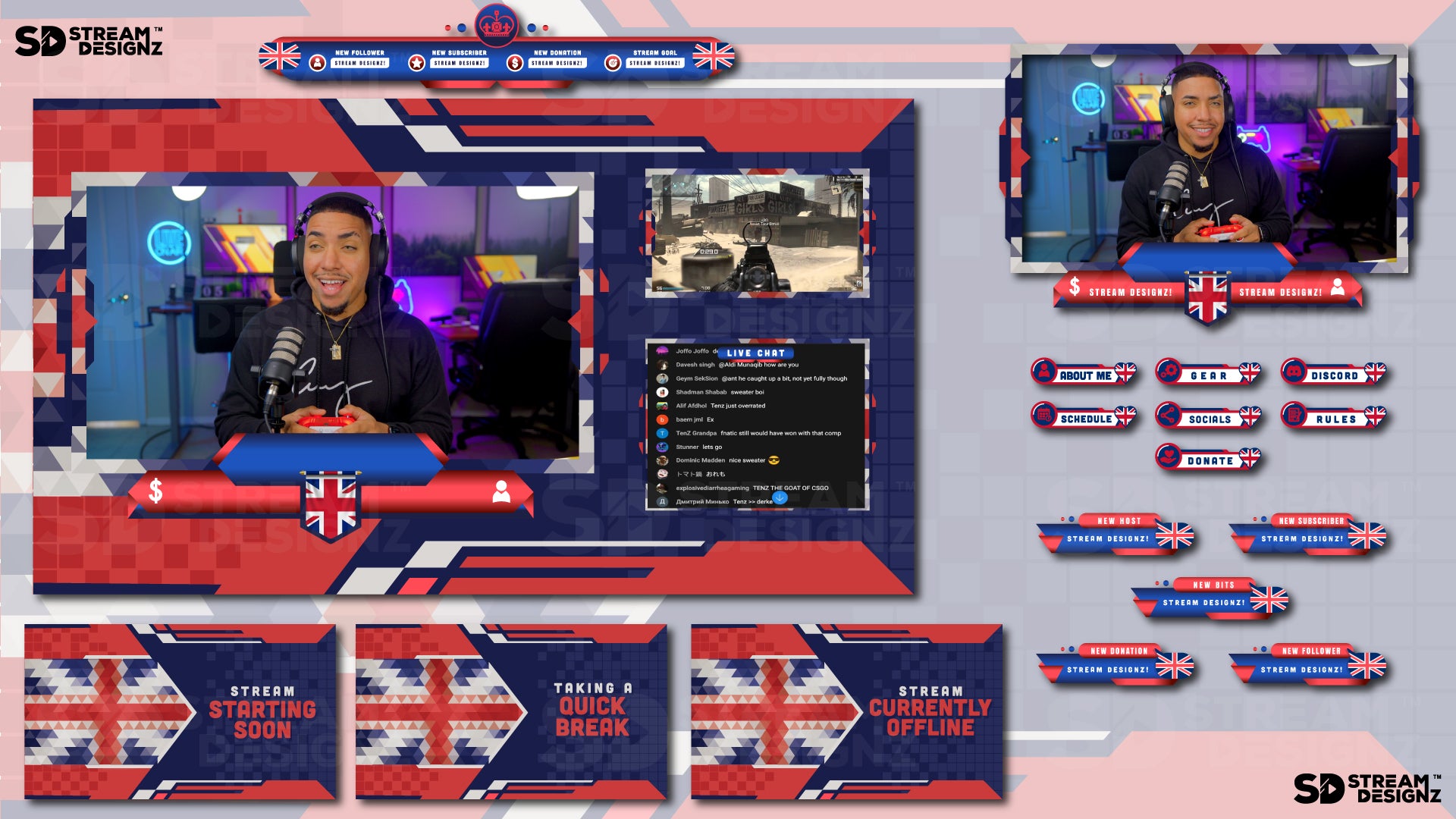
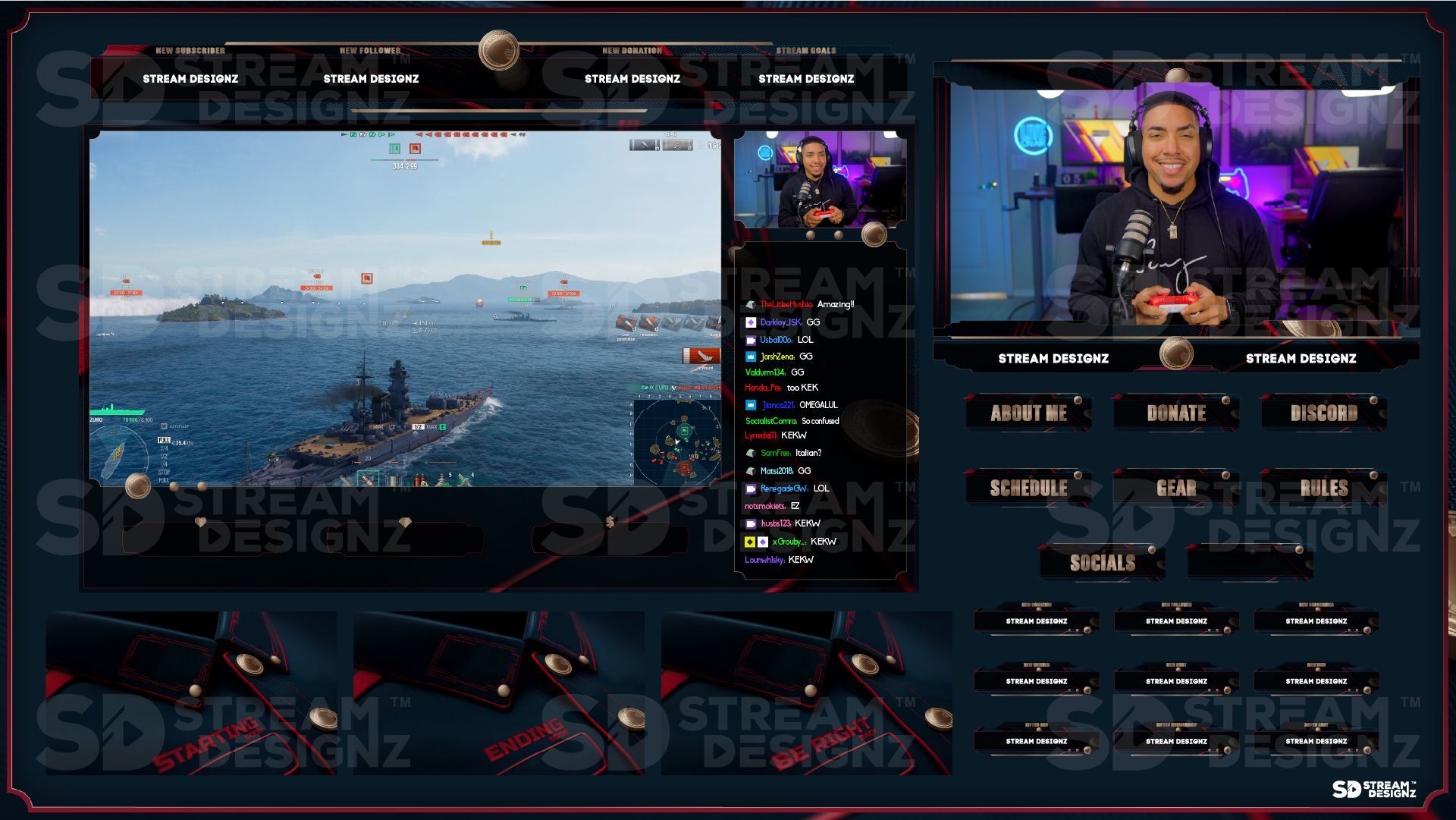
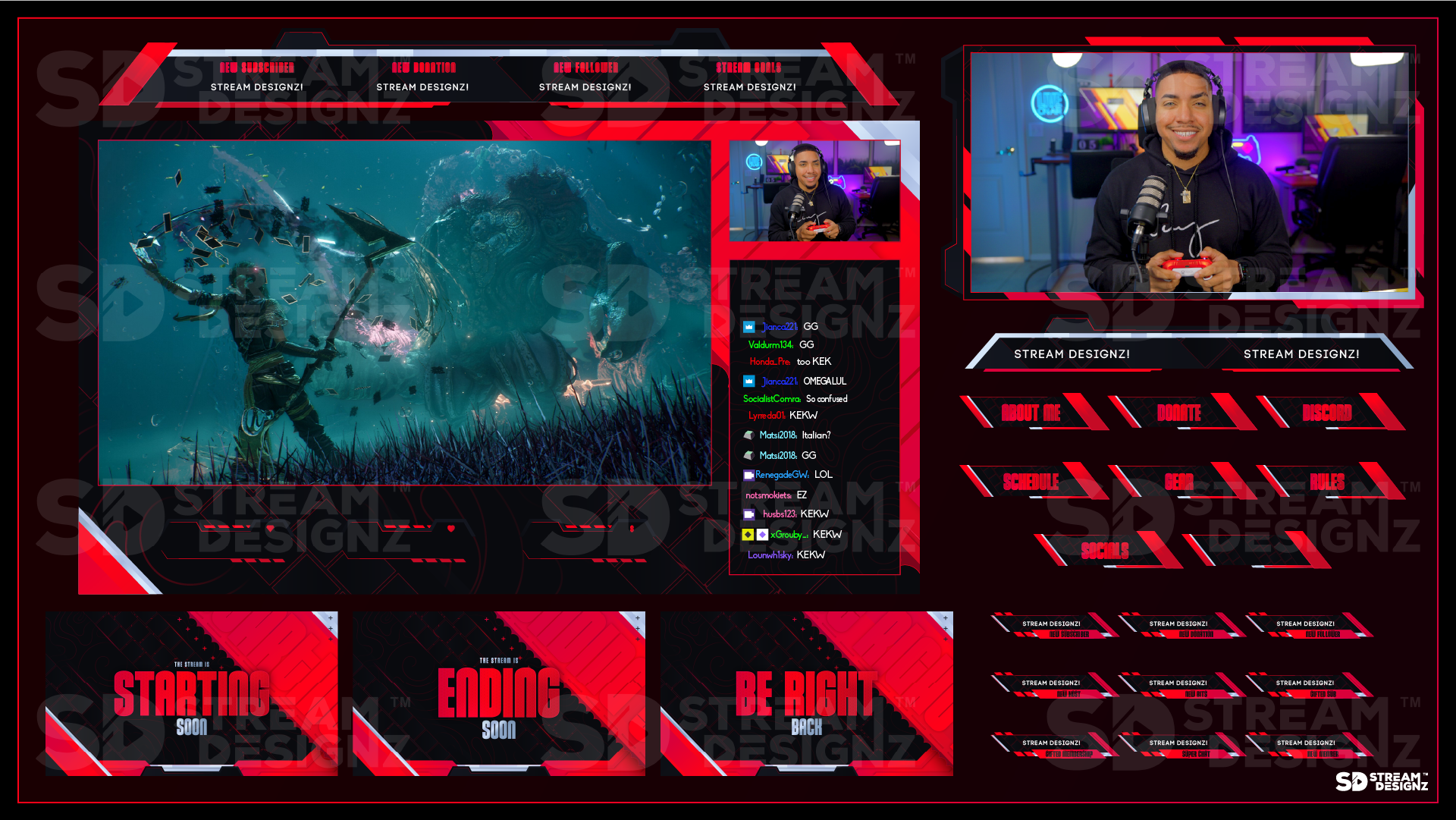
Each non-animated stream overlay package from Stream Designz includes the following assets, all in PNG format and matched to a single design theme:
-
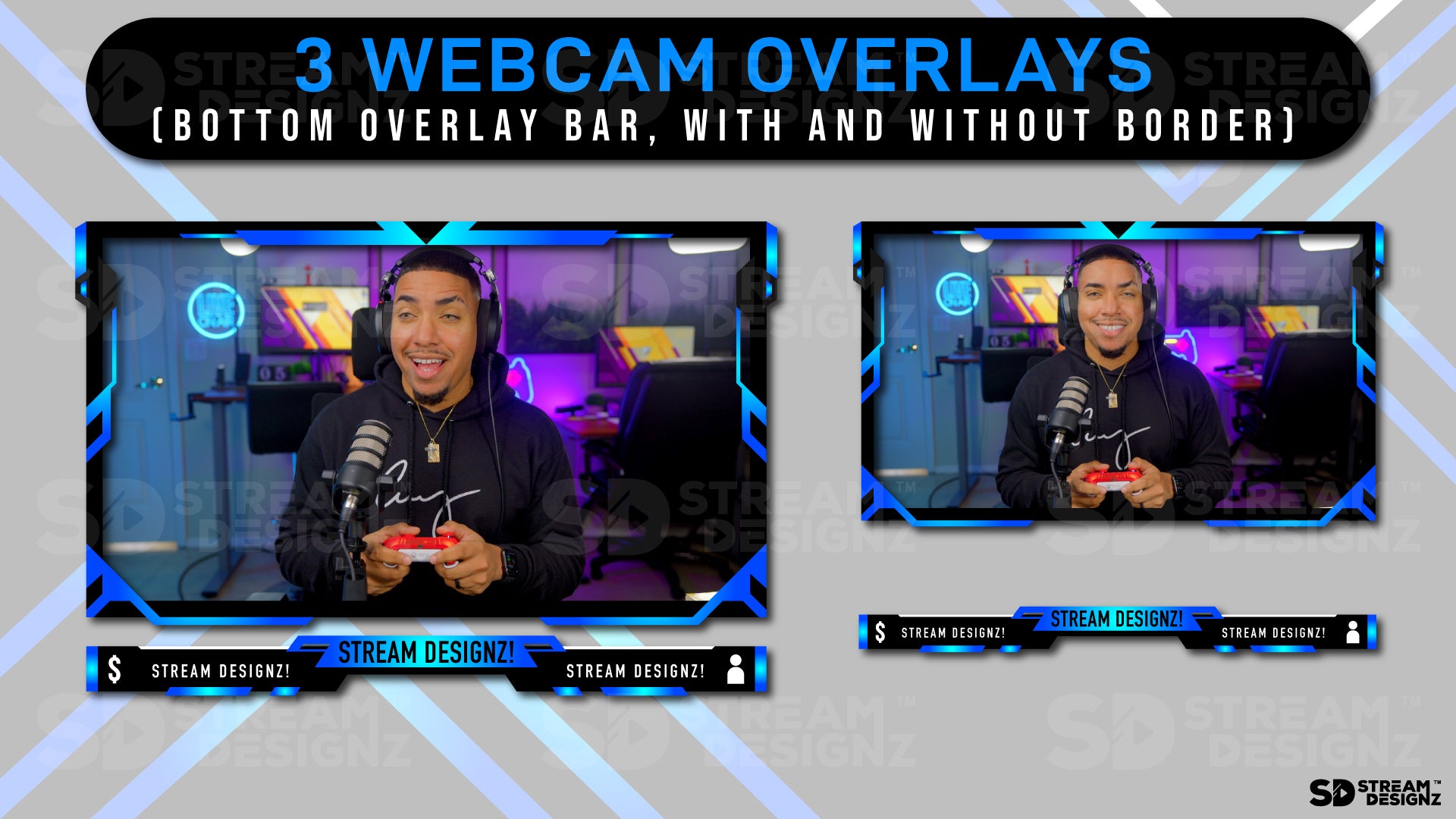
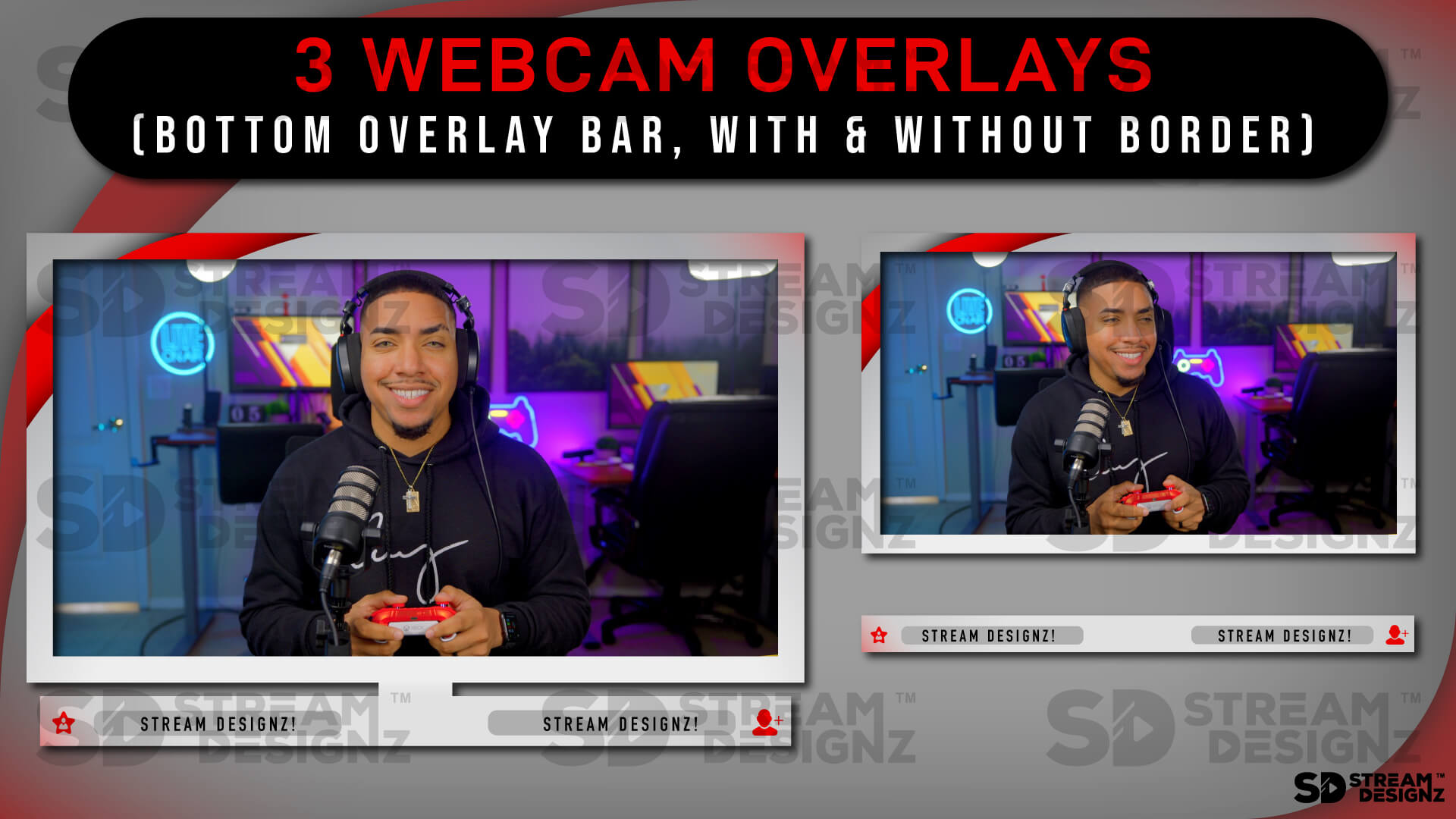
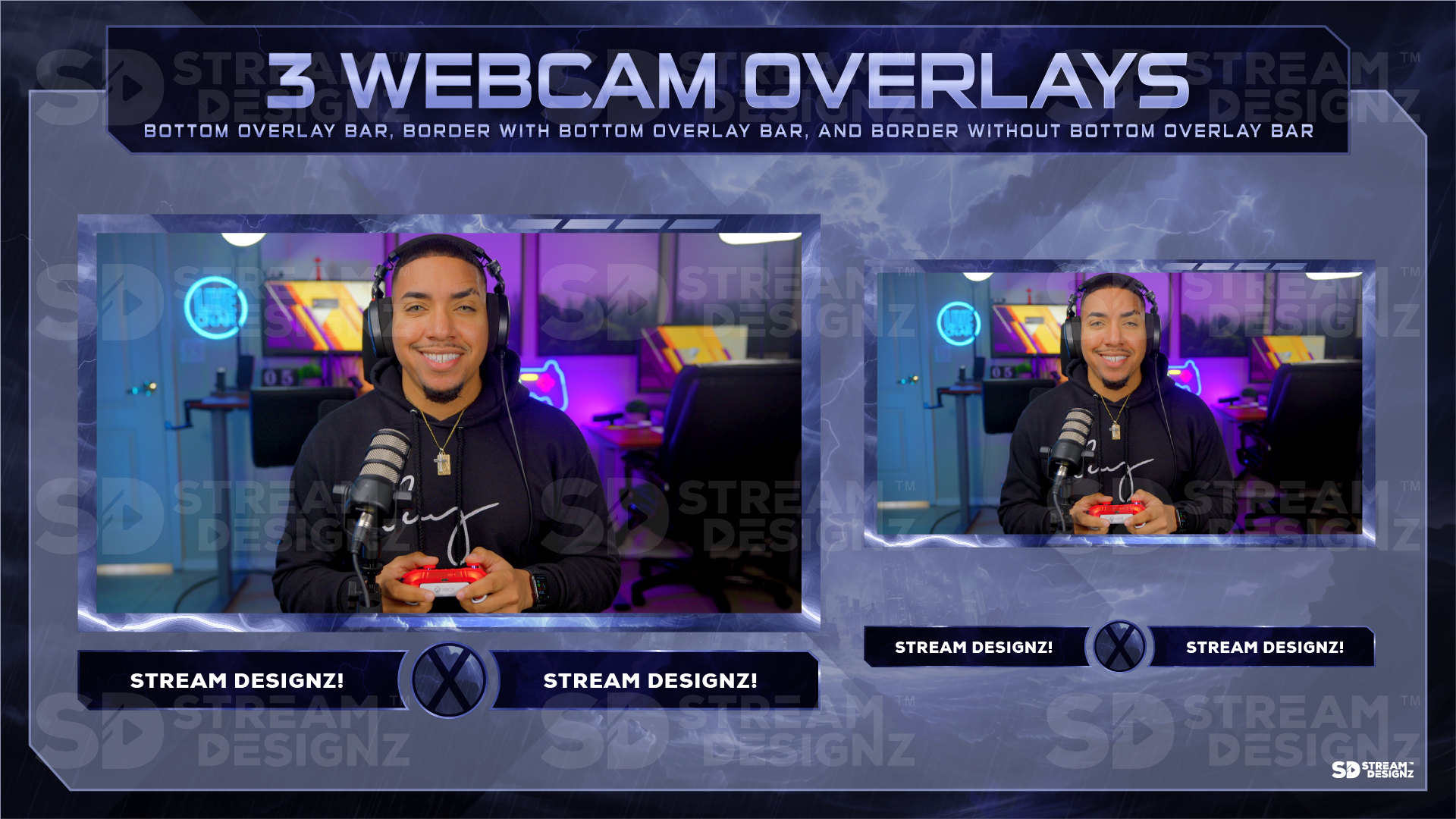
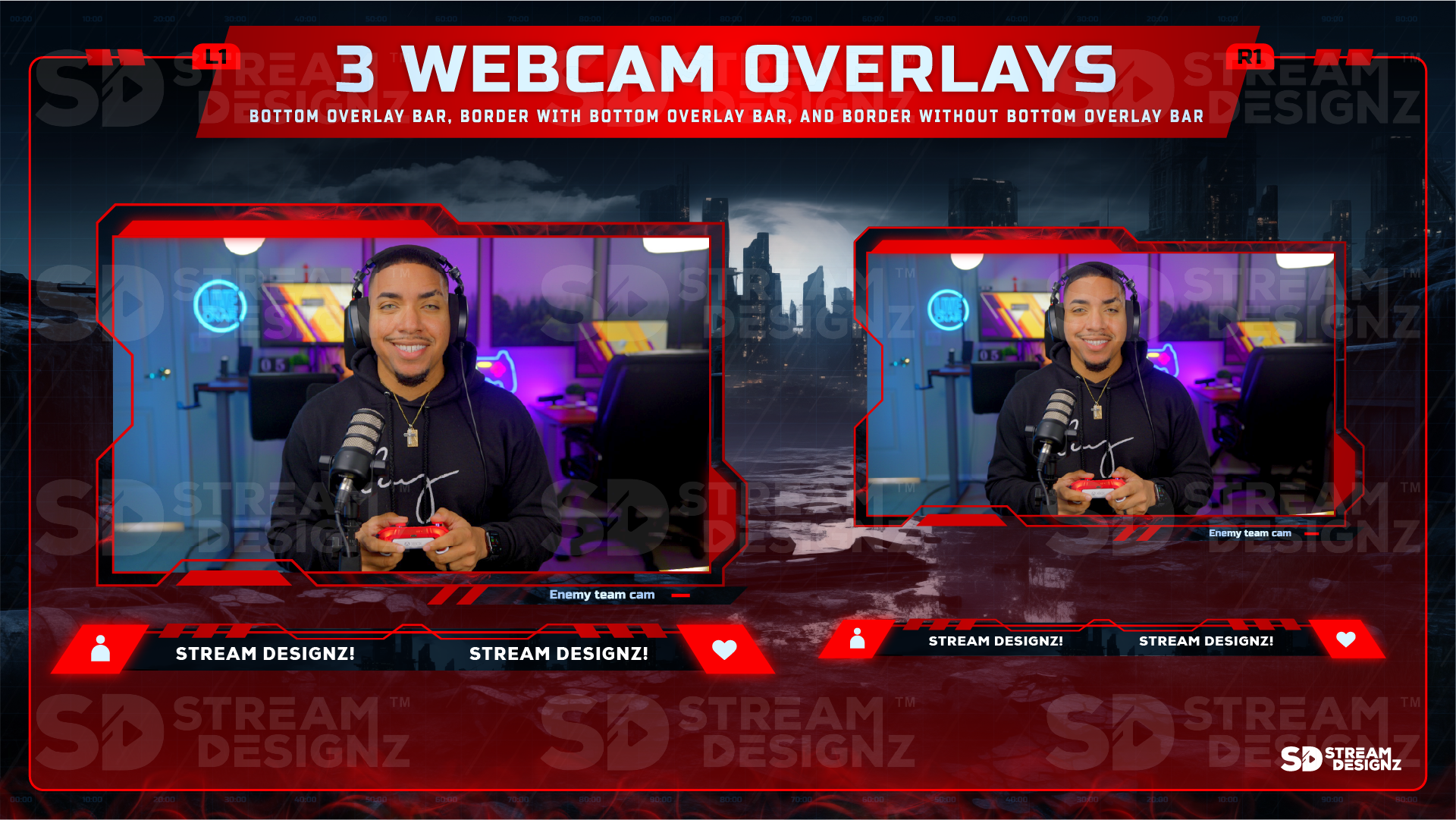
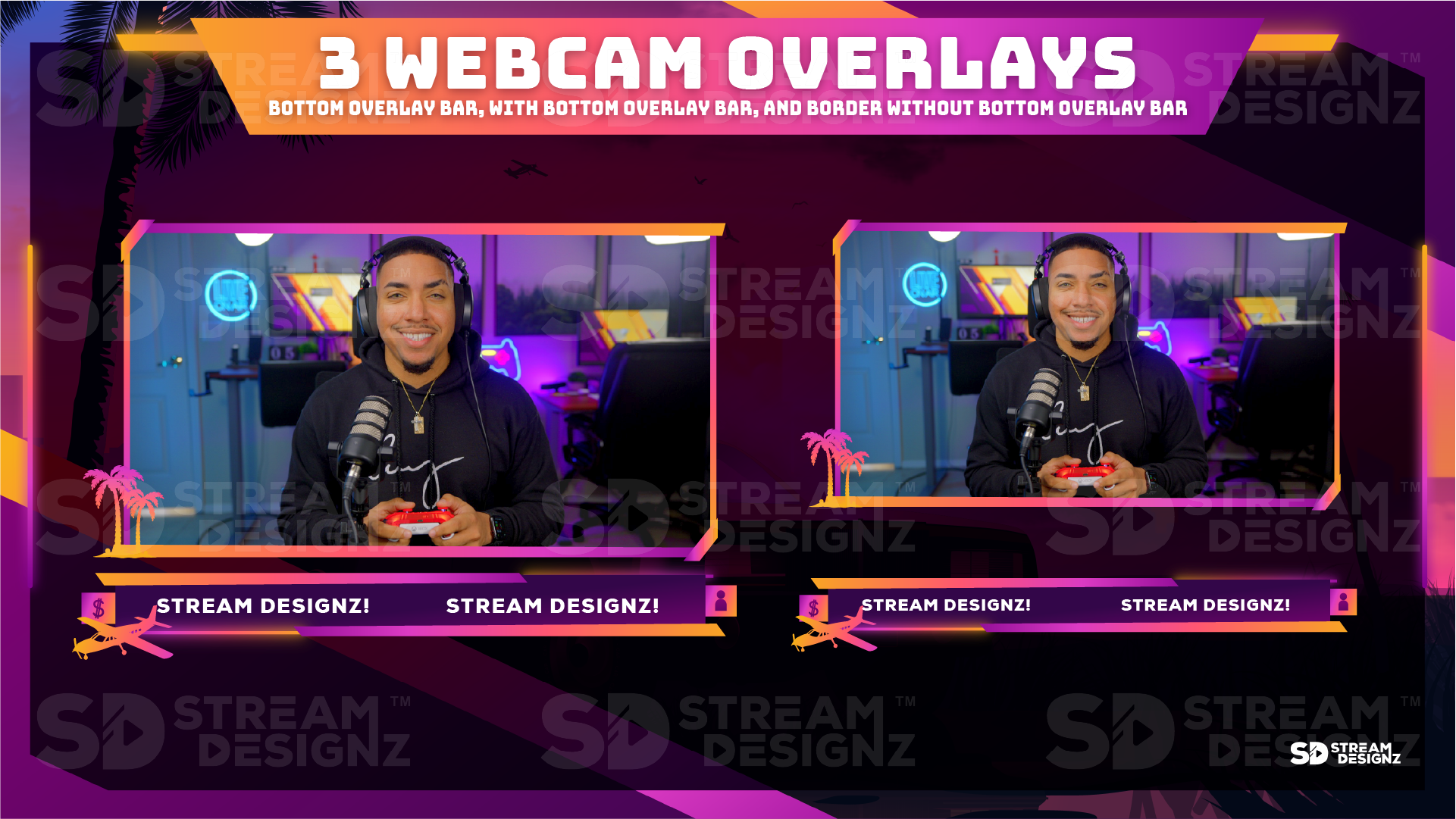
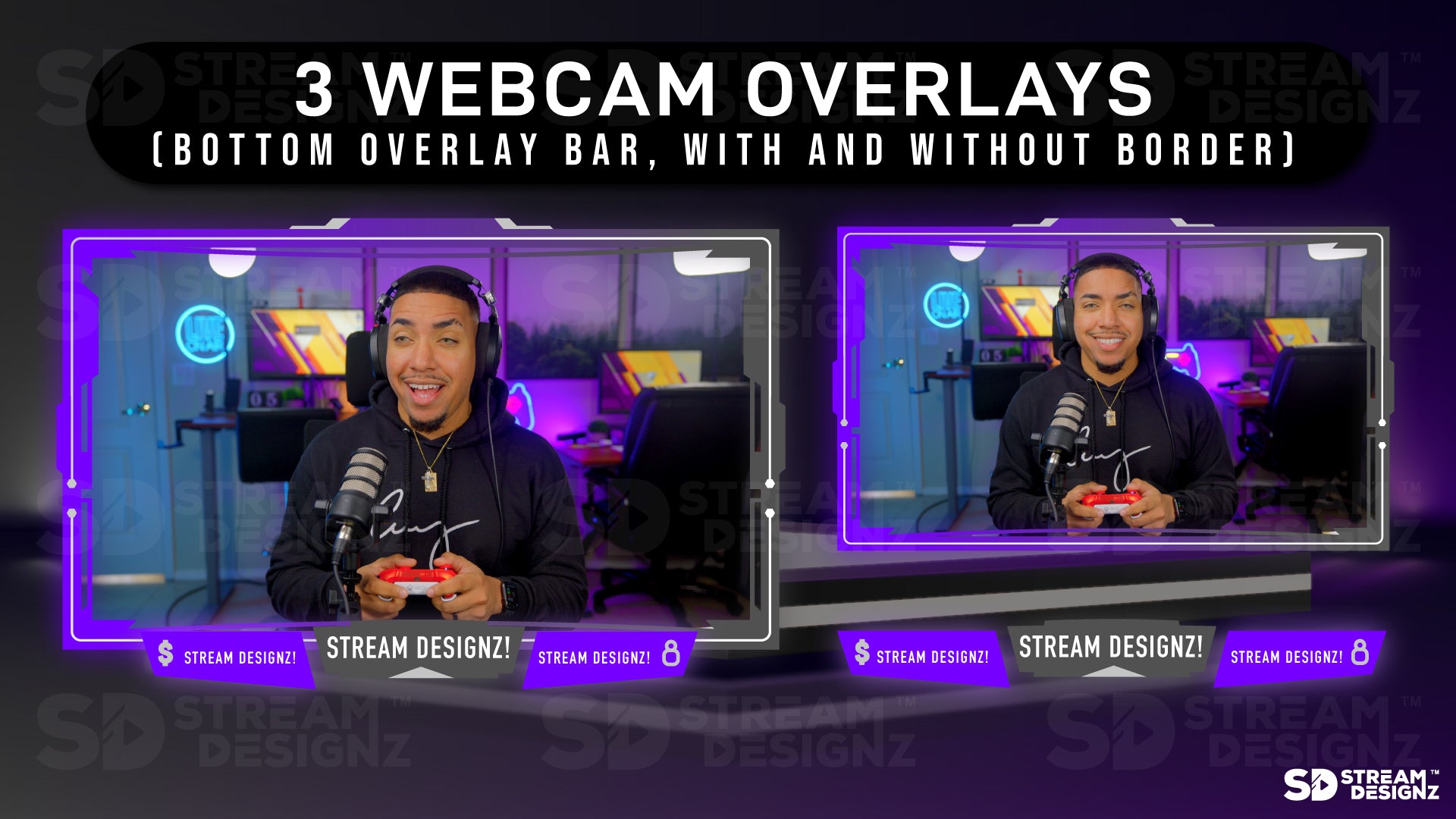
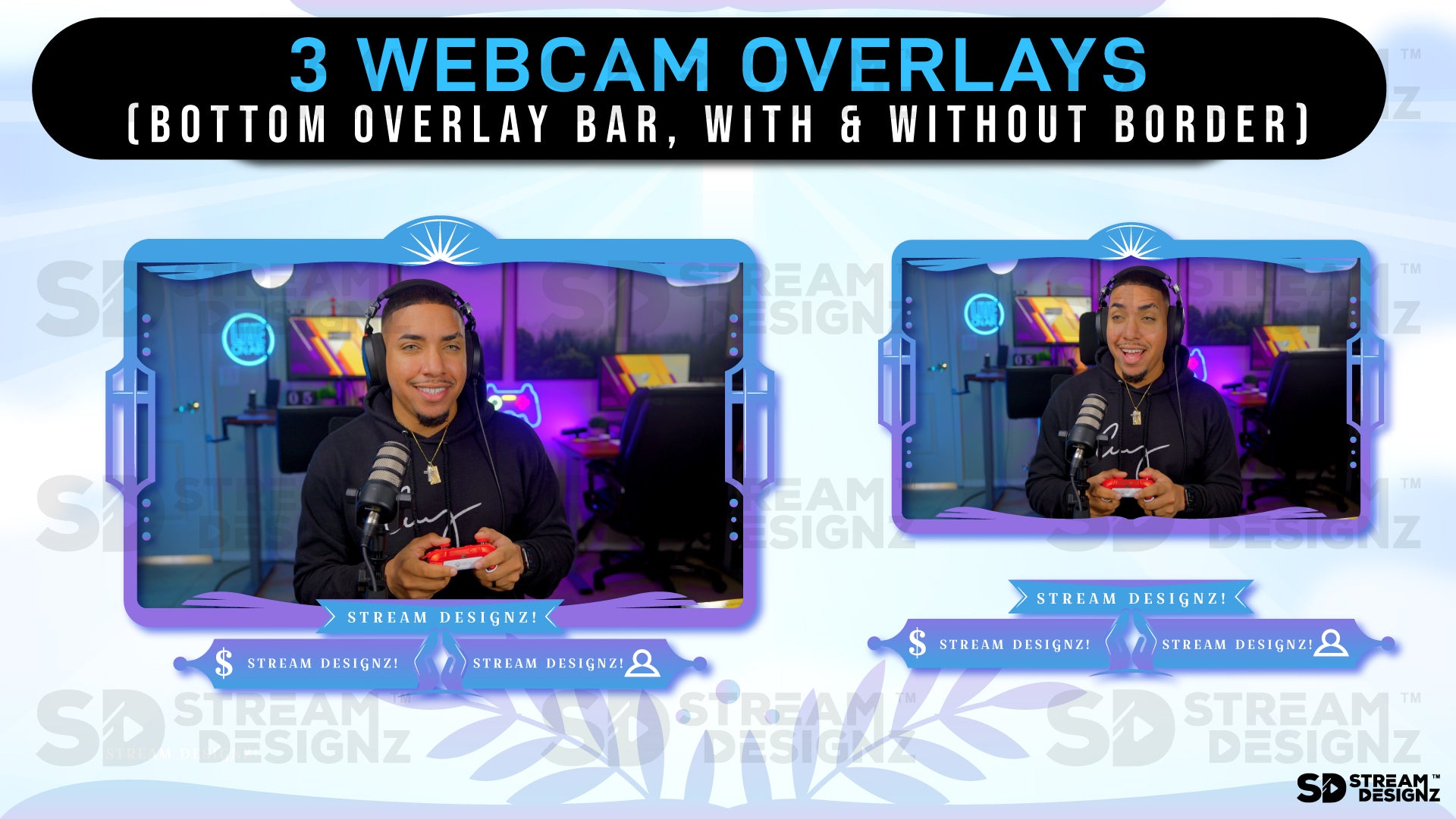
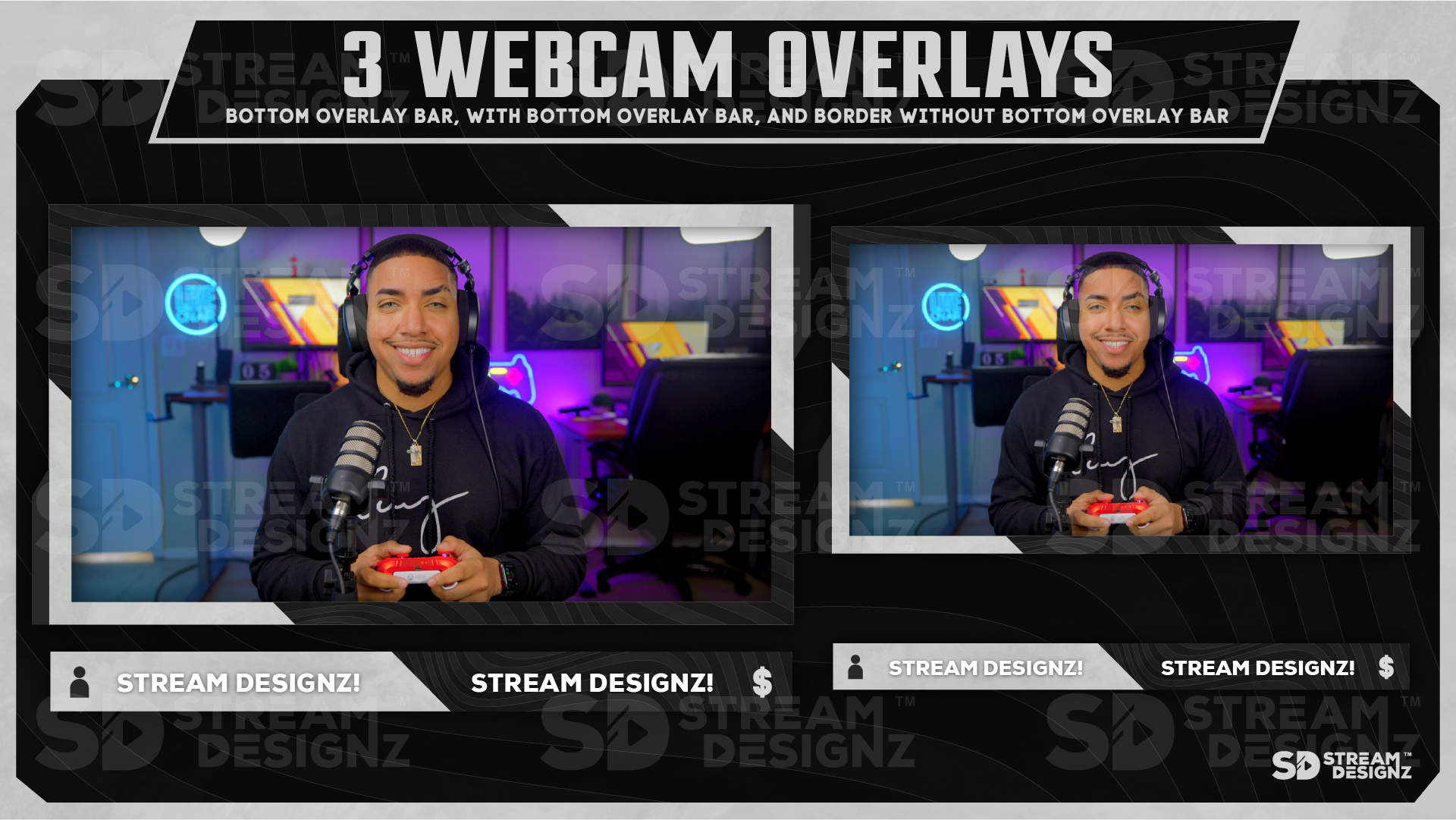
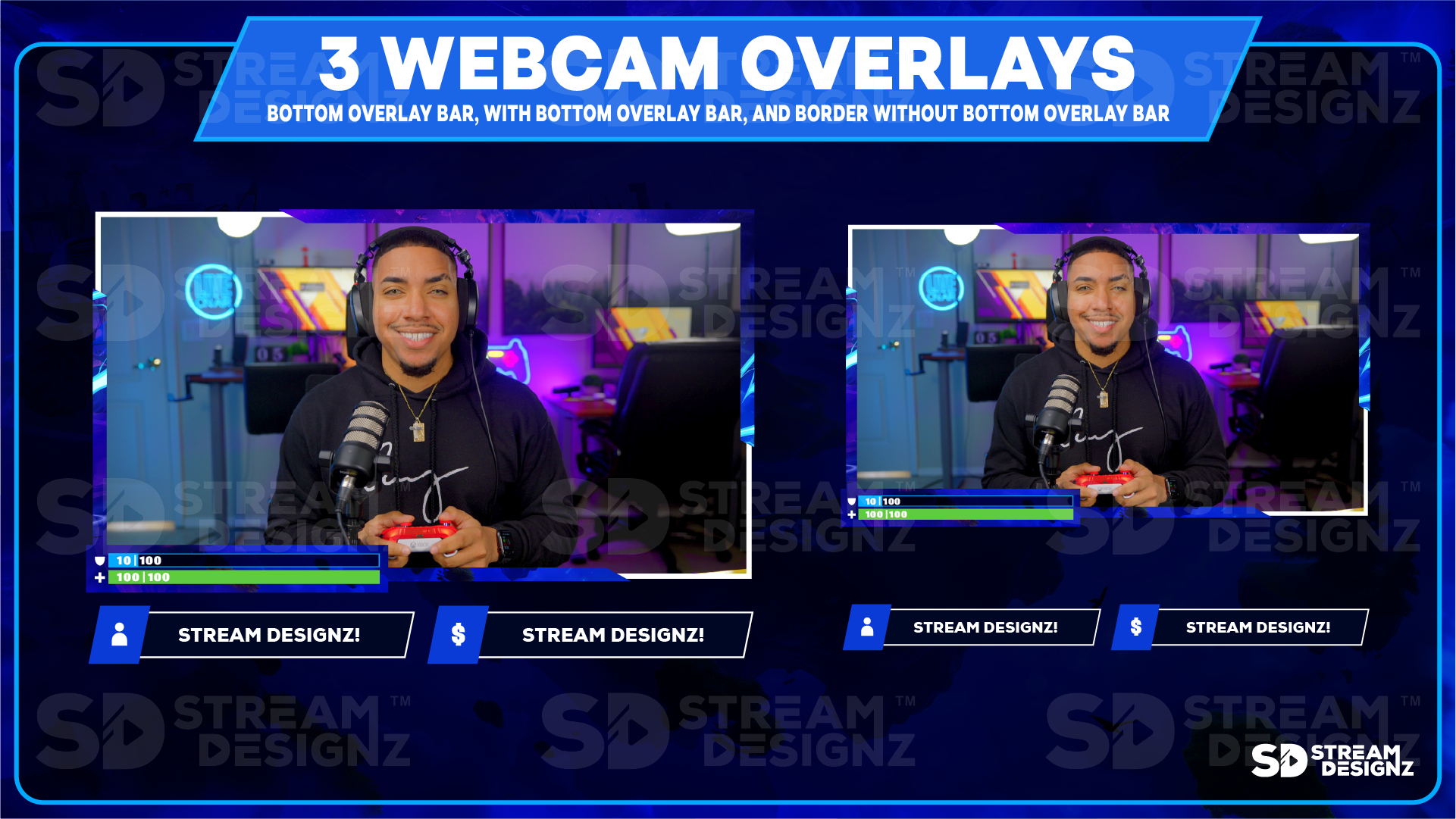
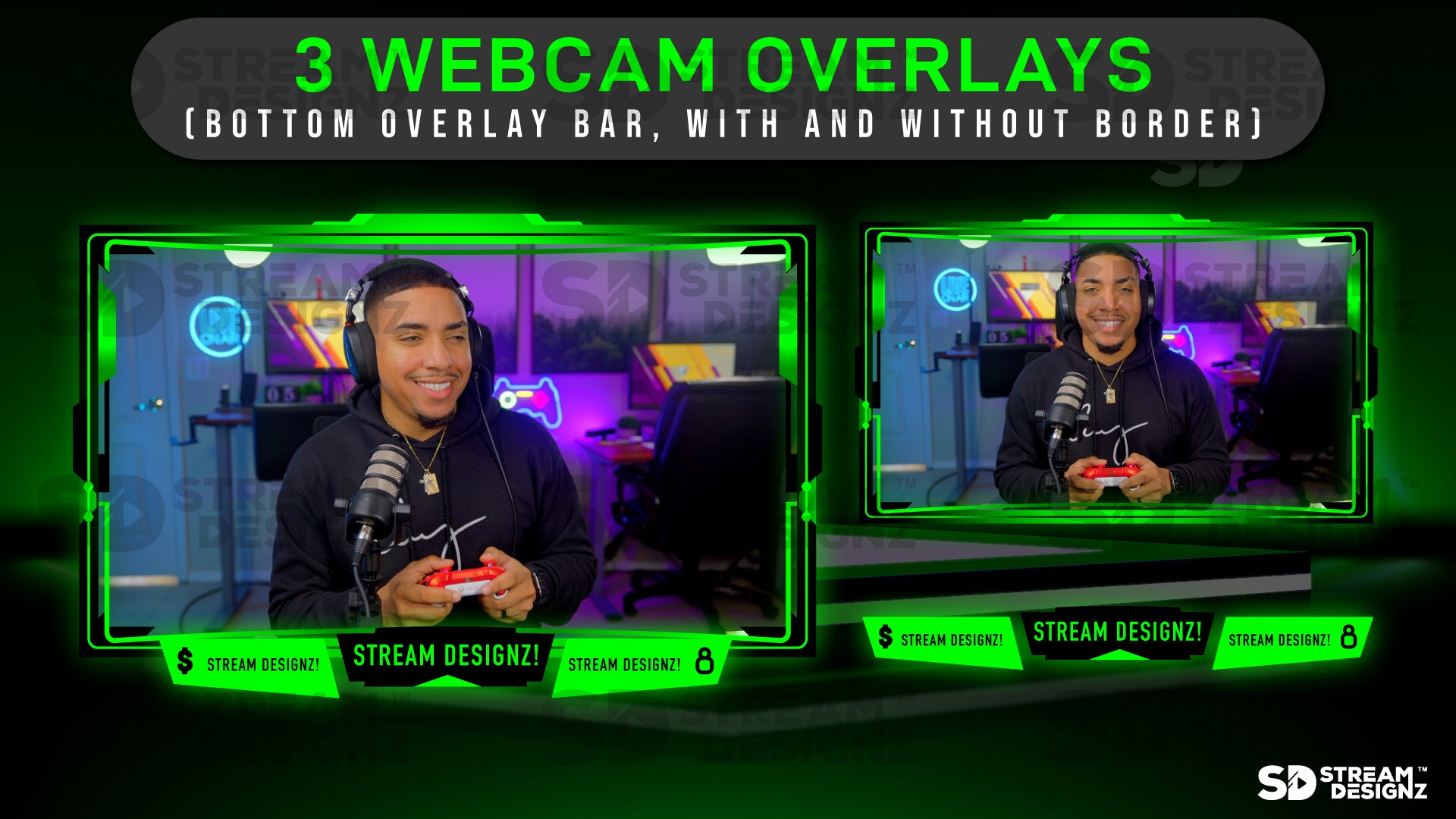
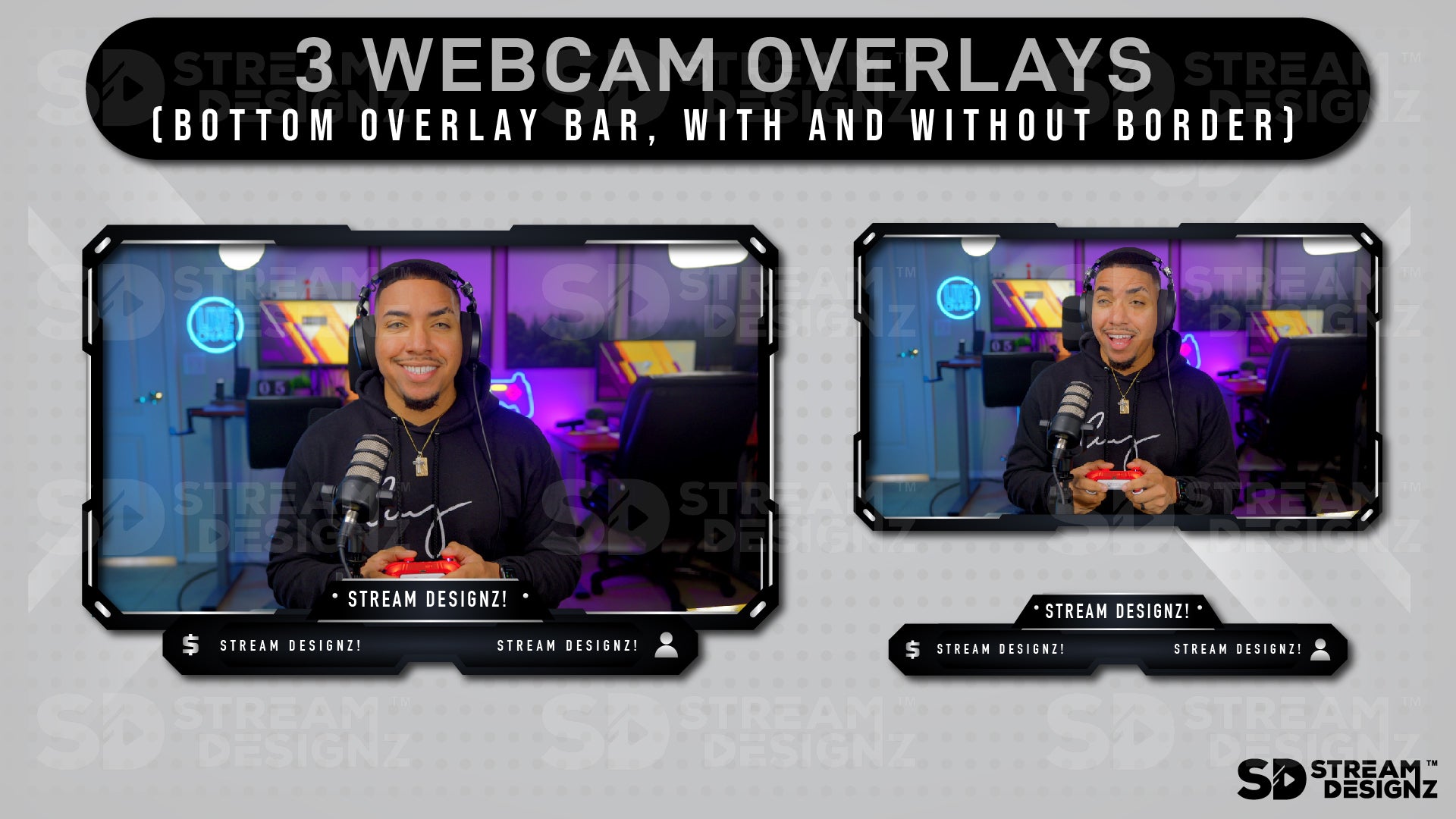
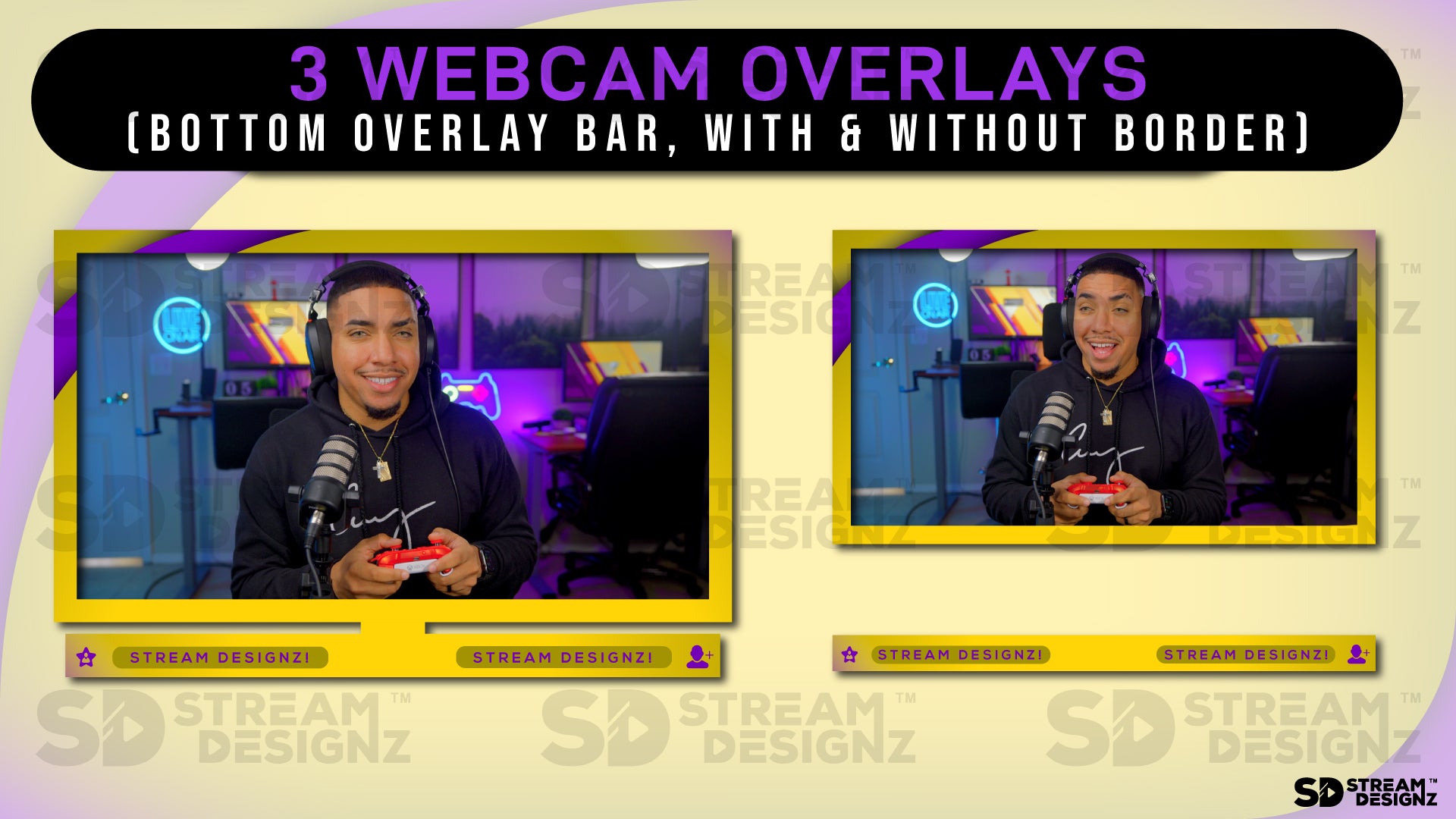
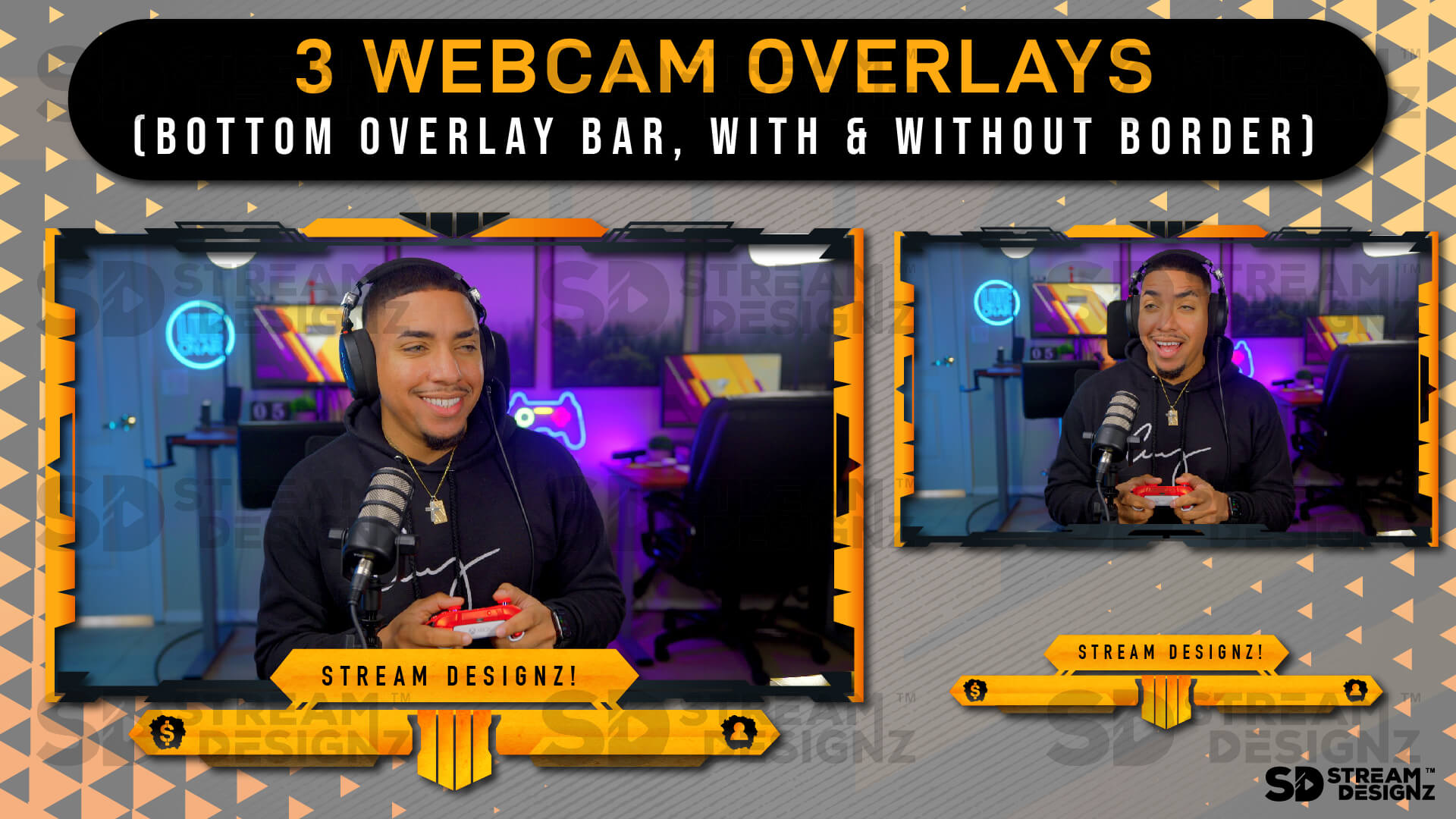
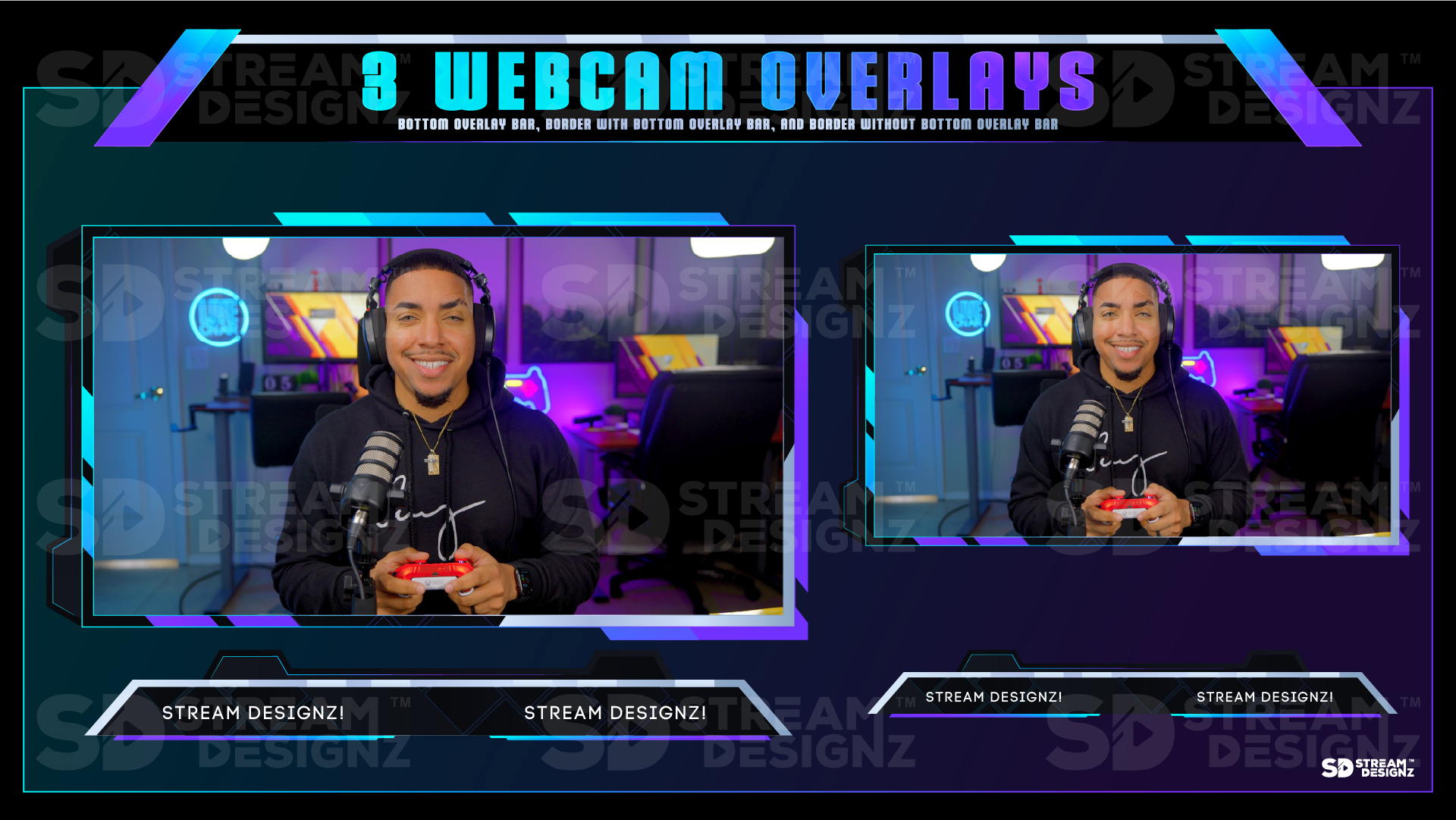
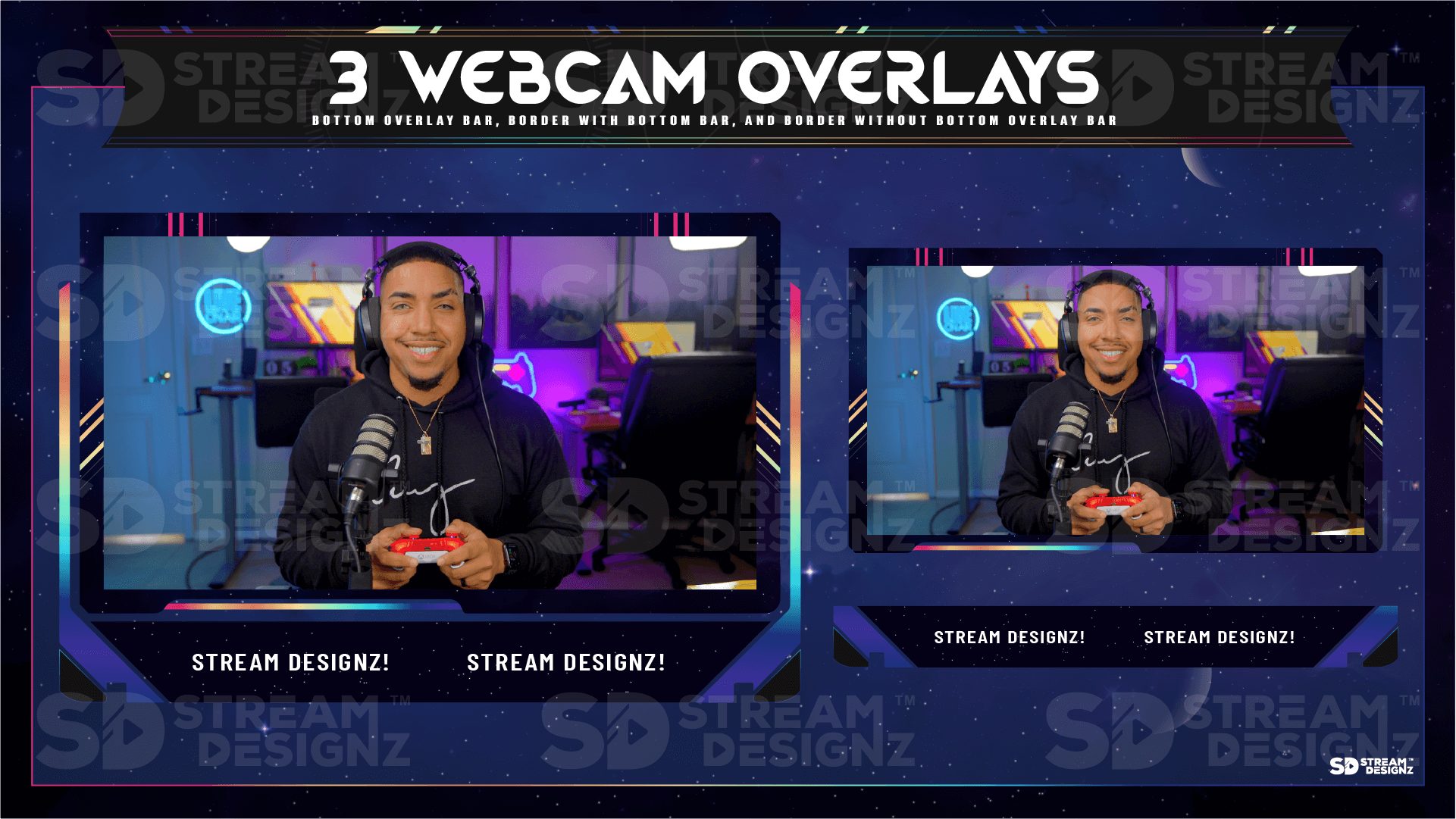
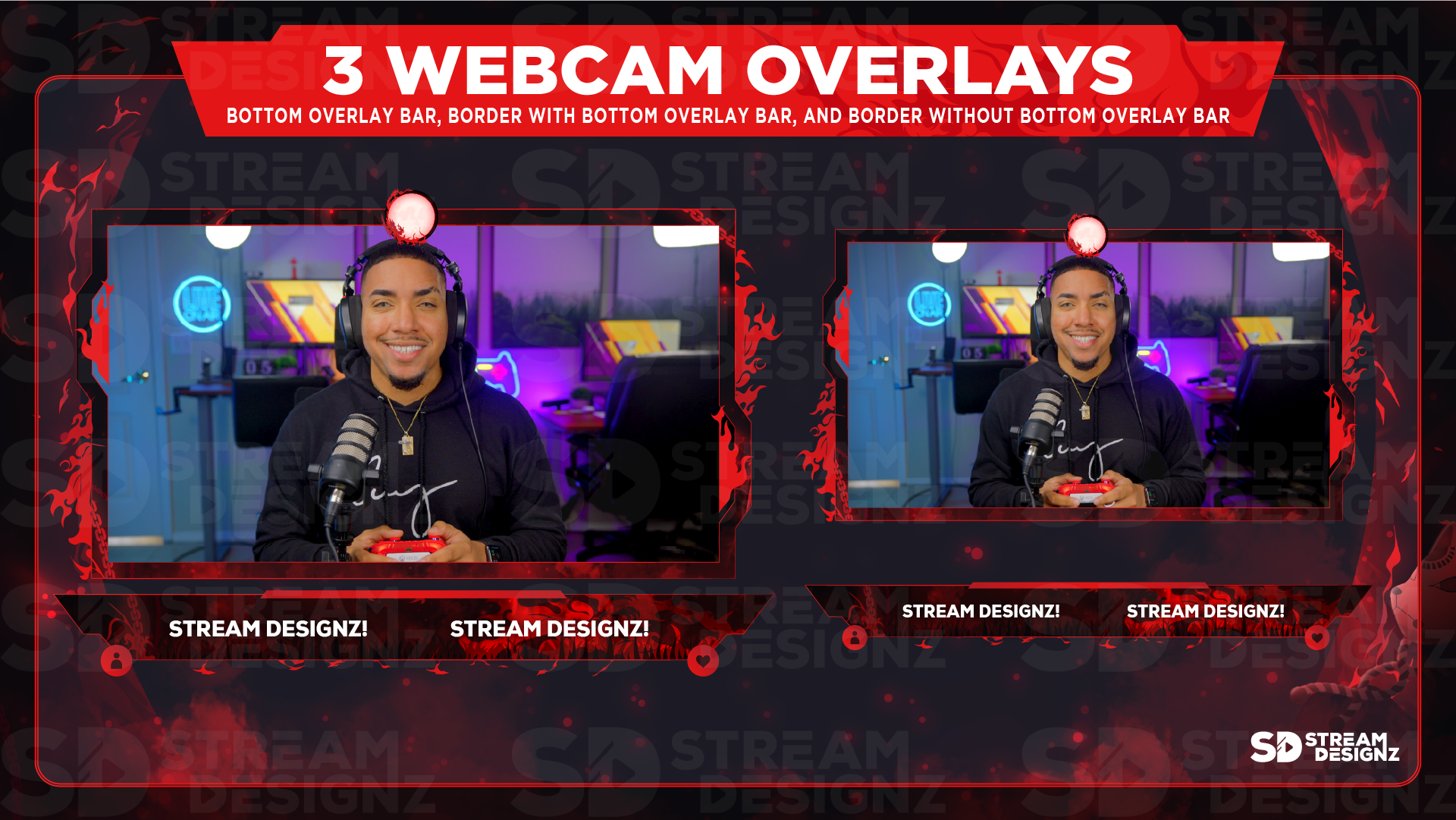
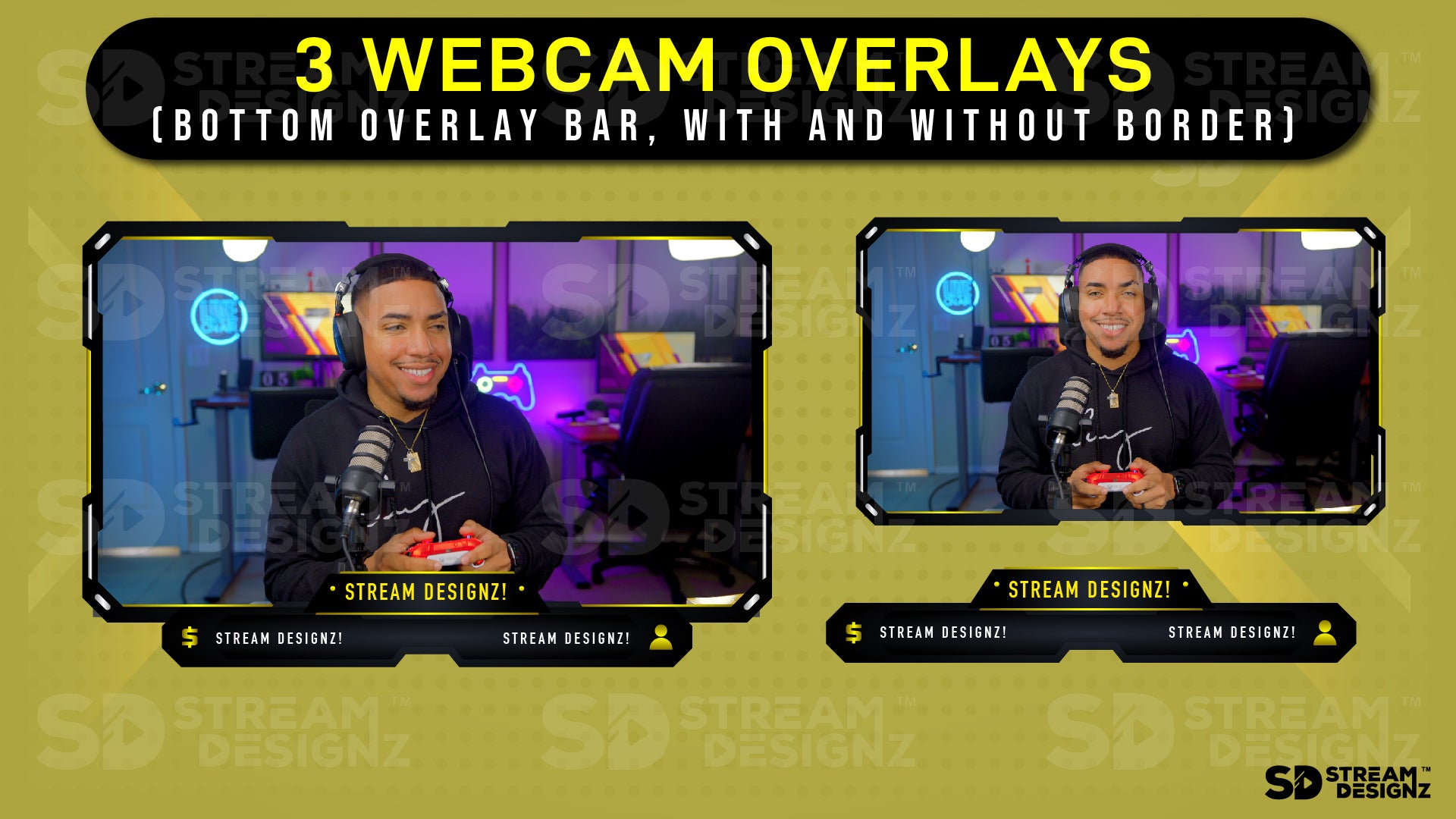
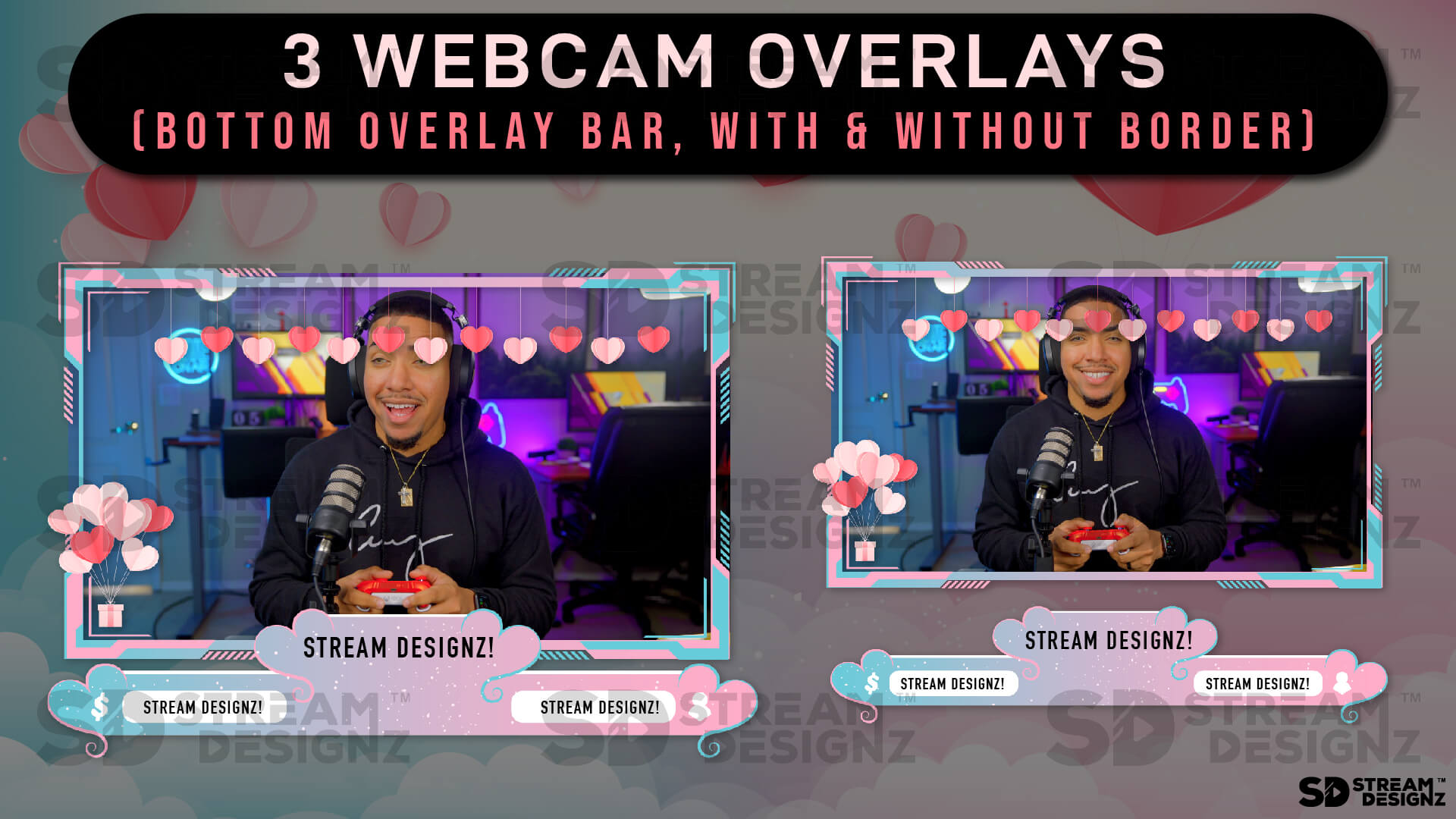
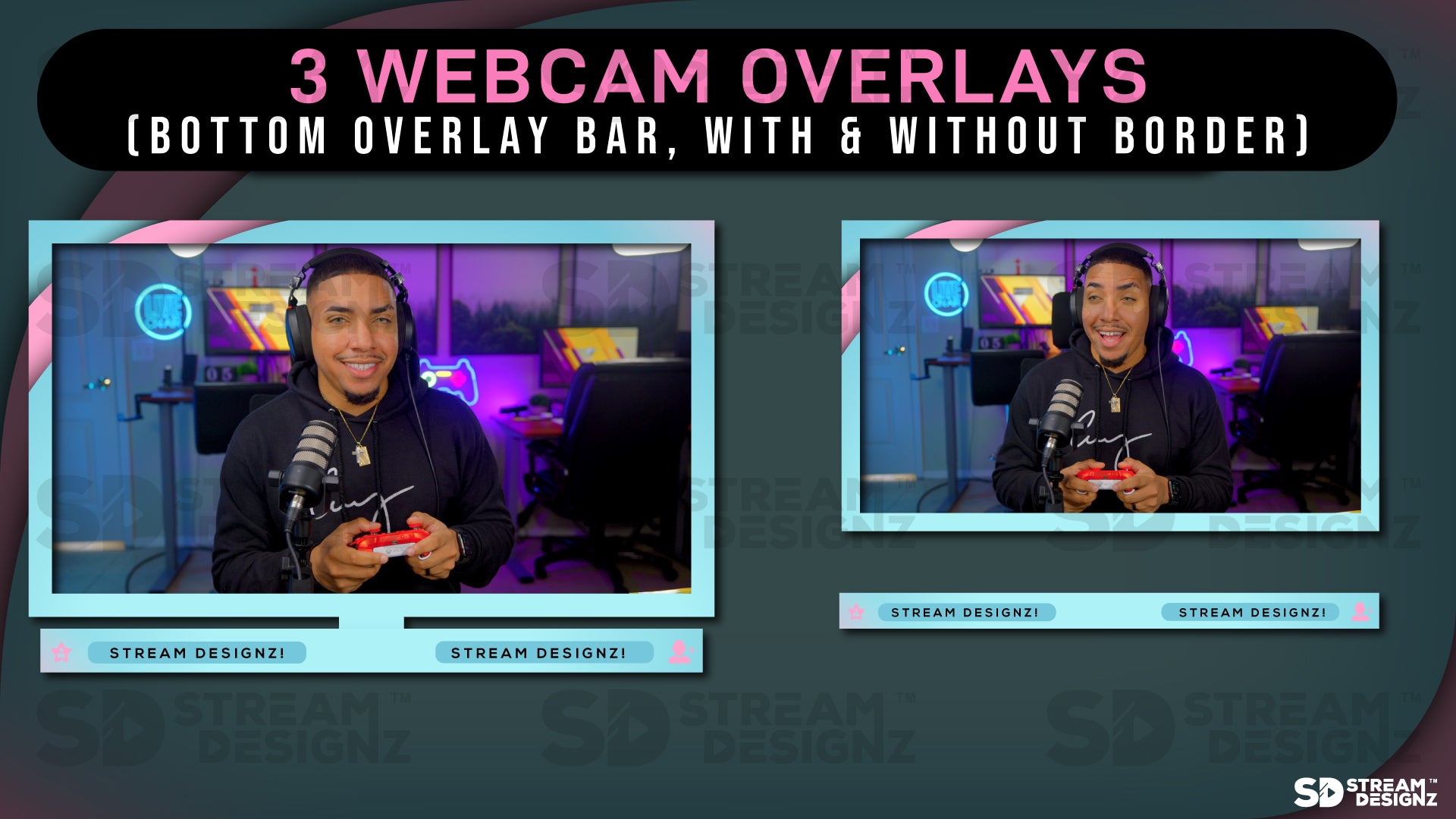
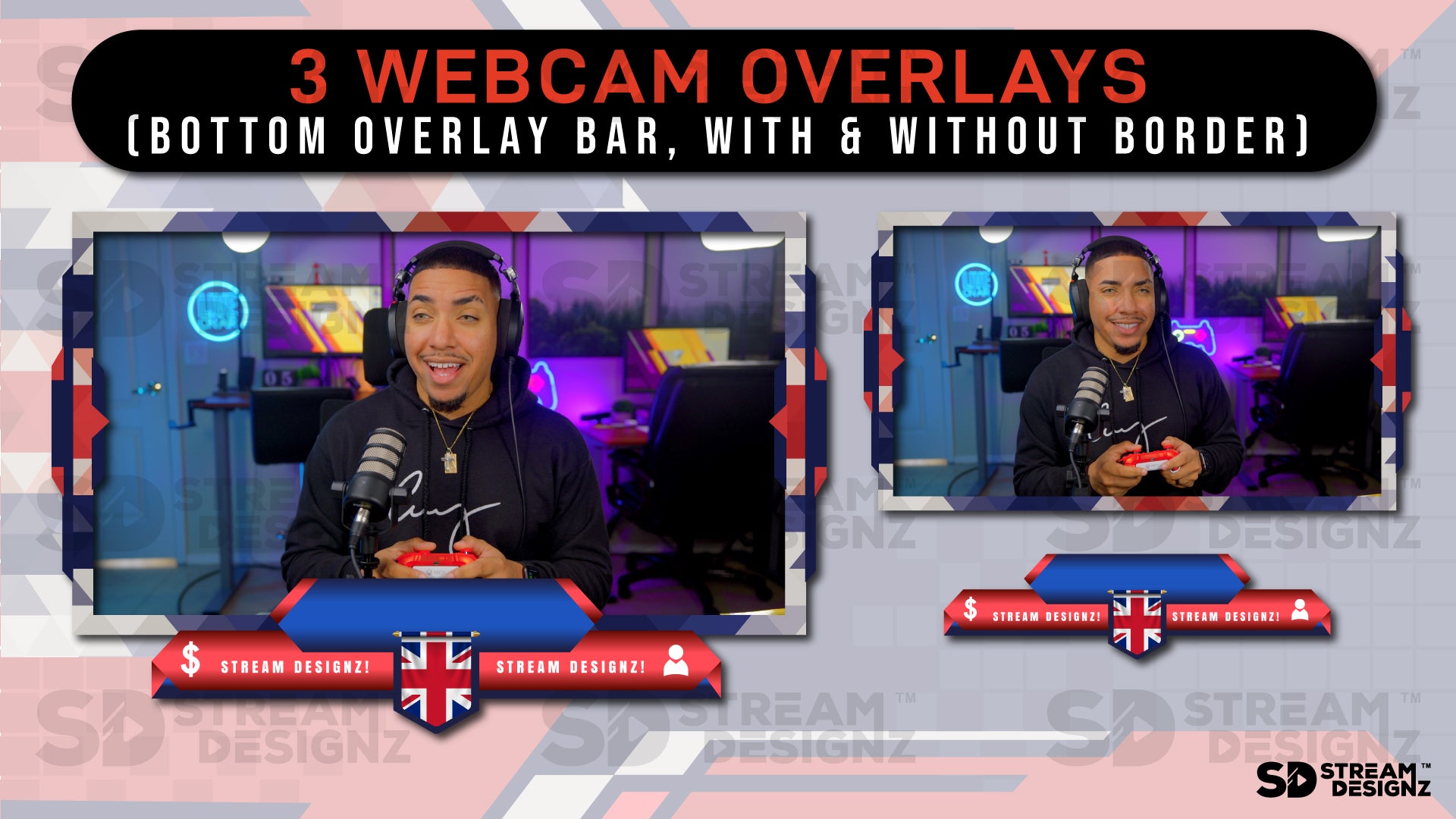
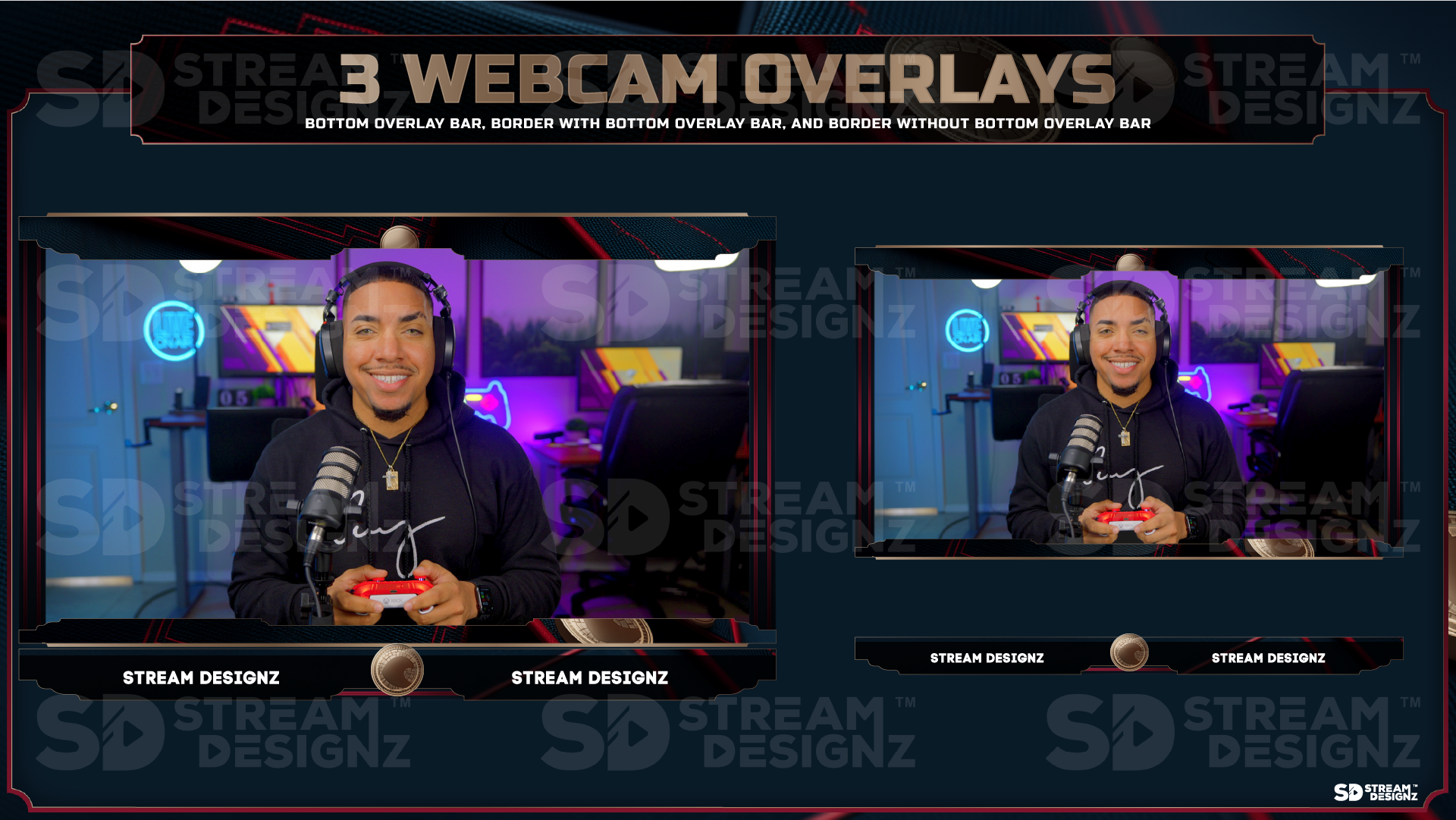
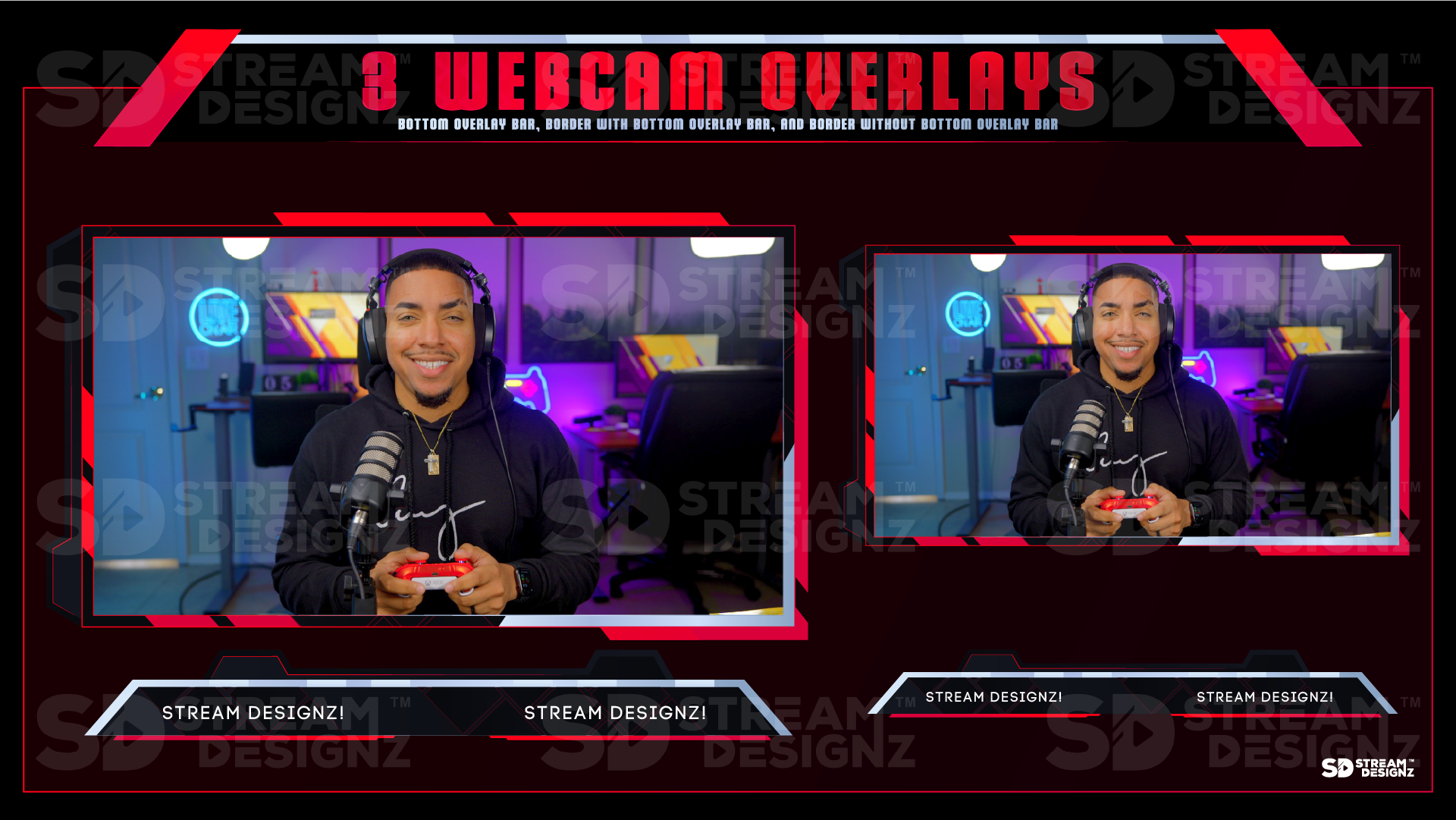
Webcam Overlays — a bottom overlay bar, a bordered webcam frame, and a borderless option sized at 1920x1080
-
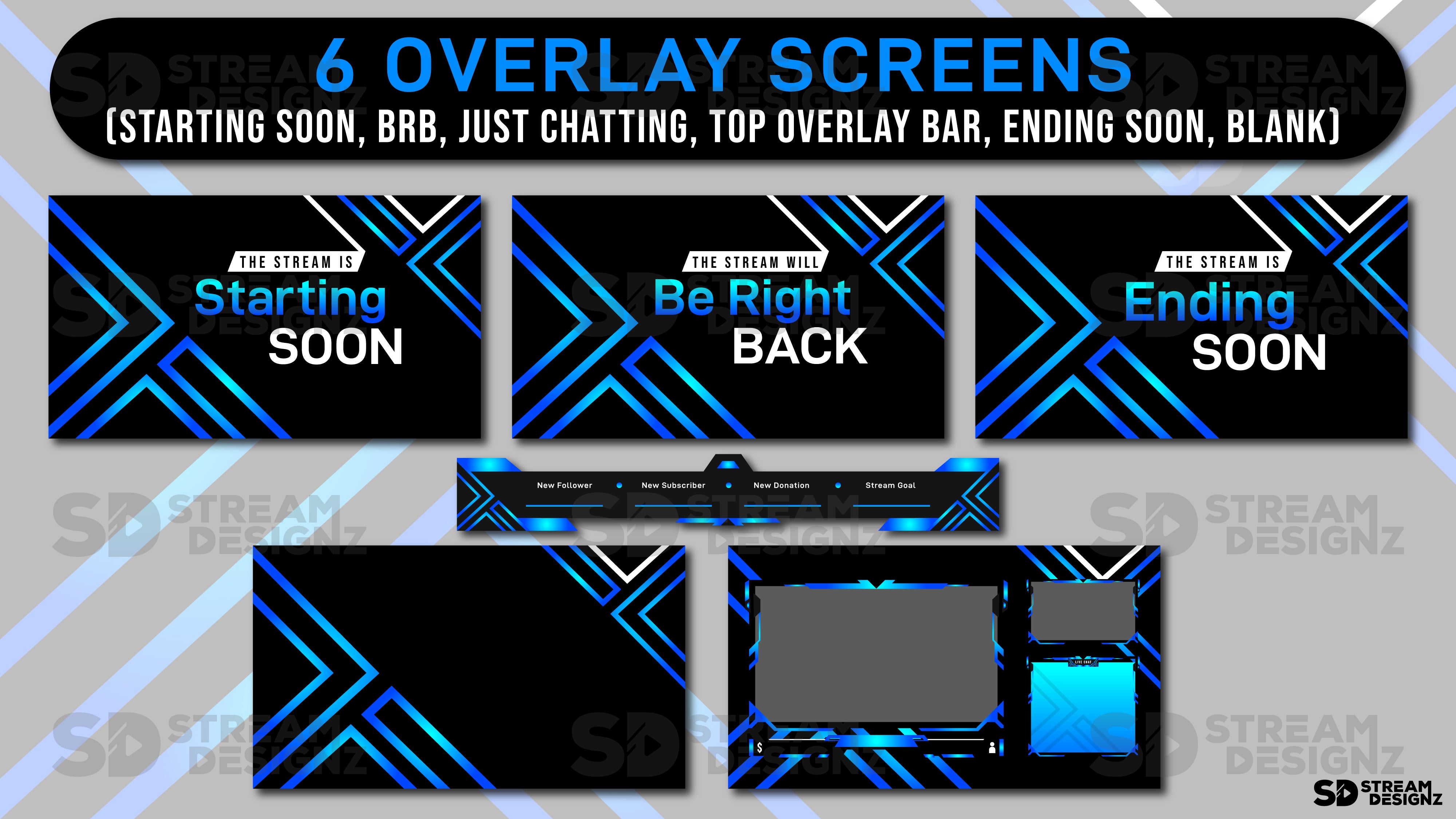
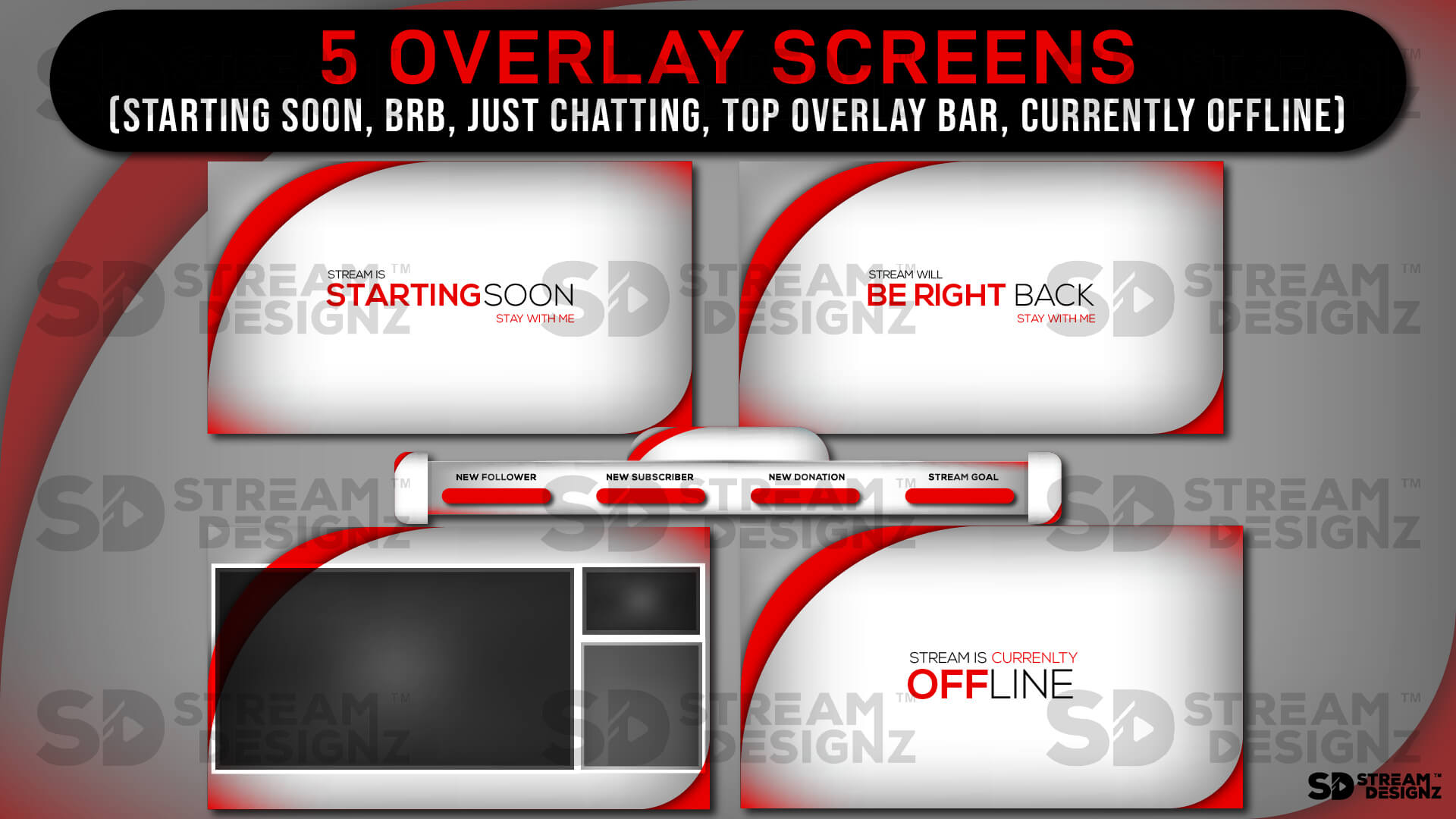
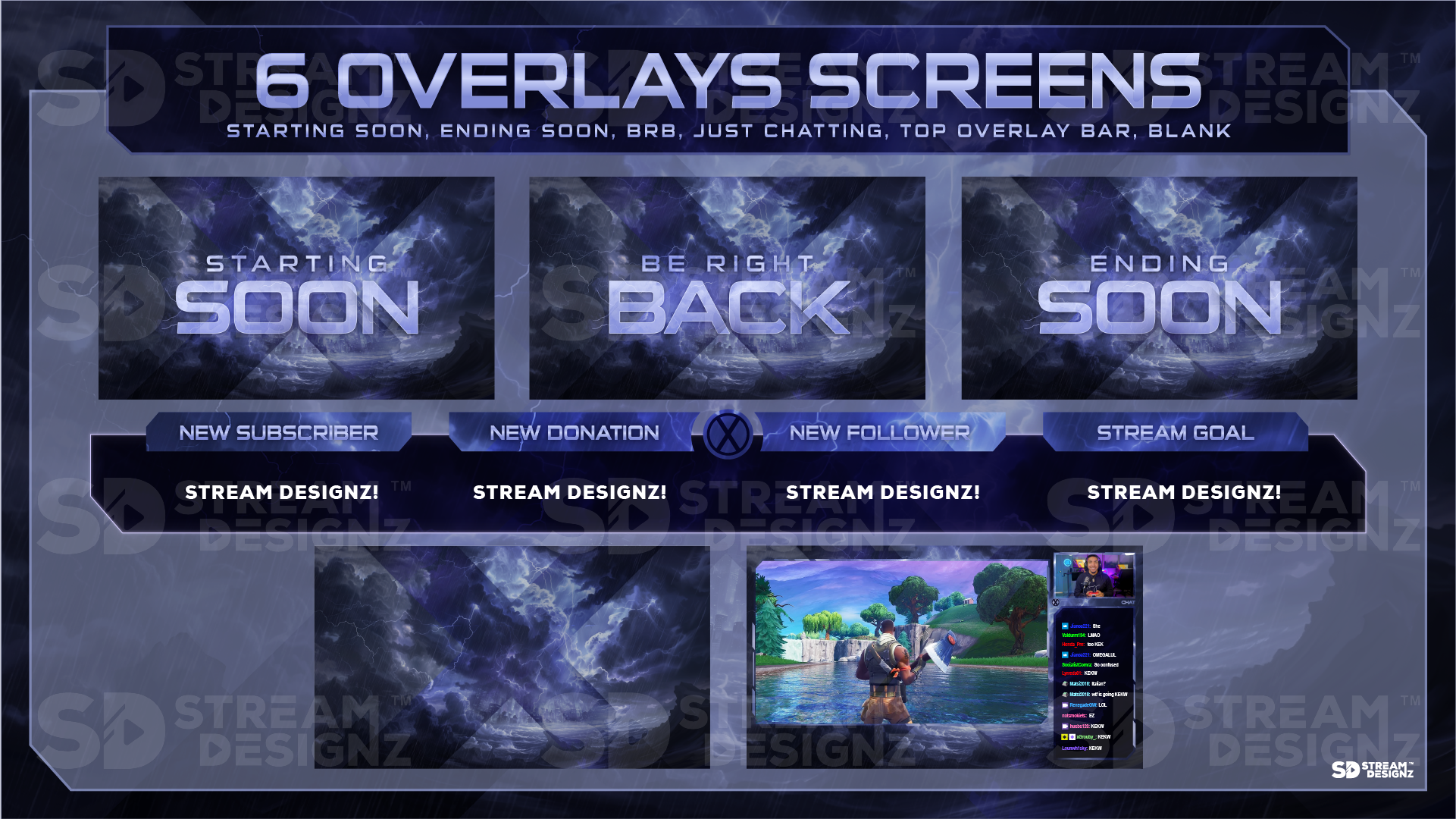
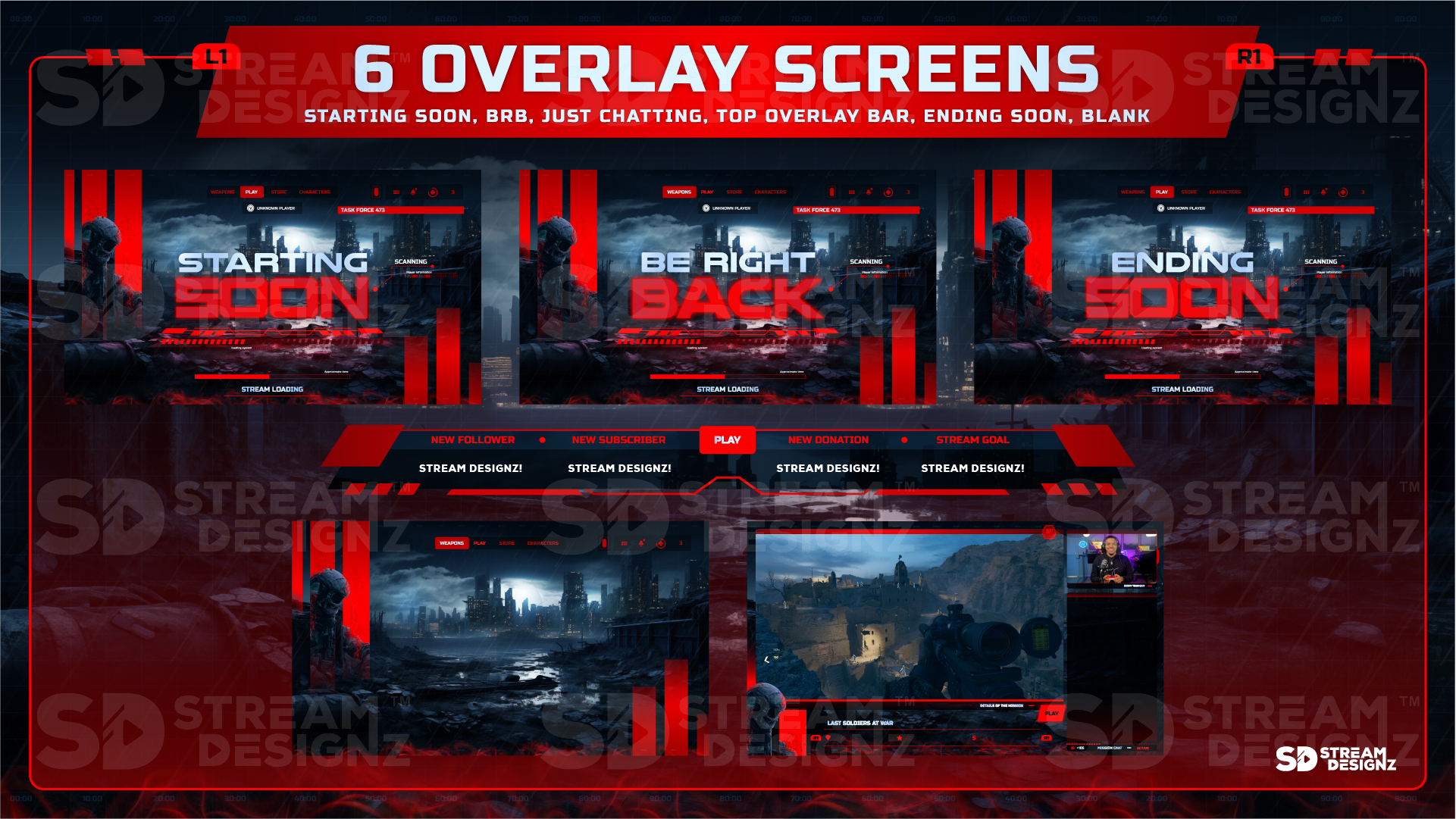
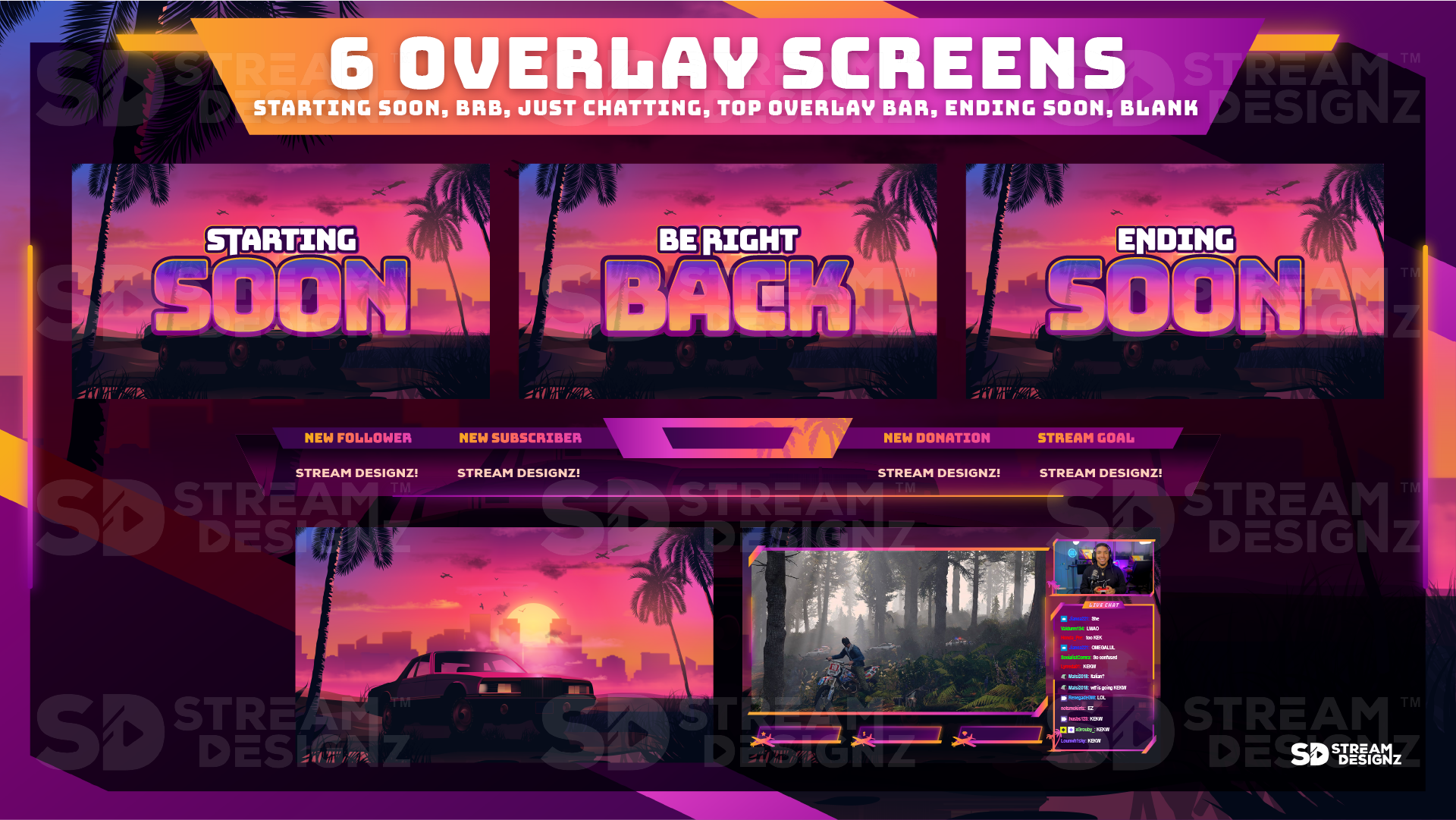
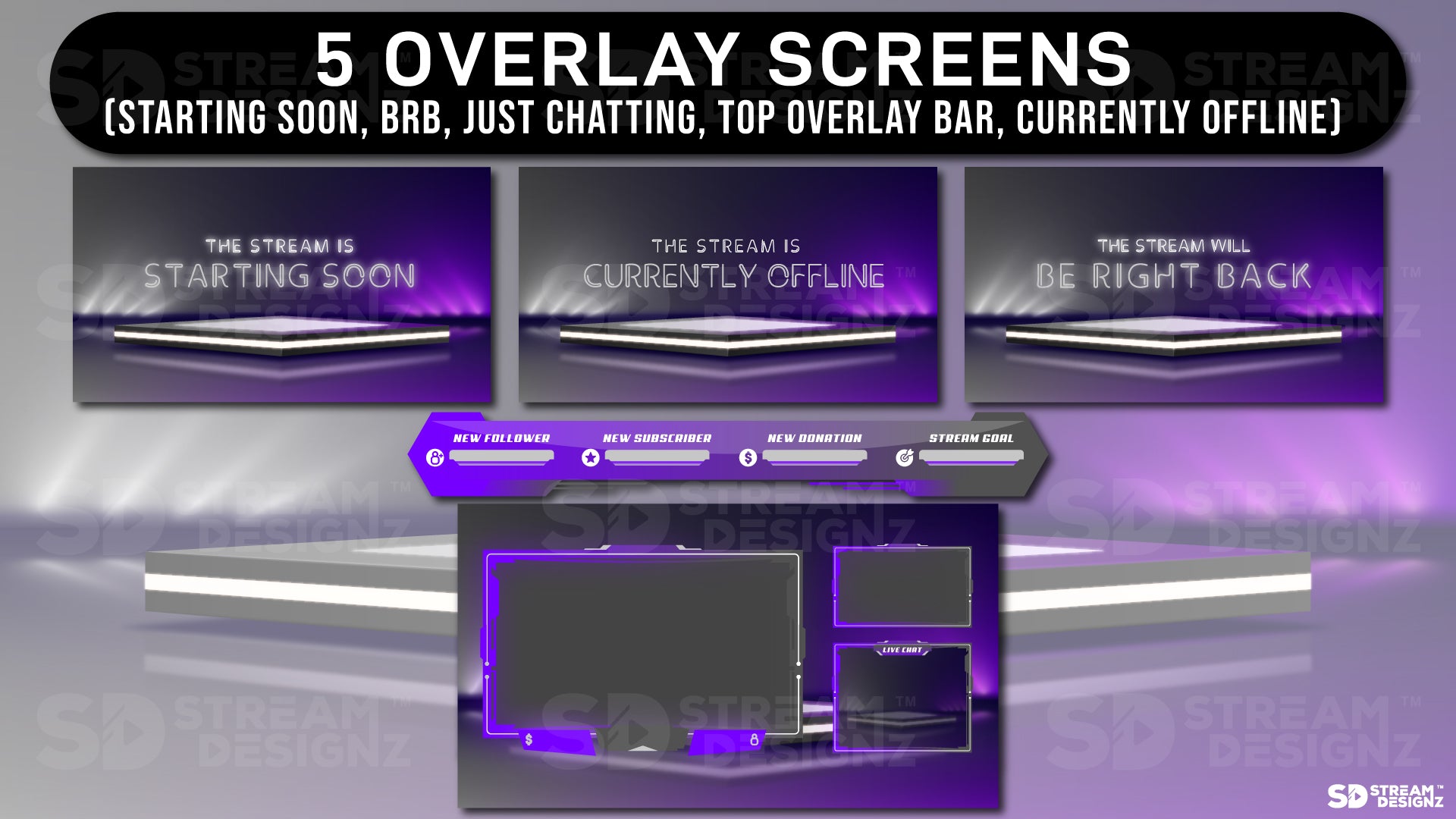
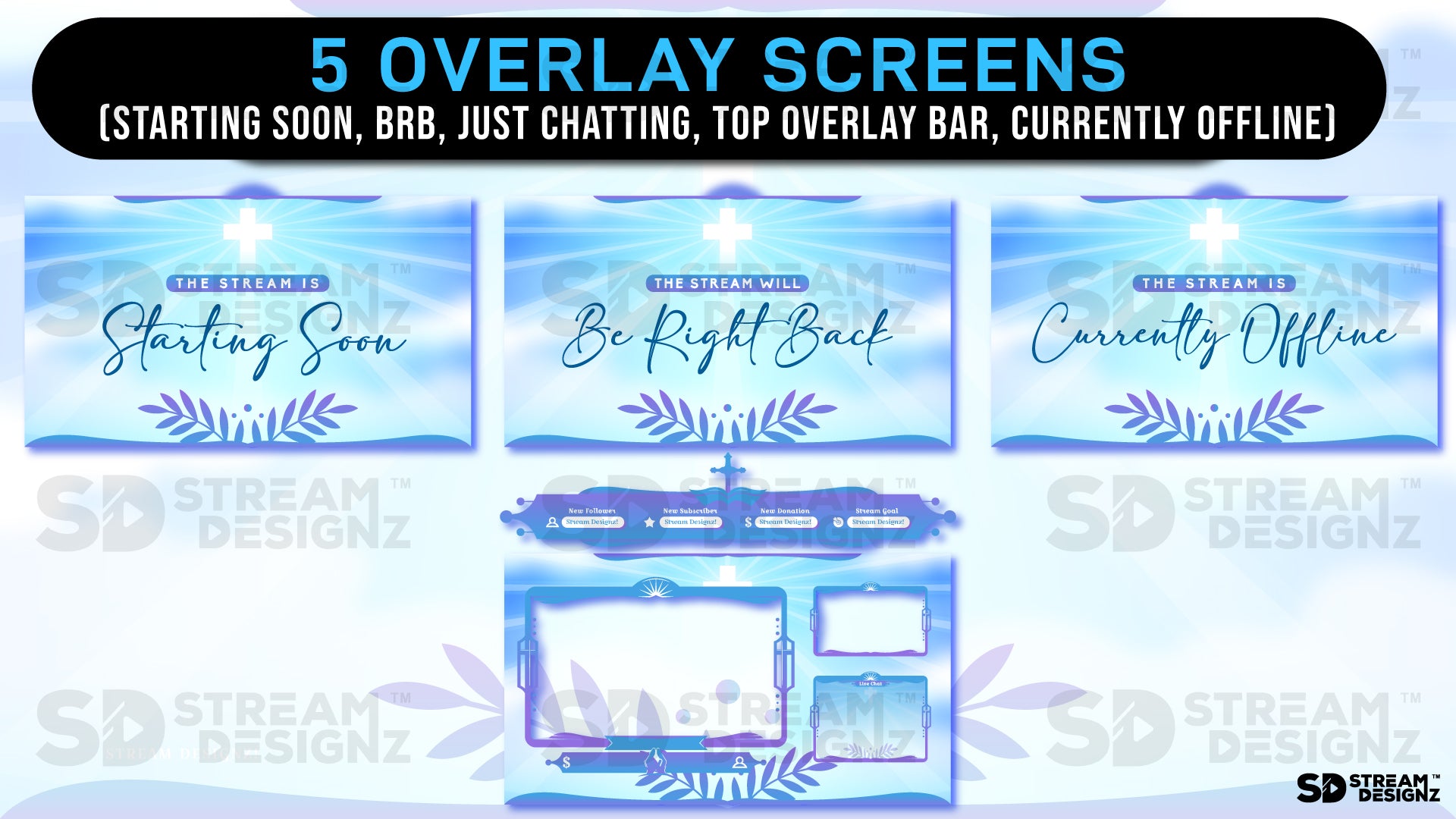
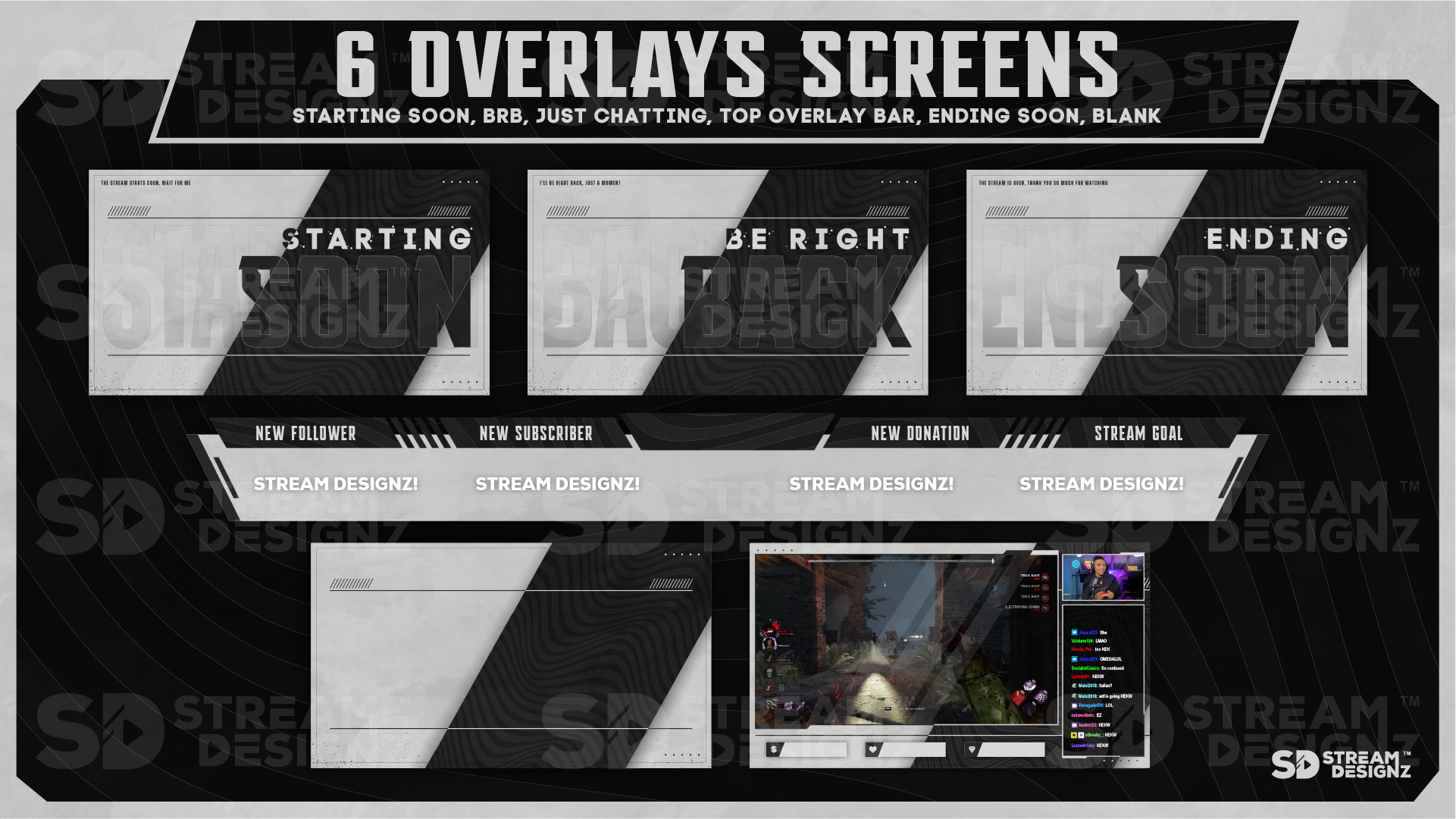
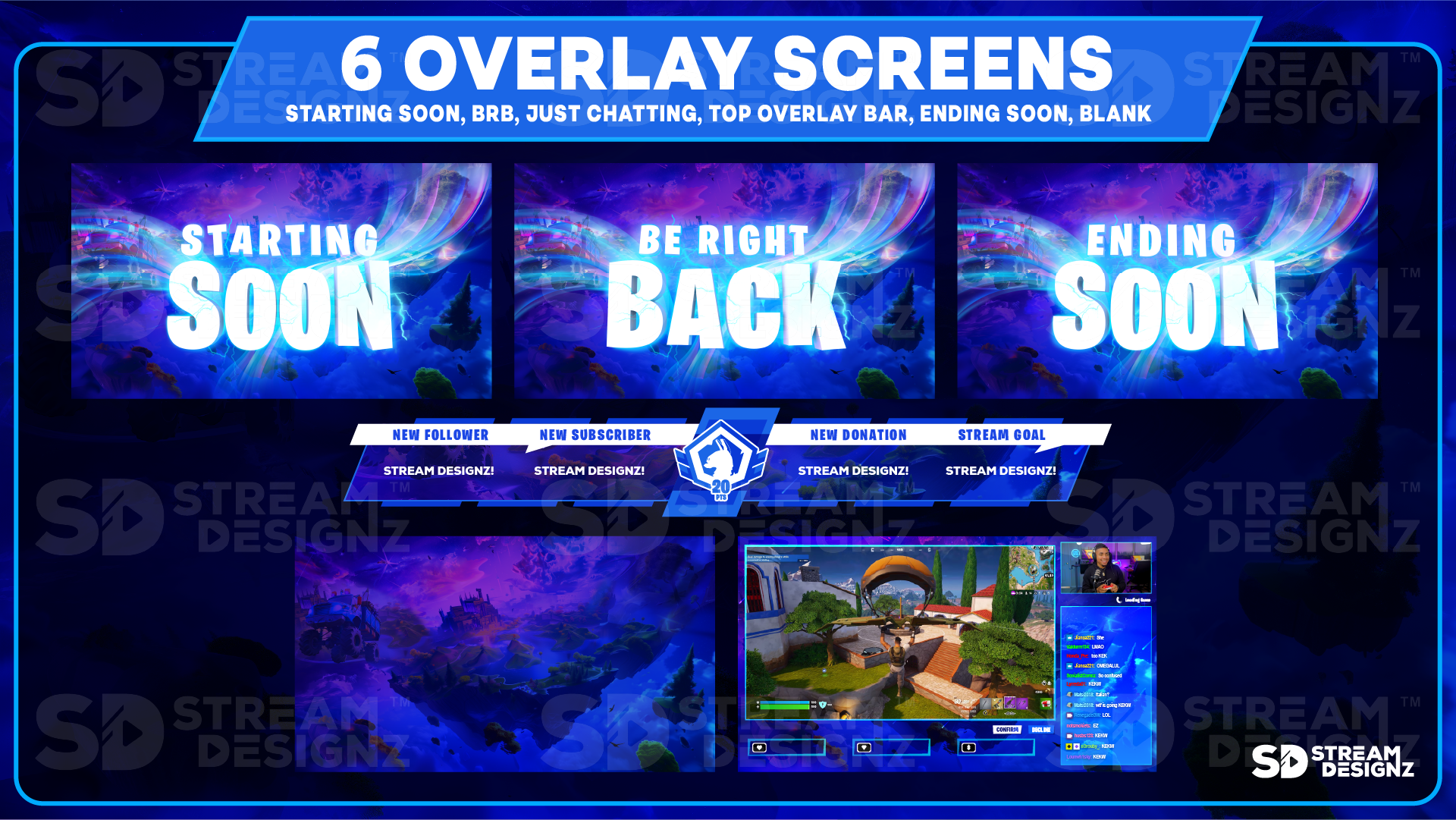
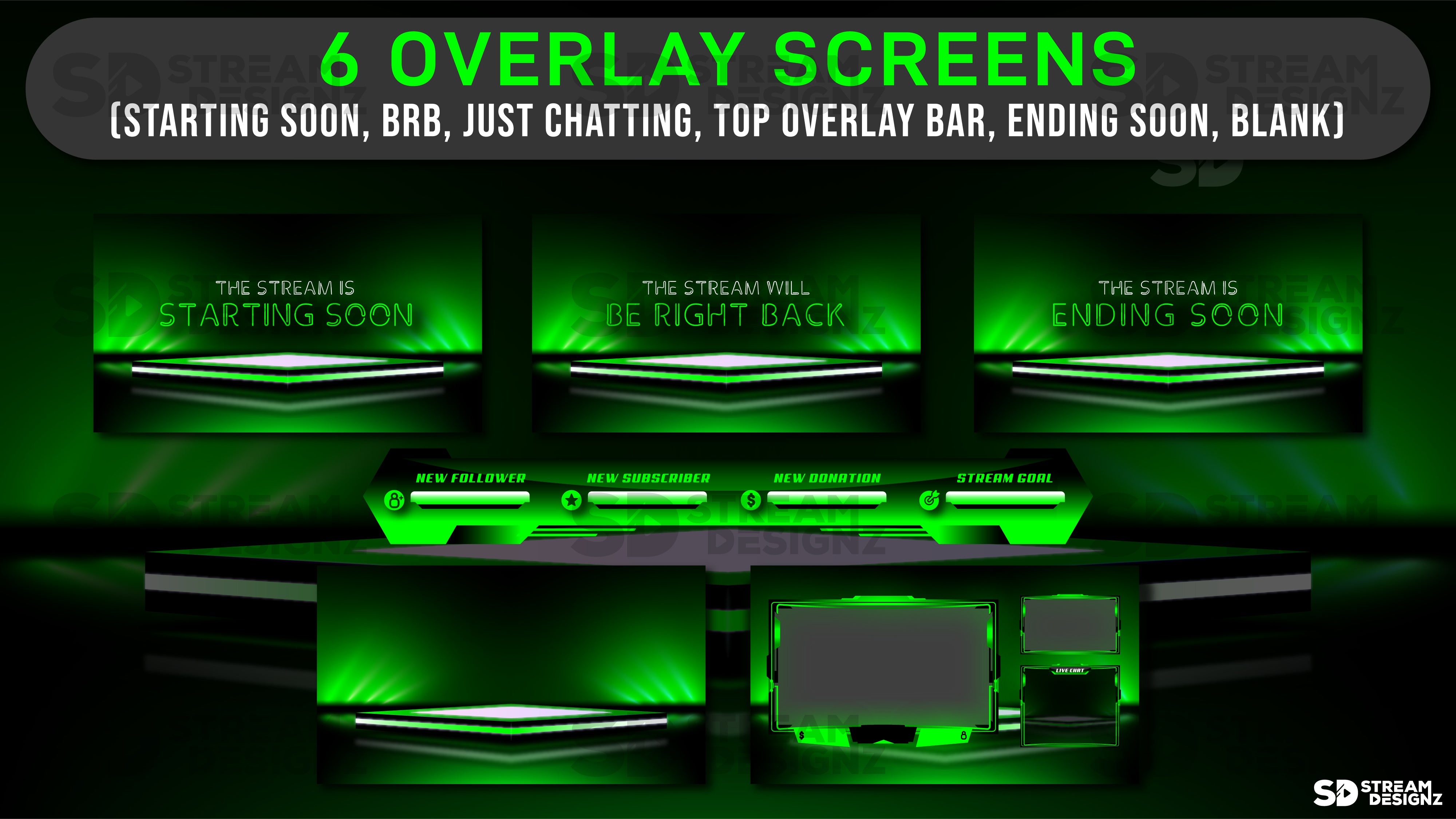
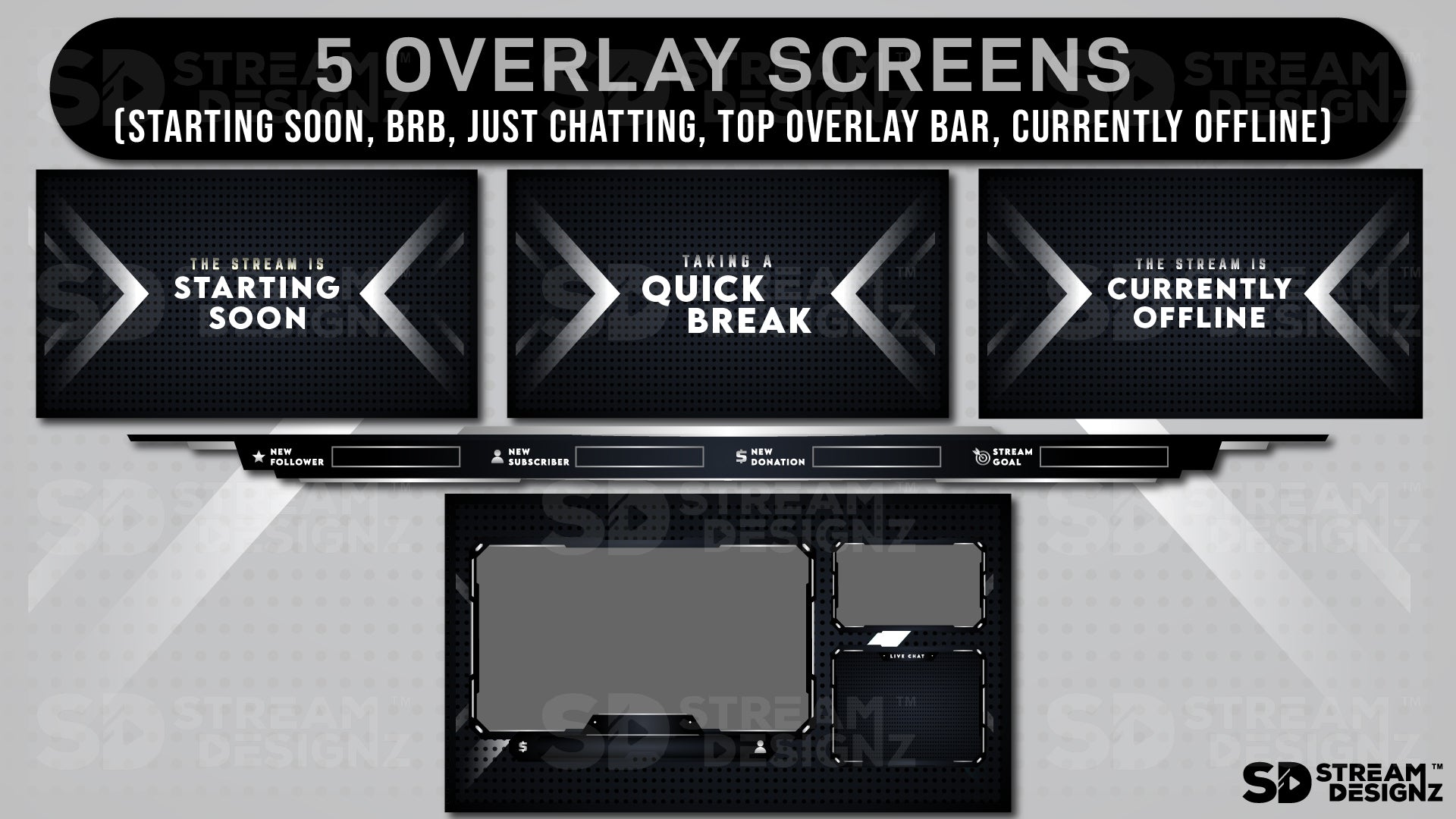
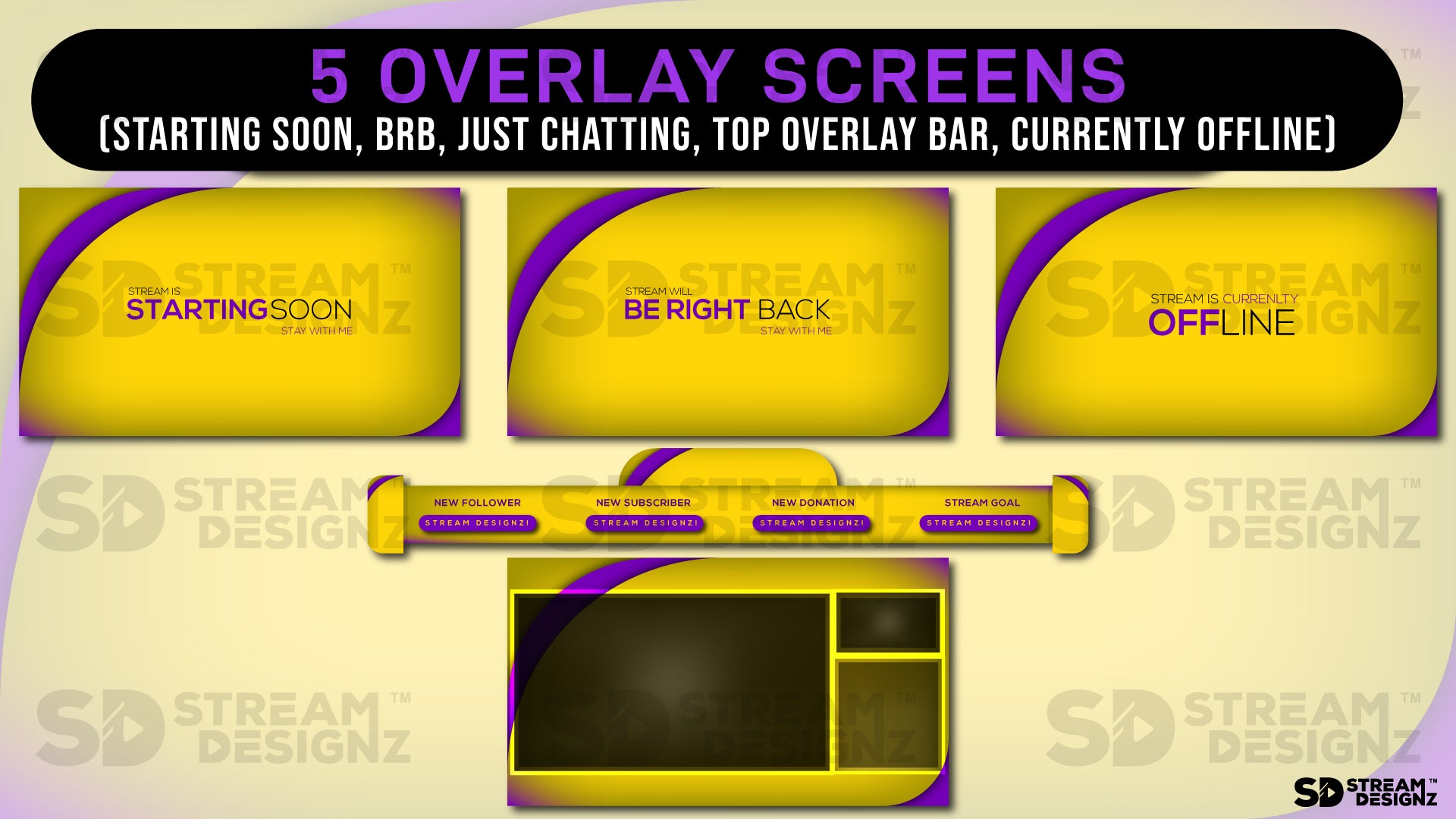
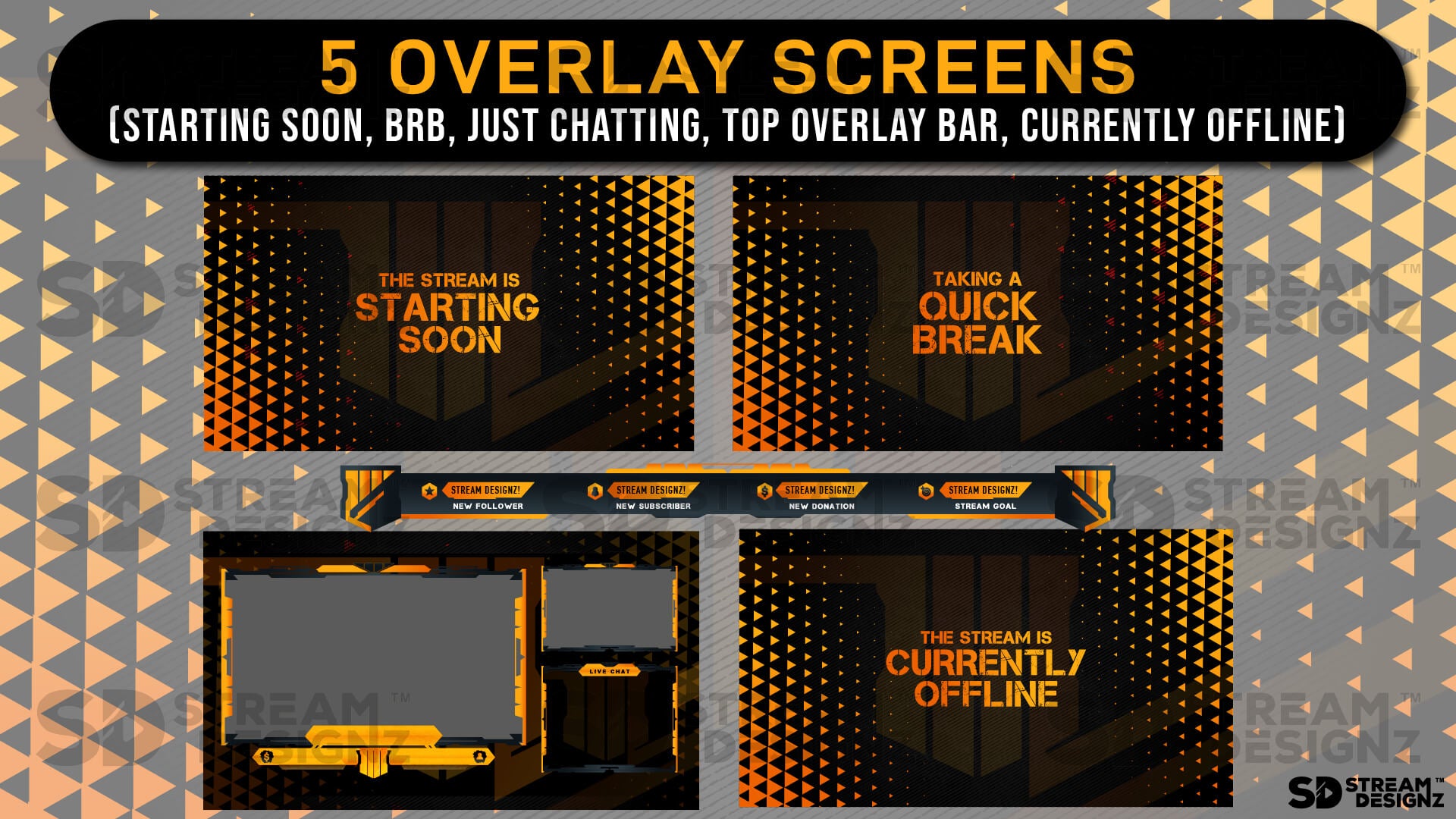
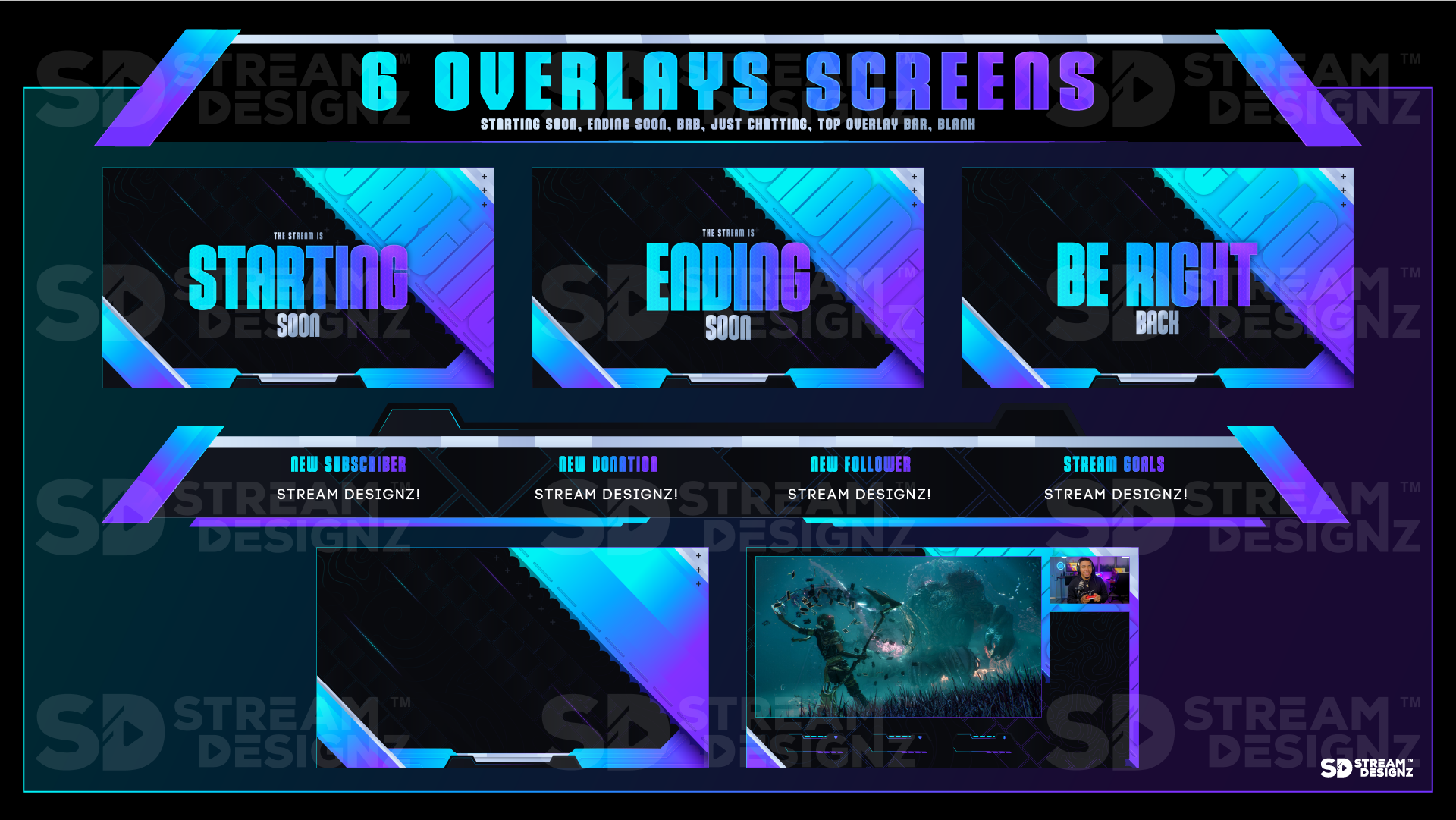
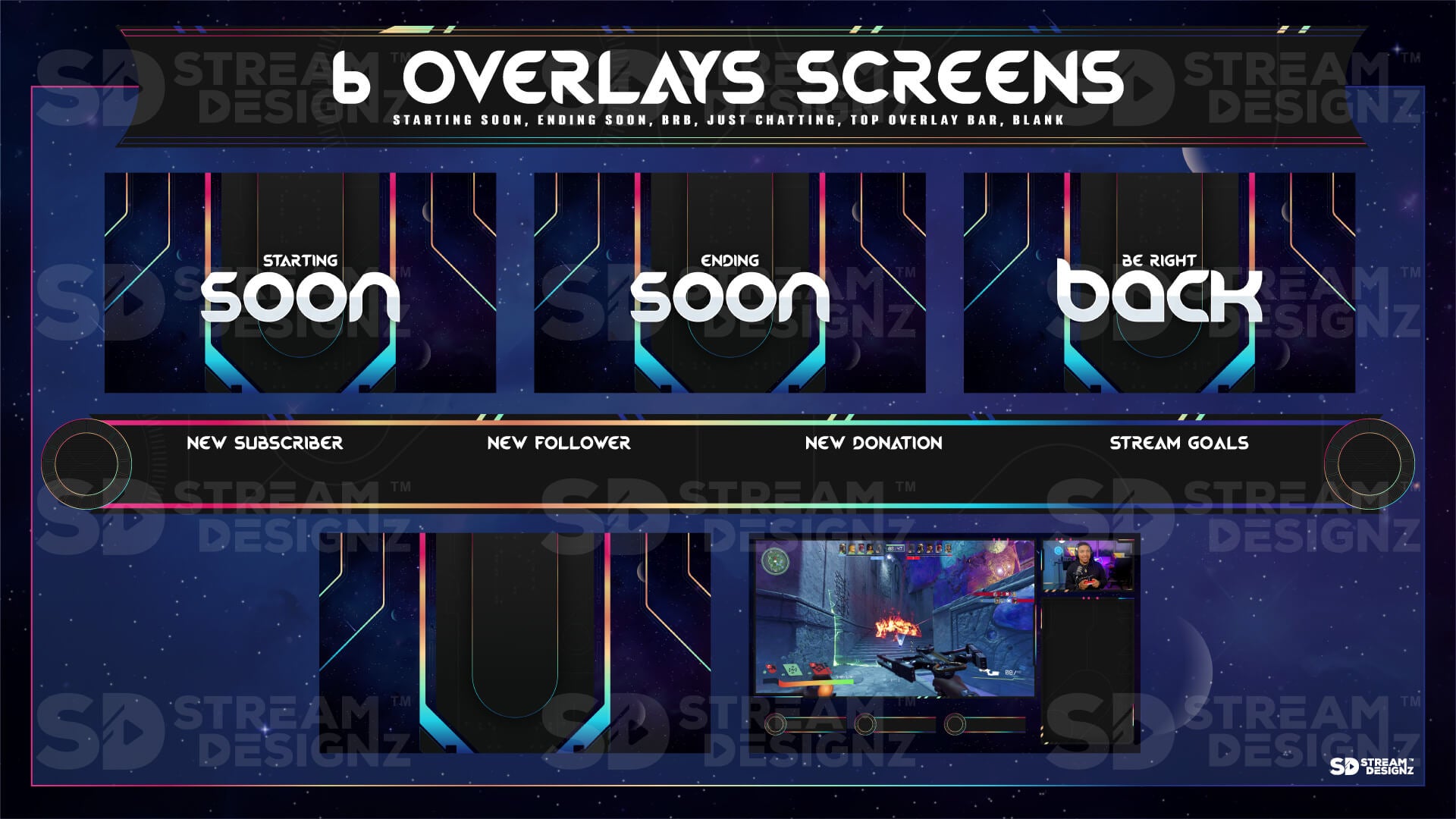
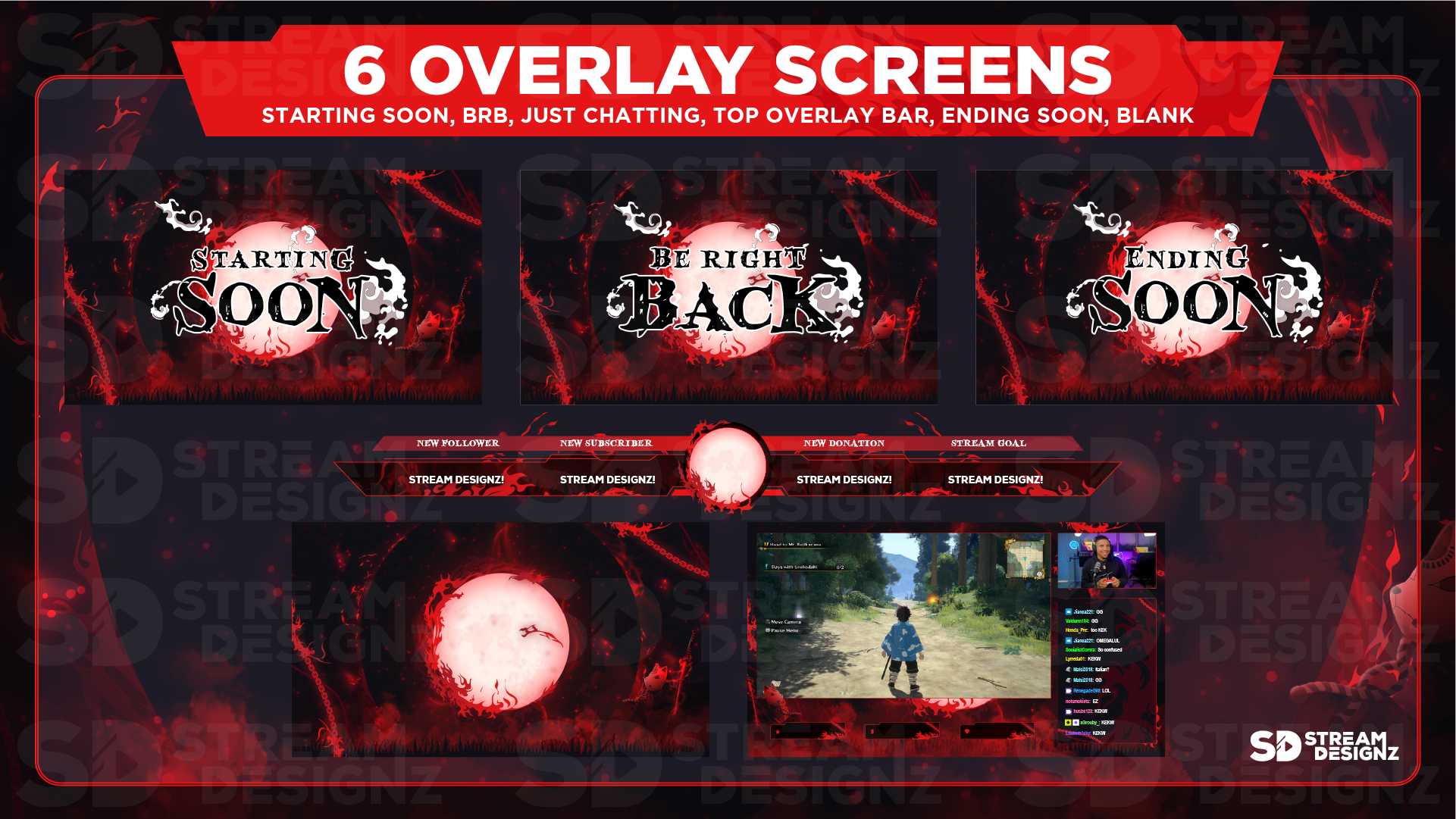
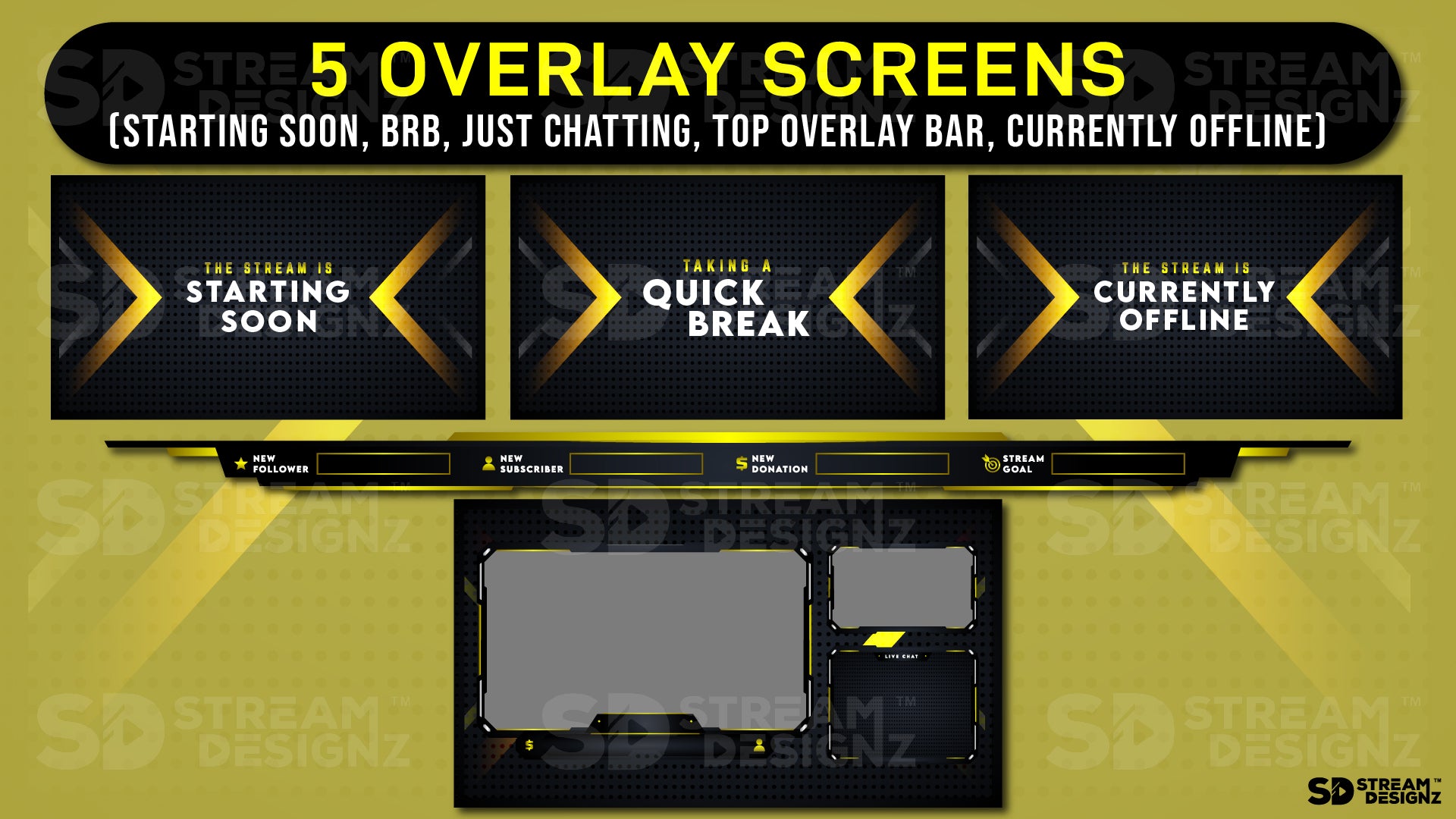
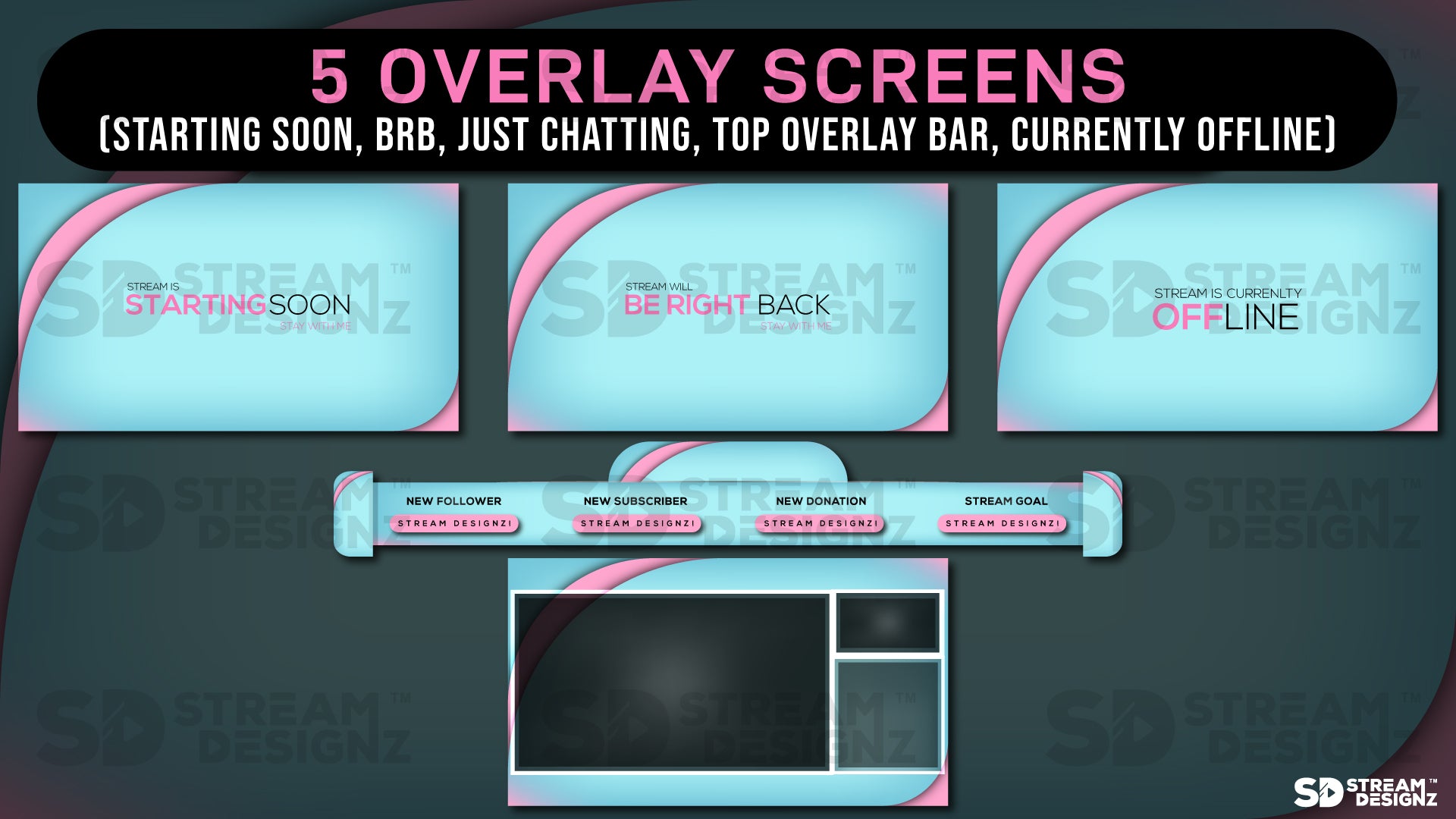
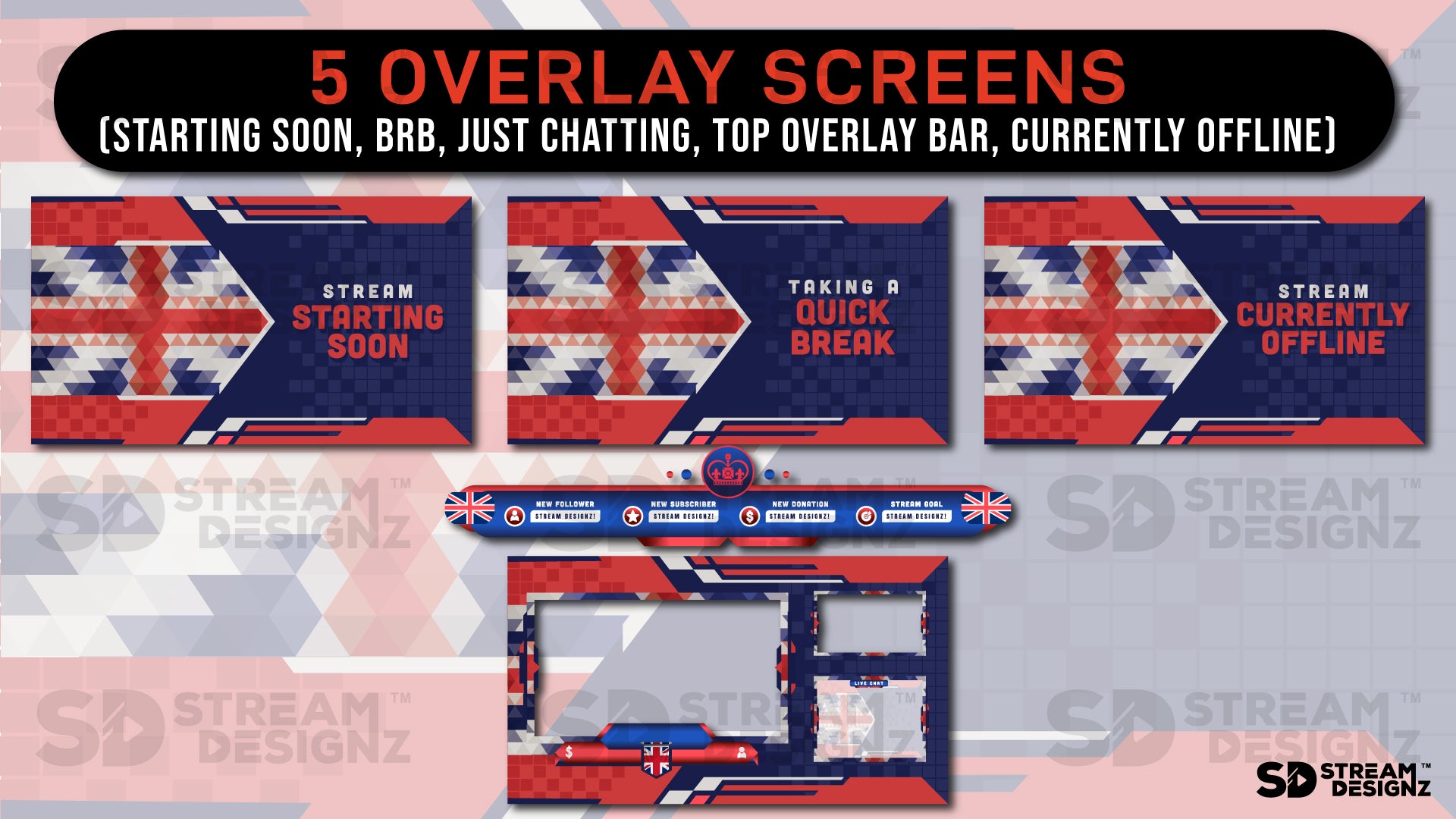
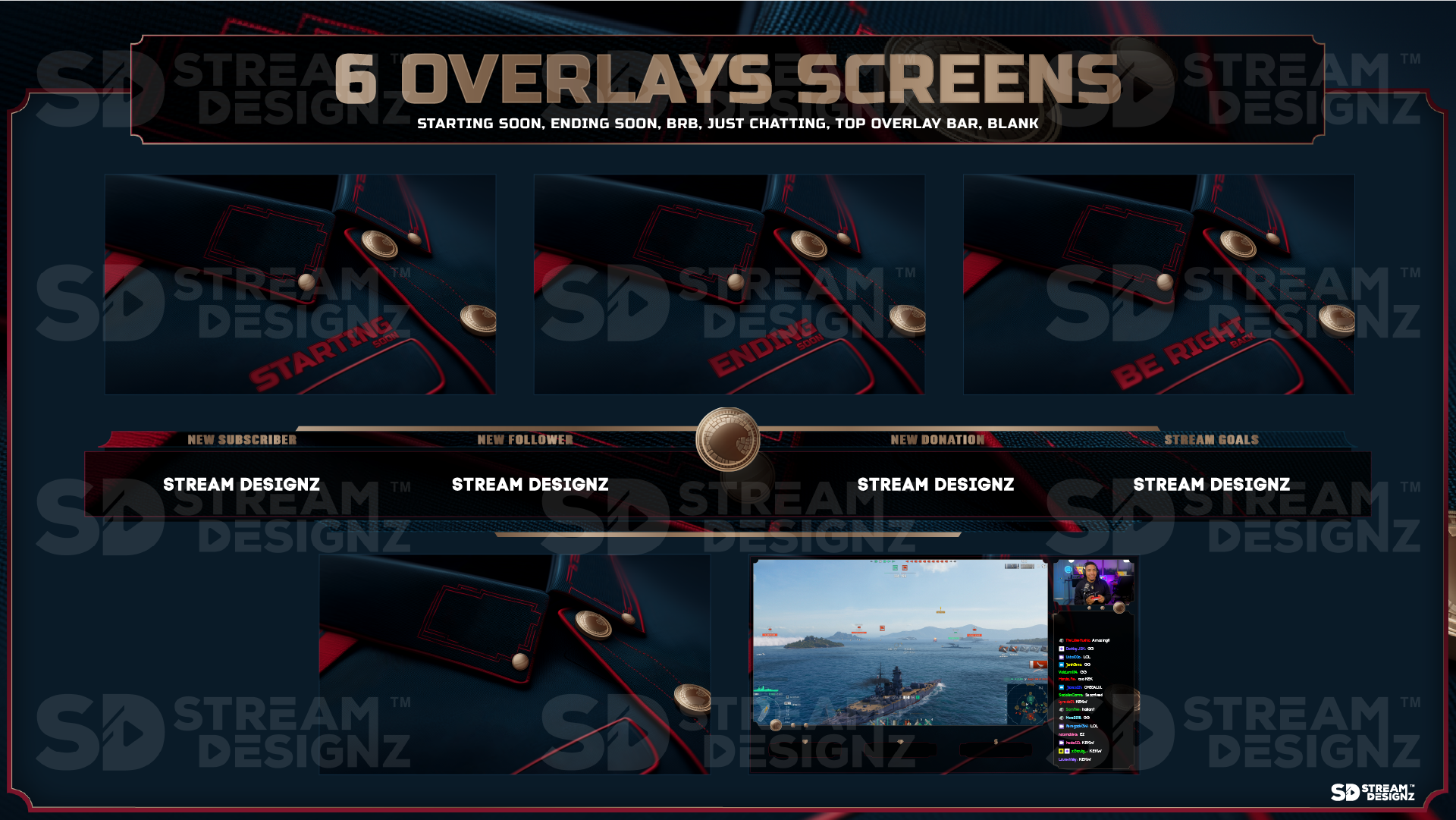
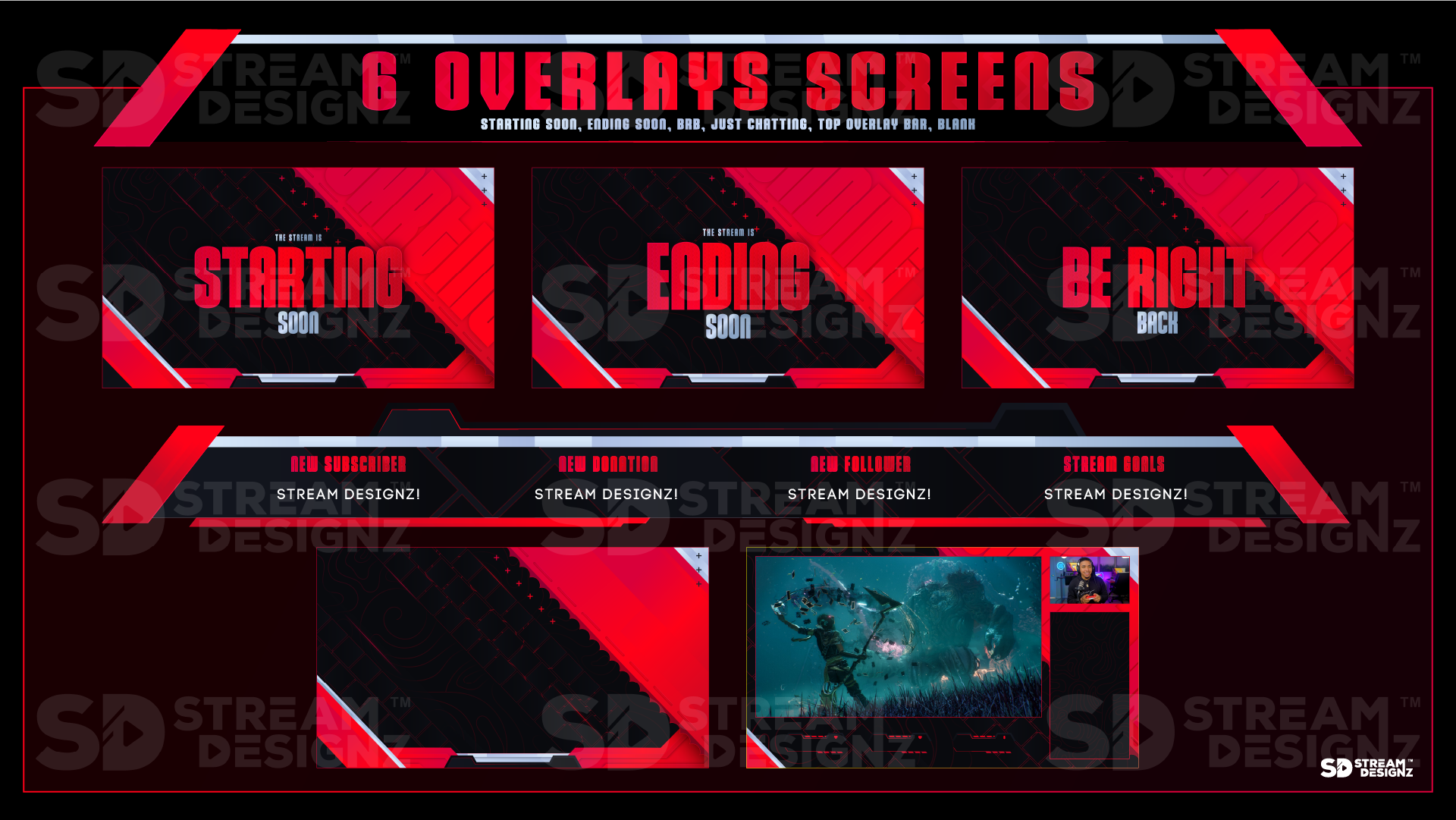
Overlay Screens — still scenes including BRB, Starting Soon, Just Chatting, Top Overlay Bar, and more
-
Stream Alerts — static on-screen notifications for follows, subscribers, donations, bits, and more
-
Stream Panels — channel panels sized for Twitch and Kick, covering About, Discord, Donate, Gear, Rules, Schedule, Socials, and more
-
Setup instructions and instant .zip download after purchase
Exact contents vary by theme — check each product page for the exact contents. Countdown timers and stinger transitions are not included in overlay packages and are available separately.
What's the Difference Between Non-Animated and Animated Overlay Packages?
Animated overlay packages use looping motion graphics — moving webcam frames, animated alert pop-ups, and video overlay screens — delivered in webm and mp4 formats. Non-animated packages use still PNG images for every element instead. Both cover the same asset categories and are designed to the same 1920x1080 standard. The choice comes down to your streaming setup and personal preference. If your PC is lower-powered, static overlays put less strain on your system since there's no video playback involved. If you prefer a cleaner, distraction-free look, static overlays keep the focus on your gameplay or content rather than motion graphics around the edges of your screen.
Are Static Overlays Compatible With OBS and Streamlabs?
Yes — PNG files are natively supported by every major streaming platform including OBS Studio, Streamlabs, StreamElements, XSplit, and console streaming software. You add them as image sources in your scenes, position them where you want, and they're ready to go. No plugins, no special software, and no performance overhead from video playback. For streamers who want a reliable, low-maintenance setup, static overlays are often the preferred choice.
Who Are Non-Animated Overlay Packages For?
Non-animated stream overlay packages are ideal for streamers who want a professional, branded look without the complexity or system overhead of animated graphics. They're a great fit for console streamers, mobile streamers, or anyone running OBS on a mid-range PC where adding video sources could affect stream performance. They're also a strong choice for streamers who simply prefer the clean, minimal aesthetic that still graphics provide. With over 100 themes to choose from at $14.99 each, there's a design to match every streamer's style — and every package is an instant digital download ready to use in minutes.