What Are Twitch Panels?
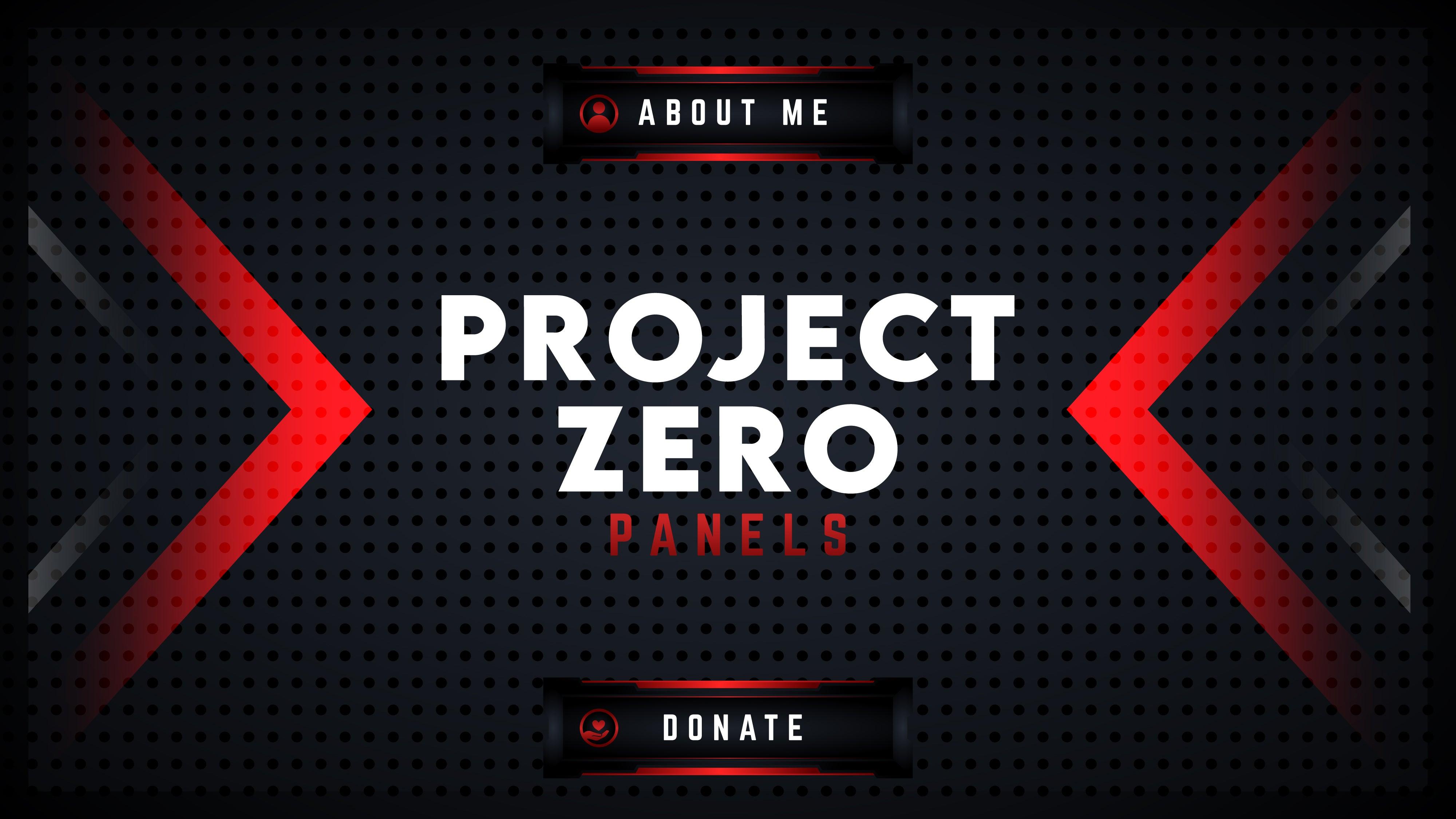
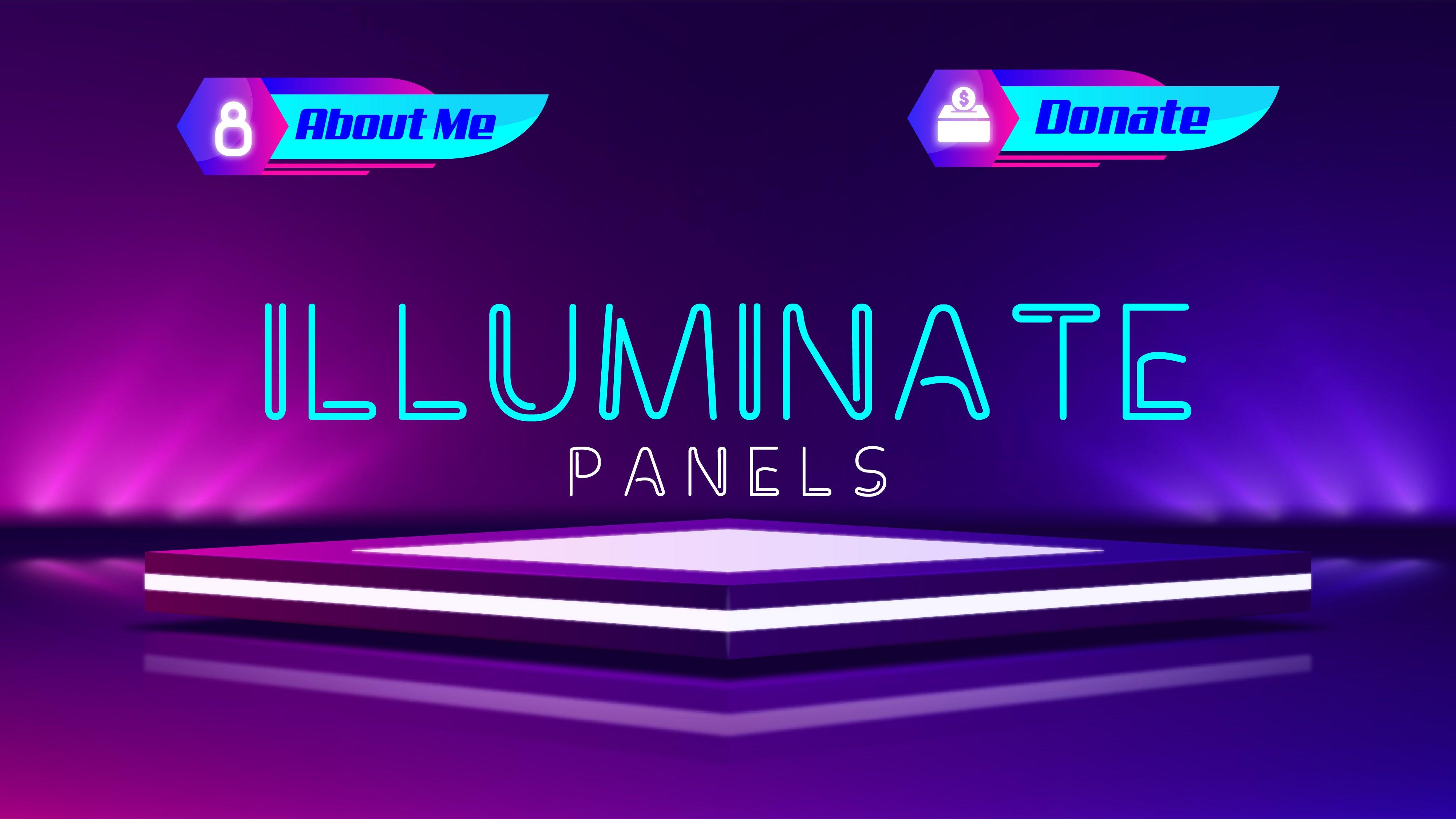
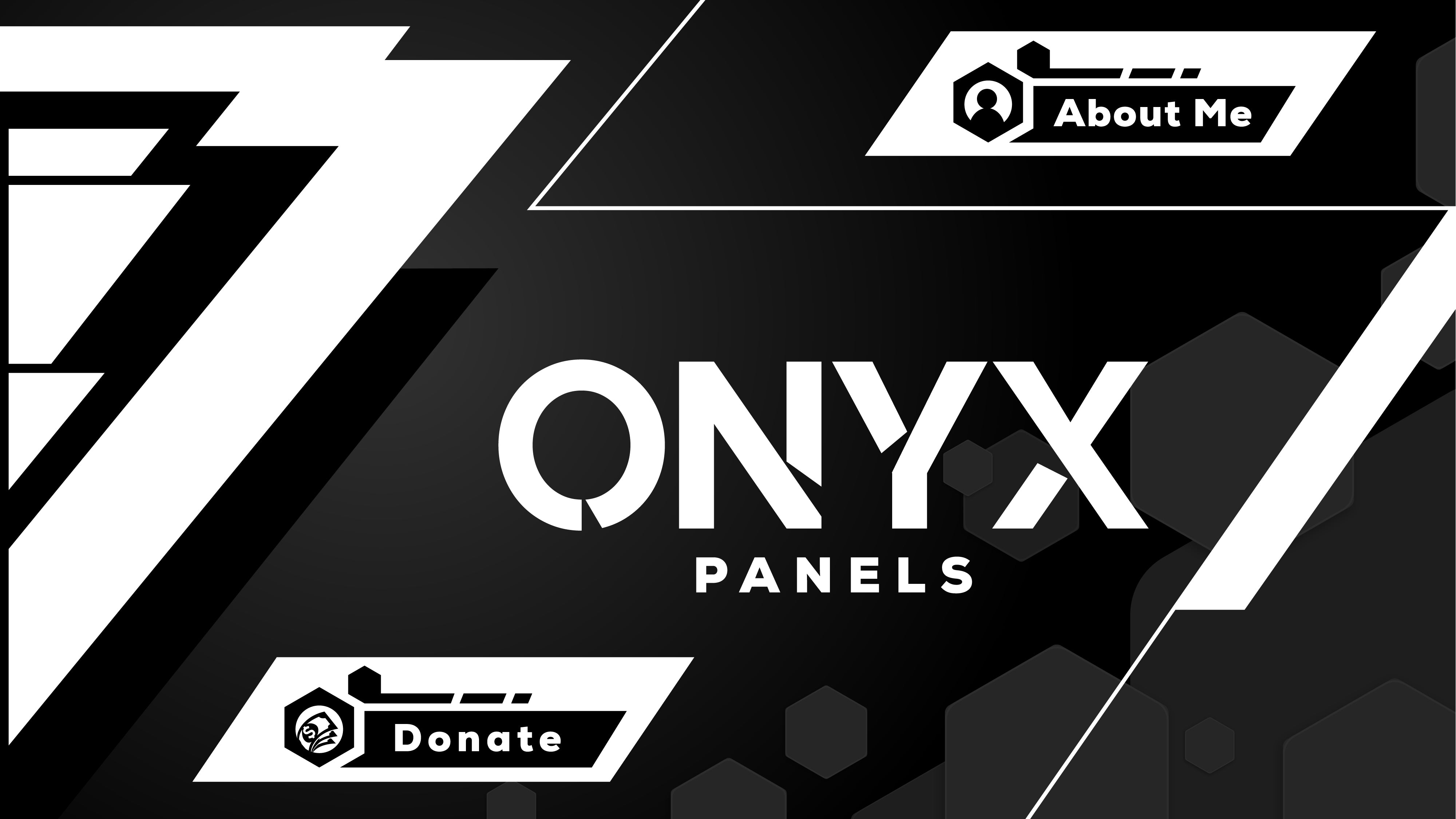
Twitch panels are static graphic images that appear in the "About" section below your stream on your Twitch or Kick channel page. They serve as a visual navigation system for your channel — giving viewers quick, branded access to information about you, your stream schedule, your community Discord, donation links, your gear, and your rules. Rather than a wall of plain text, well-designed panels present that same information in a format that matches your stream's visual identity, making your channel page look like a cohesive brand rather than an unfinished profile.
What Panels Are Included?
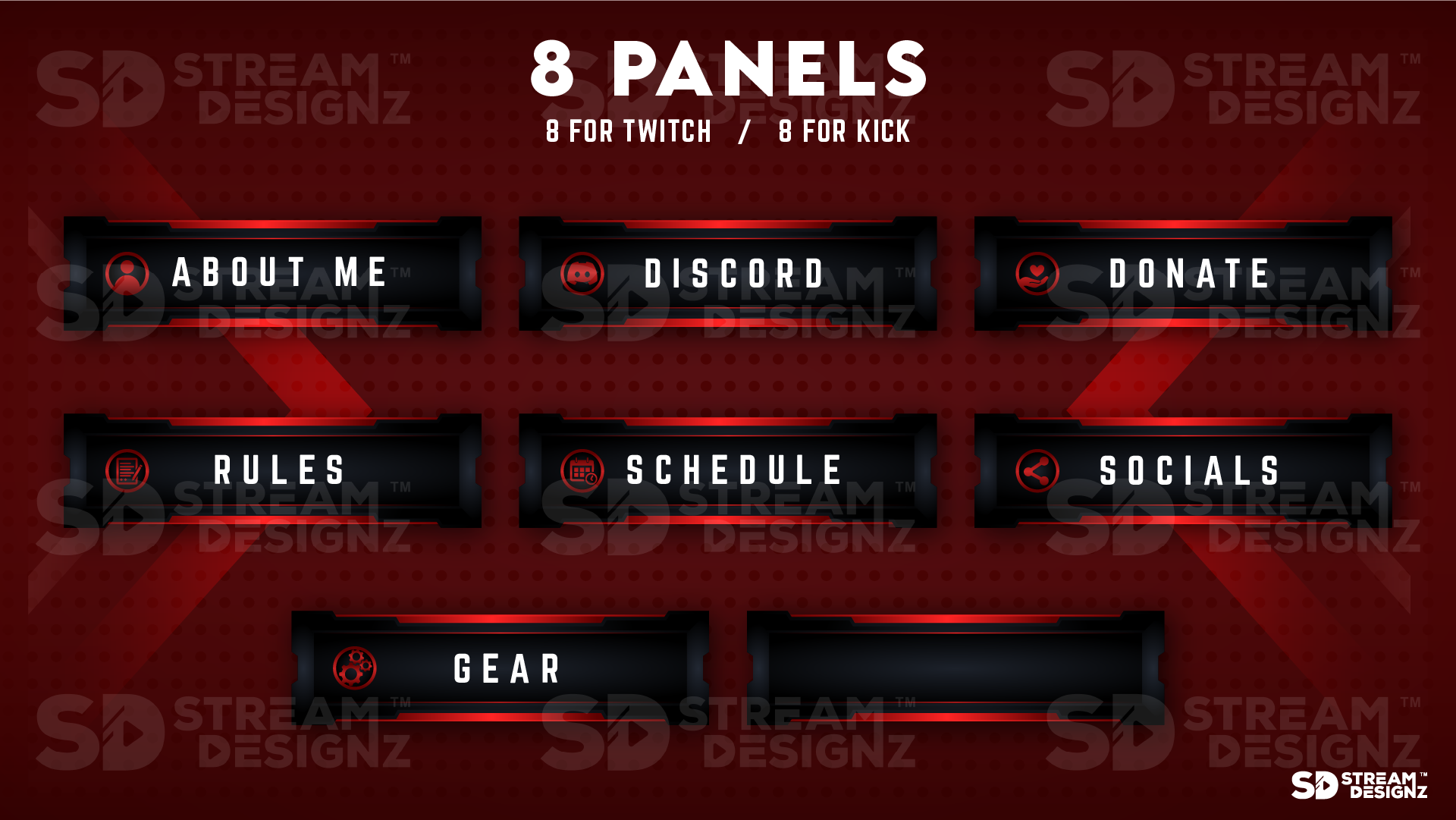
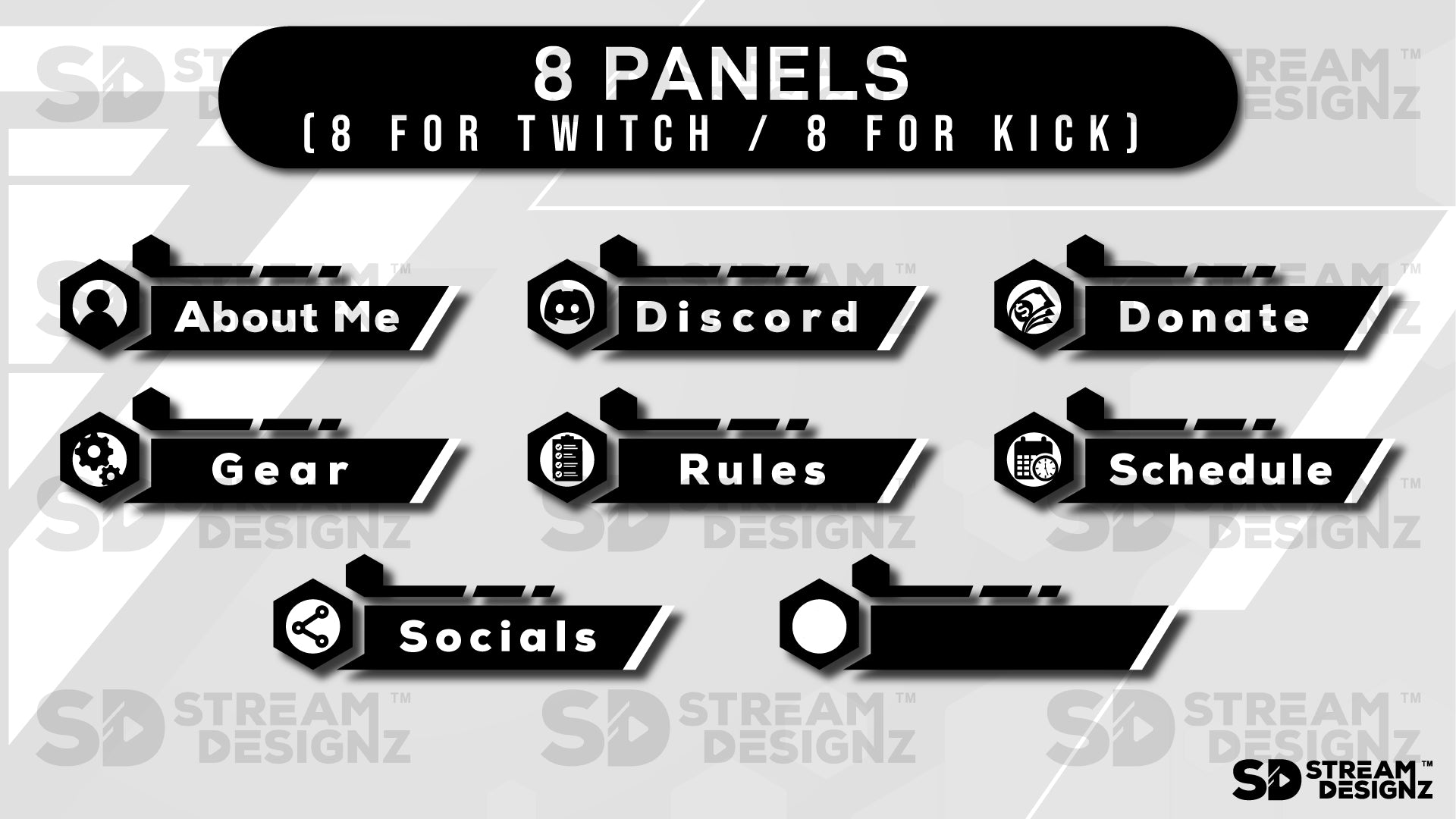
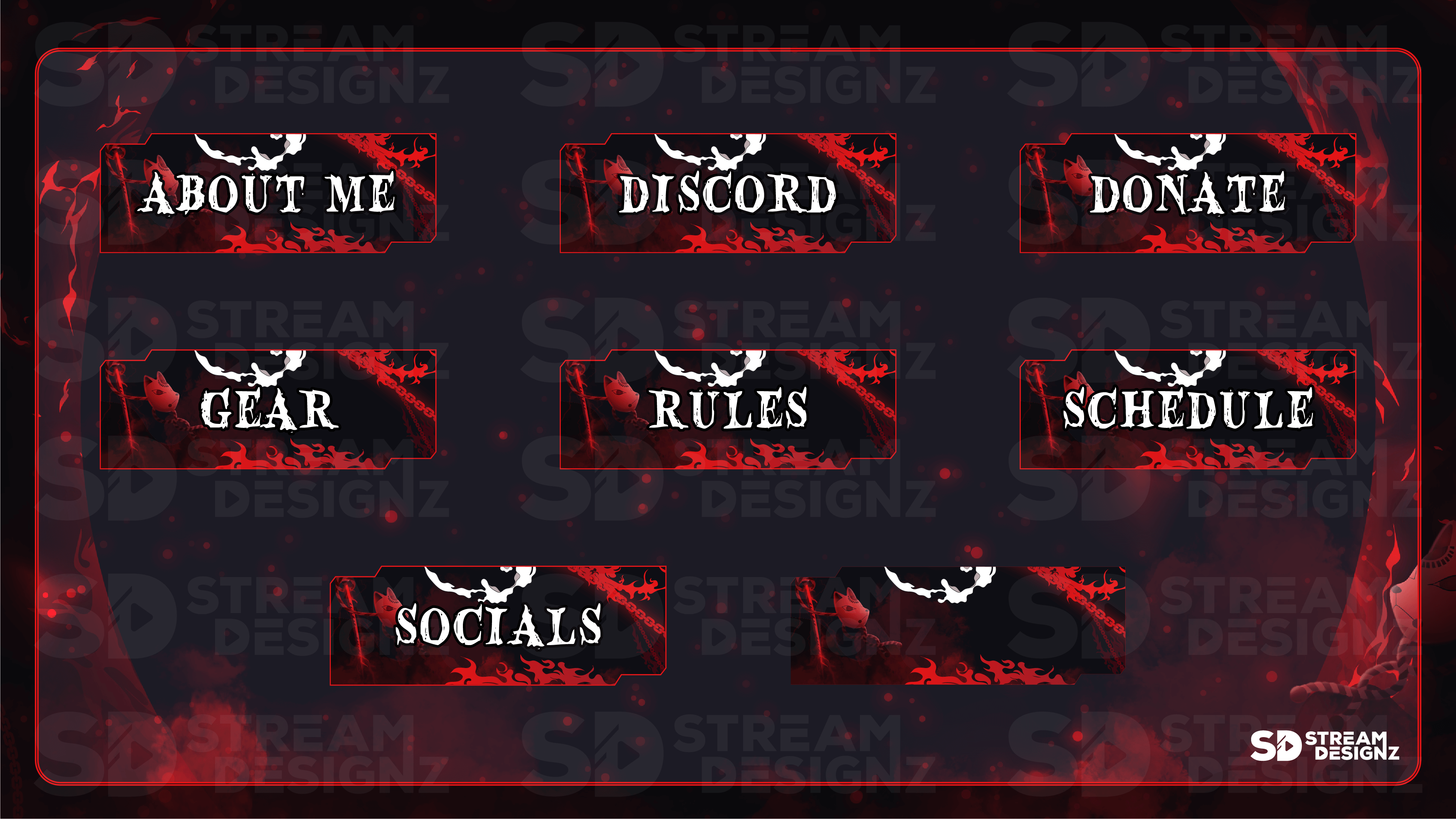
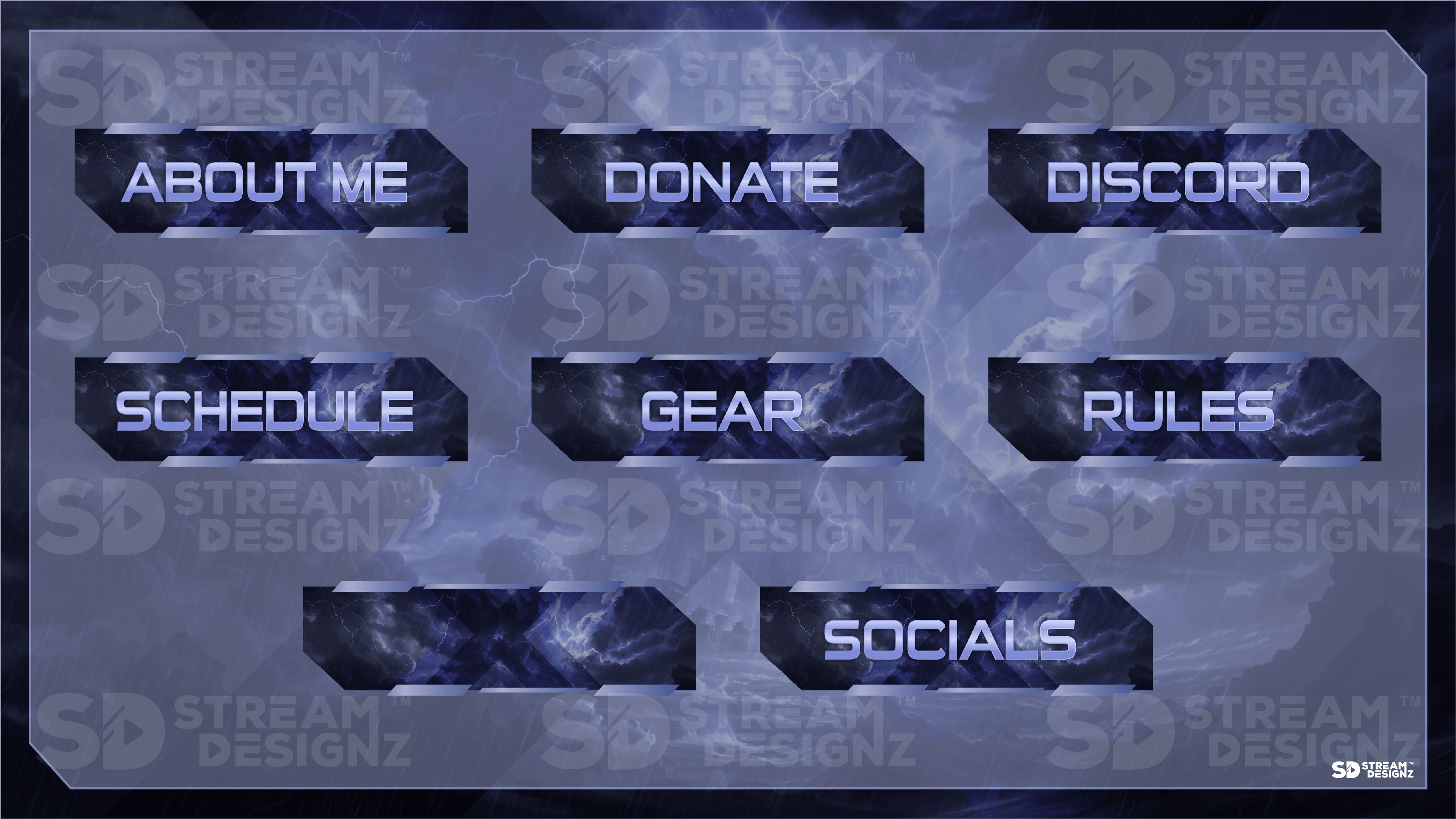
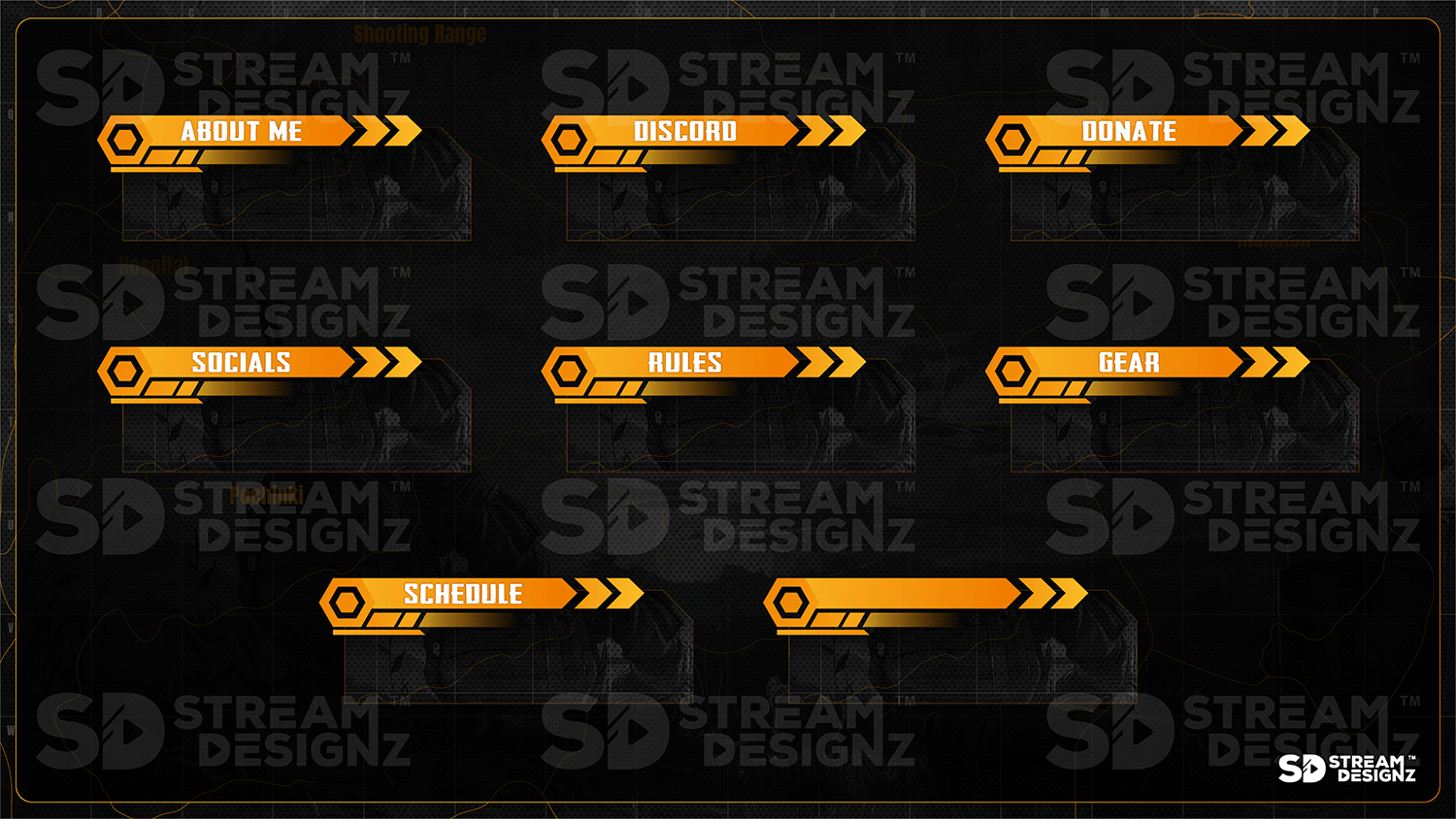
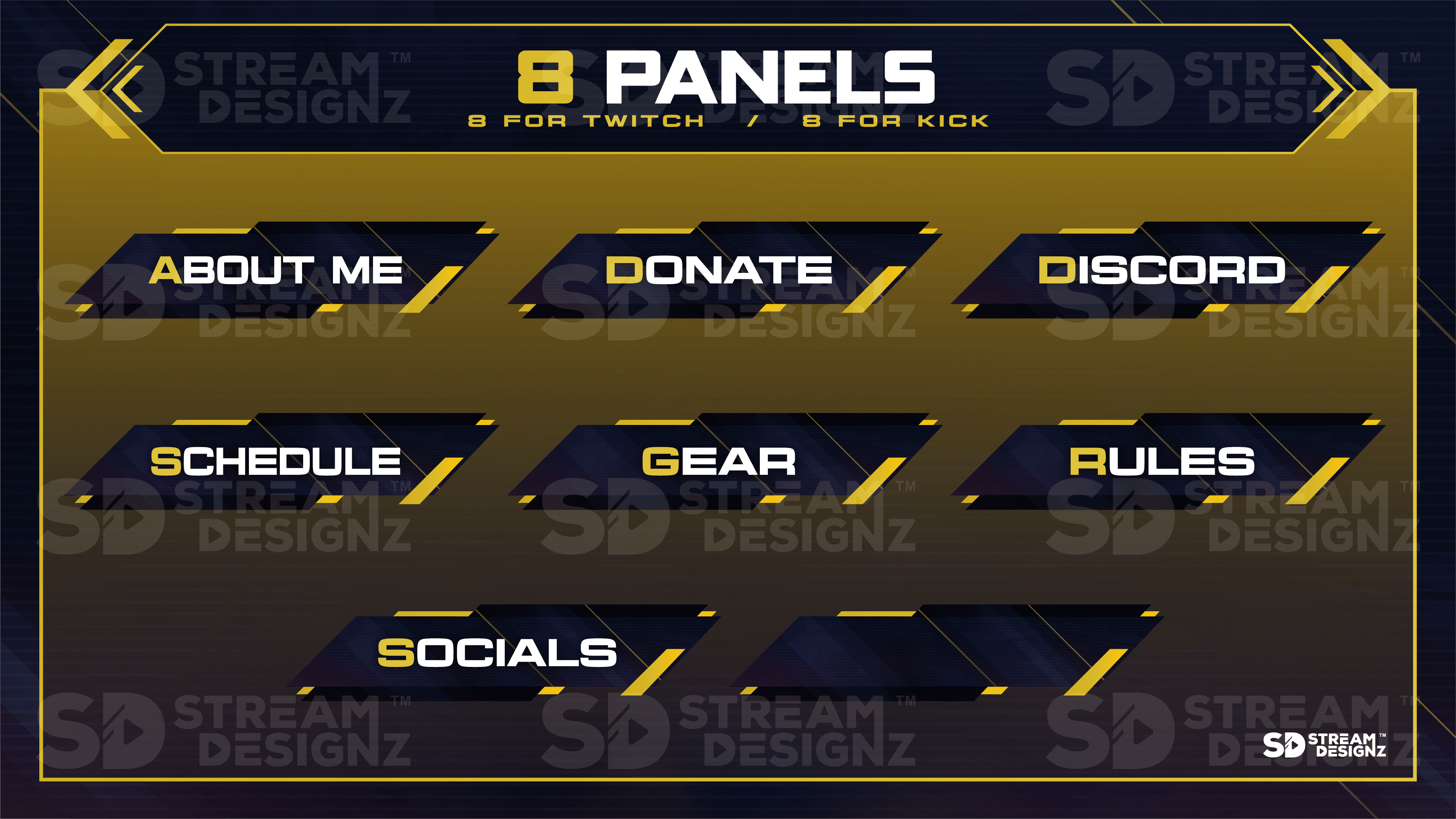
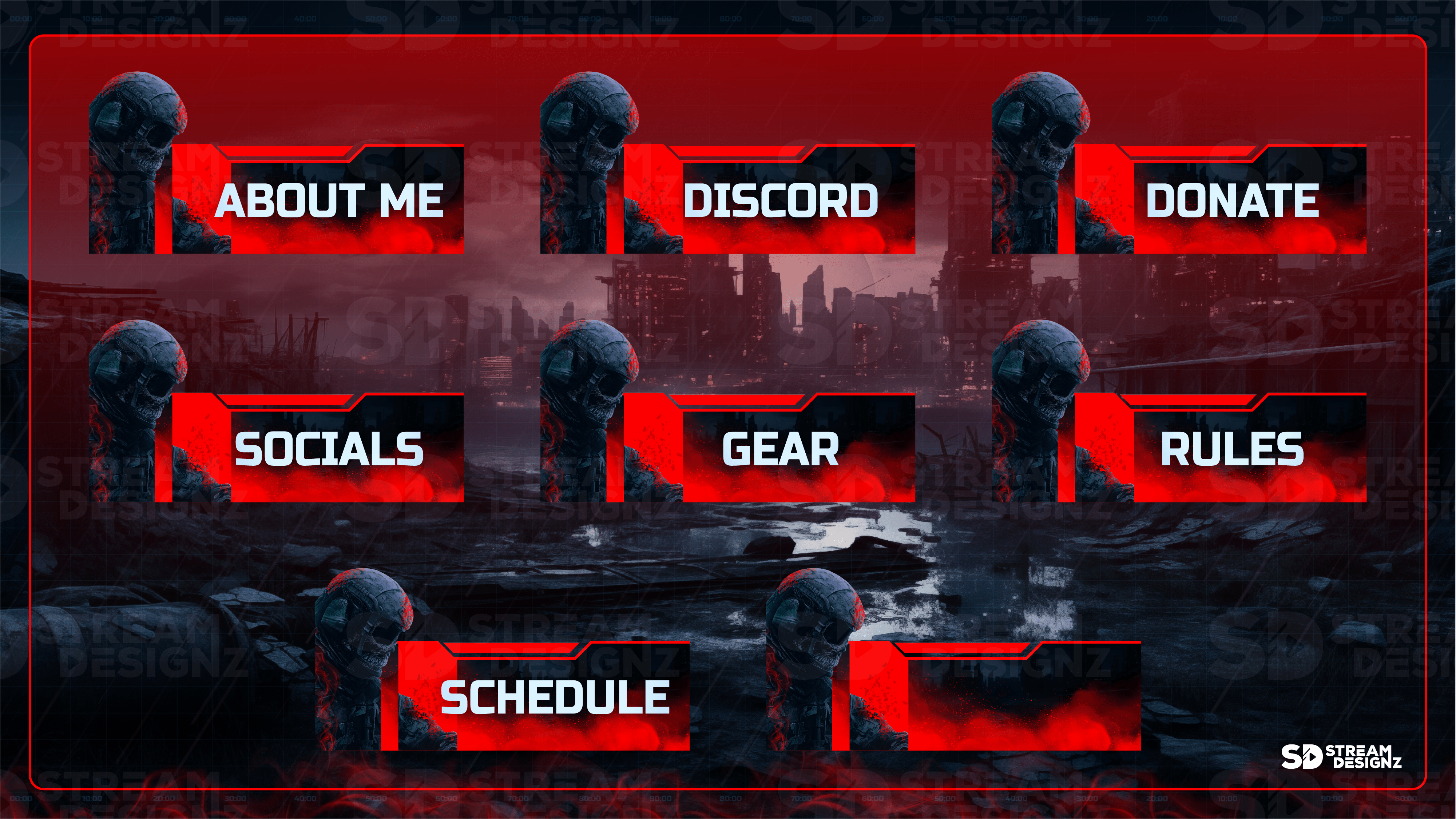
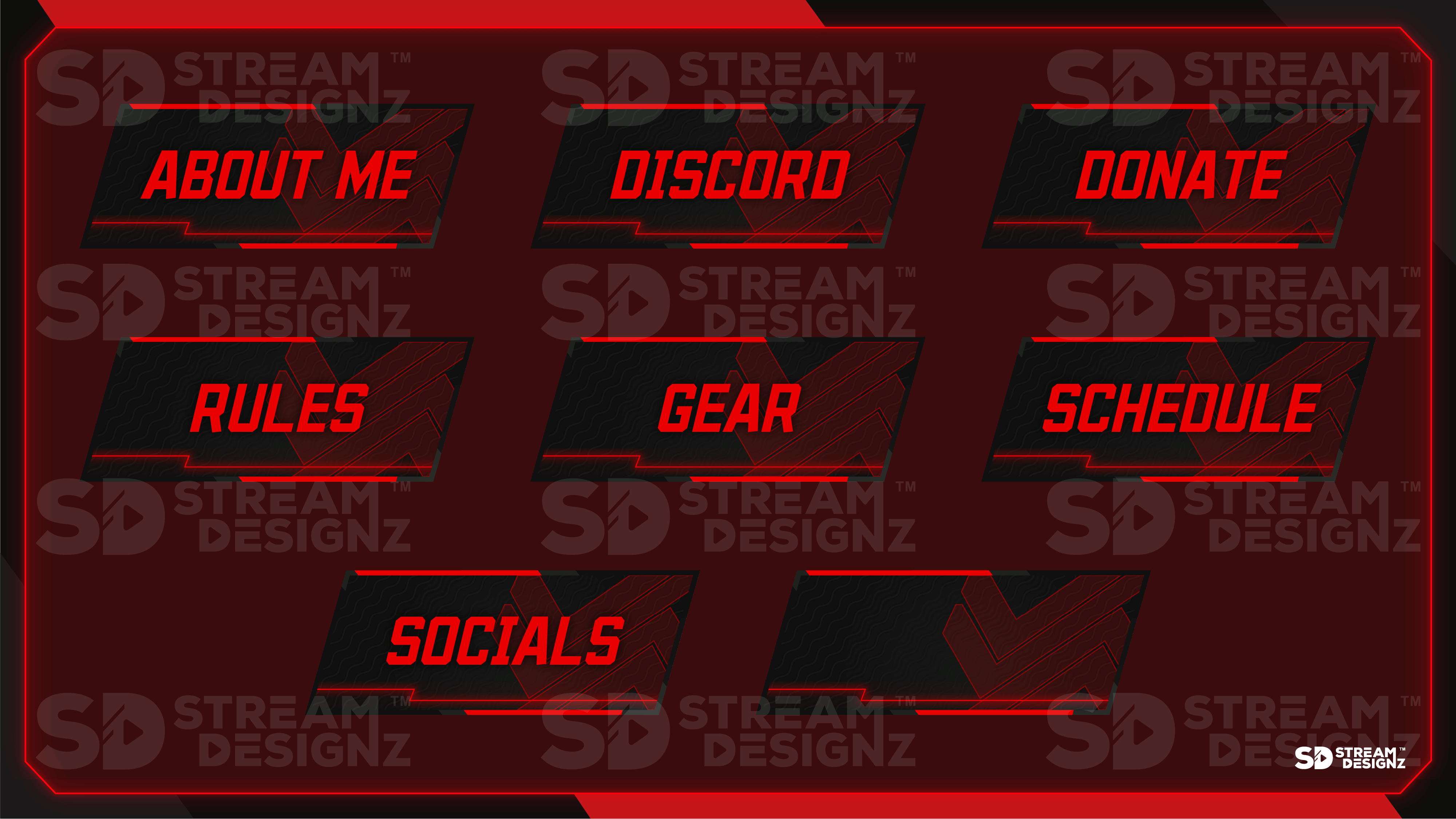
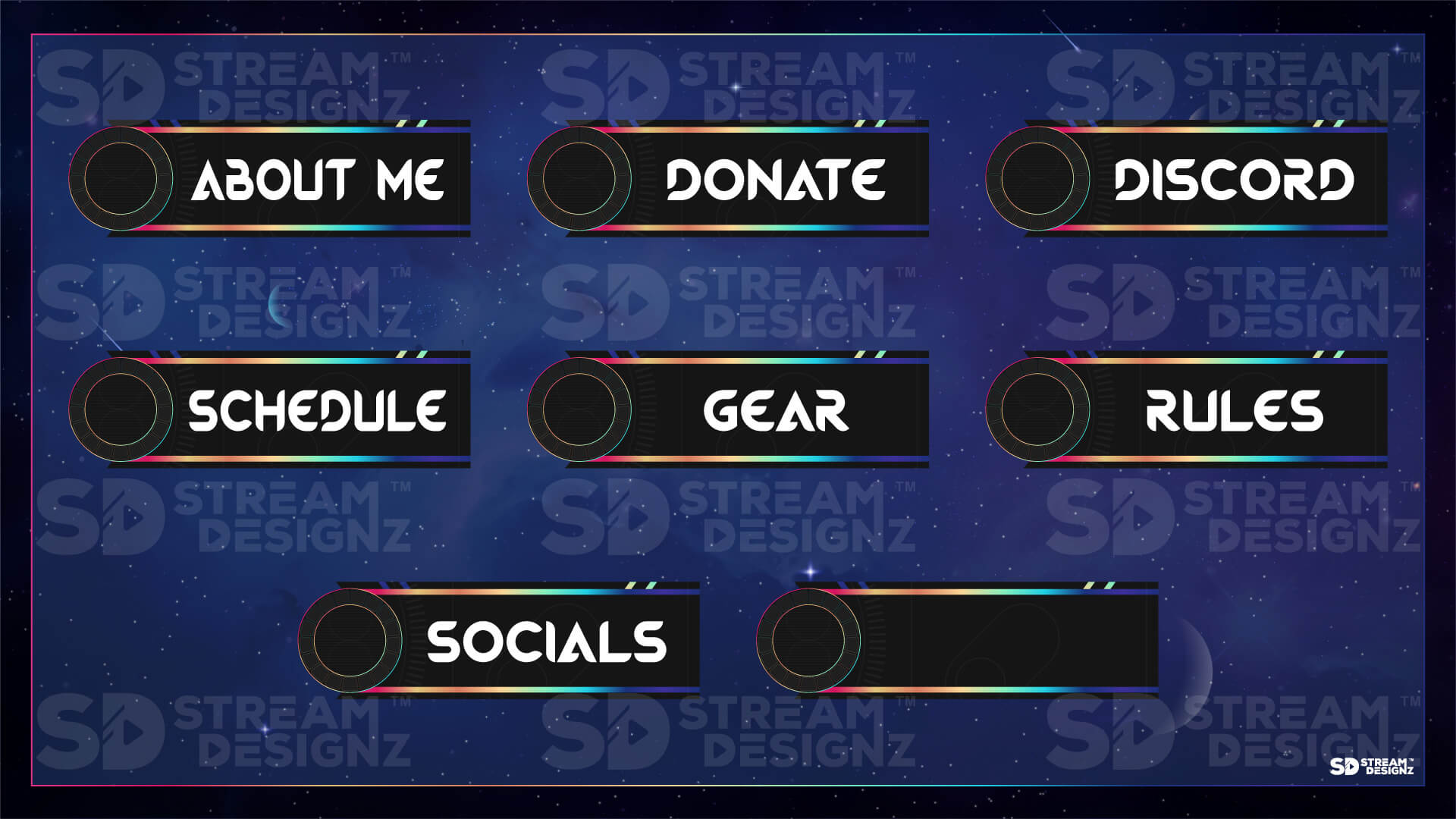
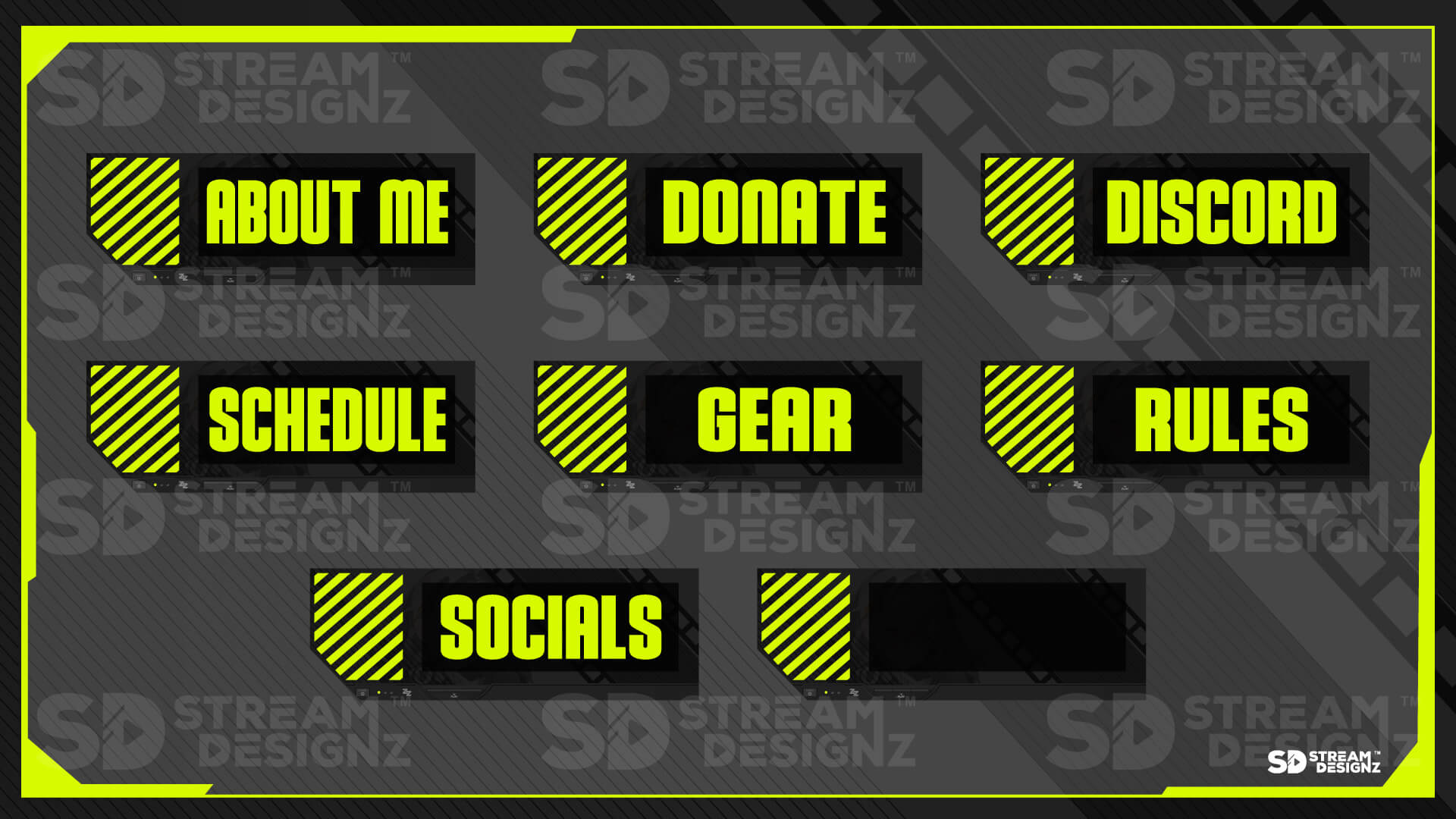
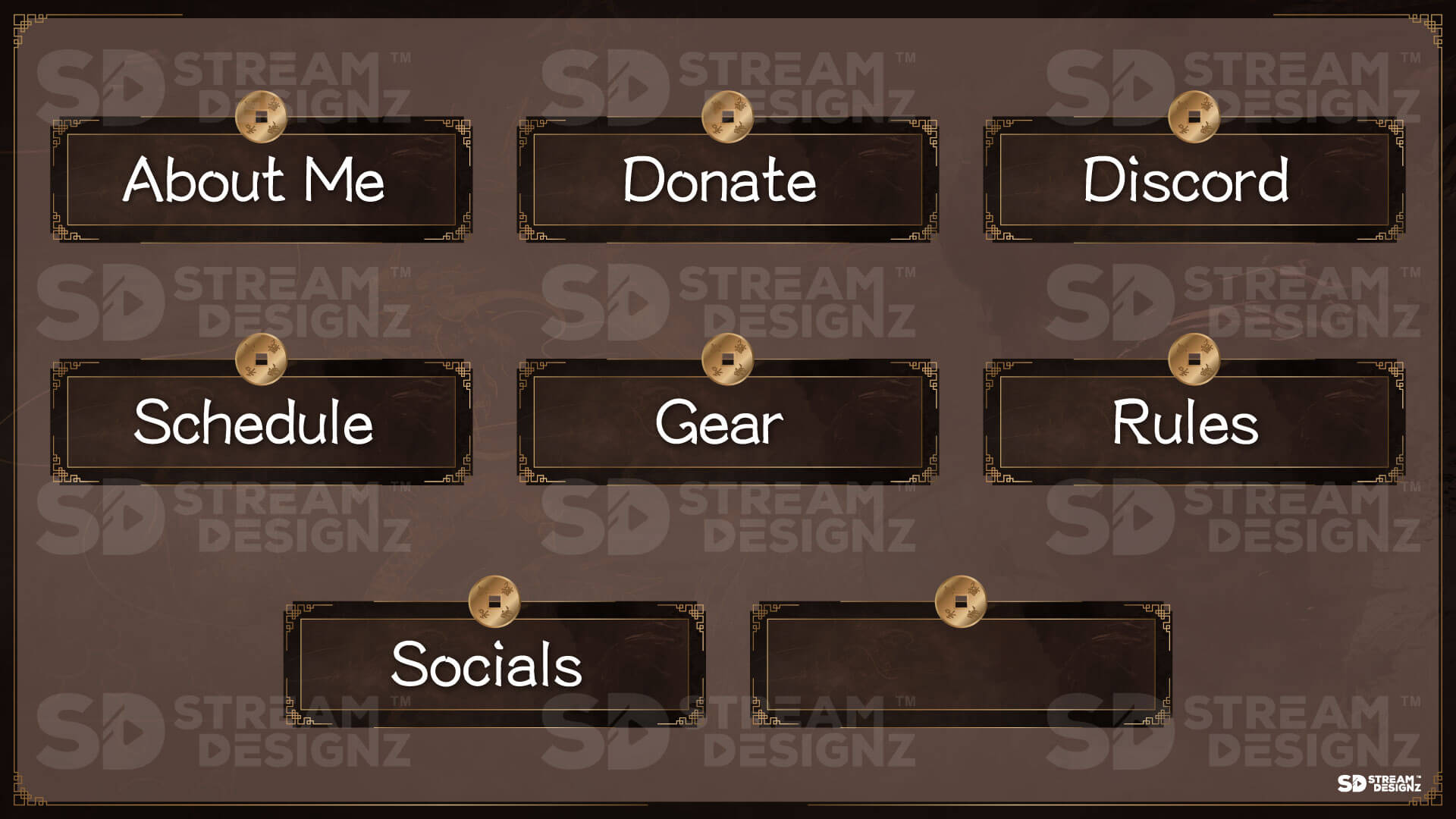
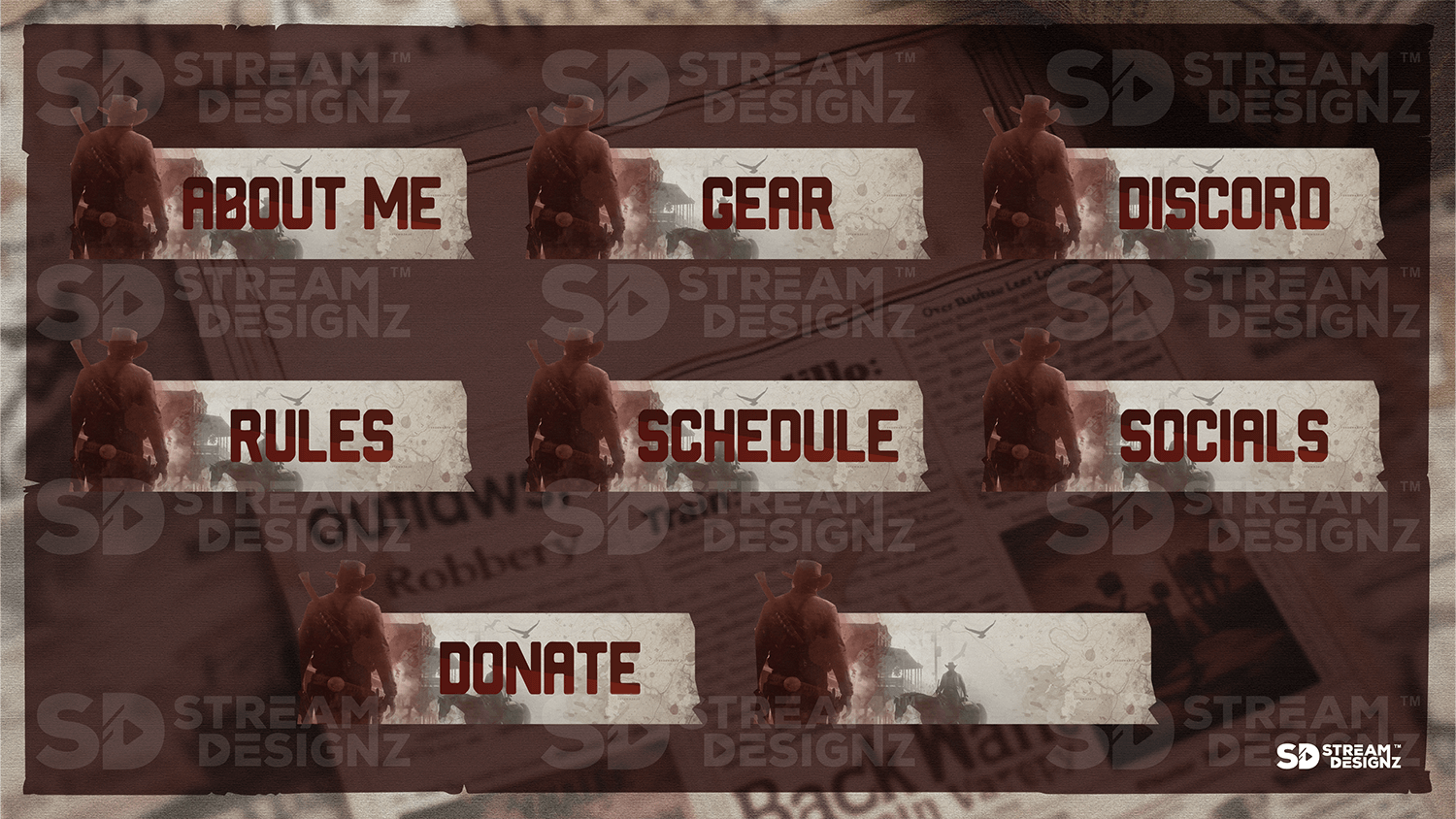
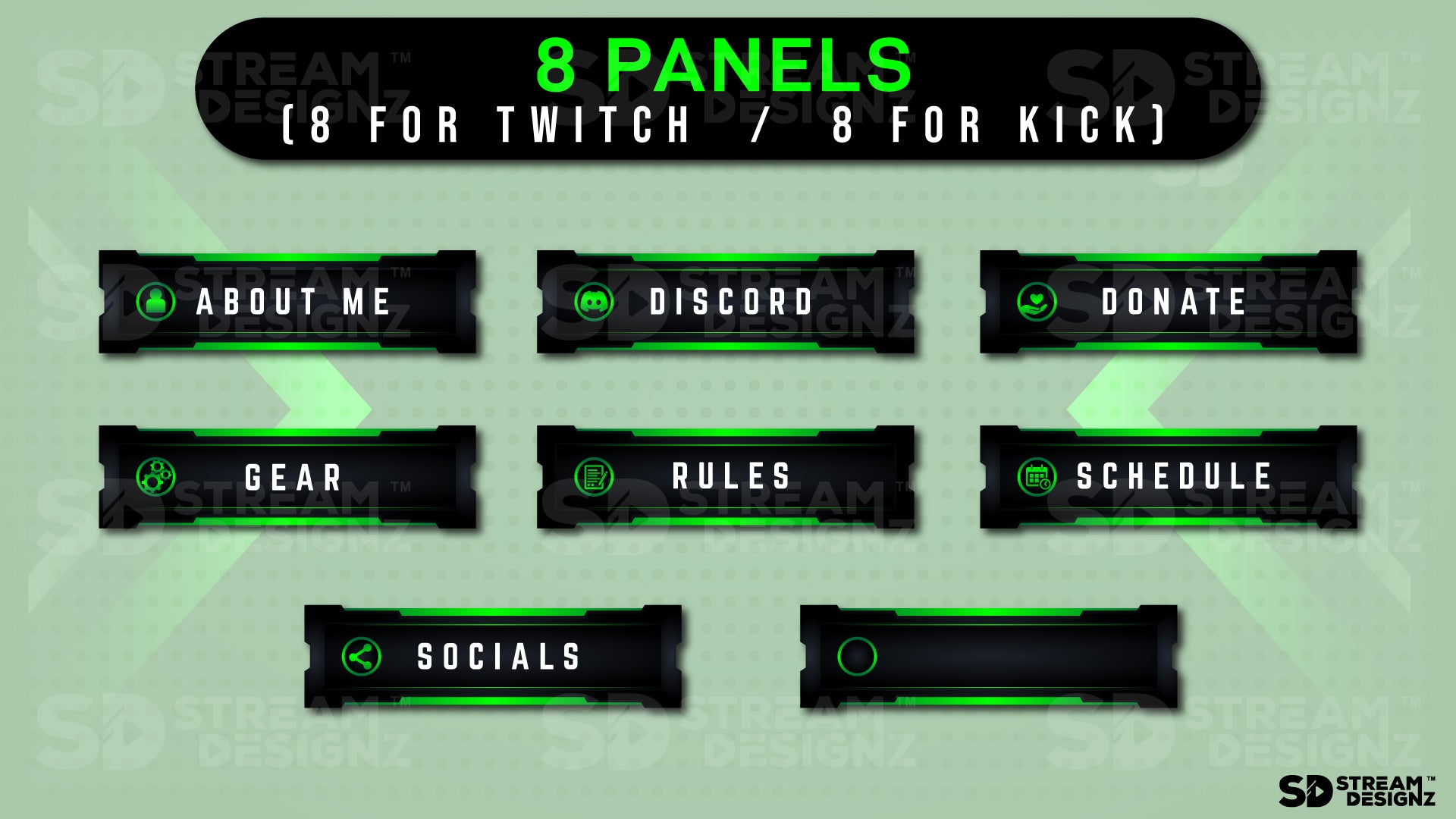
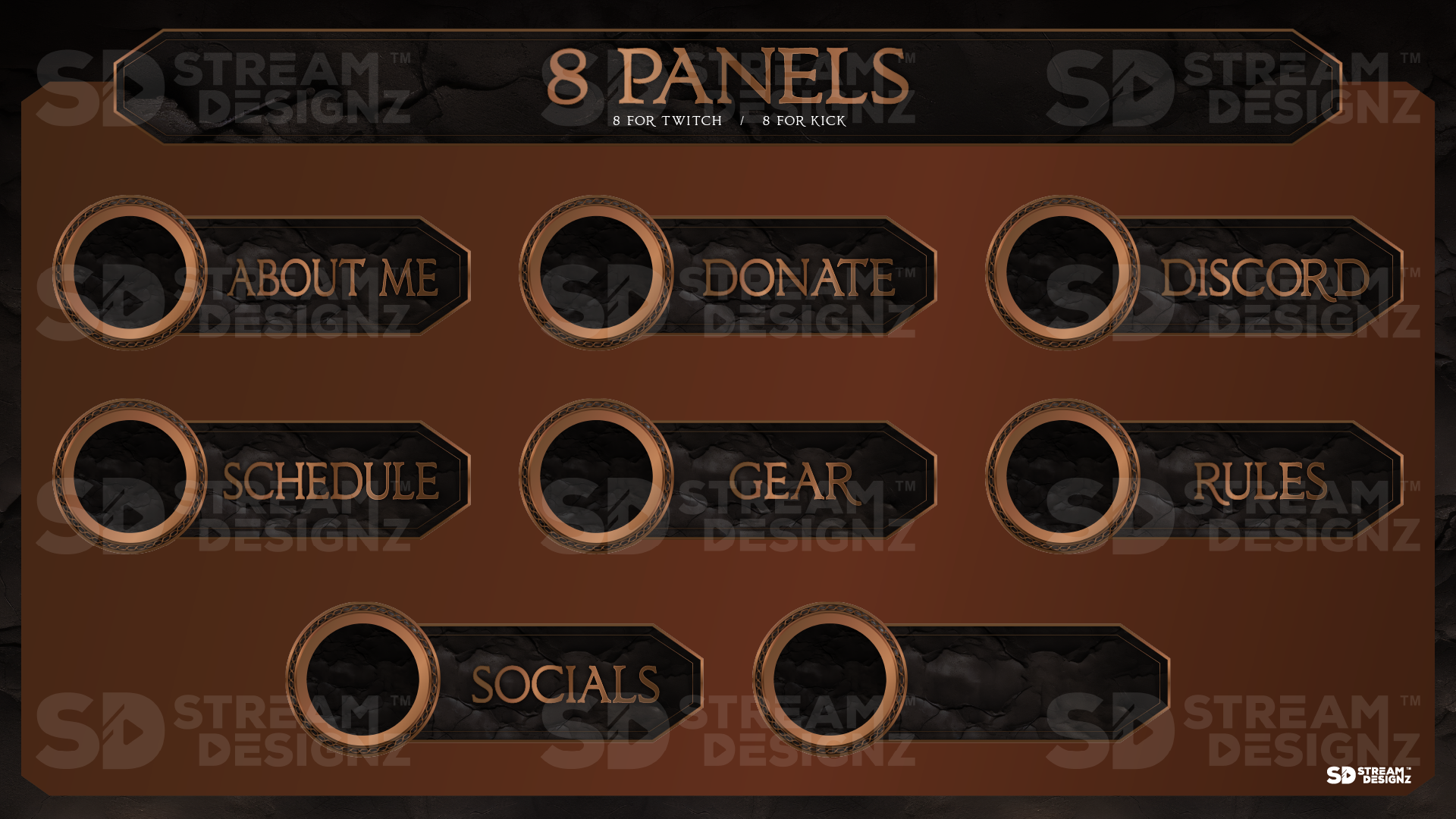
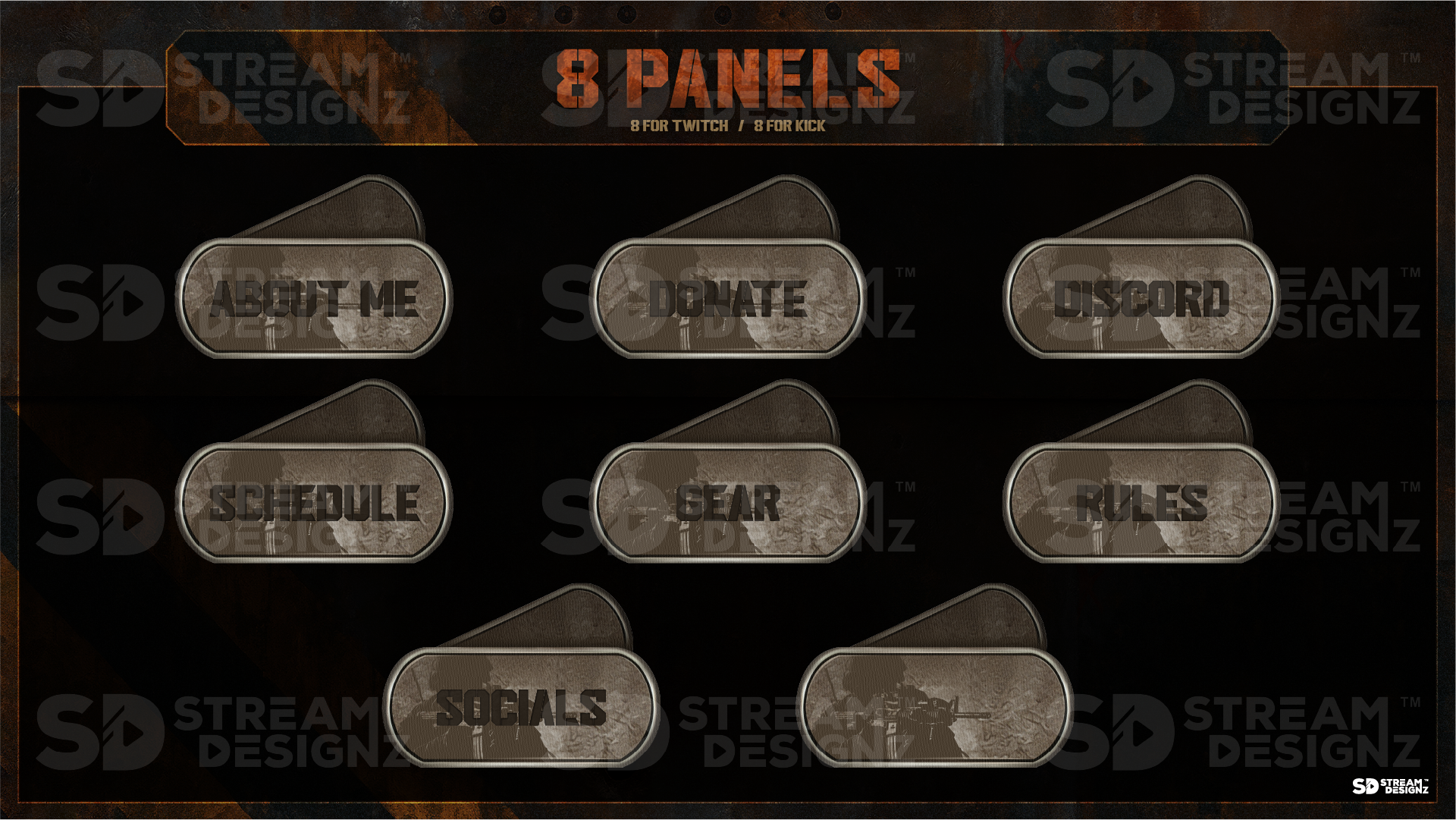
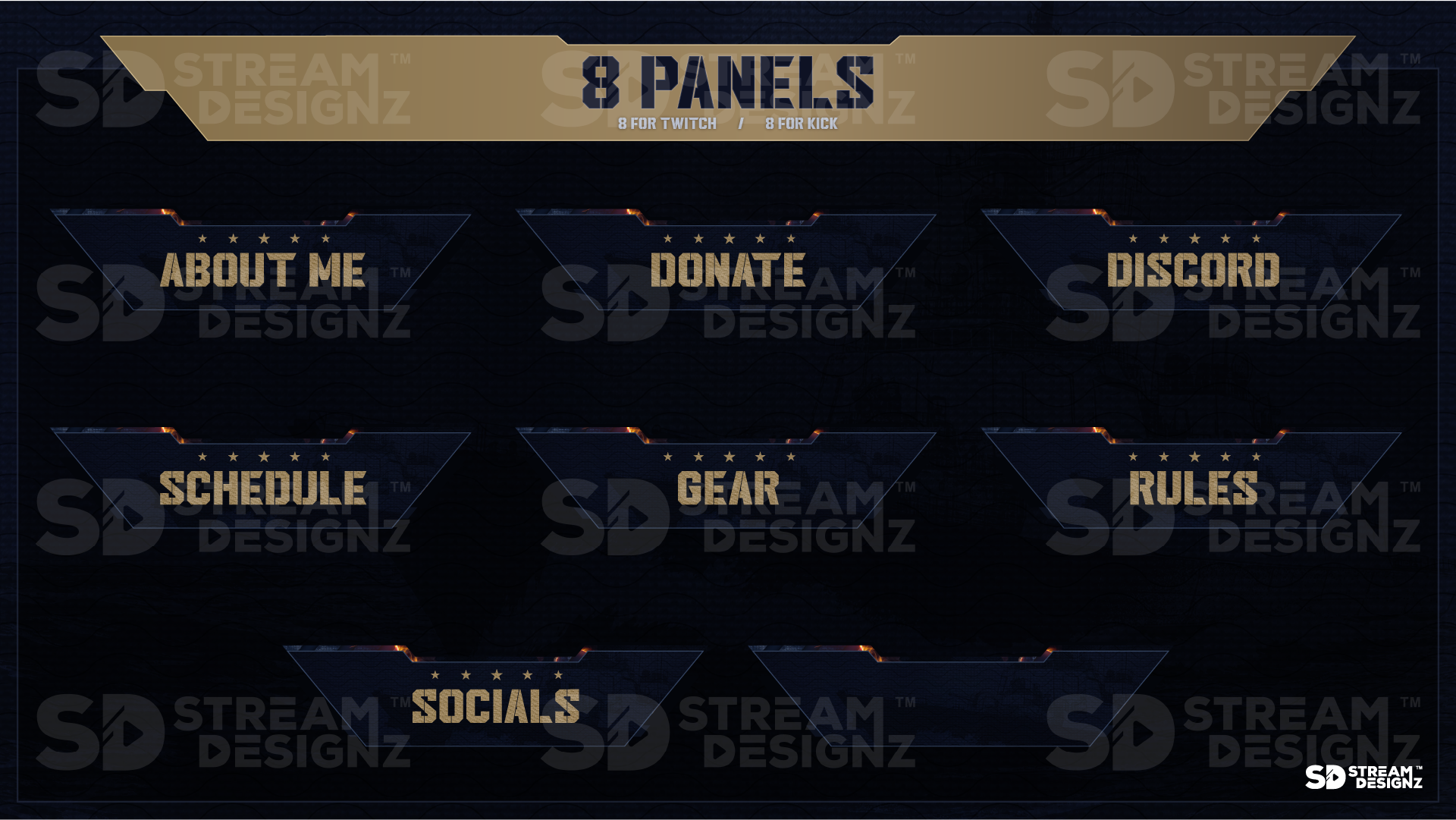
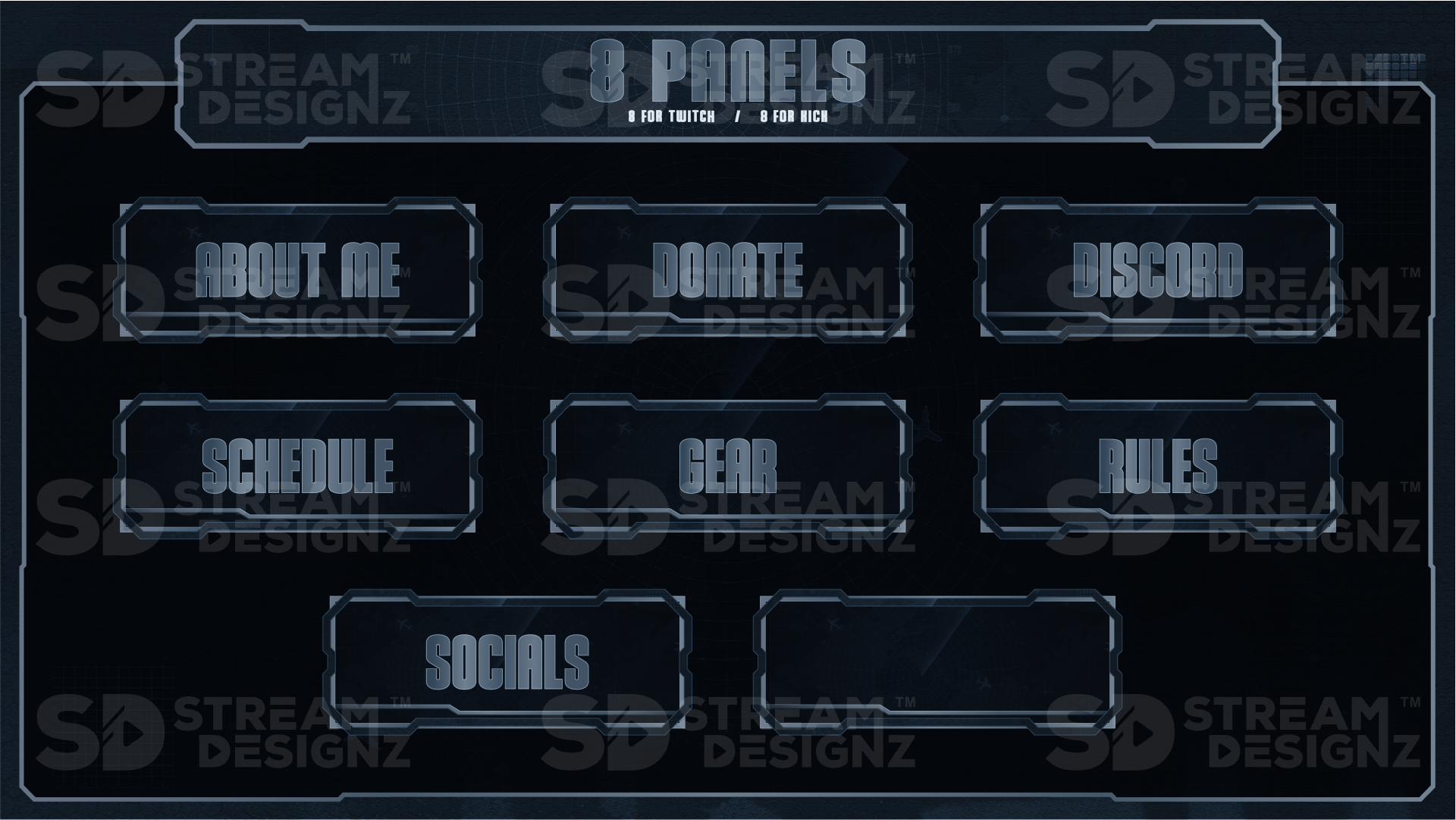
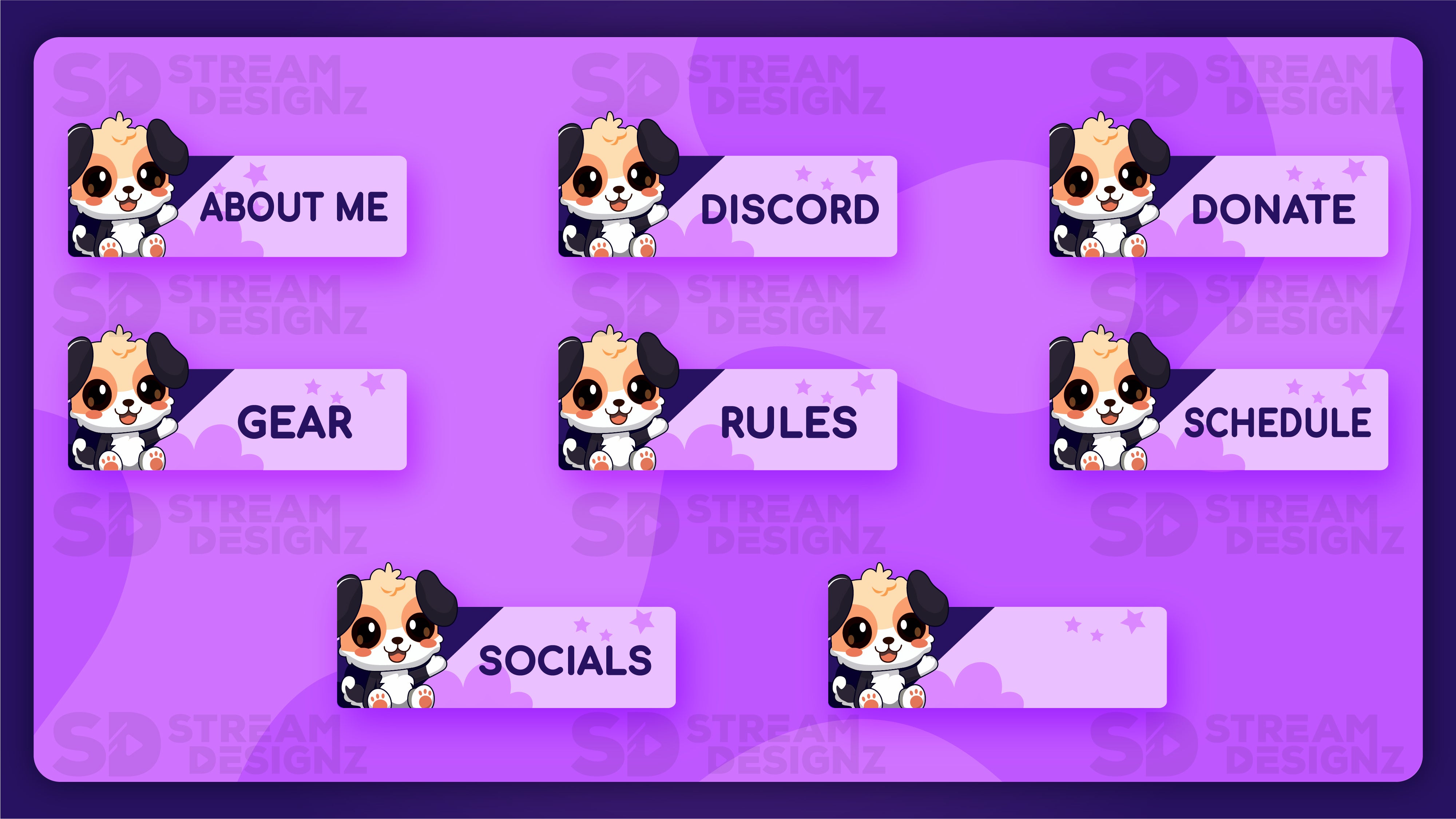
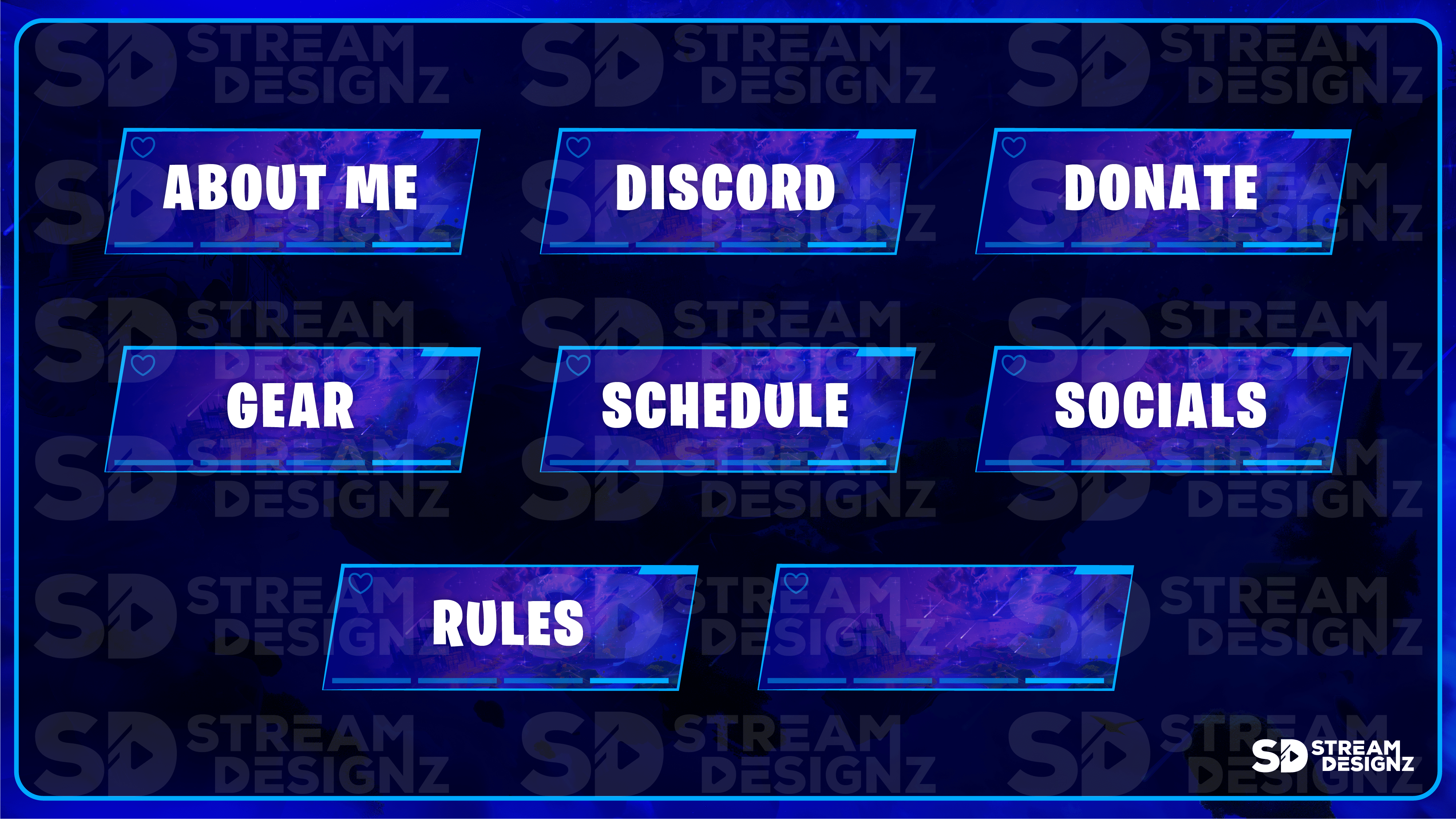
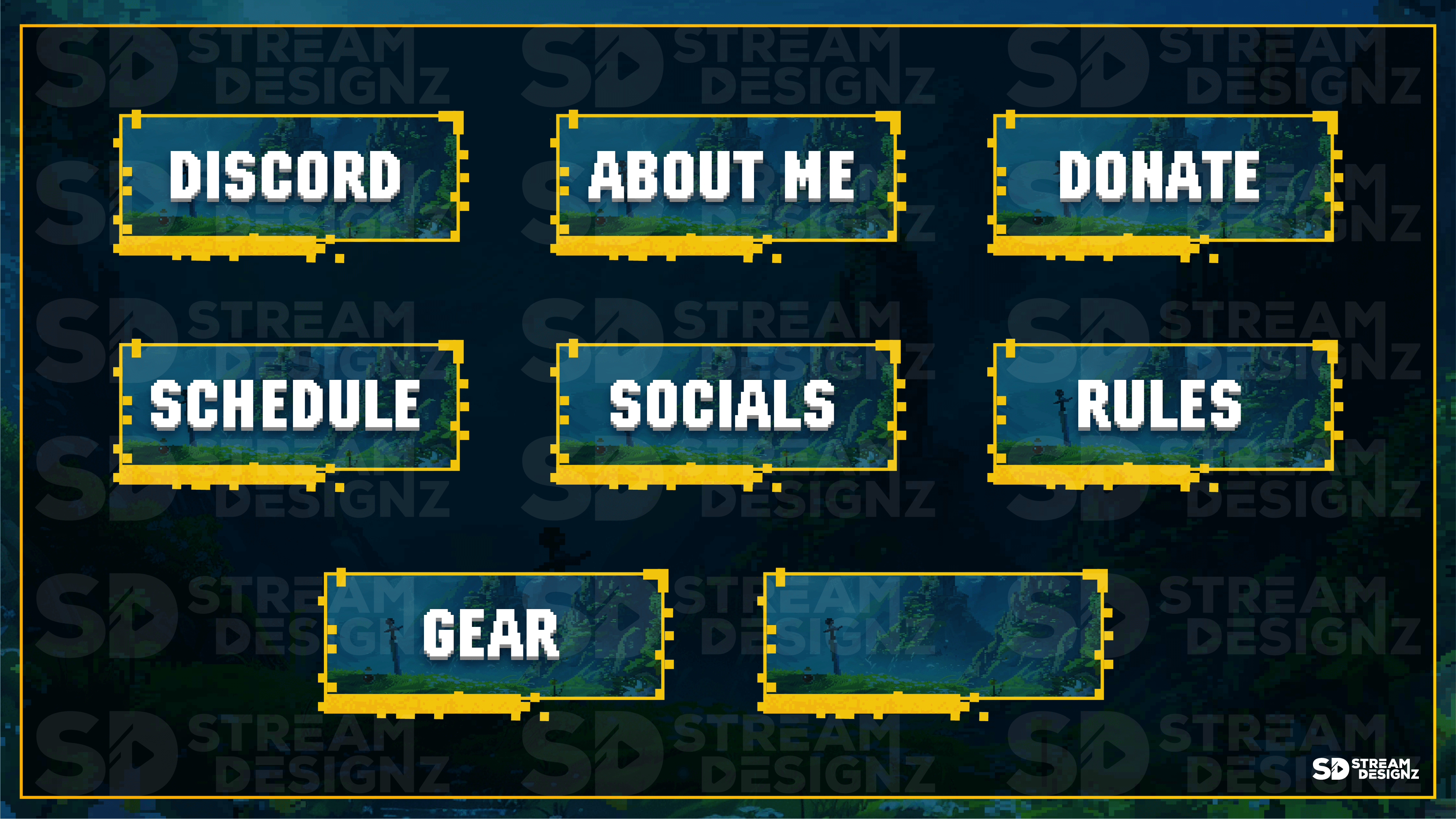
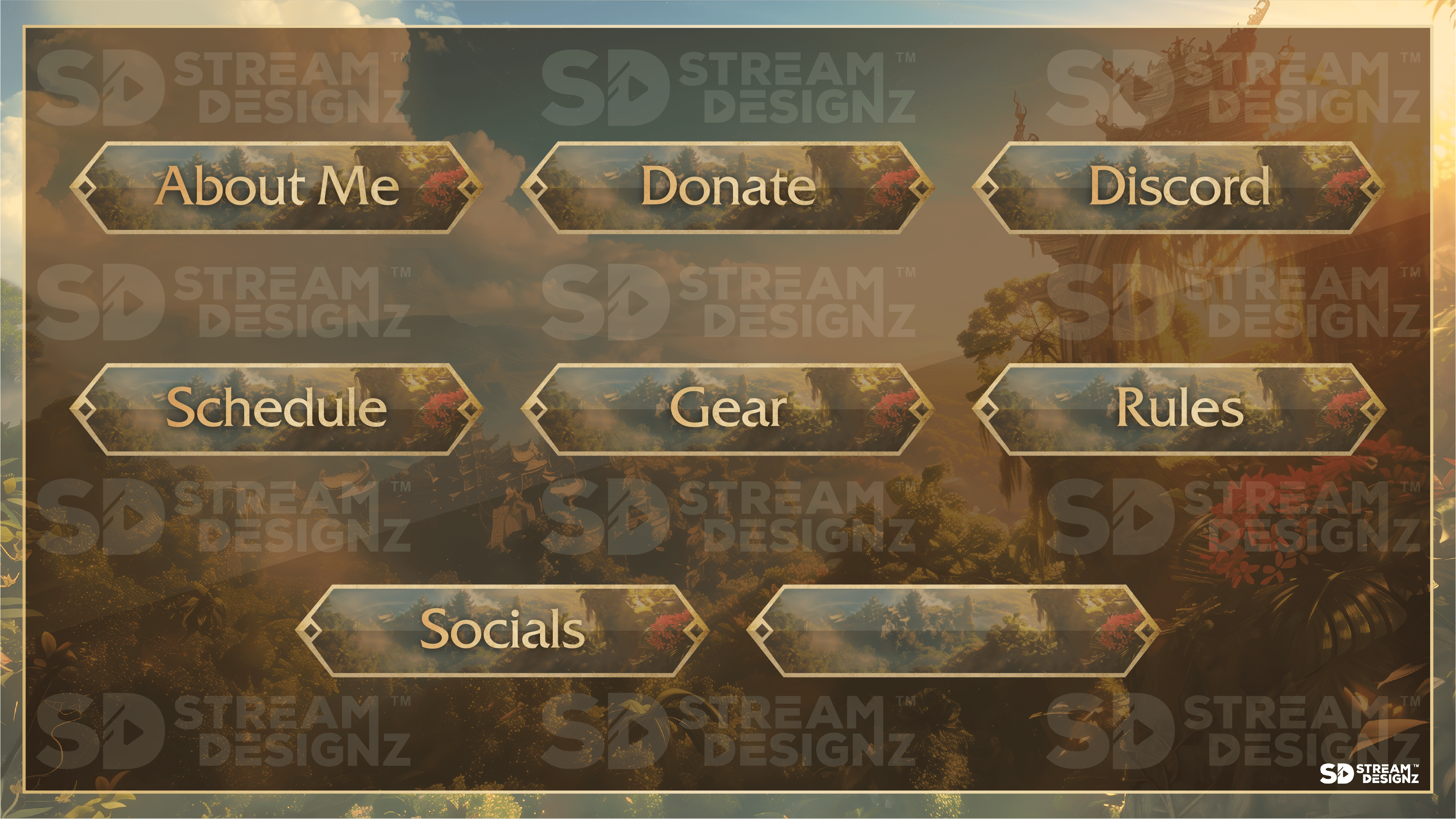
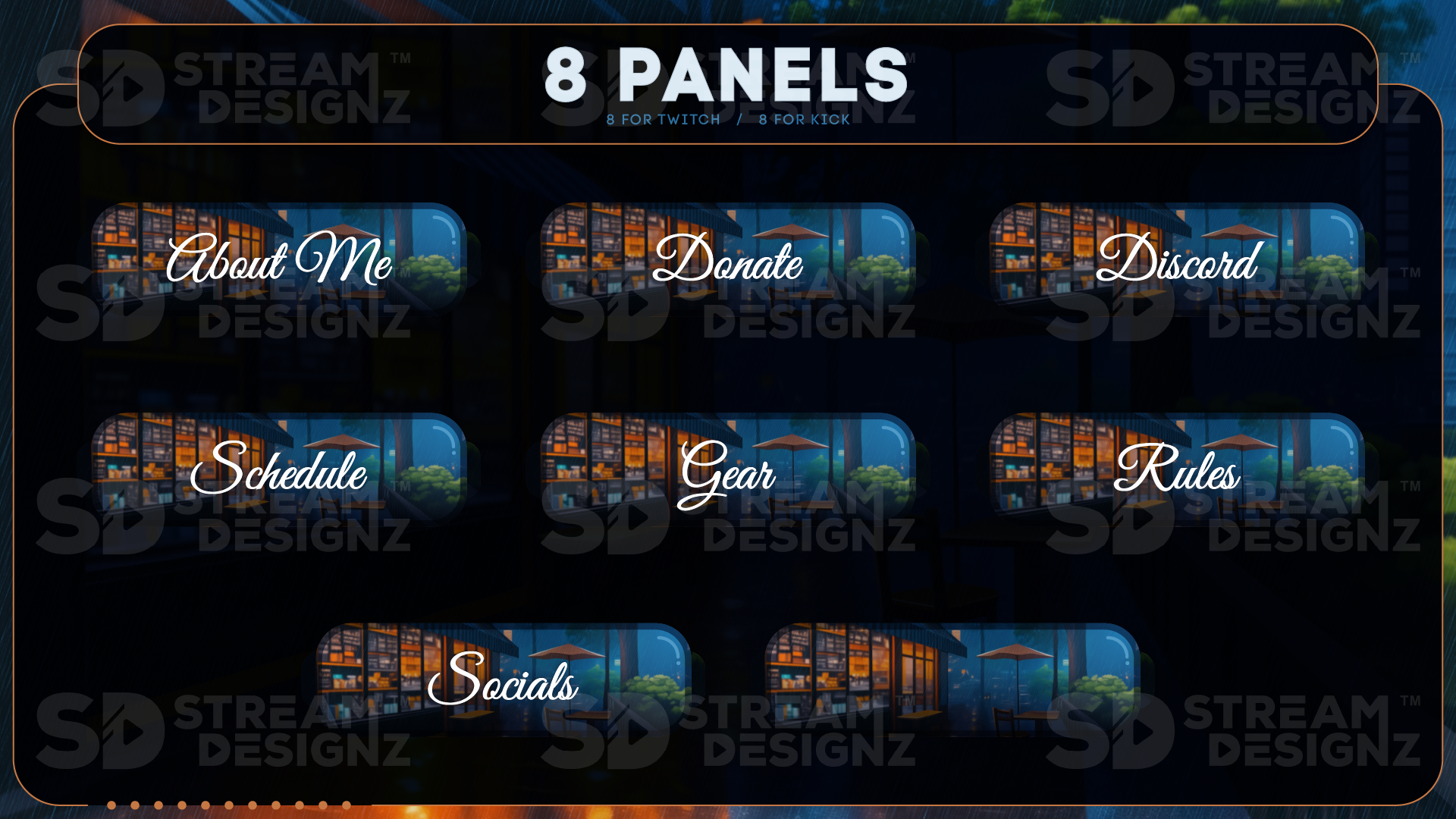
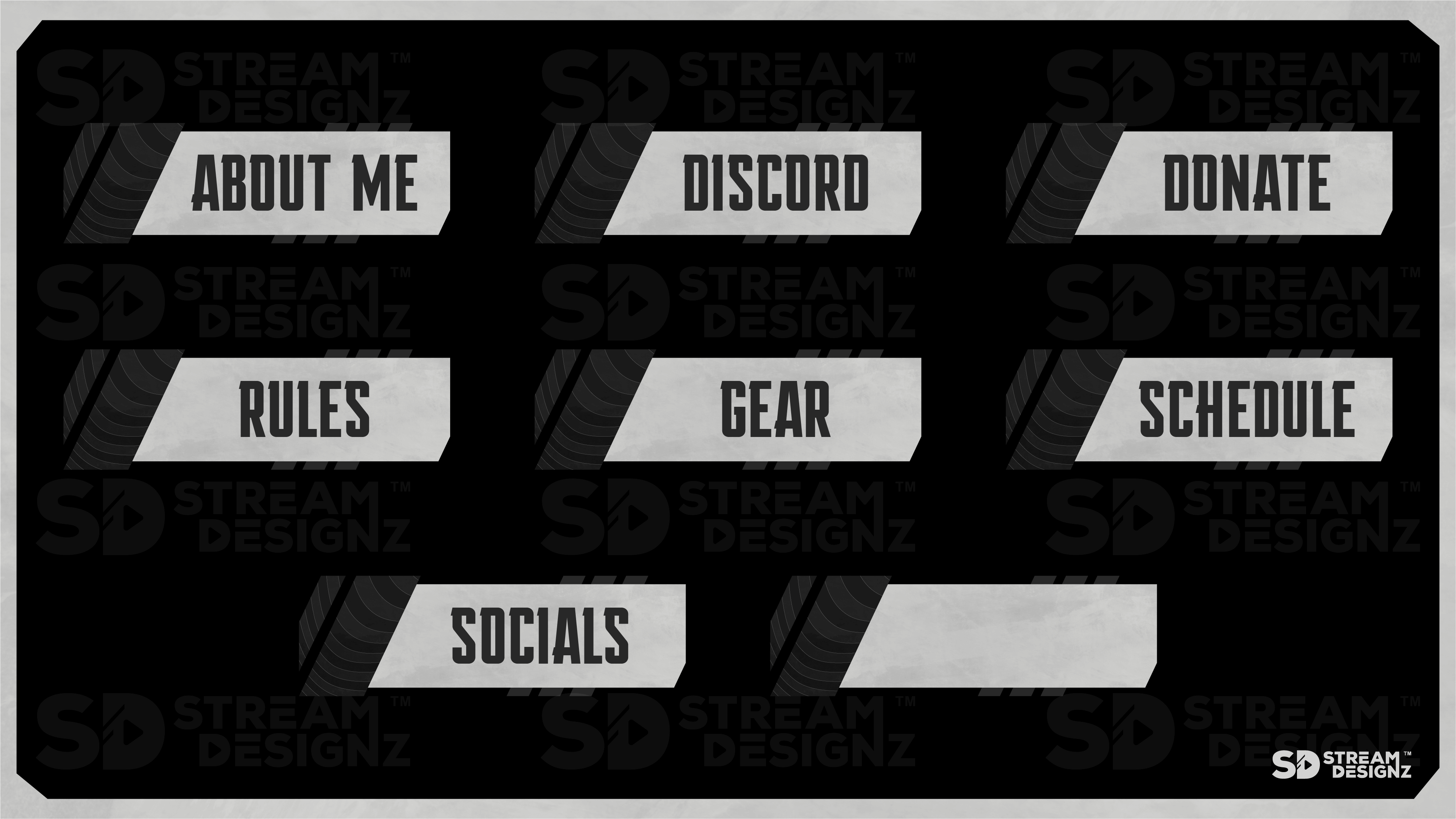
Each Twitch panel set from Stream Designz covers the core information categories every streamer needs on their channel page. Depending on the theme, sets include panels for some or all of the following:
-
About Panel — introduces you and your stream to new visitors
-
Schedule Panel — lets viewers know when you go live
-
Discord Panel — links viewers to your community server
-
Donate Panel — directs supporters to your donation page
-
Gear Panel — links to your streaming setup or affiliate products
-
Rules Panel — sets expectations for chat behavior
-
Socials Panel — connects viewers to your other platforms
-
Blank Panel — an unbranded panel you can customize for any use (included in select themes)
Panel count varies by theme — check each product page for the exact panels included in that specific set.
What Format Are the Panels In?
All panels are delivered as PNG files, which is the standard format for Twitch and Kick channel panels. PNG supports transparent backgrounds, so the panels layer cleanly over your channel page regardless of your channel's background color or theme. Each set is sized correctly for both Twitch and Kick panel dimensions right out of the box — no resizing or editing required. Just download, upload to your channel, and add your links.
Do These Panels Match the Overlay Packages?
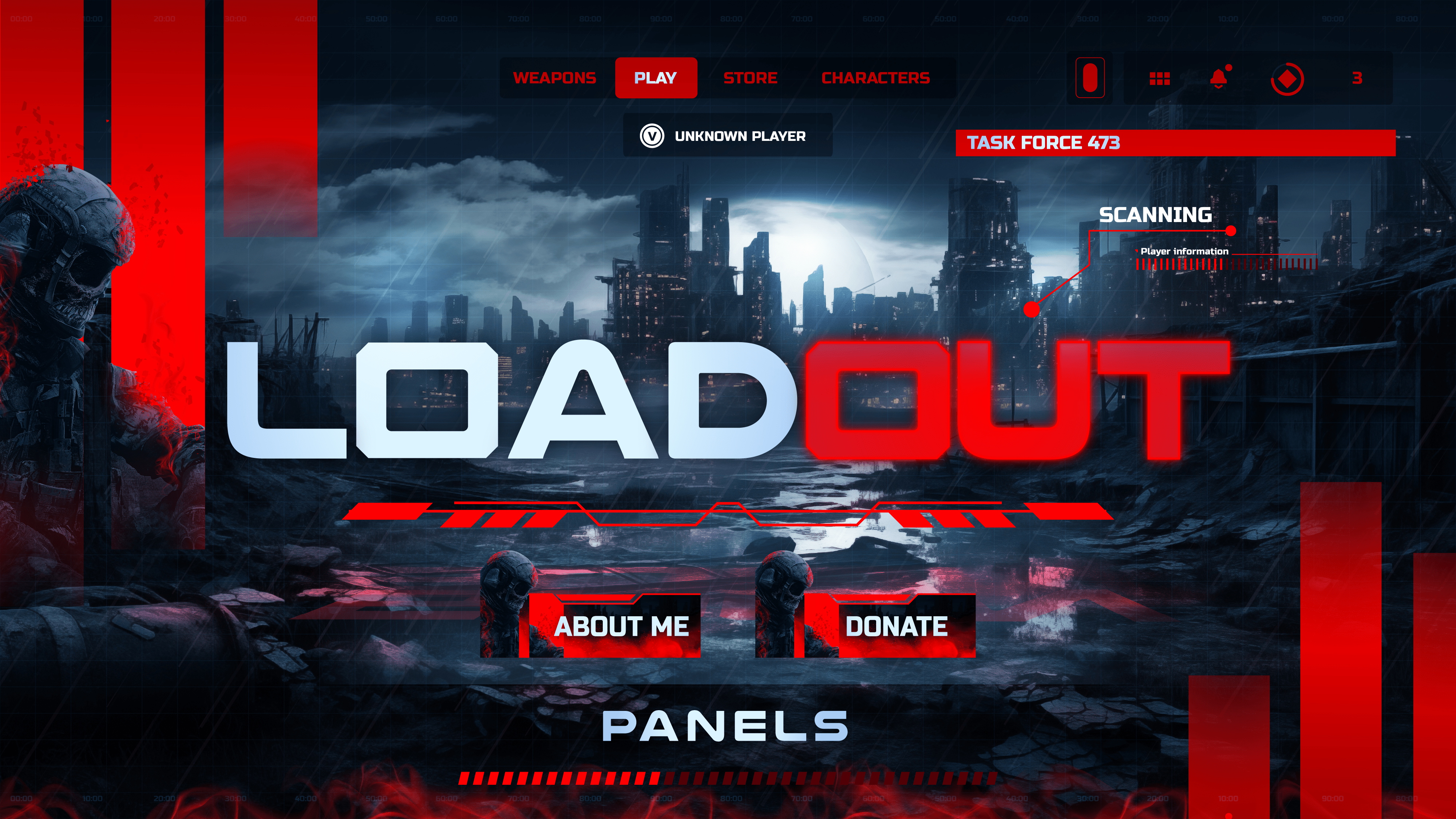
Yes — every panel set in this collection shares the same design theme as the corresponding overlay package, alert set, stinger transition, and stream bundle in the Stream Designz catalog. If your stream runs the Loadout theme, the Loadout panel set uses the same color palette and design language as every other Loadout asset. Panels are also available as standalone purchases if you just want to upgrade your channel page without changing your overlays.
Who Should Use Twitch Panels?
Any streamer on Twitch or Kick who wants their channel page to look as professional as their stream. A branded channel page is often the first thing a new viewer sees before they decide to follow — it signals that you're serious about your content and your community. With over 100 themes to choose from, starting at $7.99, upgrading your channel panels is one of the fastest and most affordable ways to level up how your channel presents itself to the world.
Browse 100+ themed panel sets above — each is an instant digital download, pre-sized for Twitch and Kick, and ready to upload in minutes.