
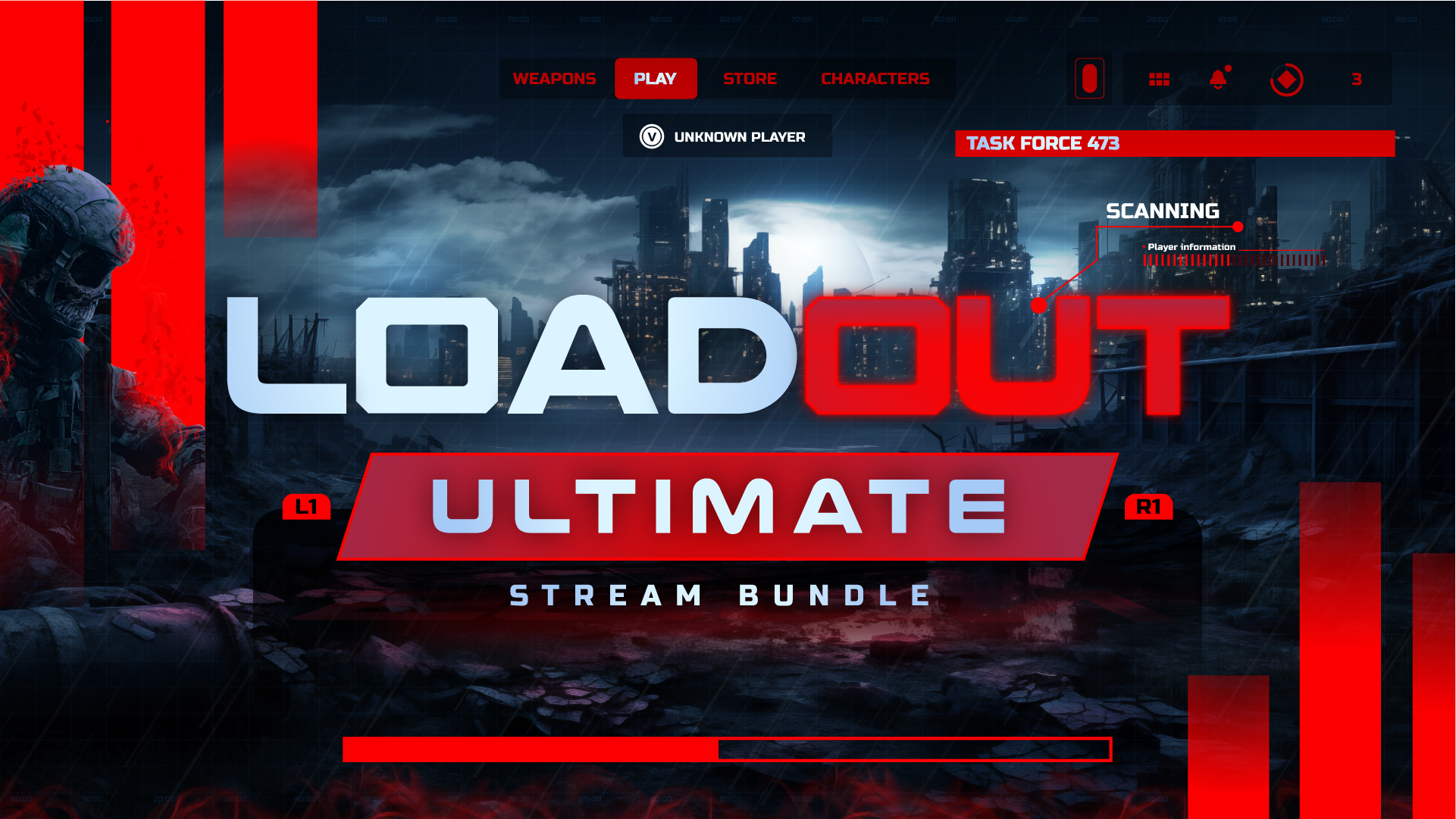
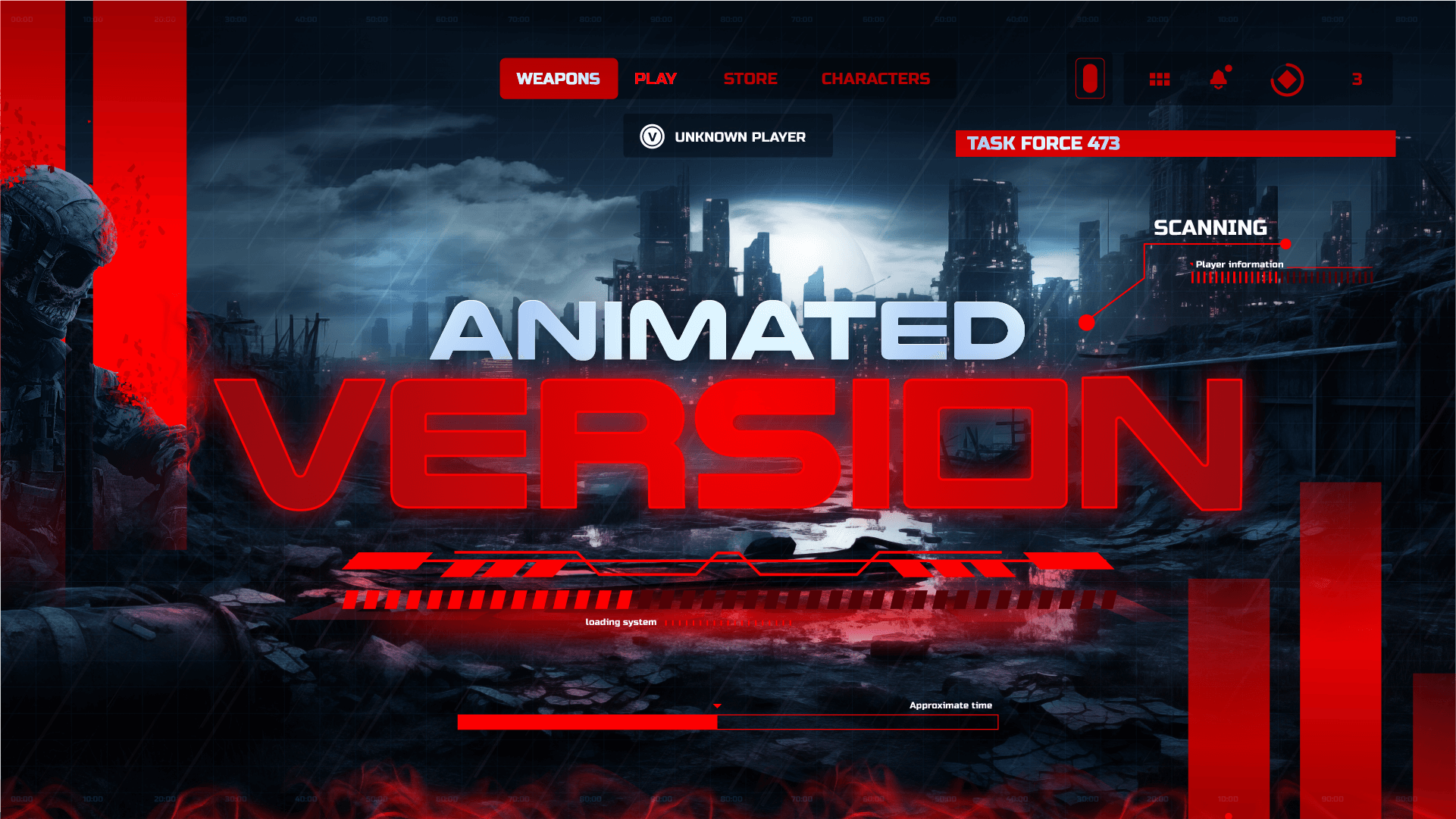
Stream Designz | Animated Tactical Grey & Red | Stream Bundle | Loadout | 1920x1080 | Twitch, Kick & YouTube | for OBS Studio
Take your stream to the next level with overlays that captivate your audience.
Be the streamer everyone remembers with overlays that captivate.
Capture your viewers' attention and keep them engaged.
🎁 BOGO: Buy this bundle, get any TikTok Vertical Overlay Pack FREE

The Loadout Ultimate Stream Bundle is the complete streaming package for the Loadout theme — a tactical, gear-inspired design with greys and reds and a rainy day war zone element that give your stream a mission-ready, organized look. Everything for a fully branded stream in one download, including 8 custom animated emotes.
What's Included
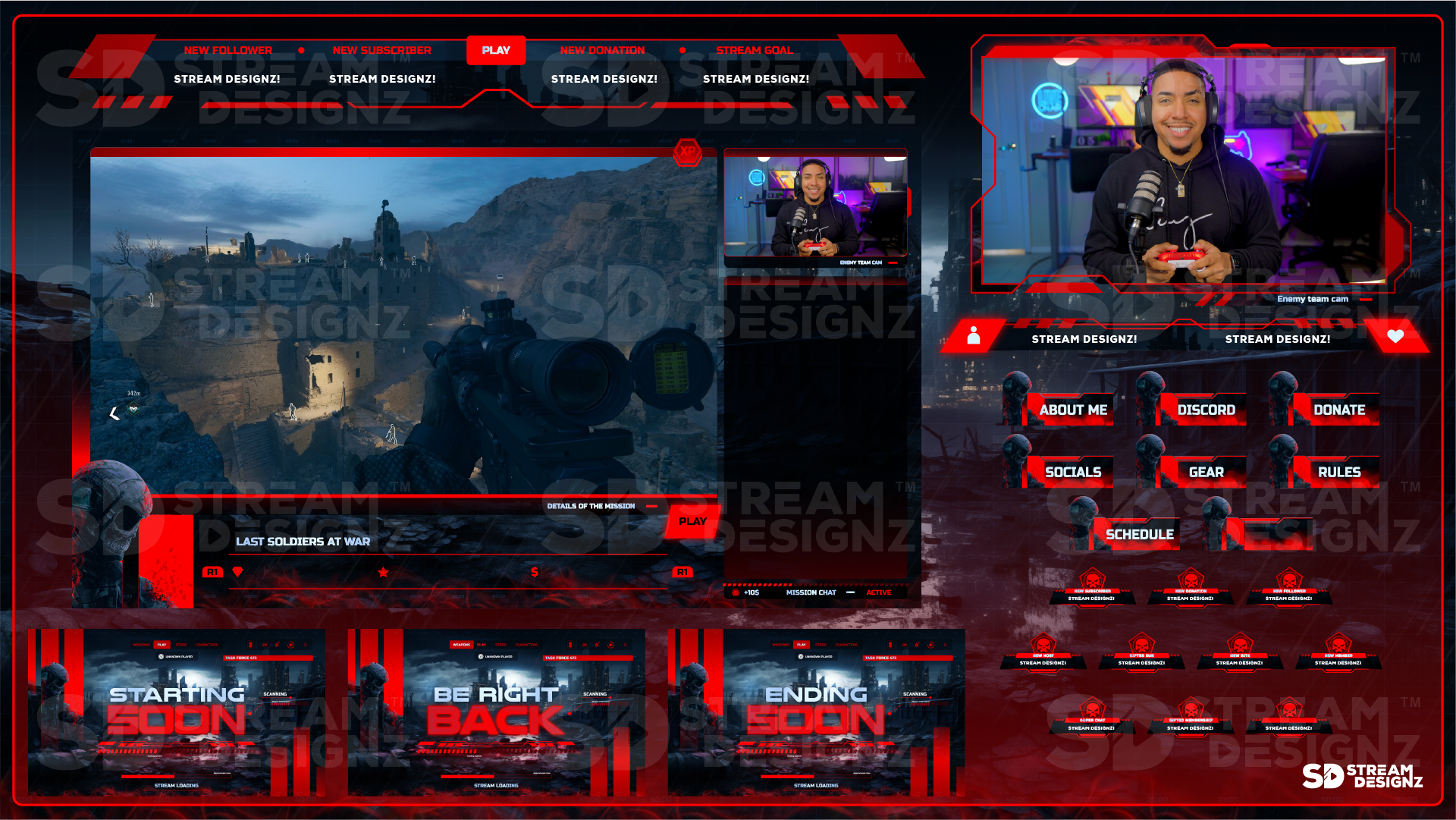
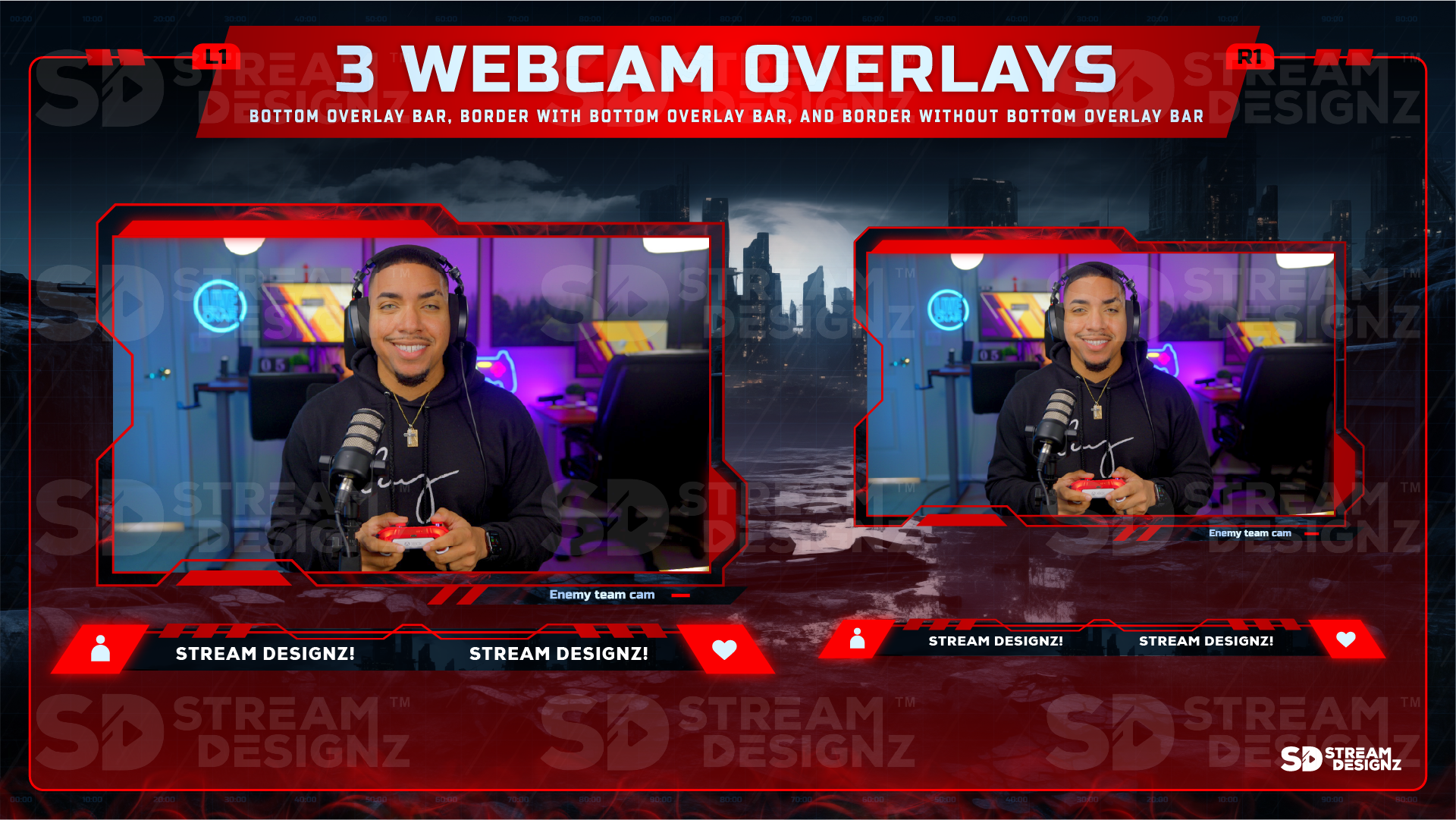
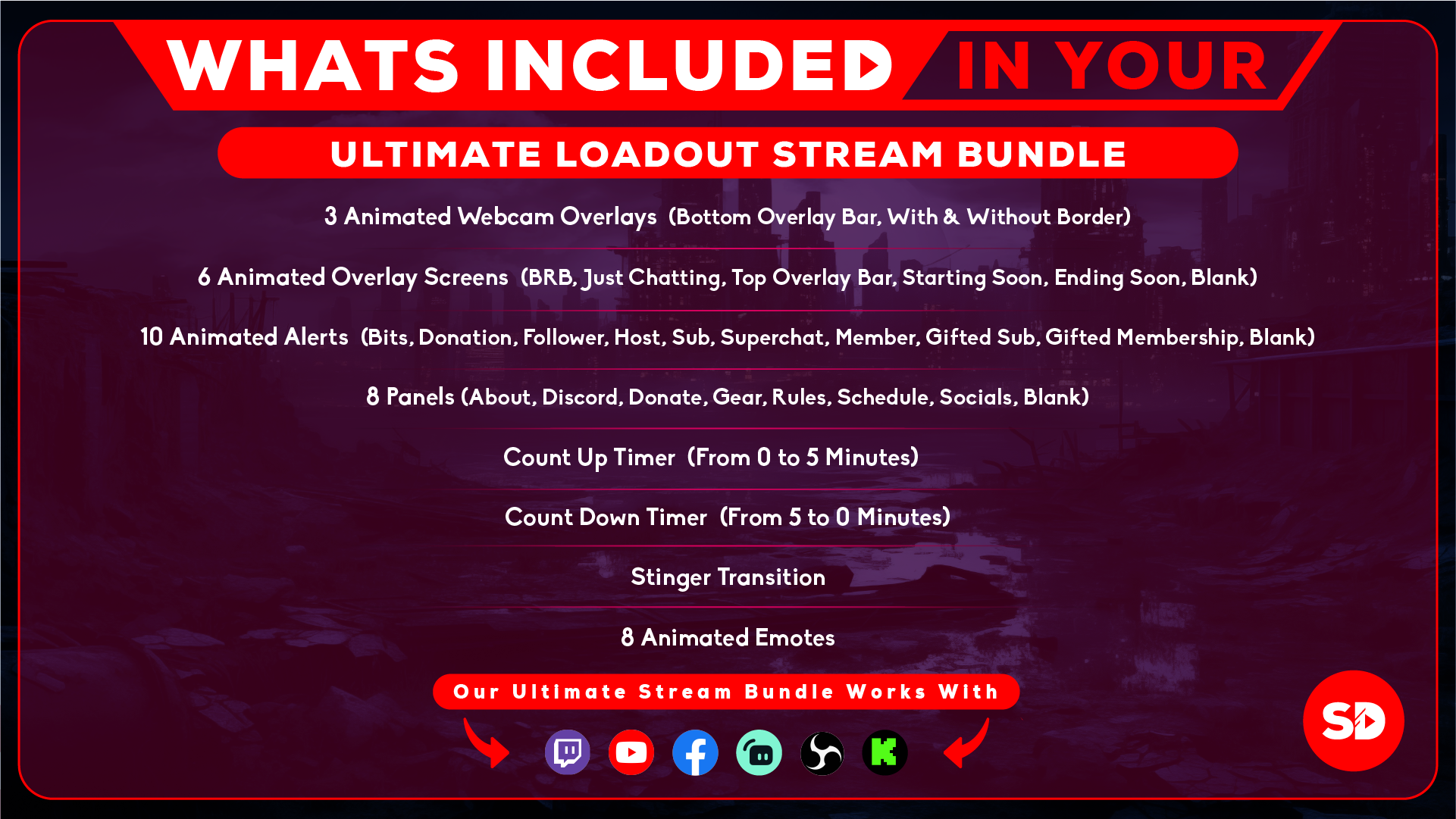
- 3 Animated Webcam Overlays – Bottom Overlay Bar, With Border & Without Border (webm)
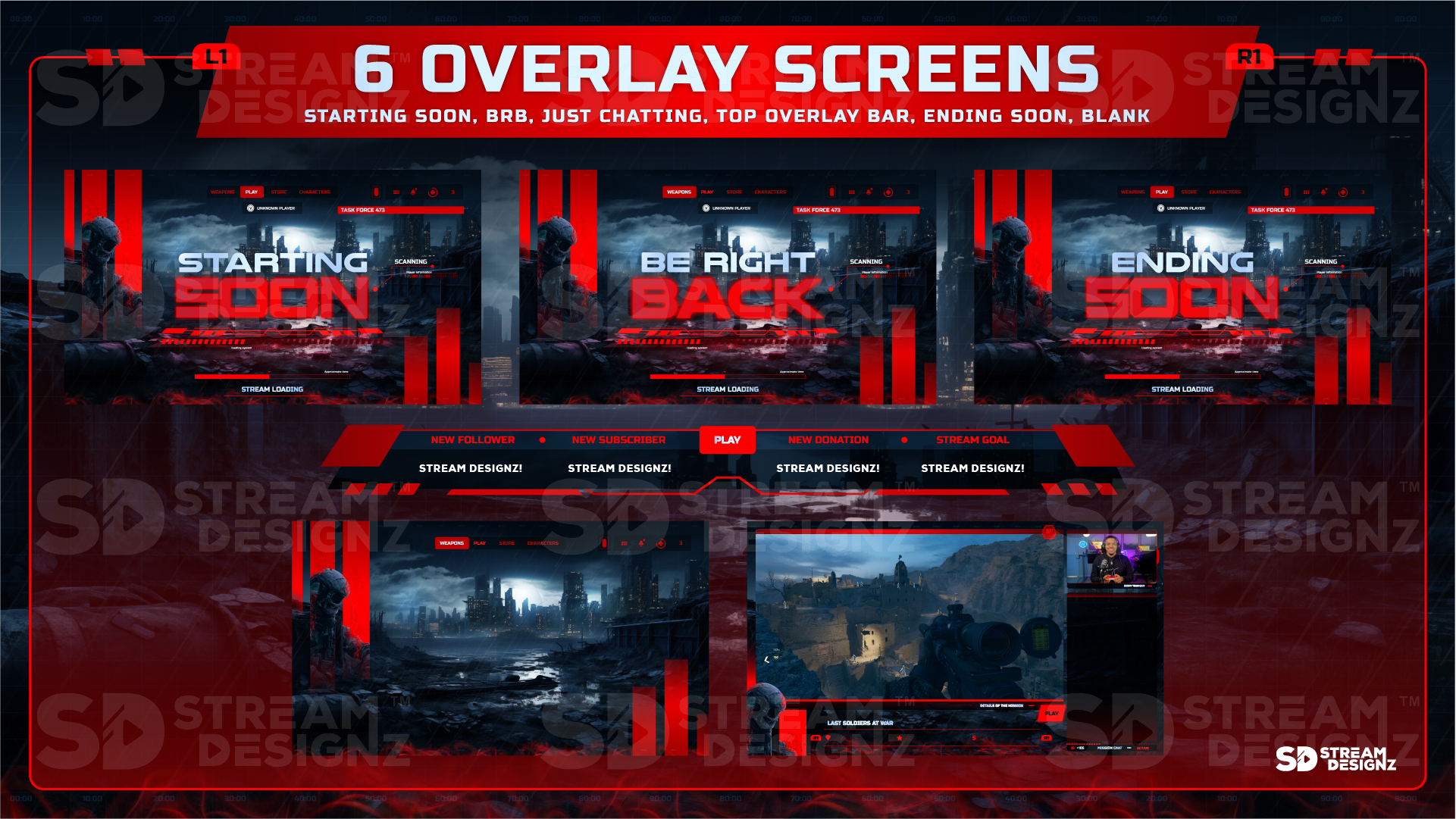
- 6 Animated Overlay Screens – BRB, Just Chatting, Top Overlay Bar, Starting Soon, Ending Soon, Blank (mp4)
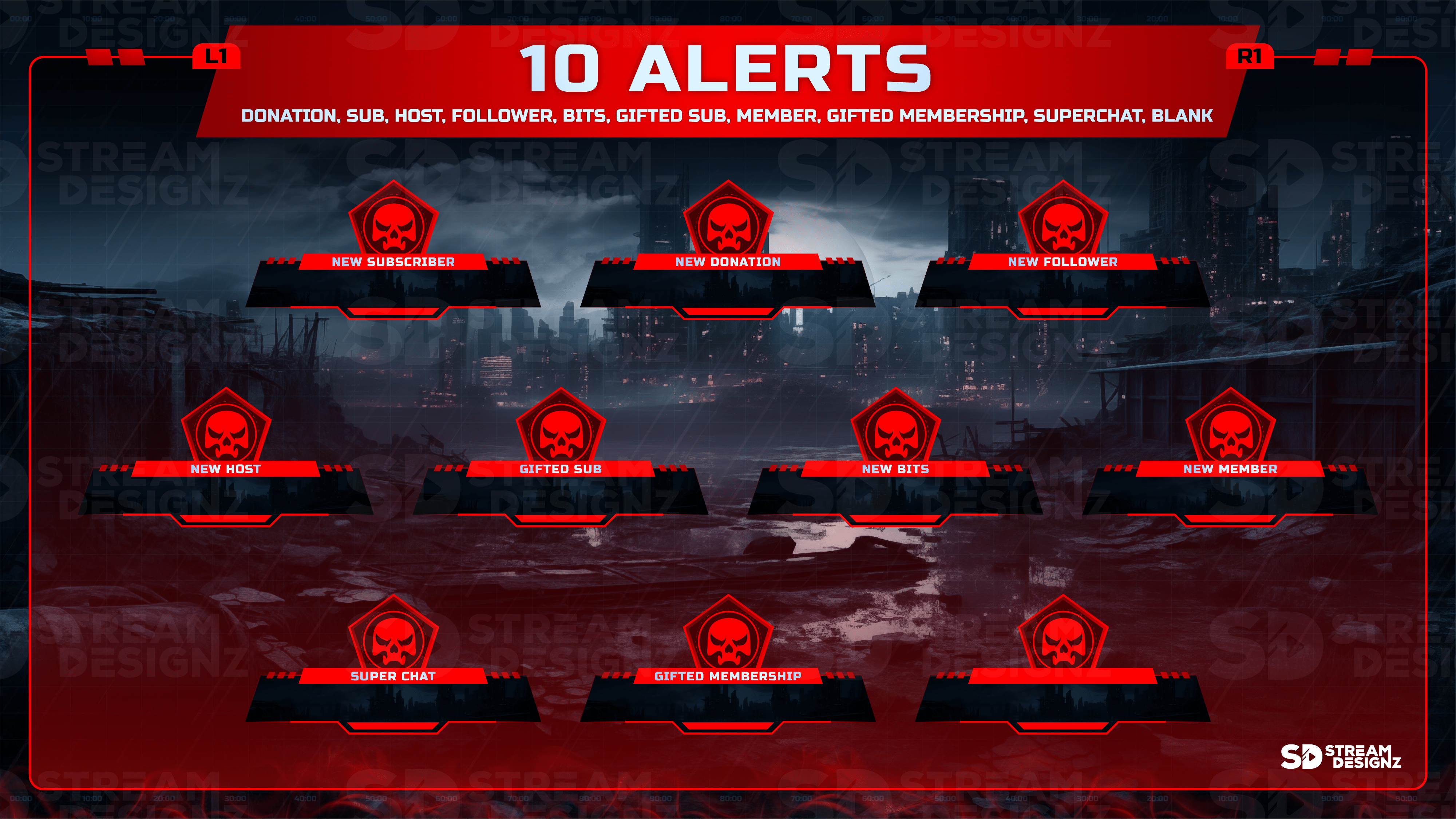
- 10 Animated Alerts – Bits, Donation, Follower, Host, Sub, Gifted Membership, Gifted Sub, Superchat, New Member, Blank (webm)
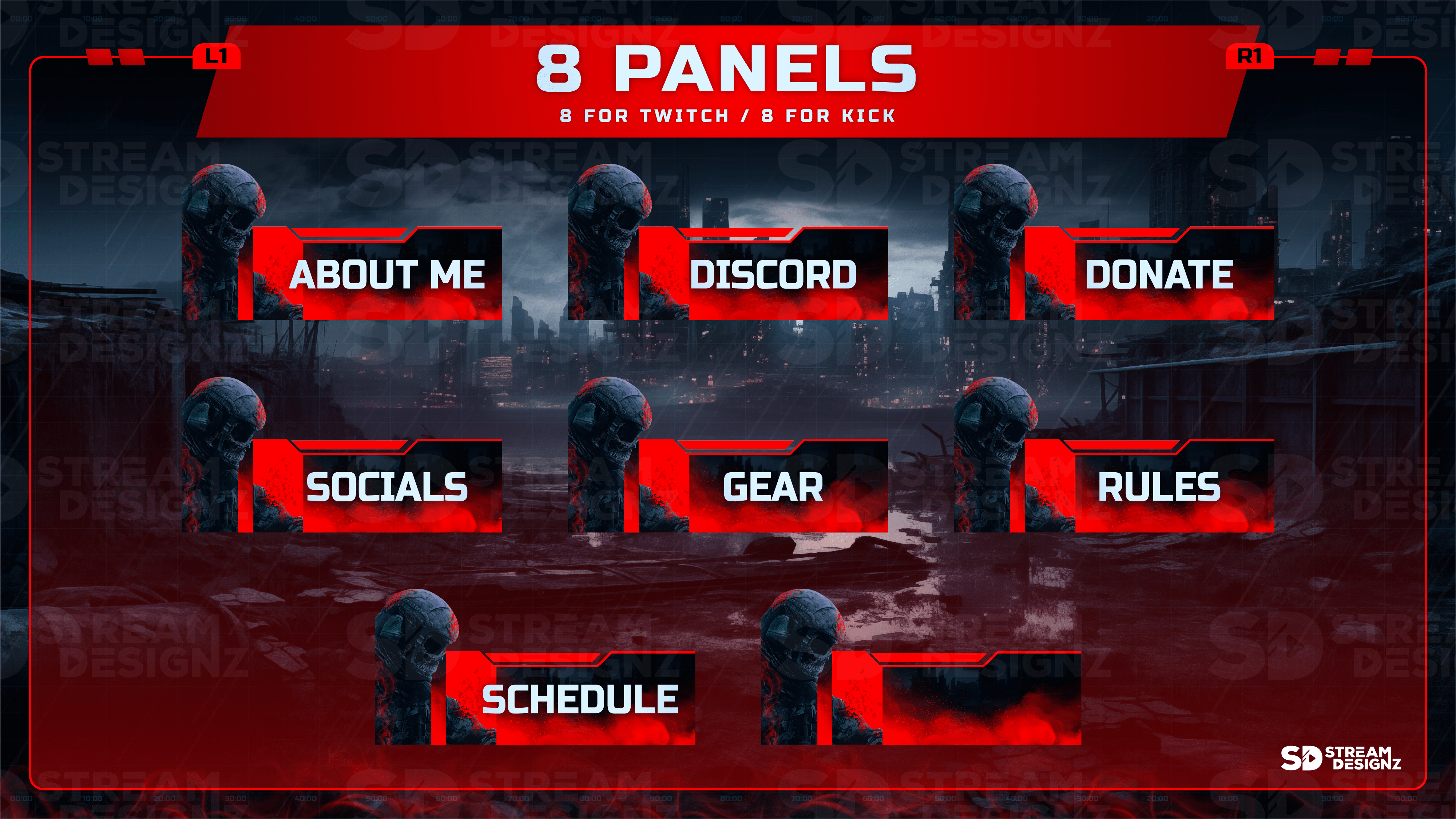
- 8 Panels – About, Discord, Donate, Gear, Rules, Schedule, Socials, Blank (PNG)
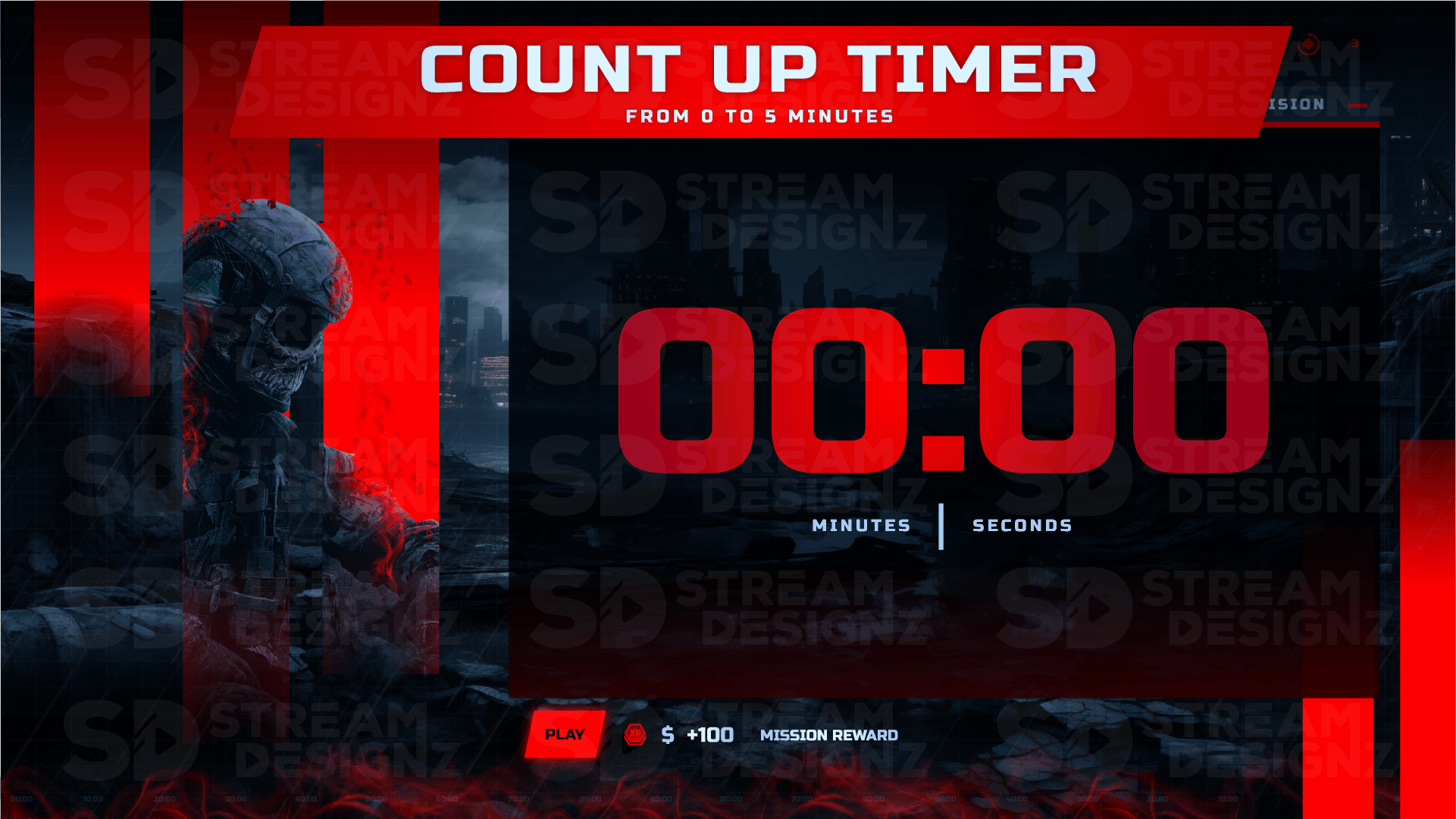
- 5-Minute Count Up Timer (mp4)
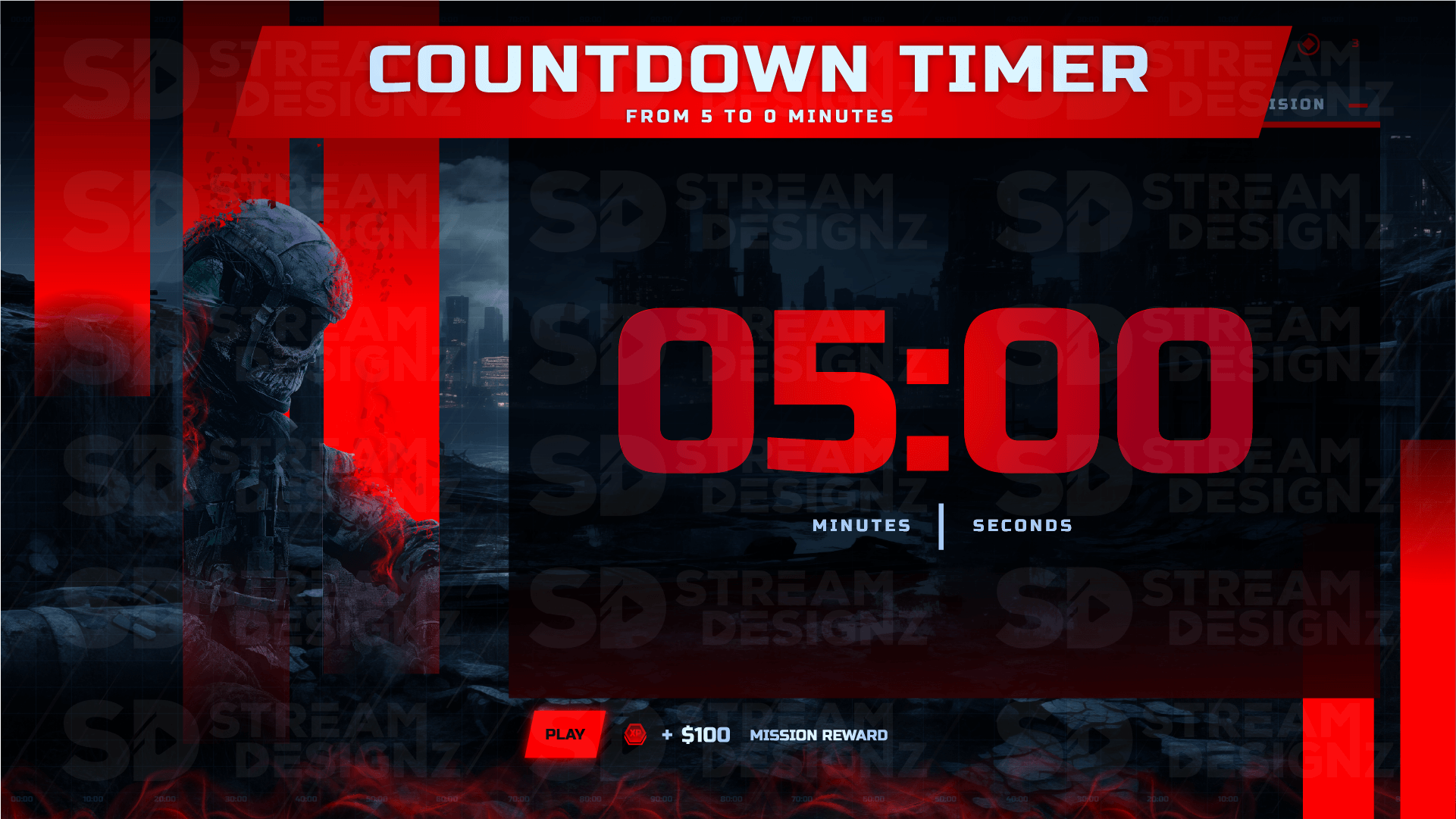
- 5-Minute Countdown Timer (mp4)
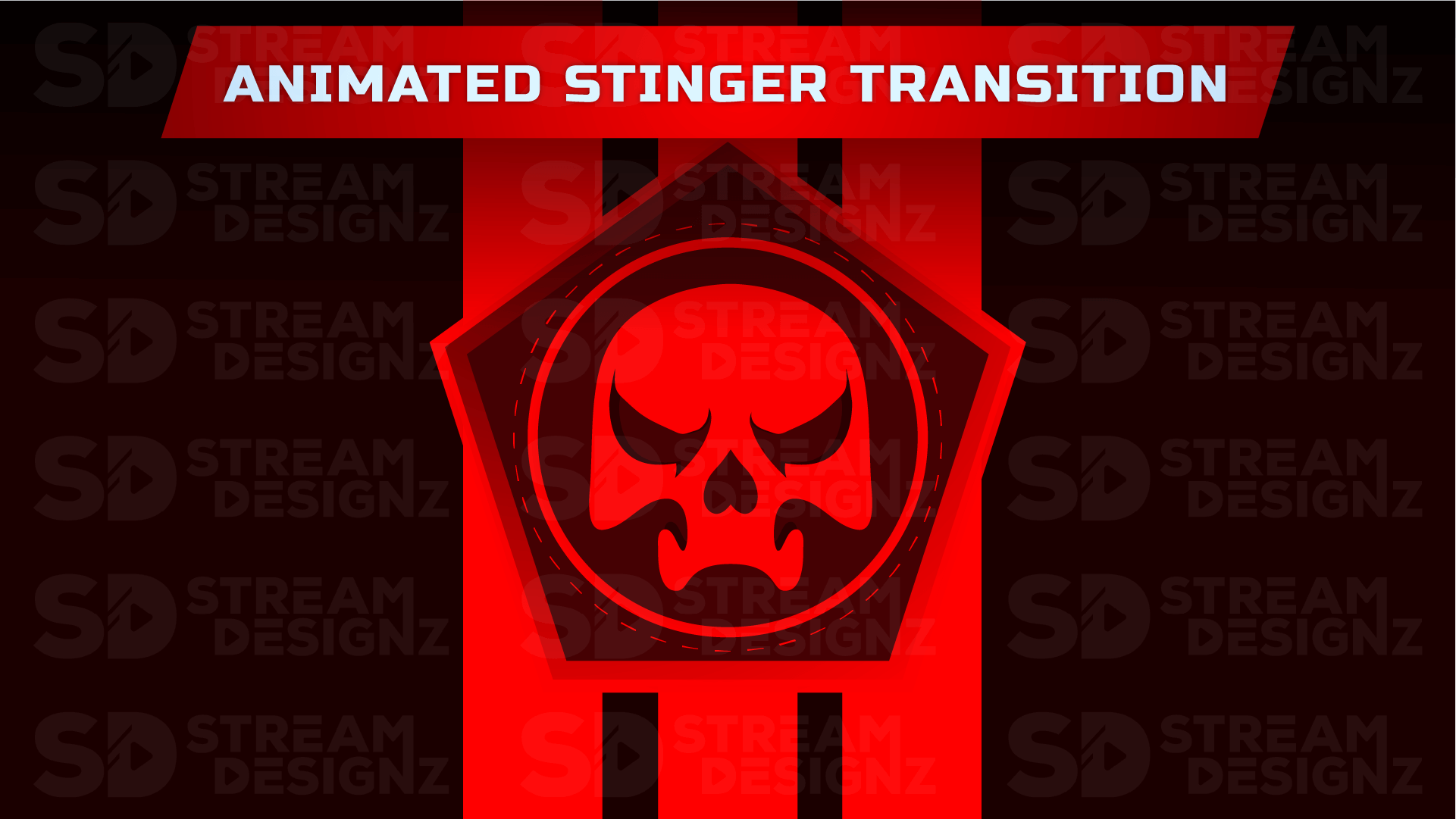
- Stinger Transition (webm)
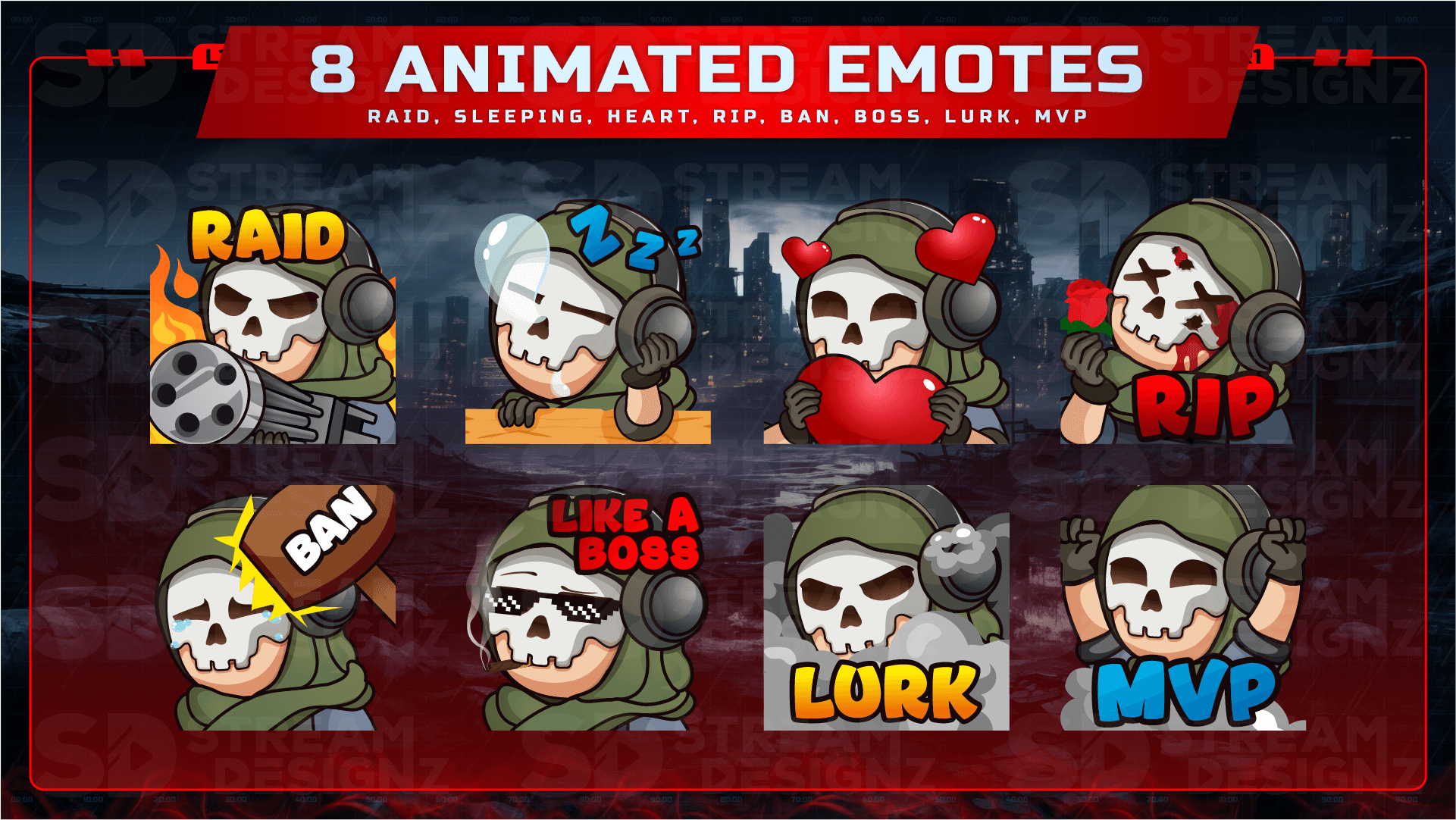
- 8 Animated Emotes (gif)
- Instant download via .zip file
- Setup instructions text document
Compatible Streaming Software
Works with OBS Studio, Streamlabs, XSplit, and any streaming software that supports webm, mp4, or PNG files. No subscription or plugin required.
Frequently Asked Questions
What's the difference between this bundle and the overlay package? The bundle includes everything in the overlay package plus timers, a stinger transition, and 8 animated emotes — a complete setup in one download.
What resolution are the overlays? All overlays are sized at 1920x1080, the standard HD resolution for streaming.
Do I need design experience to use this? No. All files are pre-made and ready to import into your streaming software. Setup instructions are included.
Is this an instant download? Yes — you get immediate access to the .zip file after purchase.

Pairs well with
Our Overlays Work Perfectly With






If you have any questions, you are always welcome to contact us. We'll get back to you as soon as possible, within 24 hours on weekdays.
-
Shipping Information
Use this text to answer questions in as much detail as possible for your customers.
-
Customer Support
Use this text to answer questions in as much detail as possible for your customers.
-
FAQ’s
Use this text to answer questions in as much detail as possible for your customers.
-
Contact Us
Use this text to answer questions in as much detail as possible for your customers.

What’s included in the package:
✅ Instant Access To Download in .zip format
✅ Overlays in 1920x1080 size
✅ 3 Animated Webcam Overlays (Bottom Overlay Bar, With & Without Border)
✅ 6 Animated Overlay Screens (BRB, Just Chatting, Top Overlay Bar, Starting Soon, Ending Soon, Blank)
✅ 10 Animated Alerts (Bits, Donation, Follower, Host, Sub, Gifted Membership, Gifted Sub, Superchat, New Member, Blank)
✅ 8 Panels (About, Discord, Donate, Gear, Rules, Schedule, Socials, Blank)
✅ 5 Minute Count Up Timer
✅ 5 Minute Countdown Timer
✅ Stinger Transition
✅ 8 Animated Emotes
✅ Animated Overlay File Format: webm and mp4
✅ Static Overlay File Format: PNG
✅ 1 Text Document (Providing instructions on using your downloaded file)
Make Your Stream Look Pro
FAQs
Got questions? We’re here to help you level up your stream!
How Will I Receive My Stream Overlays?
Upon completing your purchase, you will be emailed a link to your download(s). If you don't receive your downloads, wait 15 minutes. Also, check your email spam folder. If you still haven't received your purchase, please get in touch with us.
Is This a One Time Purchase or Subscription?
We do not offer subscriptions, you only pay for what you purchase, no monthly charge will occur.
Can I Customize the Stream Overlays?
The way the overlays appear is how you will receive them, changes to color or animations can not be done. We have professional designers creates these overlays so they look professional. If you are looking for a certain color, please search the store as we might have it. If you don't see what you are looking for, please contact us.
How to Setup My Animated Stream Overlays in OBS?
You will get video tutorials sent to your email once you purchase walking you step by step on setting up your overlays, no need to figure it out, but if your a pro here are the quick steps below:
1️⃣ Download Stream Overlay Package zip file
2️⃣ Unzip the download to gain access to files
3️⃣ Open streaming software (OBS or Streamlabs)
4️⃣ Under "Scenes" Click + Icon and Create New Scene
5️⃣ Under "Sources" Click + Icon and Select Media Source
6️⃣ Create New and Click Ok
7️⃣ Upload animated mp4 file + hit ok
8️⃣ Repeat the process for all other overlays.