What Are Animated Stream Alerts?
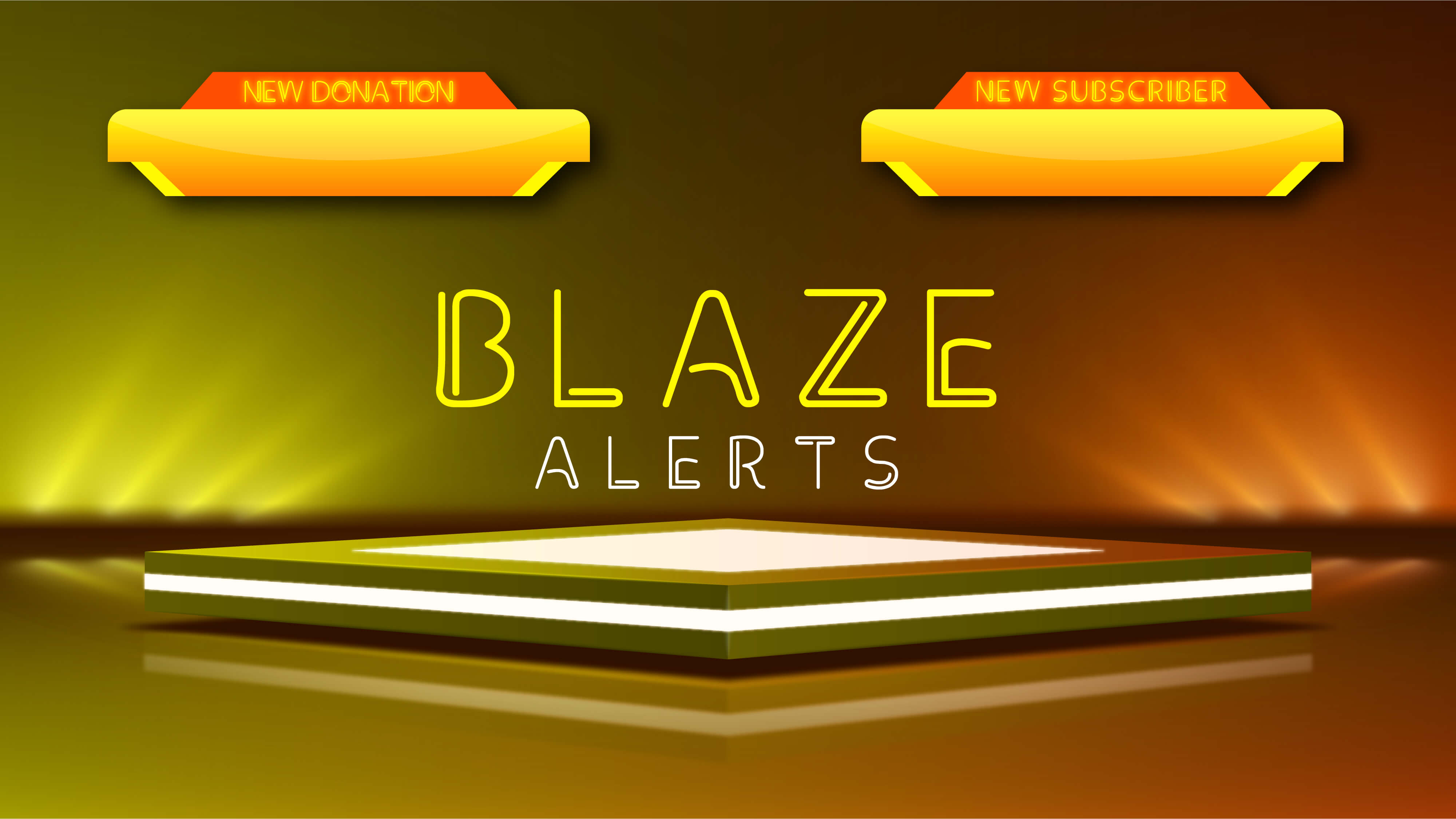
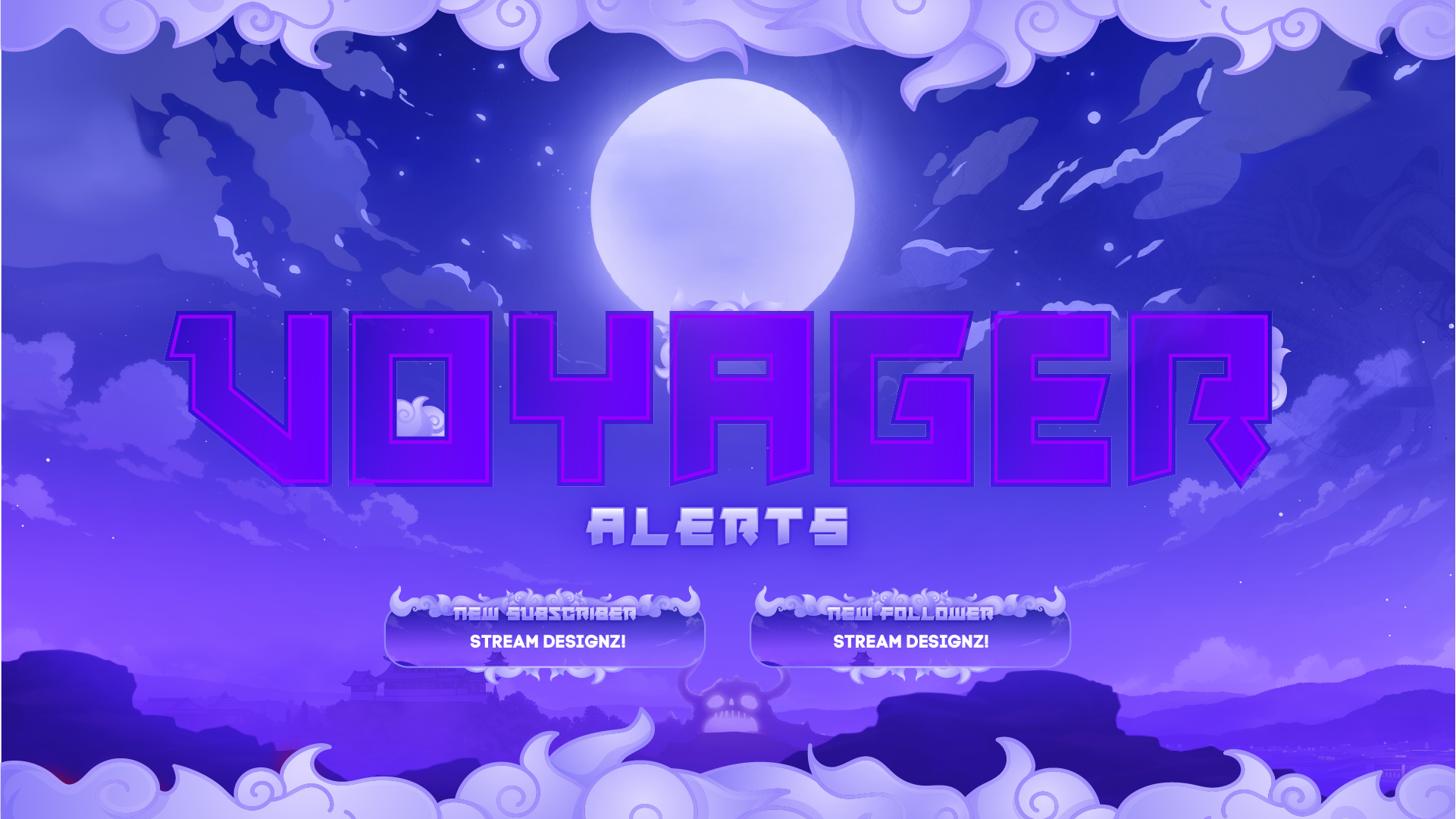
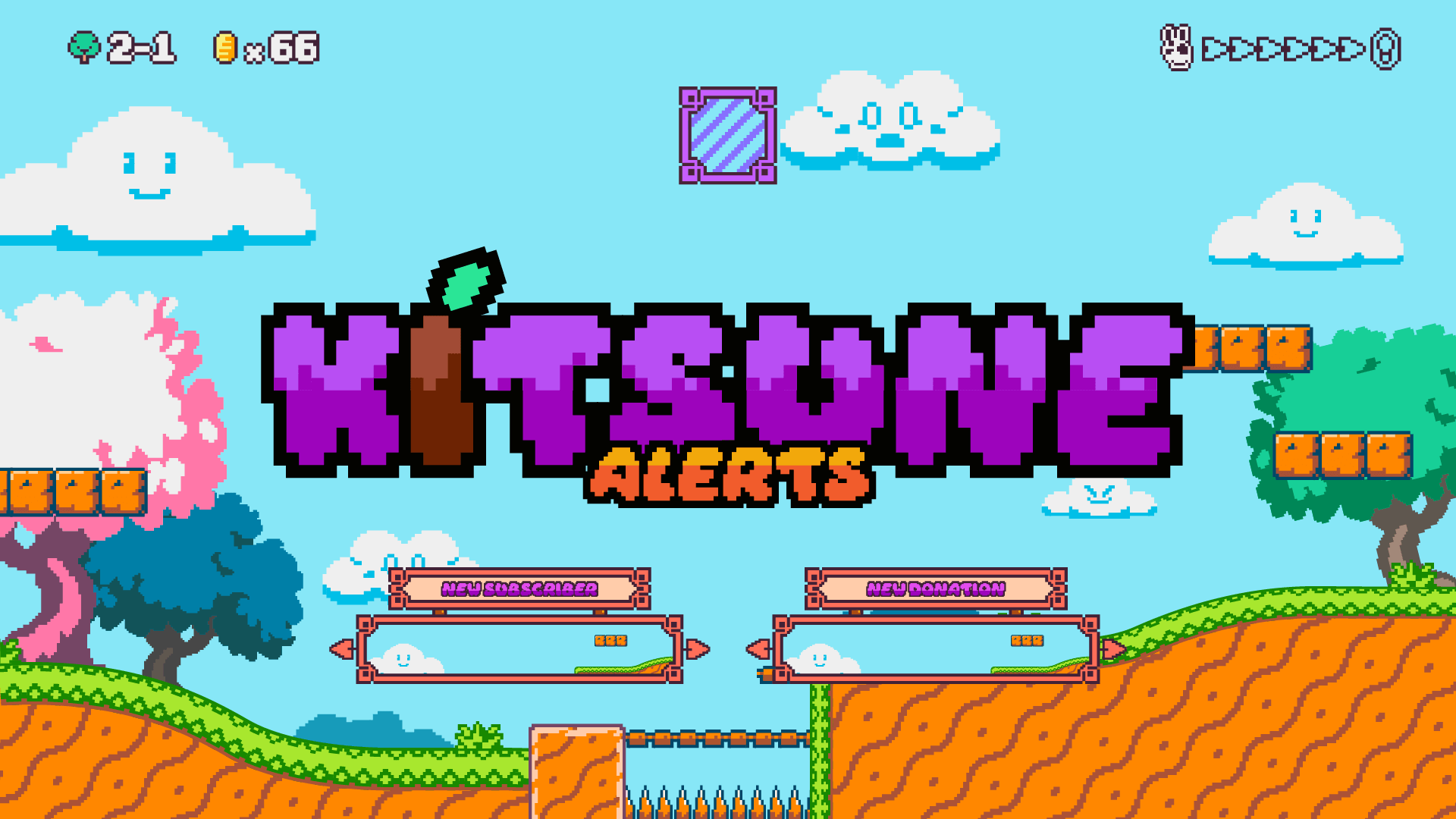
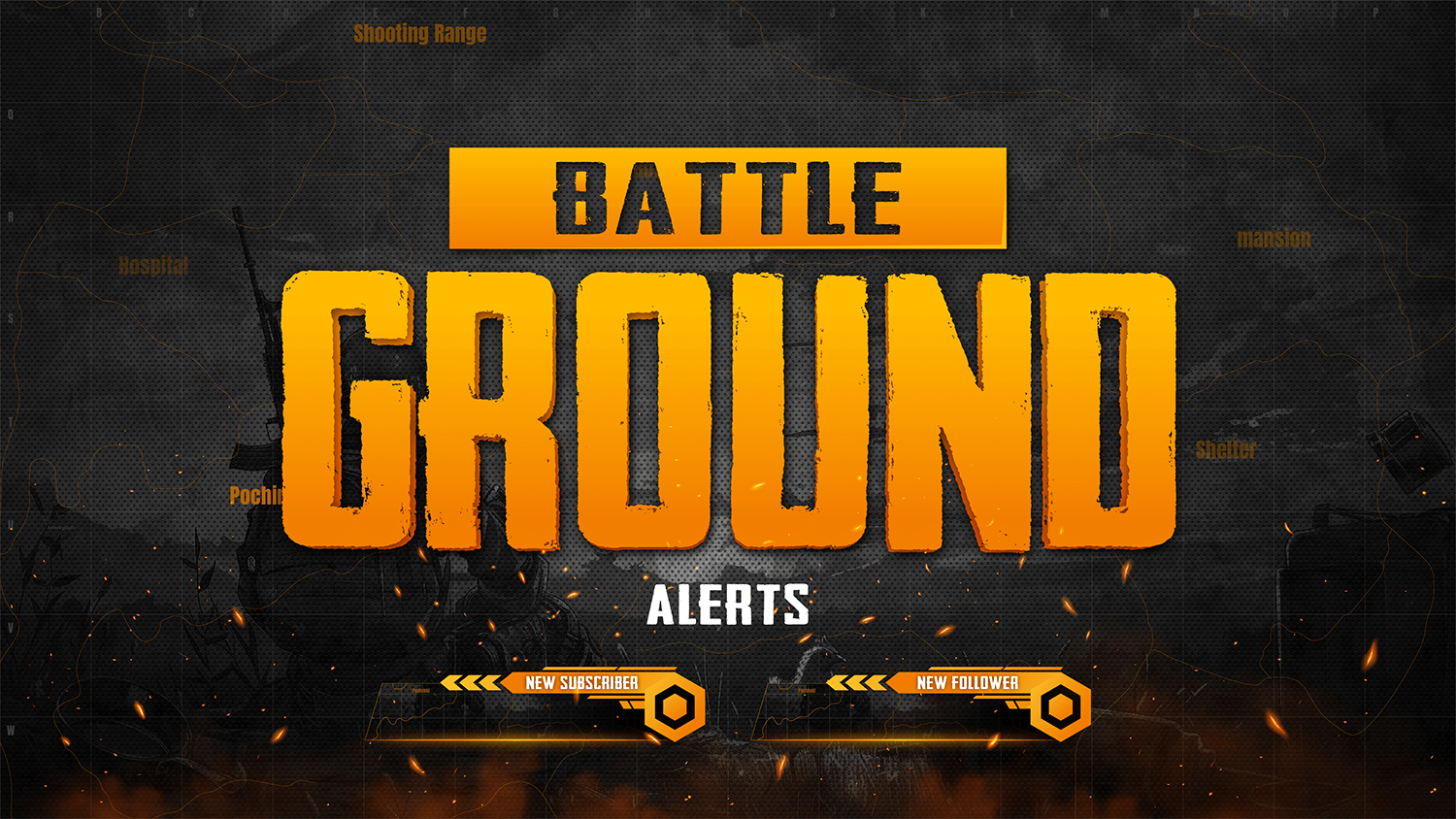
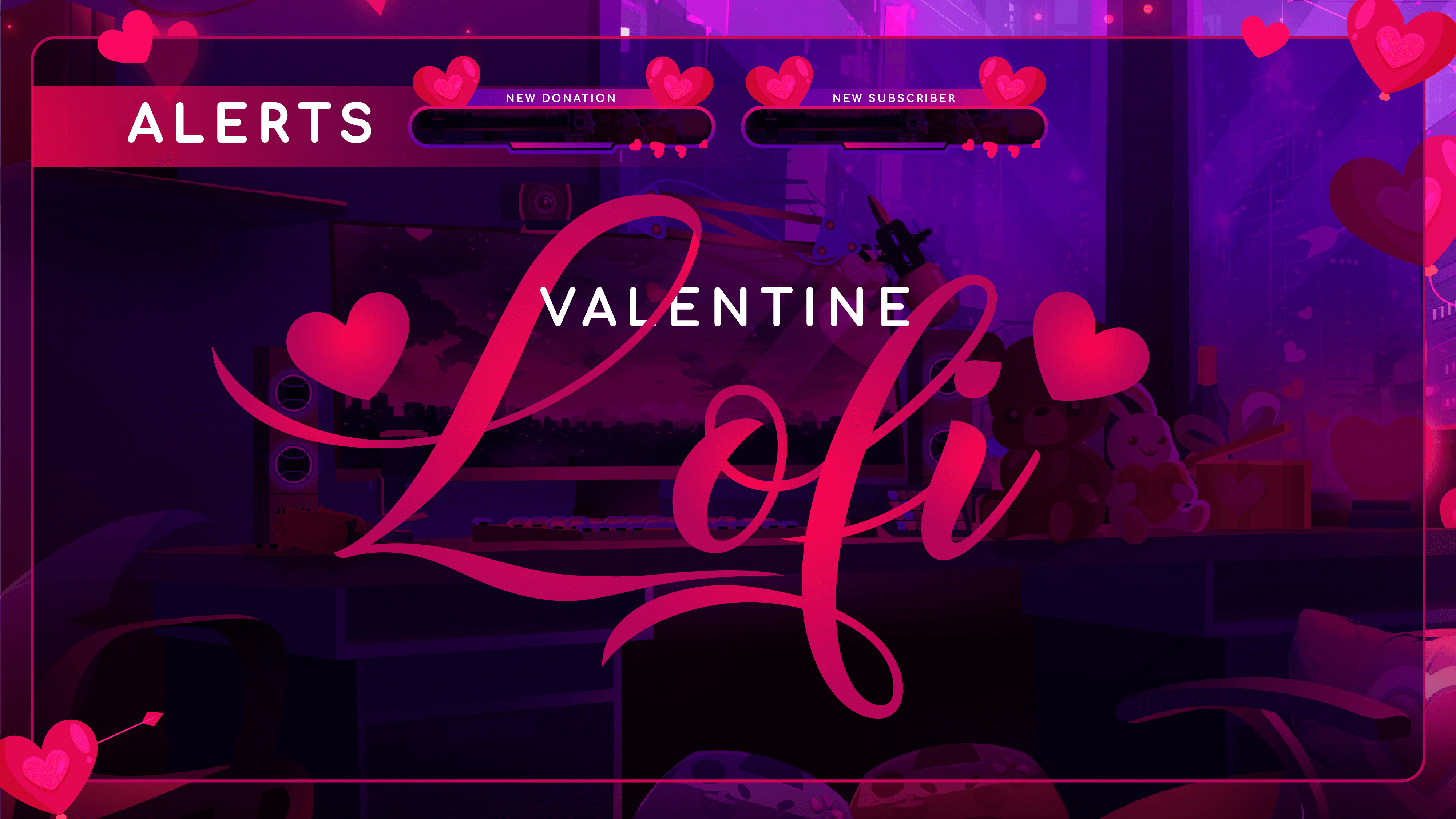
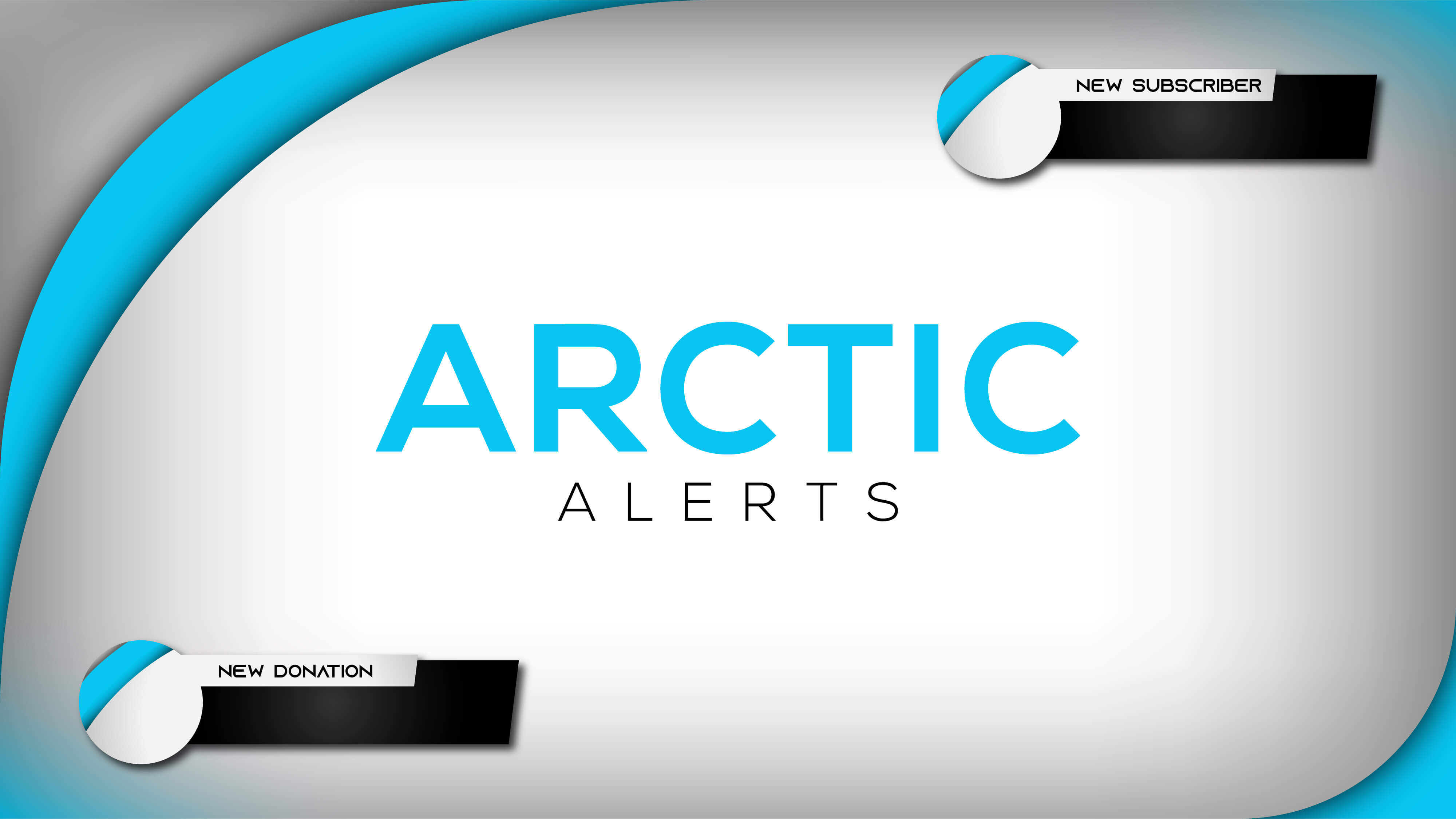
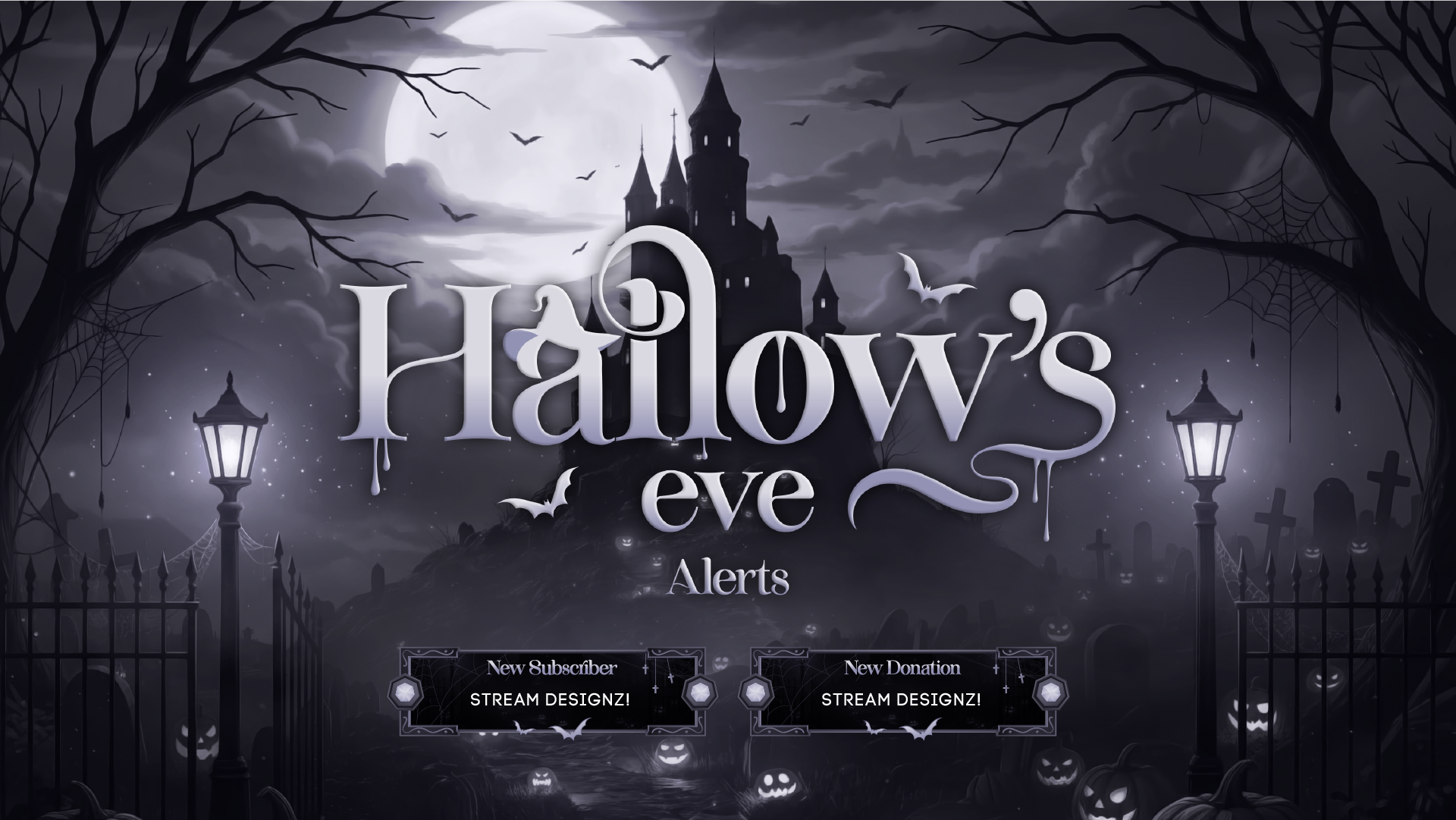
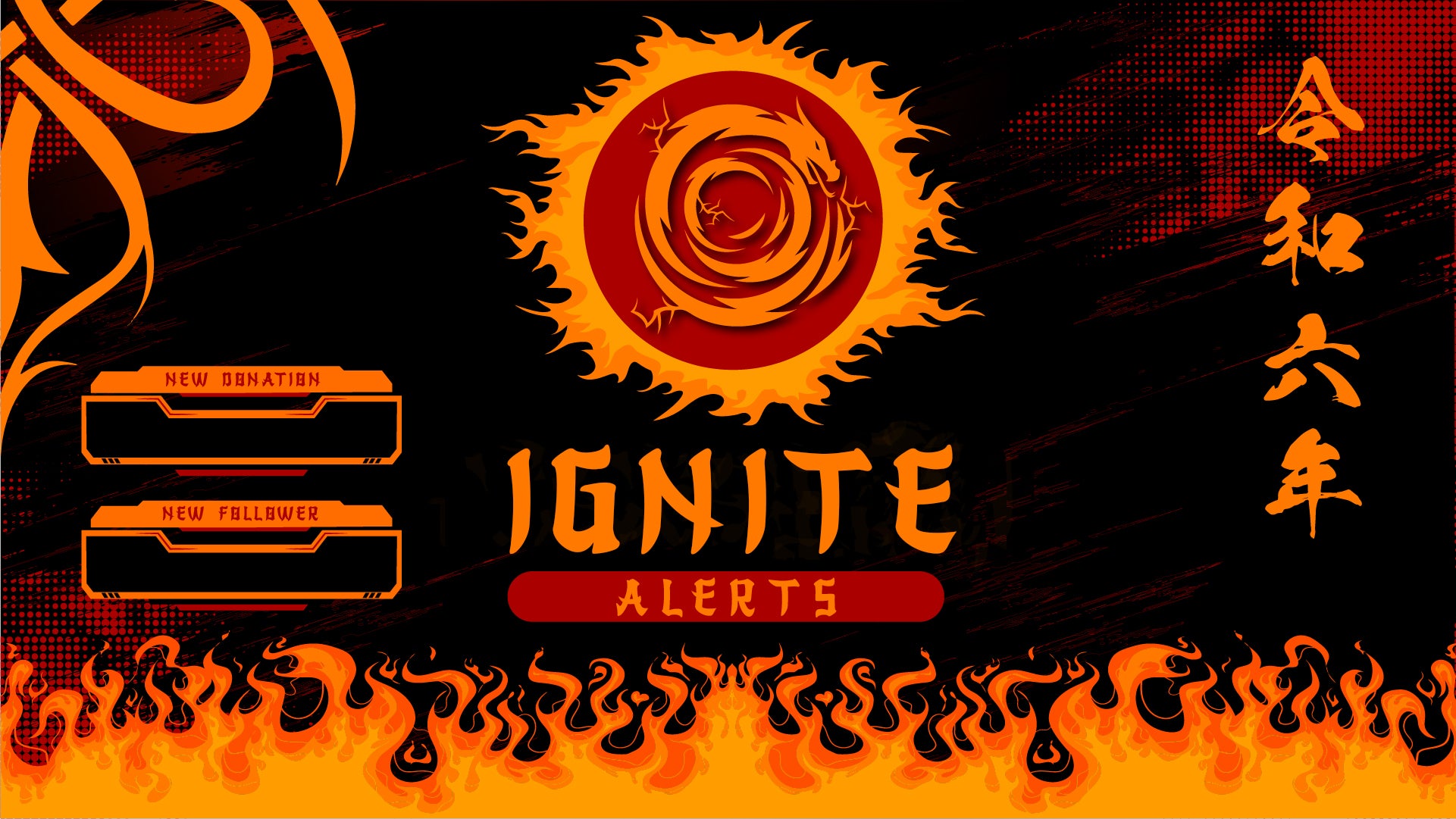
Animated stream alerts are on-screen notifications that pop up during your live stream whenever a viewer takes an action — following your channel, subscribing, donating, sending bits, gifting a sub, or becoming a member. Rather than a plain text notification, an animated alert plays a short graphic animation matched to your stream's visual theme, making each event feel like a moment worth celebrating. They're one of the most visible ways to acknowledge your community in real time, and a well-designed alert set makes your stream look polished and intentional every time one fires.
What Alert Types Are Included?
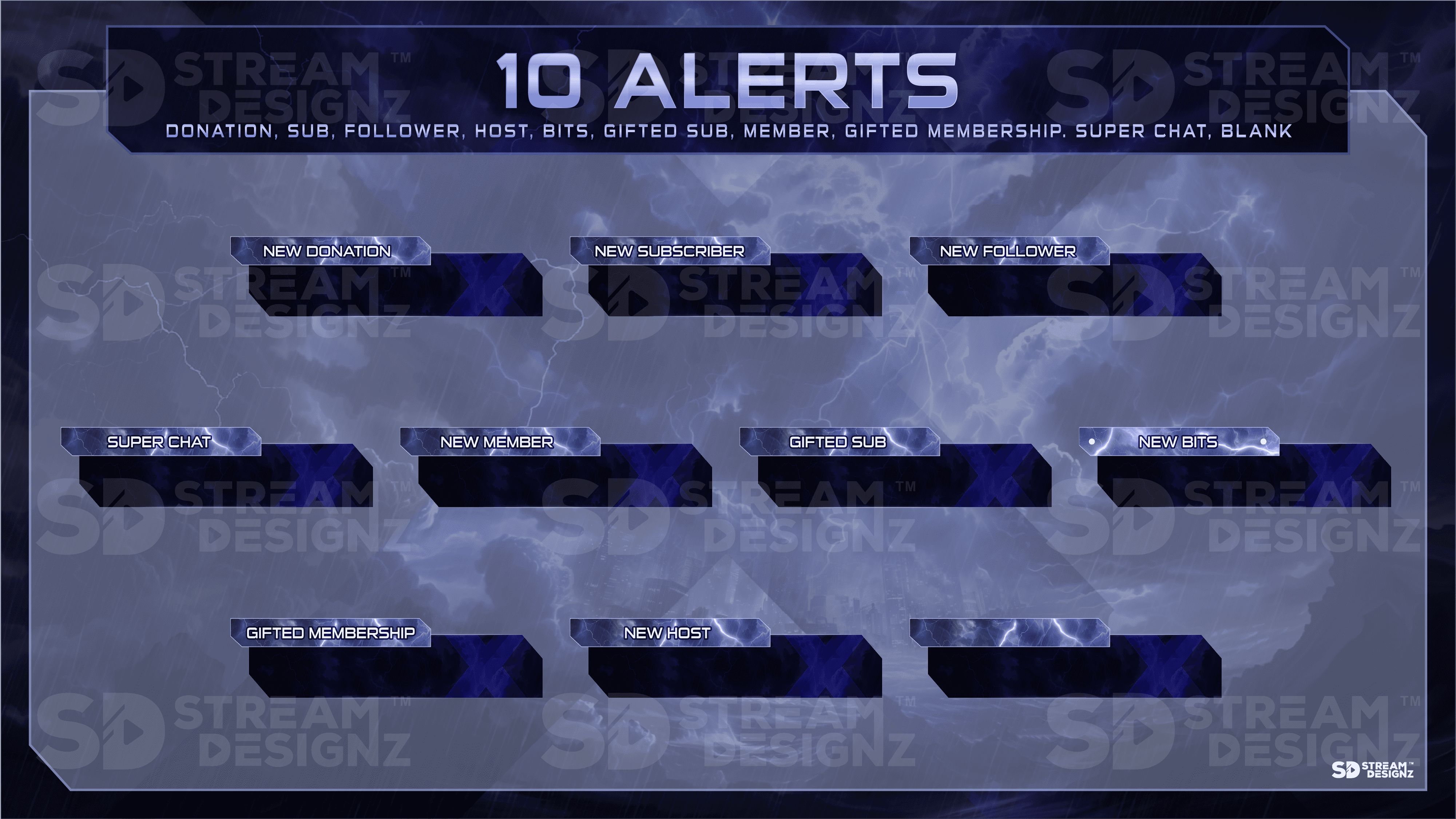
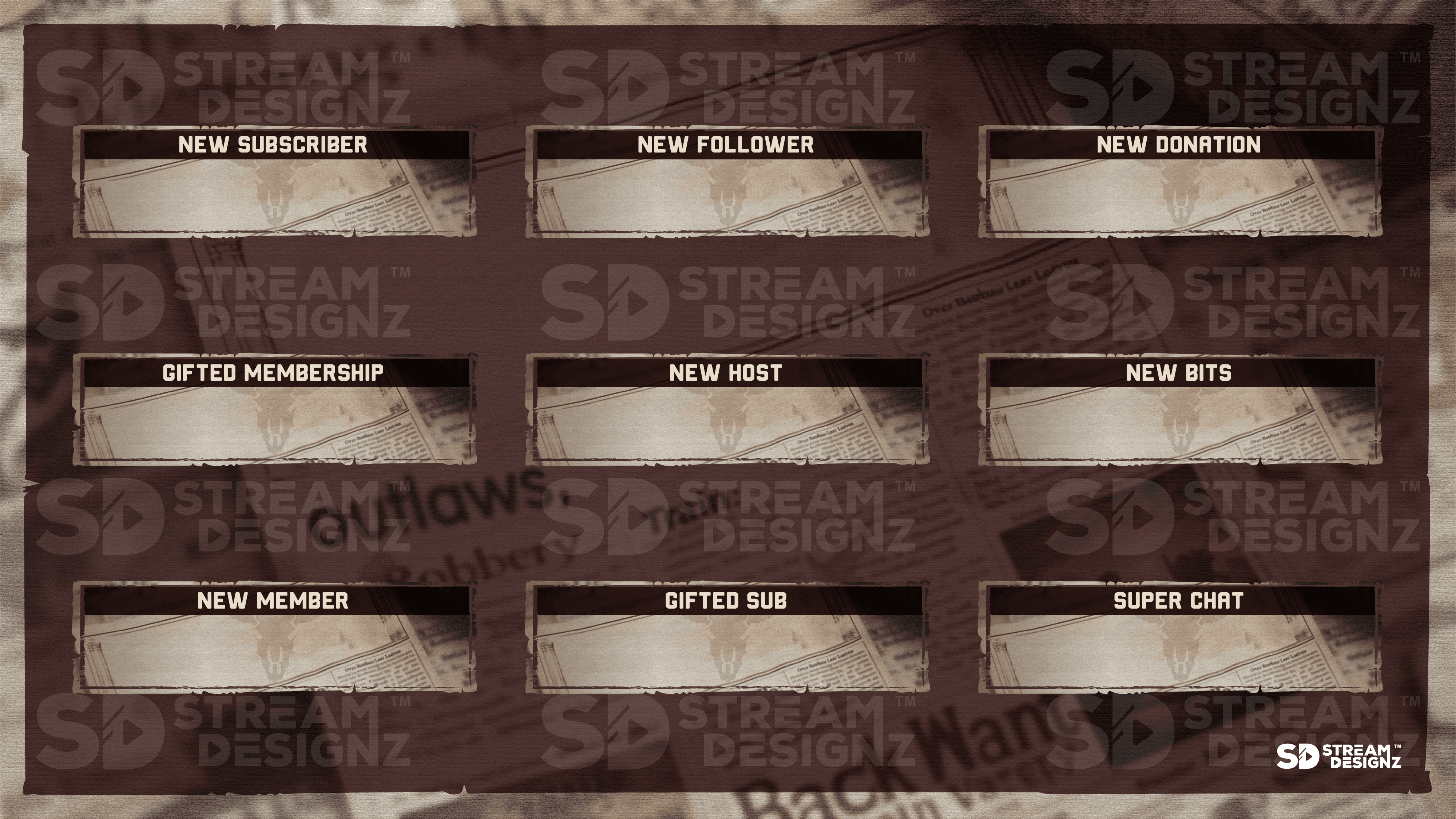
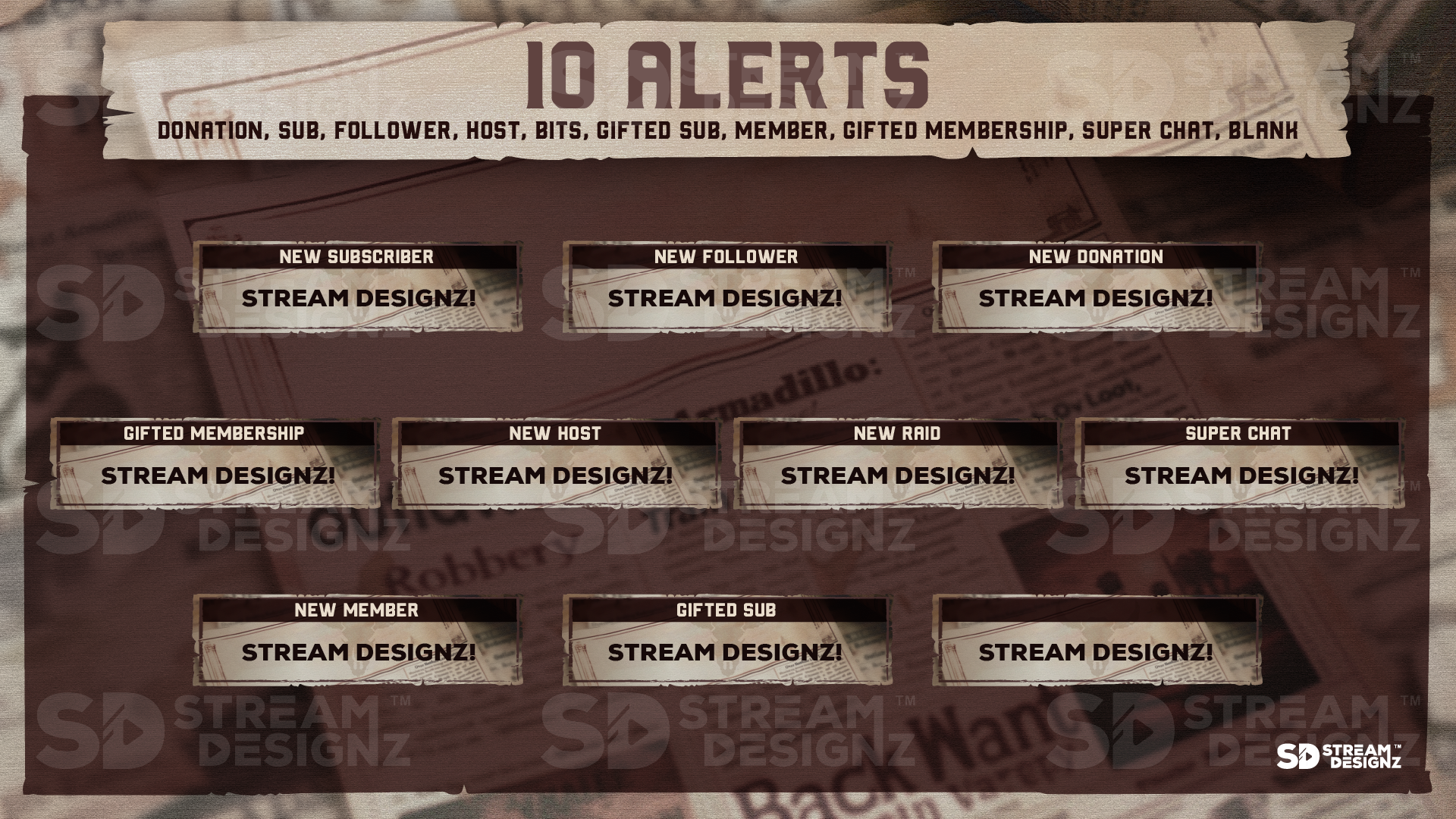
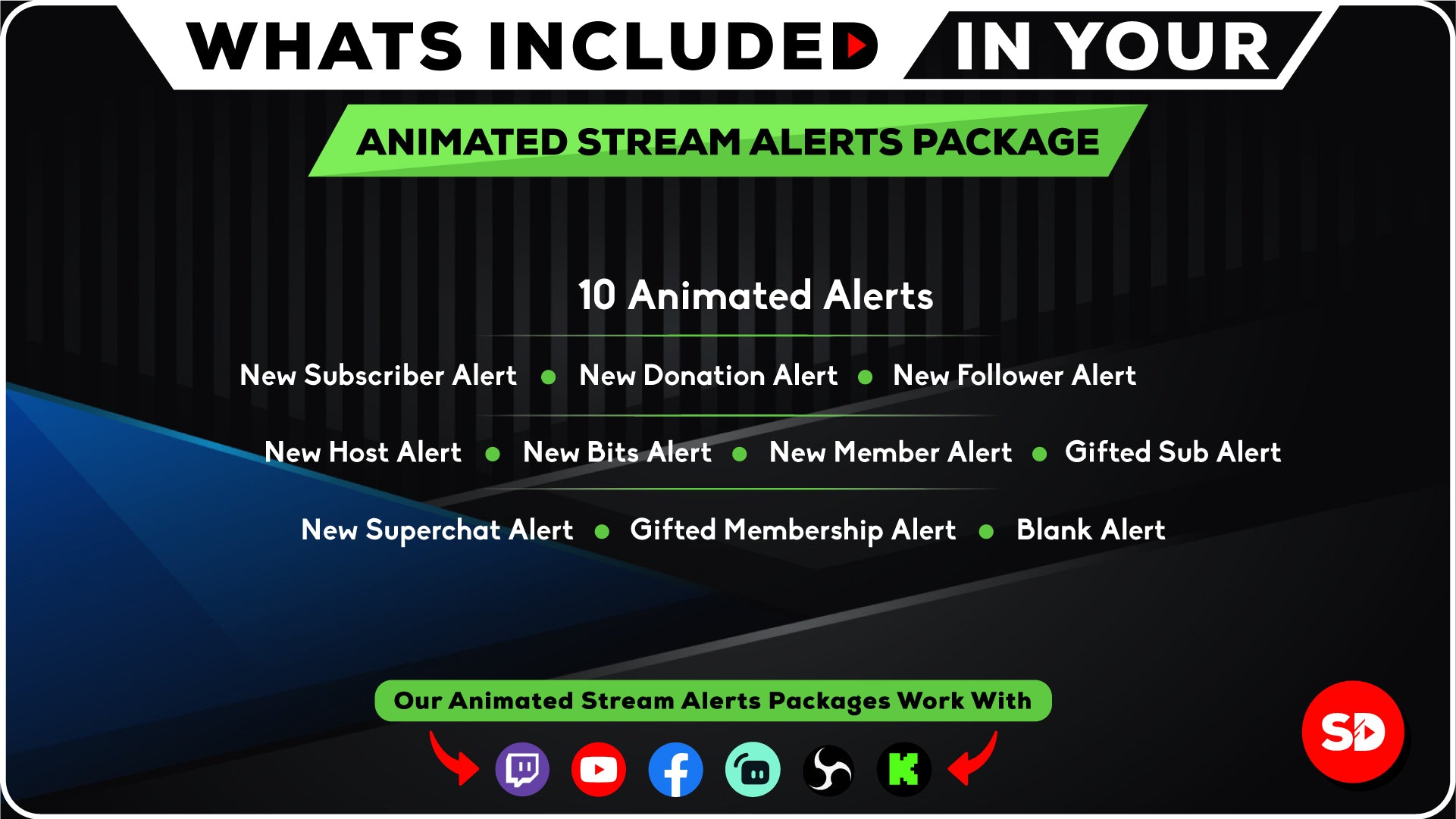
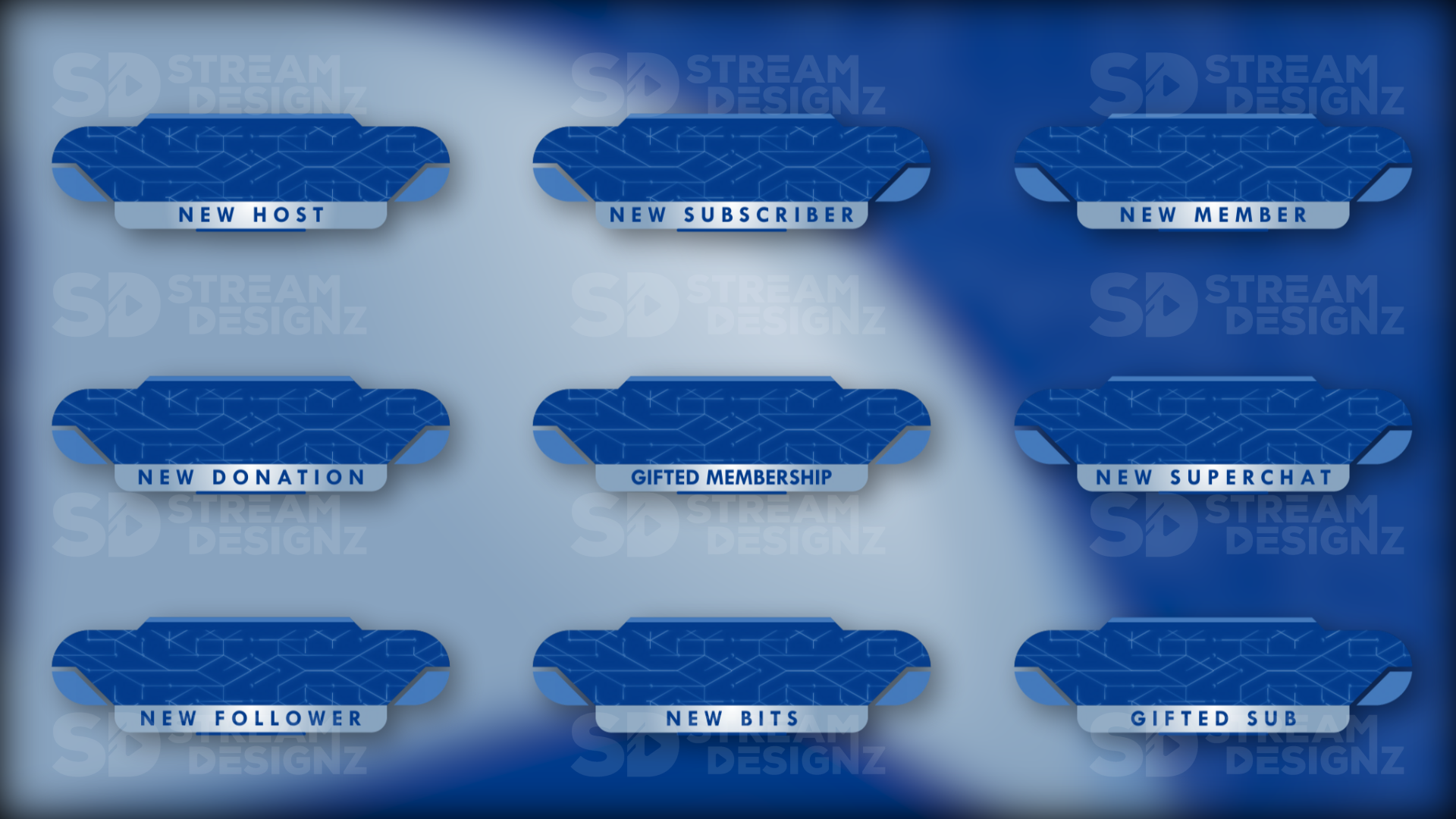
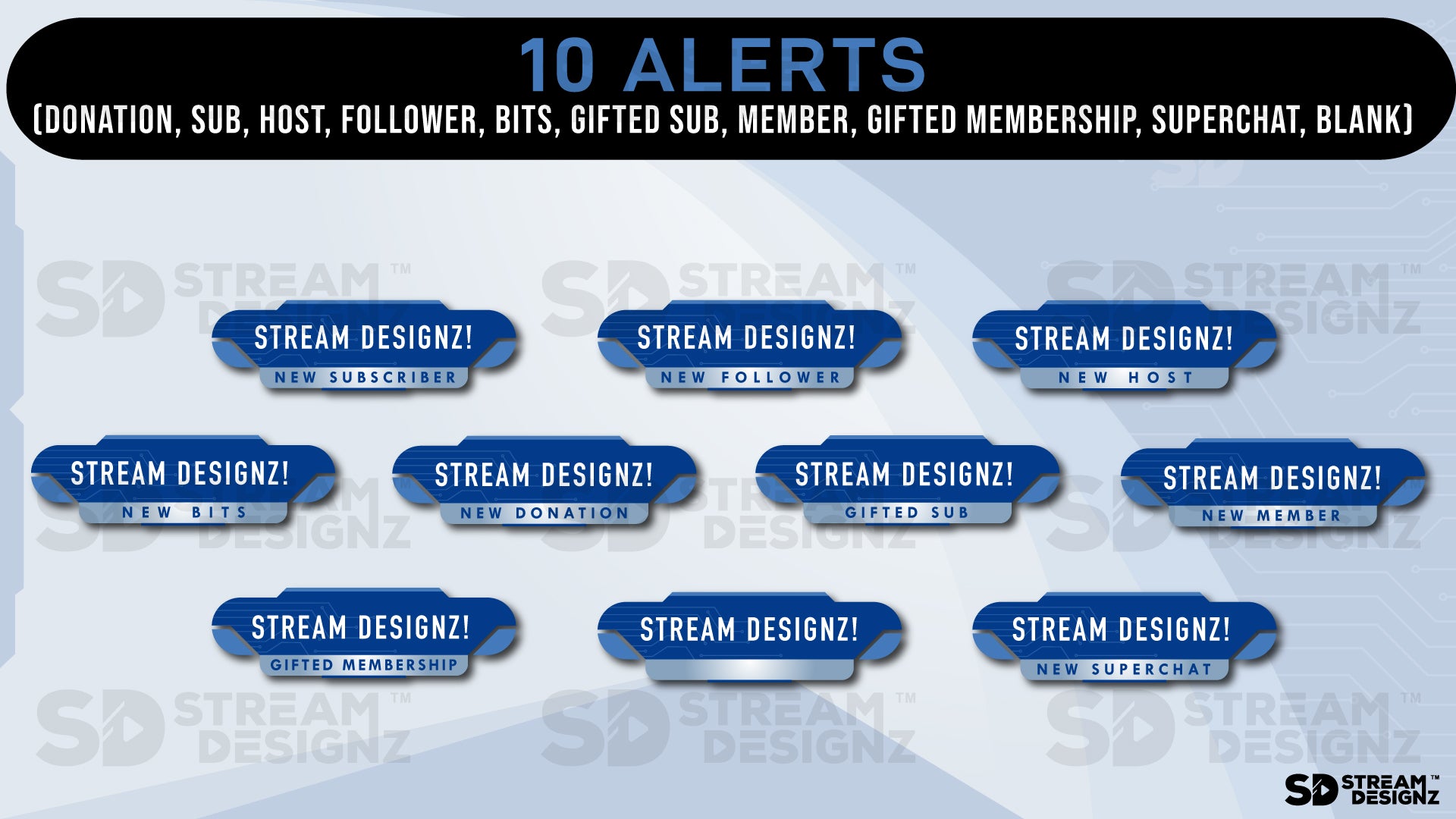
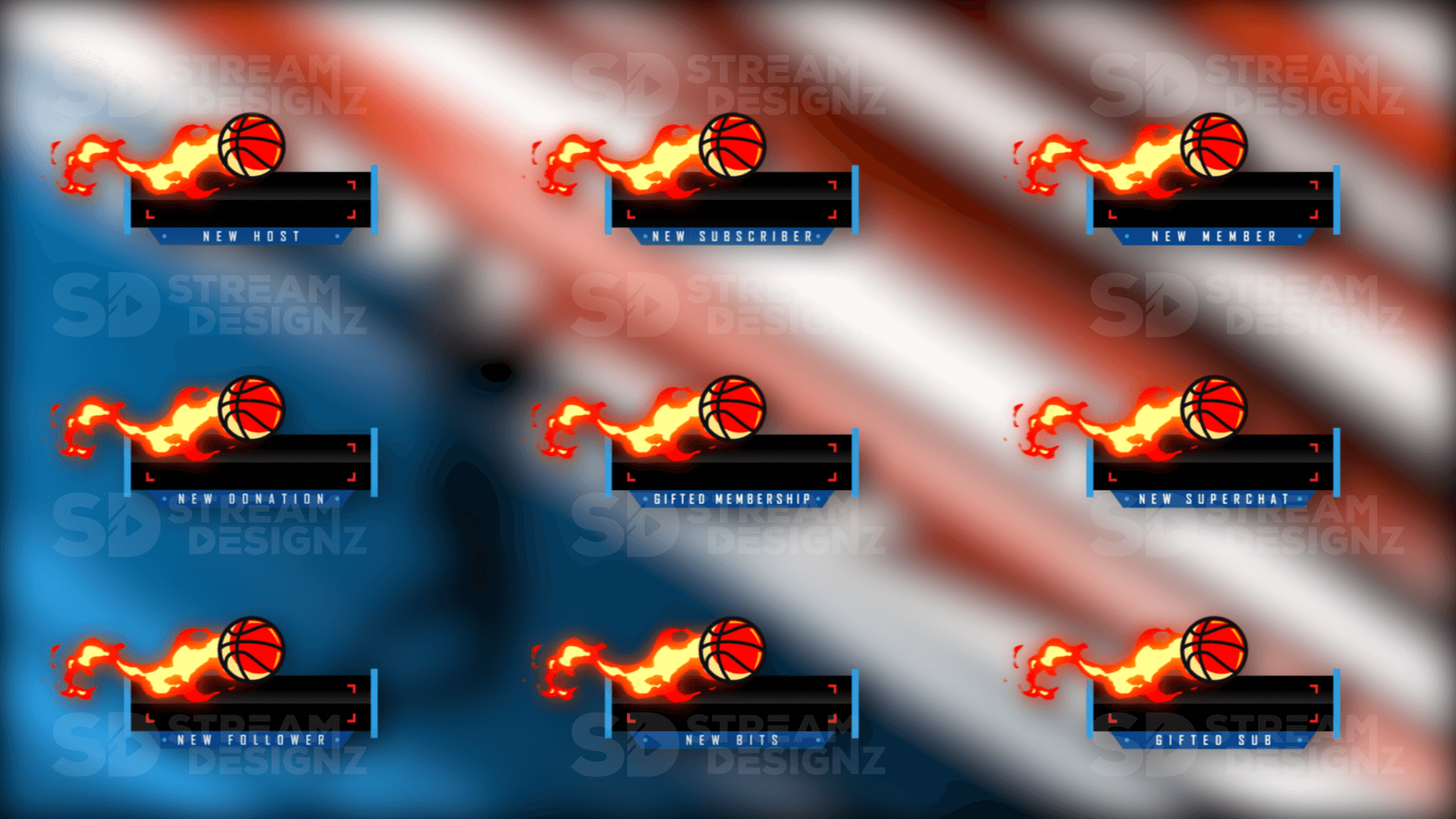
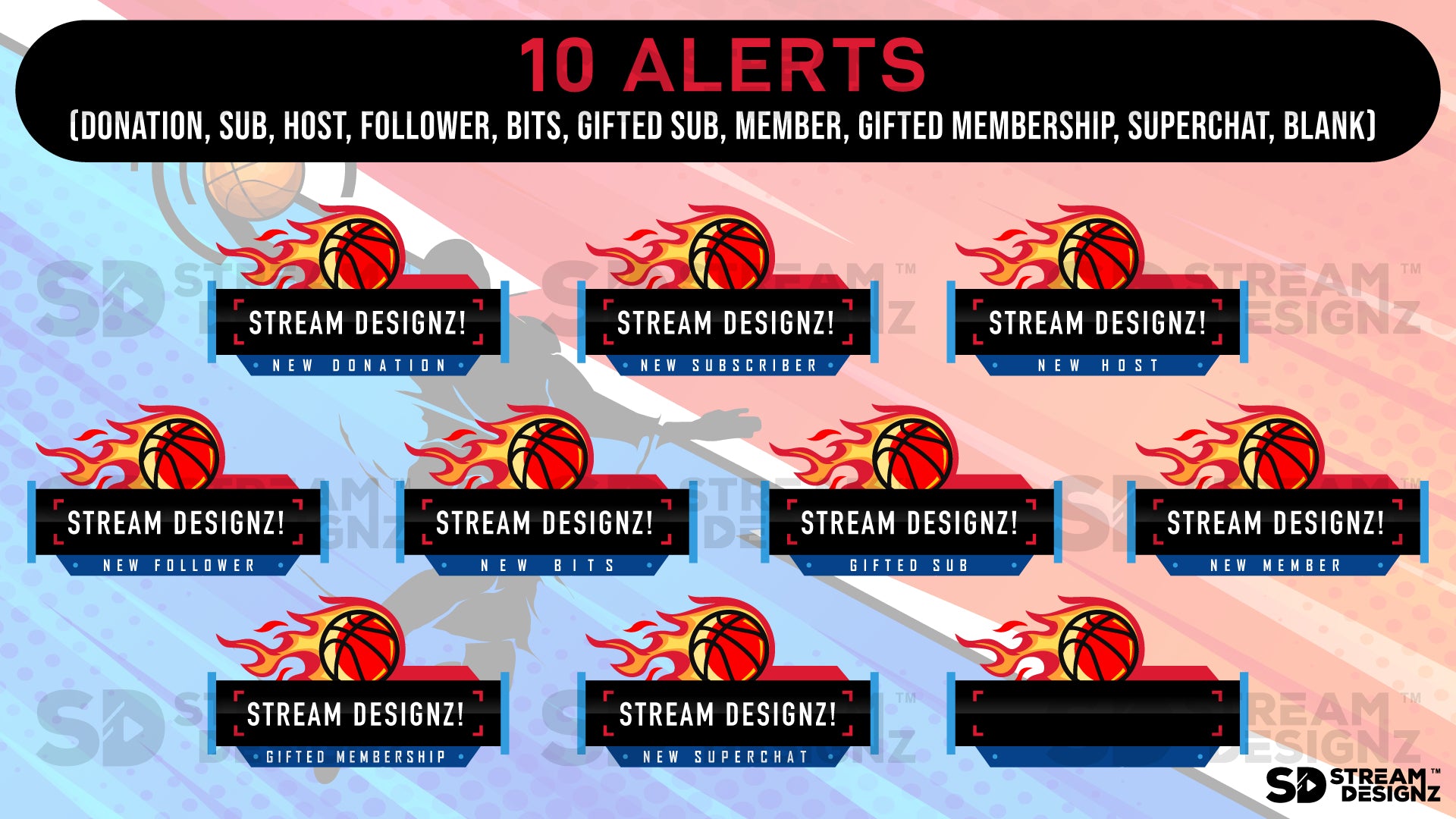
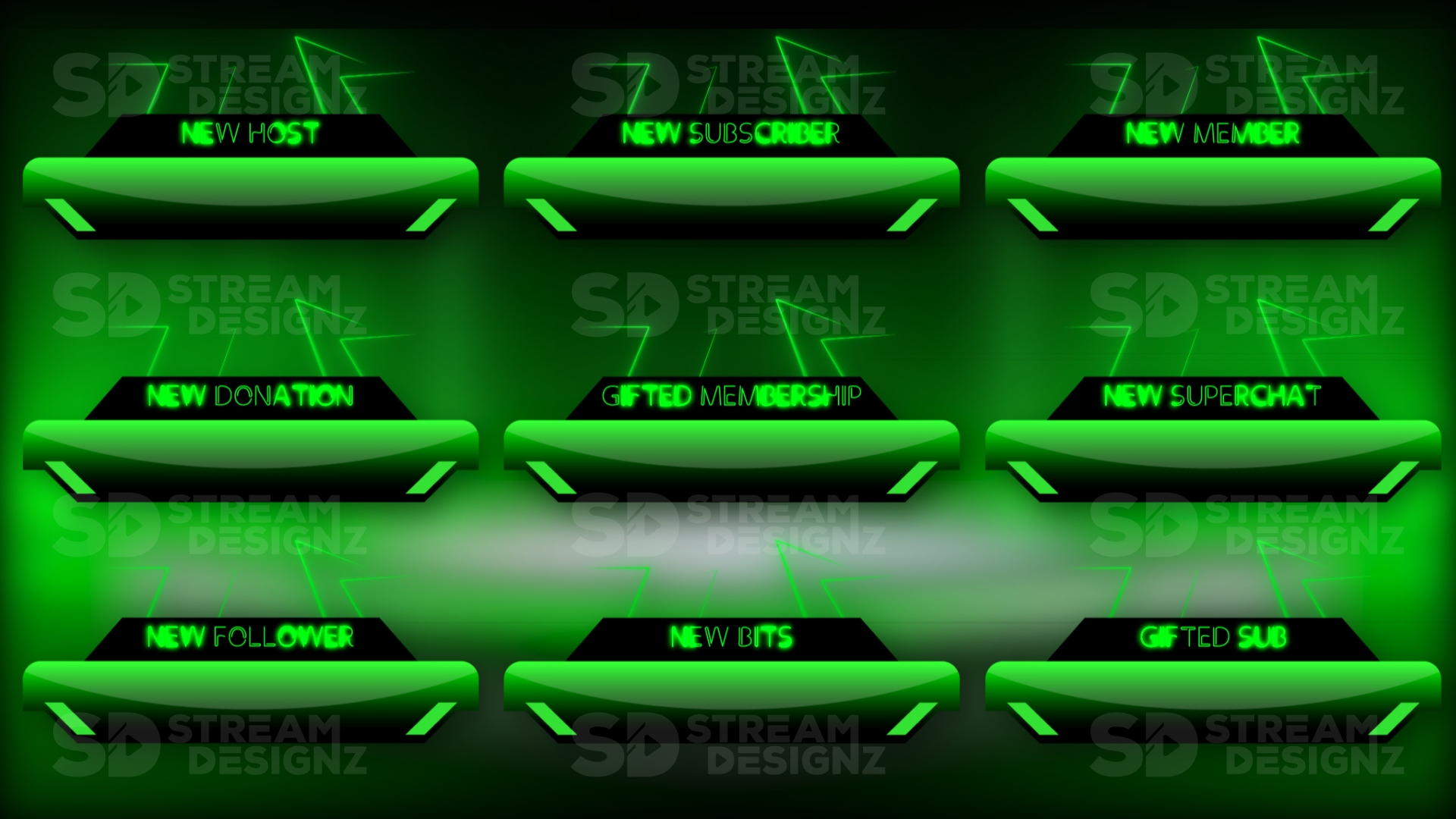
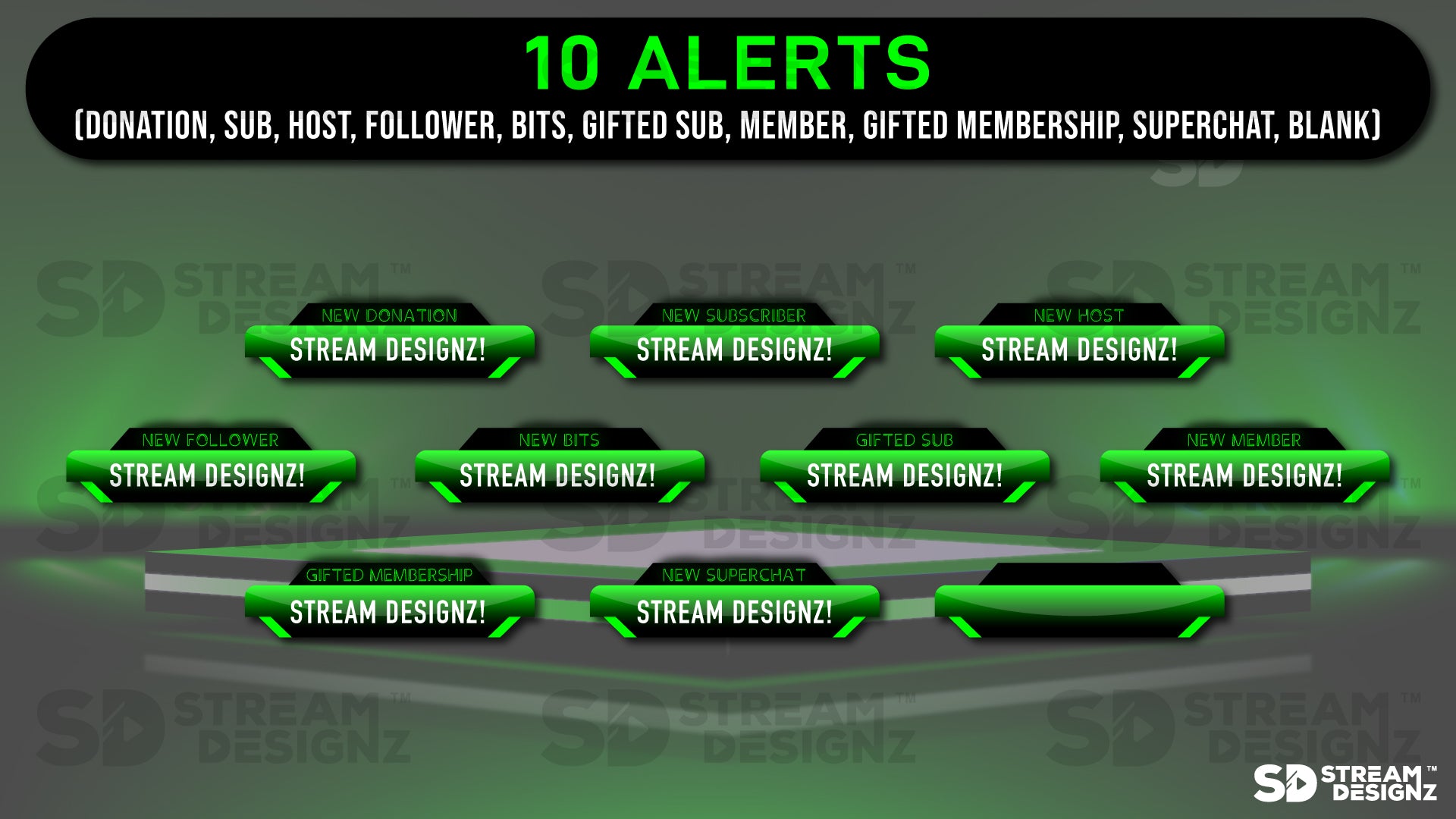
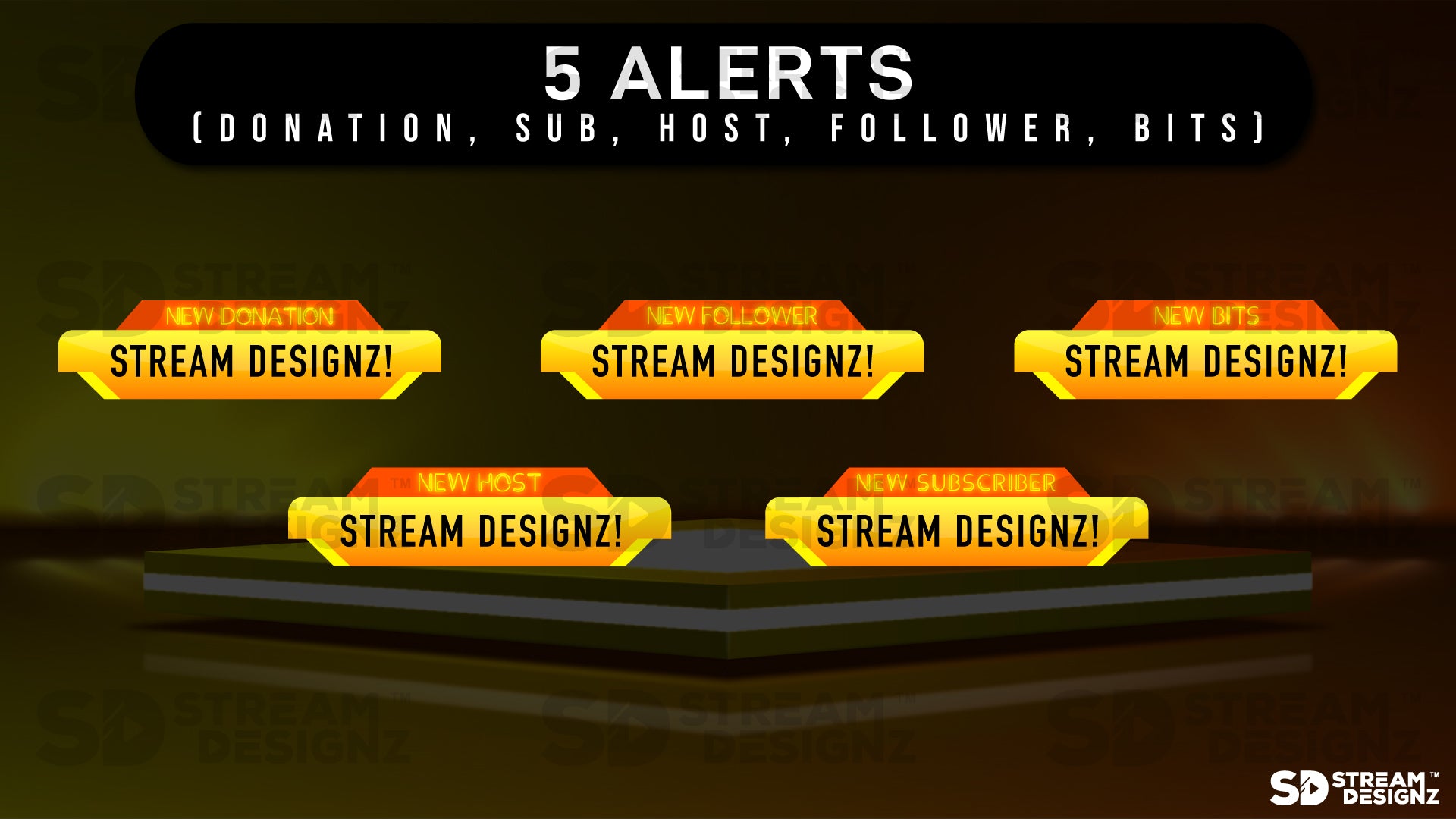
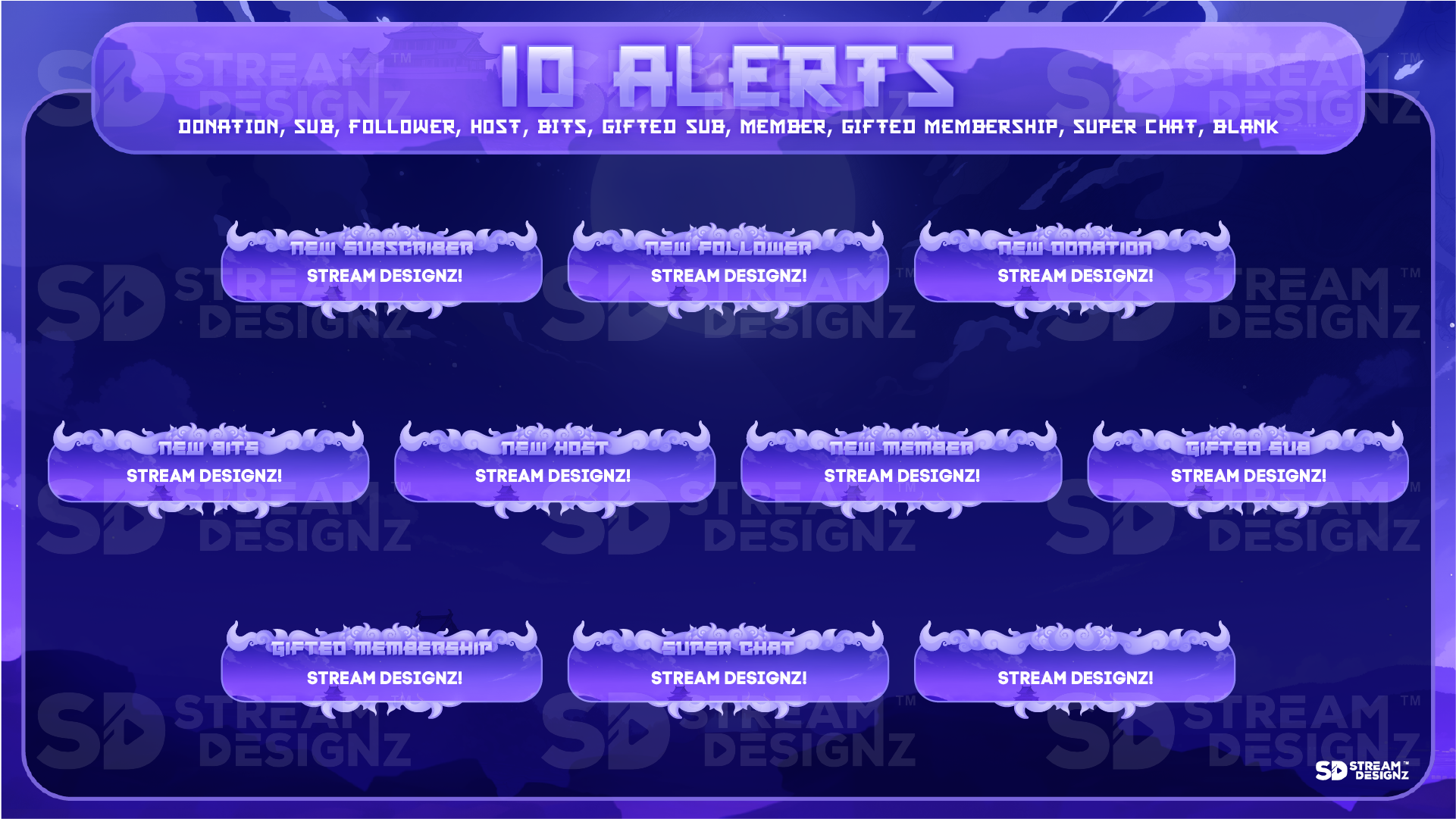
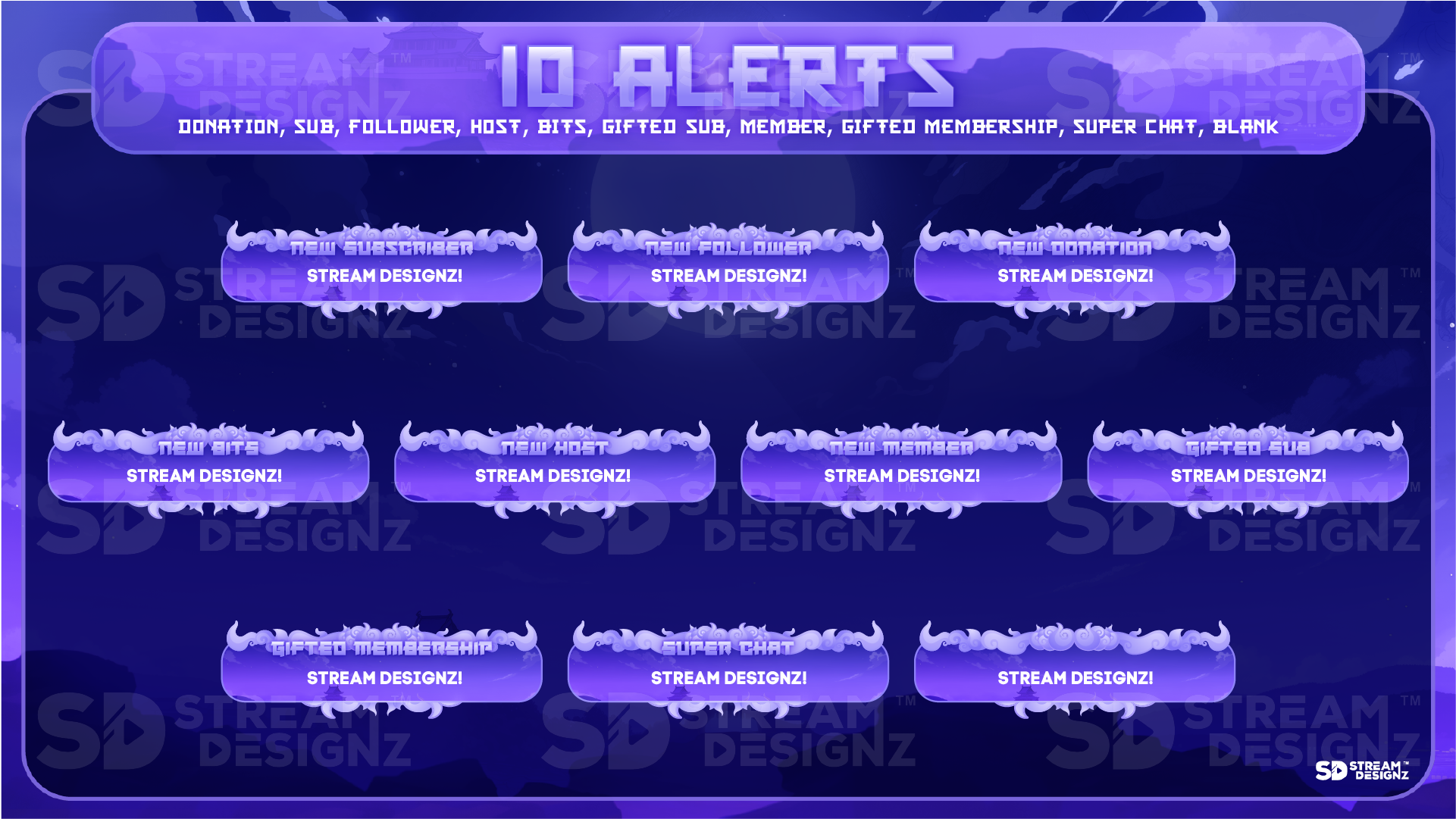
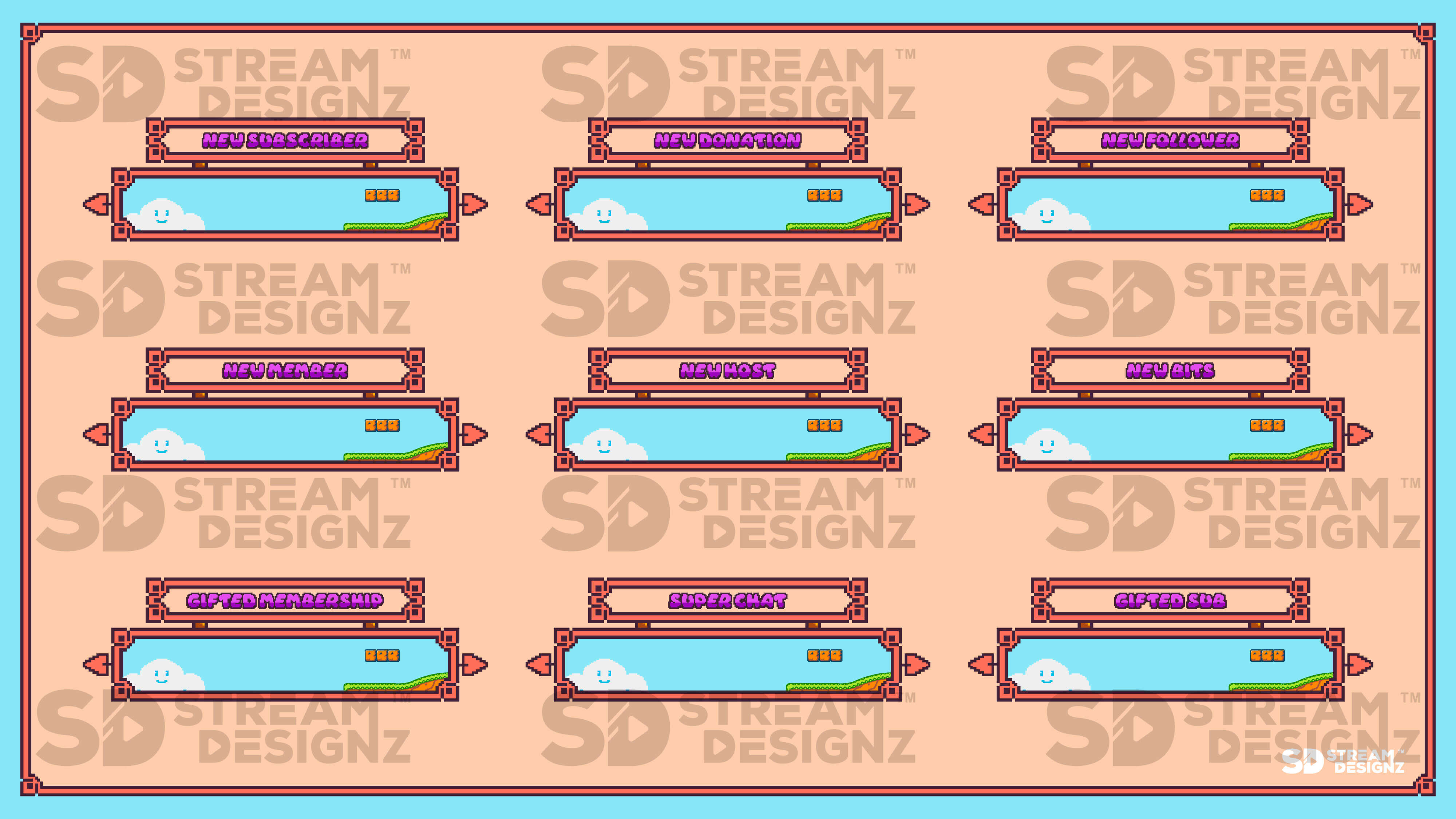
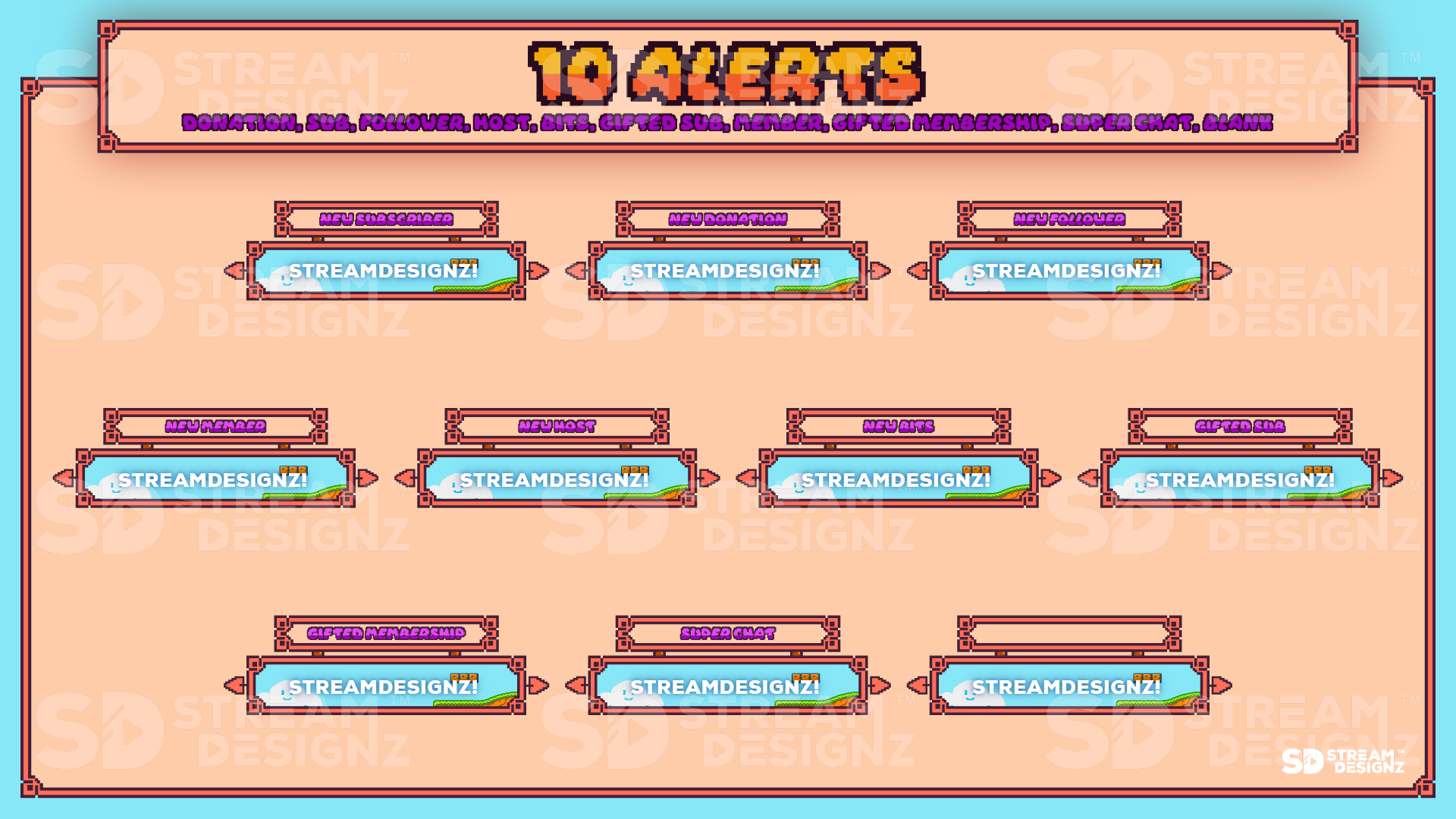
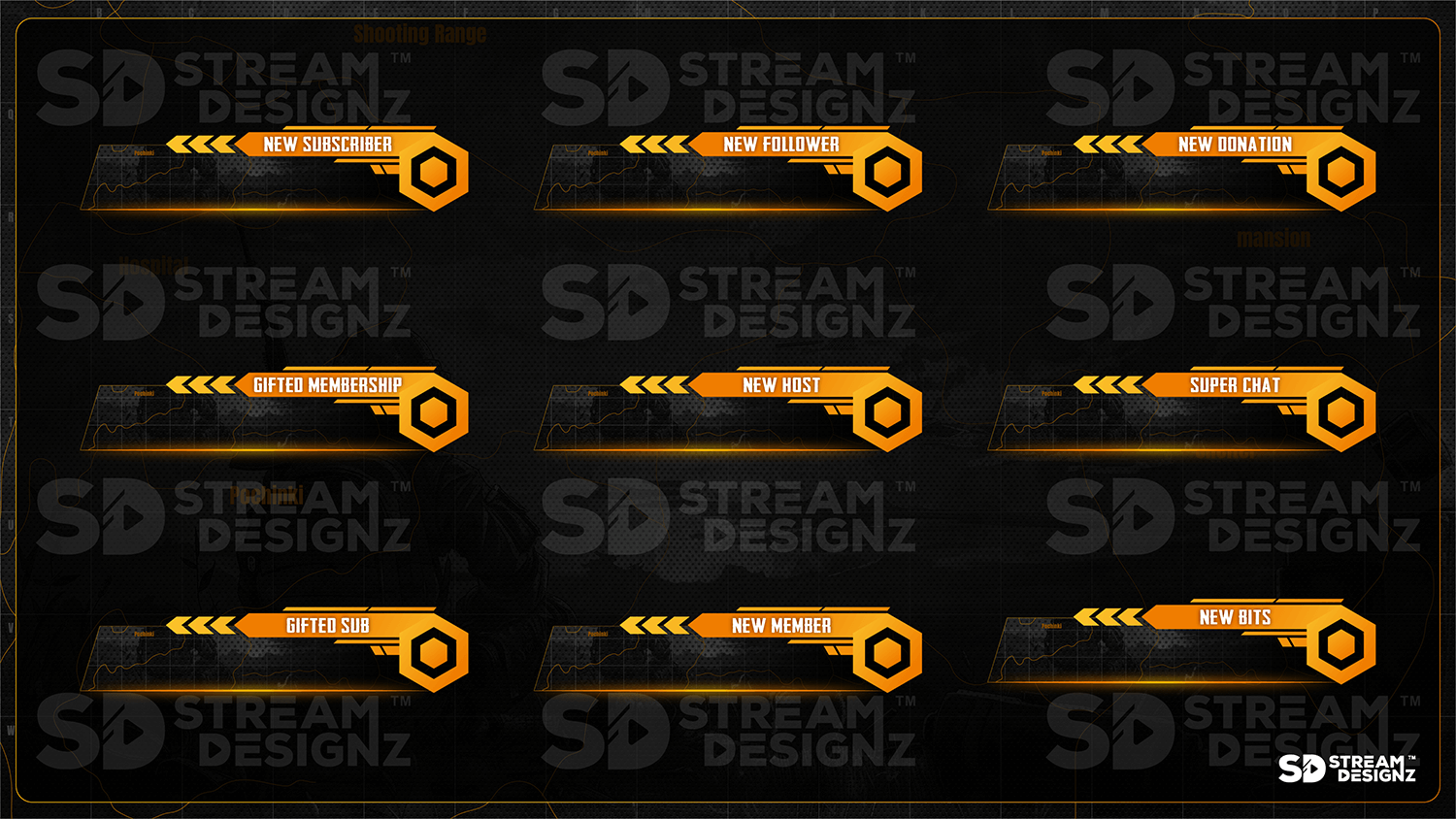
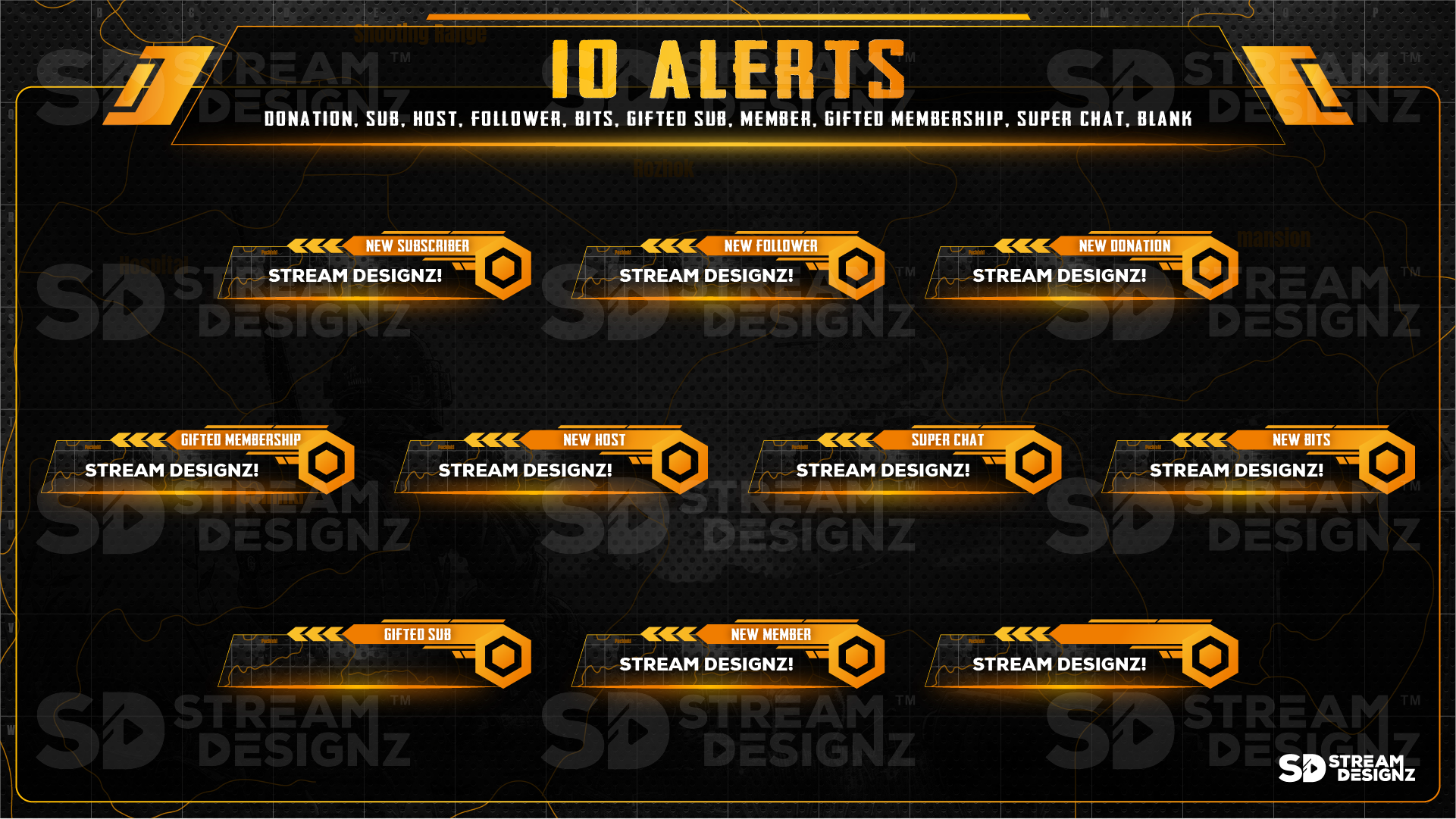
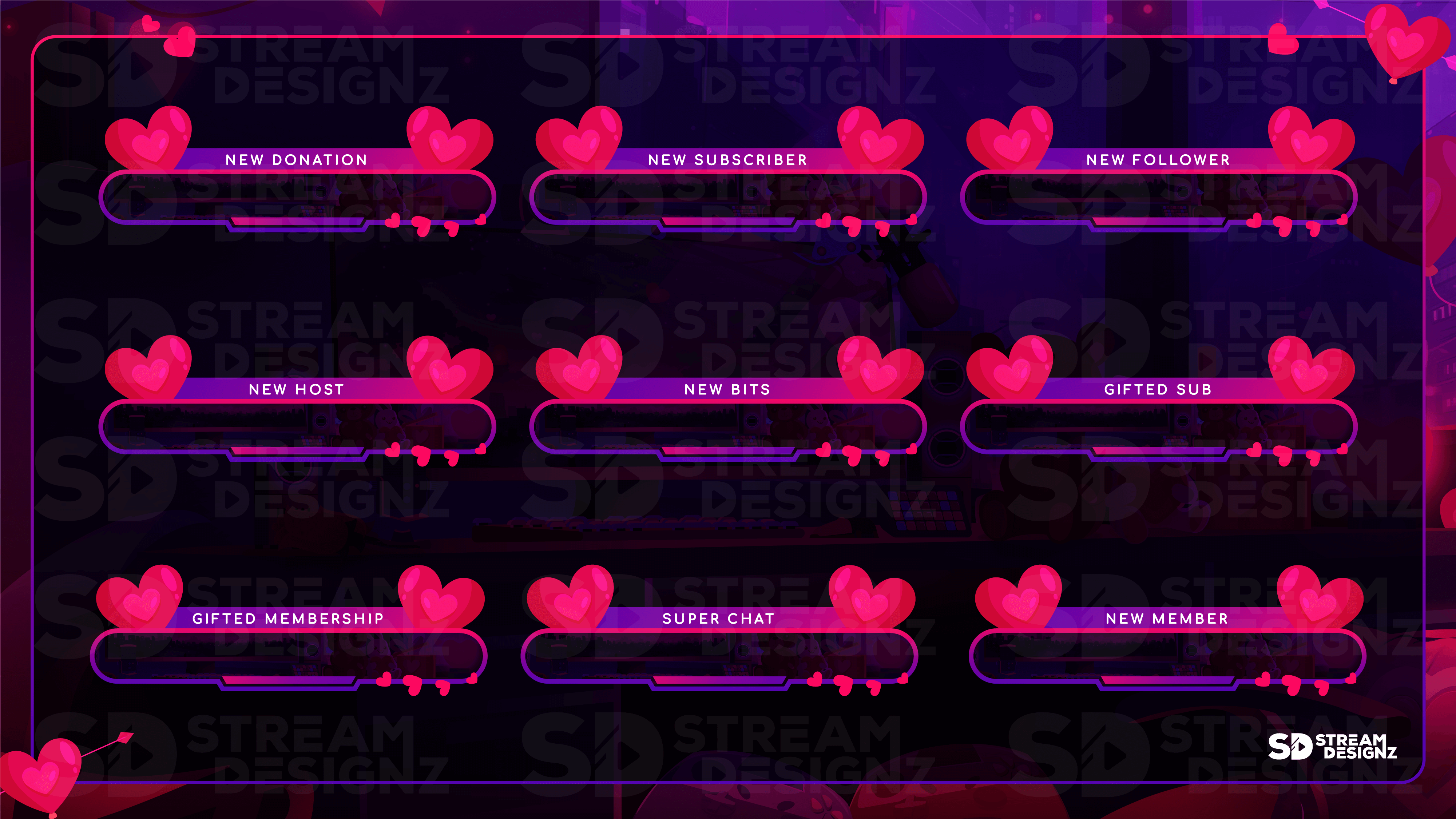
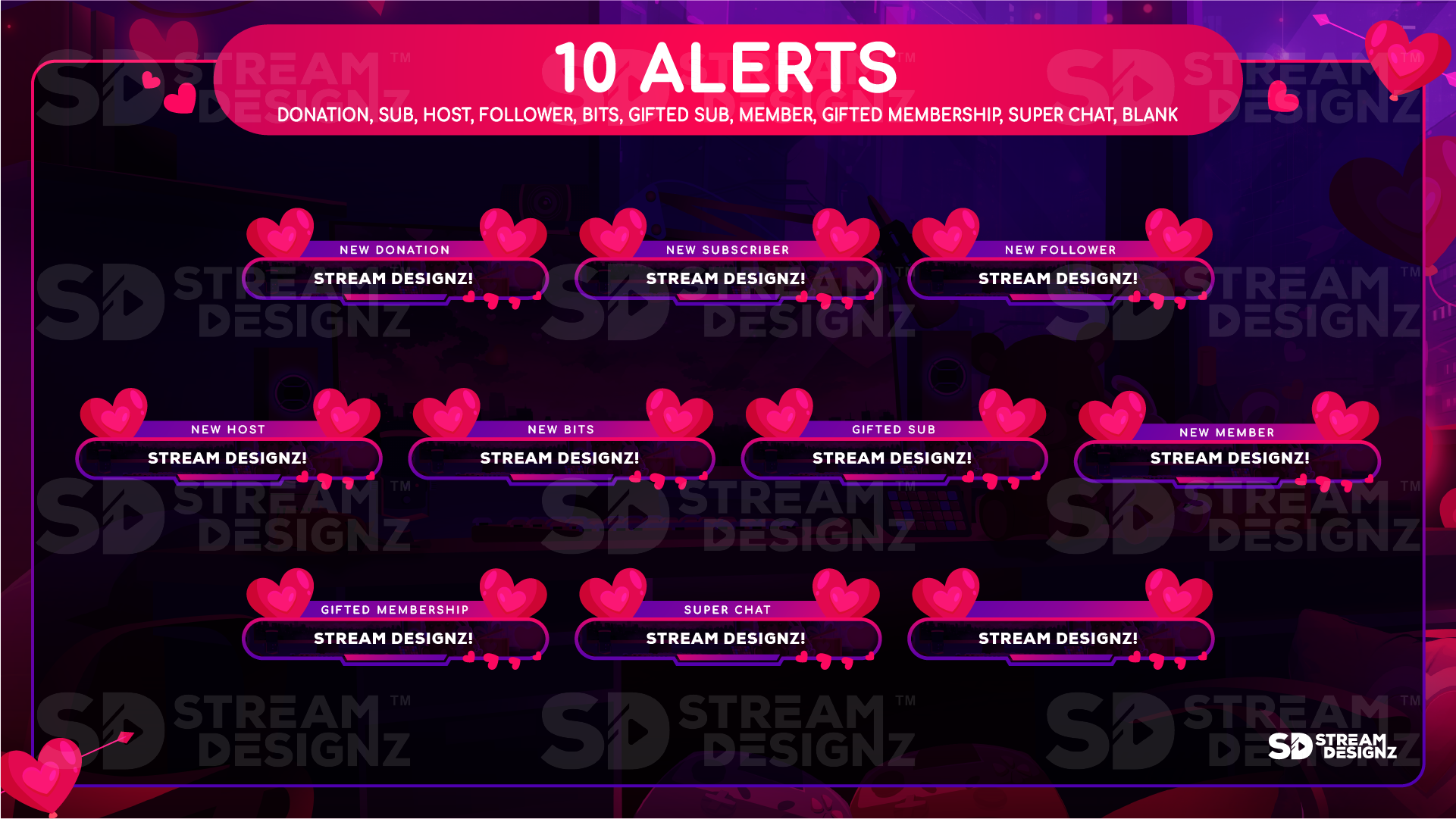
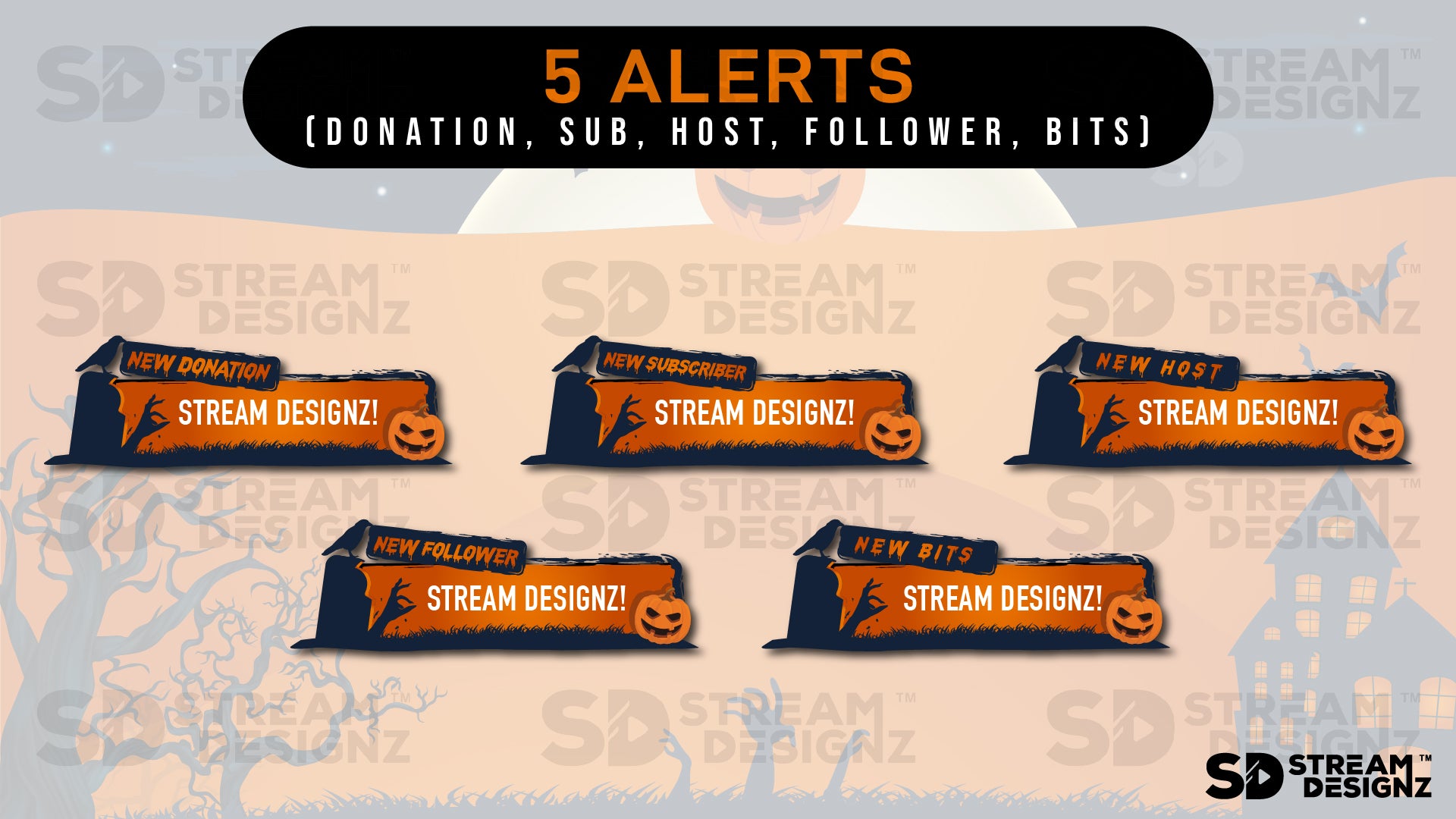
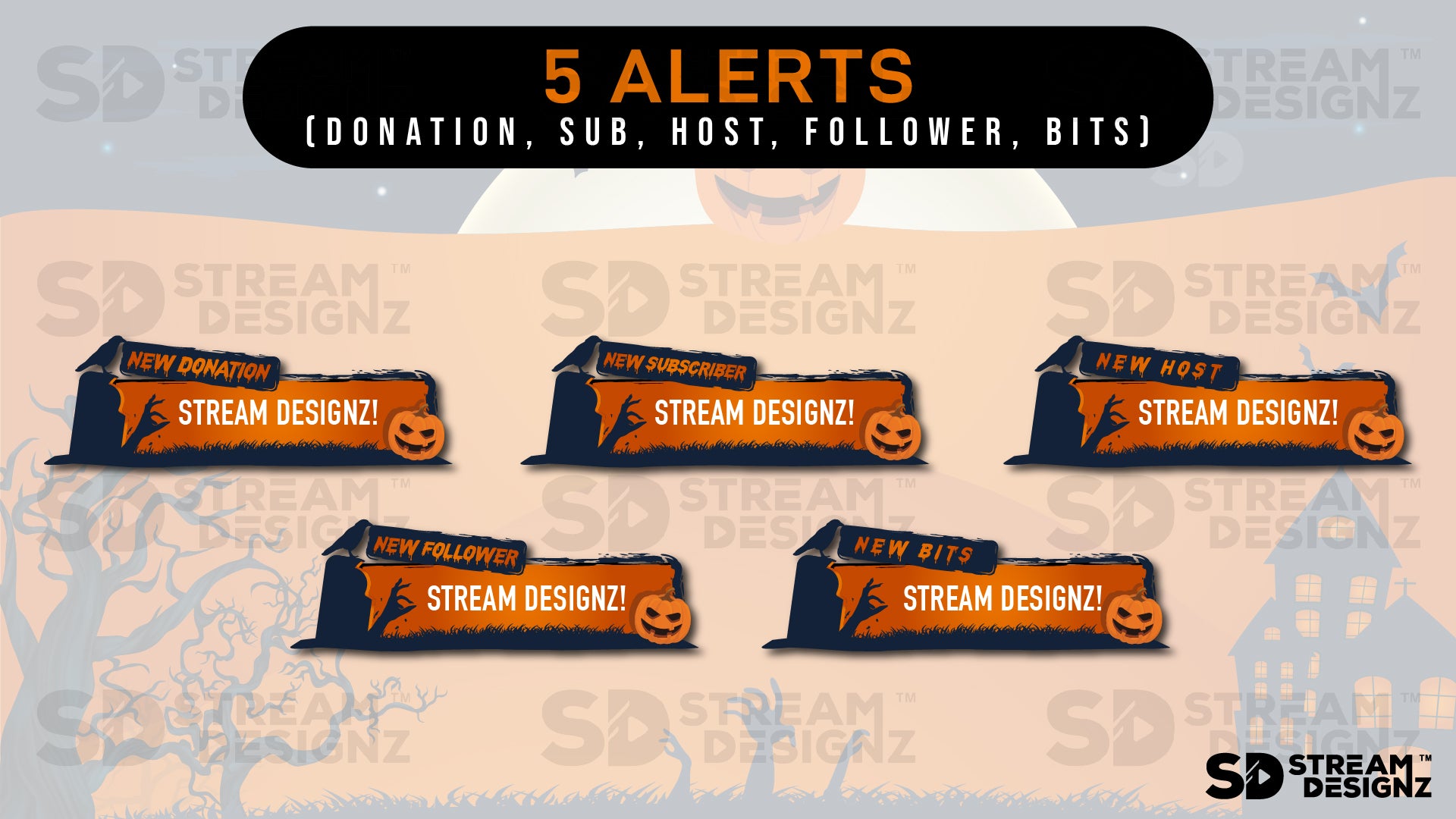
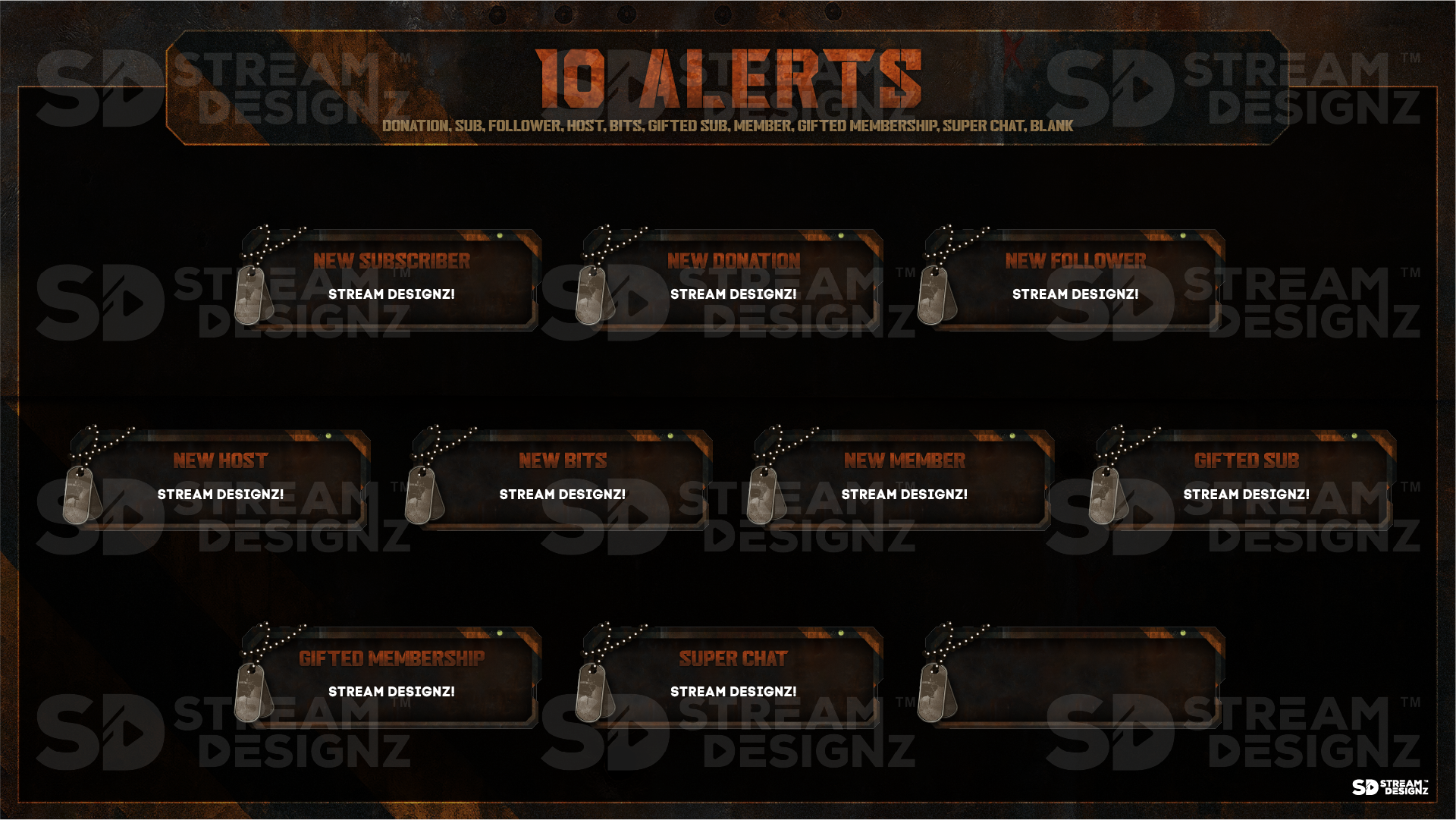
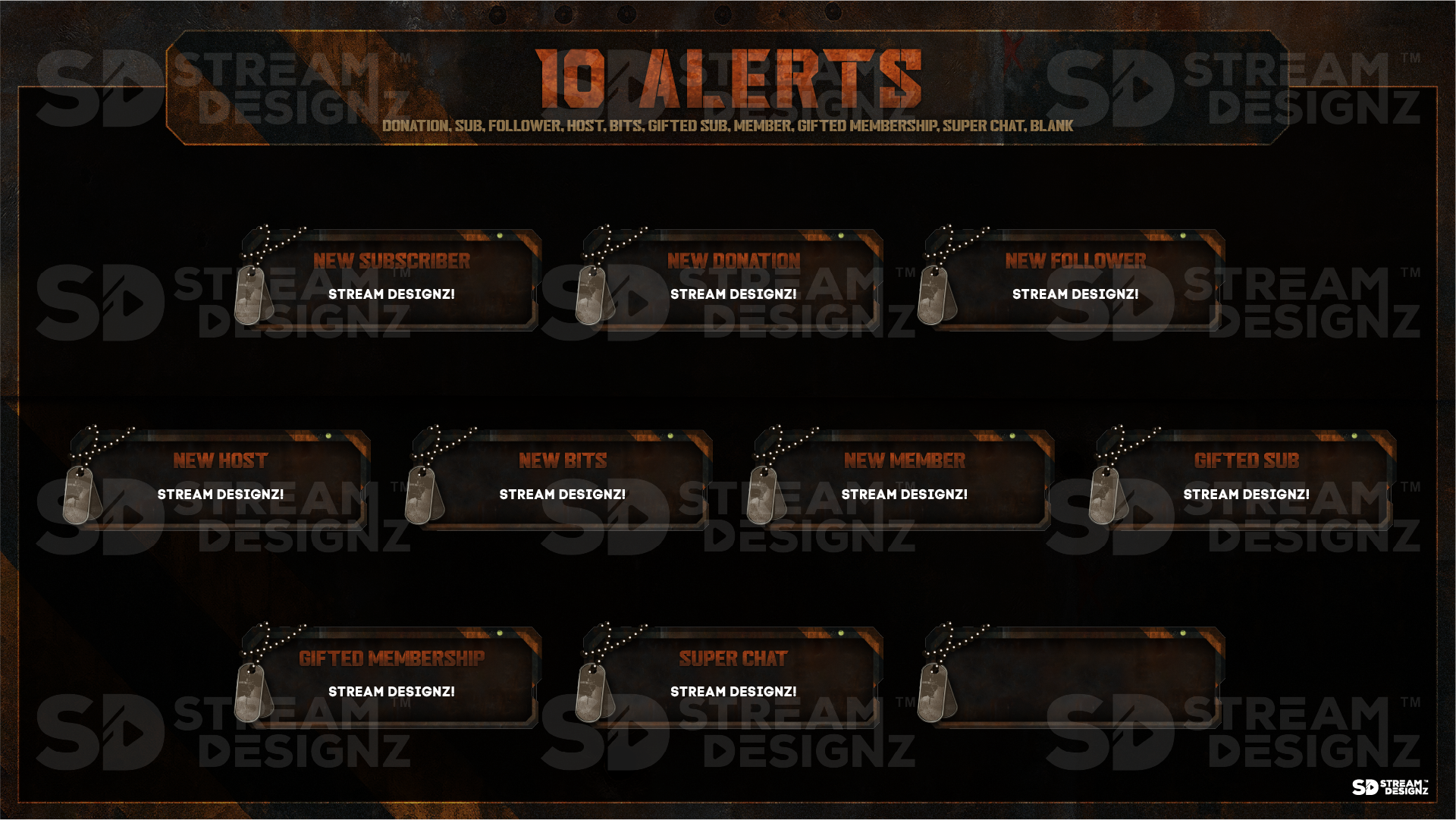
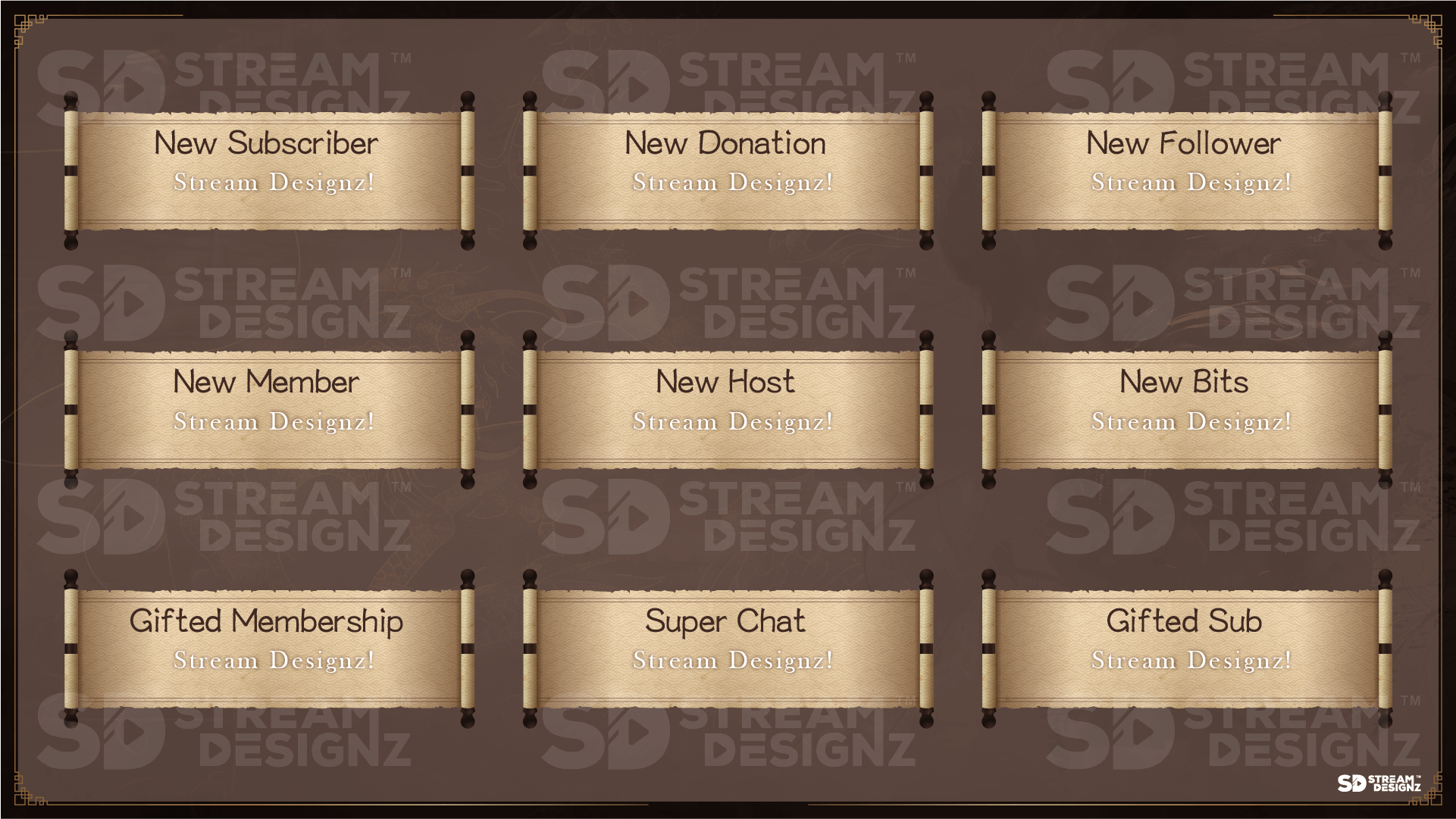
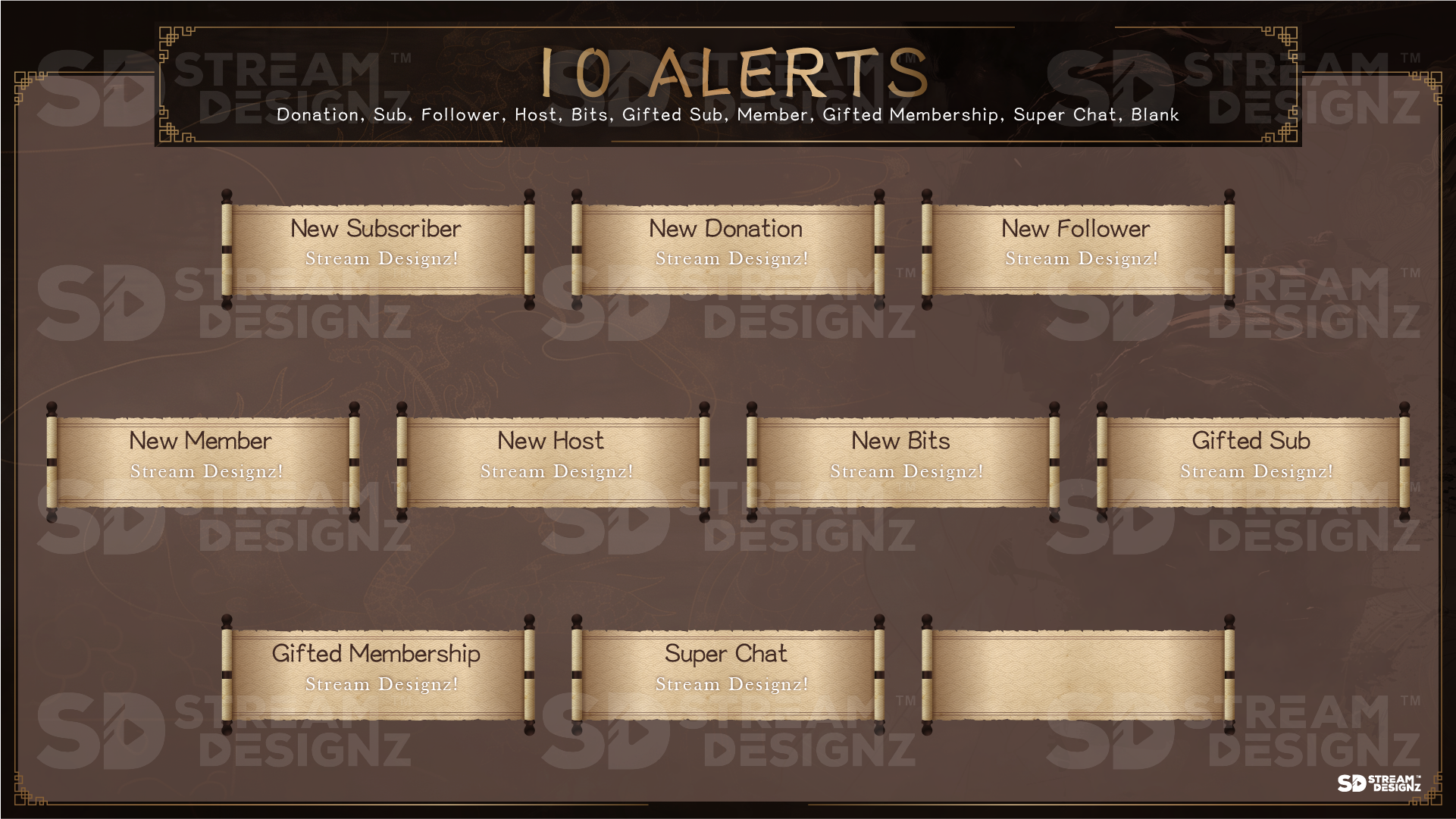
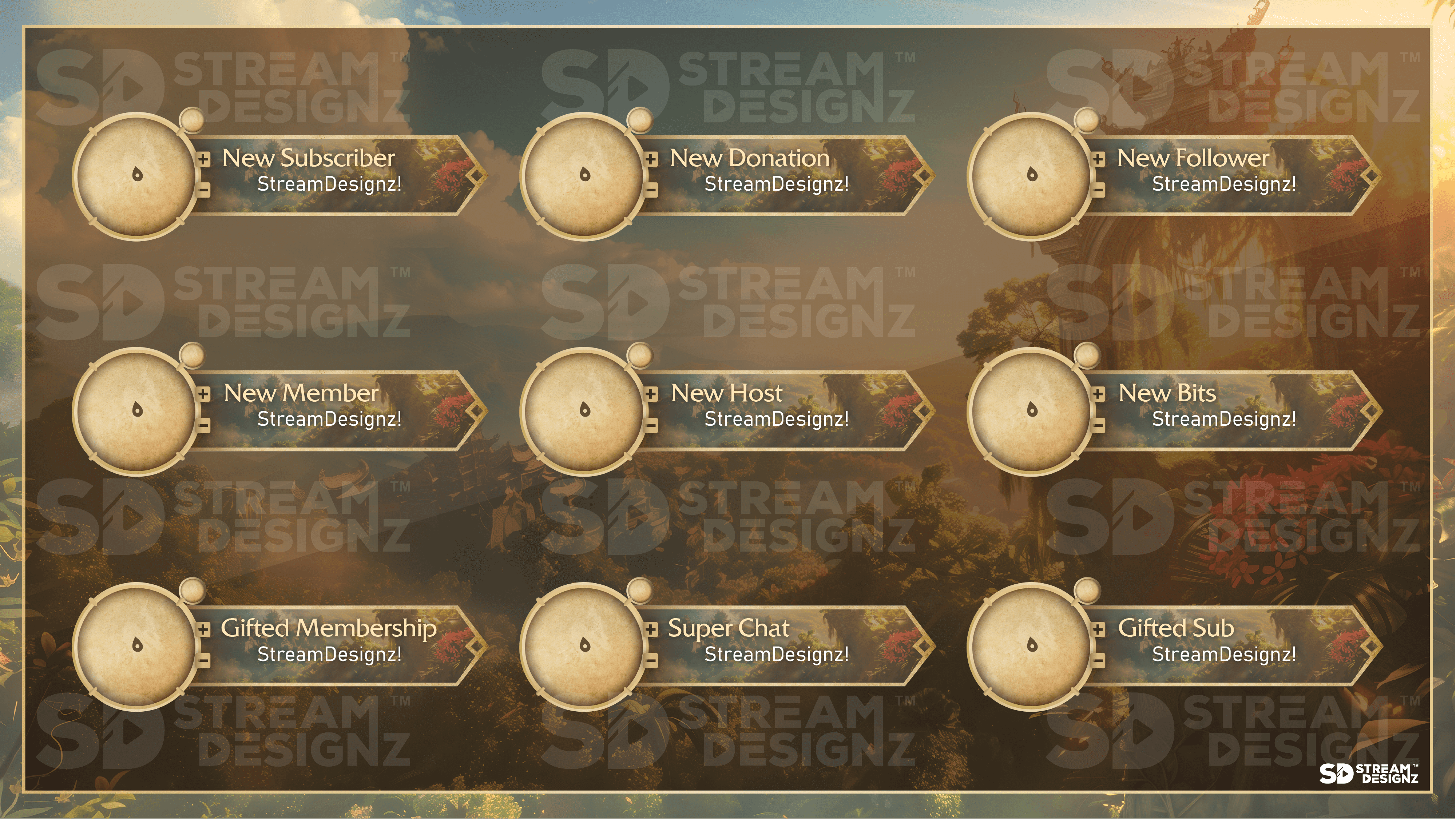
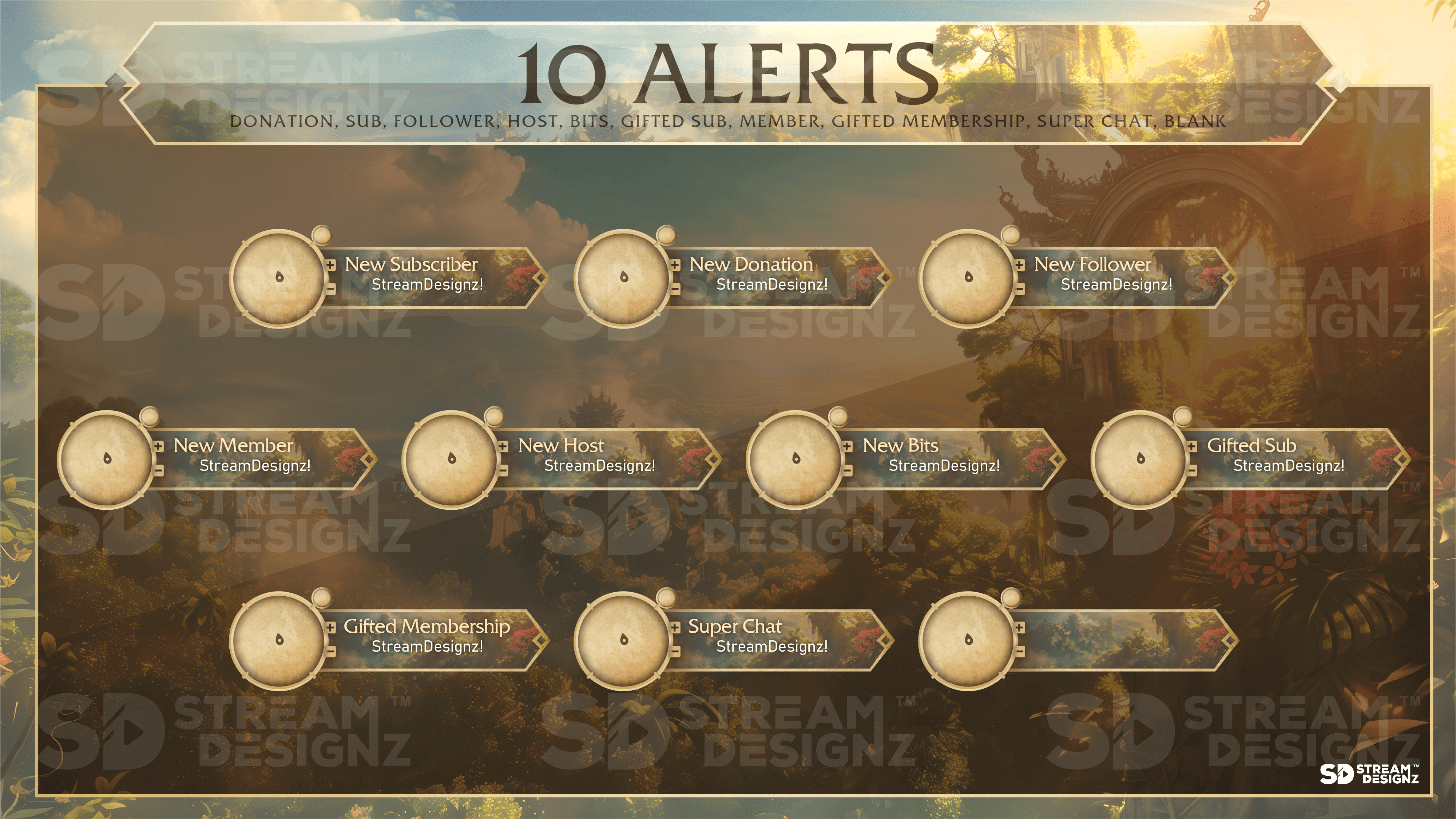
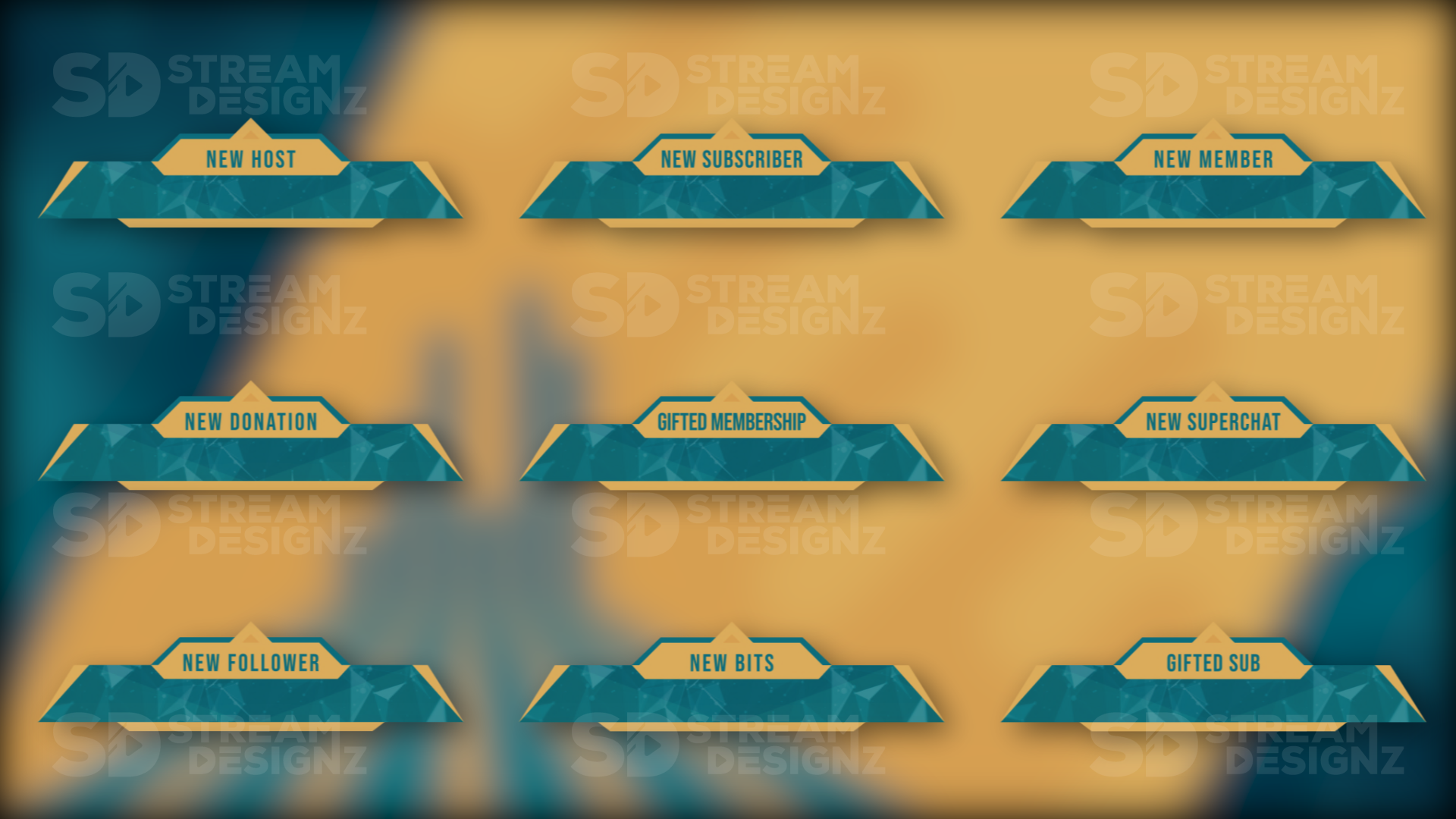
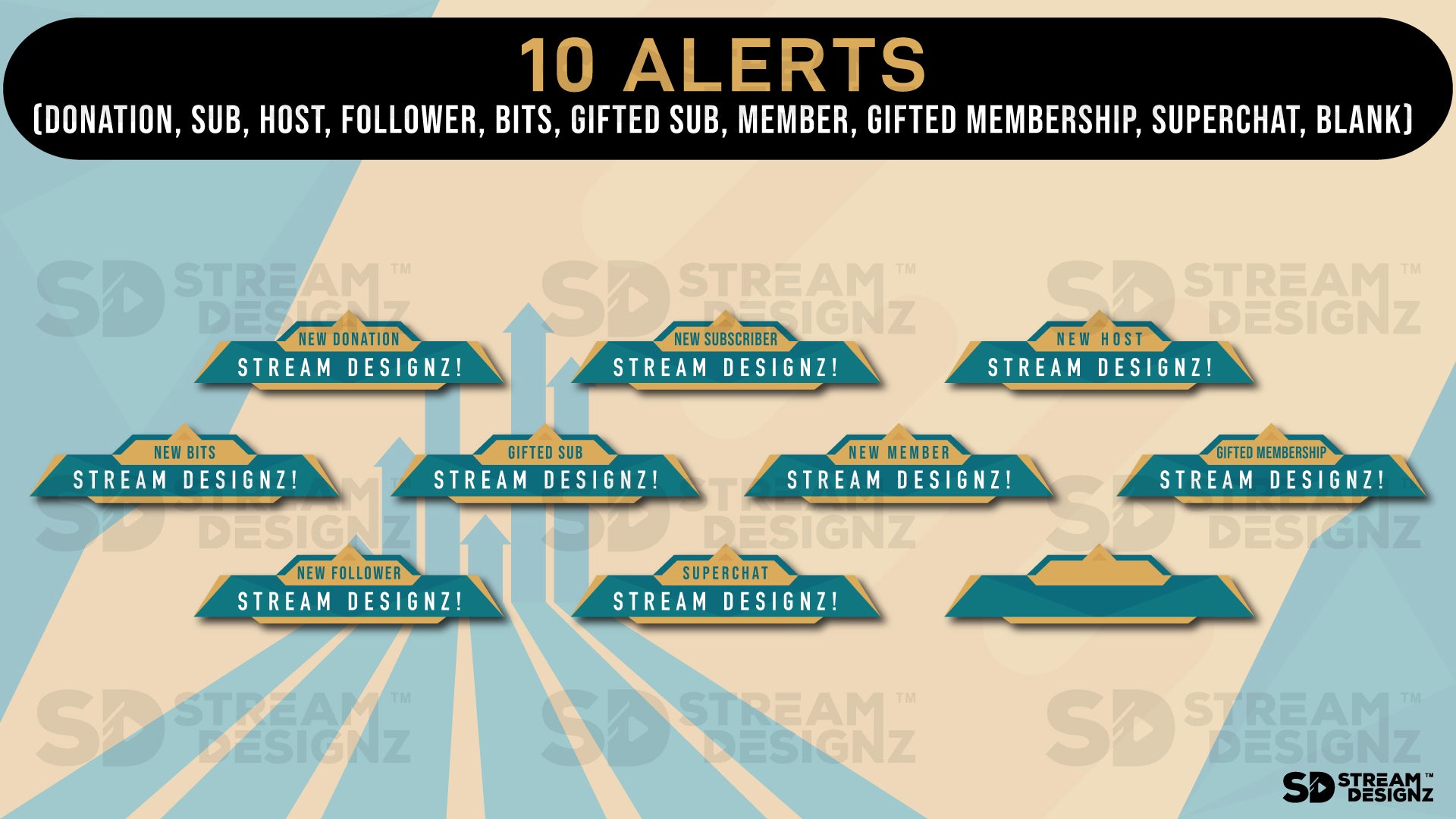
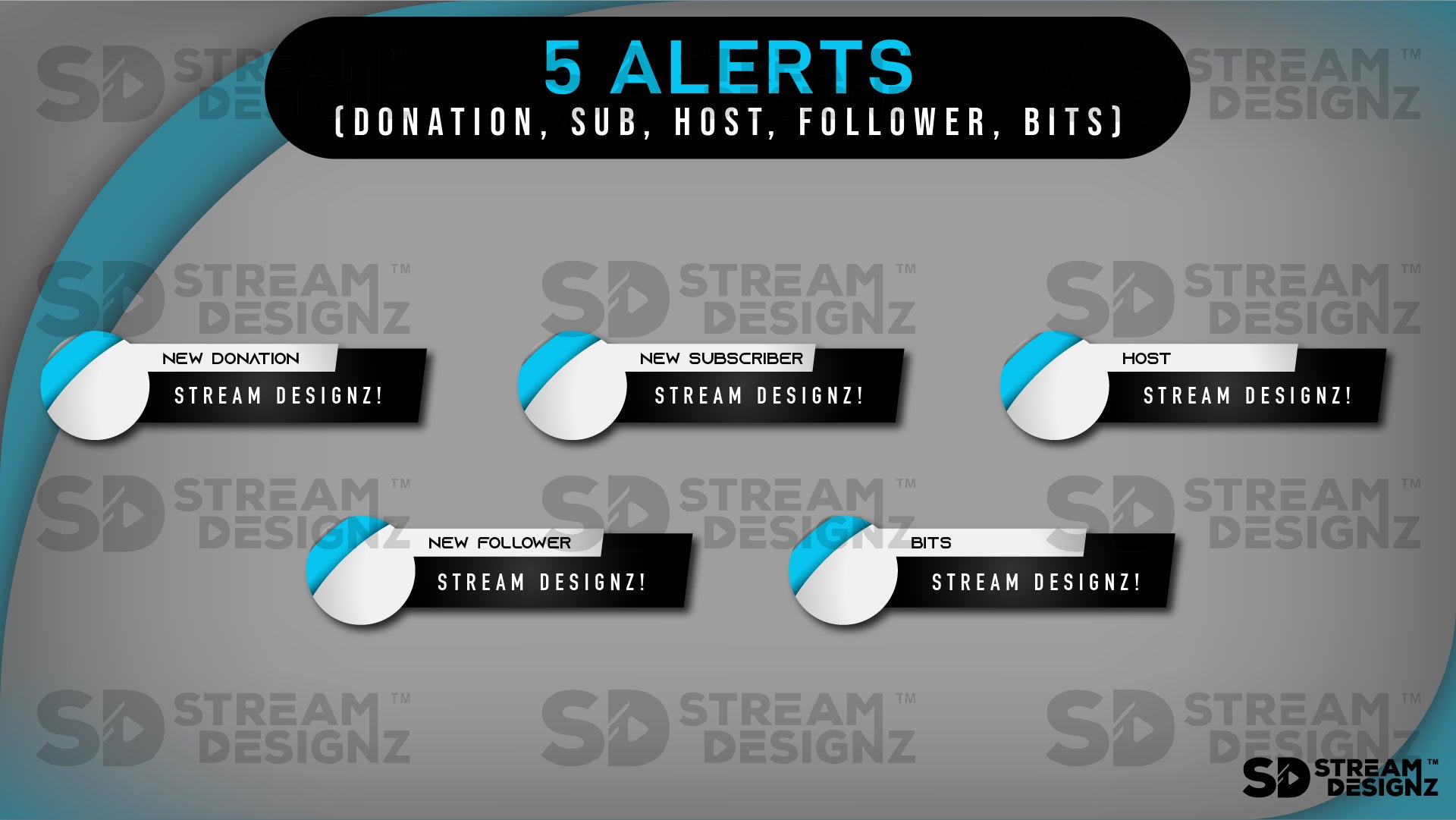
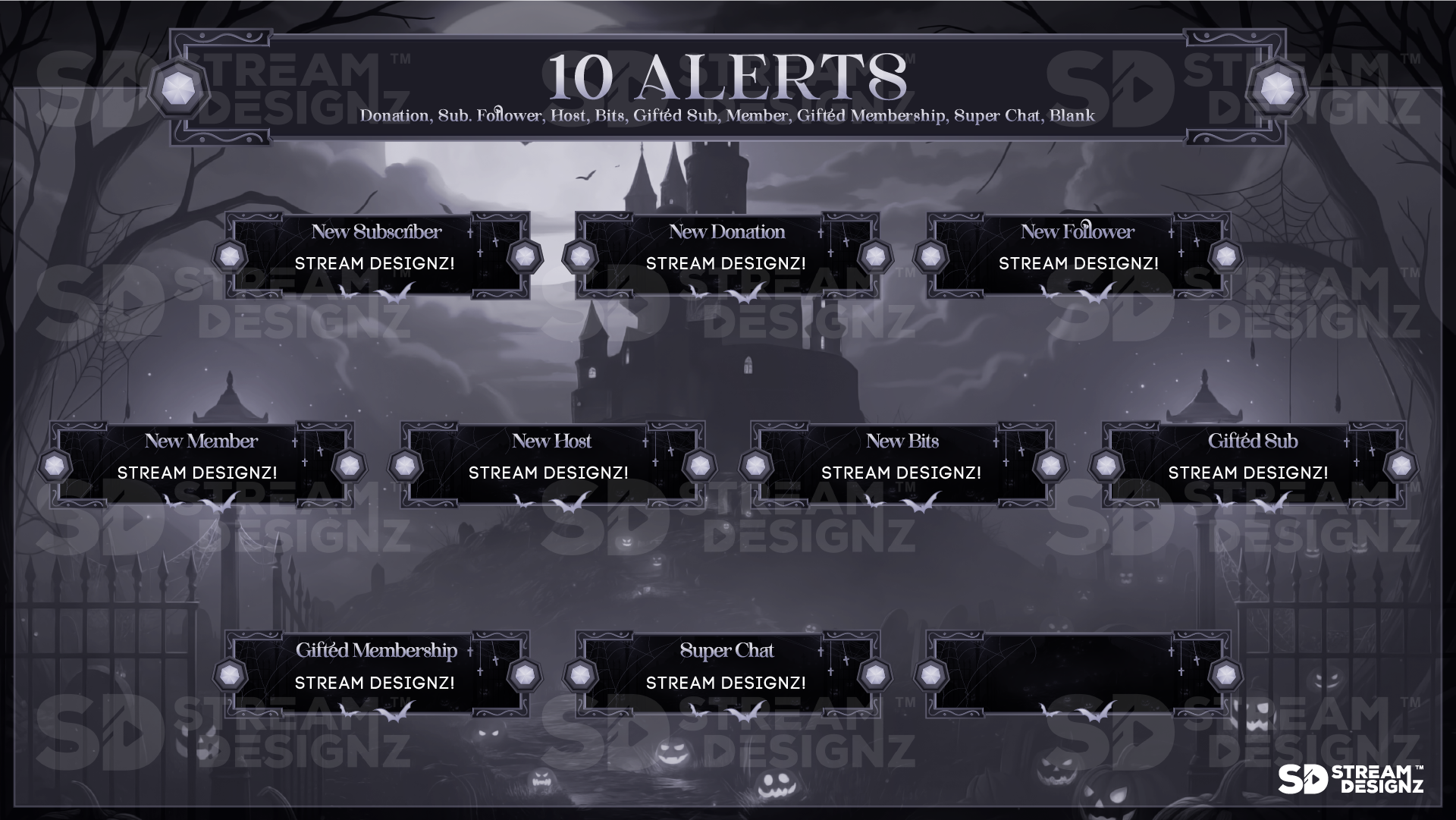
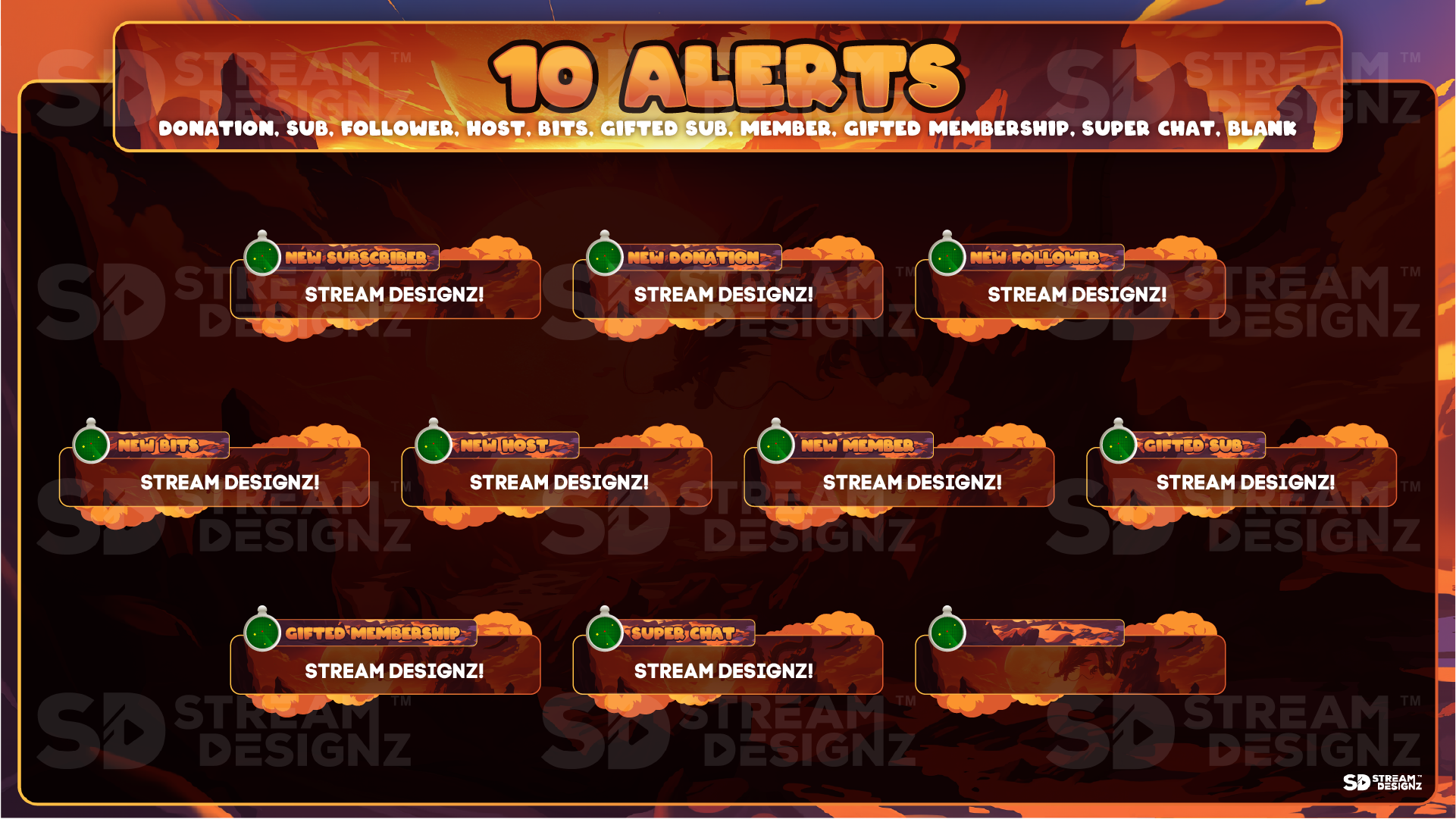
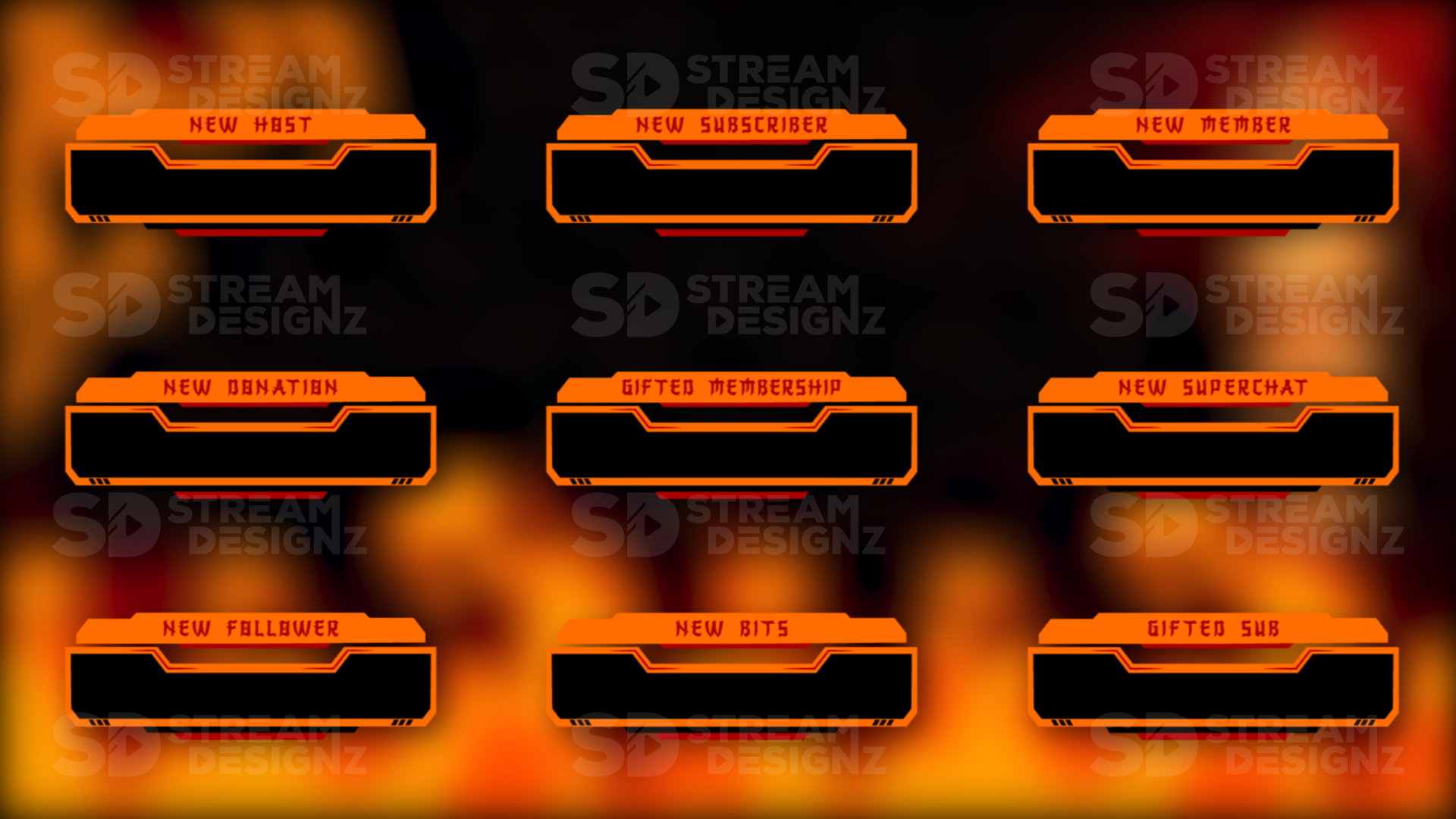
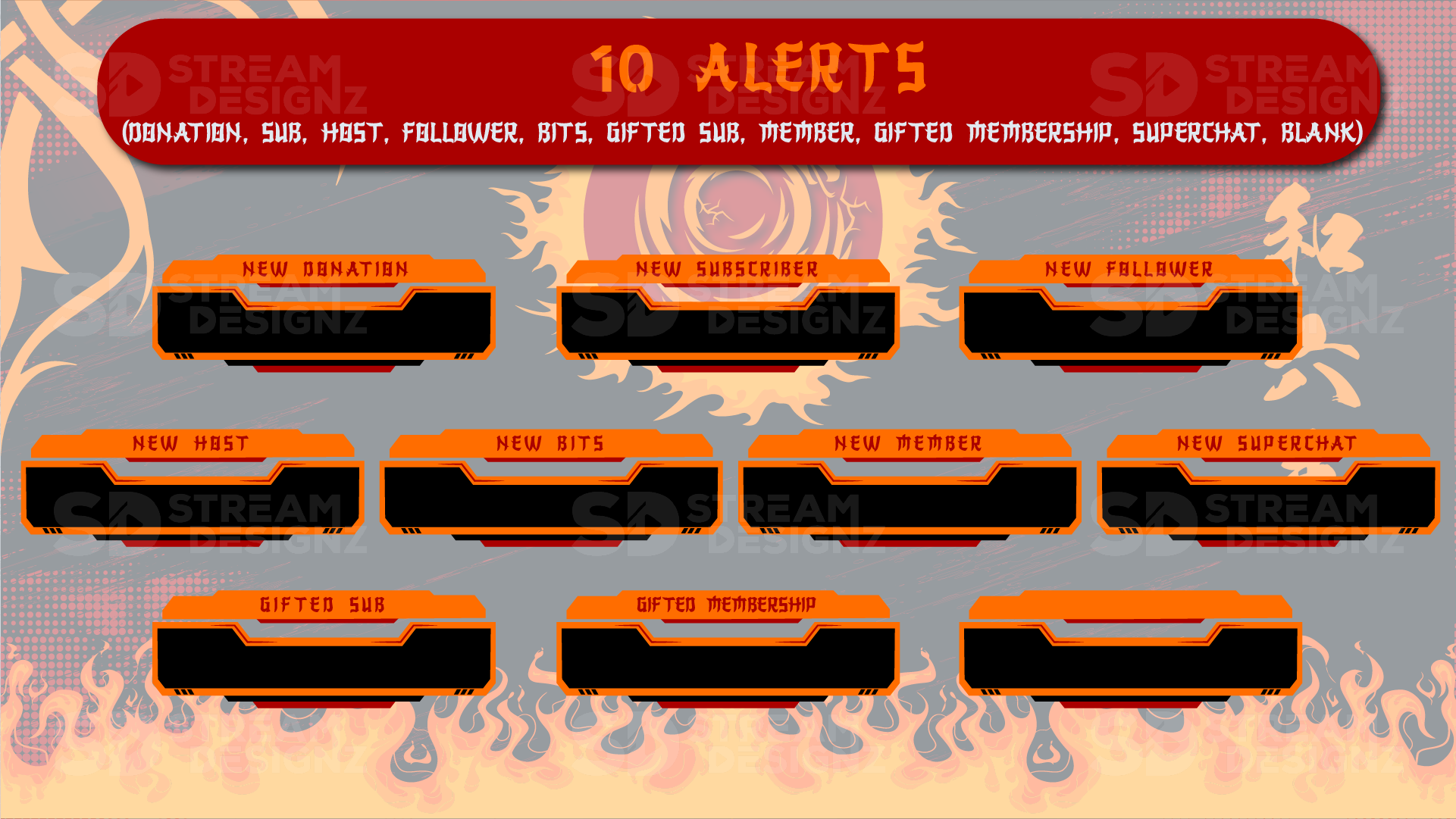
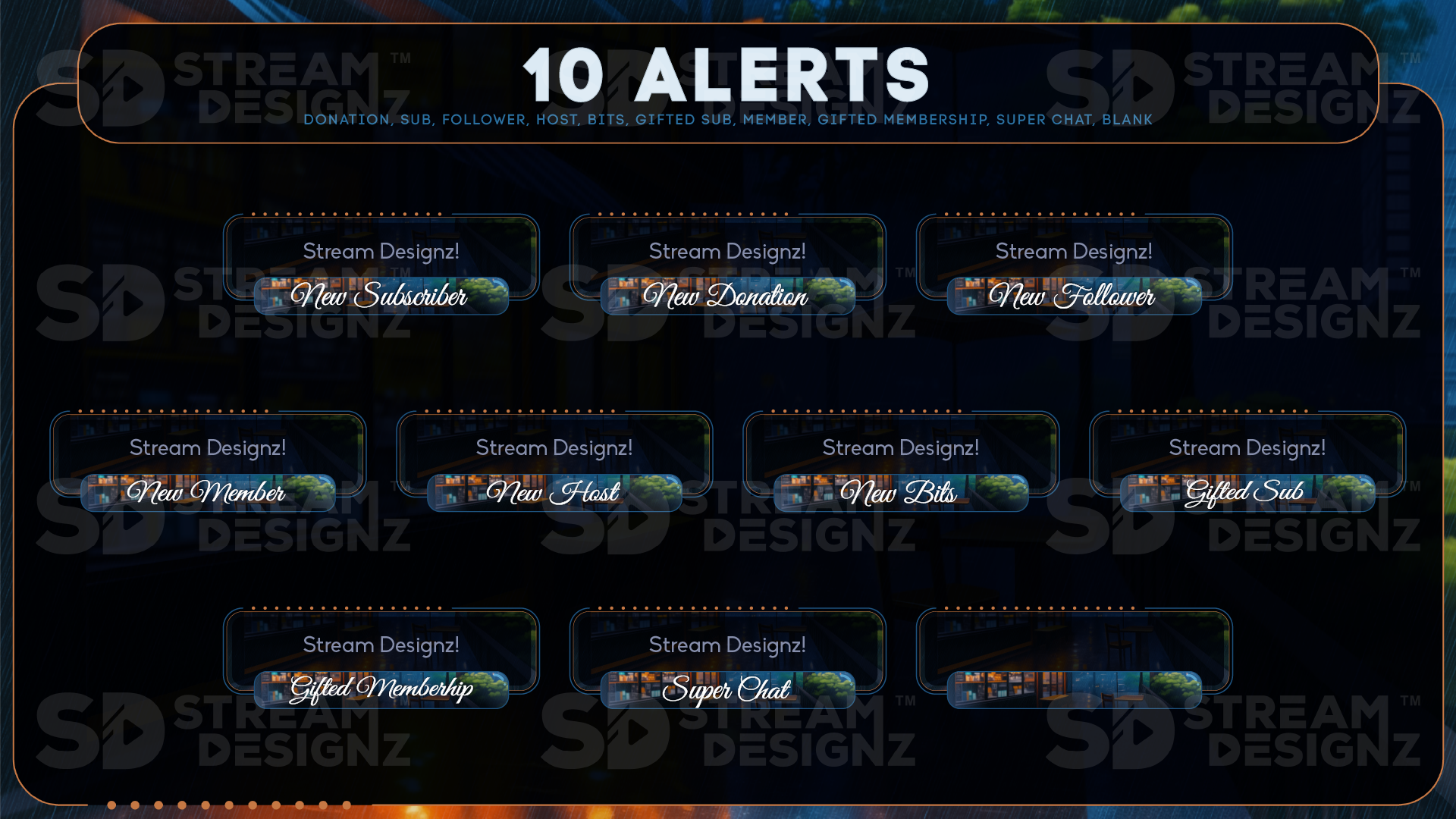
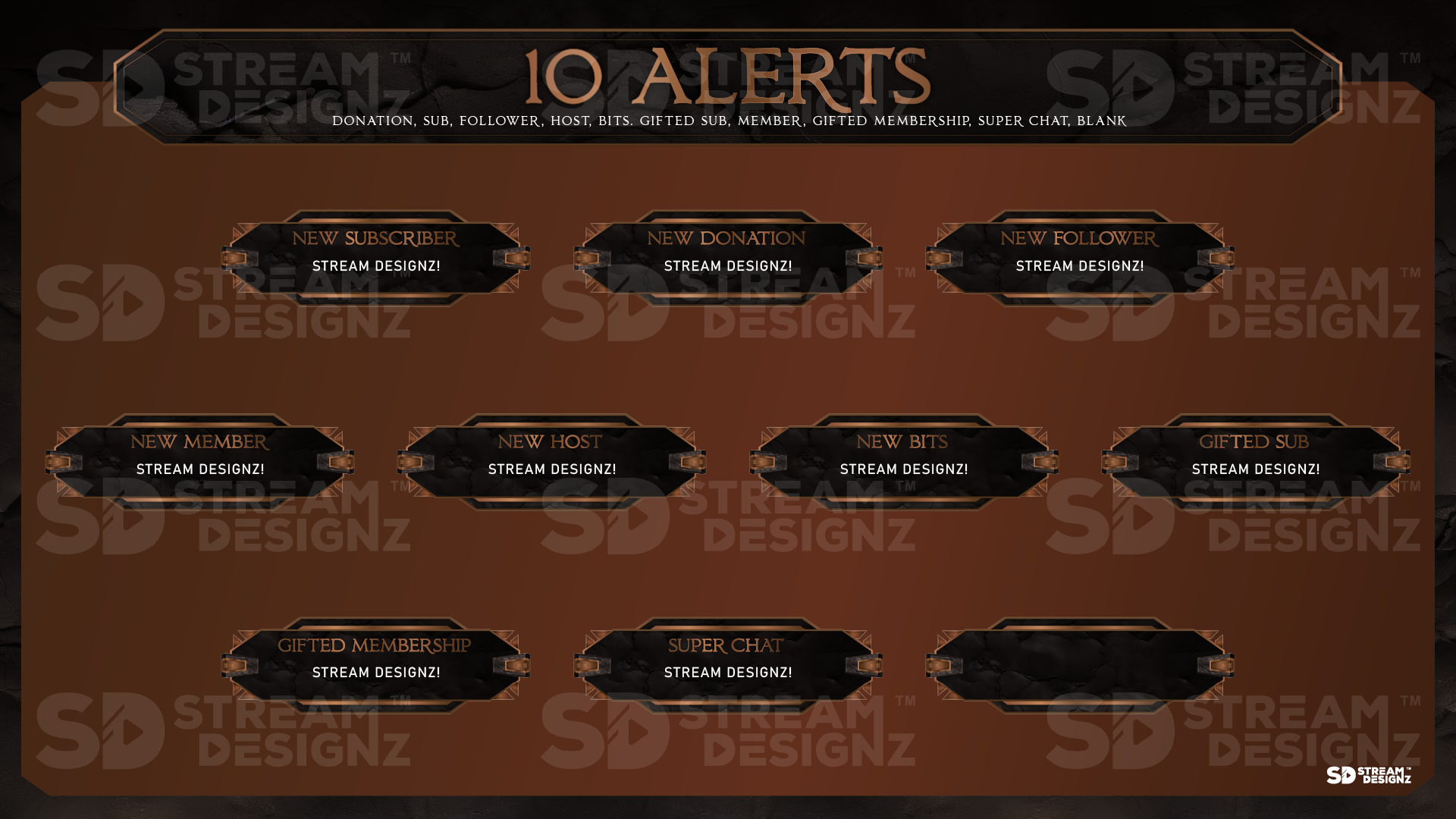
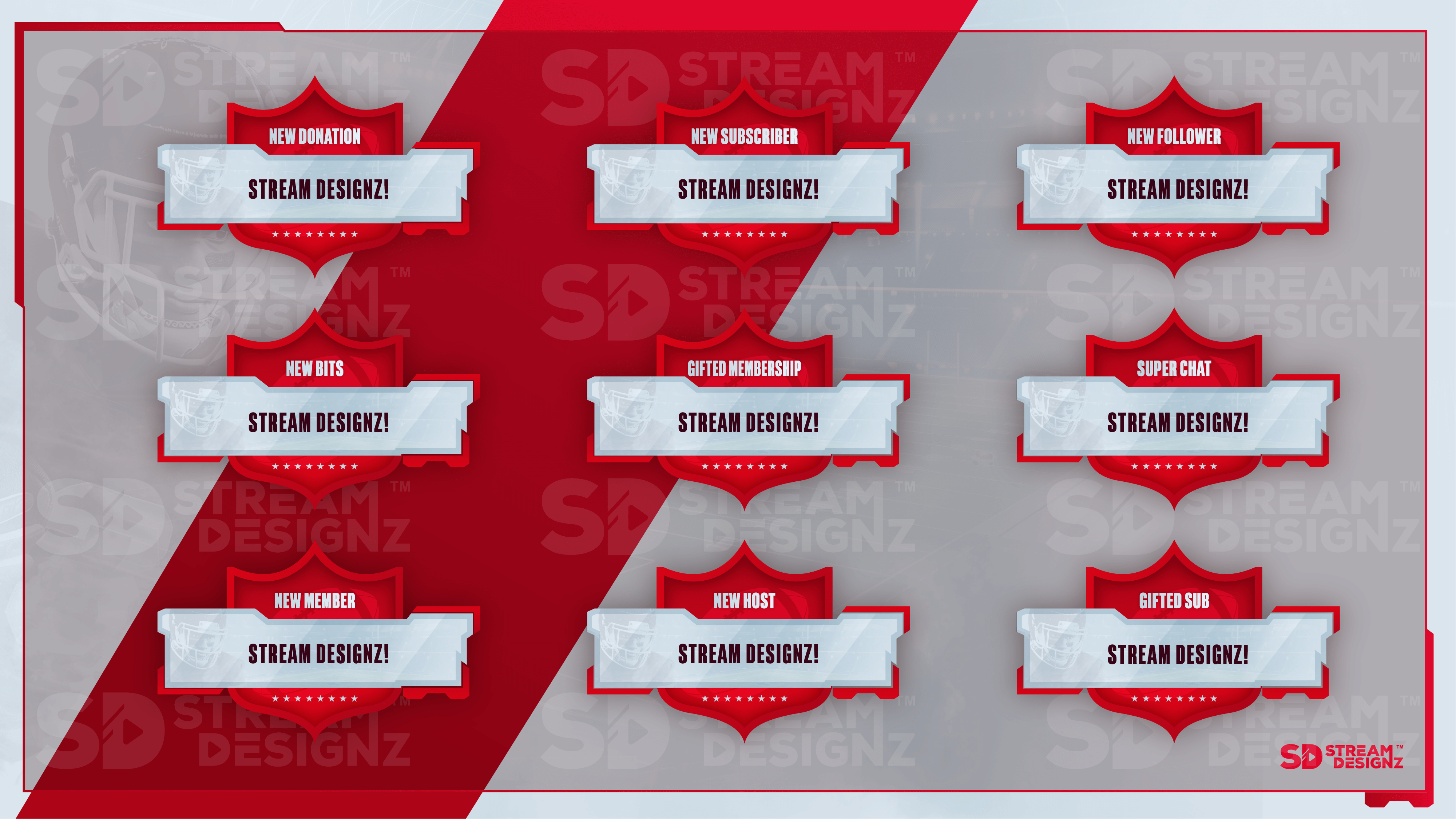
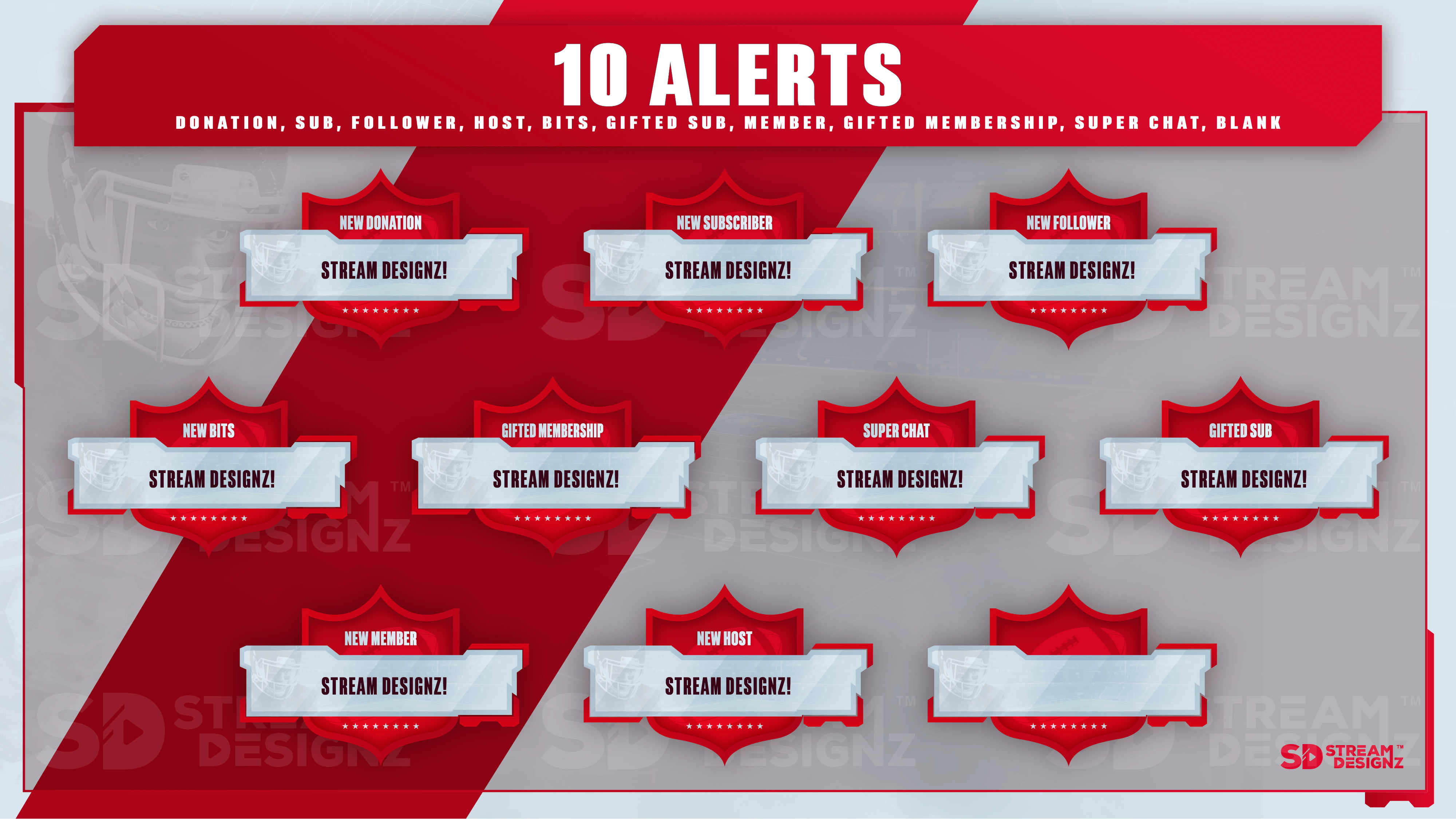
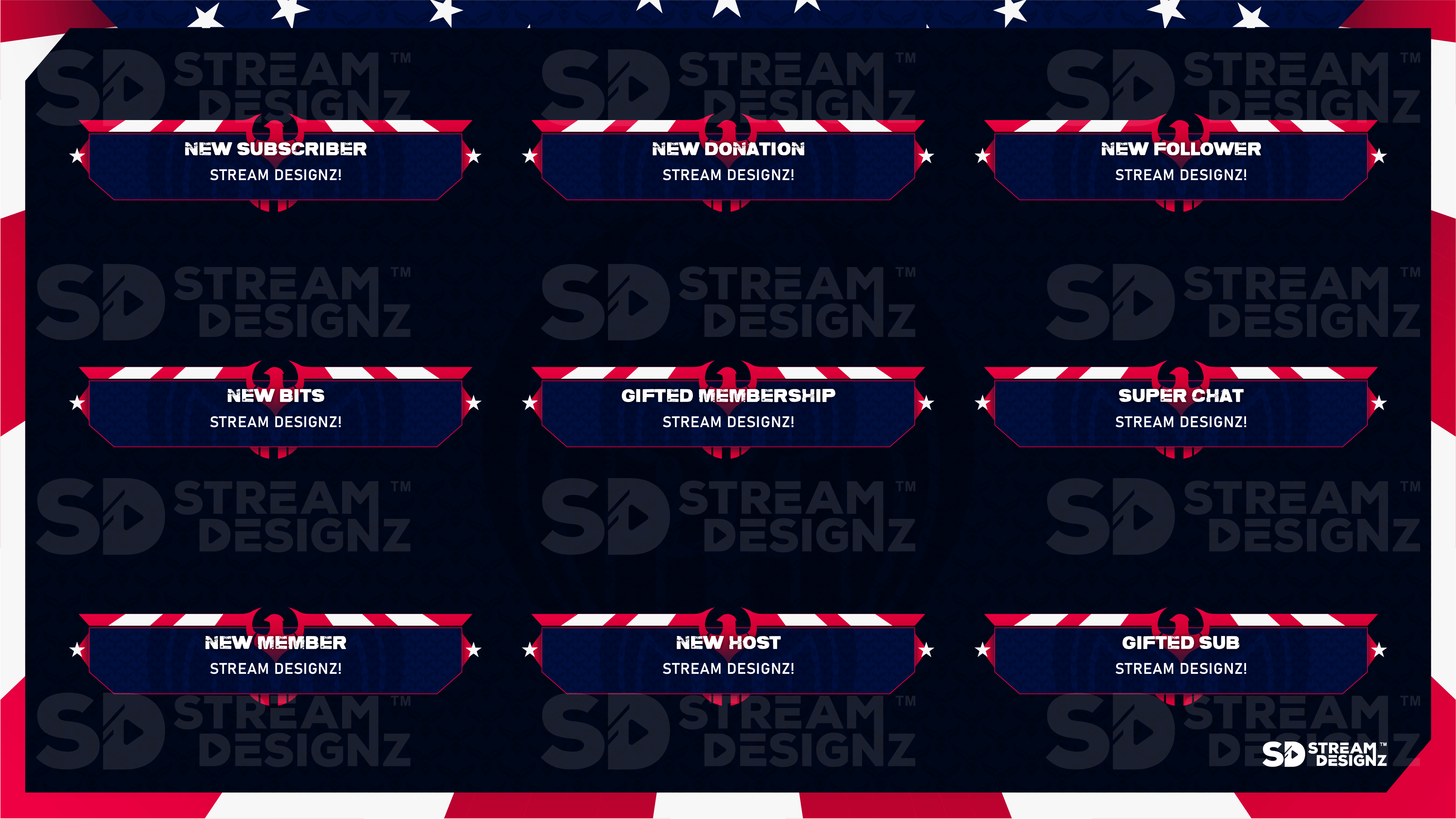
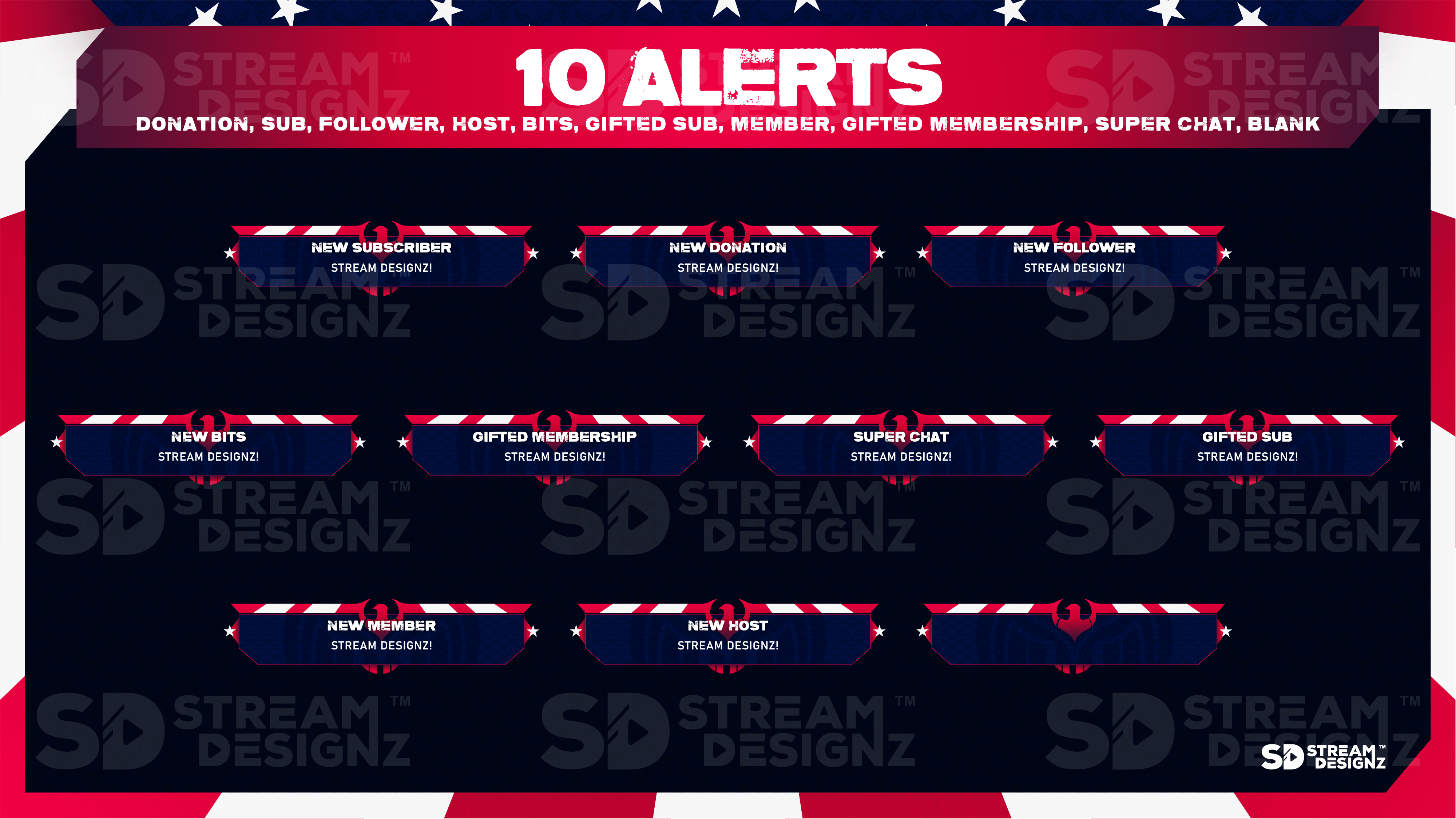
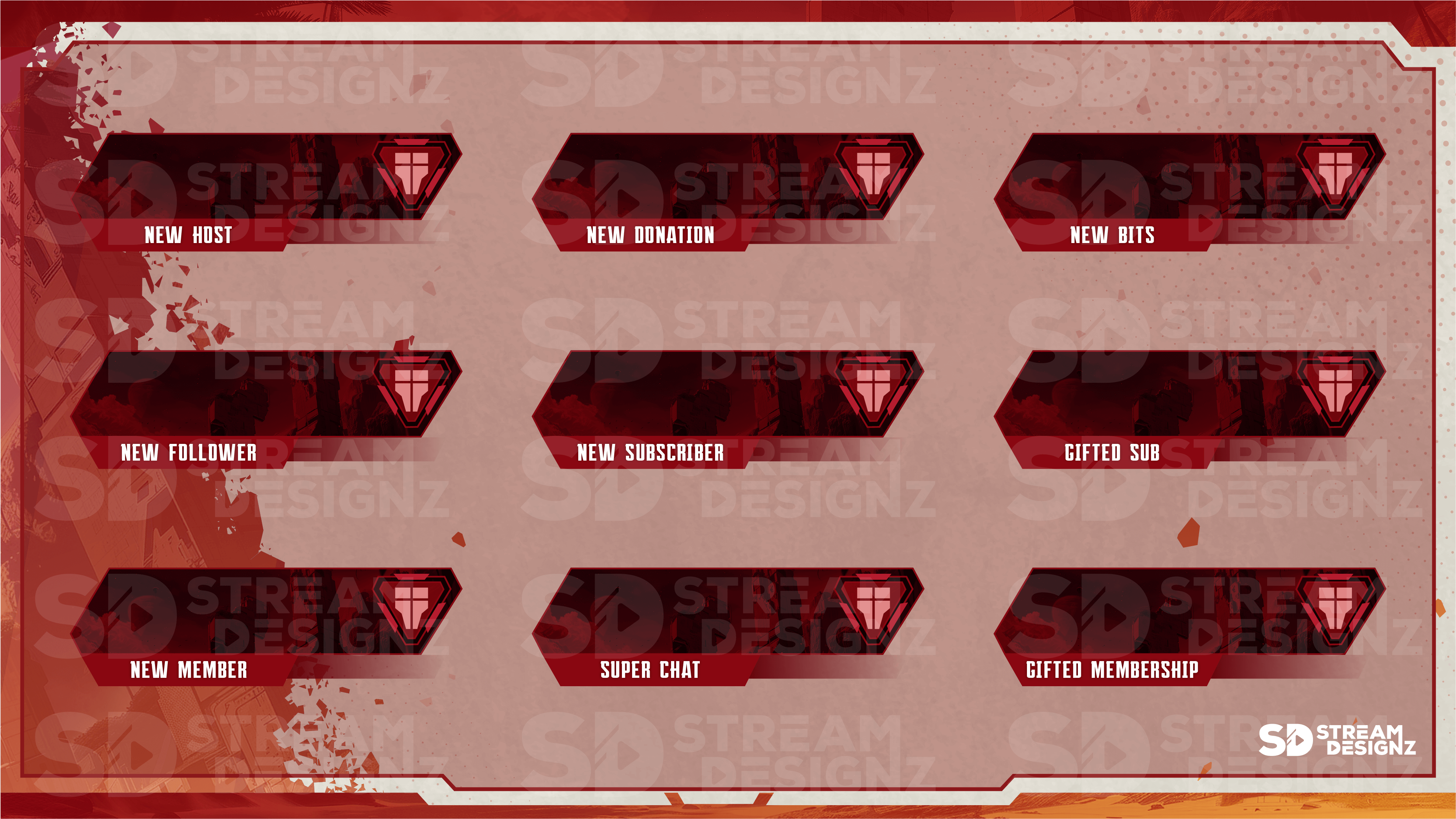
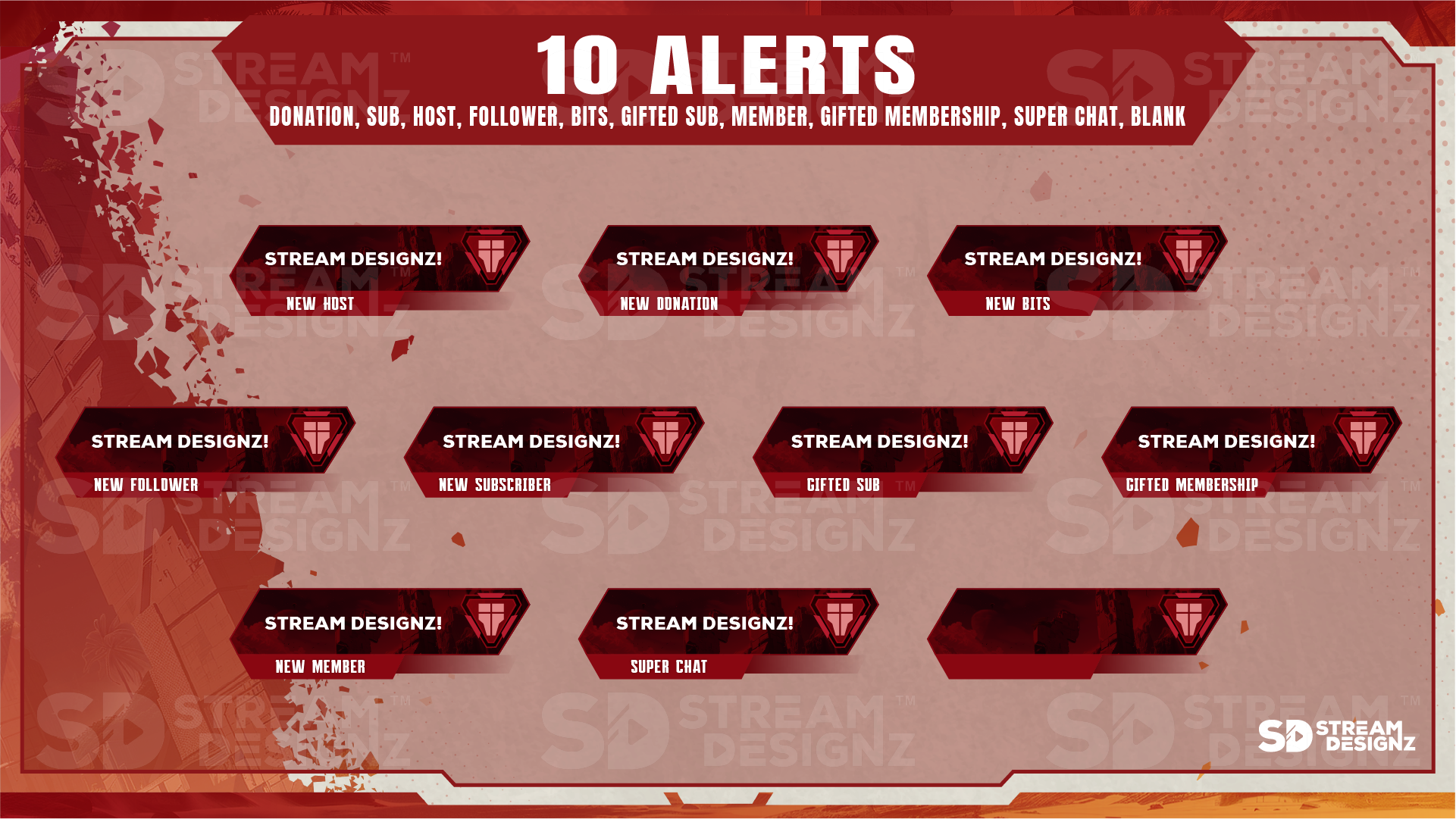
Each animated stream alert package from Stream Designz covers the core events that matter most to streamers across Twitch, YouTube, Kick, and Facebook Gaming. Depending on the theme, alert sets include notifications for some or all of the following events:
-
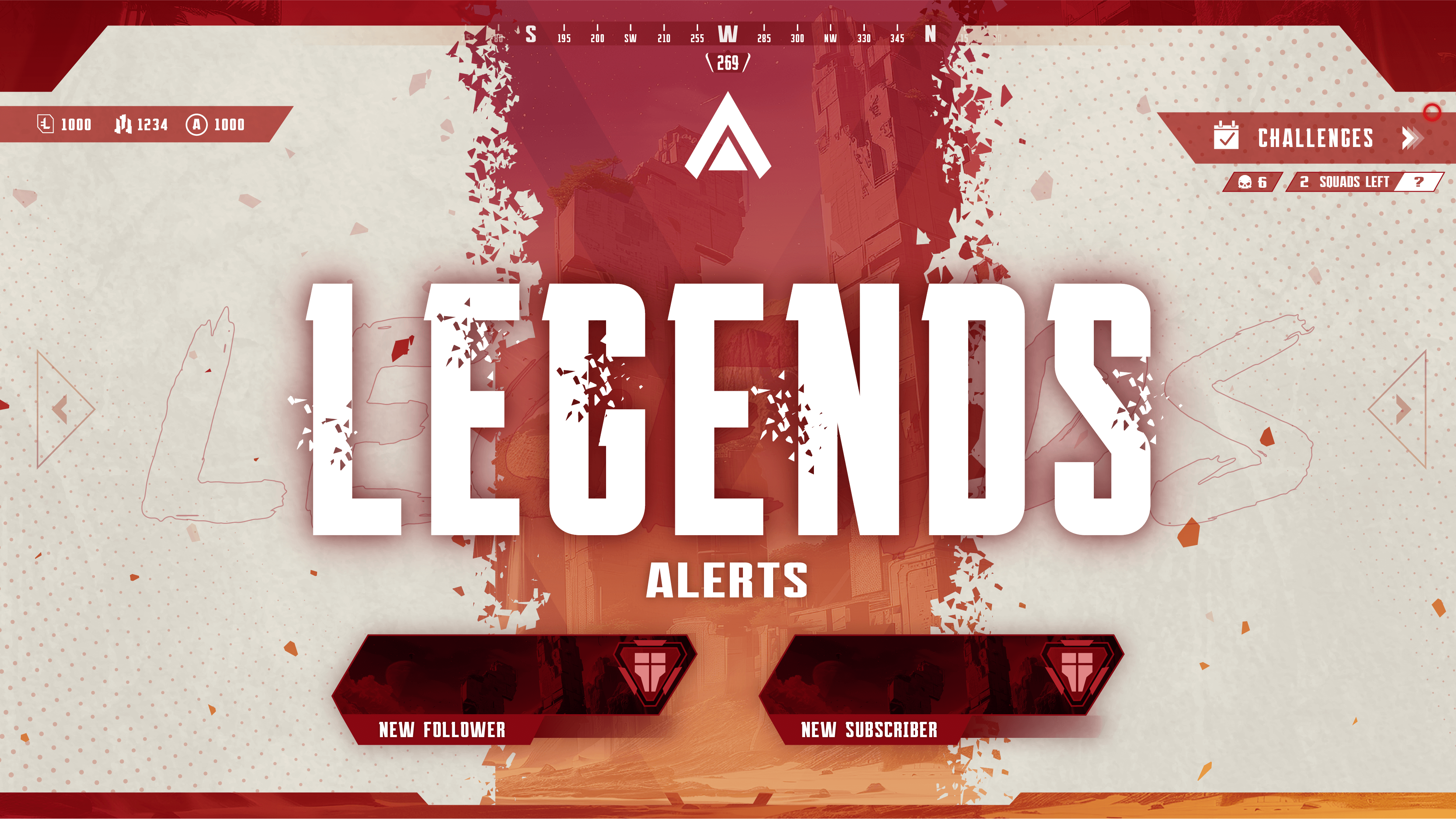
Follower Alert — fires when a new viewer follows your channel
-
Subscriber Alert — triggers on new subscriptions
-
Gifted Sub Alert — separate notification for gifted subscriptions
-
Donation Alert — plays when a viewer sends a donation
-
Bits Alert — triggers on Twitch bit cheers
-
Host Alert — fires when another channel hosts you
-
Superchat Alert — for YouTube superchats
-
Member & Gifted Membership Alert — for YouTube channel memberships
-
Blank Alert — a customizable alert you can assign to any event
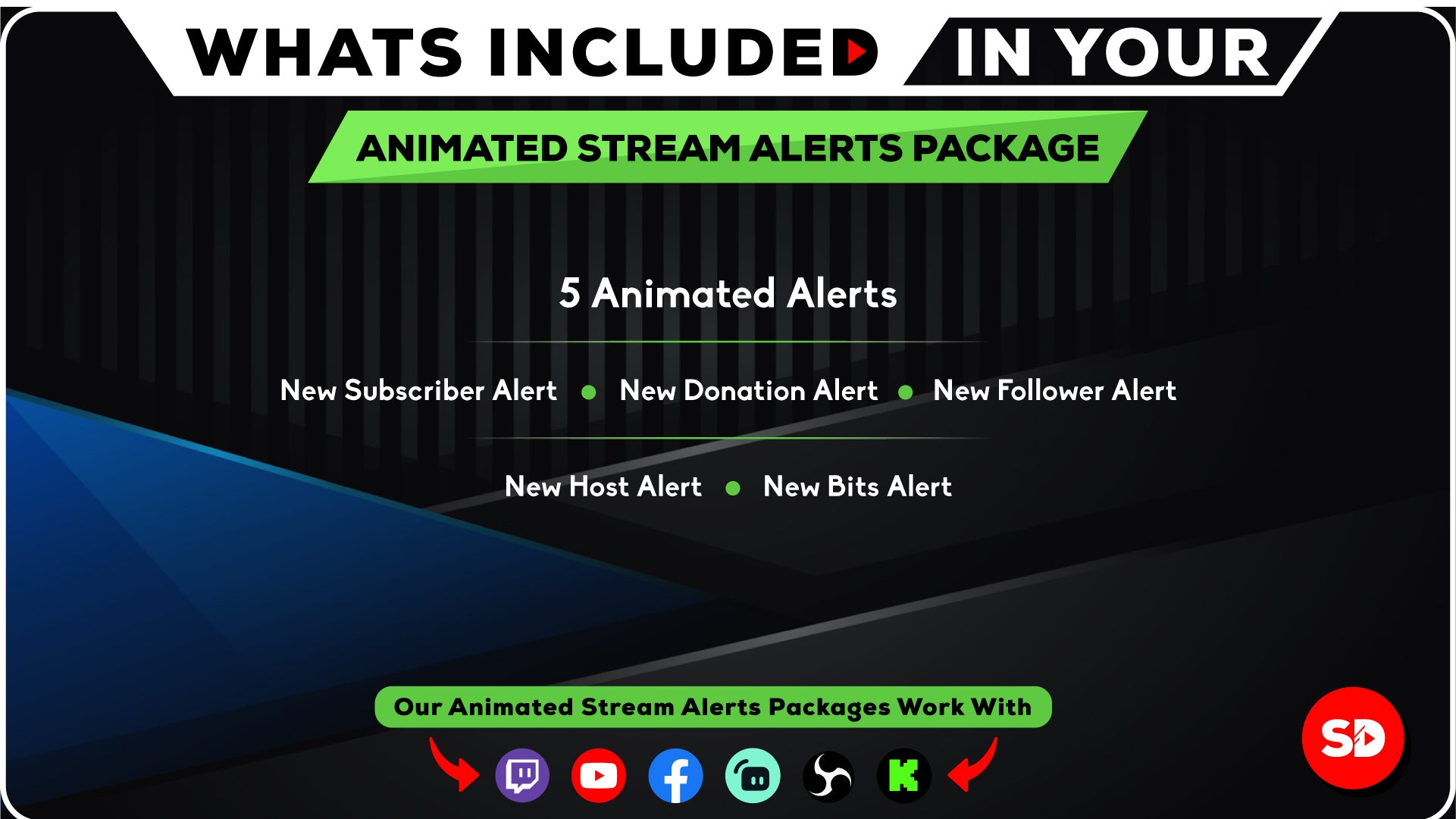
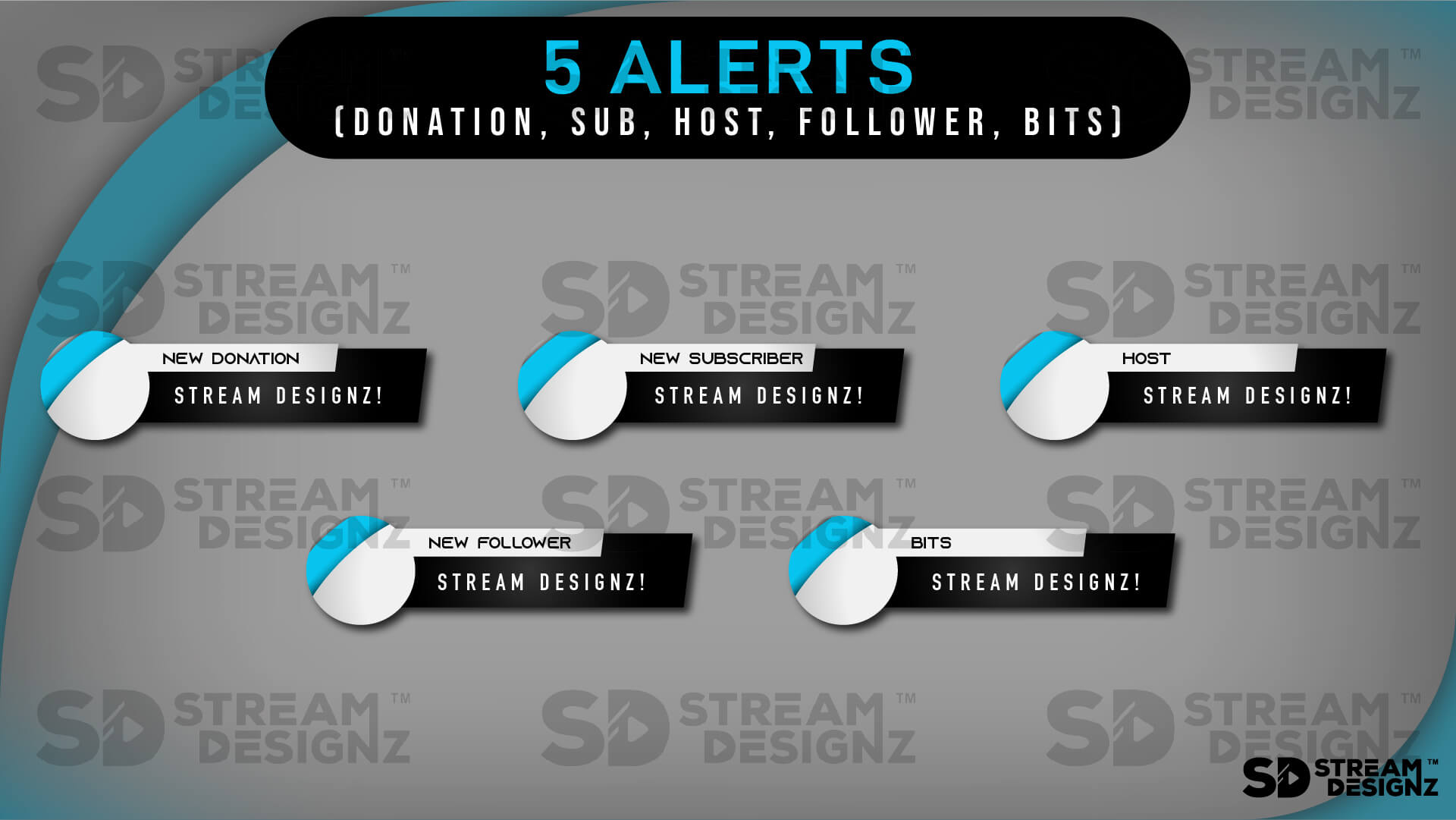
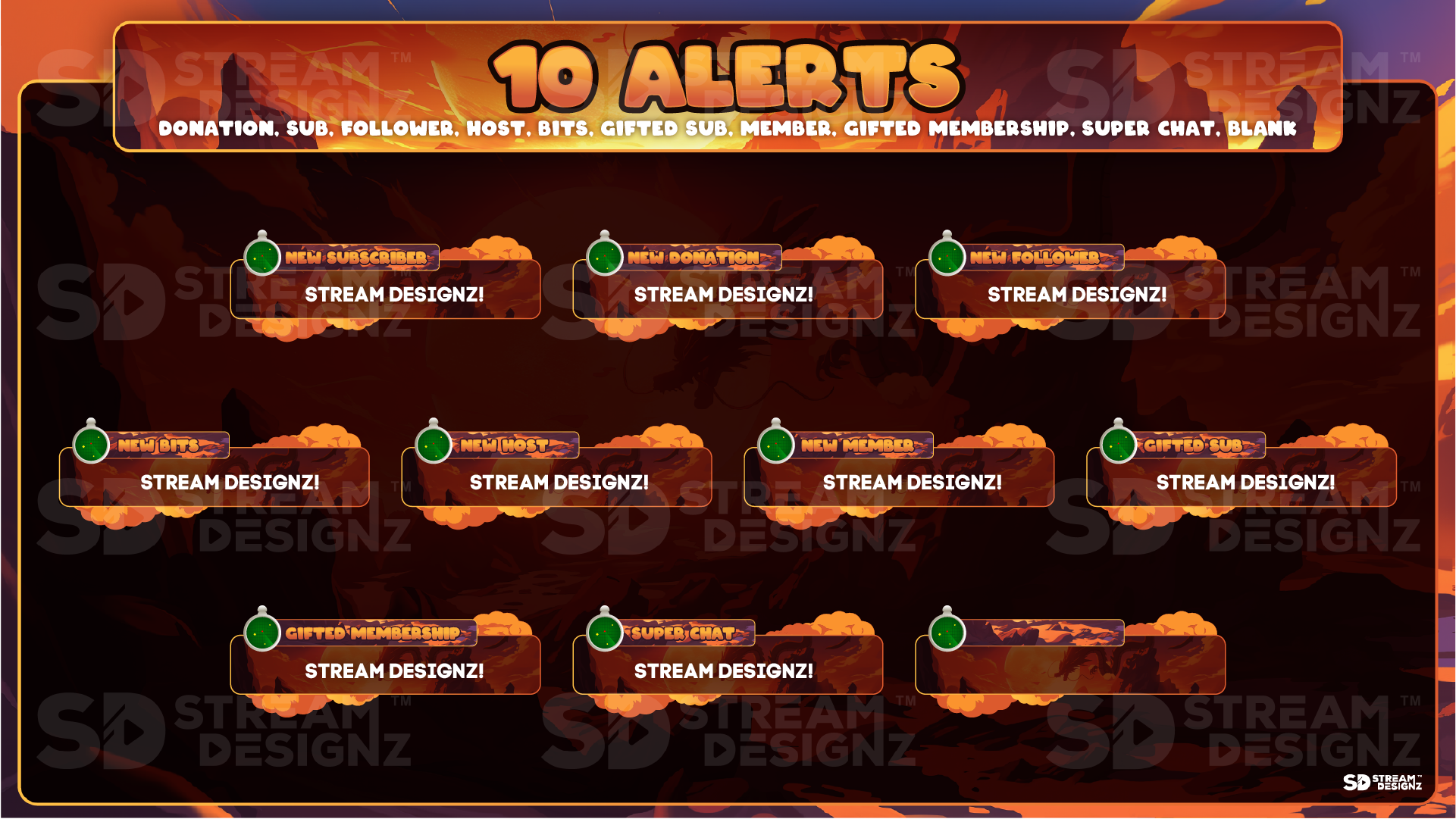
Alert count varies by theme — some packages include 5 alerts, others include up to 10. Check each product page for the exact list included in that specific alert set.
How Do Stream Alerts Work?
Stream alerts are delivered as webm files, which are animated video files that play transparently over your stream scene. You add them directly into OBS Studio, Streamlabs, StreamElements, or any streaming software that supports browser sources or webm overlays. When a qualifying event happens — a follow, a sub, a donation — your alert software triggers the animation and it plays on screen for your viewers. No coding or design experience required; setup instructions are included with every download.
Do These Alerts Match the Overlay Packages?
Yes — every alert set in this collection shares the same design theme as the corresponding overlay package and stream bundle in the Stream Designz catalog. If you purchase the Katana alert set, it's built to match the Katana animated overlay package and the Katana ultimate stream bundle. Mixing and matching within the same theme gives your stream a fully cohesive look across every visual element your viewers see.
Who Should Buy a Standalone Alert Pack?
Standalone alert packs are ideal if you already have an overlay setup you're happy with but want to upgrade your notification graphics, or if you're on a budget and want to start with alerts before committing to a full package. They're also a great option if you want to mix a Stream Designz alert set with overlays you already own. If you'd prefer everything pre-matched in one download, check out the Animated Overlay Packages or Ultimate Stream Bundles.
Browse 90+ themed alert sets above and find the one that fits your stream. Each is an instant digital download at $9.99.