
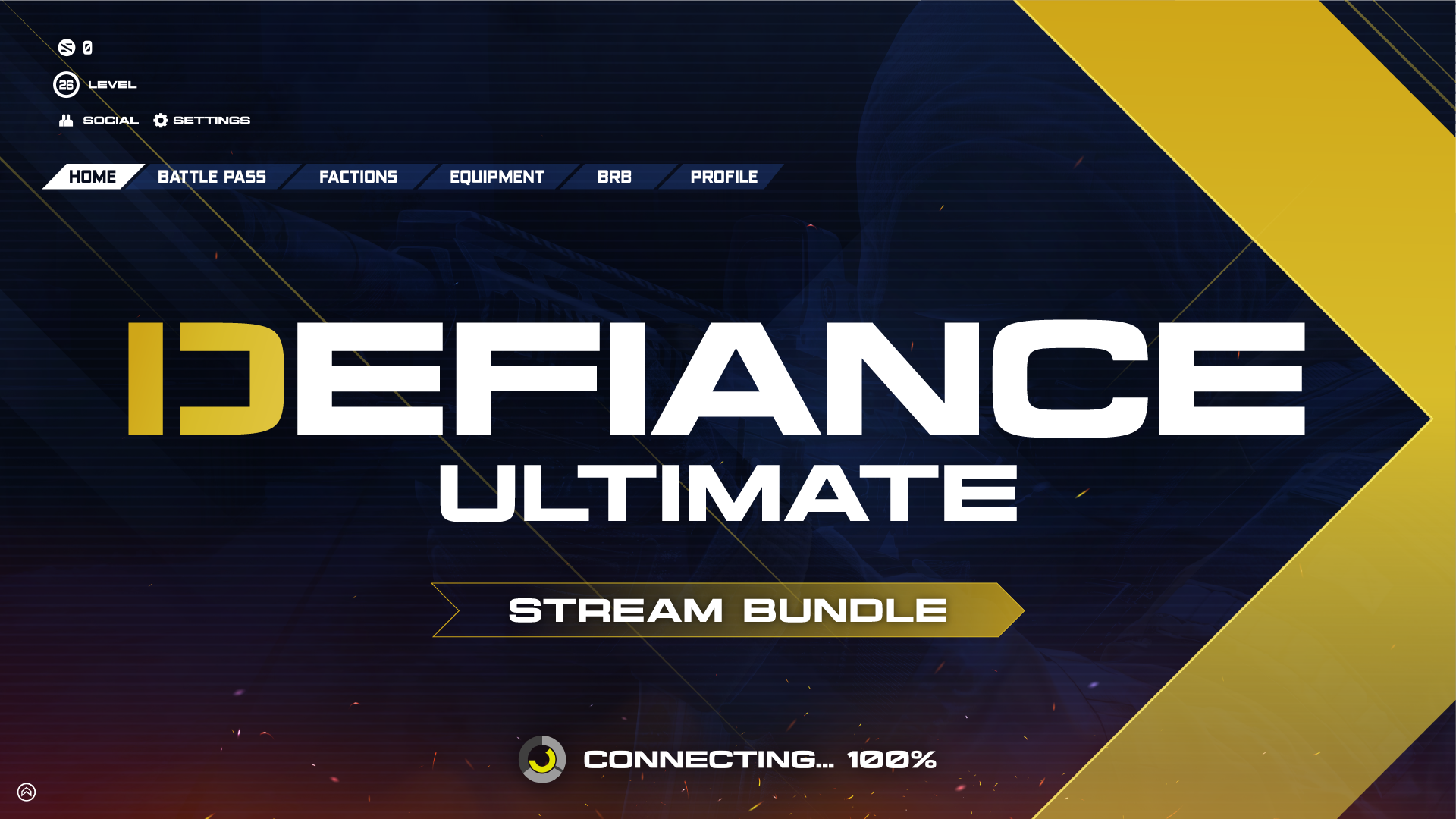
El paquete definitivo para streaming - "Desafío"
Take your stream to the next level with overlays that captivate your audience.
Be the streamer everyone remembers with overlays that captivate.
Capture your viewers' attention and keep them engaged.
🎁 BOGO: Compra este paquete y llévate GRATIS cualquier paquete de superposición vertical de TikTok

El Defiance Ultimate Stream Bundle es el paquete de streaming completo para el tema Defiance, un diseño audaz en azul y amarillo creado para streamers que se niegan a pasar desapercibidos. Incorpora este paquete completo a tu configuración de streaming y sal al aire con un aspecto profesional y de marca con una sola descarga.
Qué incluye
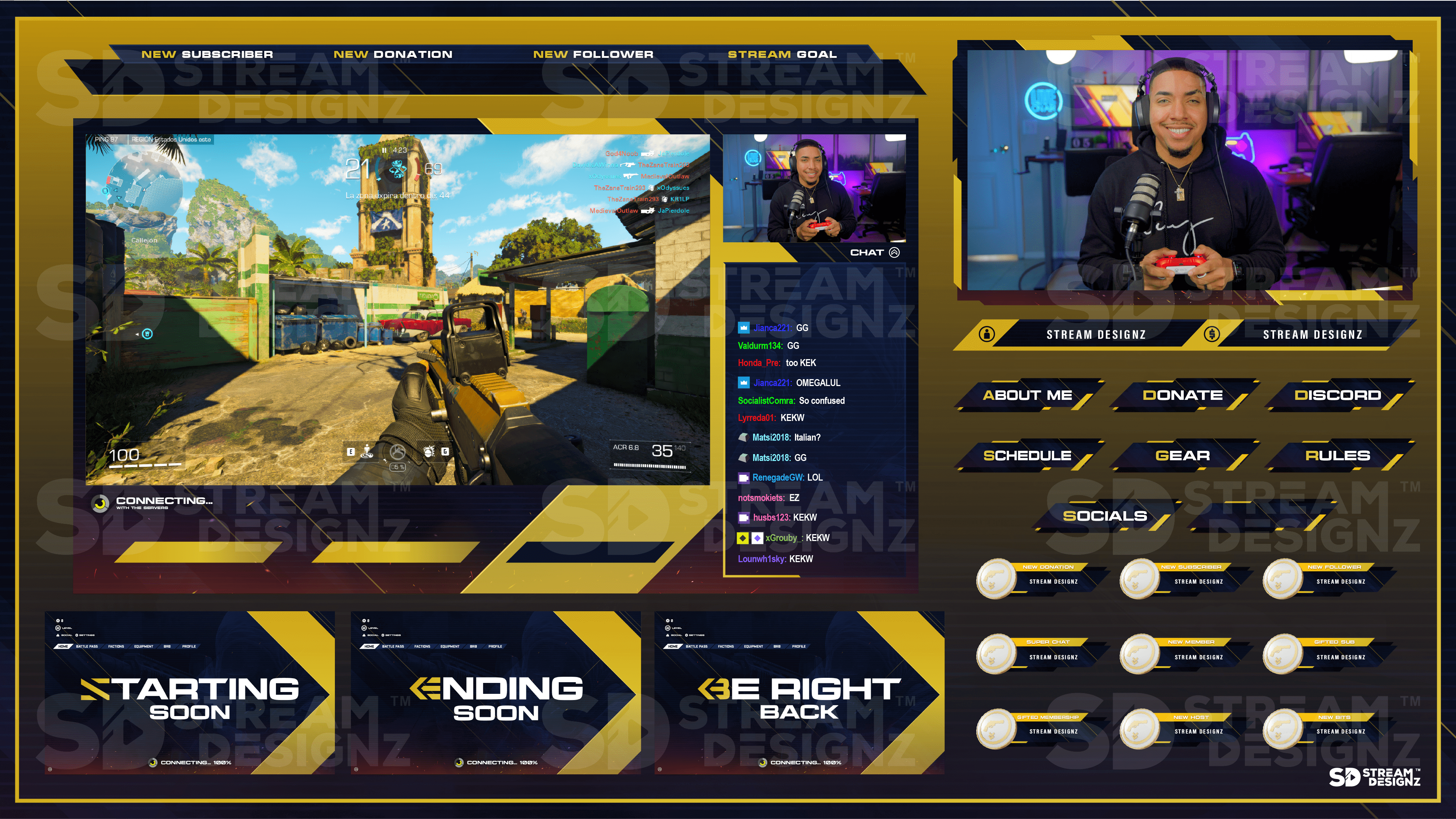
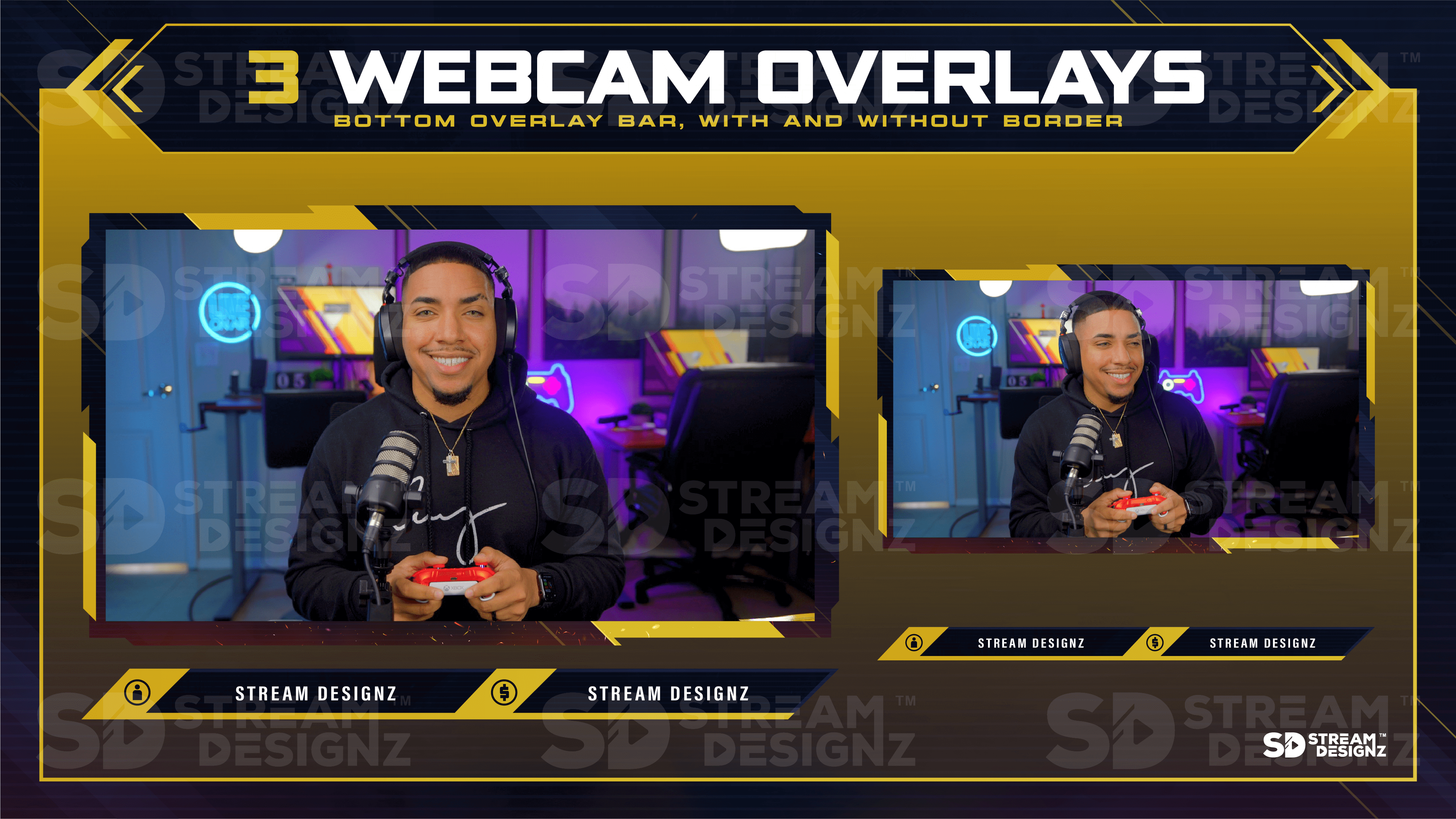
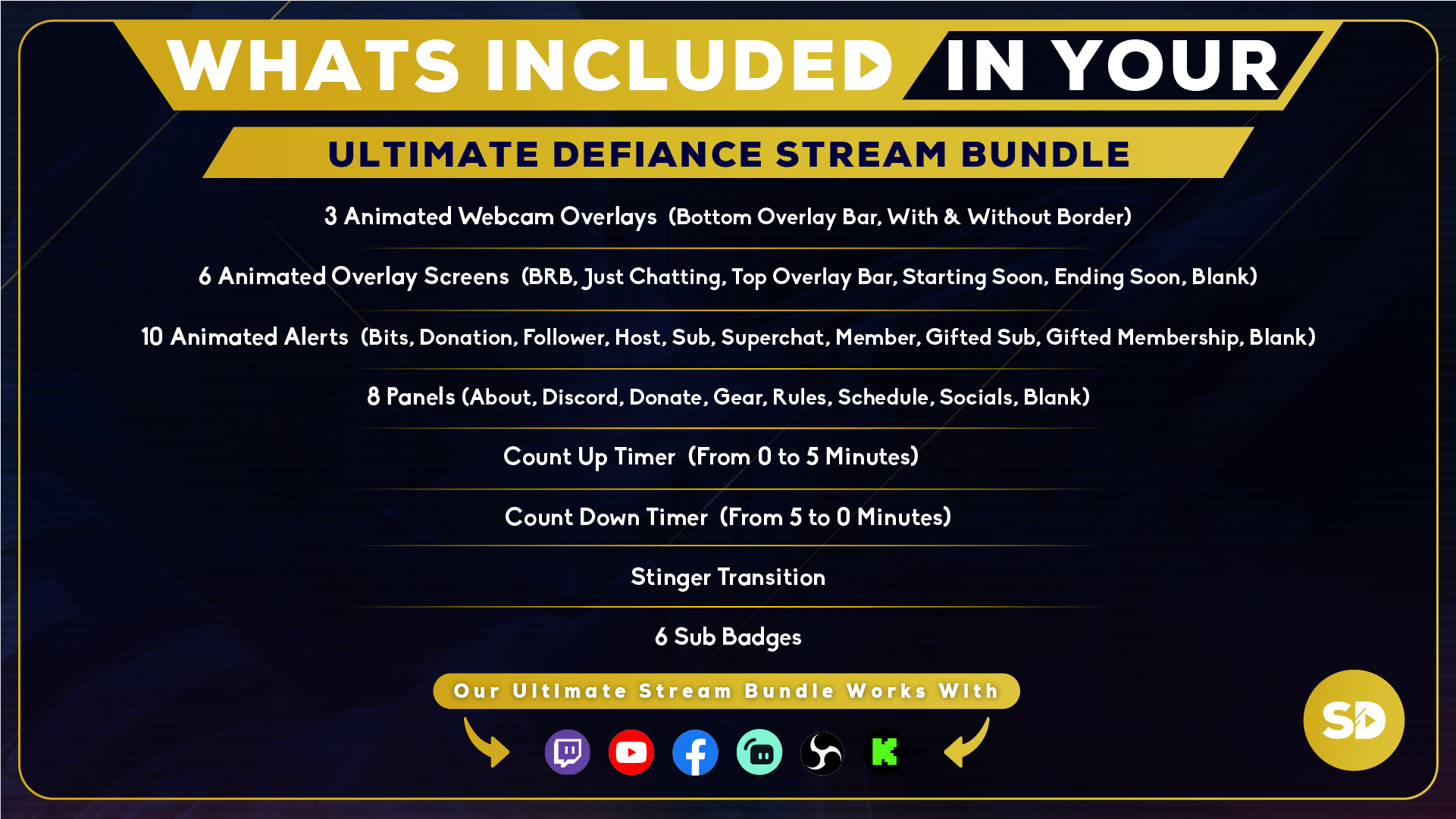
- 3 superposiciones animadas para webcam: barra inferior, con borde y sin borde (webm)
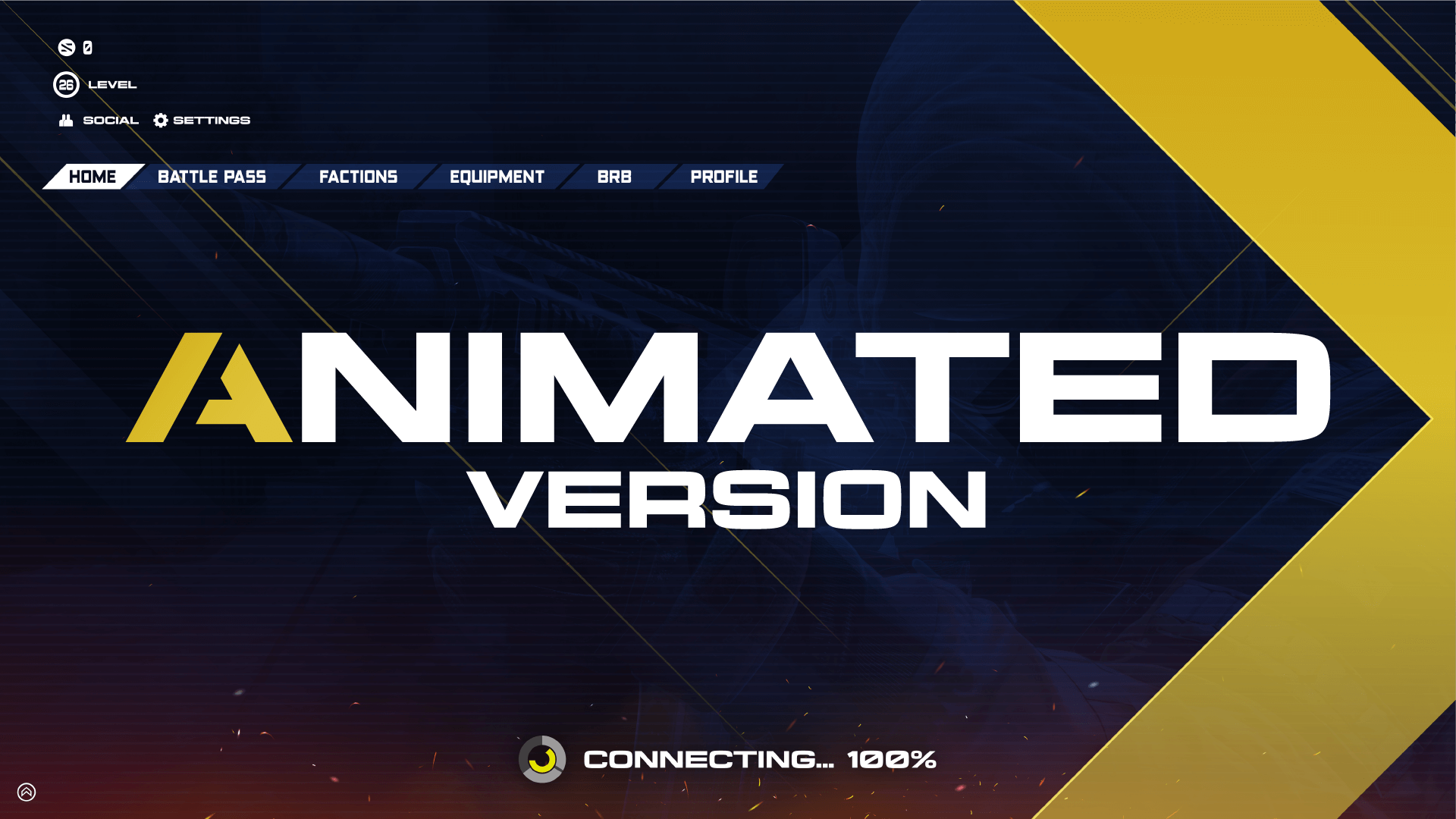
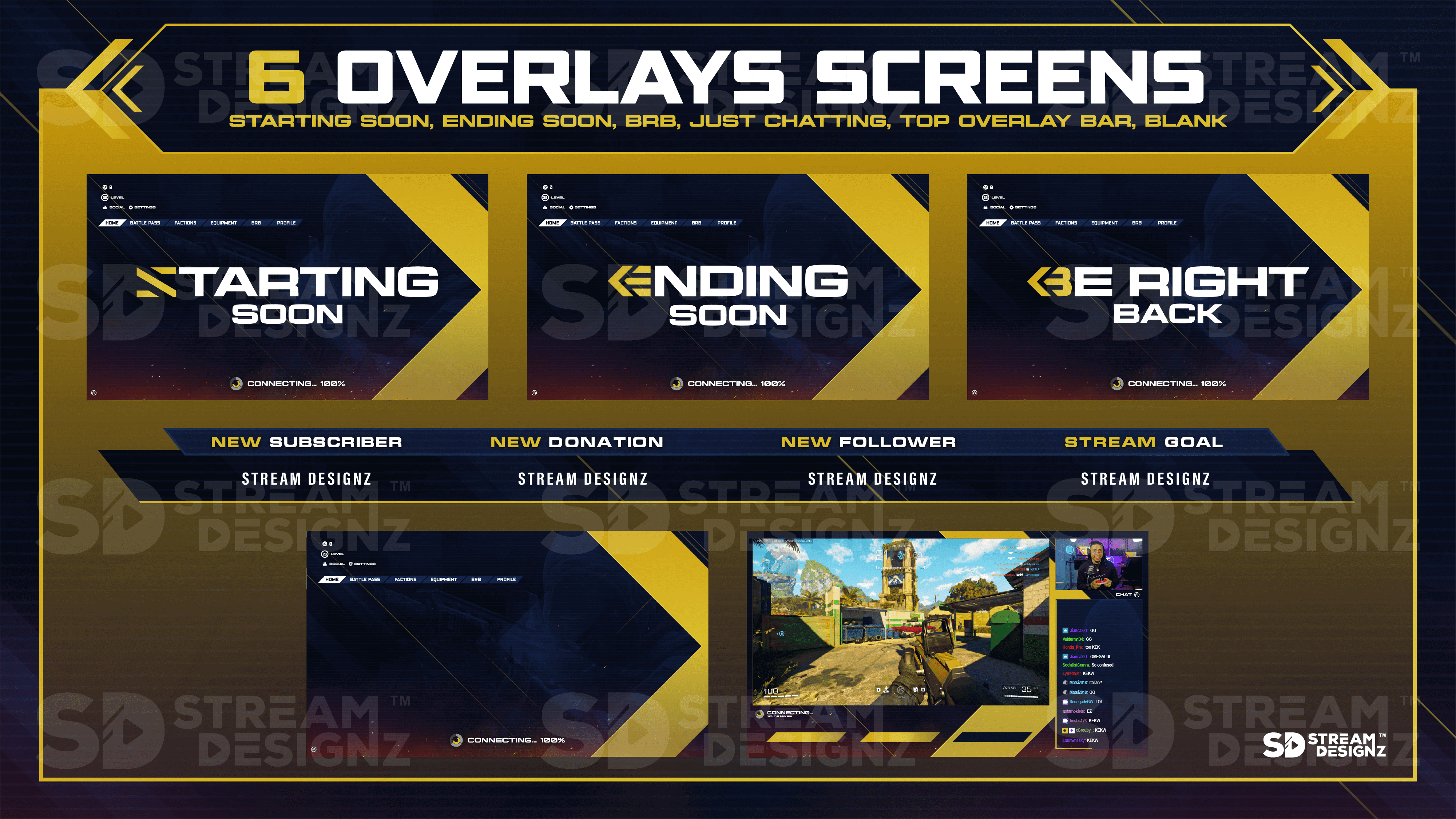
- 6 pantallas animadas de superposición: BRB, Just Chatting, barra superior, Starting Soon, Ending Soon, en blanco (mp4)
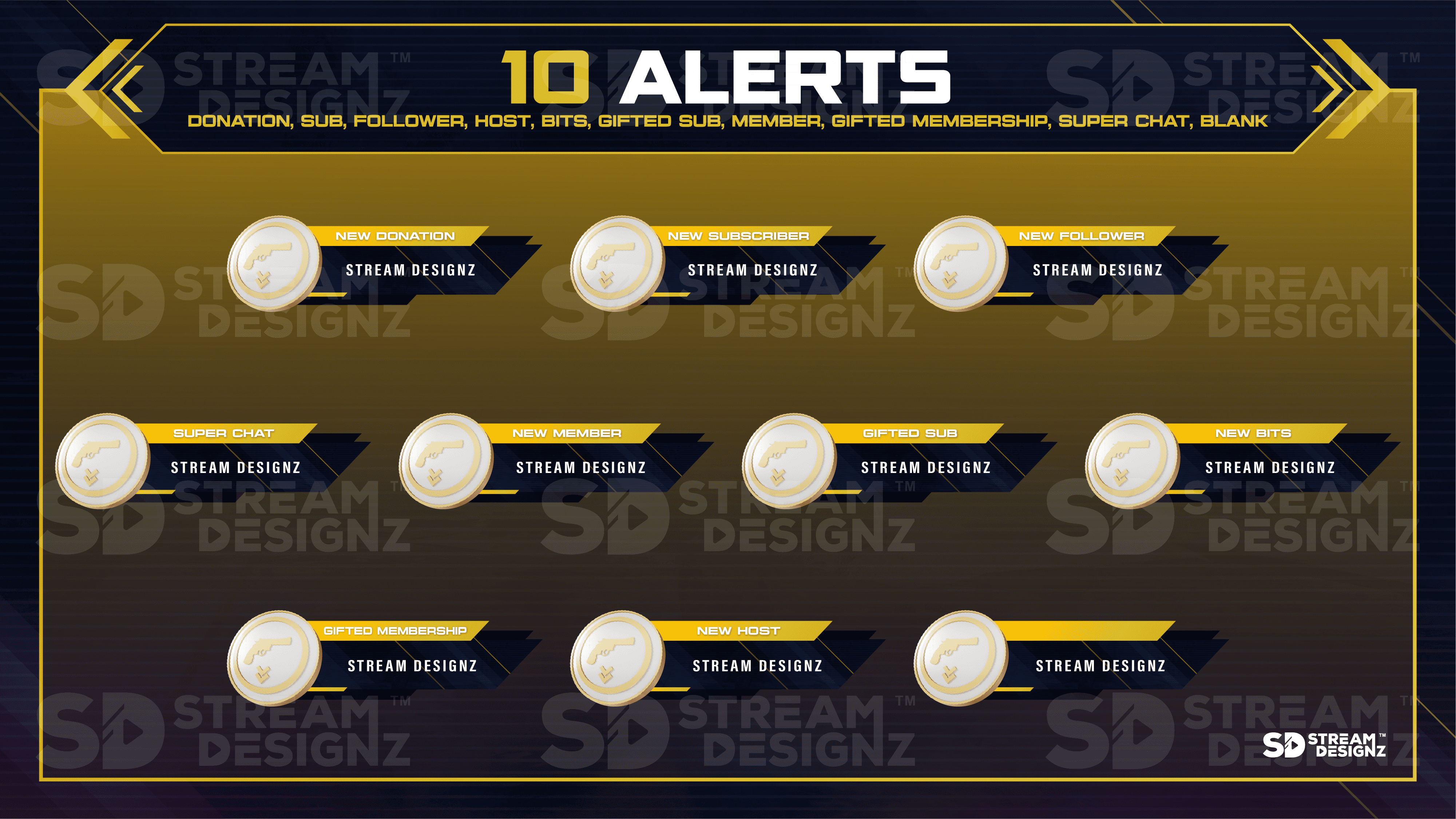
- 10 alertas animadas: Bits, Donación, Seguidor, Anfitrión, Suscriptor, Membresía de regalo, Suscripción de regalo, Superchat, Nuevo miembro, en blanco (webm)
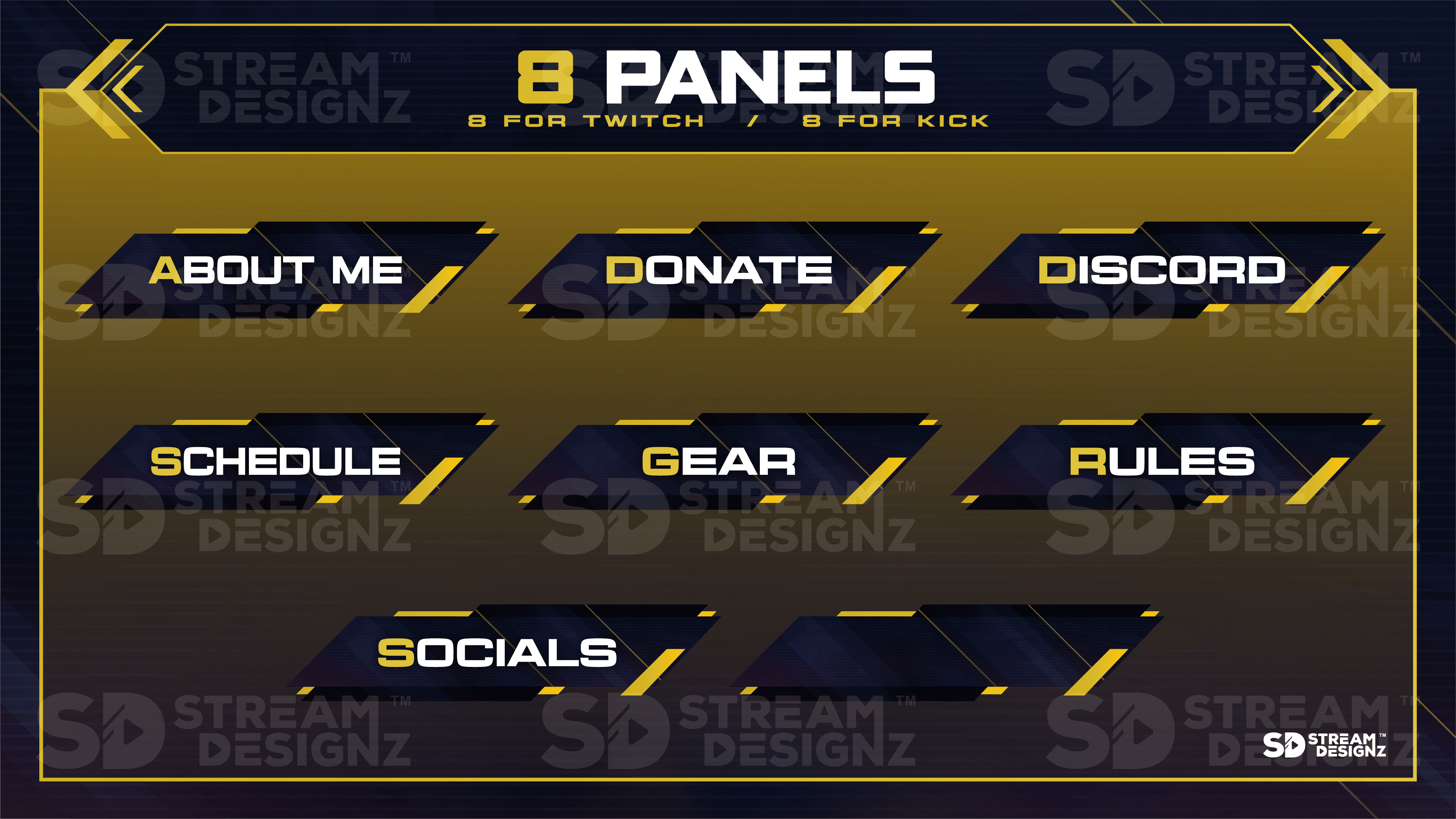
- 8 paneles: Acerca de, Discord, Donar, Equipo, Reglas, Horario, Redes Sociales, en blanco (PNG)
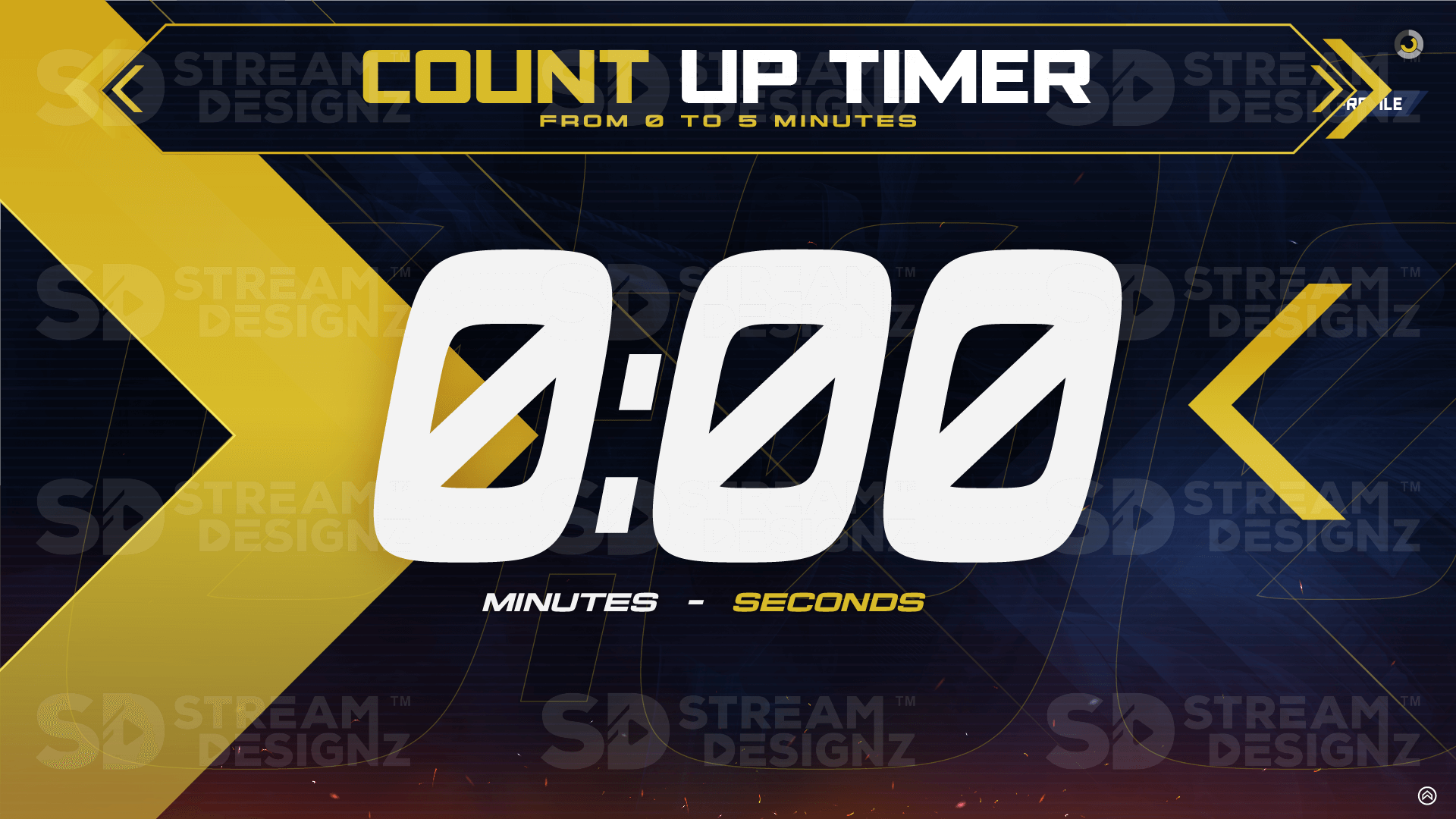
- Temporizador ascendente de 5 minutos (mp4)
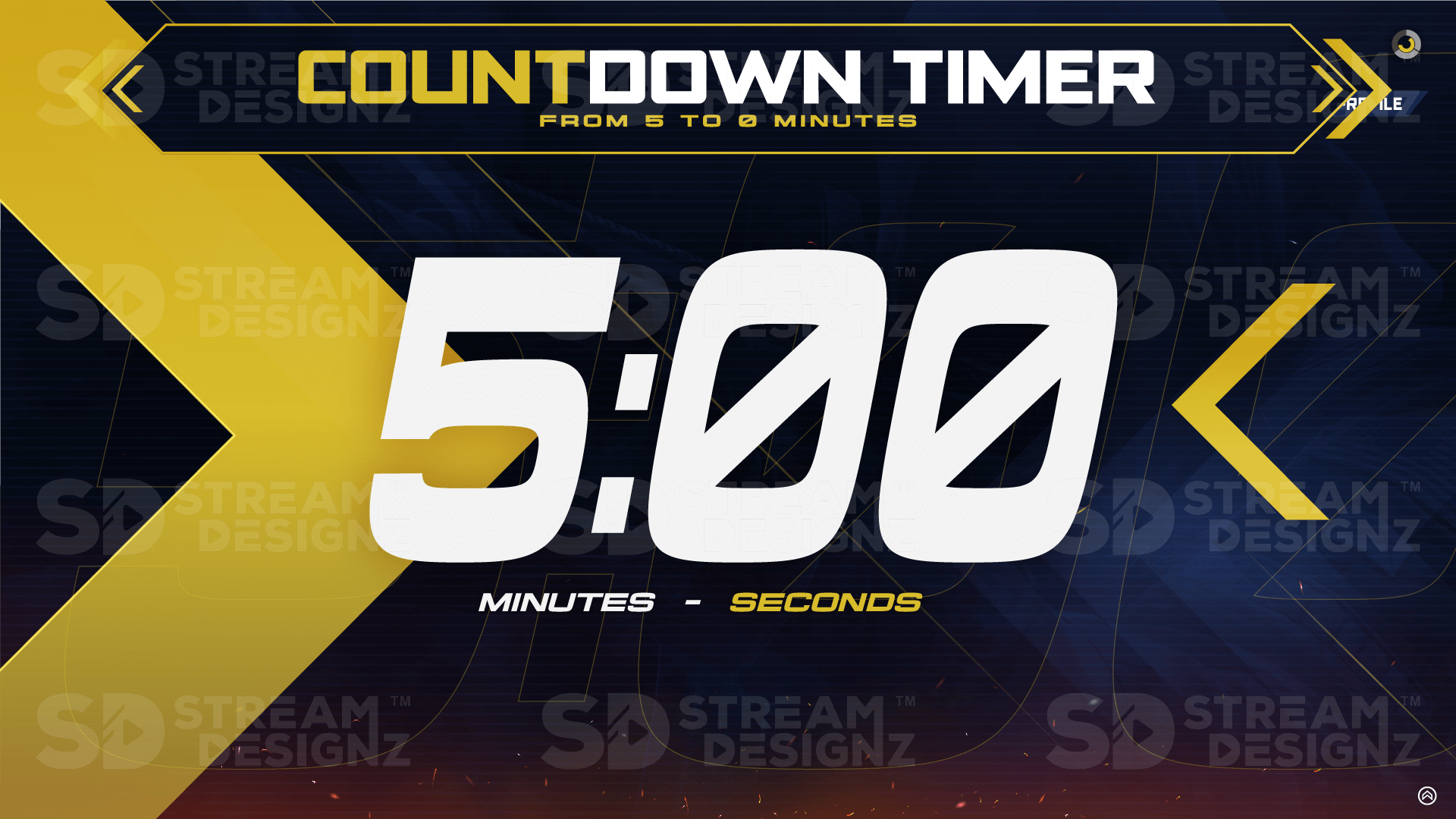
- Temporizador descendente de 5 minutos (mp4)
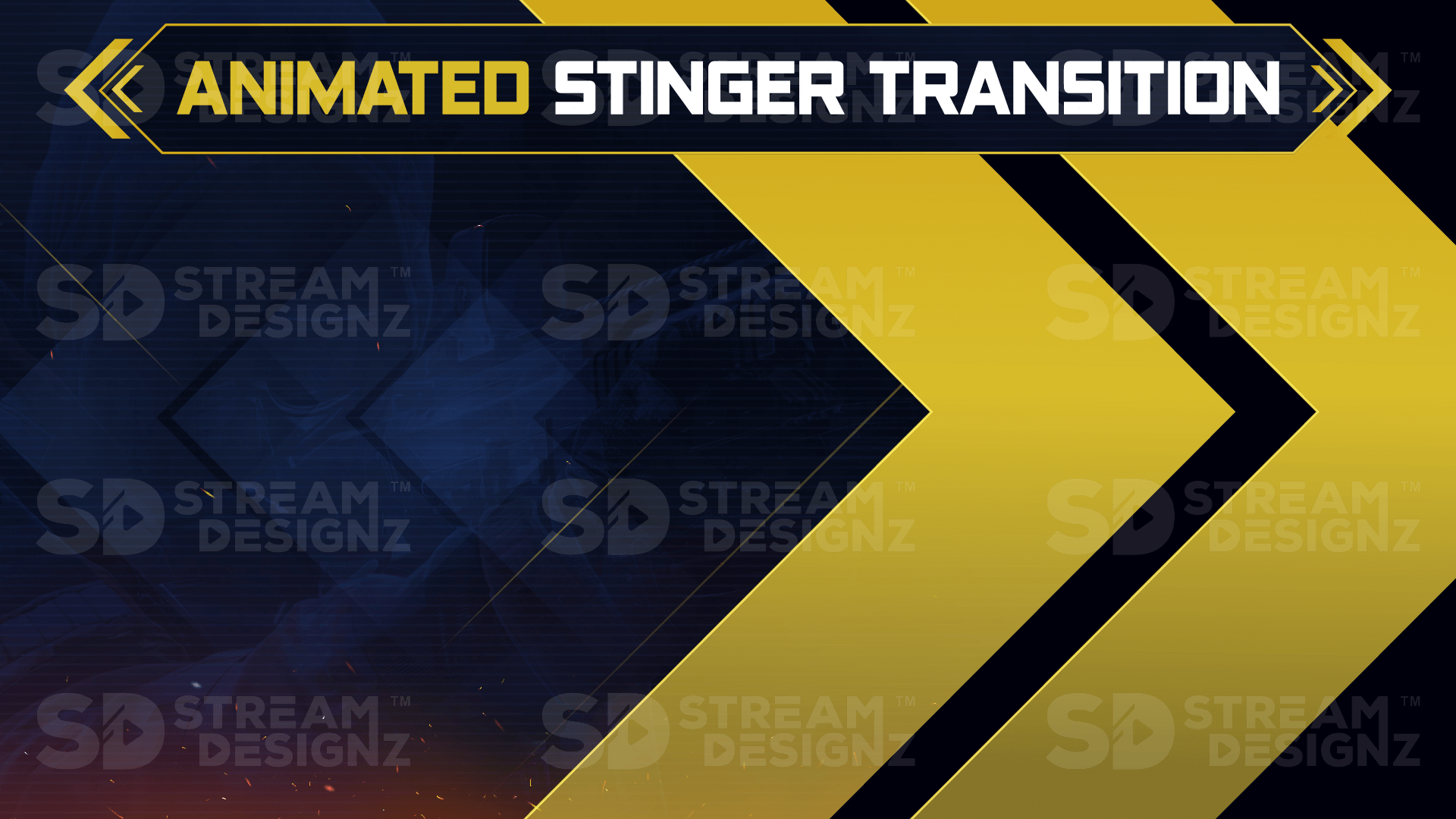
- Transición Stinger (webm)
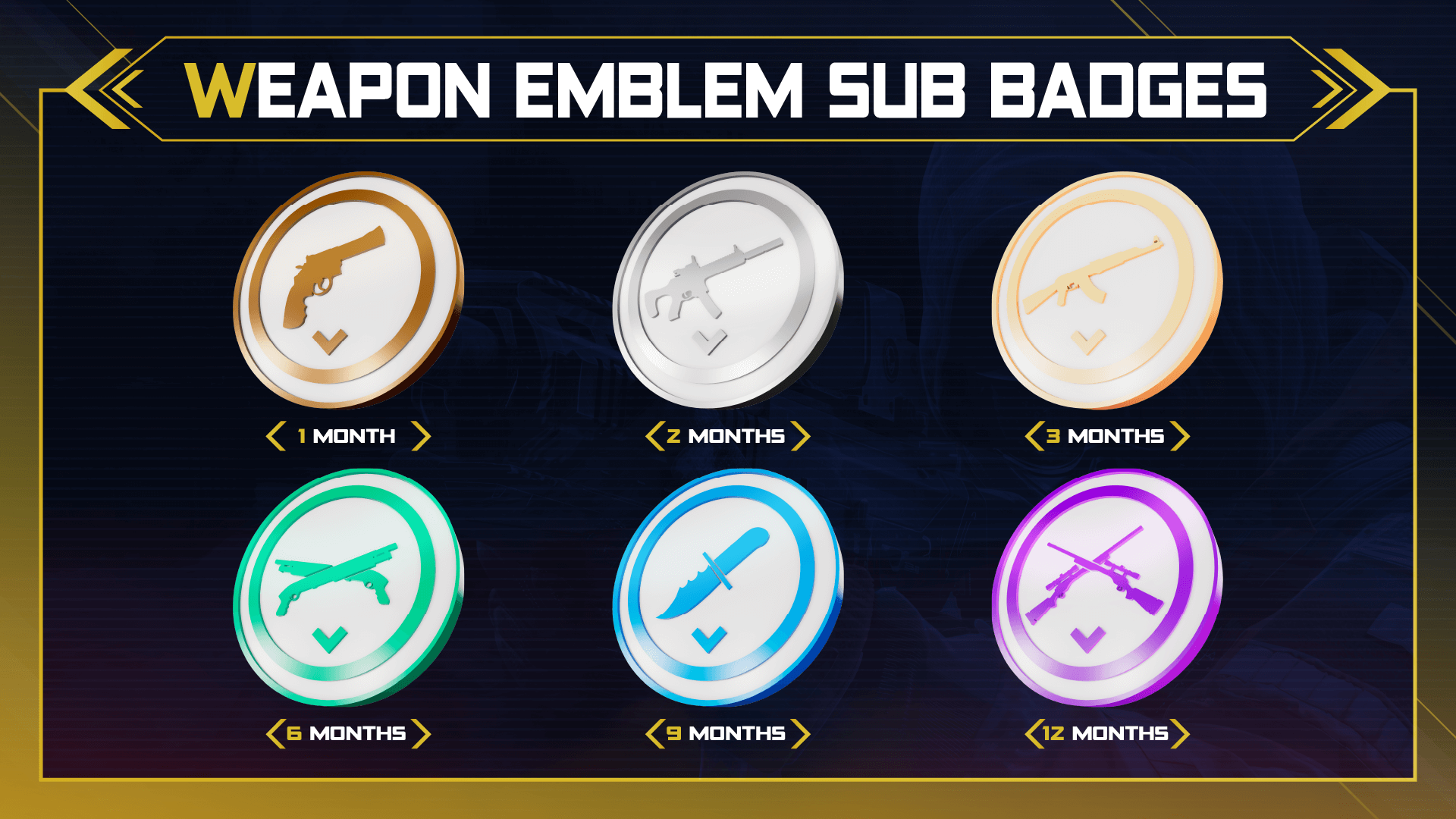
- 6 insignias de suscriptor (PNG)
- Descarga instantánea a través de archivo .zip
- Documento de texto con instrucciones de configuración
Software de streaming compatible
Funciona con OBS Studio, Streamlabs, XSplit y cualquier software de streaming que admita archivos webm, mp4 o PNG. No se requiere suscripción ni plugin.
Preguntas frecuentes
¿Cuál es la diferencia entre este paquete y el paquete de superposiciones? El paquete incluye todo lo del paquete de superposiciones más temporizadores, una transición stinger y 6 insignias de suscriptor, una configuración completa en una sola descarga.
¿Qué resolución tienen las superposiciones? Todas las superposiciones tienen un tamaño de 1920x1080, la resolución HD estándar para streaming.
¿Necesito experiencia en diseño para usar esto? No. Todos los archivos están prefabricados y listos para importar a tu software de streaming. Se incluyen instrucciones de configuración.
¿Es una descarga instantánea? Sí, obtienes acceso inmediato al archivo .zip después de la compra.

Combina bien con
Nuestras superposiciones funcionan perfectamente con






Si tiene alguna pregunta, siempre puede ponerse en contacto con nosotros. Le responderemos lo antes posible, en un plazo de 24 horas los días laborables.
-
Información de envío
Utilice este texto para responder a las preguntas de sus clientes con el mayor detalle posible.
-
Atención al Cliente
Utilice este texto para responder a las preguntas de sus clientes con el mayor detalle posible.
-
Preguntas frecuentes
Utilice este texto para responder a las preguntas de sus clientes con el mayor detalle posible.
-
Contáctenos
Utilice este texto para responder a las preguntas de sus clientes con el mayor detalle posible.

Qué está incluido en el paquete:
✅ Acceso instantáneo para descargar en formato .zip
✅ Superposiciones en tamaño 1920x1080
✅ 3 Superposiciones animadas para webcam (barra inferior, con y sin borde)
✅ 6 Pantallas de superposición animadas (BRB, Just Chatting, barra superior, Starting Soon, Ending Soon, en blanco)
✅ 10 Alertas animadas (Bits, Donación, Seguidor, Anfitrión, Suscriptor, Membresía regalada, Suscripción regalada, Superchat, Nuevo miembro, en blanco)
✅ 8 Paneles (Acerca de, Discord, Donar, Equipo, Reglas, Horario, Redes sociales, en blanco)
✅ Temporizador de cuenta ascendente de 5 minutos
✅ Temporizador de cuenta regresiva de 5 minutos
✅ Transición Stinger
✅ 6 Emblemas de suscriptor
✅ Formato de archivo de superposición animada: webm y mp4
✅ Formato de archivo de superposición estática: PNG
✅ 1 Documento de texto (que proporciona instrucciones sobre cómo usar su archivo descargado)
Haz que tu stream luzca profesional
Preguntas frecuentes
¿Tienes preguntas? ¡Estamos aquí para ayudarte a mejorar tu transmisión!
¿Cómo recibiré mis superposiciones de stream?
Una vez completada la compra, se le enviará un correo electrónico con un enlace a sus descargas. Si no recibe sus descargas, espere 15 minutos. Además, revise su carpeta de correo no deseado. Si aún no ha recibido su compra, póngase en contacto con nosotros.
¿Es una compra única o una suscripción?
No ofrecemos suscripciones, solo pagas por lo que compras, no habrá ningún cargo mensual.
¿Puedo personalizar las superposiciones de la transmisión?
La forma en que aparecen las superposiciones es como las recibirá; no se pueden realizar cambios de color o animaciones. Contamos con diseñadores profesionales que crean estas superposiciones para que se vean profesionales. Si busca un color determinado, busque en la tienda, ya que es posible que lo tengamos. Si no ve lo que busca, póngase en contacto con nosotros.
¿Cómo configurar mis superposiciones de transmisión animadas en OBS?
Recibirás tutoriales en vídeo en tu correo electrónico una vez realizada la compra, que te guiarán paso a paso en la configuración de tus superposiciones. No tendrás que descifrarlo por tu cuenta, pero si eres un profesional, aquí tienes los pasos rápidos a continuación:
1️⃣ Descarga el archivo zip del paquete de superposición de transmisión.
2️⃣ Descomprime la descarga para acceder a los archivos.
3️⃣ Abre el software de transmisión (OBS o Streamlabs).
4️⃣ En "Escenas", haz clic en el icono + y crea una nueva escena.
5️⃣ En "Fuentes", haz clic en el icono + y selecciona "Fuente de medios".
6️⃣ Crea una nueva y haz clic en "Aceptar".
7️⃣ Sube el archivo mp4 animado + haz clic en "Aceptar".
8️⃣ Repite el proceso para todas las demás superposiciones.