

El paquete de streaming definitivo - "Lux"
Take your stream to the next level with overlays that captivate your audience.
Be the streamer everyone remembers with overlays that captivate.
Capture your viewers' attention and keep them engaged.
🎁 BOGO: Buy this bundle, get any TikTok Vertical Overlay Pack FREE

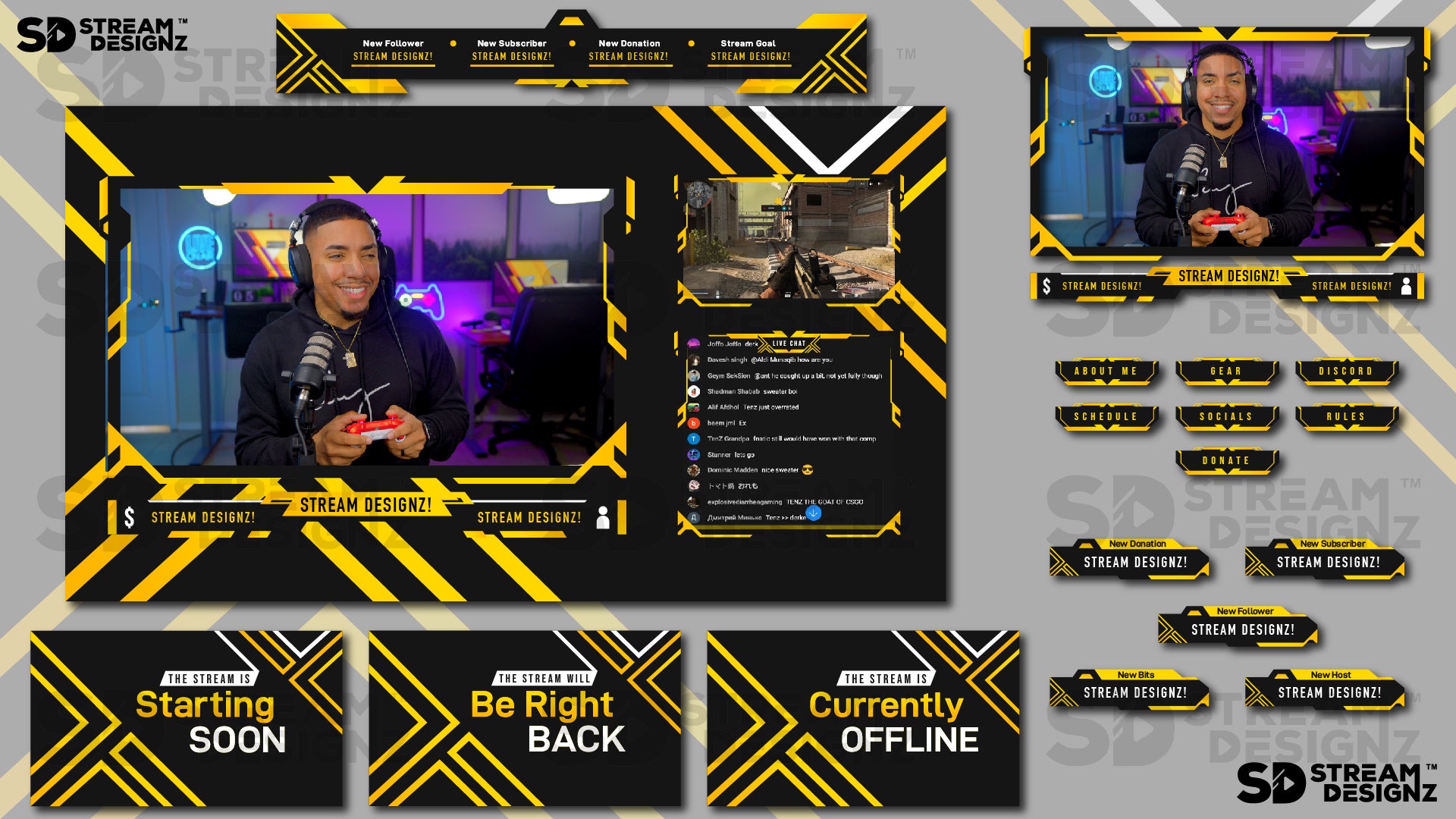
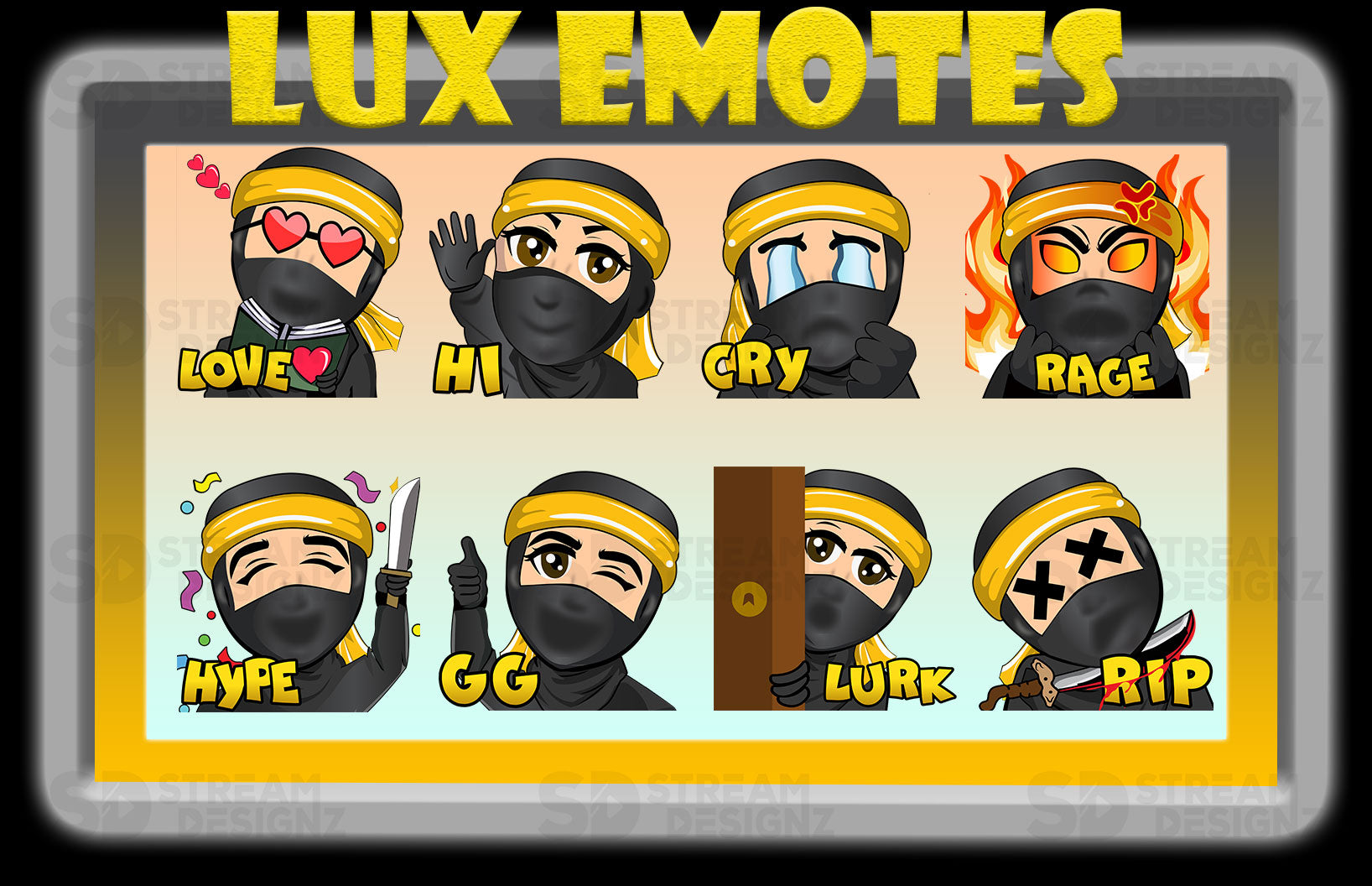
El Lux Ultimate Stream Bundle es el paquete de streaming completo para el tema Lux. Un diseño elegante y lujoso con negros intensos, dorados sutiles y un acabado de alta gama que le da a tu stream el aspecto de un canal que toma la calidad en serio. Todo para un stream totalmente personalizado en una sola descarga, incluyendo 8 gestos animados personalizados.
¿Qué incluye?
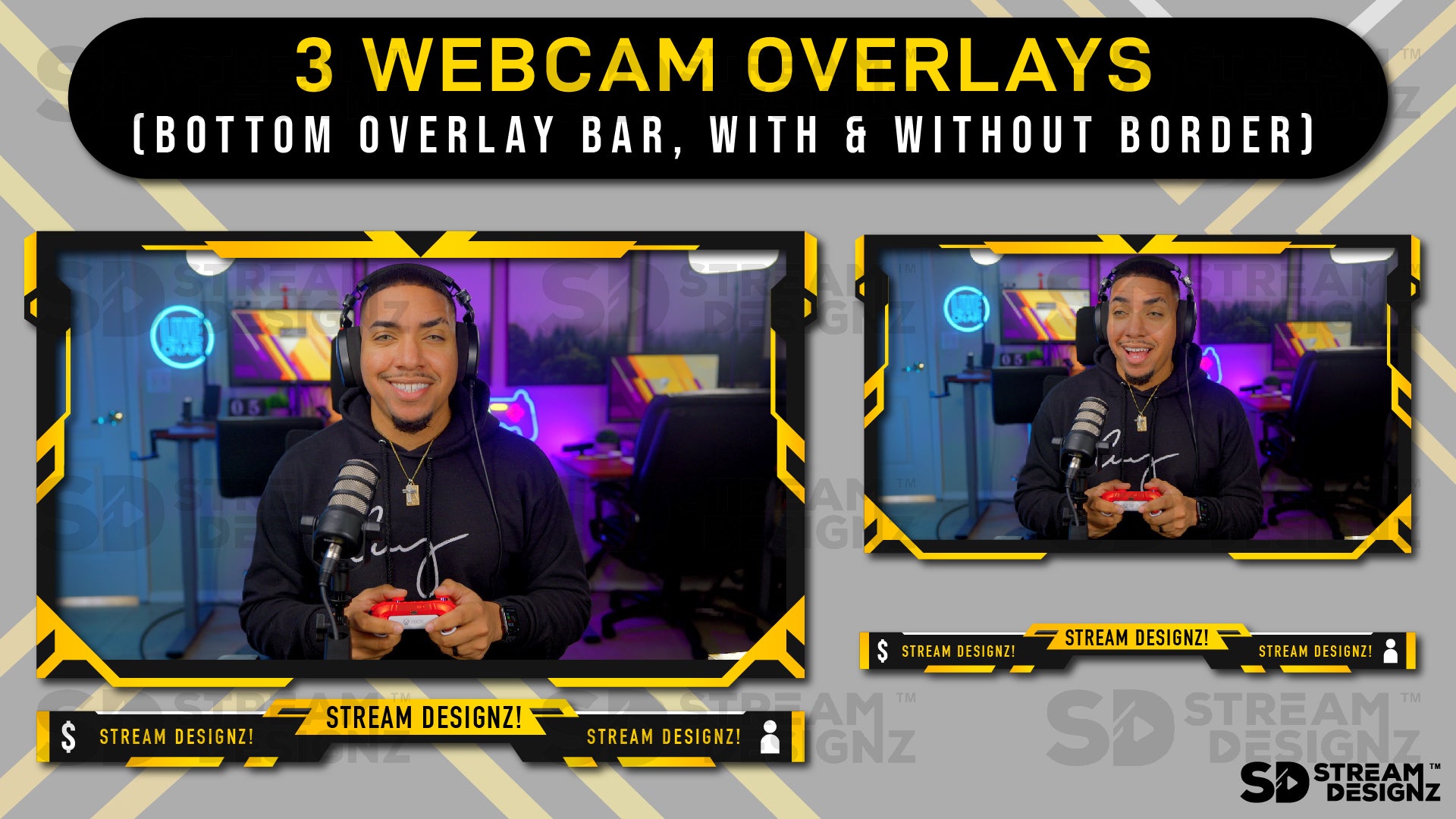
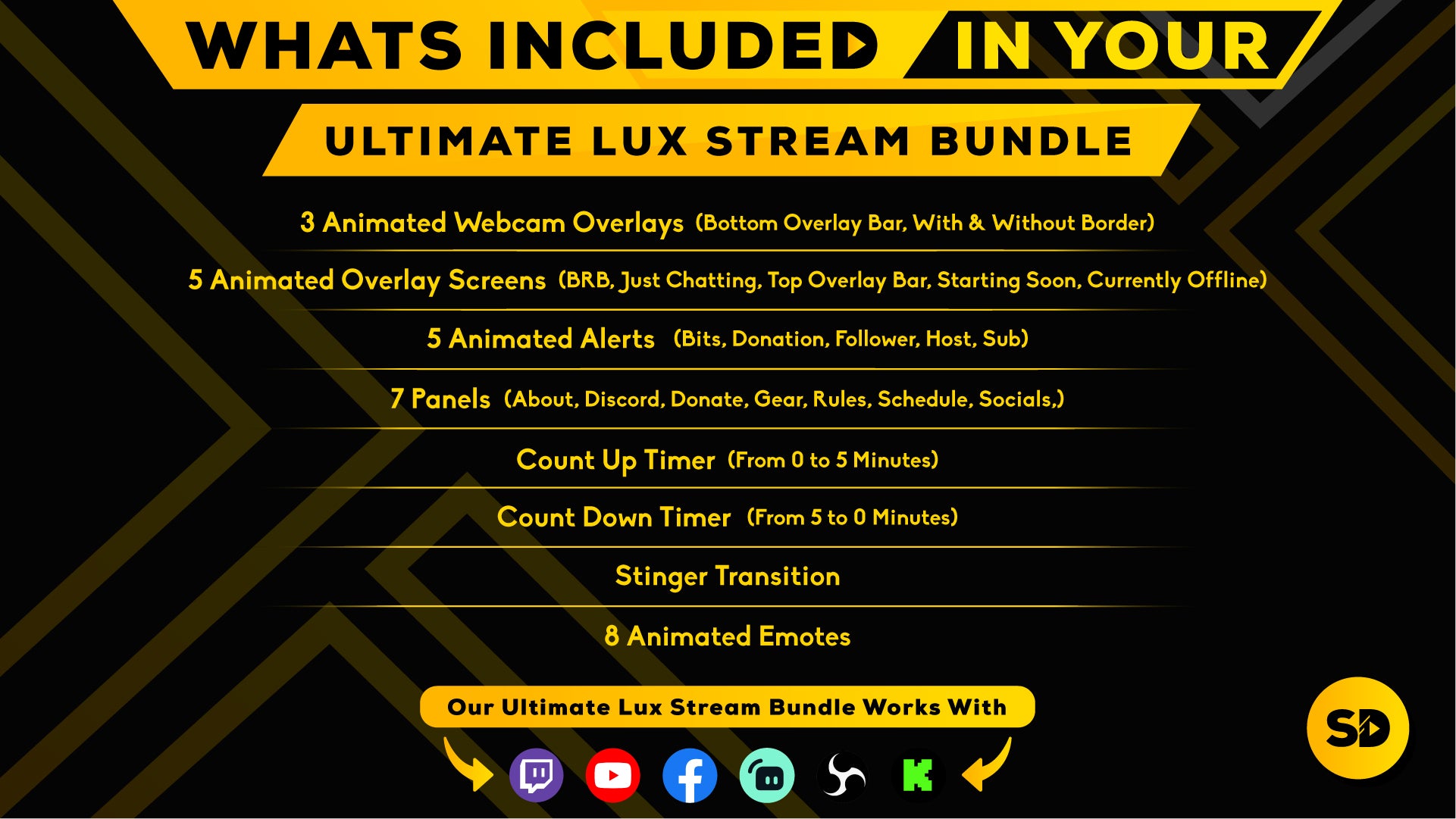
- 3 superposiciones de cámara web animadas – Barra de superposición inferior, con borde y sin borde (webm)
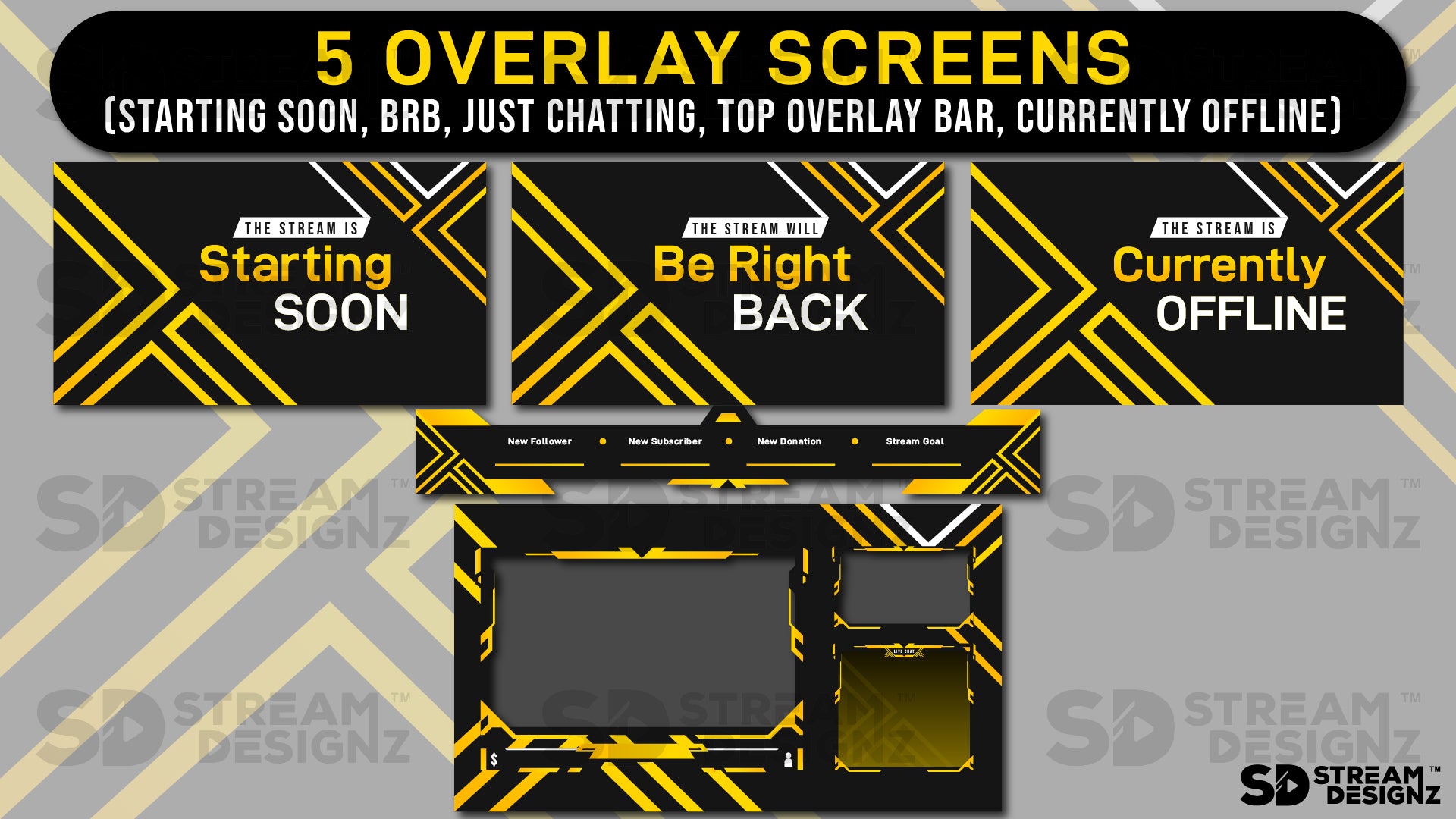
- 5 pantallas de superposición animadas – BRB, Just Chatting, Barra de superposición superior, Starting Soon, Offline (mp4)
- 5 alertas animadas – Bits, Donación, Seguidor, Anfitrión, Suscriptor (webm)
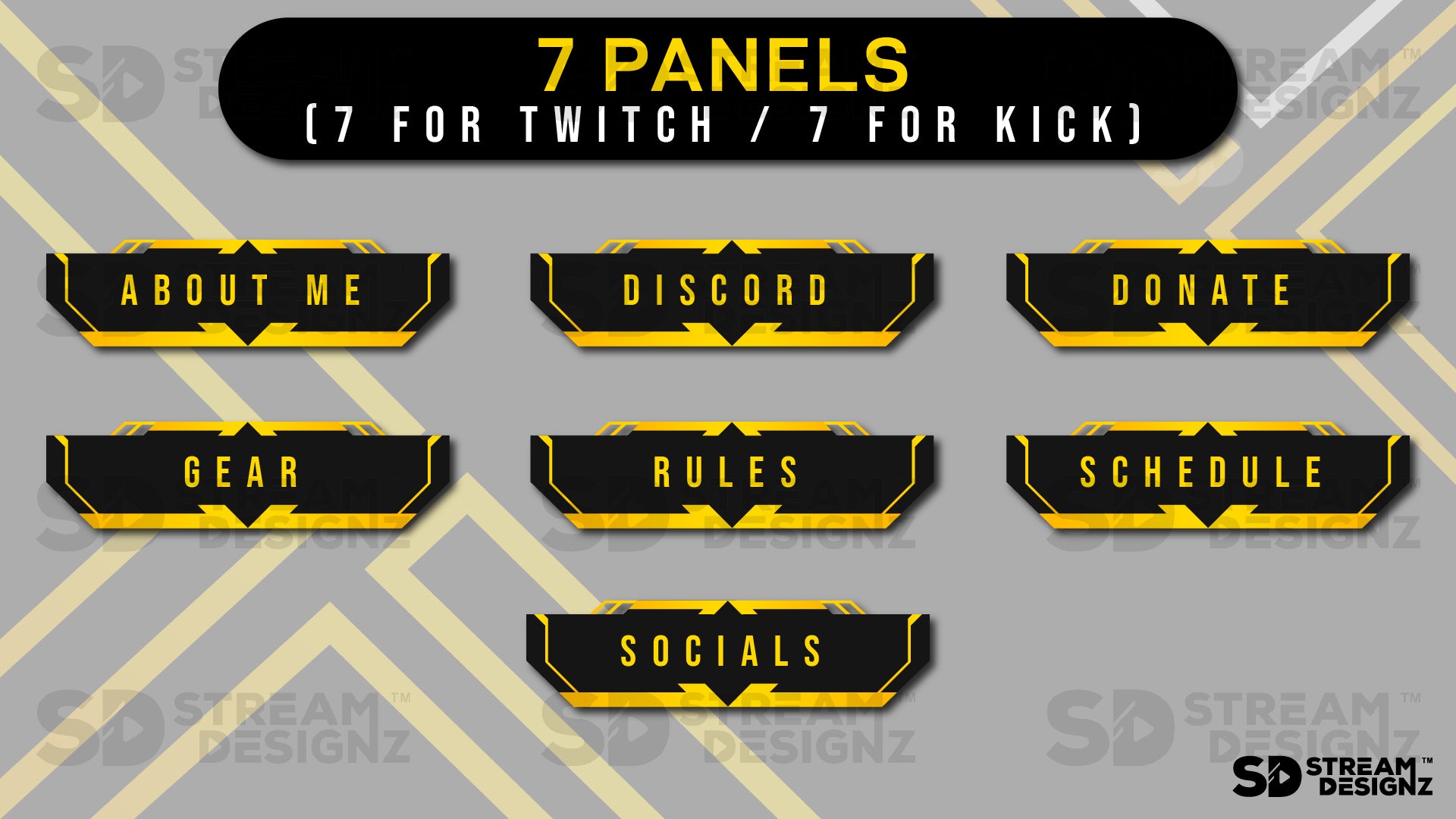
- 7 paneles – Acerca de, Discord, Donar, Equipo, Reglas, Horario, Redes sociales (PNG)
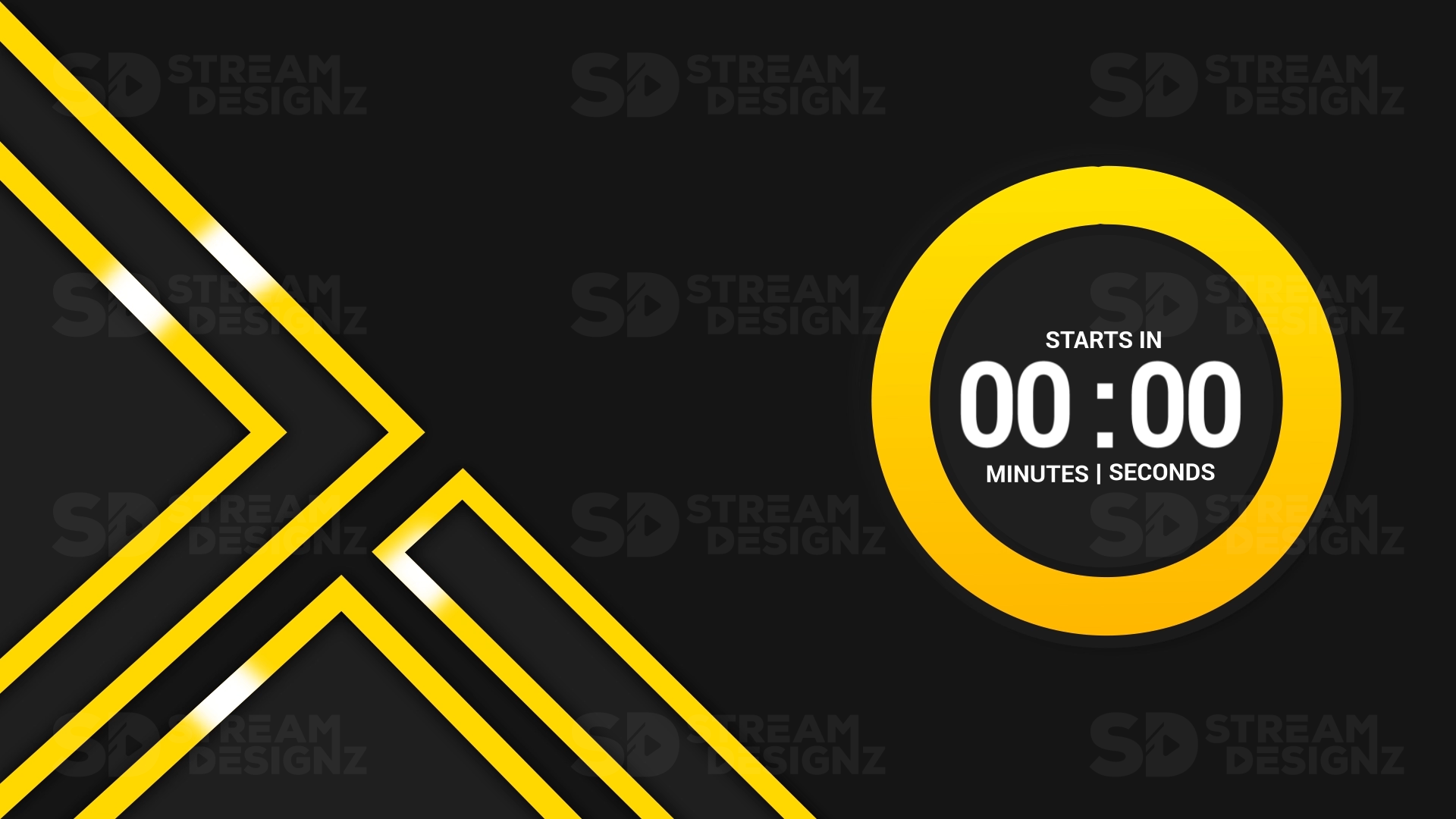
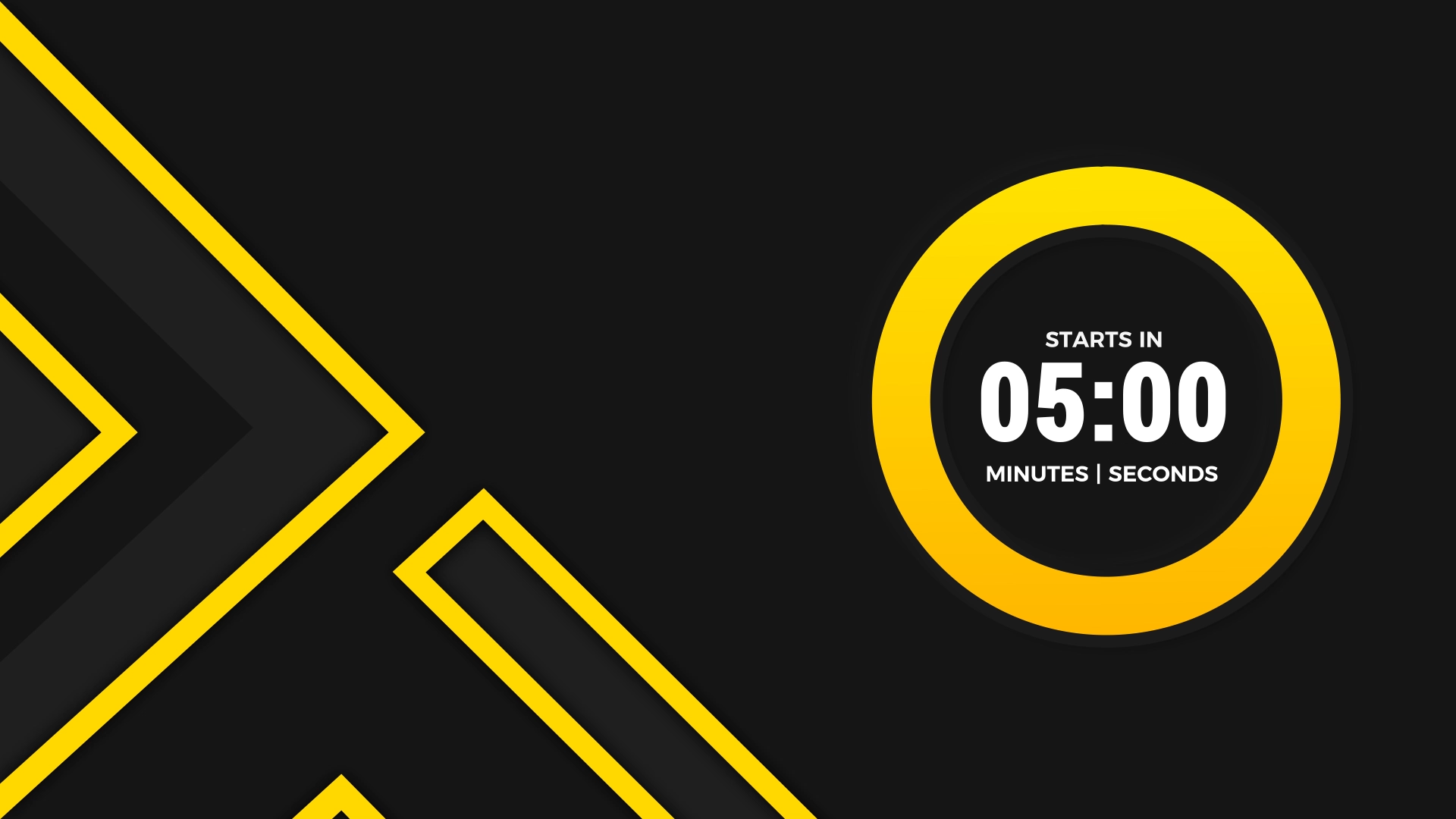
- Temporizador de cuenta regresiva de 5 minutos (mp4)
- Temporizador de cuenta regresiva de 5 minutos (mp4)
- Transición Stinger (webm)
- 8 gestos animados (gif)
- Descarga instantánea a través de archivo .zip
- Documento de texto con instrucciones de configuración
Software de streaming compatible
Funciona con OBS Studio, Streamlabs, XSplit y cualquier software de streaming compatible con archivos webm, mp4 o PNG. No se requiere suscripción ni plugin.
Preguntas frecuentes
¿Cuál es la diferencia entre este paquete y el paquete de superposiciones? El paquete incluye todo lo del paquete de superposiciones más temporizadores, una transición stinger y 8 gestos animados, una configuración completa en una sola descarga.
¿Qué resolución tienen las superposiciones? Todas las superposiciones tienen un tamaño de 1920x1080, la resolución HD estándar para streaming.
¿Necesito experiencia en diseño para usar esto? No. Todos los archivos están prefabricados y listos para importar a tu software de streaming. Se incluyen instrucciones de configuración.
¿Es una descarga instantánea? Sí, tienes acceso inmediato al archivo .zip después de la compra.

Pairs well with
Our Overlays Work Perfectly With





If you have any questions, you are always welcome to contact us. We'll get back to you as soon as possible, within 24 hours on weekdays.
-
Shipping Information
Use this text to answer questions in as much detail as possible for your customers.
-
Customer Support
Use this text to answer questions in as much detail as possible for your customers.
-
FAQ’s
Use this text to answer questions in as much detail as possible for your customers.
-
Contact Us
Use this text to answer questions in as much detail as possible for your customers.

What’s included in the package:
✅ Instant AccessTo Download in .zip format
✅ Overlays in 1920x1080 size
✅ 3 Animated Webcam Overlays (Bottom Overlay Bar, With & Without Border)
✅ 5 Animated Overlay Screens (BRB, Just Chatting, Top Overlay Bar, Starting Soon, Offline)
✅ 5 Animated Alerts (Bits, Donation, Follower, Host, Sub)
✅ 7 Panels (About, Discord, Donate, Gear, Rules, Schedule, Socials)
✅ 5 Minute Count Up Timer
✅ 5 Minute Countdown Timer
✅ Stinger Transition
✅ 8 Animated Emotes
✅ Animated Overlay File Format: webm and mp4
✅ Static Overlay File Format: PNG
✅ 1 Text Document(Providing instructions on using your downloaded file)
Make Your Stream Look Pro
FAQs
Got questions? We’re here to help you level up your stream!
How Will I Receive My Stream Overlays?
Upon completing your purchase, you will be emailed a link to your download(s). If you don't receive your downloads, wait 15 minutes. Also, check your email spam folder. If you still haven't received your purchase, please get in touch with us.
Is This a One Time Purchase or Subscription?
We do not offer subscriptions, you only pay for what you purchase, no monthly charge will occur.
Can I Customize the Stream Overlays?
The way the overlays appear is how you will receive them, changes to color or animations can not be done. We have professional designers creates these overlays so they look professional. If you are looking for a certain color, please search the store as we might have it. If you don't see what you are looking for, please contact us.
How to Setup My Animated Stream Overlays in OBS?
You will get video tutorials sent to your email once you purchase walking you step by step on setting up your overlays, no need to figure it out, but if your a pro here are the quick steps below:
1️⃣ Download Stream Overlay Package zip file
2️⃣ Unzip the download to gain access to files
3️⃣ Open streaming software (OBS or Streamlabs)
4️⃣ Under "Scenes" Click + Icon and Create New Scene
5️⃣ Under "Sources" Click + Icon and Select Media Source
6️⃣ Create New and Click Ok
7️⃣ Upload animated mp4 file + hit ok
8️⃣ Repeat the process for all other overlays.