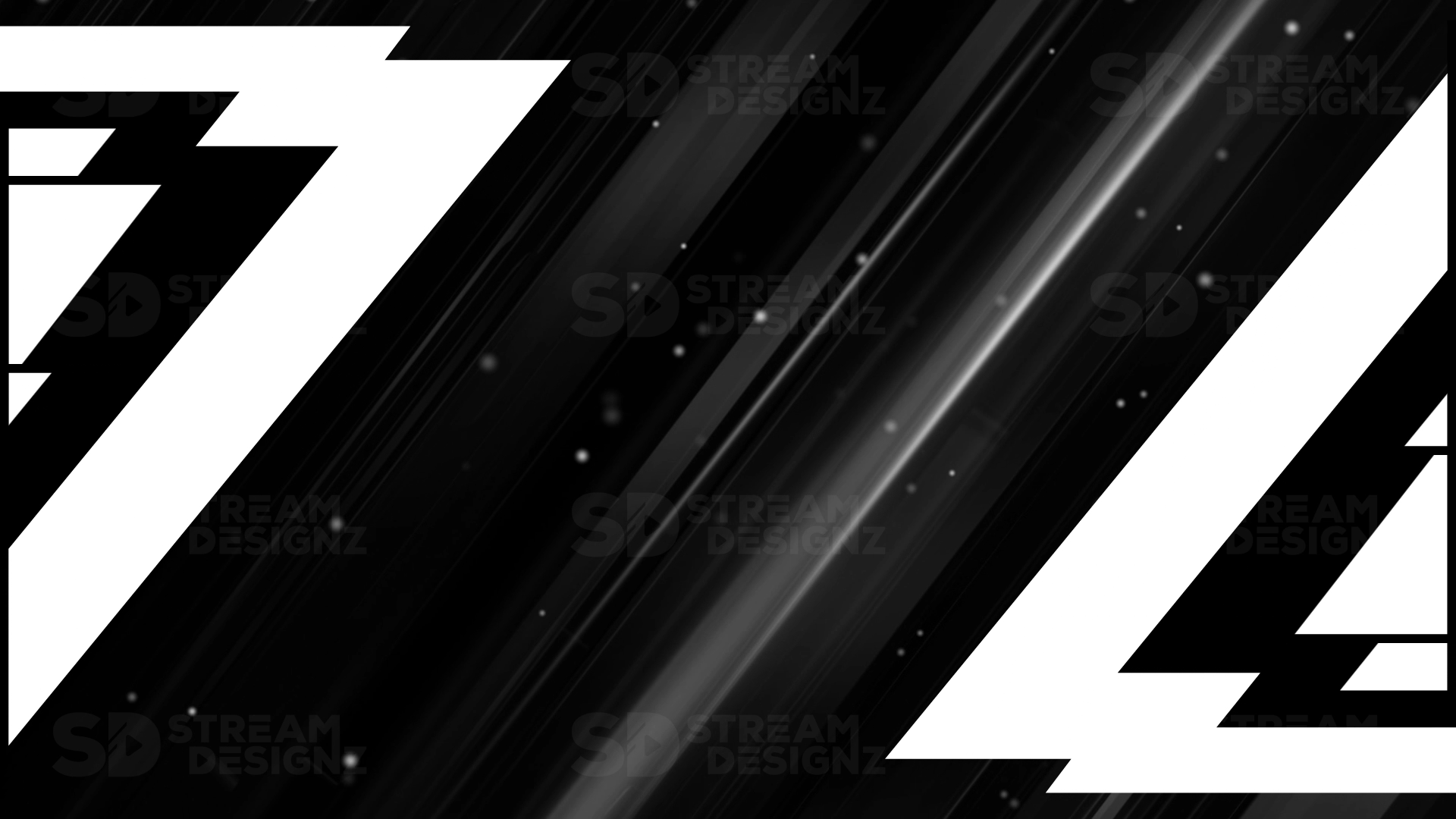
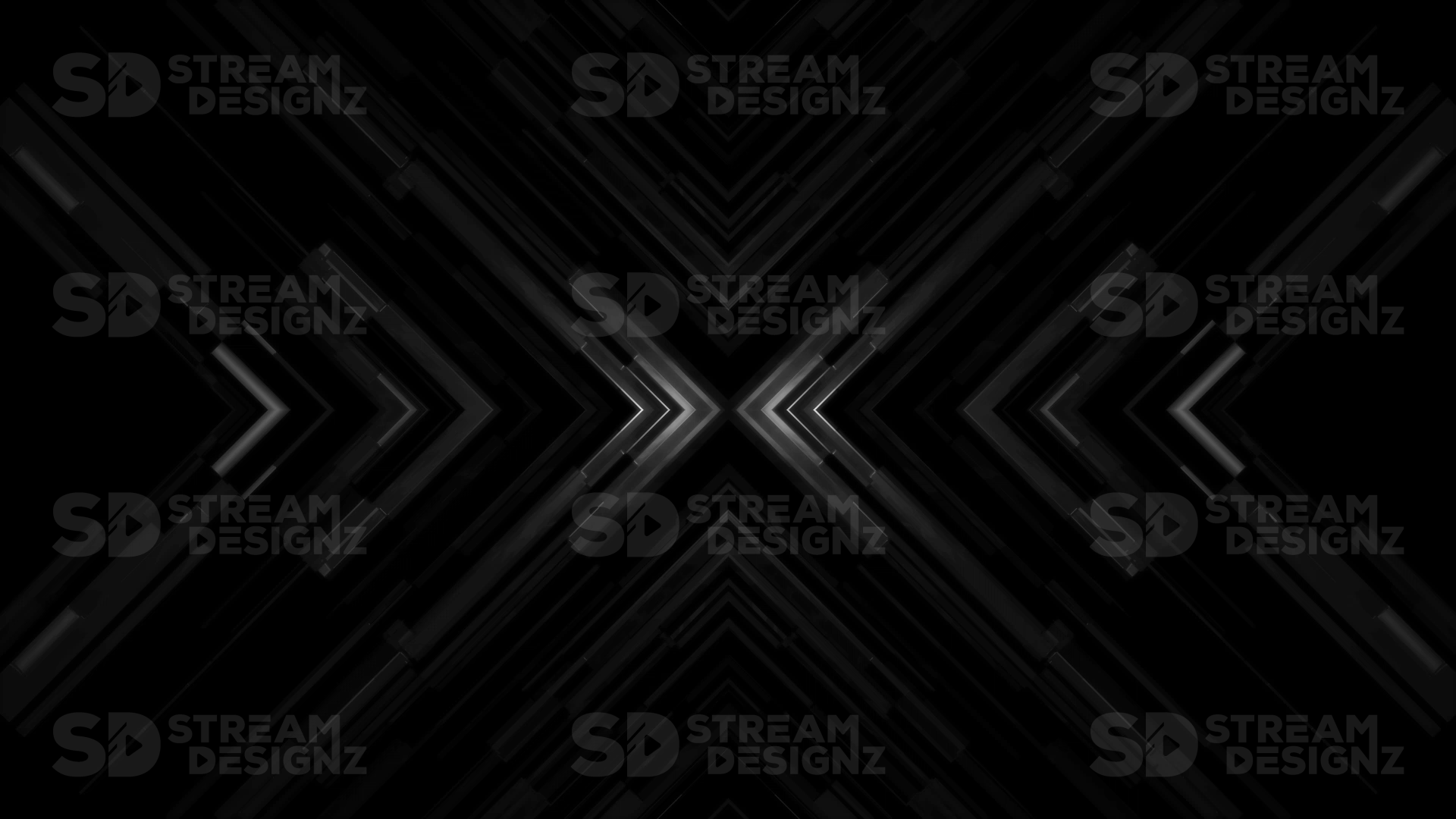
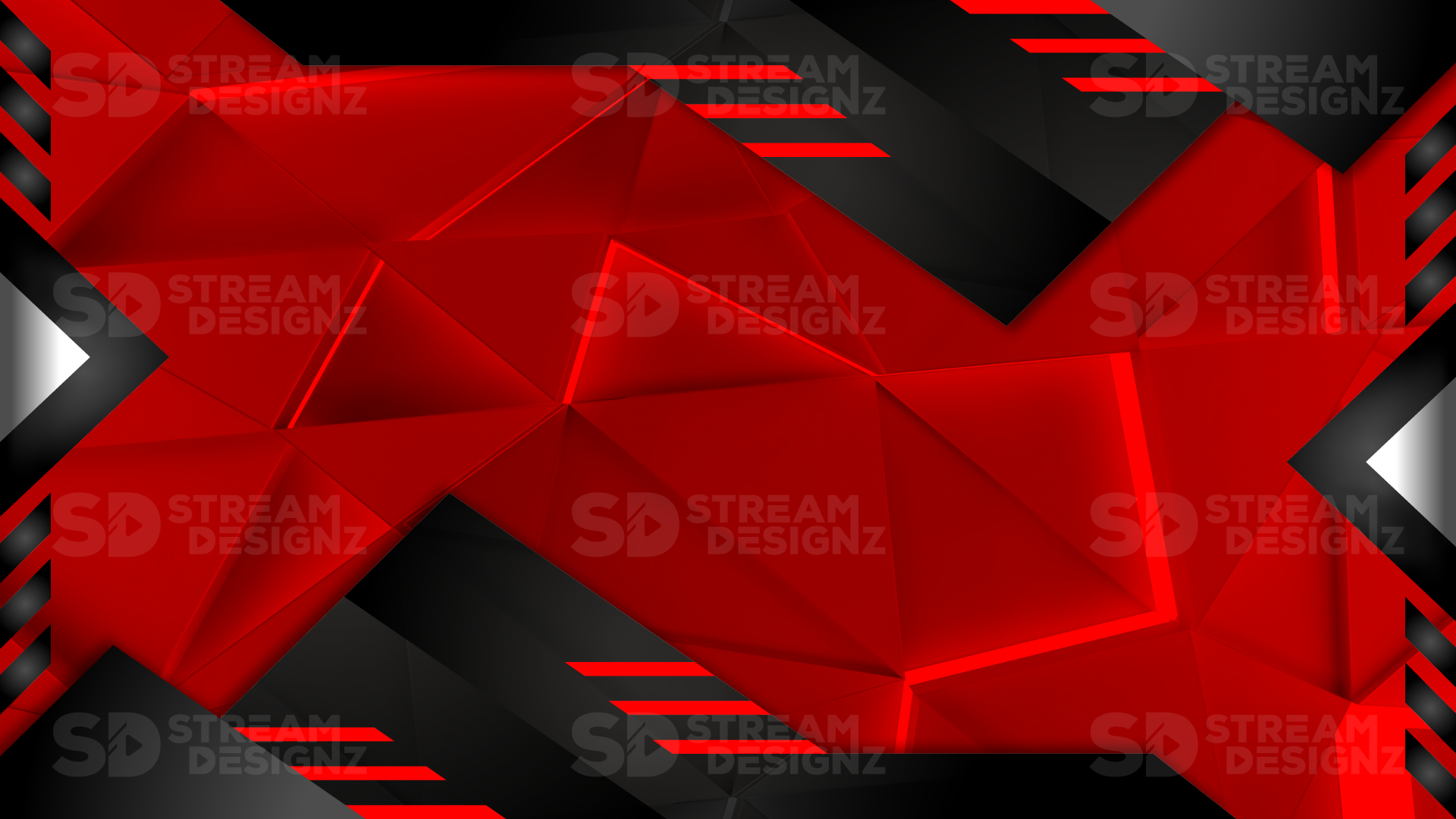
What Are Stinger Transitions?
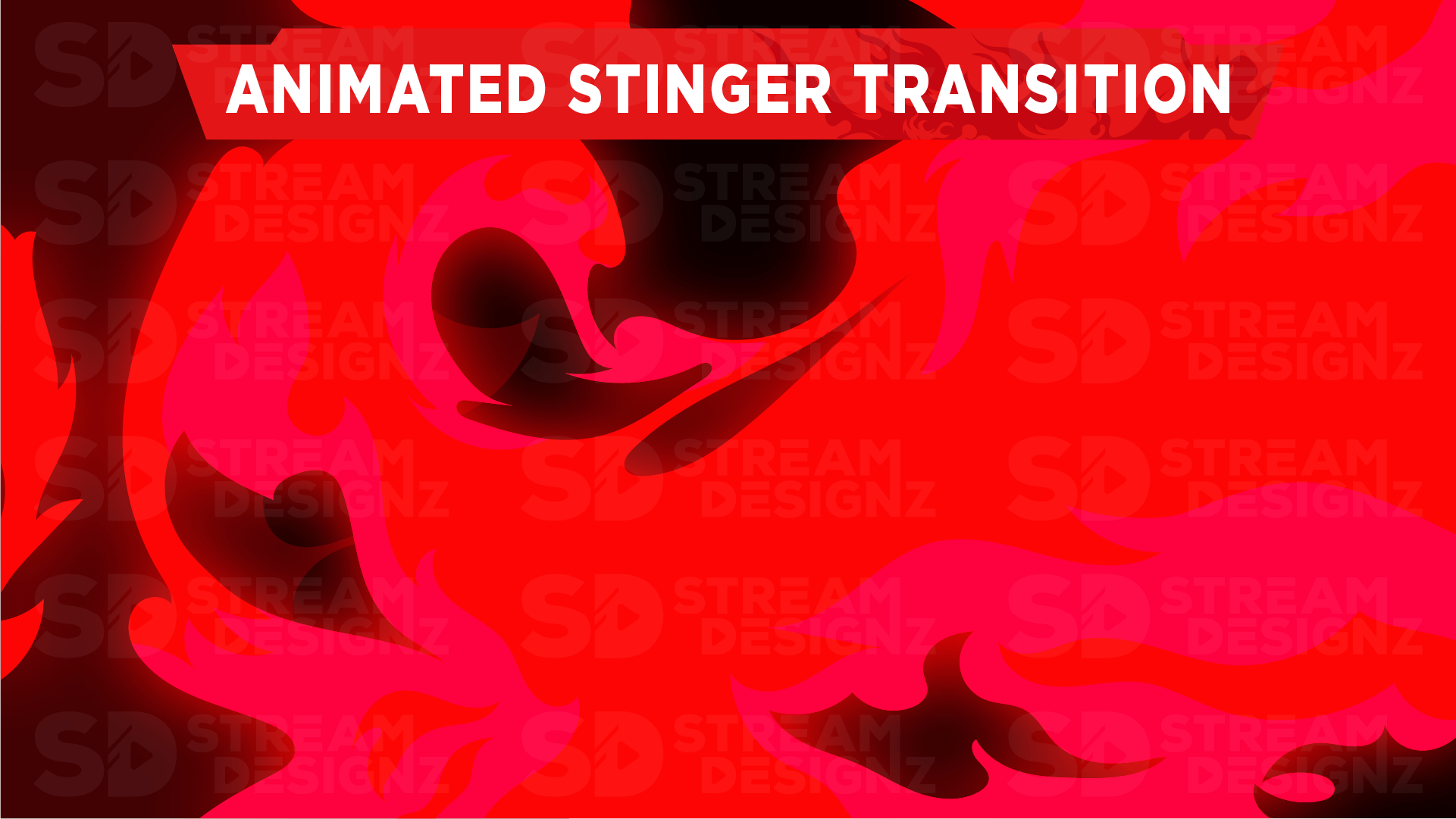
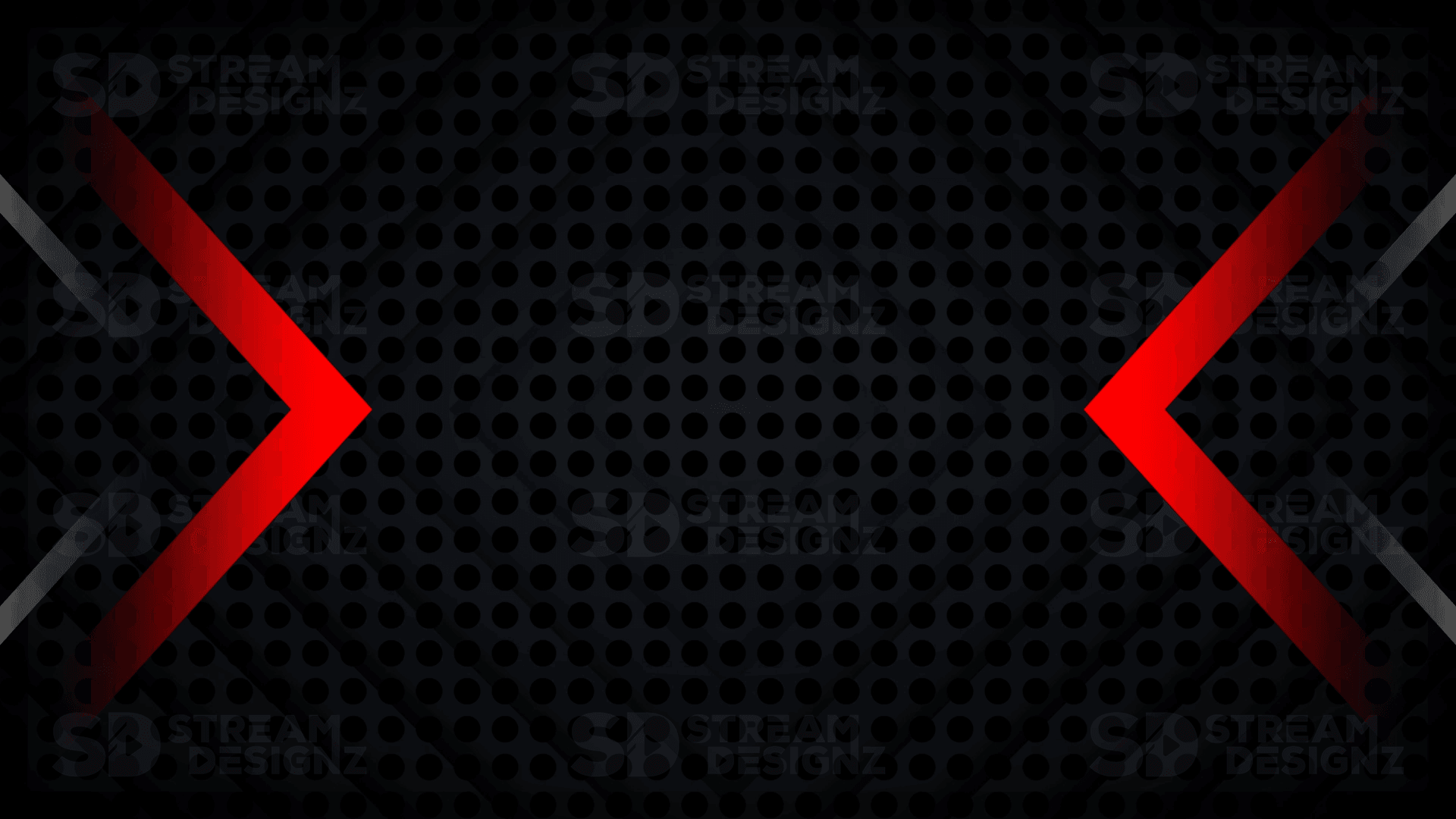
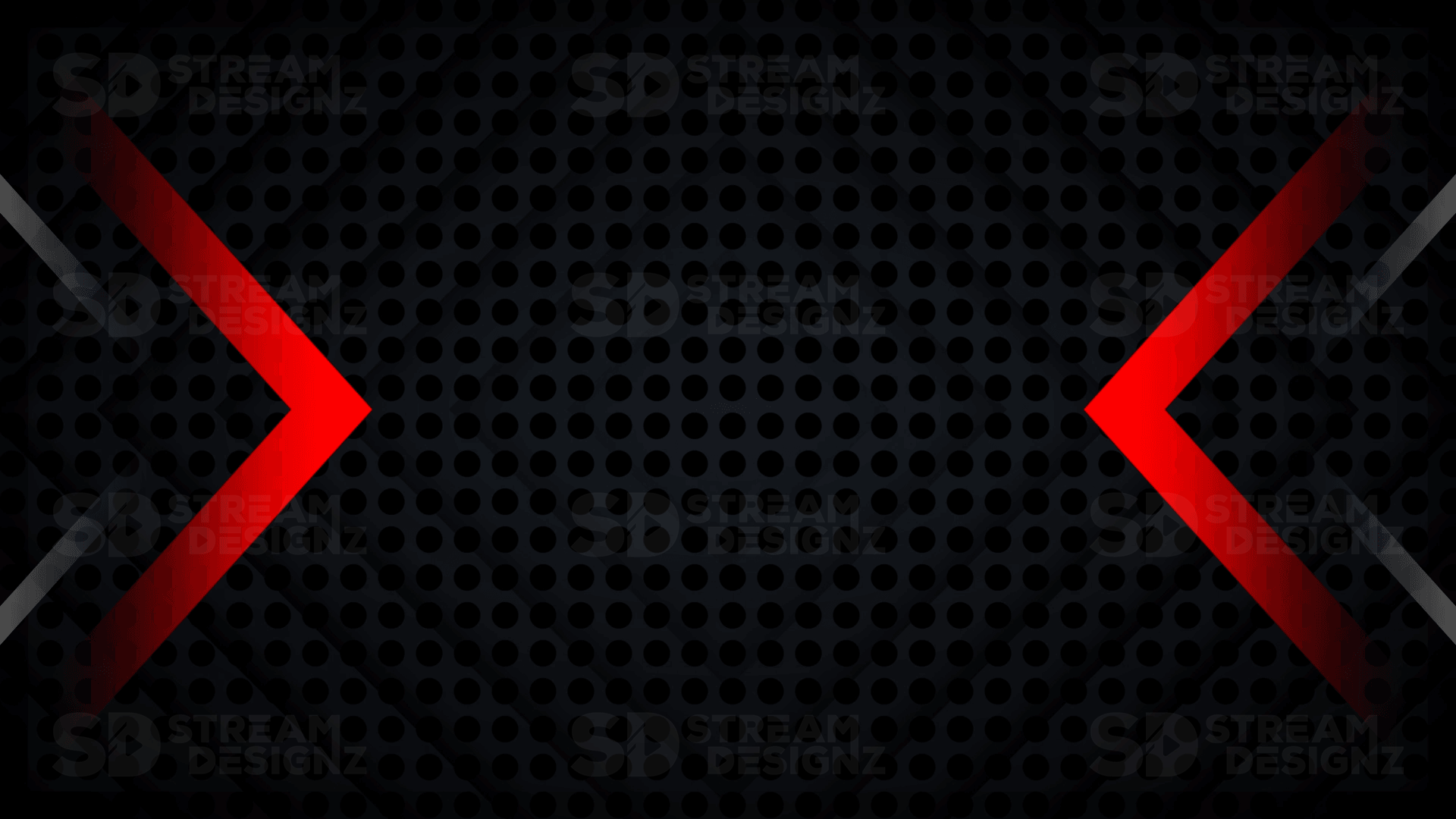
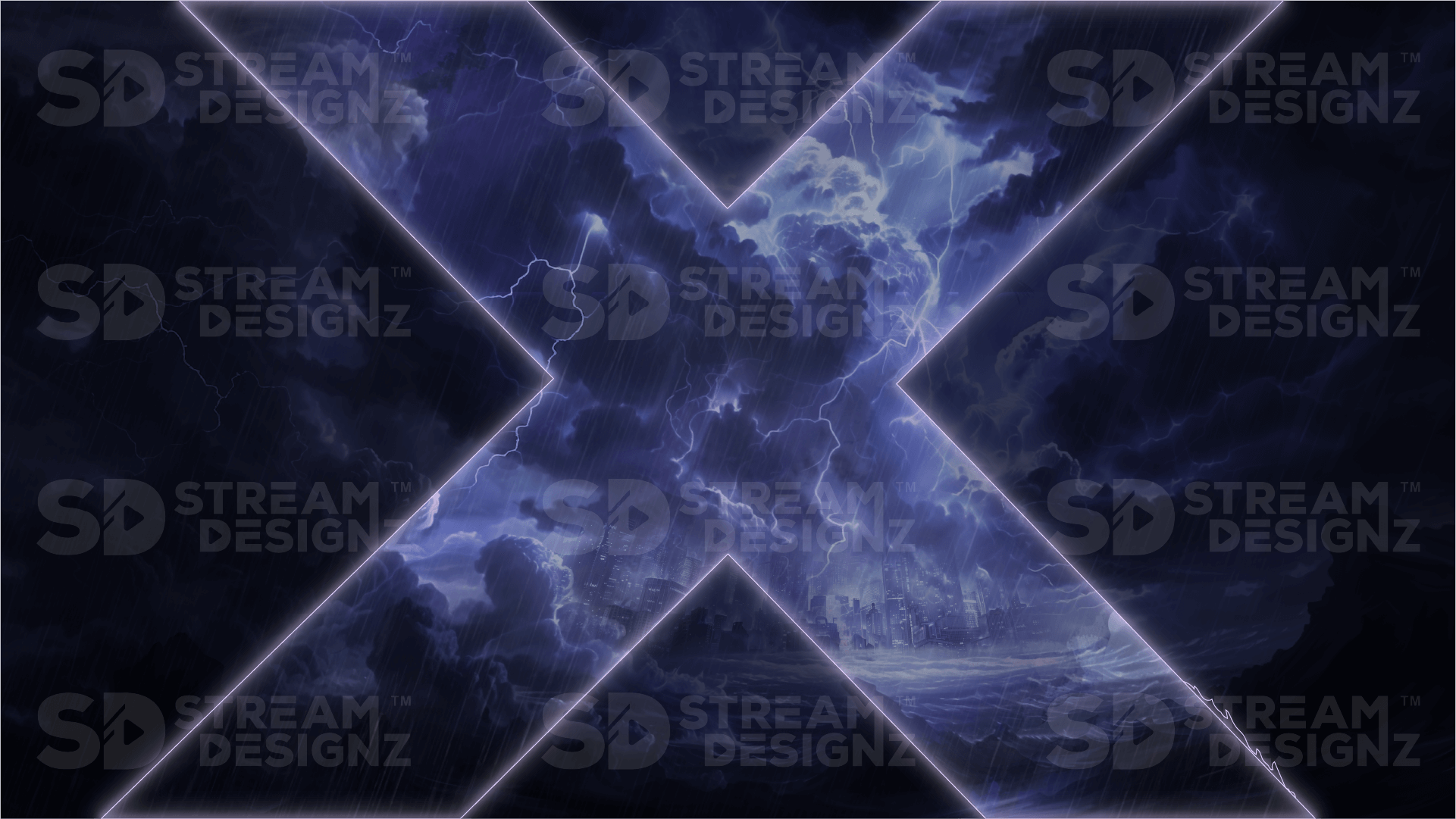
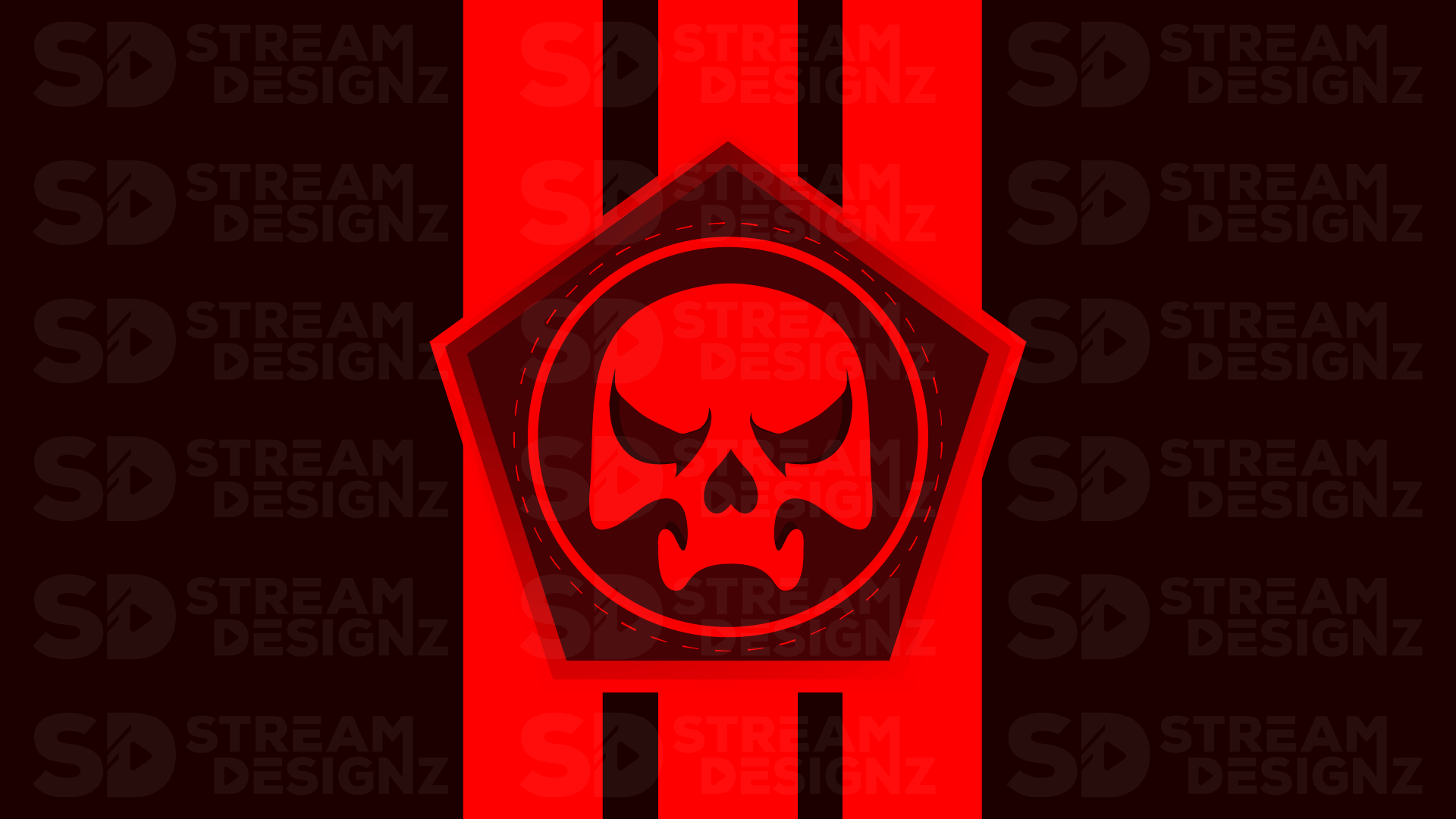
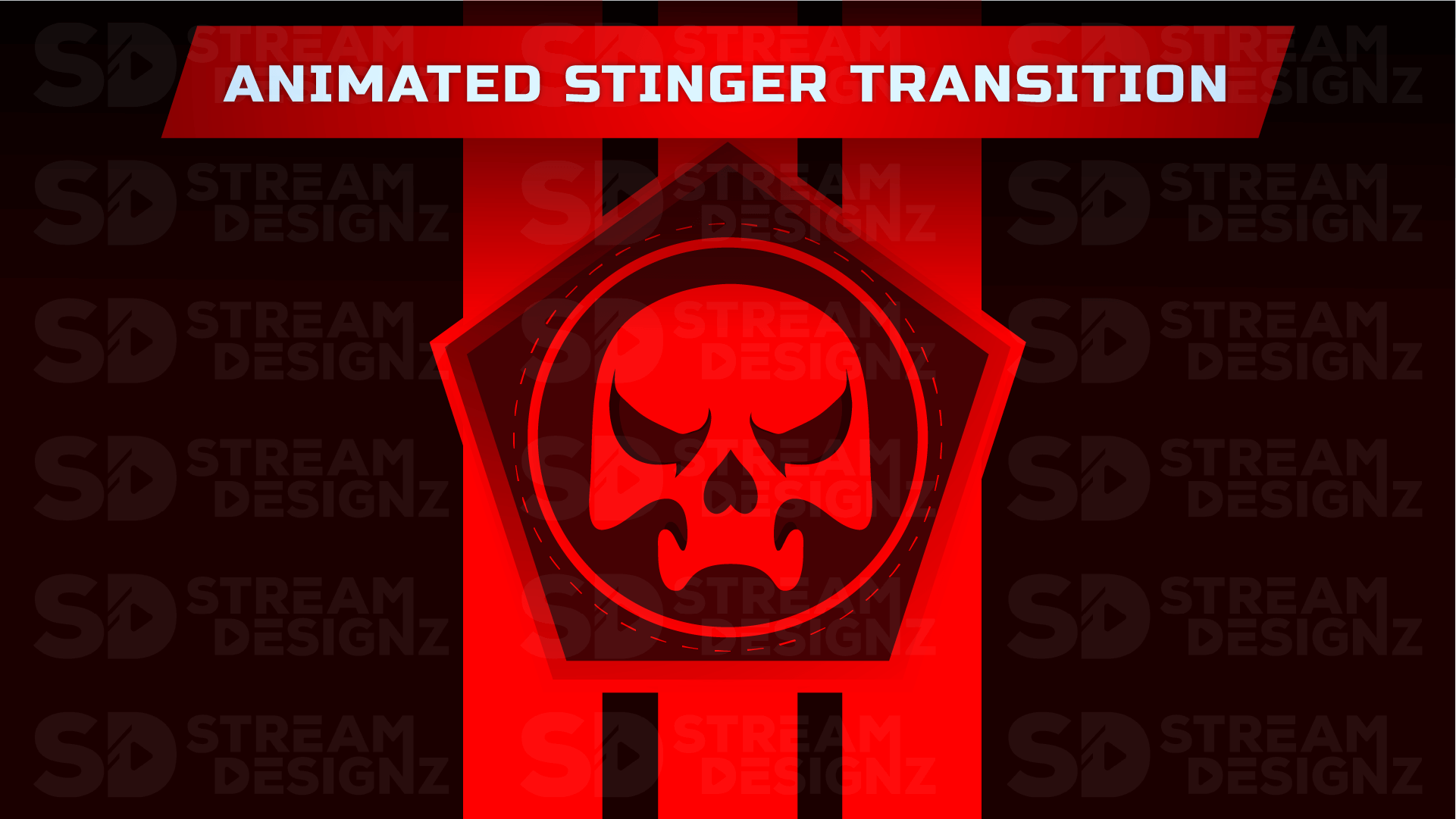
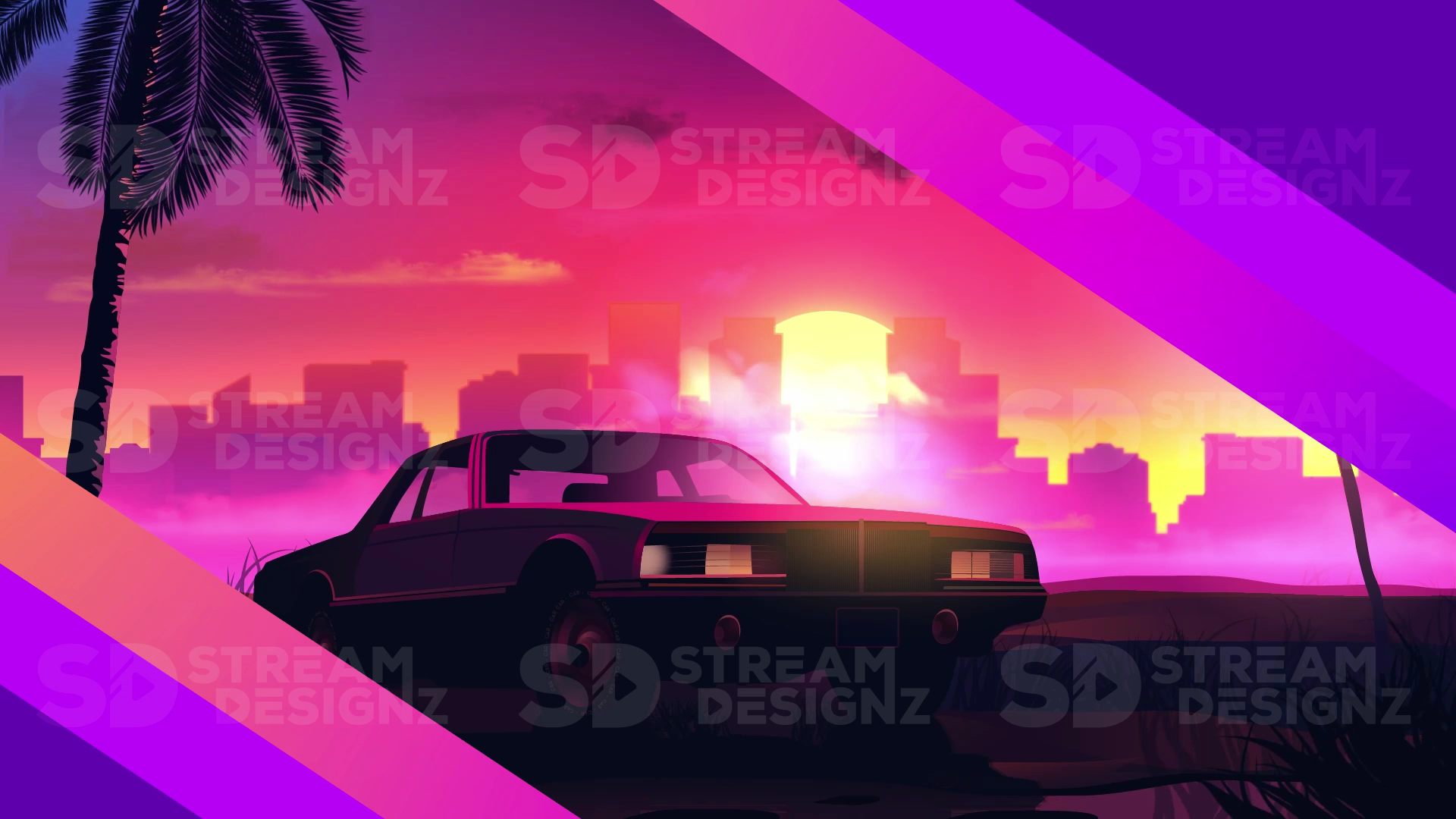
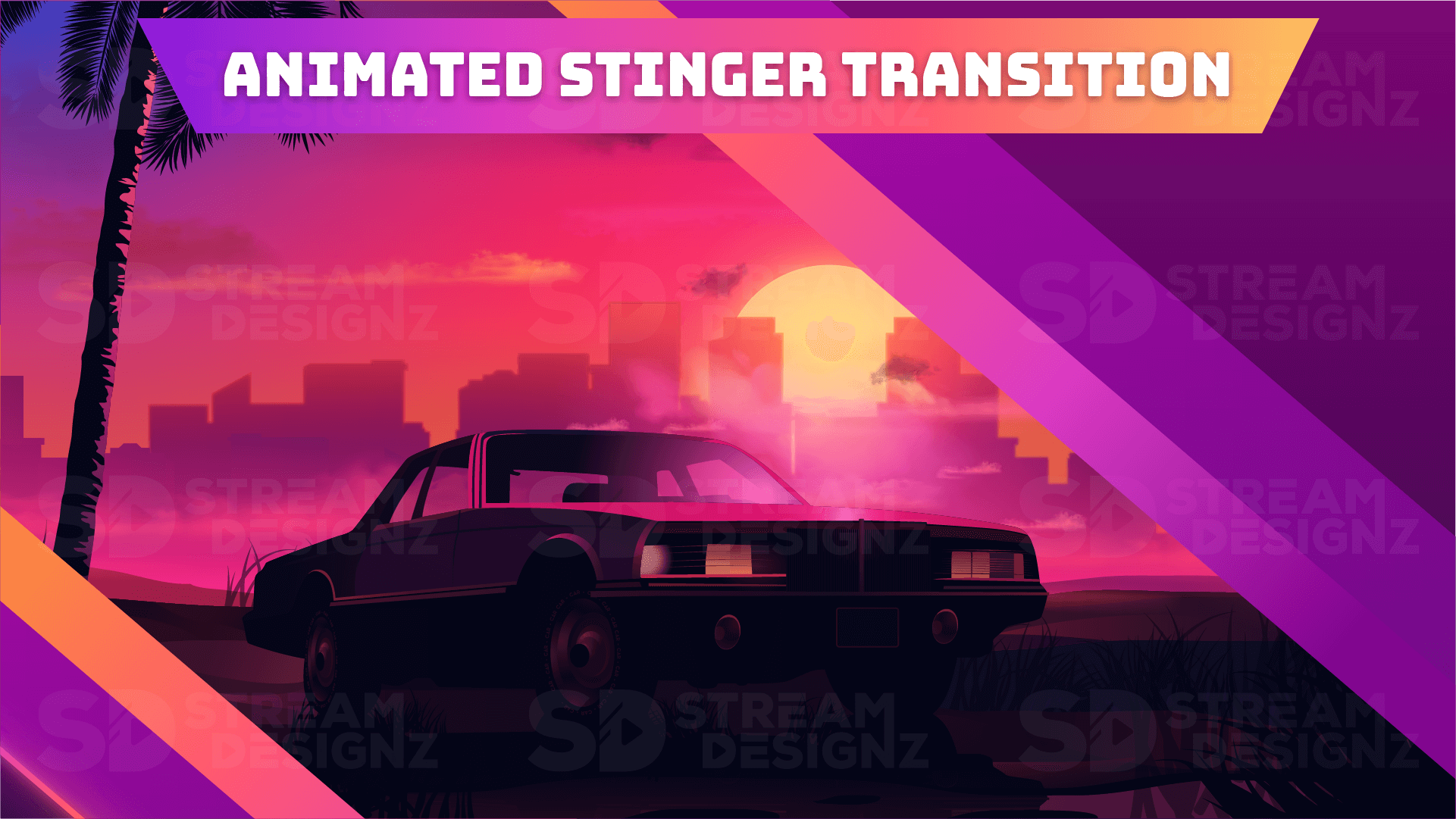
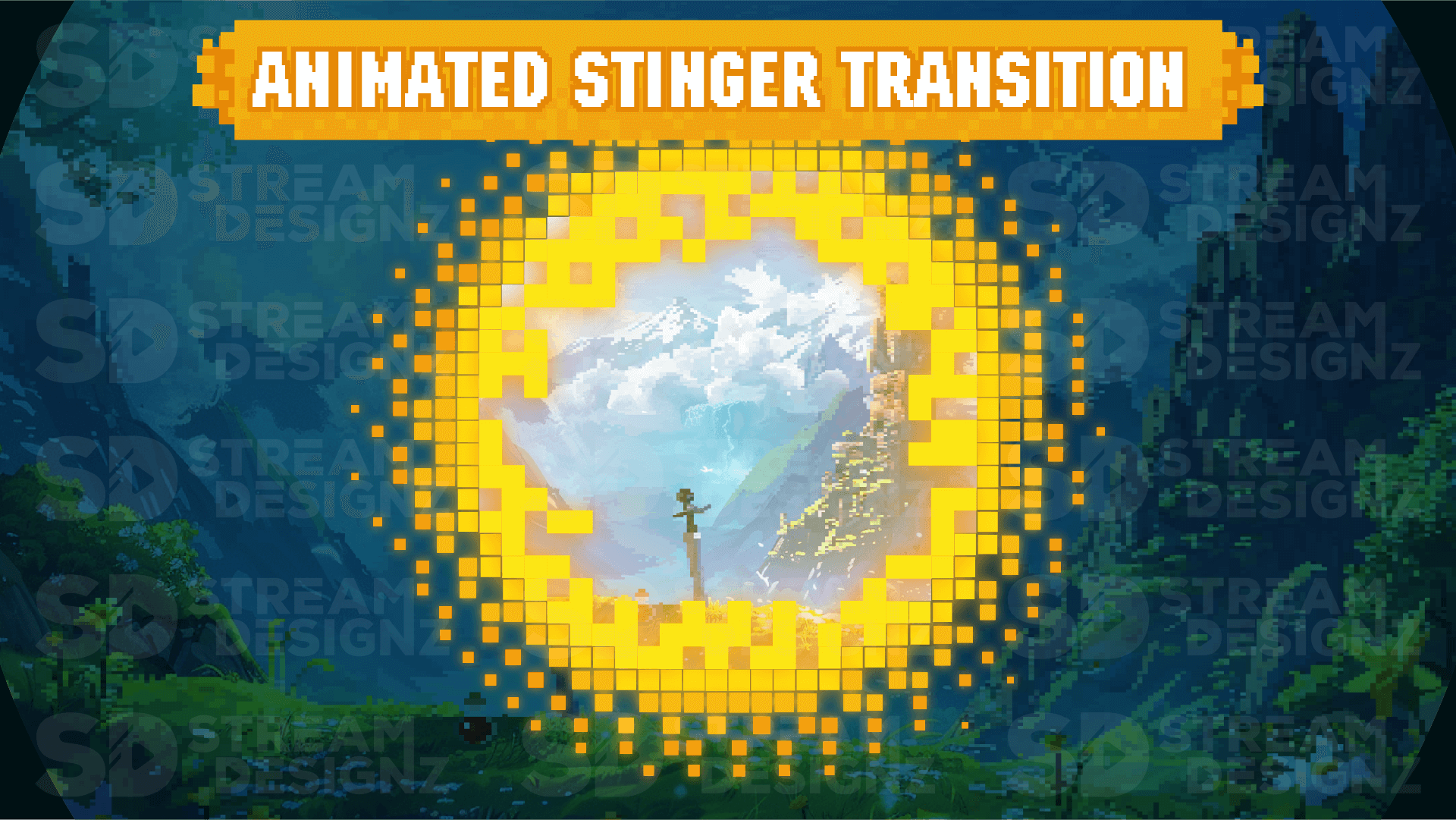
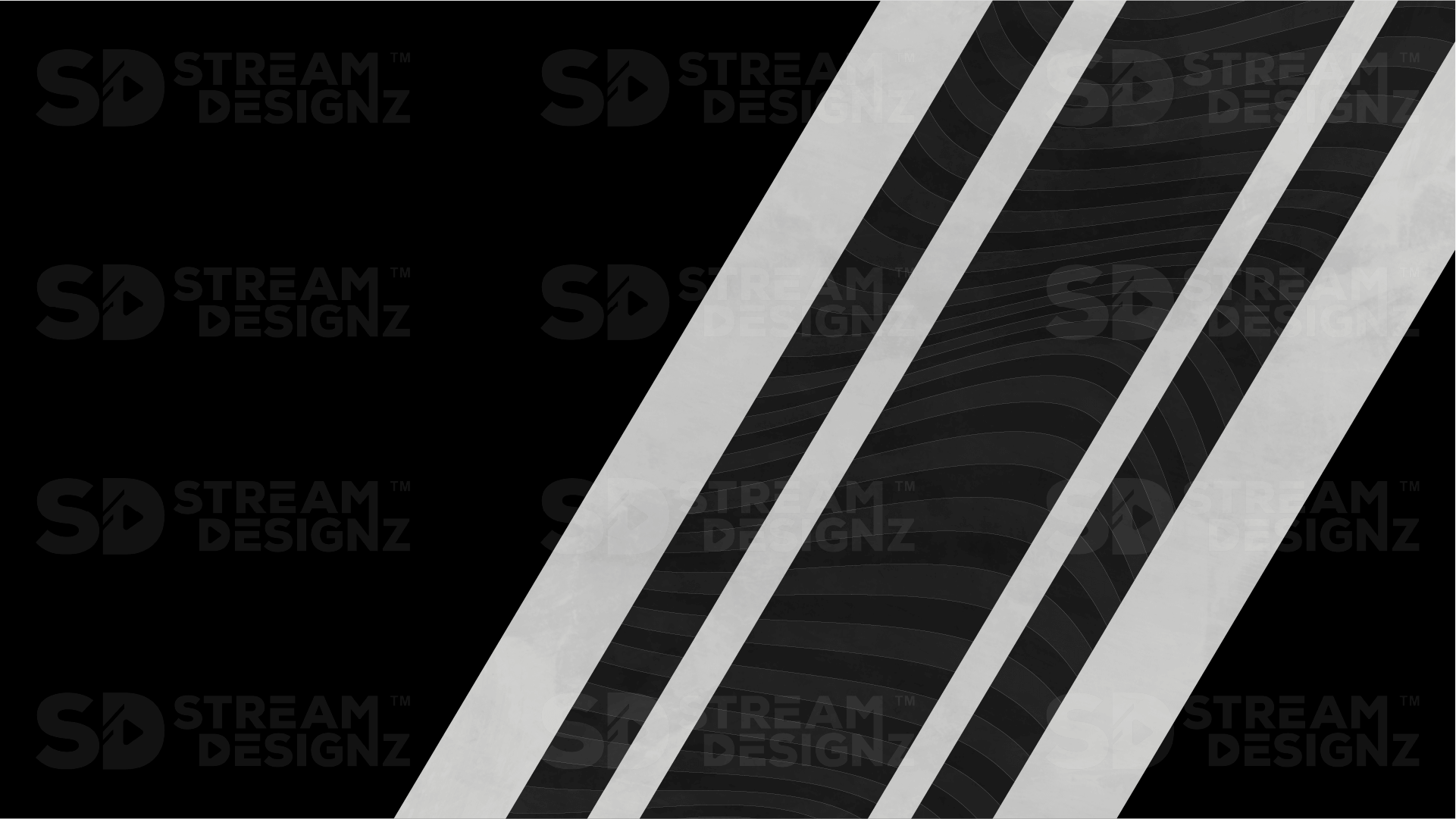
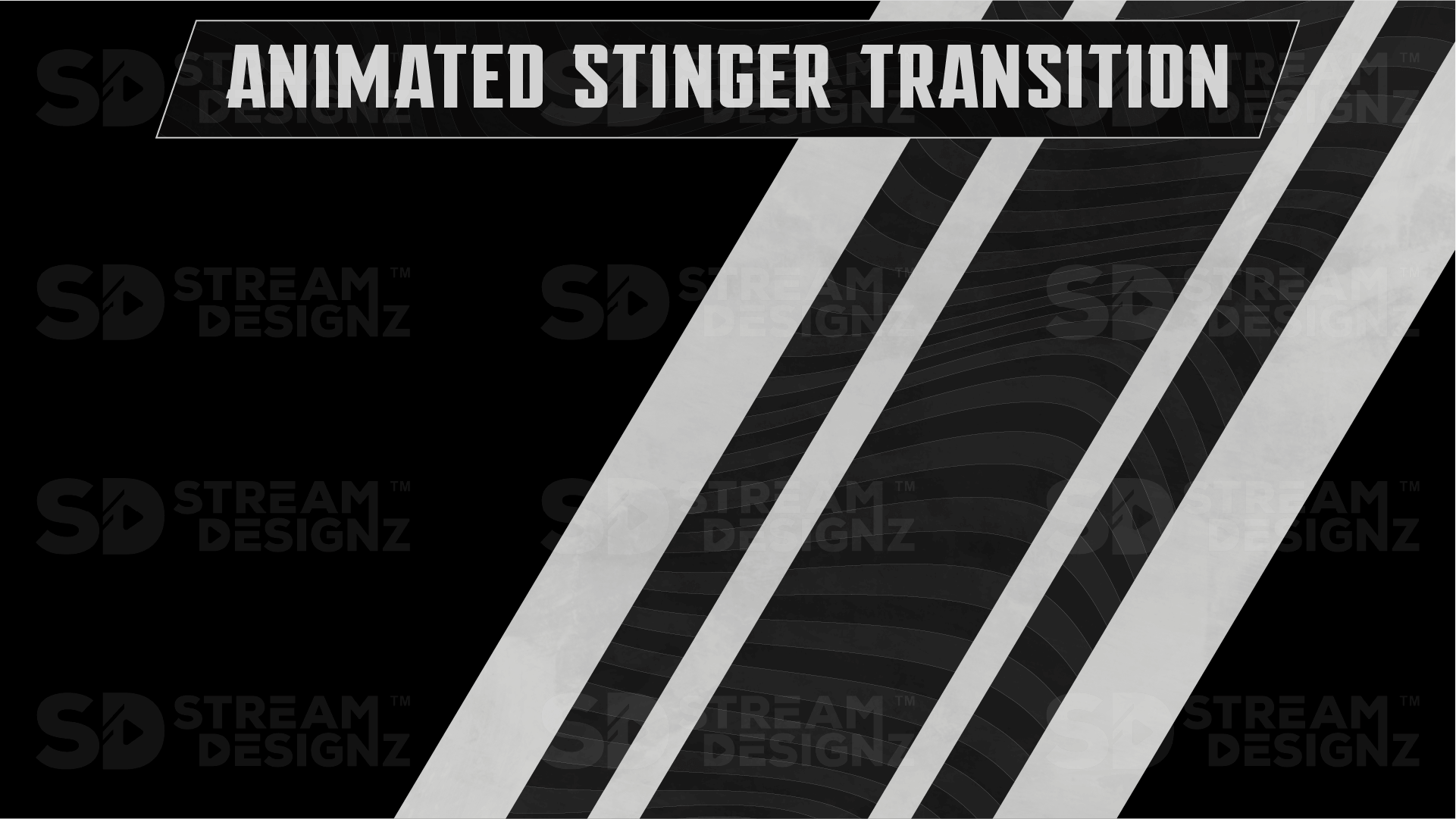
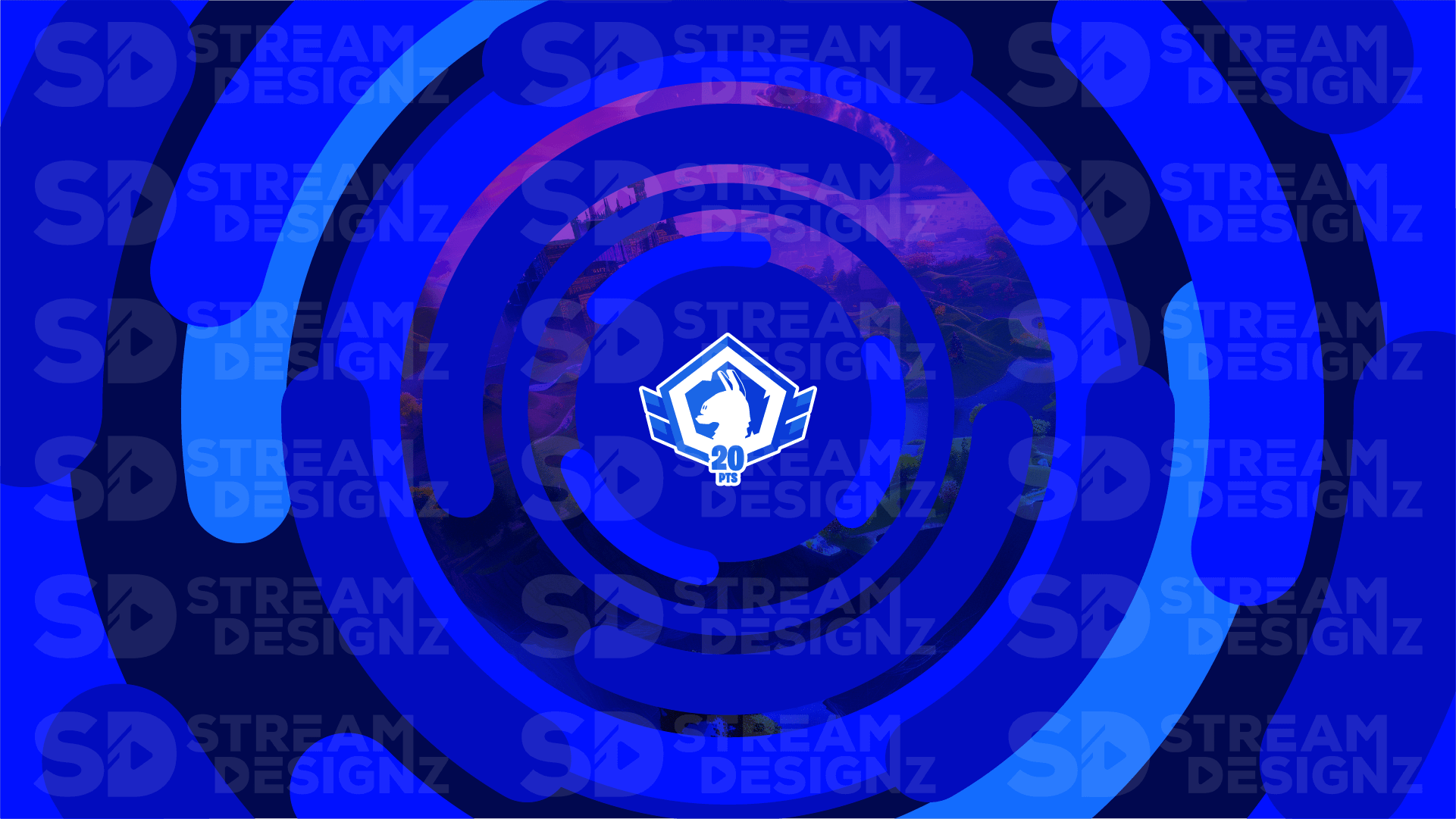
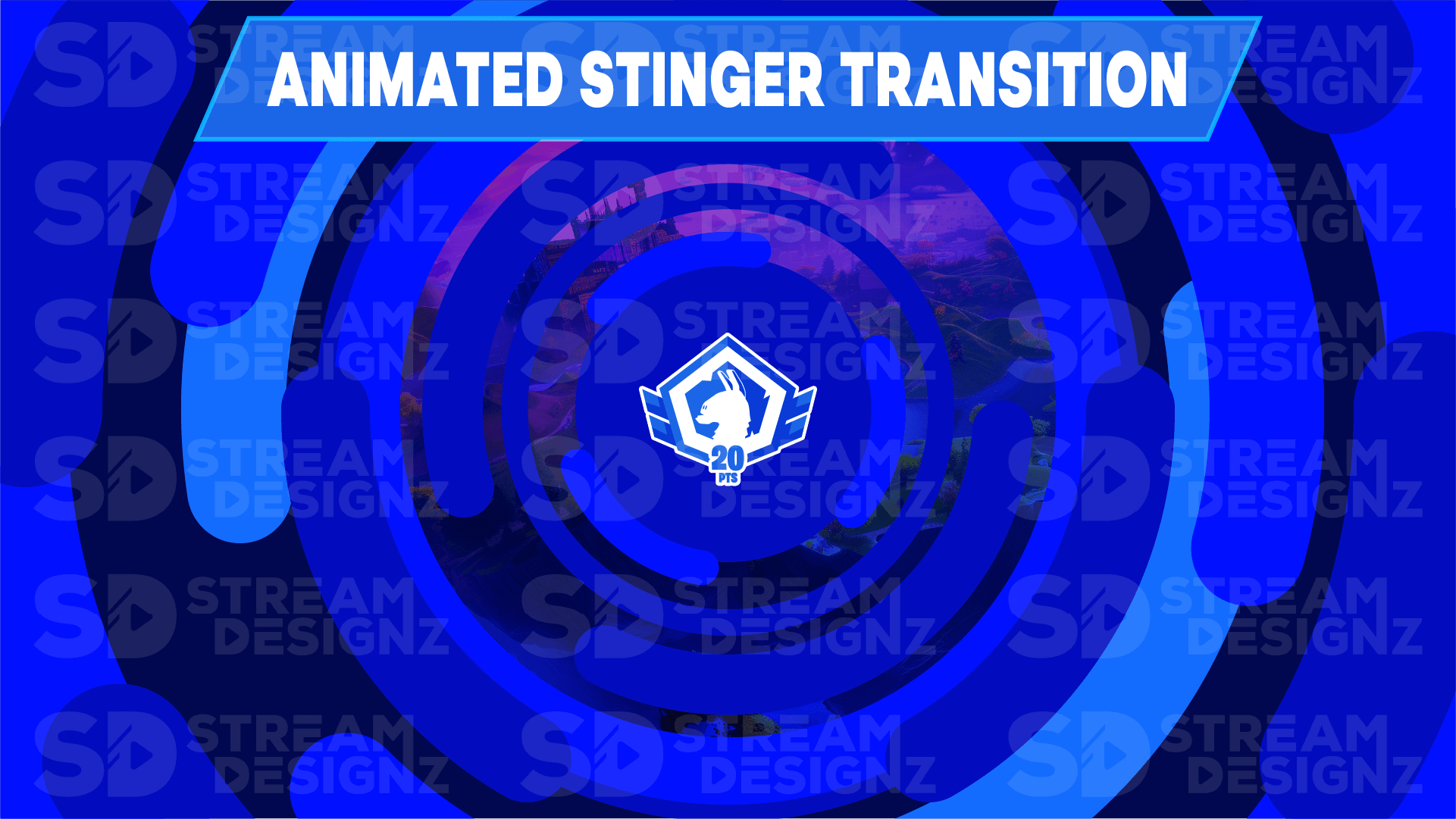
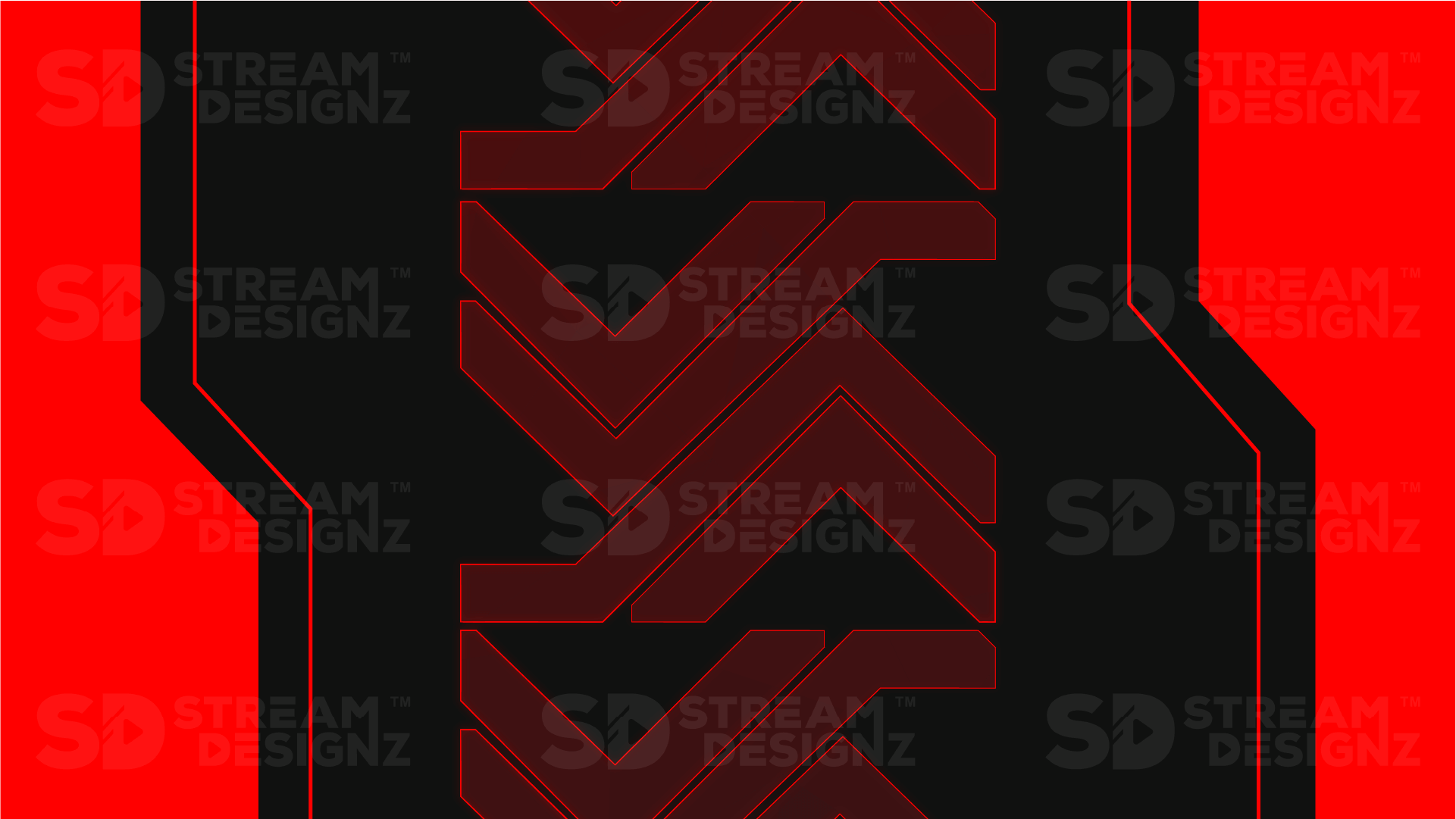
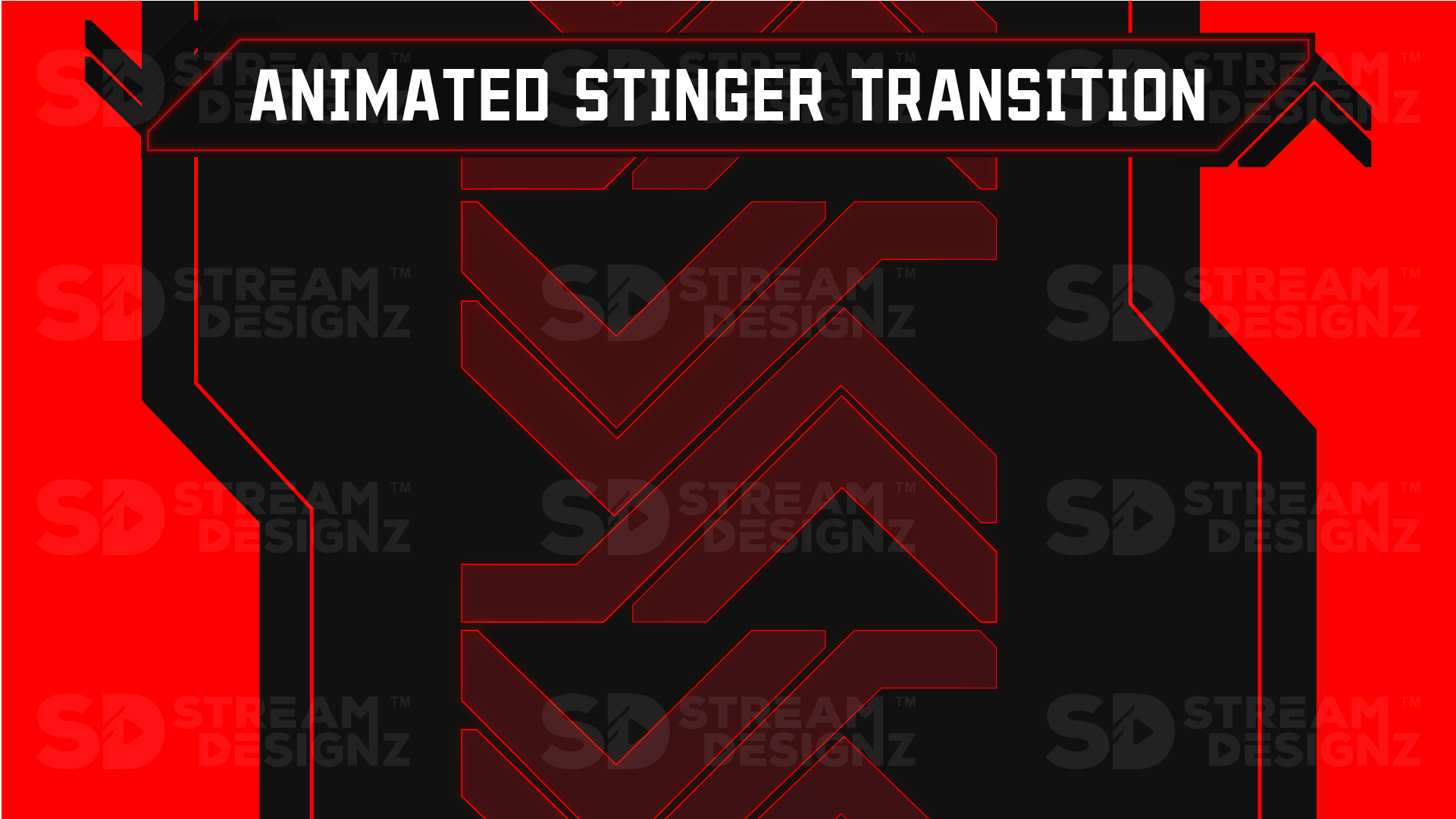
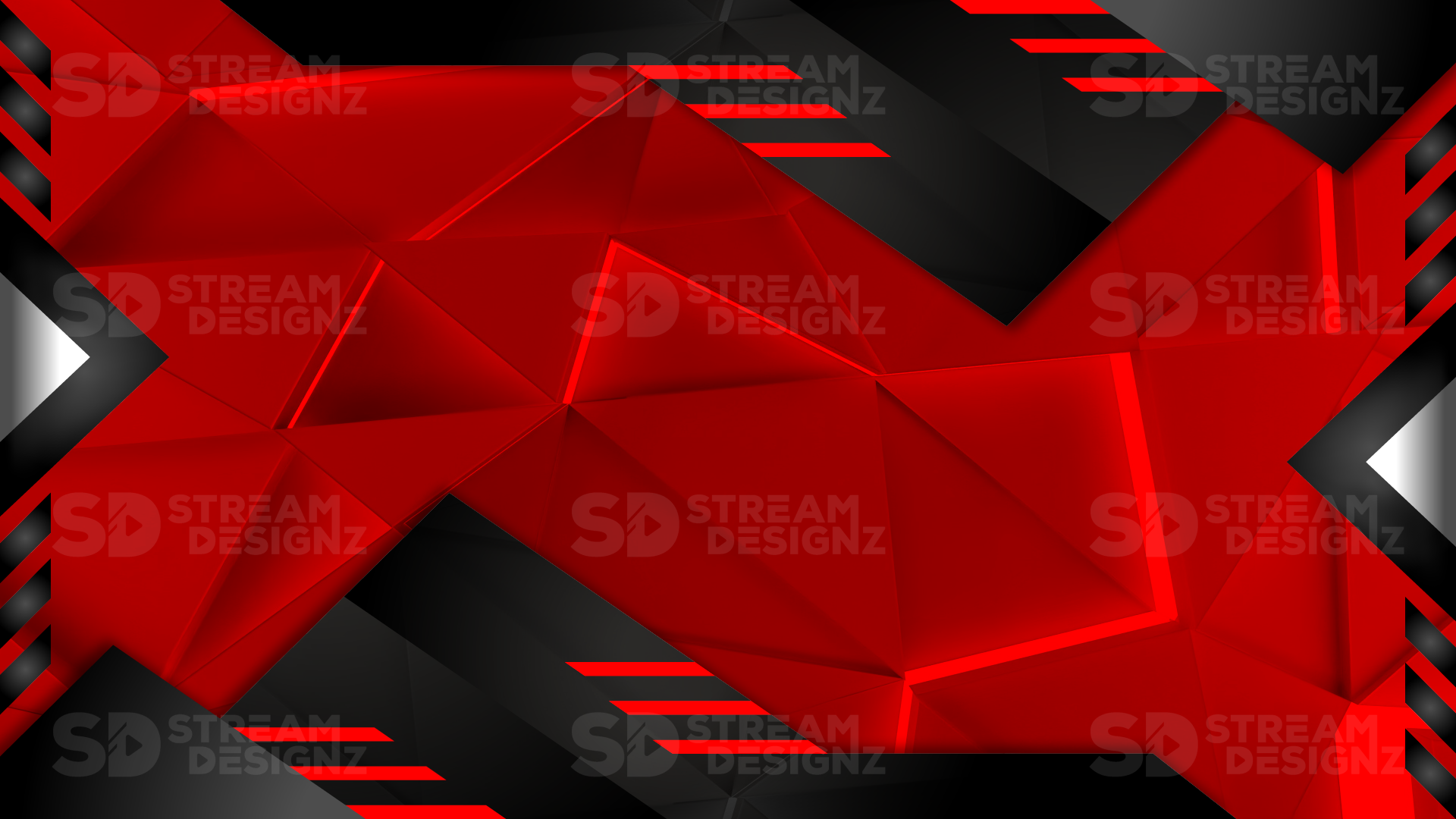
A stinger transition is an animated video clip that plays between scene changes during your live stream, masking the cut with a brief graphic animation so your stream looks polished instead of abrupt. When you switch from your gameplay scene to a BRB screen, or from your webcam to a starting soon overlay, a stinger plays over the cut — typically a quick swipe, flash, or themed motion that matches your stream's visual identity. It's one of the smallest additions you can make to your stream setup and one of the most immediately noticeable upgrades your viewers will see.
What's Included?
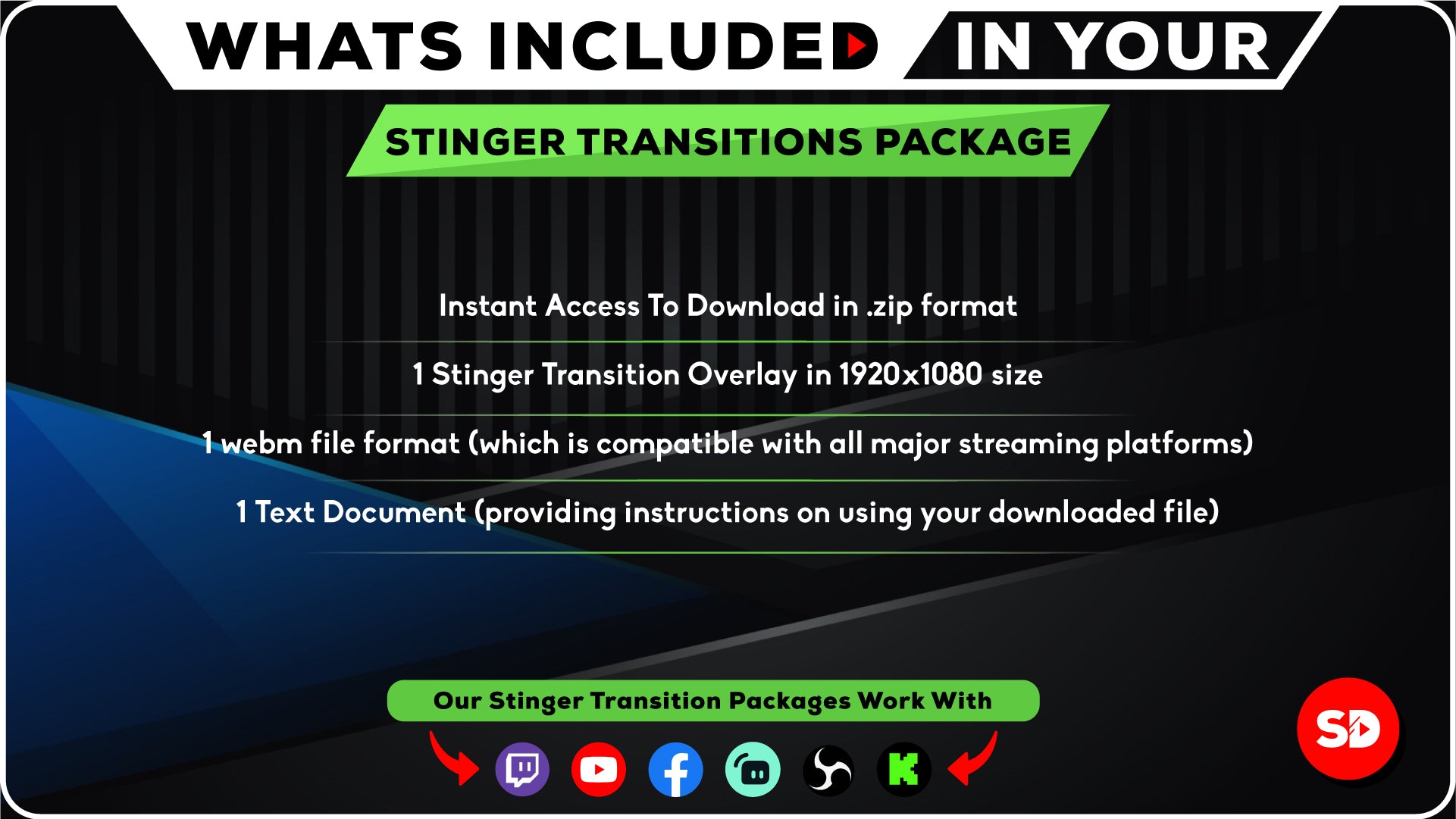
Each stinger transition from Stream Designz includes:
-
1 Animated Stinger Transition — a themed scene-change animation sized at 1920x1080 (webm)
-
Setup instructions and instant .zip download after purchase
Stinger transitions are delivered as webm files, which is the standard format supported by OBS Studio, Streamlabs, and StreamElements for transparent animated overlays. The webm plays over your scene cut and loops back, ready for the next transition the moment you need it.
How Do You Set Up a Stinger Transition in OBS?
In OBS Studio, go to the Scene Transitions panel and click the "+" to add a new transition. Select "Stinger" from the list, then point it to your downloaded webm file. Set your transition point — typically at the frame where the animation fully covers the screen — and OBS will automatically play the stinger every time you switch scenes. The process in Streamlabs is nearly identical. Setup instructions are included with every download to walk you through it step by step.
Do Stinger Transitions Match the Overlay Packages?
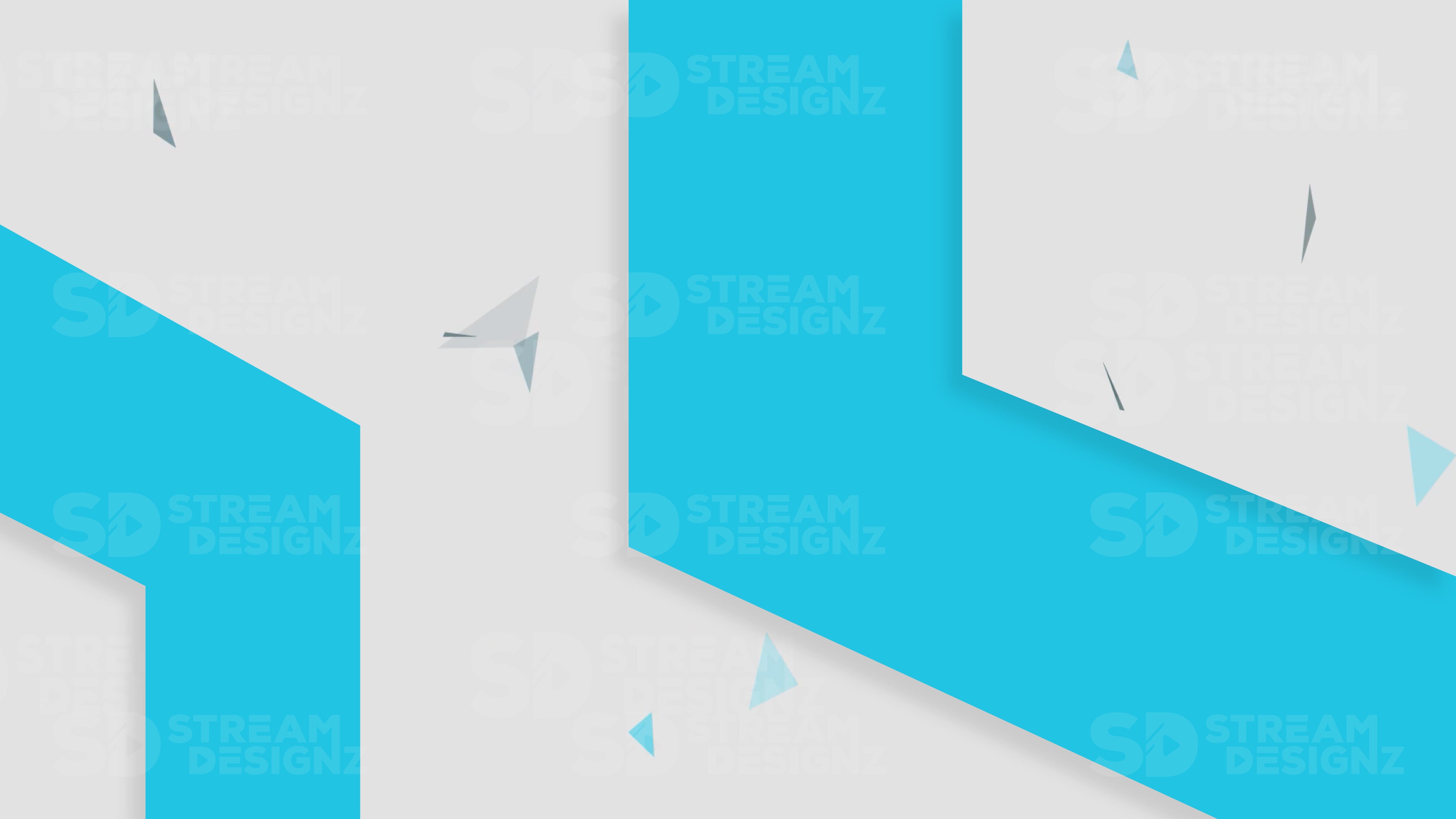
Yes — every stinger transition in this collection is designed to match the corresponding overlay package, alert set, and stream bundle in the Stream Designz catalog. The Illuminate stinger uses the same glowing whites and cool blues as the Illuminate overlay package. The Katana stinger carries the same sharp, dark aesthetic as every other Katana asset. Buying within the same theme keeps every visual element of your stream cohesive — but these transitions also work great as standalone upgrades if you just want to add a professional scene change to an existing setup.
Why Do Streamers Use Stinger Transitions?
Hard cuts between scenes are jarring and immediately signal to viewers that a stream is unpolished. A stinger transition hides the cut behind a brief animation, making scene changes feel intentional and production-quality. Major streamers use them precisely because they're one of the few things that separates a professional-looking stream from an amateur one. At $9.99 per theme, a stinger transition is one of the highest-value upgrades you can make to your stream's production quality for the cost.
Browse 90+ themed stinger transitions below — each is an instant digital download, sized at 1920x1080 and ready to drop into OBS or Streamlabs right out of the box.